
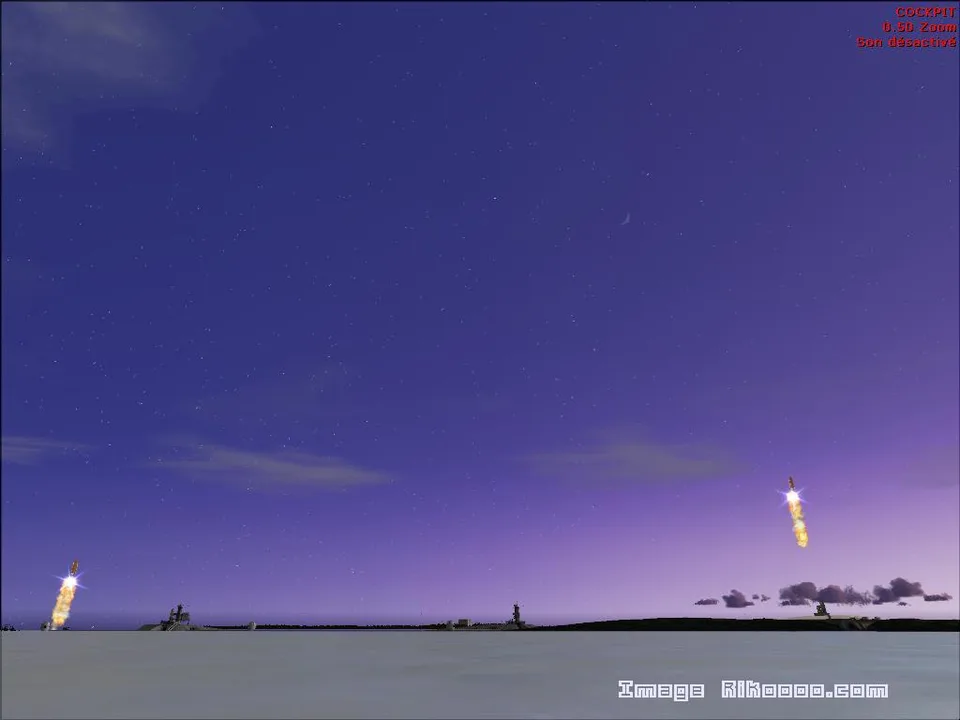
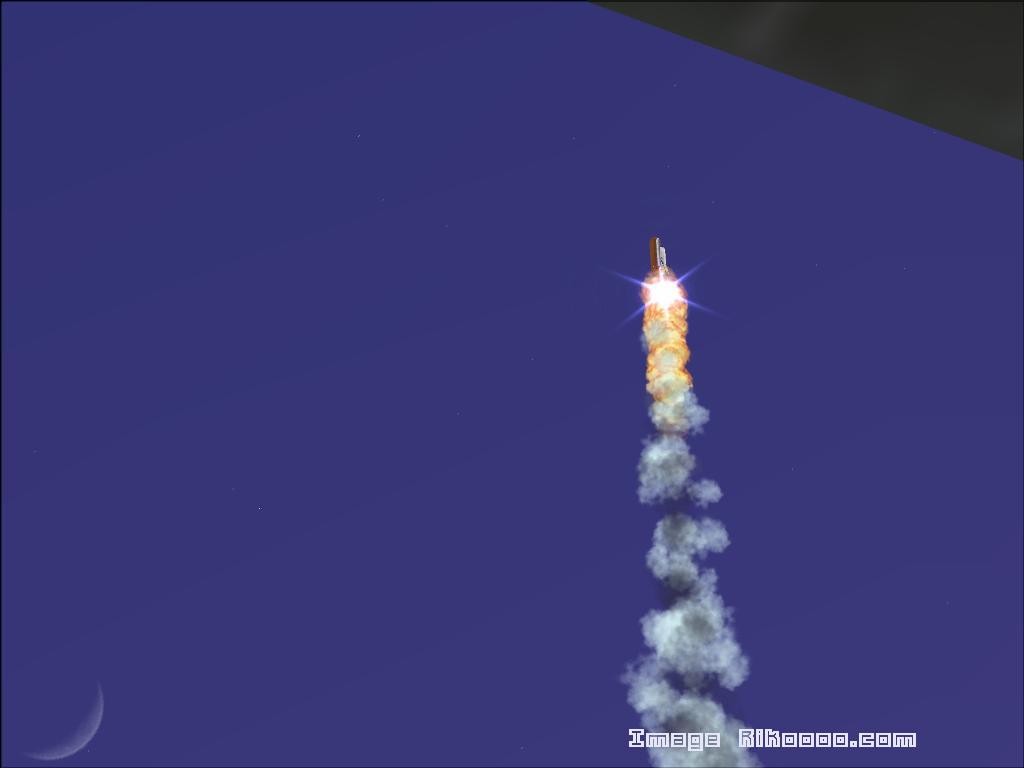
Shuttle Launch 06 (2) FS2004
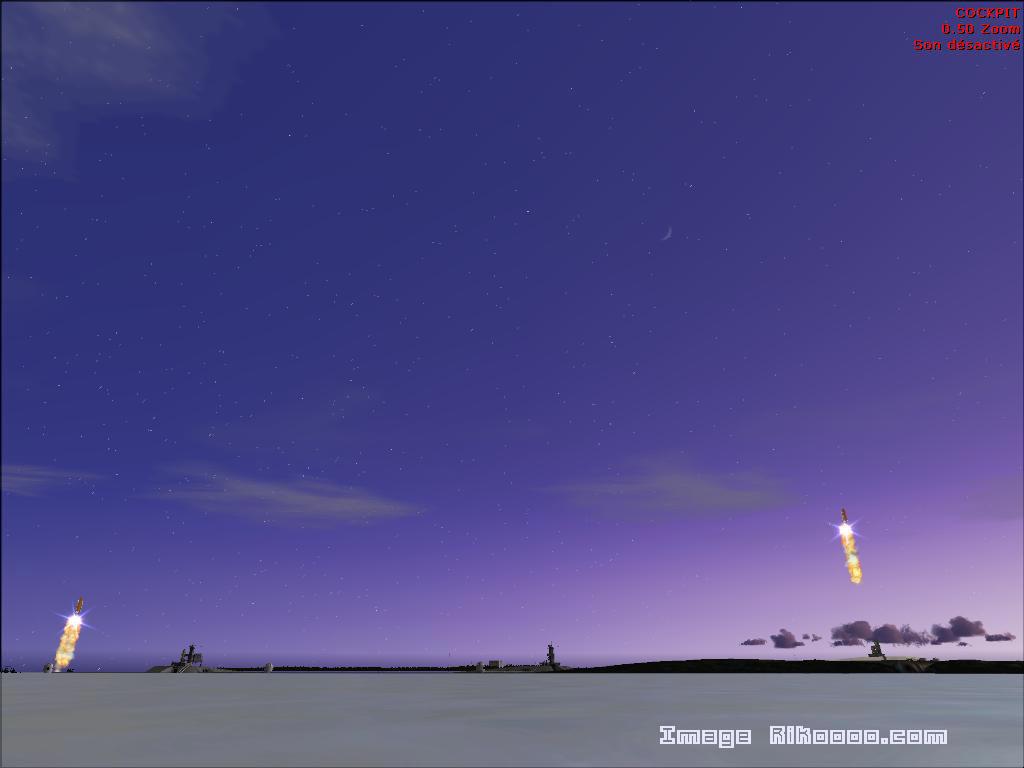
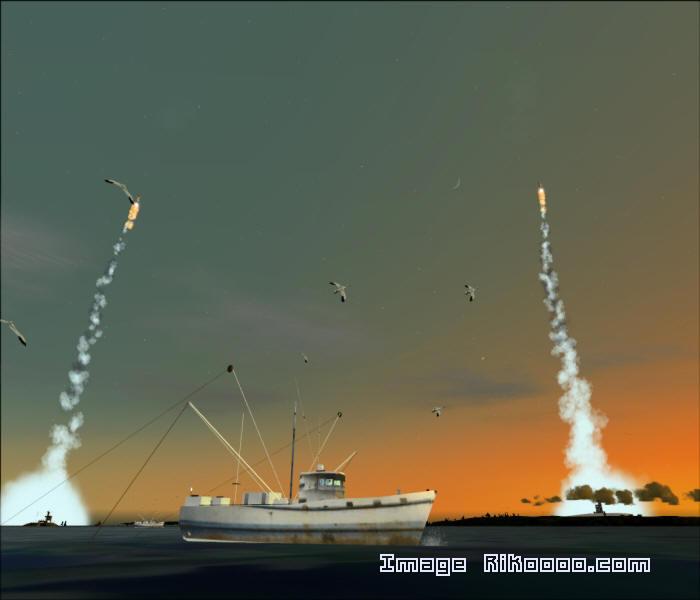
Two simultaneous launches followed by a twelve-minute interval. Requires the first part to be installed; no further scenery registration is needed.
Images and screenshots
4 photosFull screen
On this page
Overview
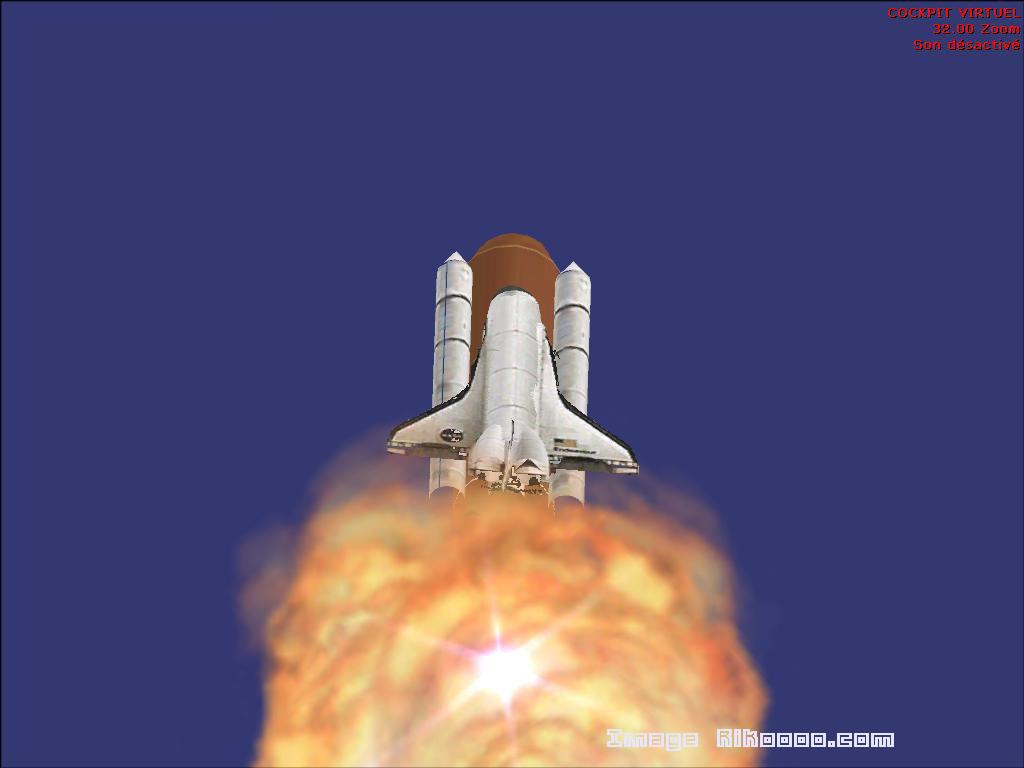
Ron Jeffers’ second Shuttle Launch 06 package for FS2004 activates two launch areas. It expands Shuttle Launch 06 (1) and is not a standalone scenery.
Open Select a Flight, select Shuttle Launch 06 and choose one of the listed flights. Both shuttles launch together, followed by a twelve-minute wait until the next departure. To return the shuttles to the ground immediately, close and restart FS2004. The airport code is X68.
Install Shuttle Launch 06 (1) first. After installing this second part, you do not need to register another scenery in the Scenery Library: it uses the first package’s entry.
Licences and credits
- Author
- Ron Jeffers
Comments
Flight experiences, tips and questions from Rikoooo members.
Loading discussions…