
MSFS: Where is my damn Community folder ?
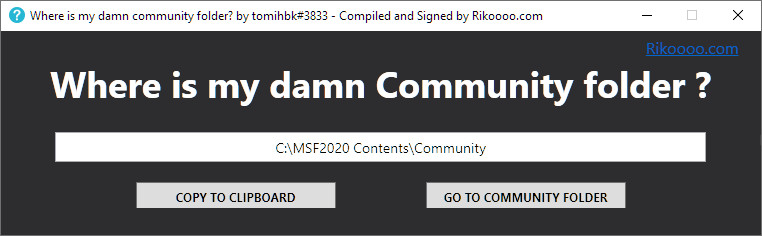
A small executable that locates the add-ons folder, supplied as a digitally signed build with a link to the file’s VirusTotal report.
Images and screenshots
4 photosFull screen



On this page
Overview
This utility locates the MSFS 2020 Community folder, where add-ons are installed. It was written in C# by tomihbk, then compiled and digitally signed by Rikoooo.
The folder’s location depends on the simulator edition and the installation directory you selected. Microsoft’s official mod-installation guide also explains how to find it: in Developer Mode, open Tools > Virtual File System > Packages Folders > Open Community Folder.
You can consult the scan results in the VirusTotal report for this executable.
Licences and credits
- Author
- tomihbk#3833. Compiled (.exe) and Code signing by Rikoooo
Comments
Flight experiences, tips and questions from Rikoooo members.
Loading discussions…