
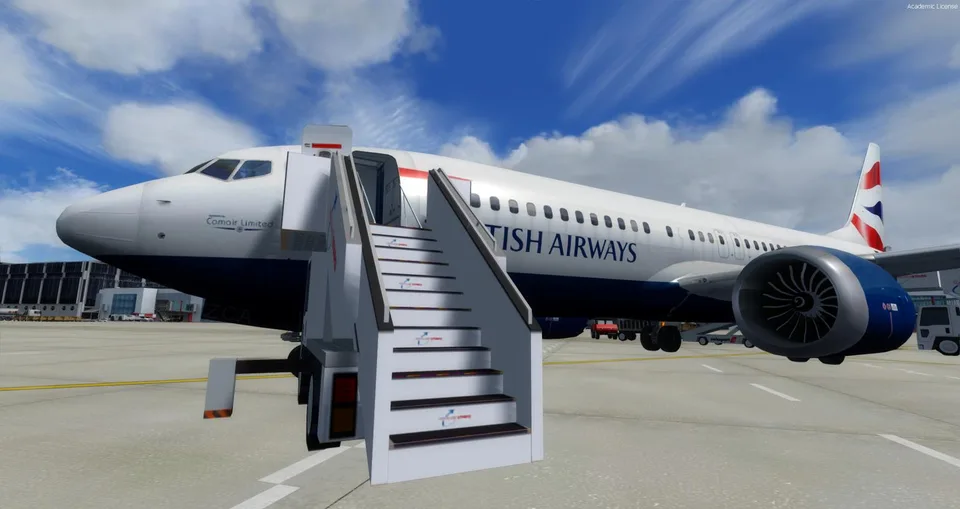
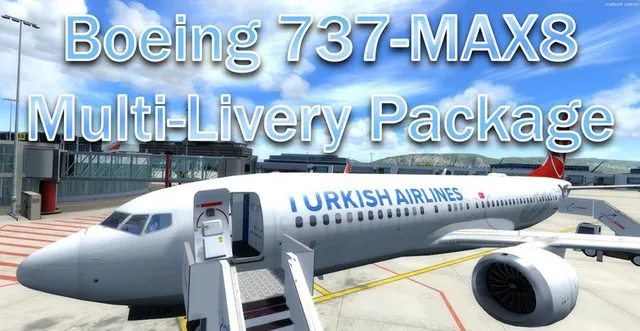
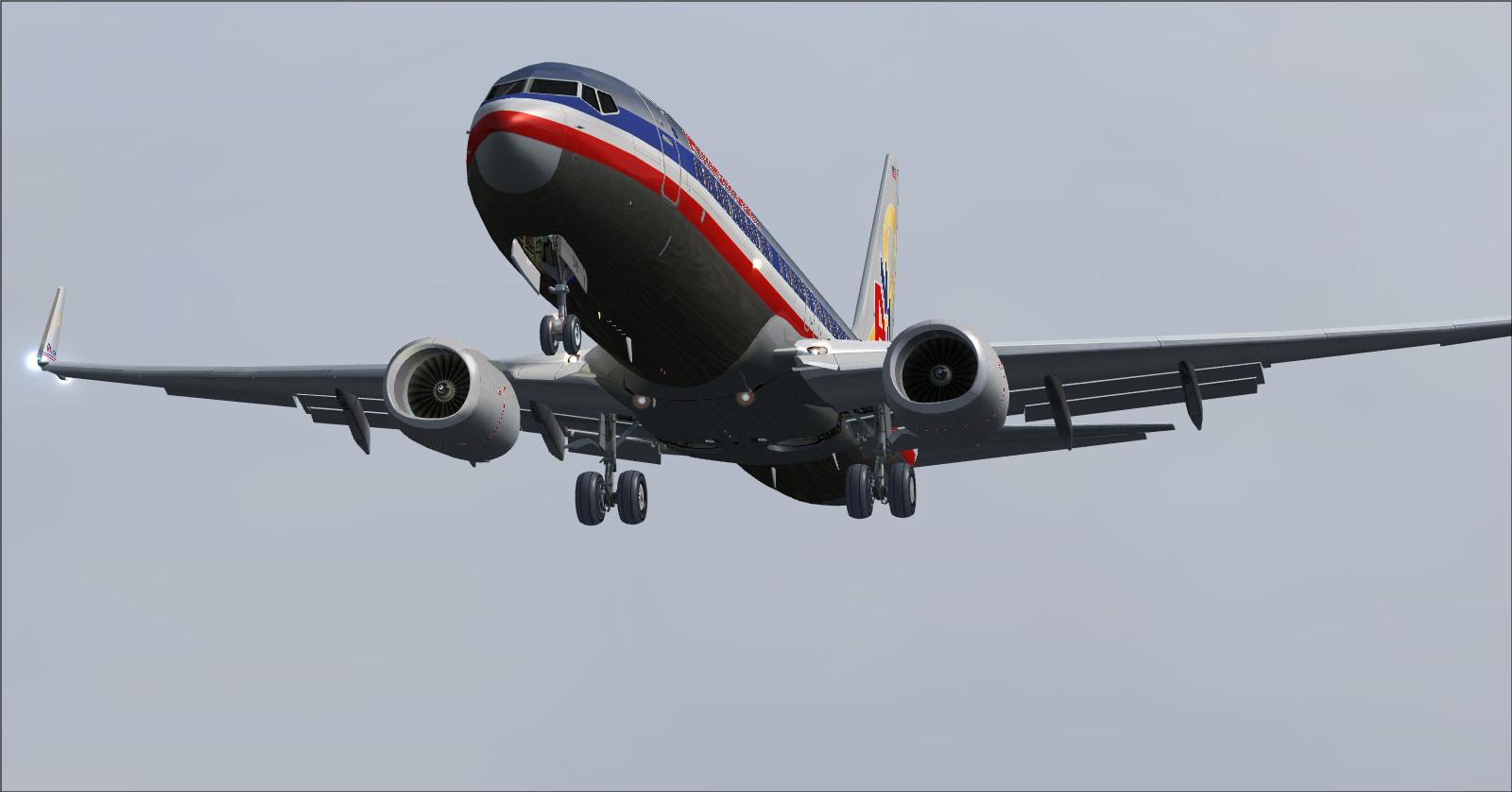
Boeing 737-MAX8 Multi-Livery FSX & P3D
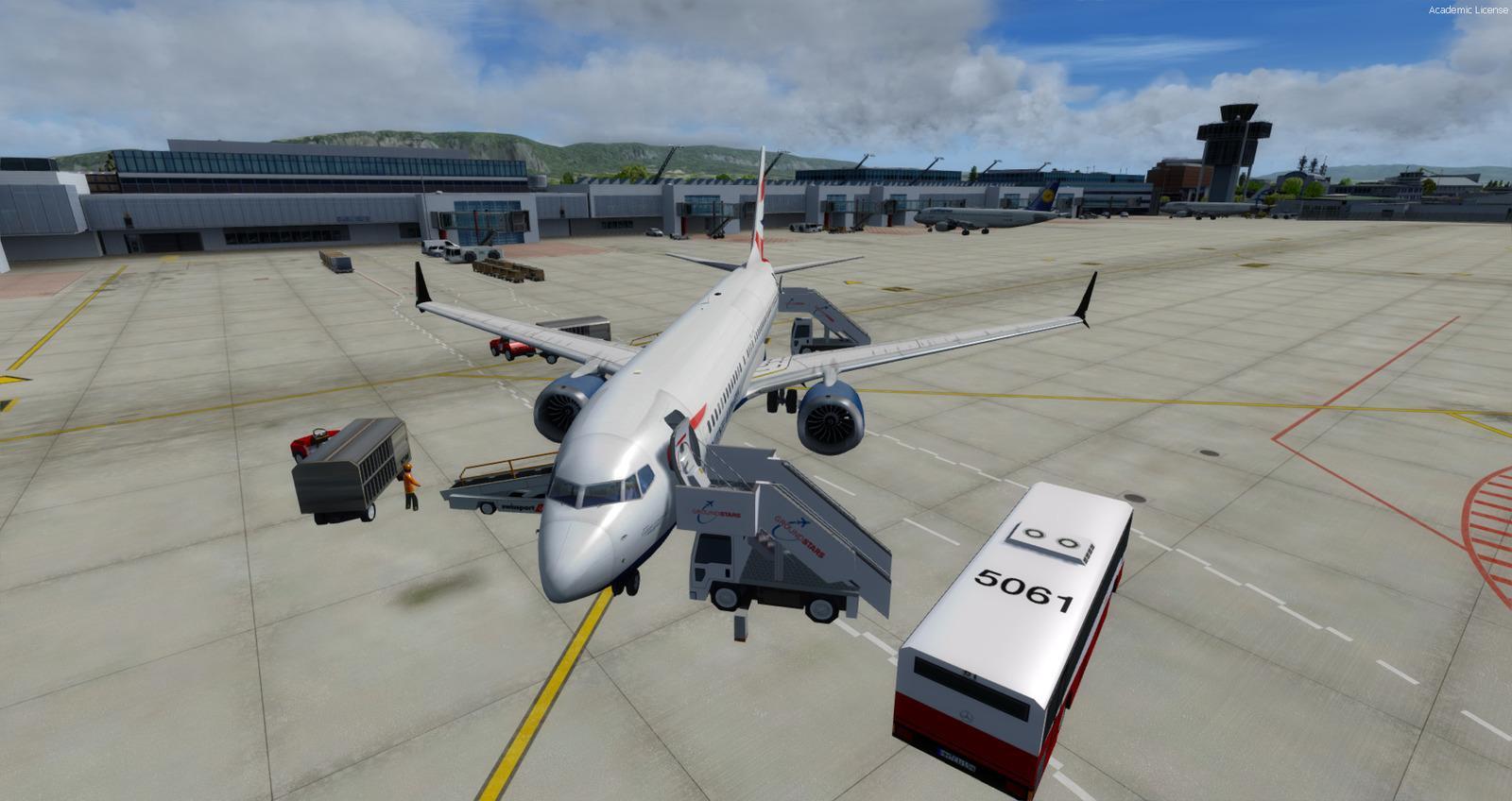
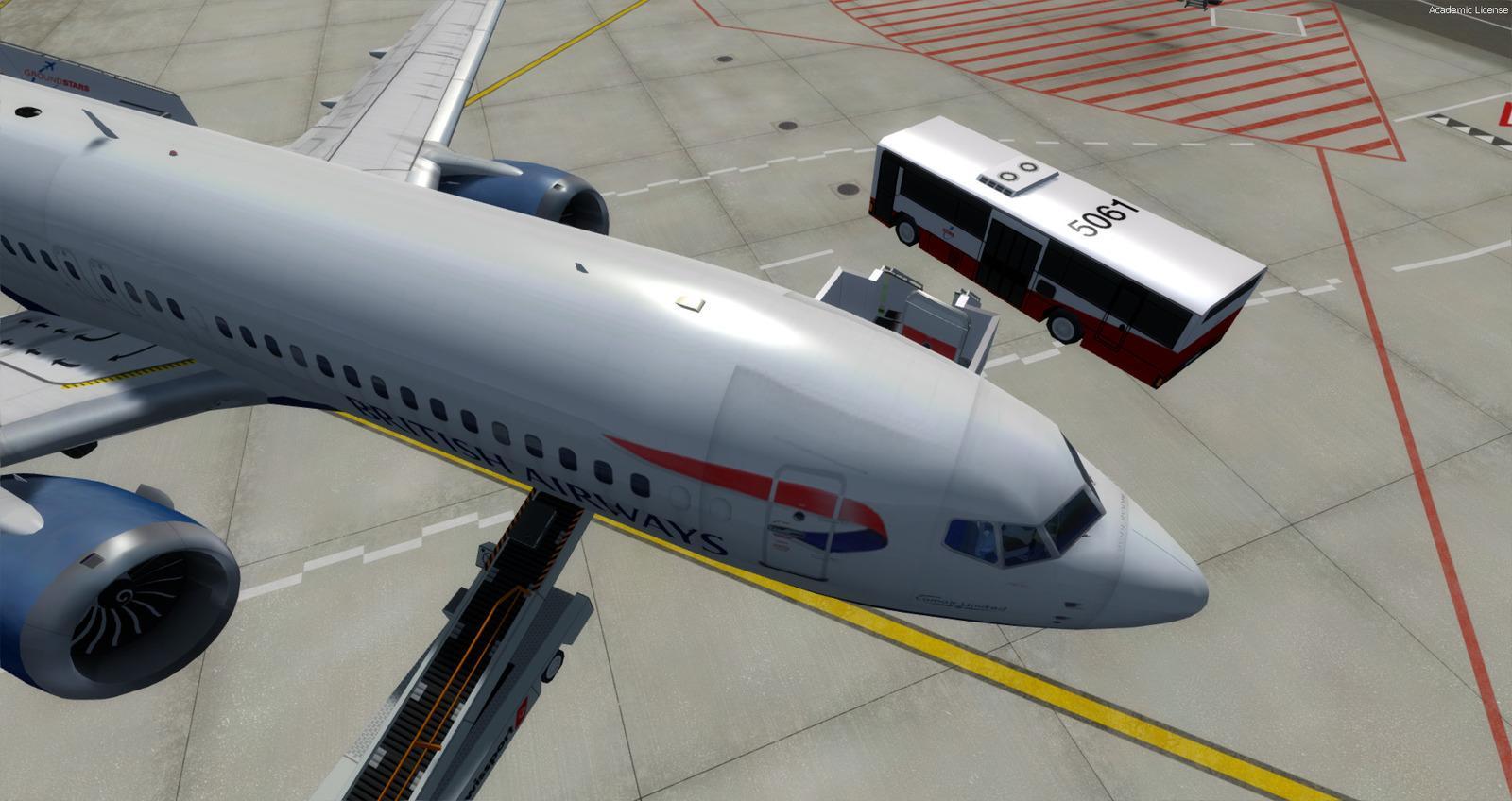
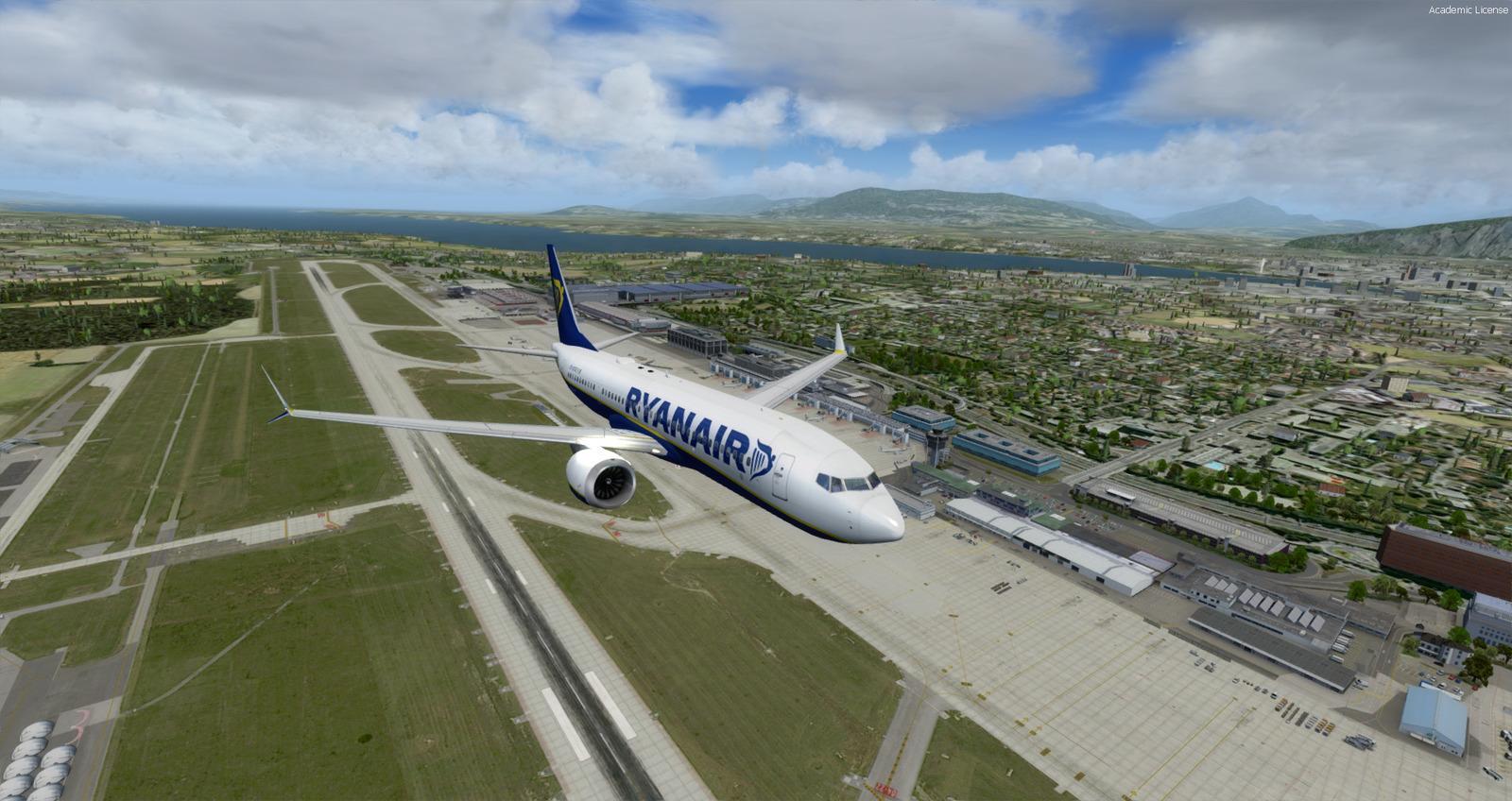
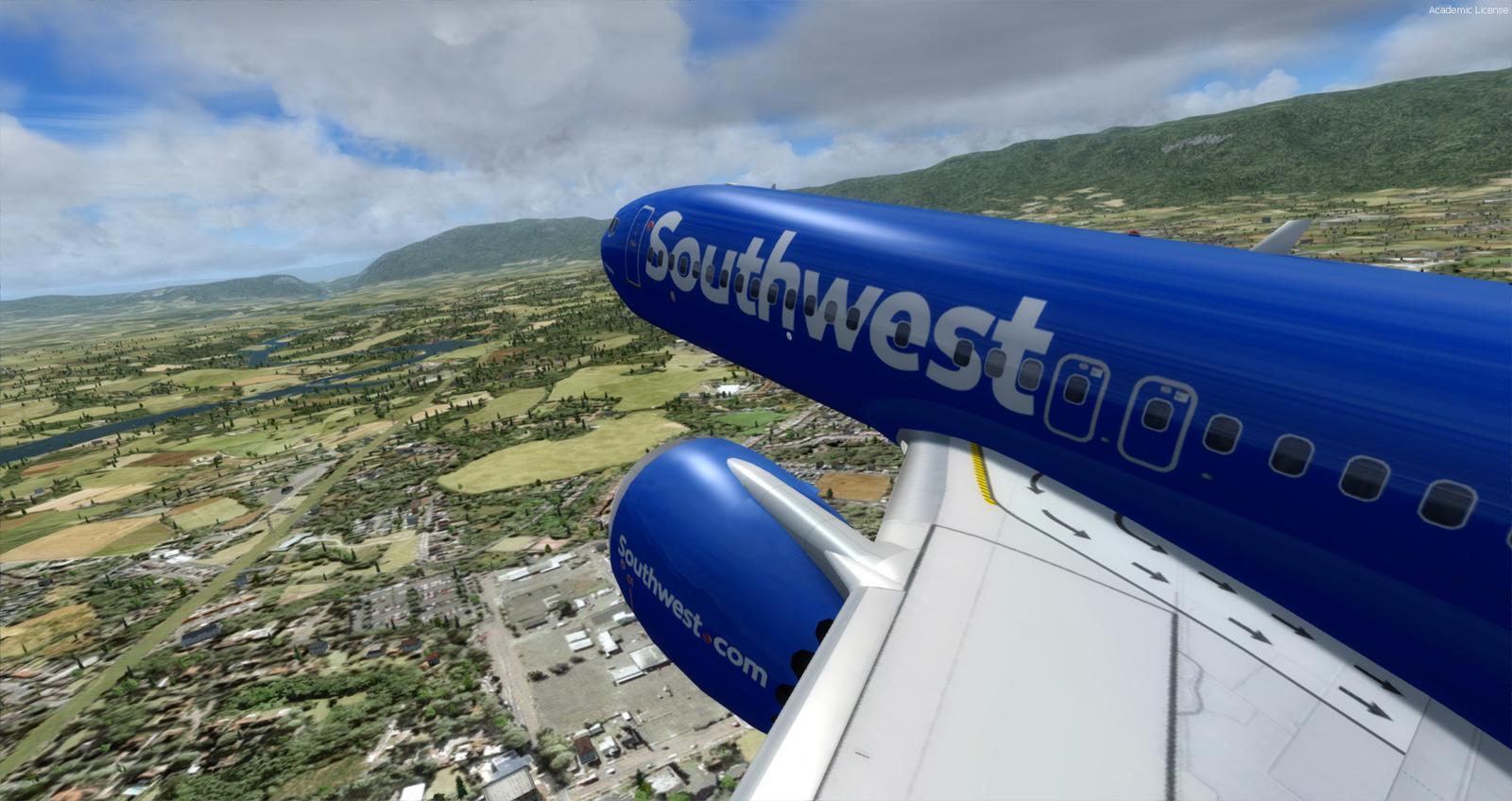
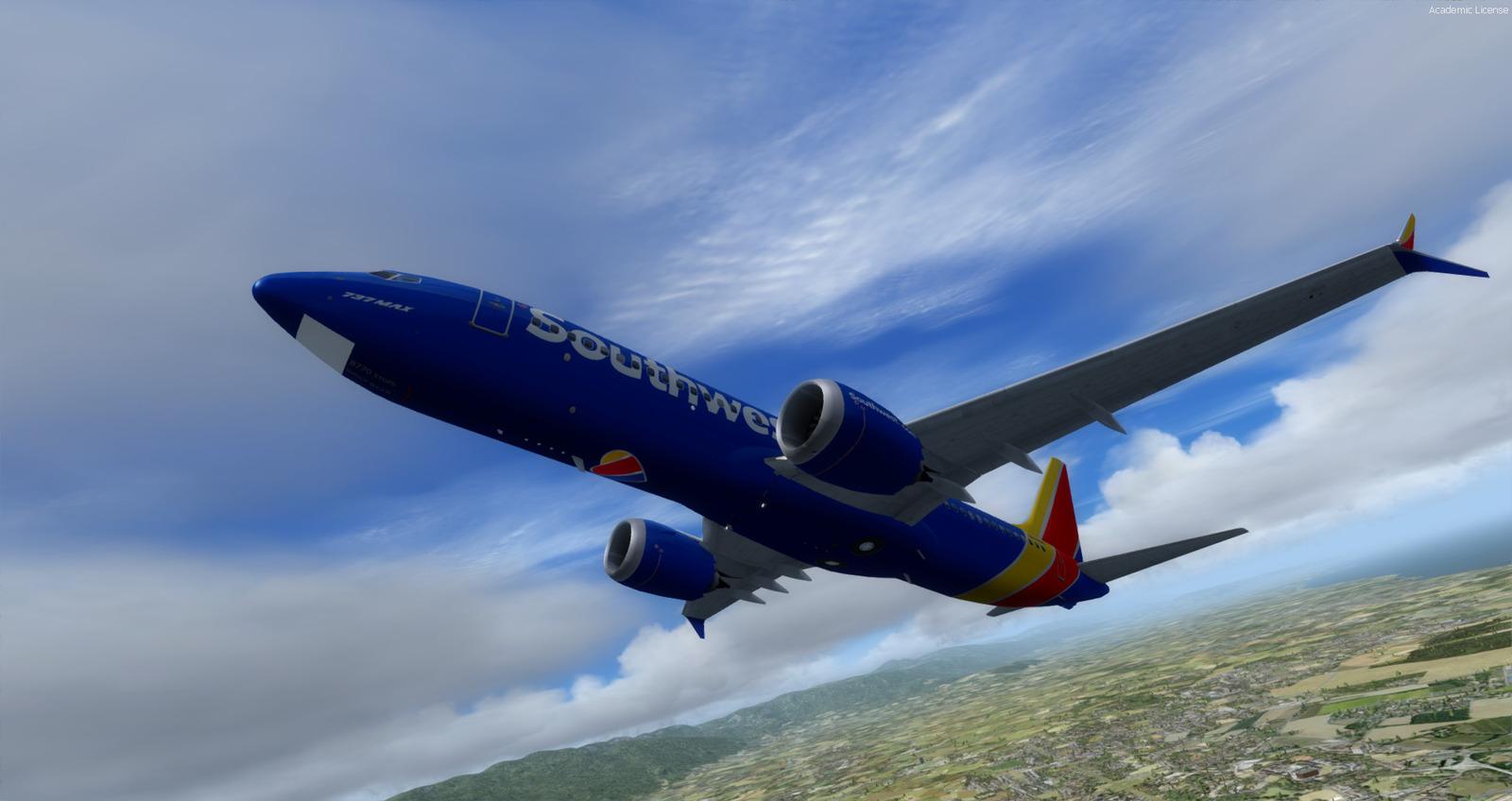
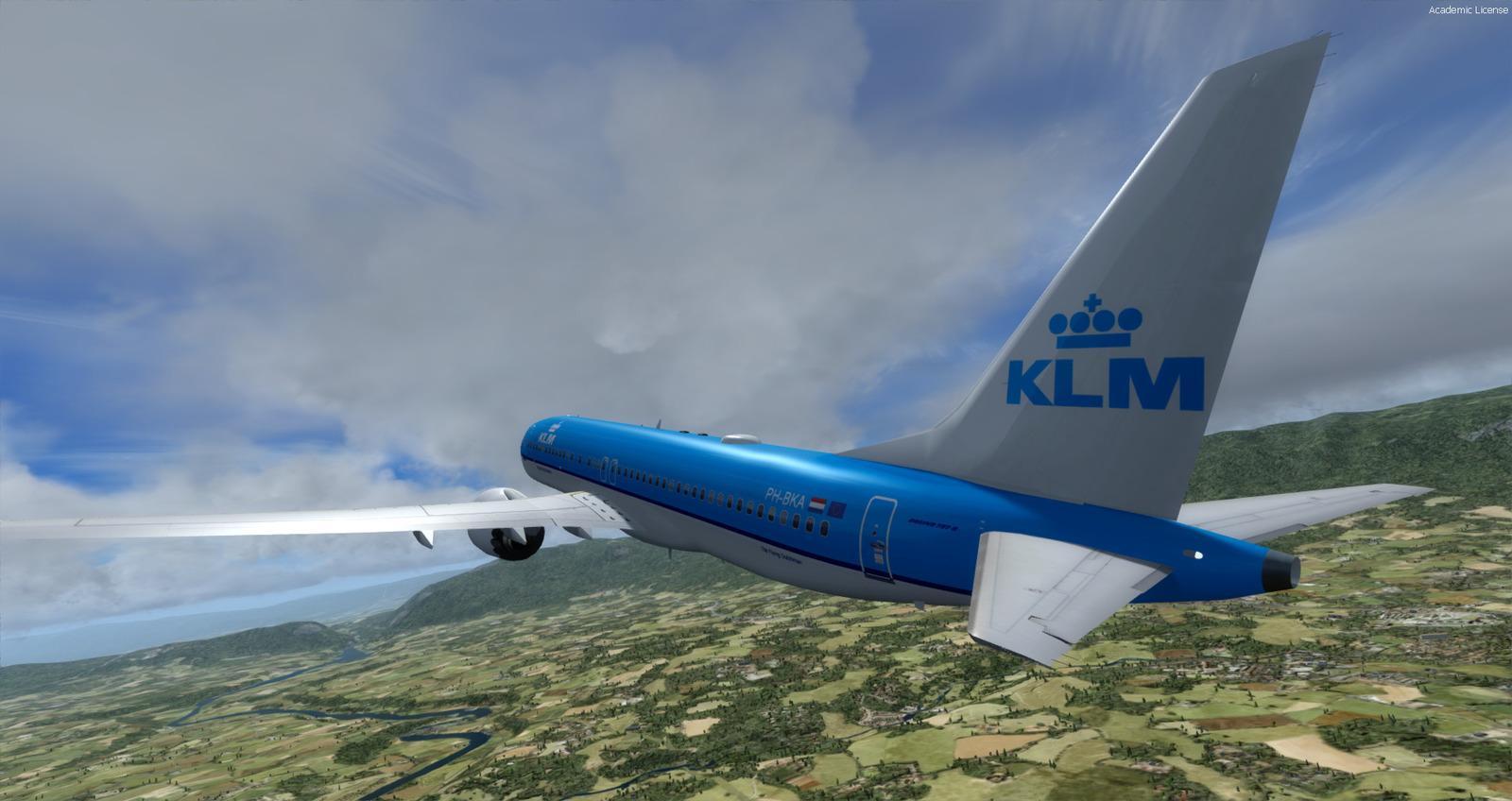
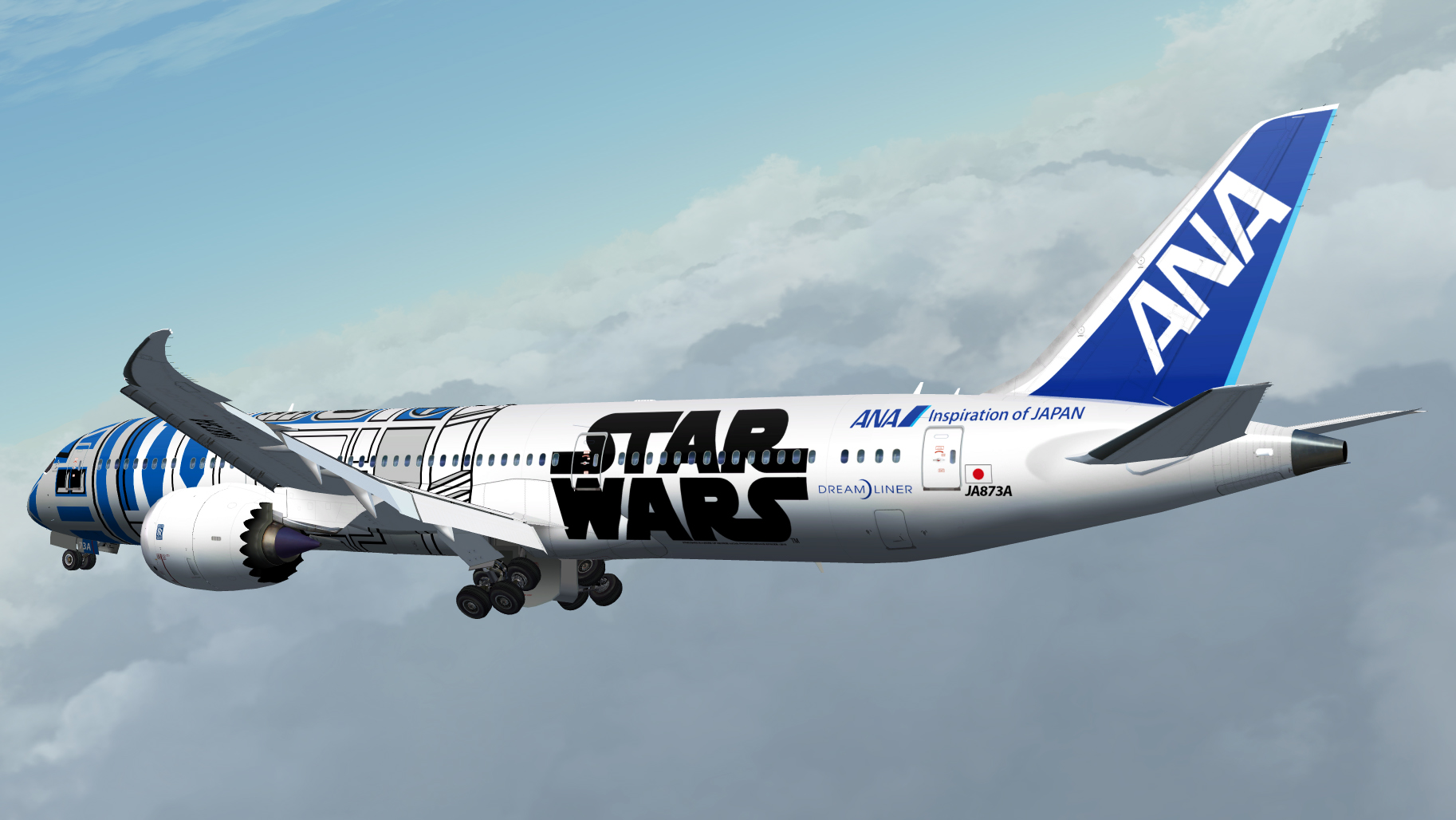
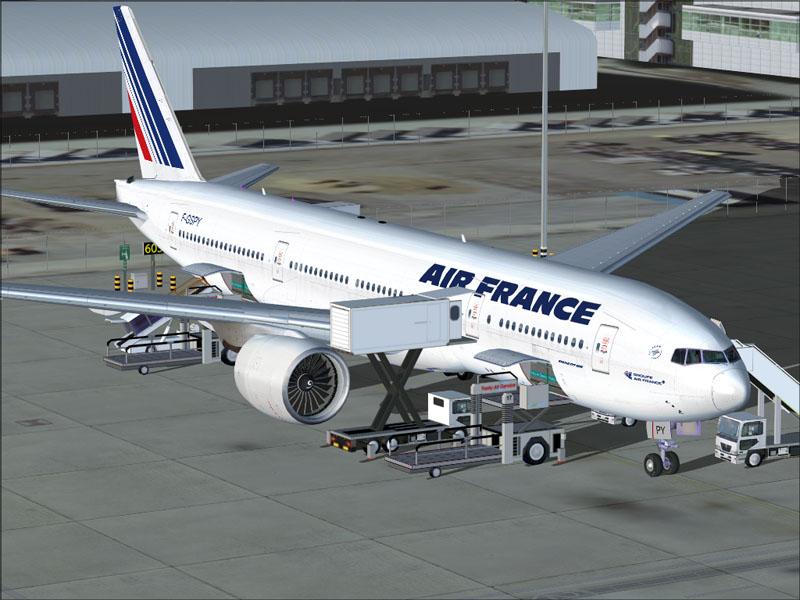
41 liveries and an enhanced cockpit with FMC, audio-enabled radios and ground services. Follow the trim guidance when automatic trim assistance is disabled.
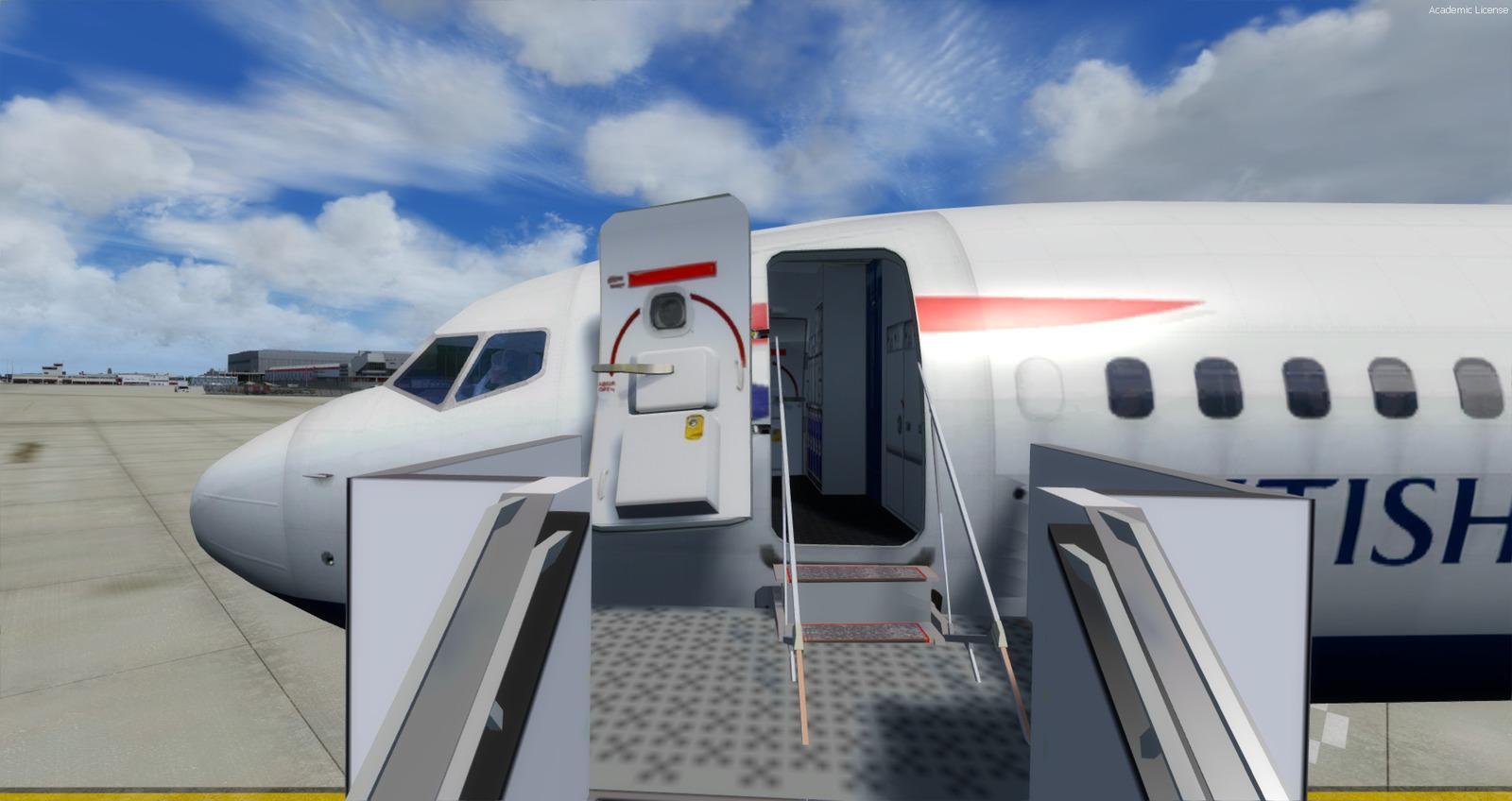
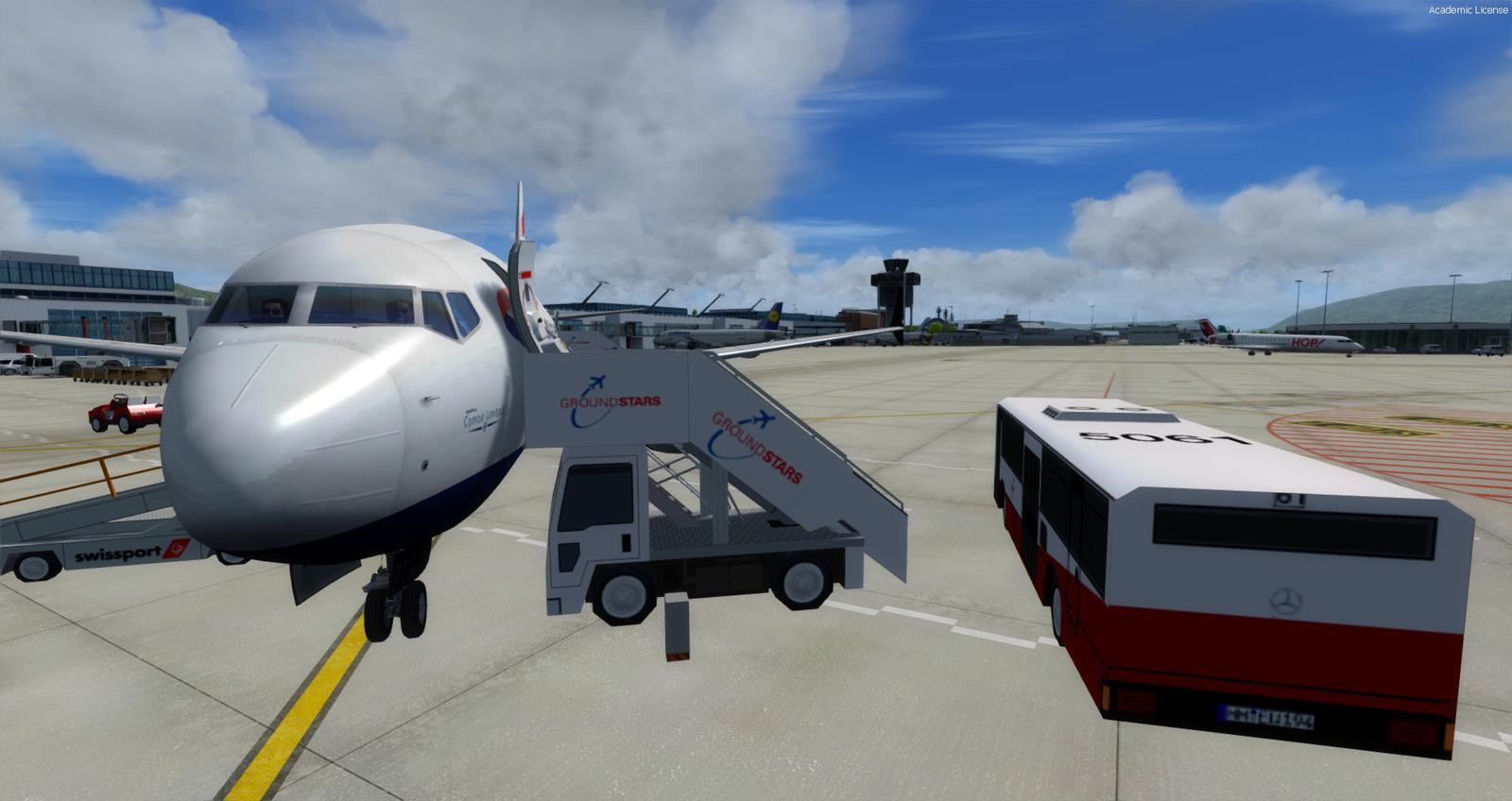
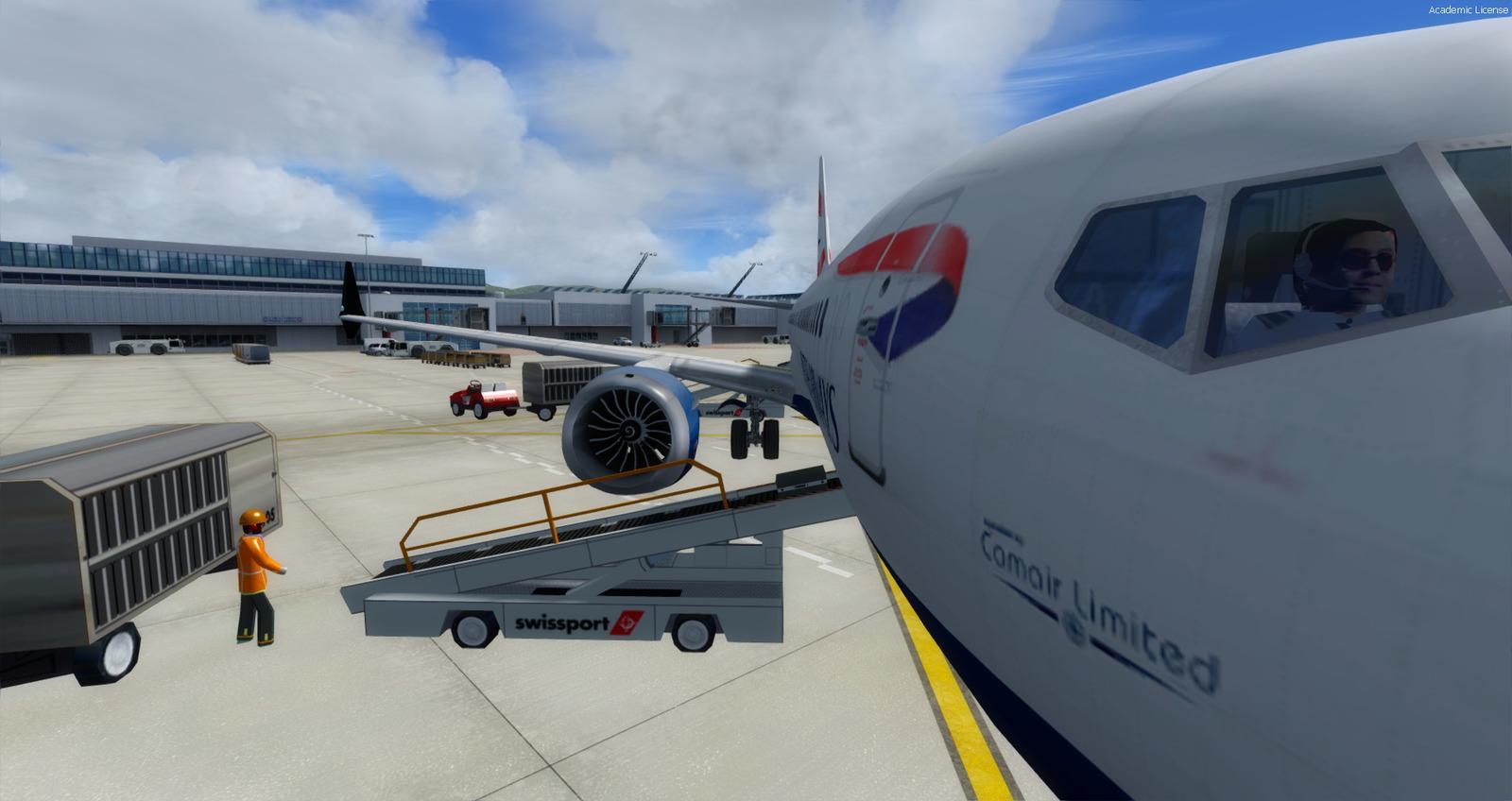
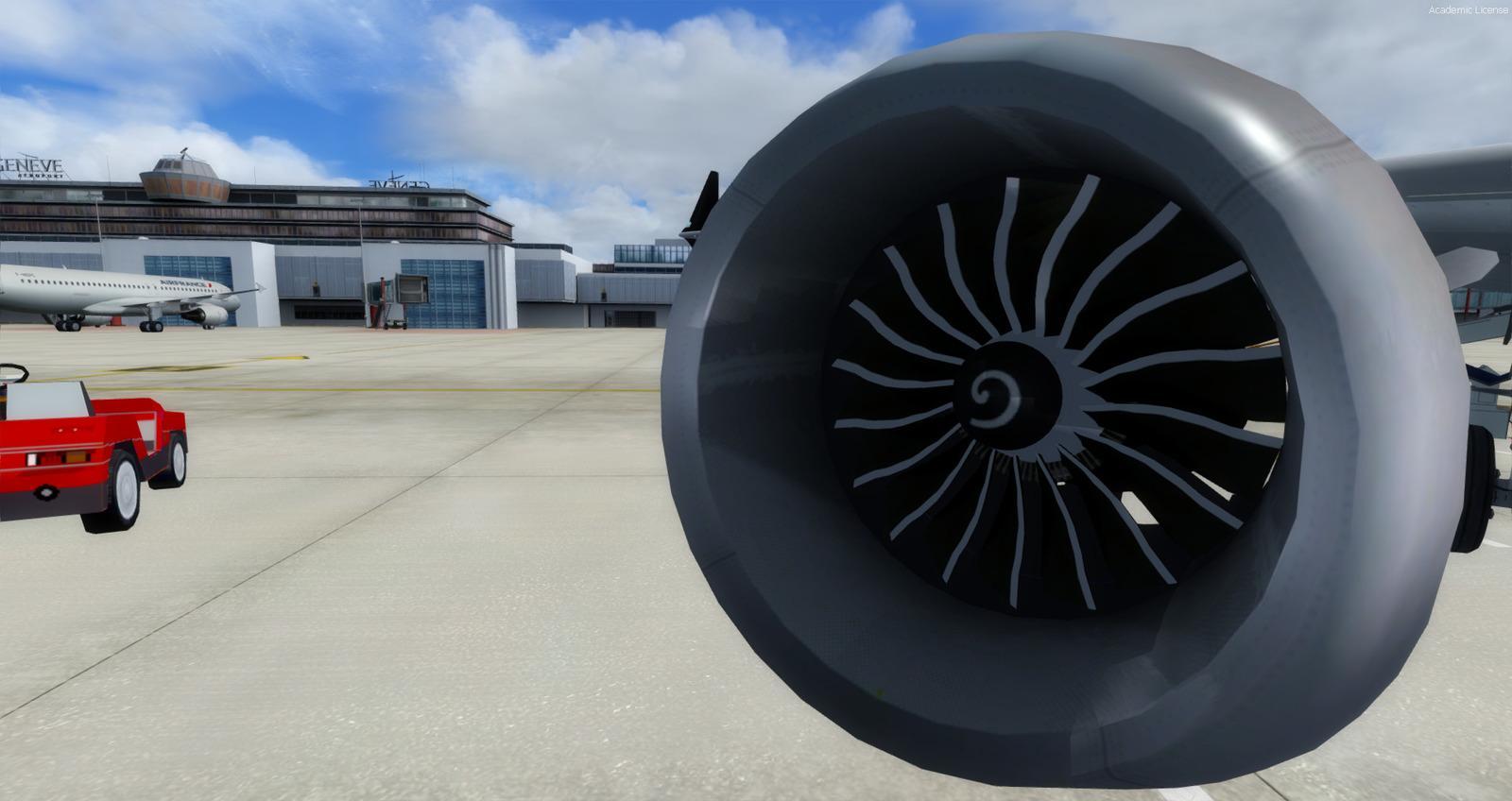
Images and screenshots
4 photosFull screen
On this page
Overview
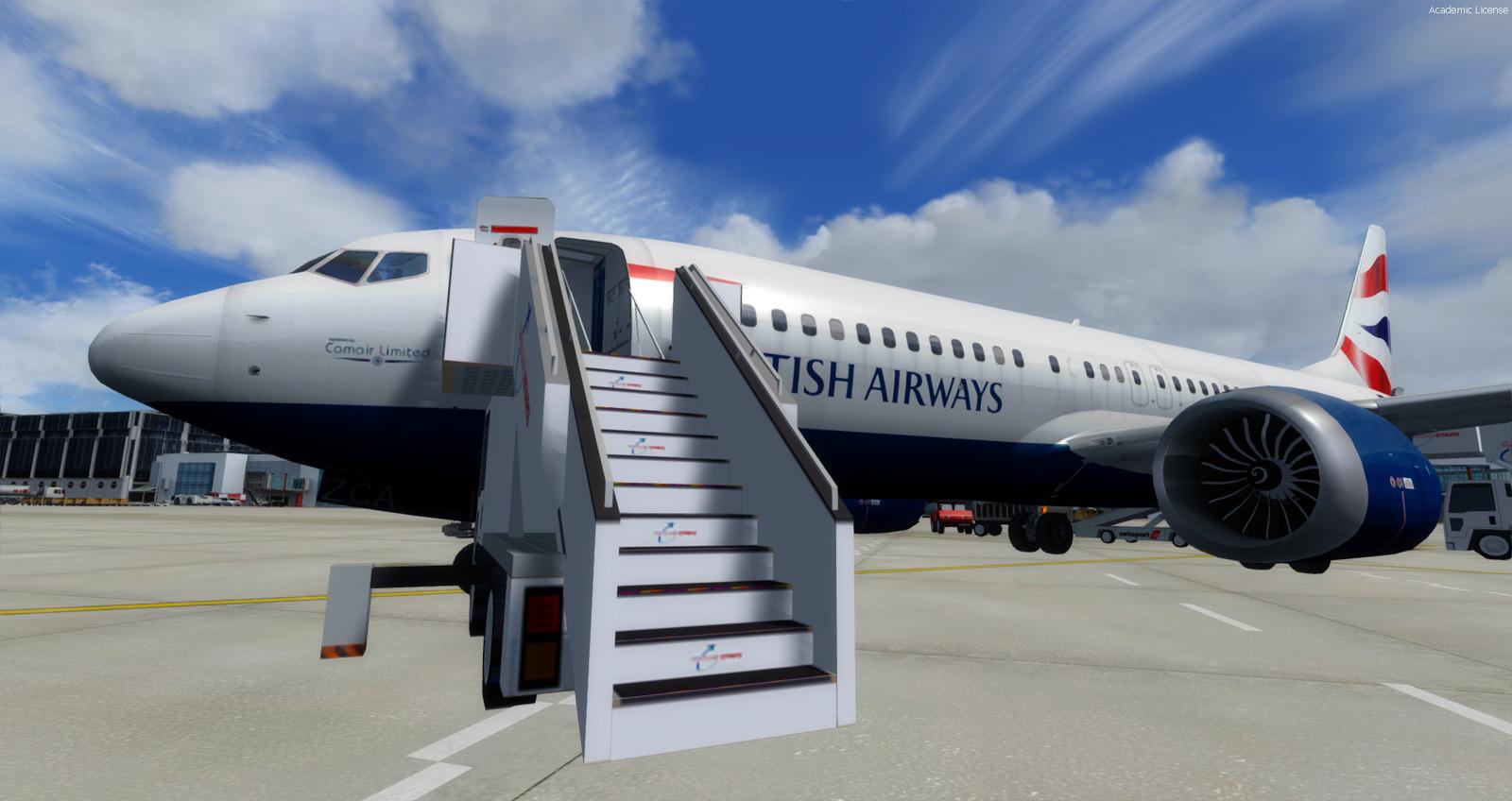
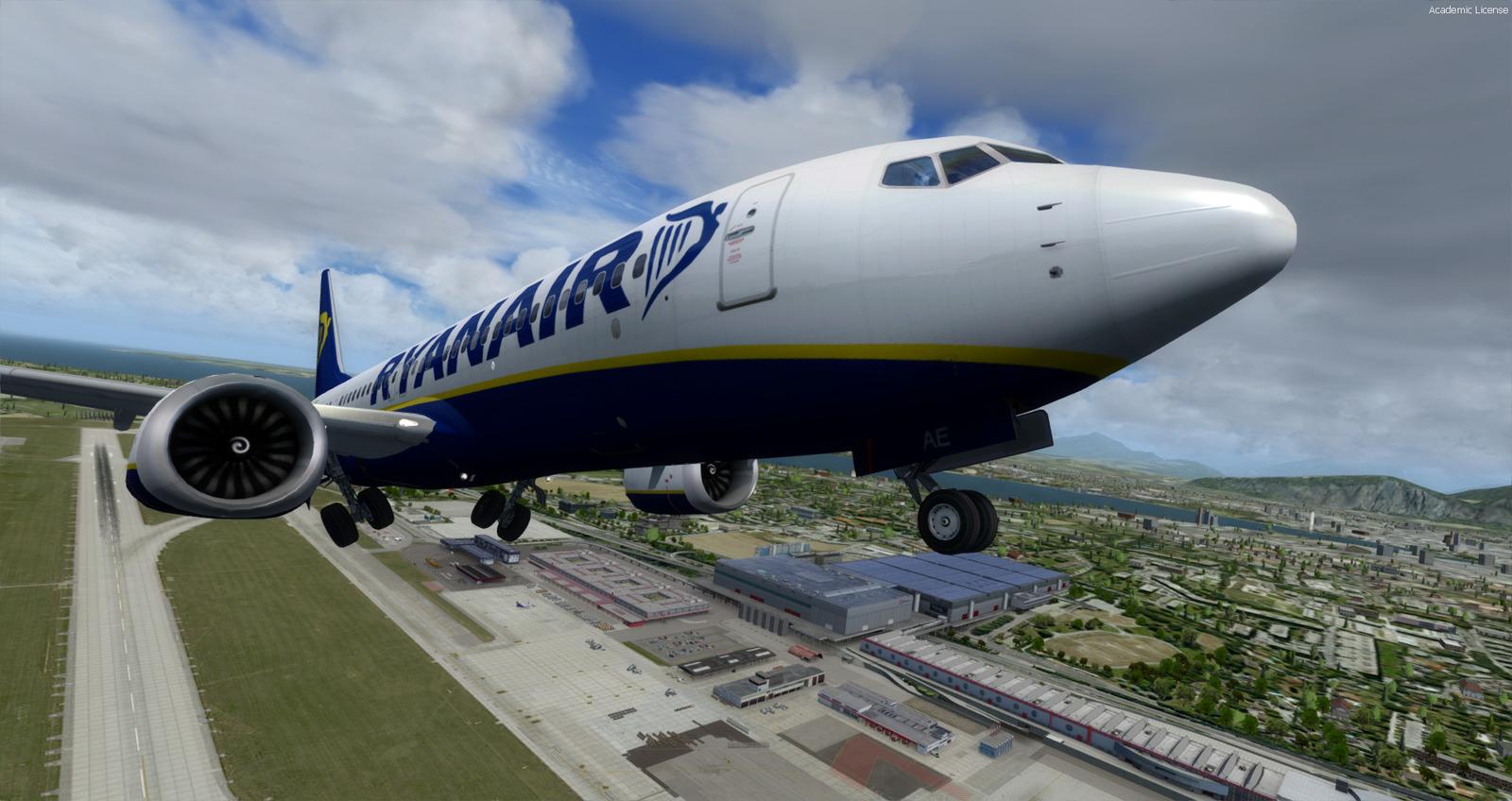
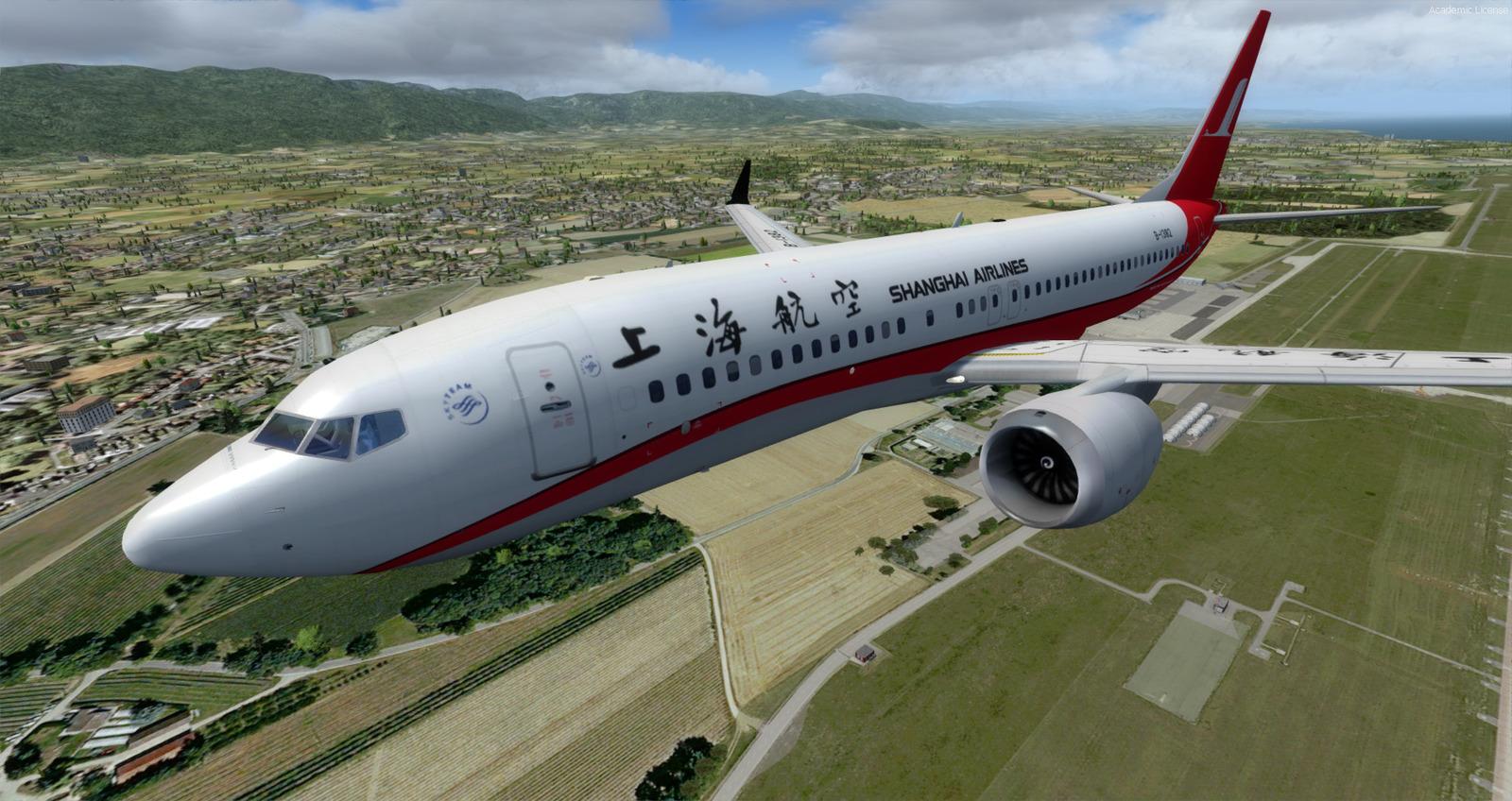
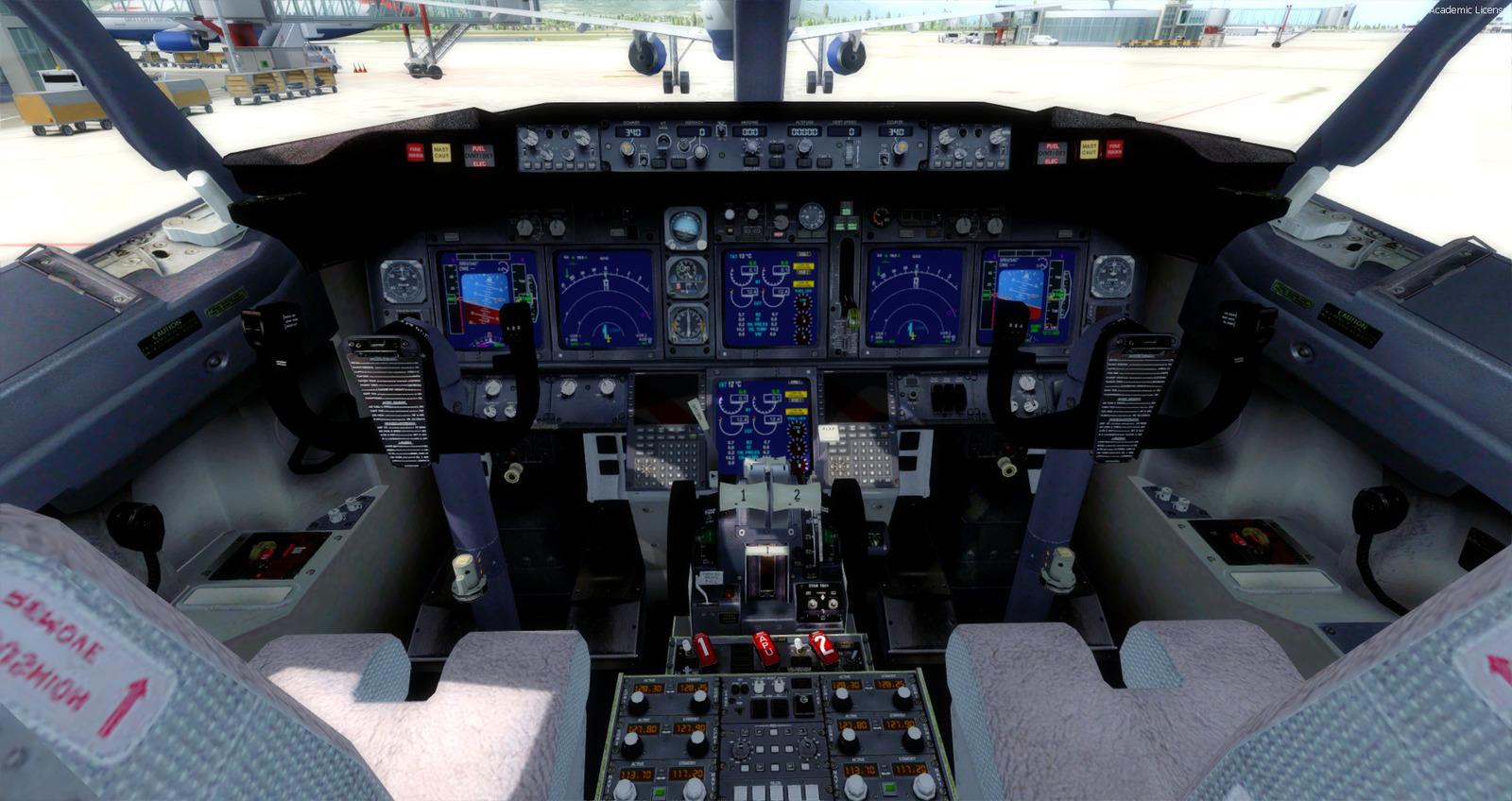
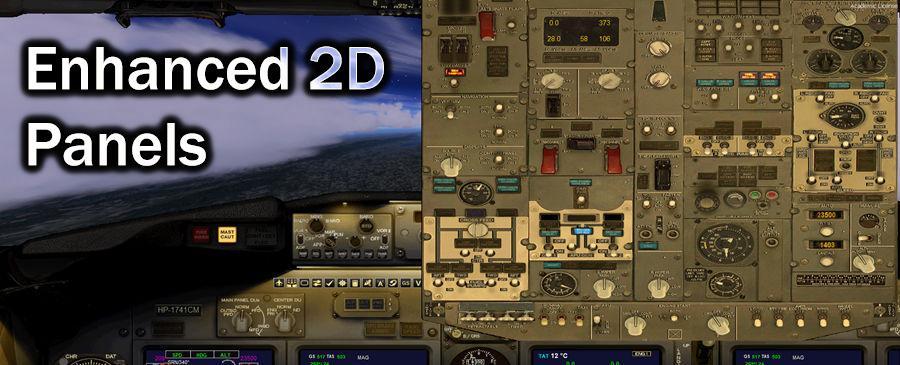
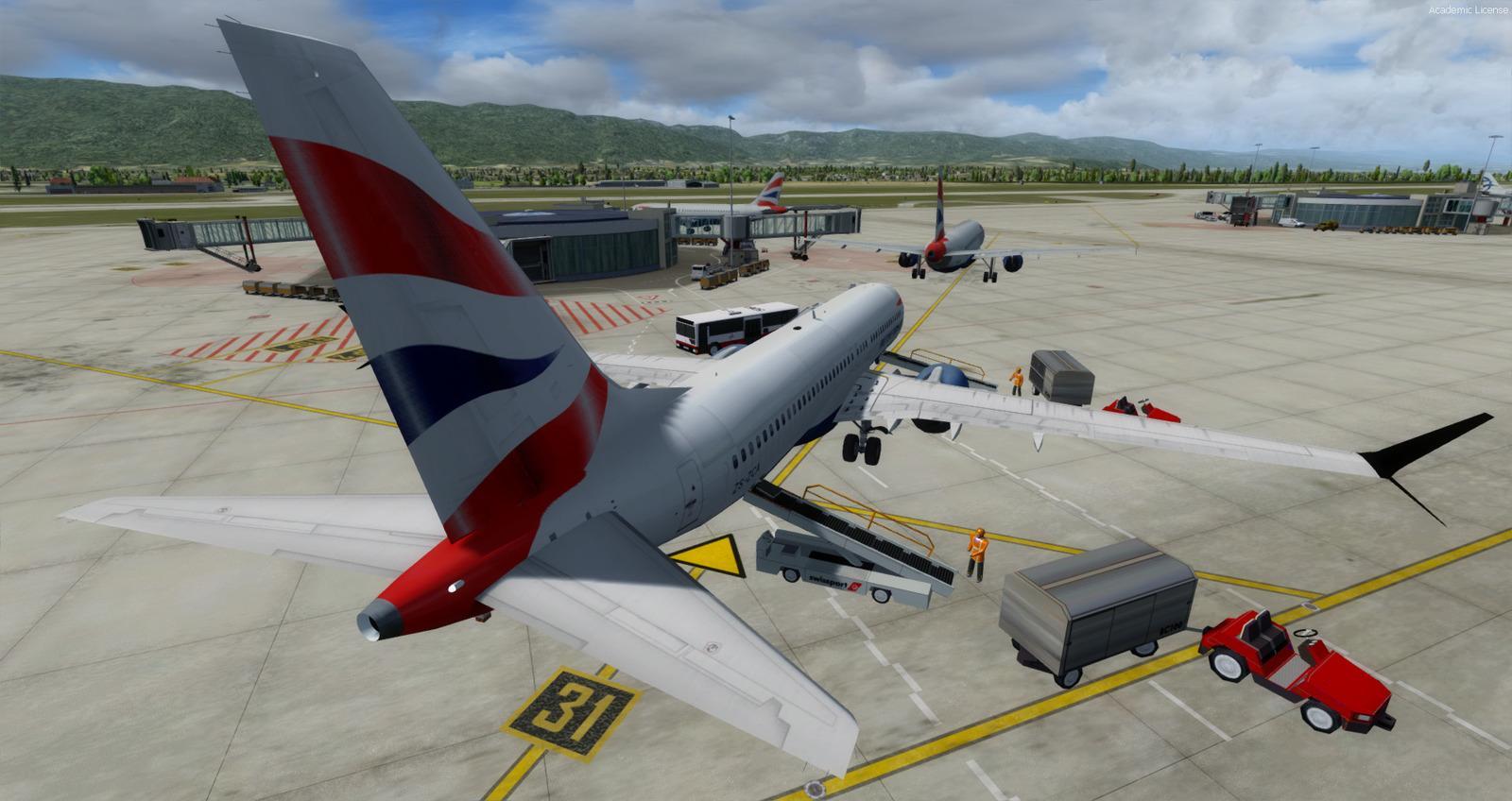
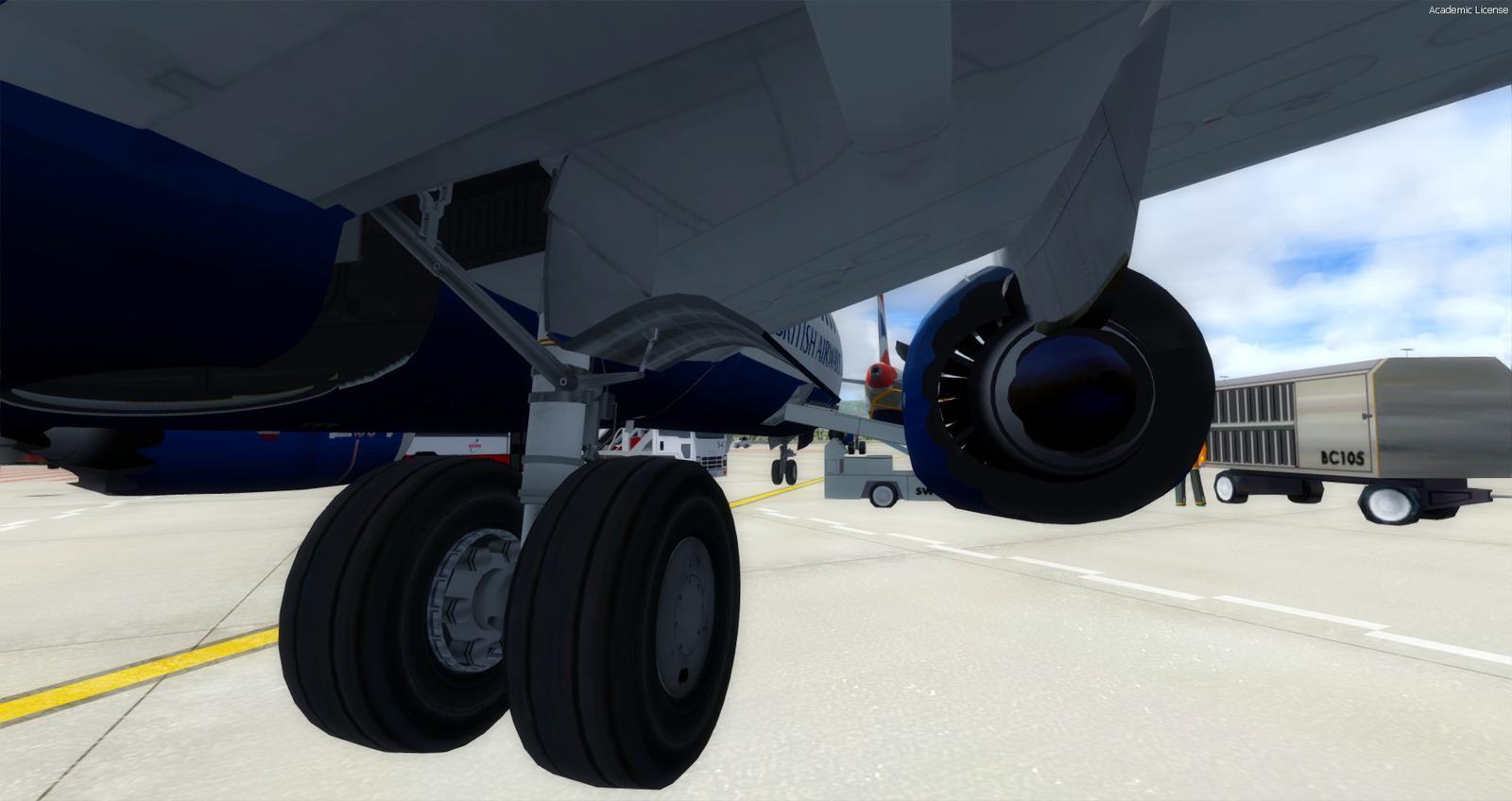
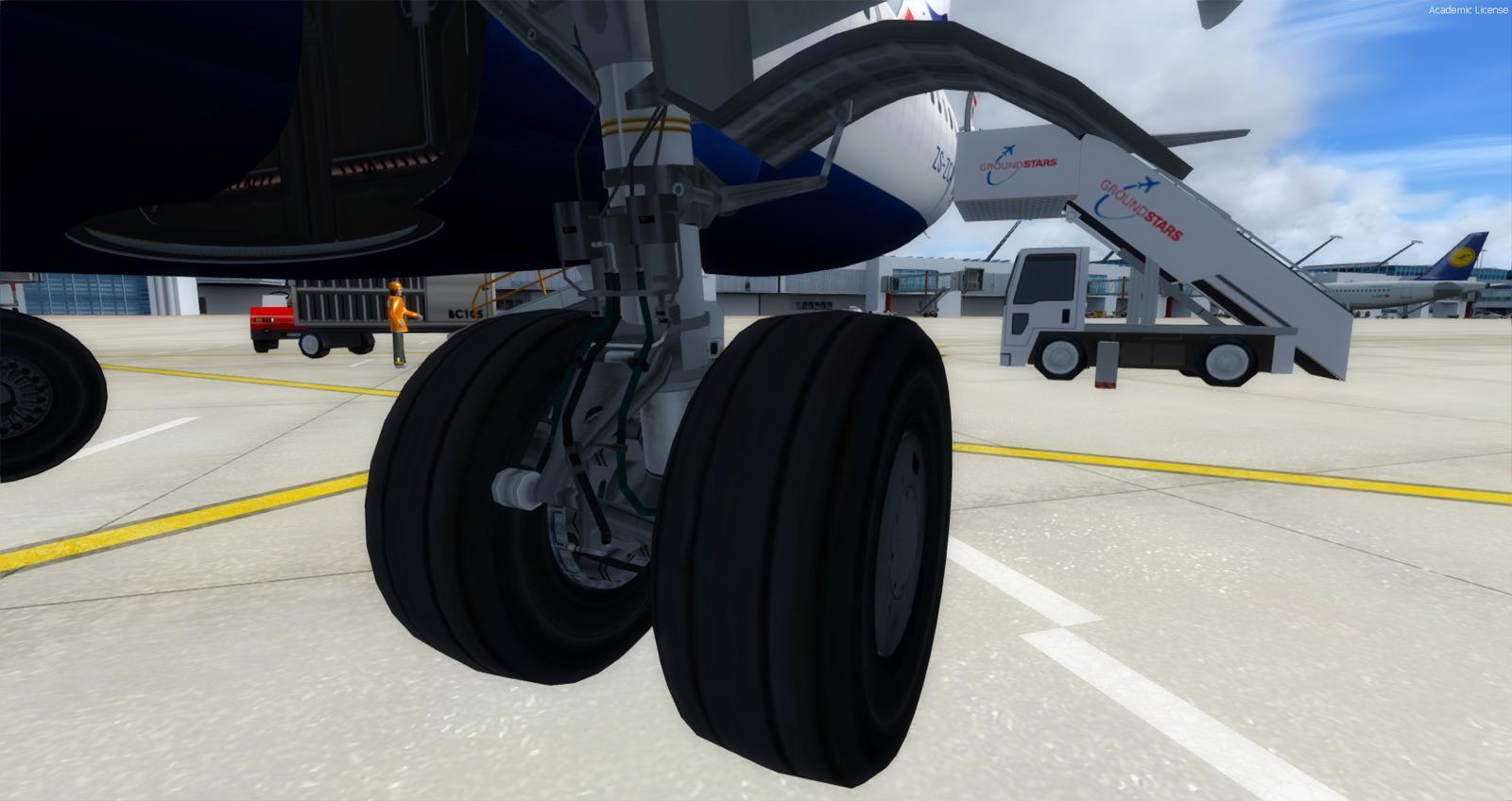
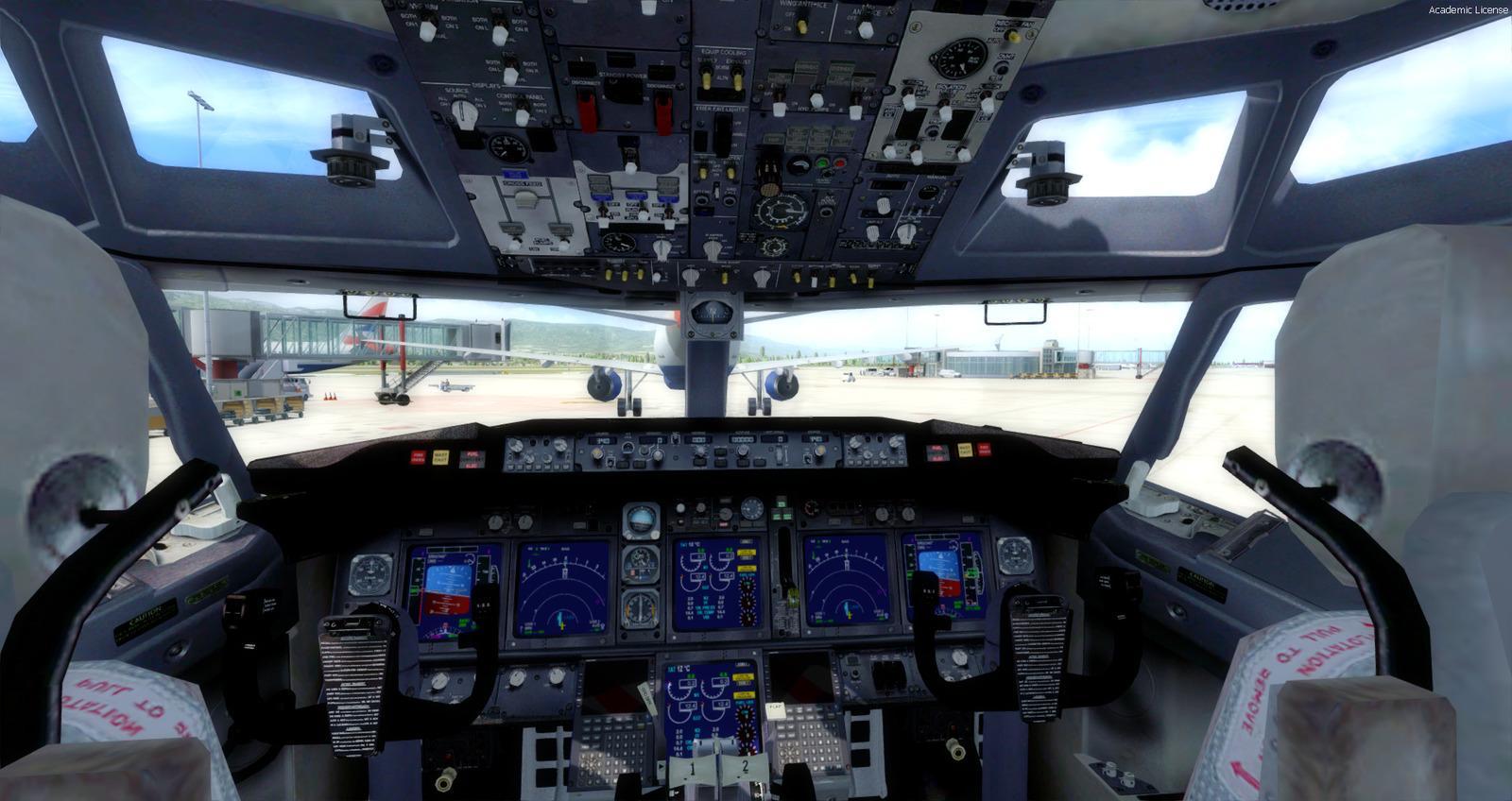
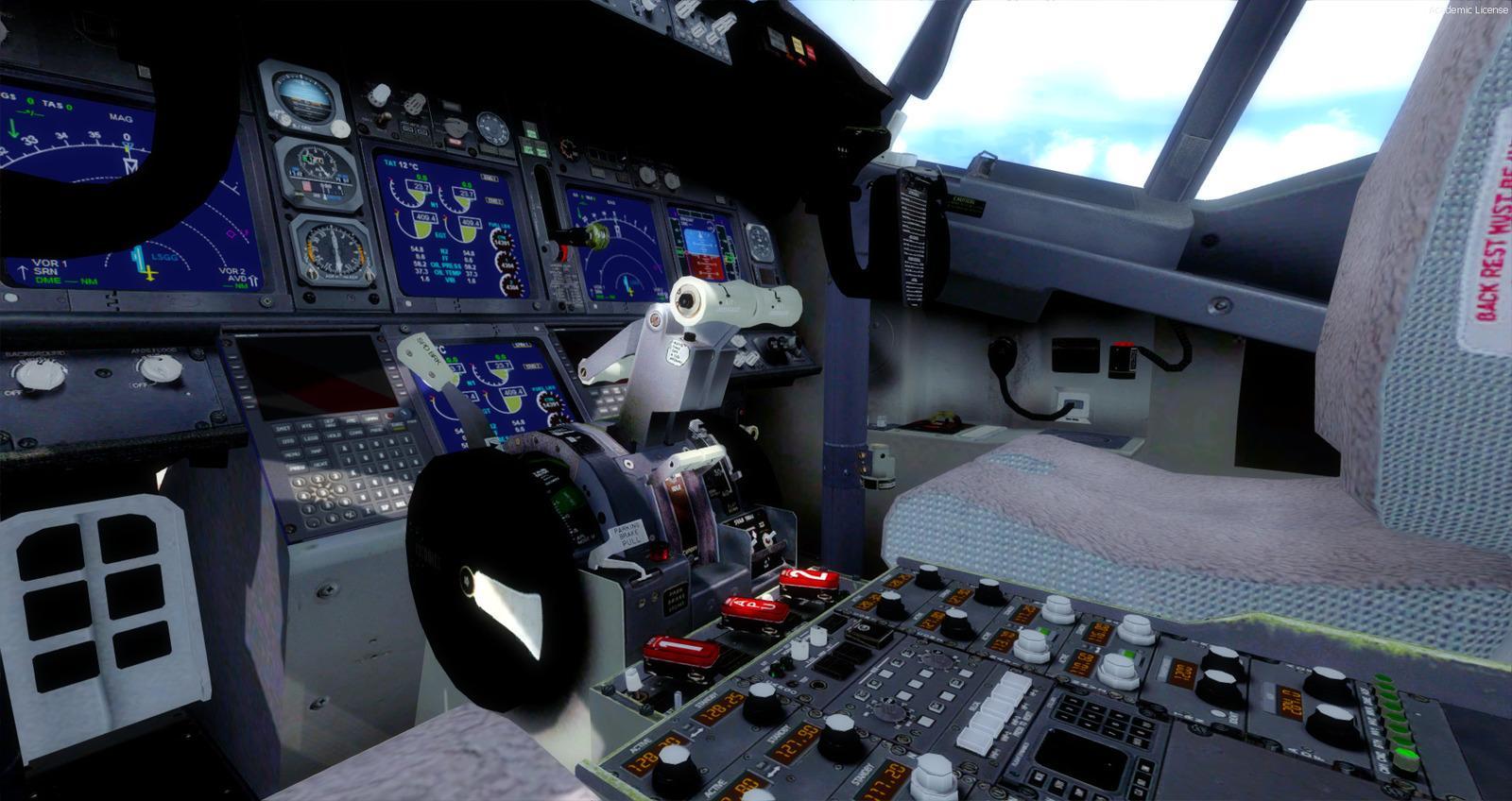
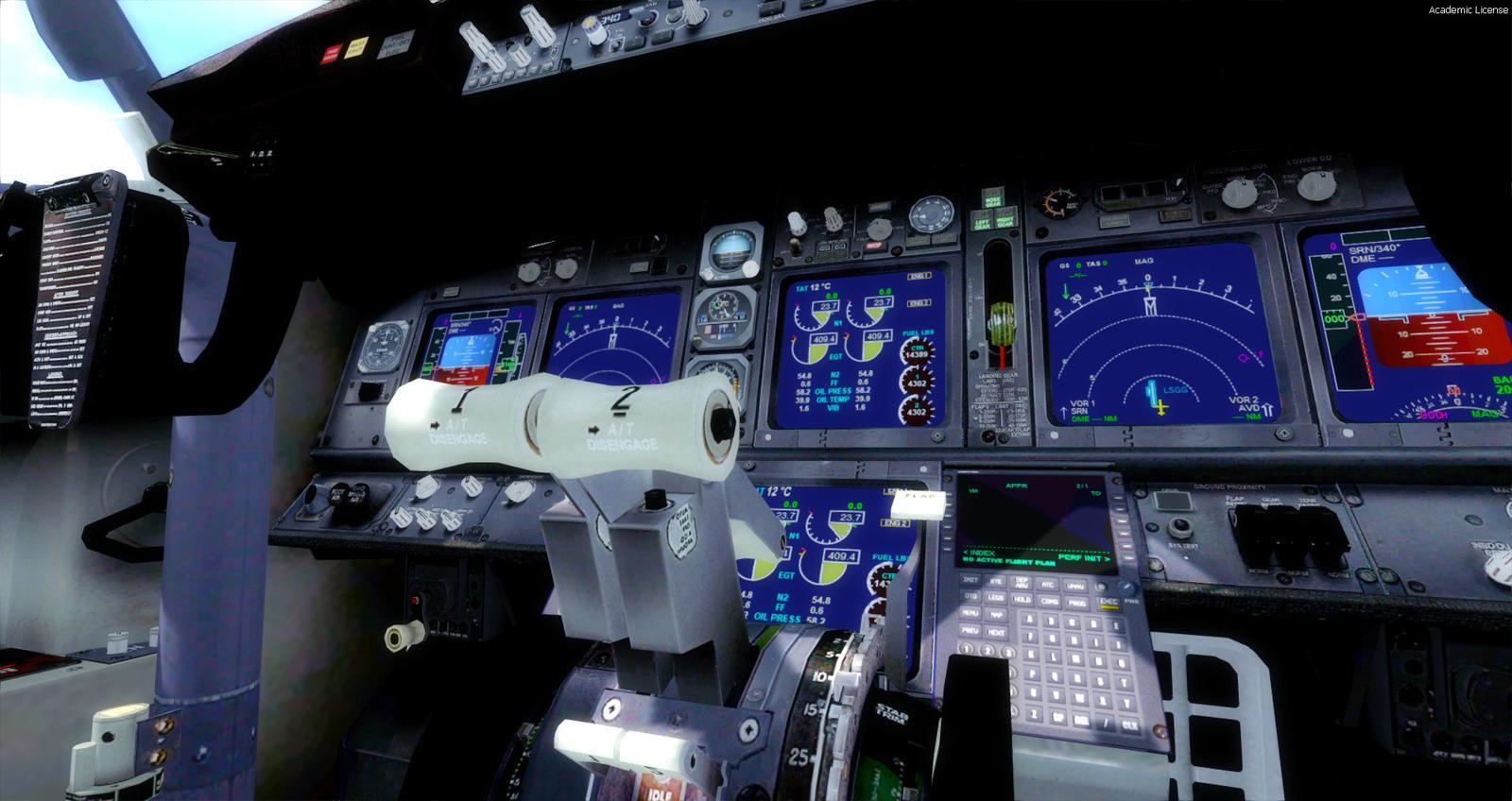
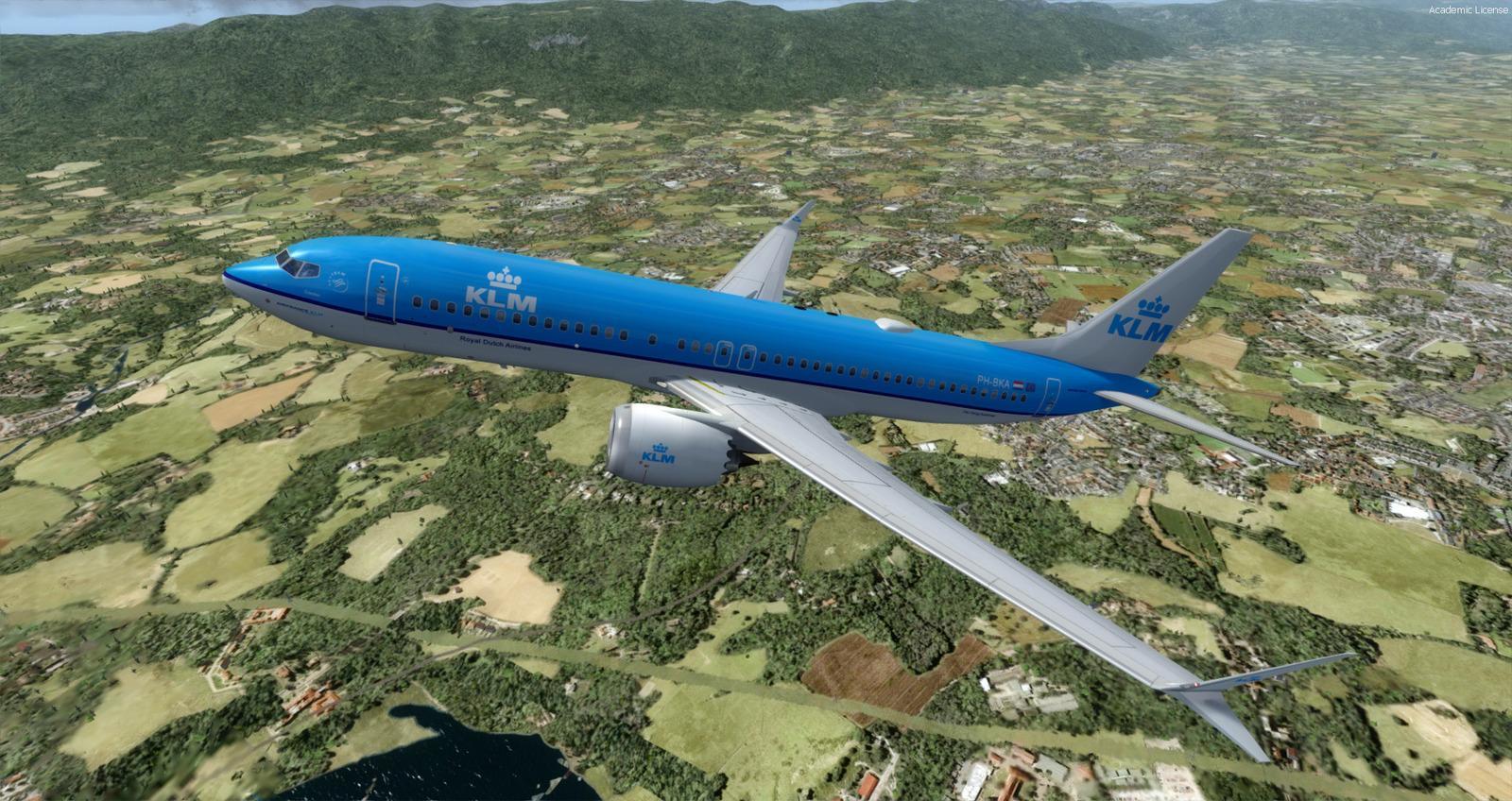
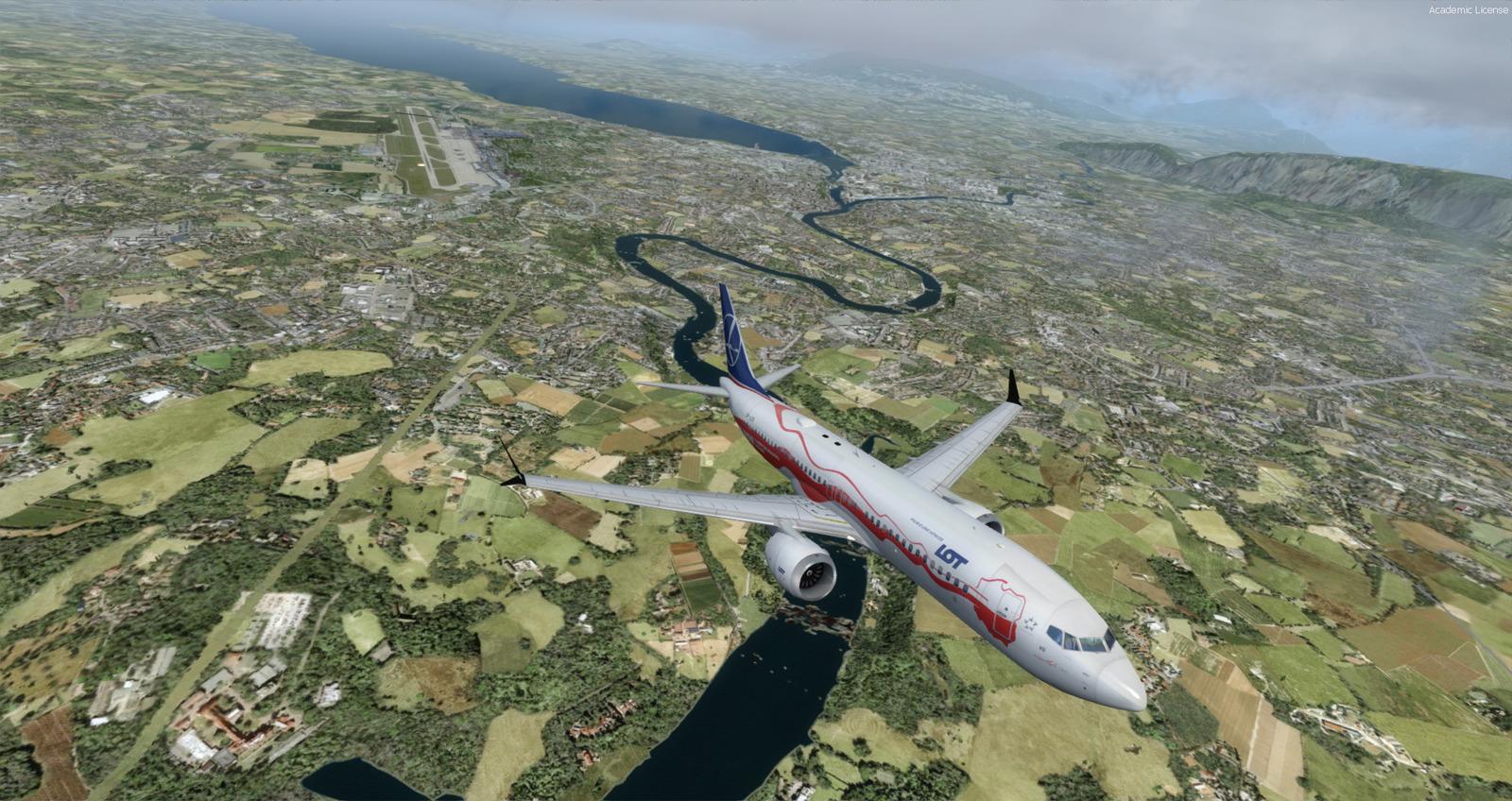
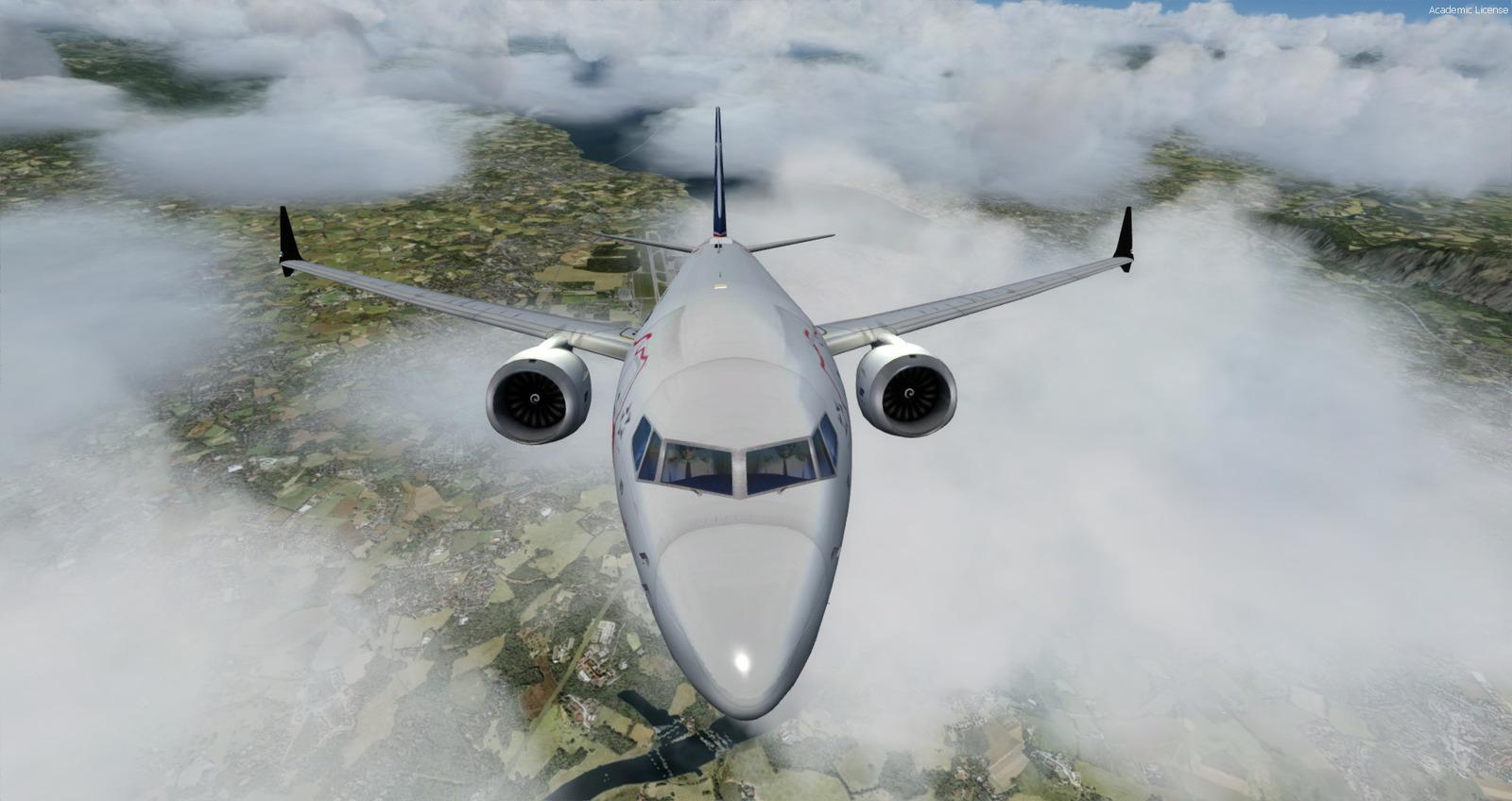
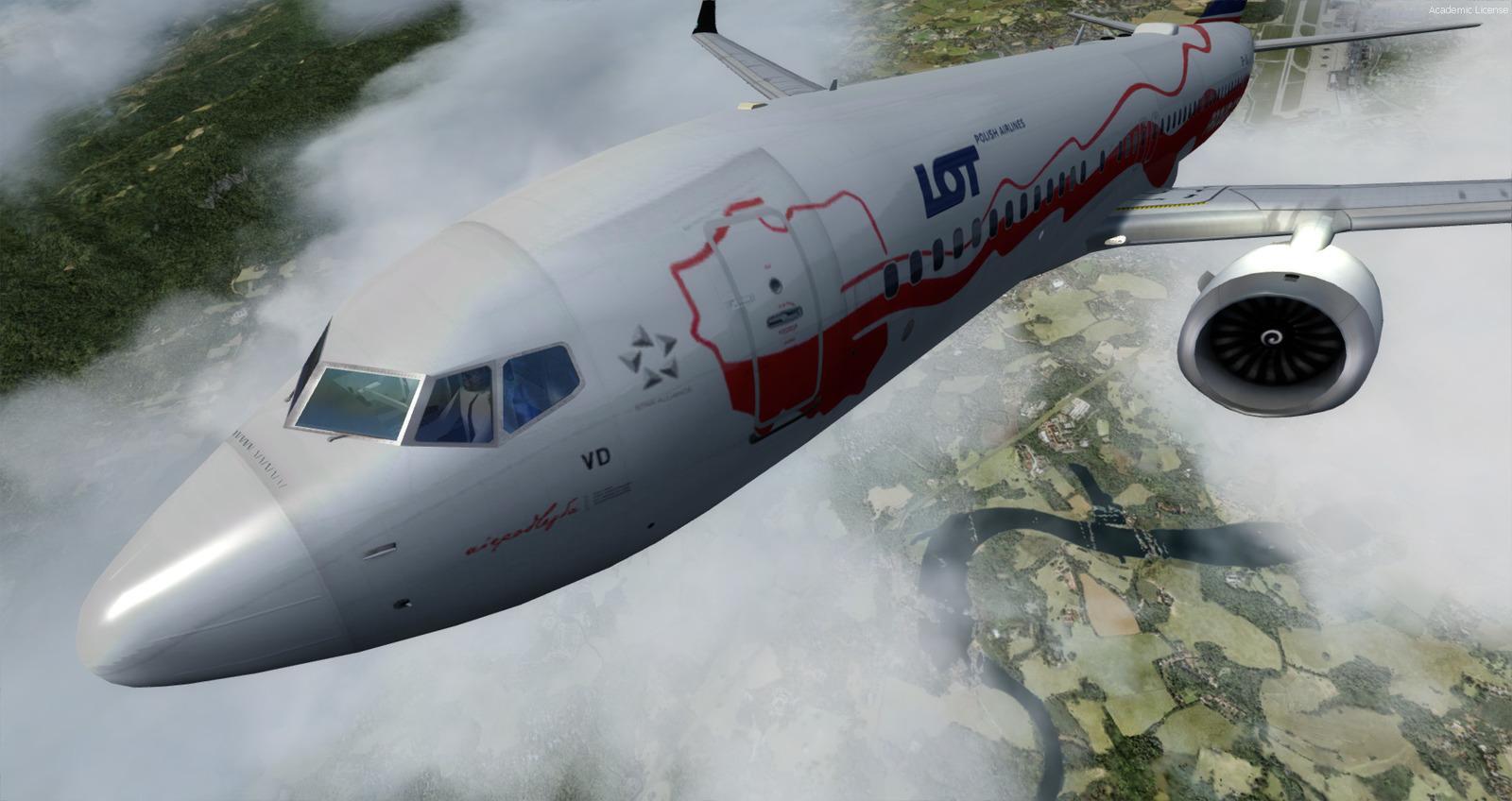
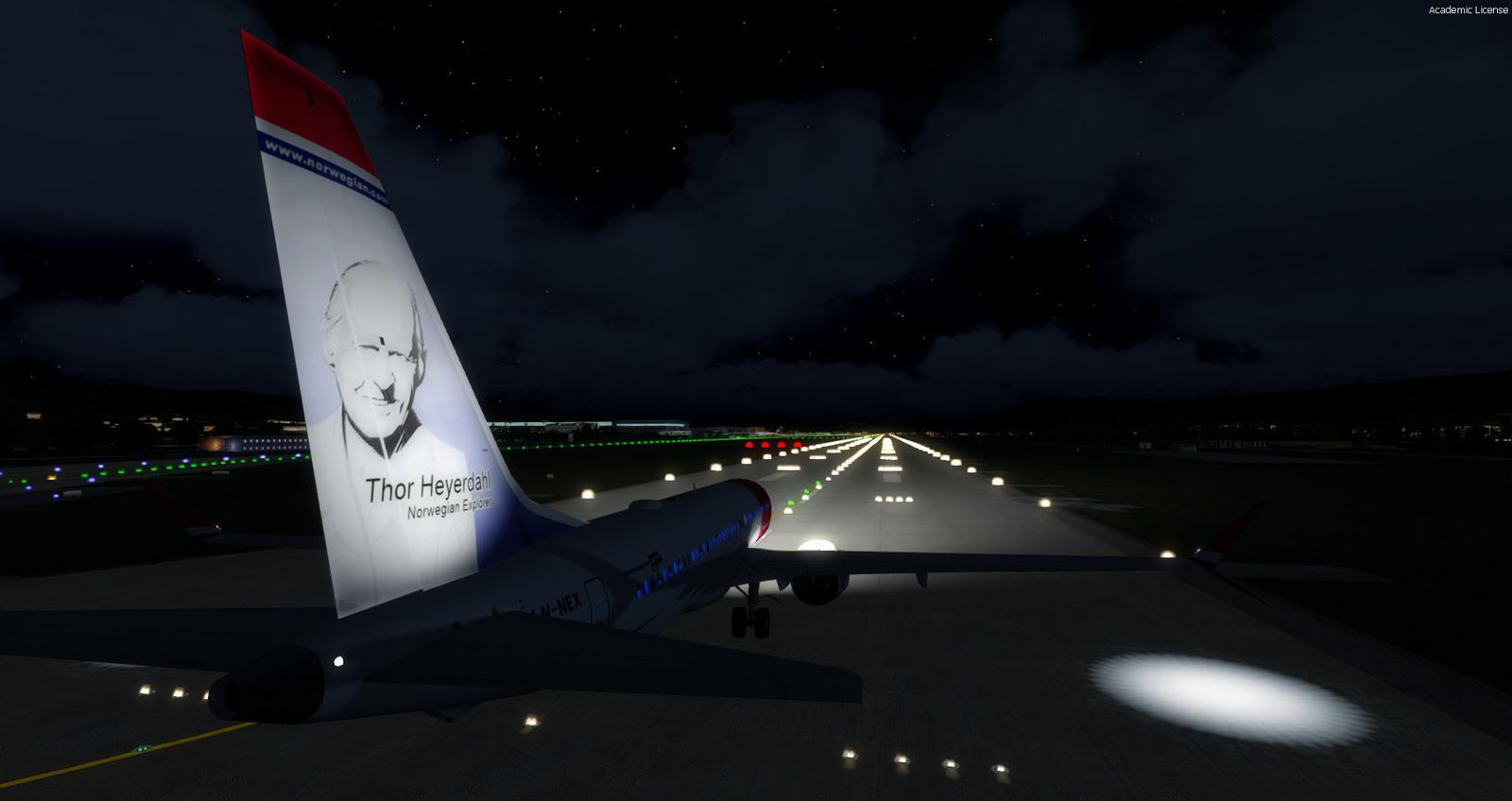
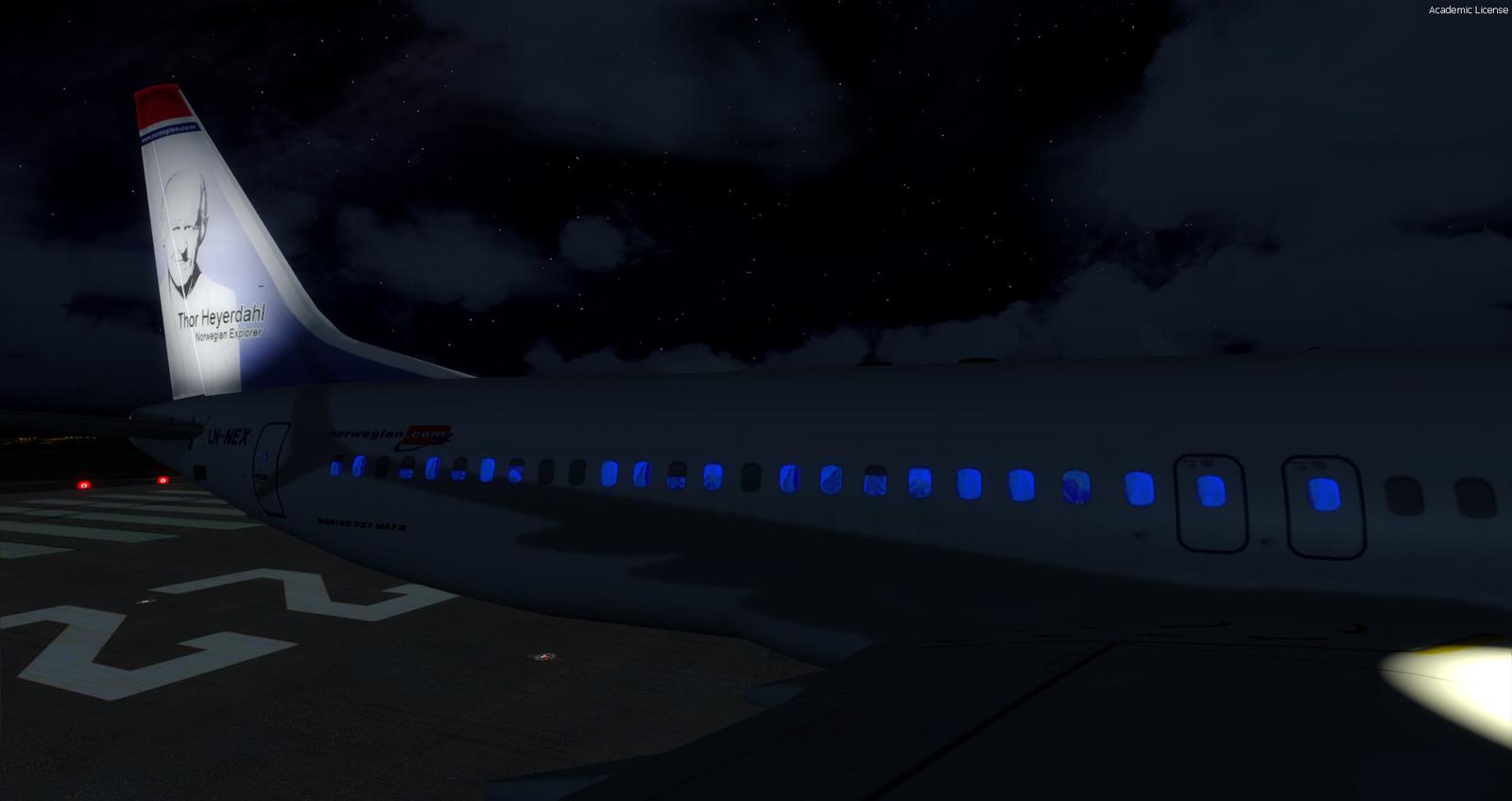
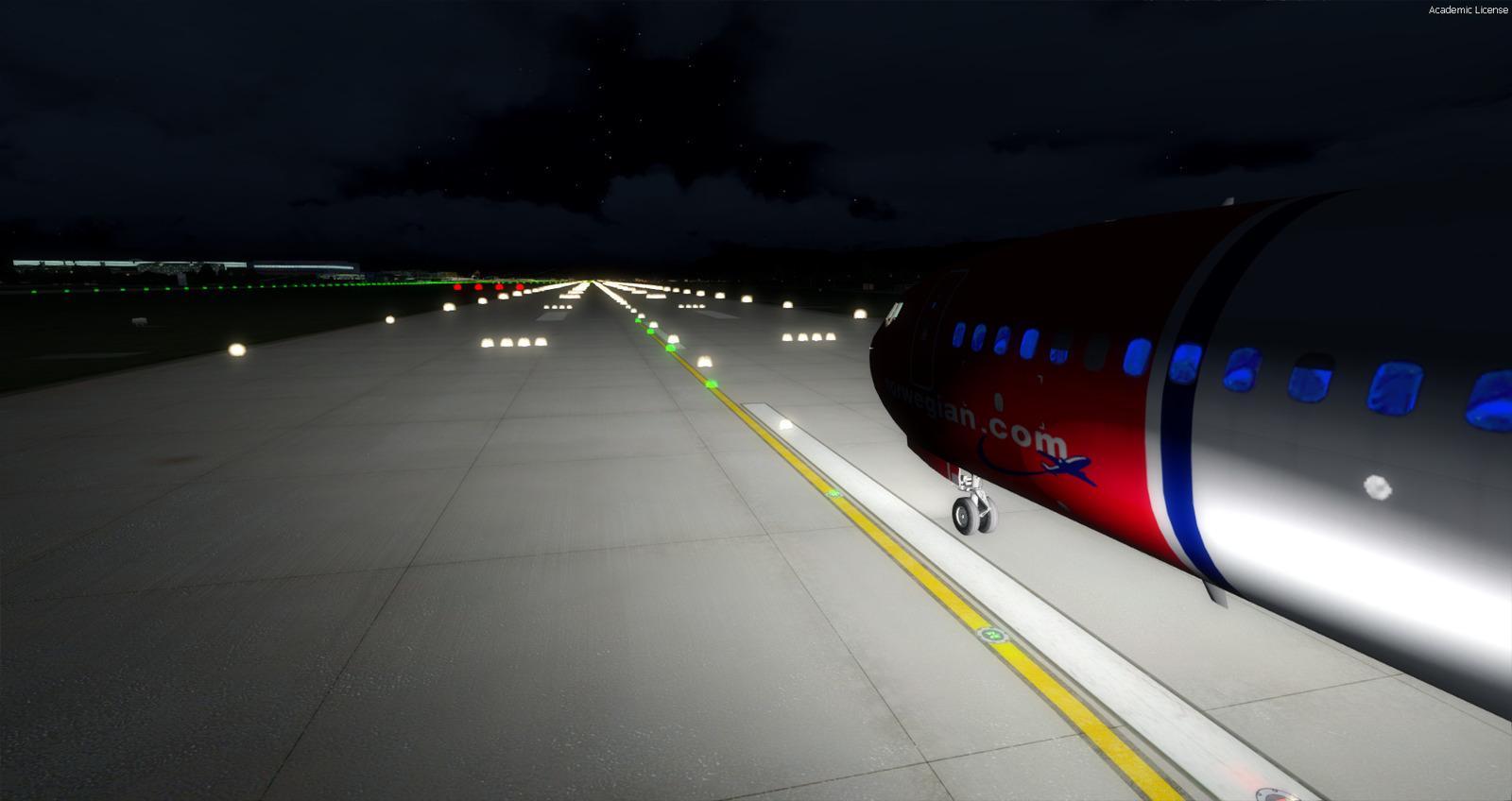
This Boeing 737-MAX8 combines Hiroshi Igami’s TDS model, used with permission, and 41 liveries. Its virtual cockpit comes from FSX’s 737-800, modified by Alejandro Rojas Lucena / FSND and expanded with Philippe Marion’s panel V2. It is not a purpose-built MAX flight deck. Kairi Akai supplied the CFM LEAP-1B sounds.
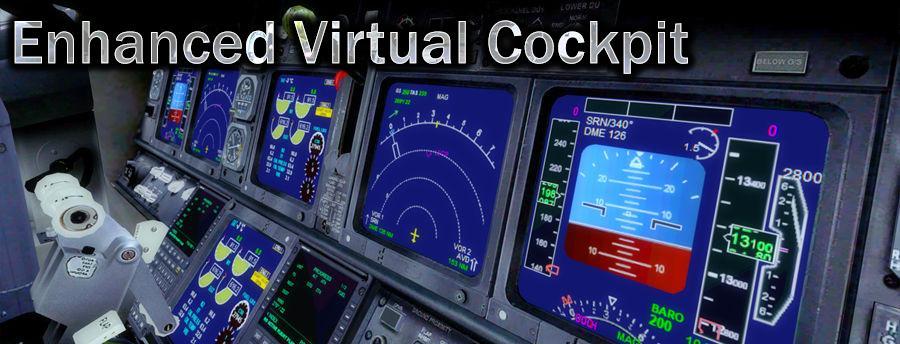
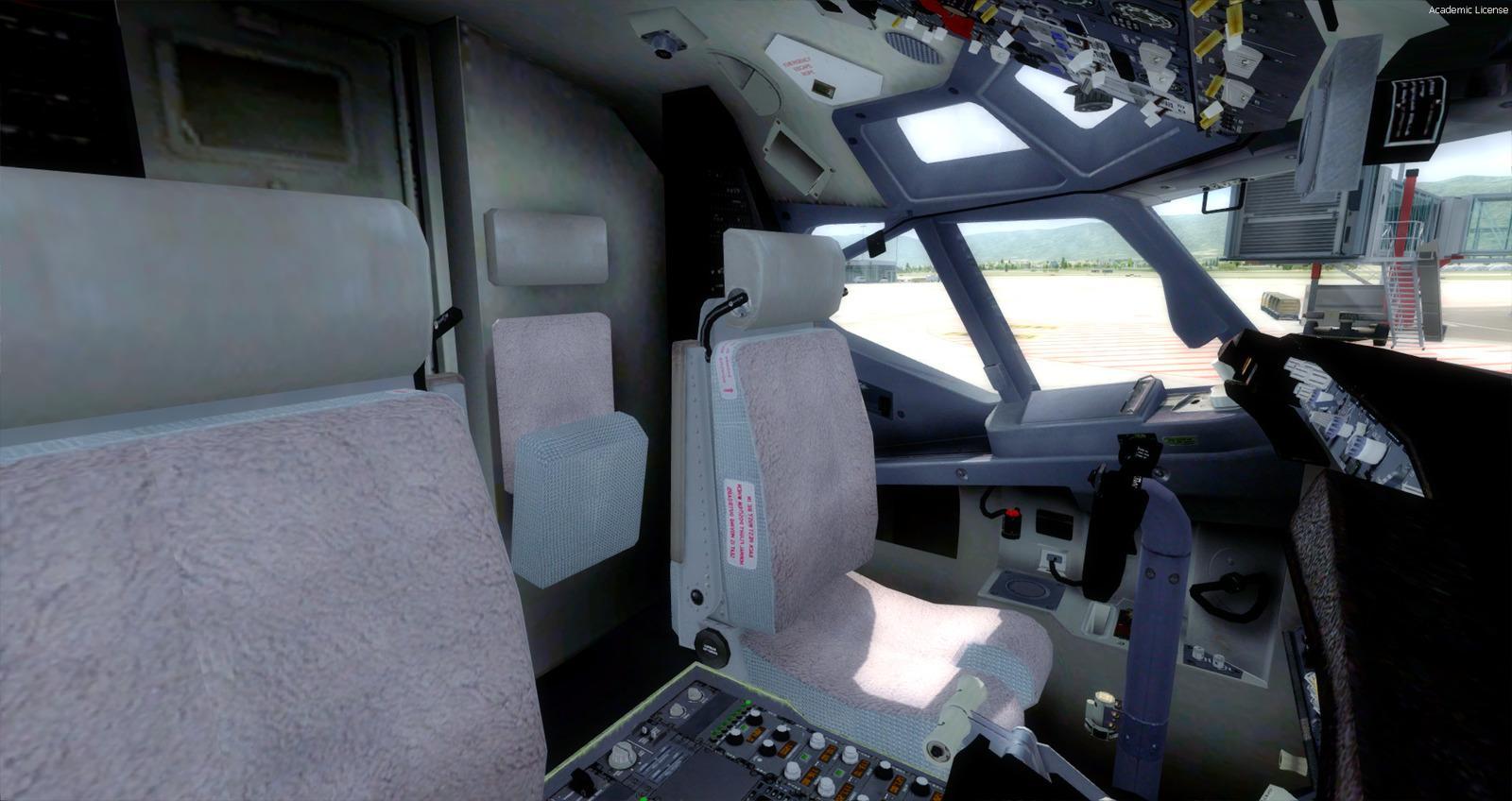
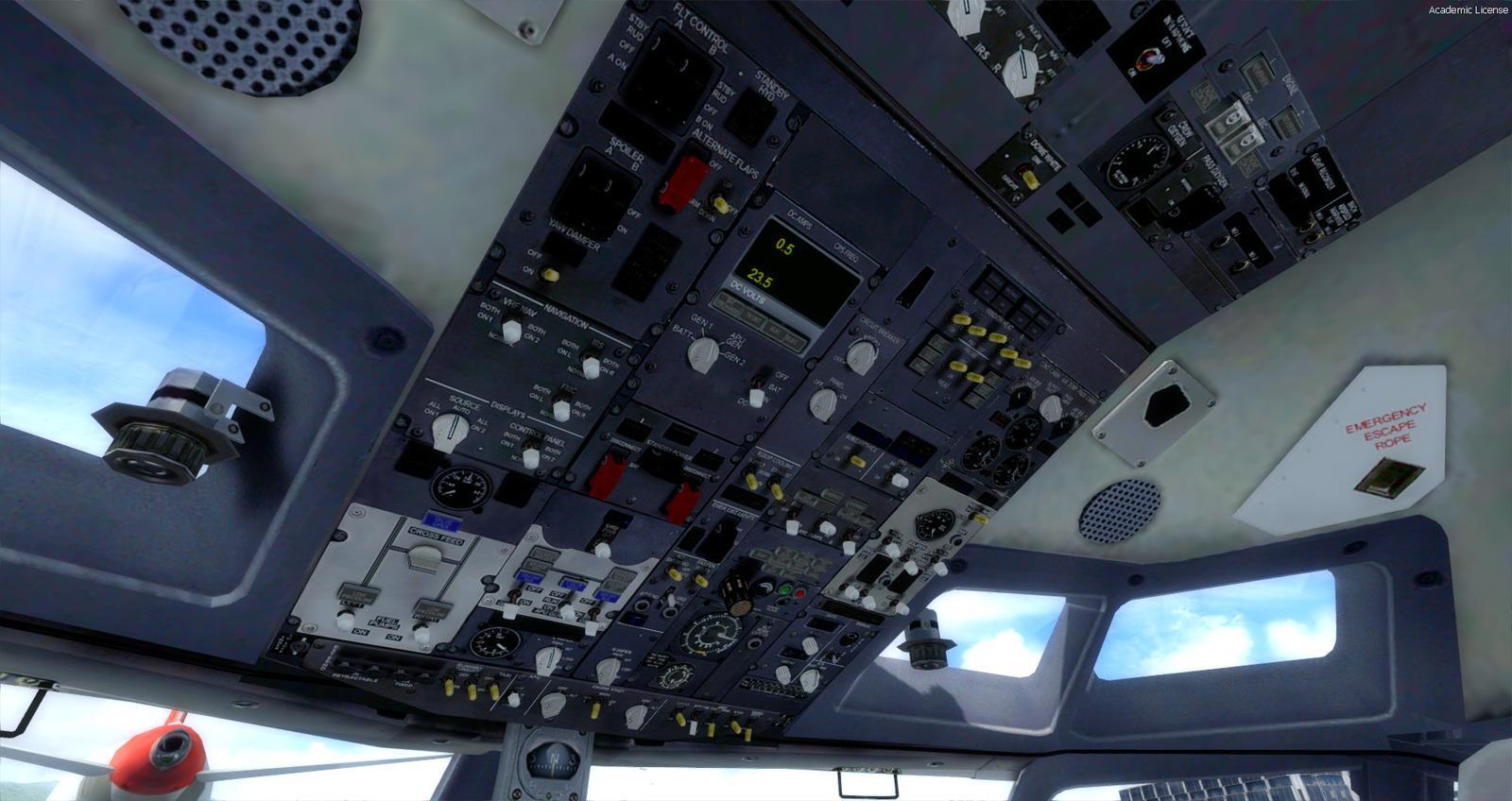
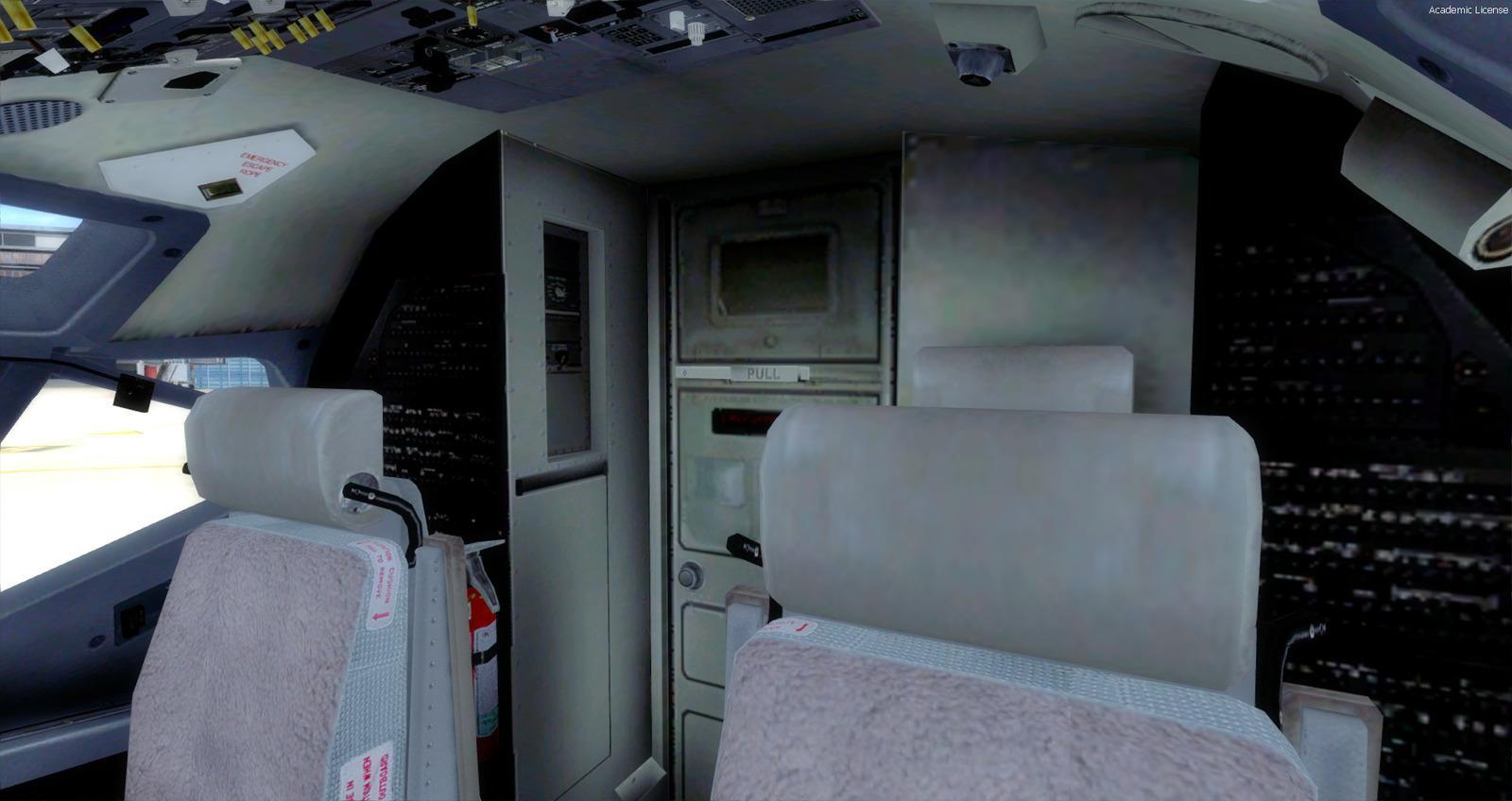
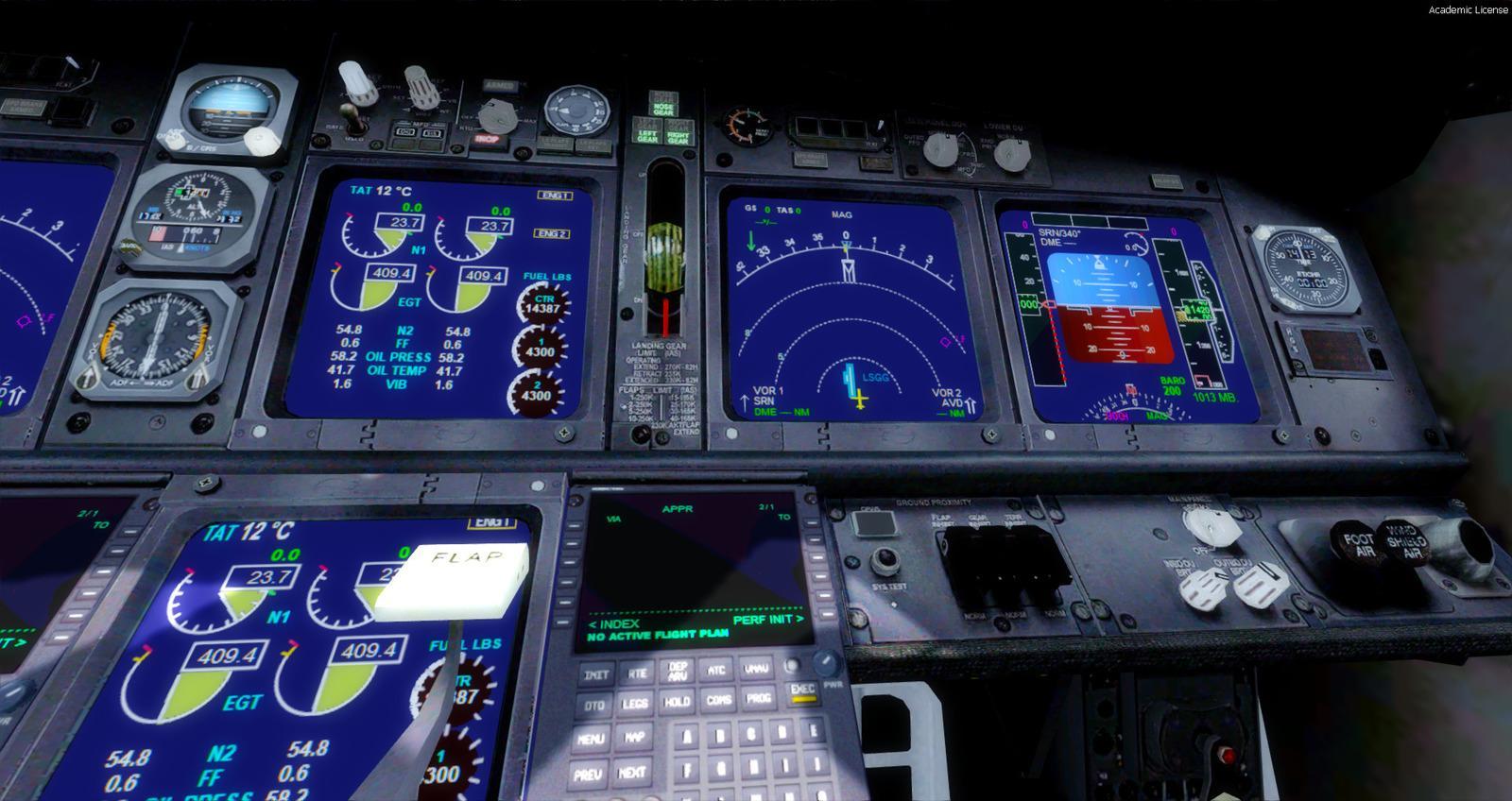
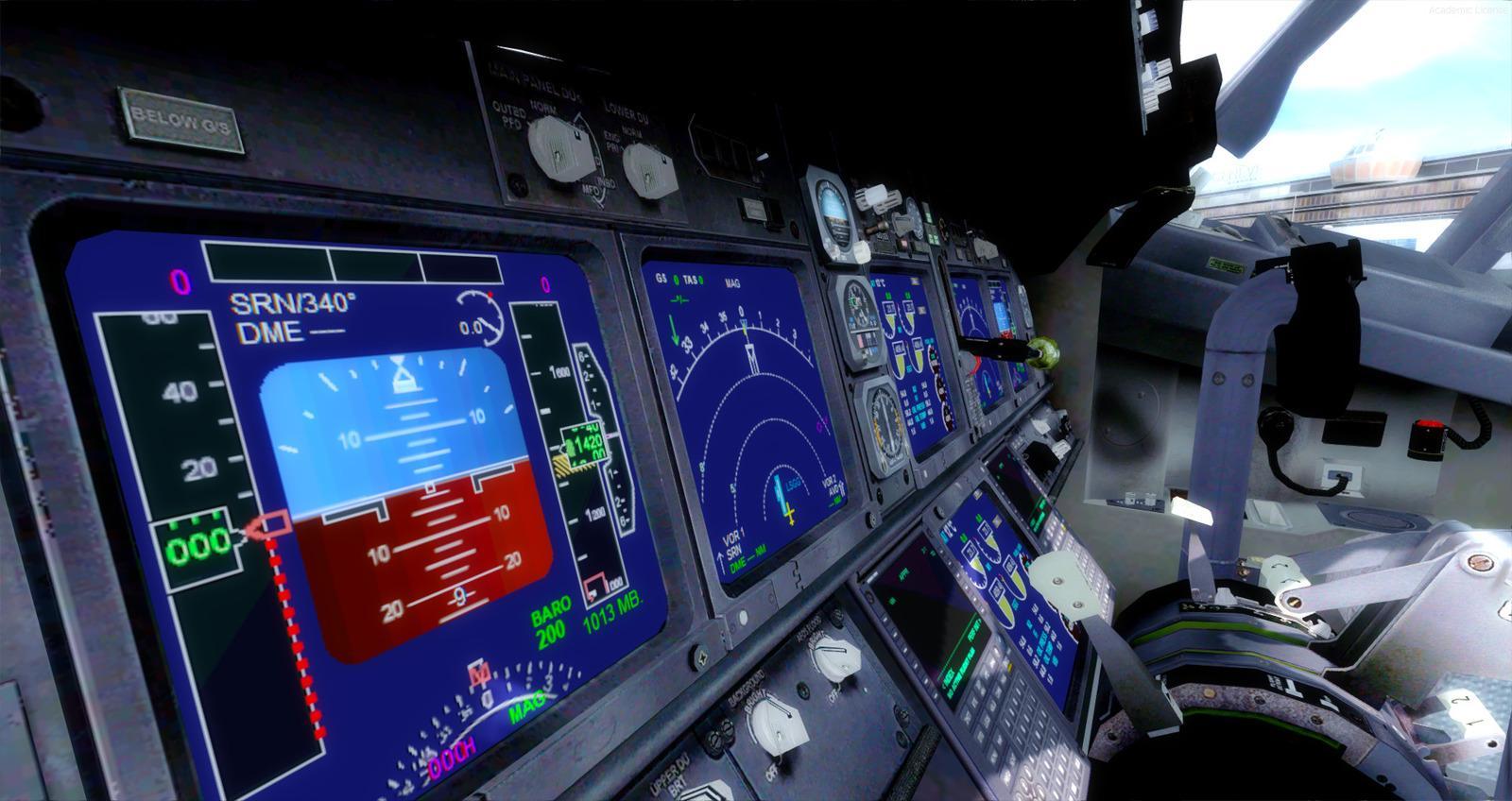
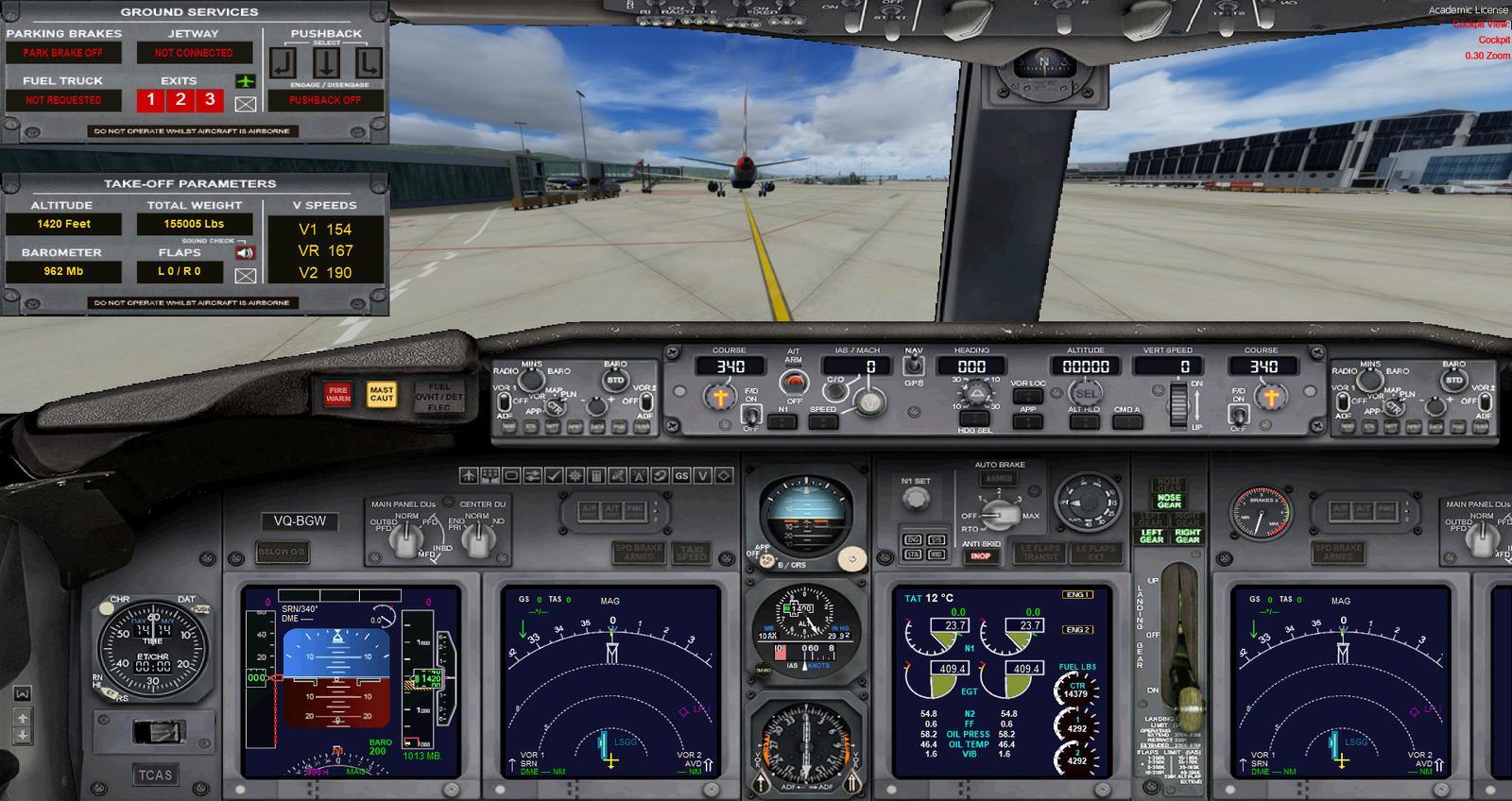
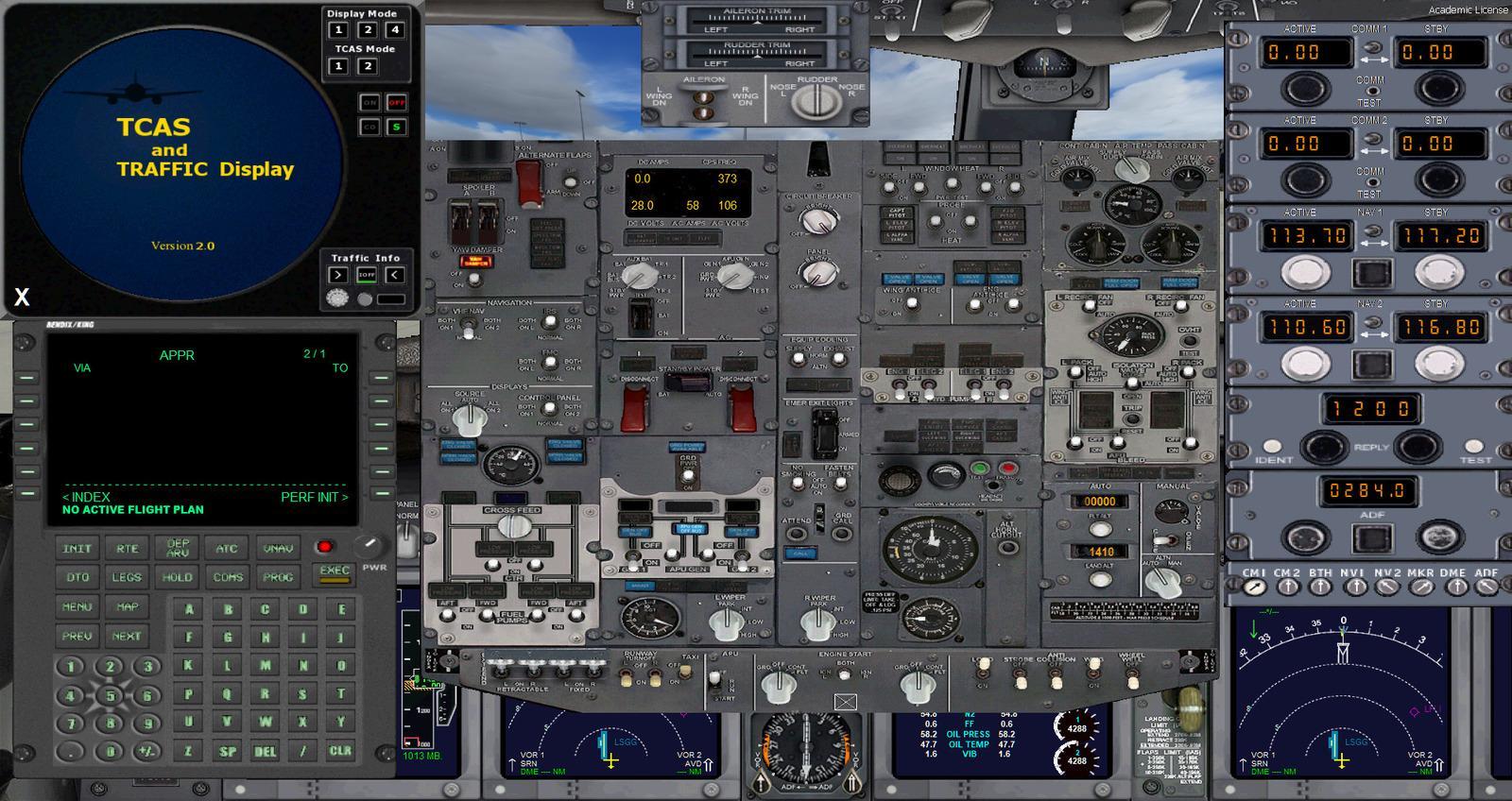
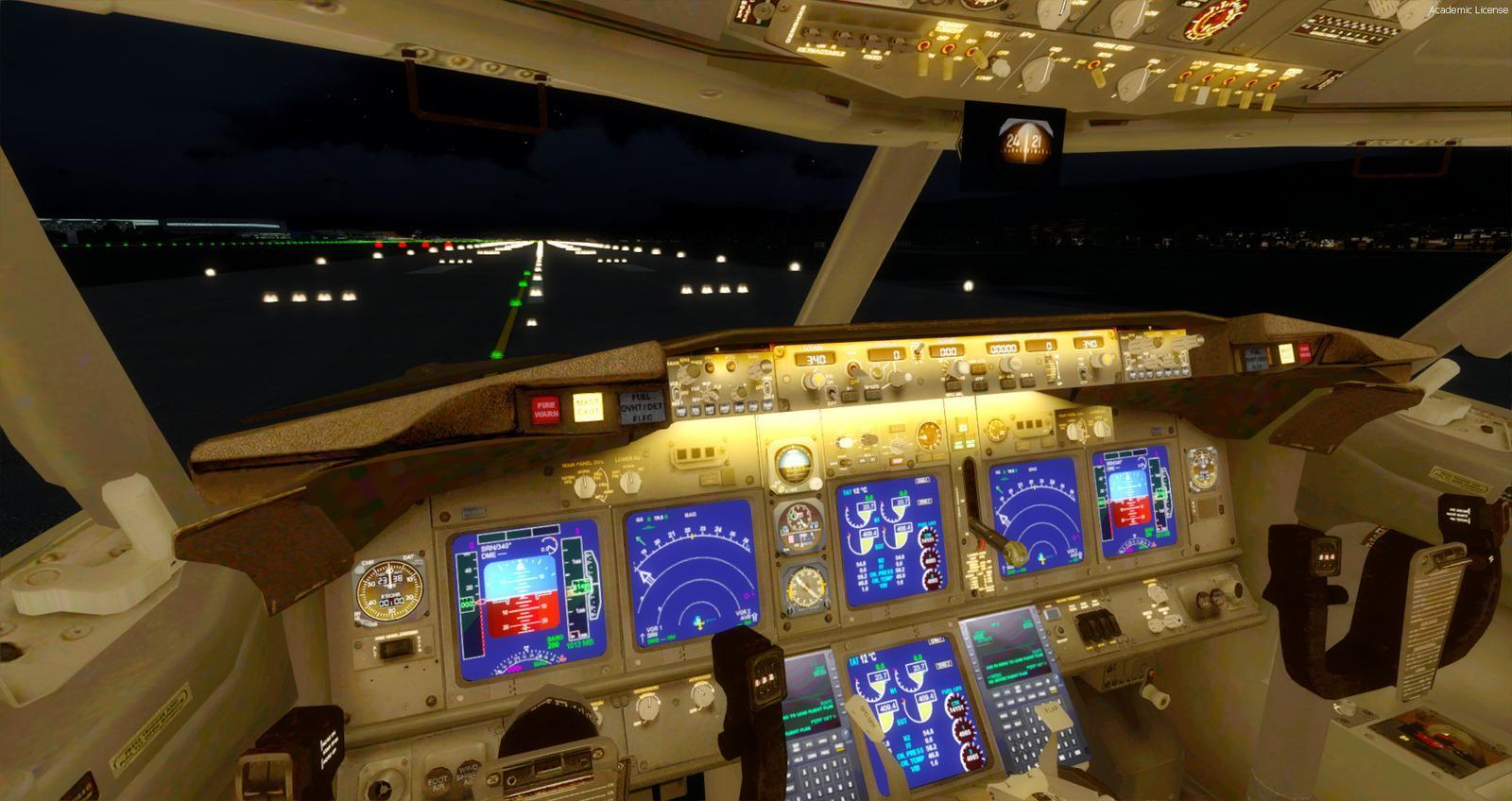
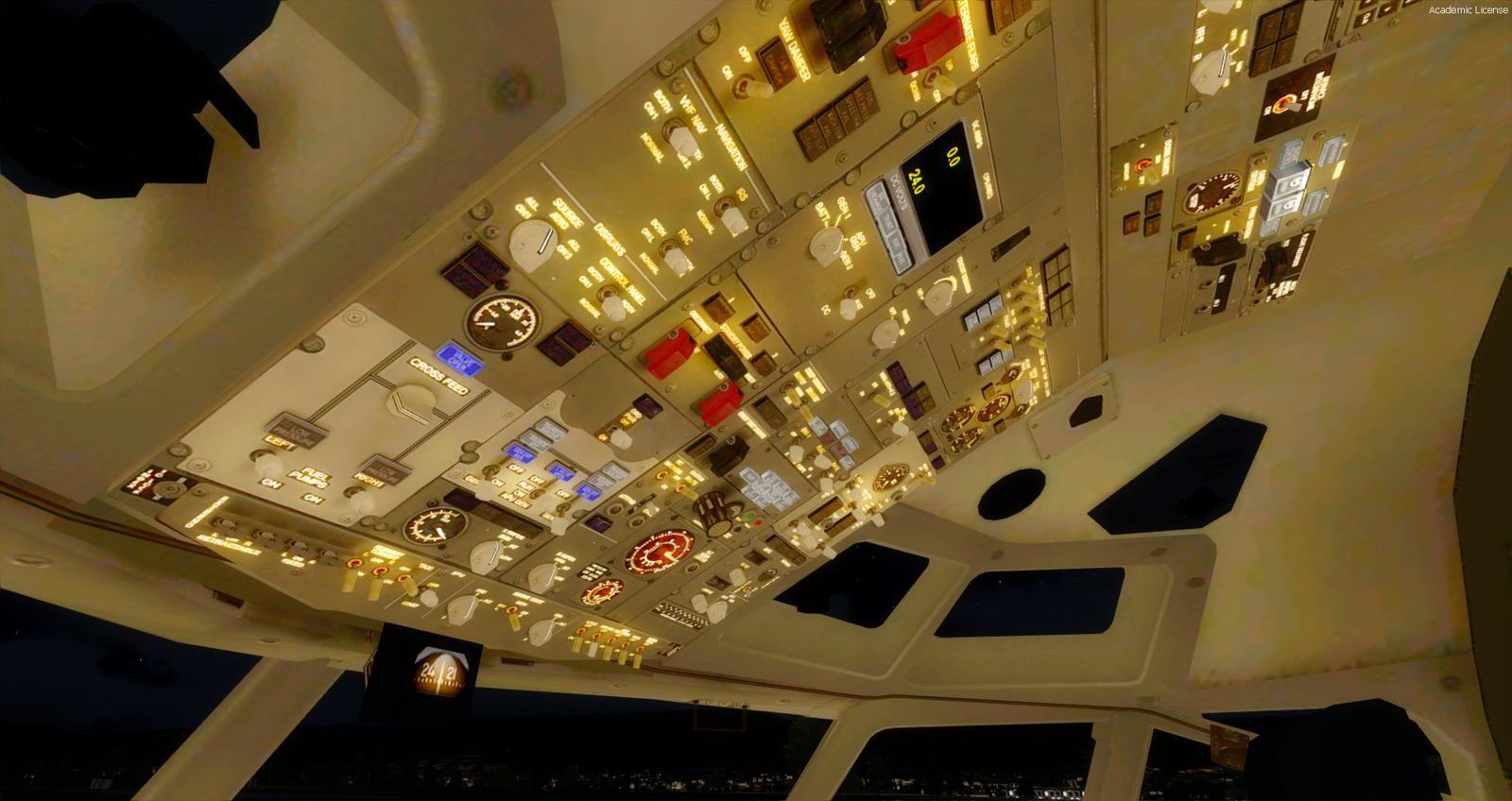
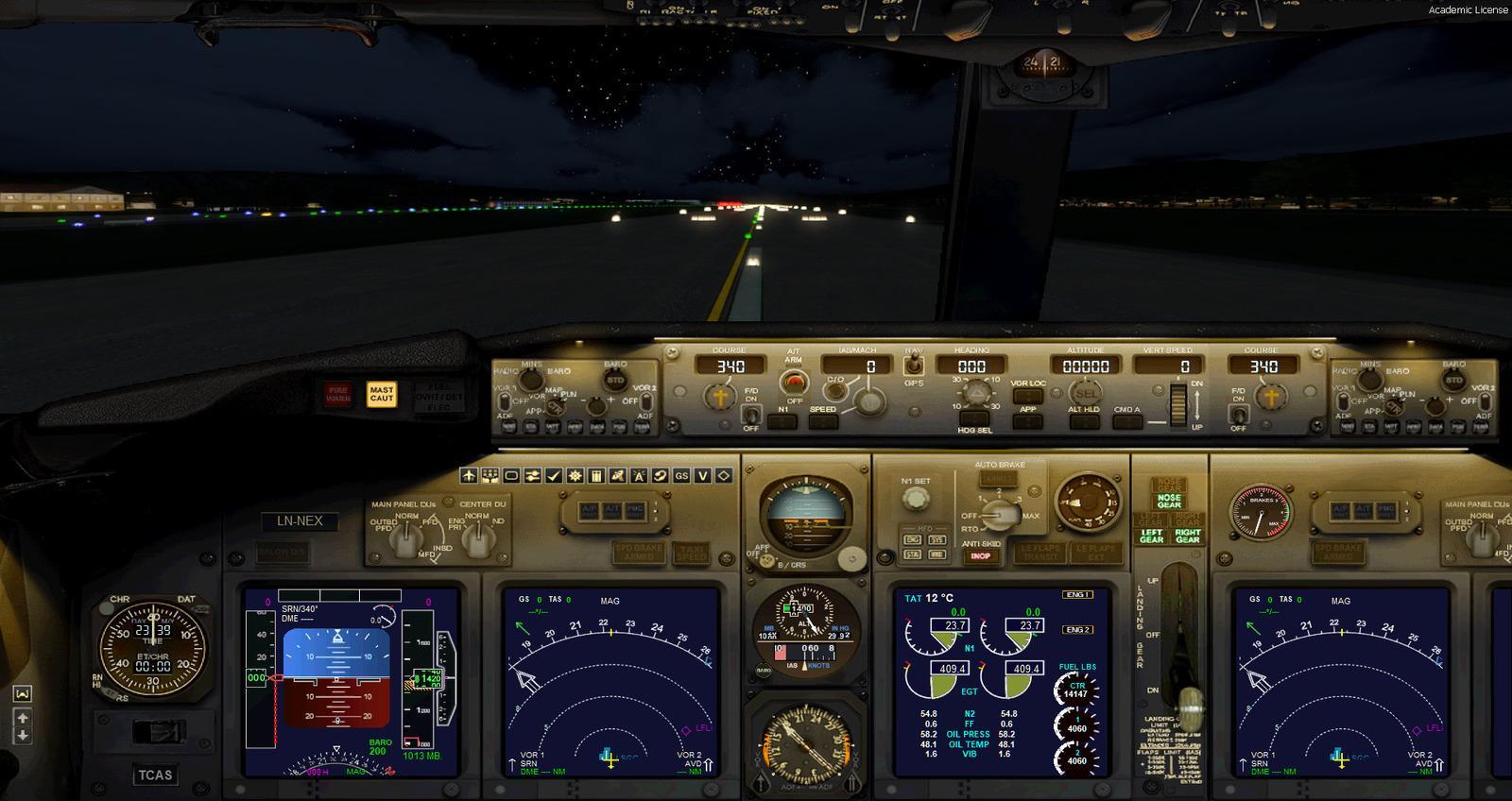
The cockpit includes an FMC, rain-effect wipers operated by right-click, opening windows, cabin lights and LCD, EICAS, PFD and MFD controls. Autobrake, Auto-taxi and autopilot annunciators work; the Warning/Caution and flap Transit/Extended lights have been corrected. Anti-skid, altitude callouts, VSpeed and five VC views are included: first officer, centre console, overhead, autopilot and jump seat.
Versions 1.02 and 1.03 correct the centre of gravity, alarms, jetway codes, PFD barometer settings (JackyB’s fix) and 2D window positions. Electrical power can now be switched off for a Cold & Dark start. The XML radio panel includes audio; cockpit textures and lighting have been revised, along with P3D v4.5 engine lights and gyro noise. Icons open Utility and Lights from the VC and 2D panel. New effects and a Shockwave Lights preconfiguration are included.
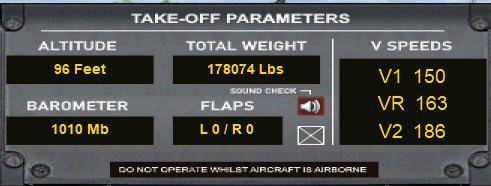
Trim: the atrim.cab gauge is enabled by default. To disable it, rename or remove the file in SimObjects/Airplanes/Boeing 737-MAX8 Multi-Livery/panel.wide. Without this assistance, the supplied guidance calls for +2° to +4° nose-up trim, at least 5° of flap and rotation around 140 knots towards a 12°–15° pitch attitude. Short-field guidance uses more flap, up to 15°.
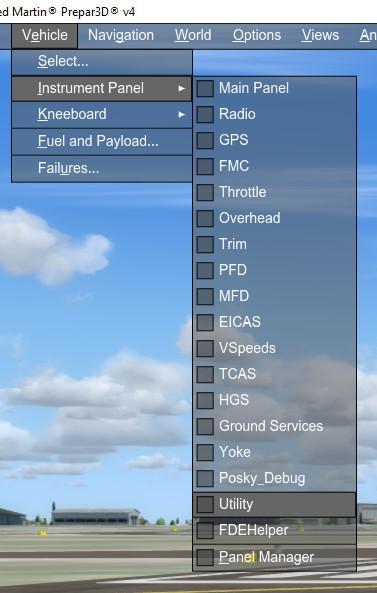
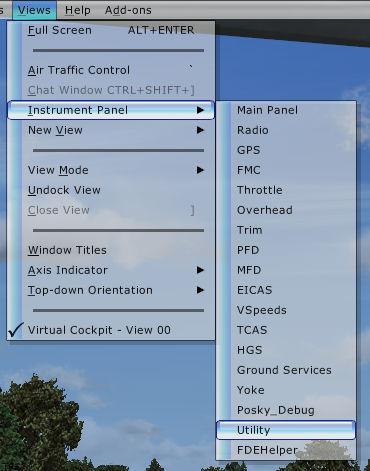
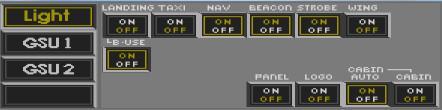
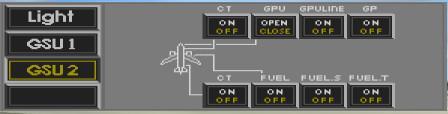
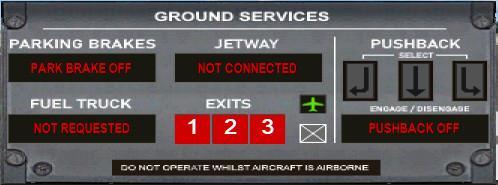
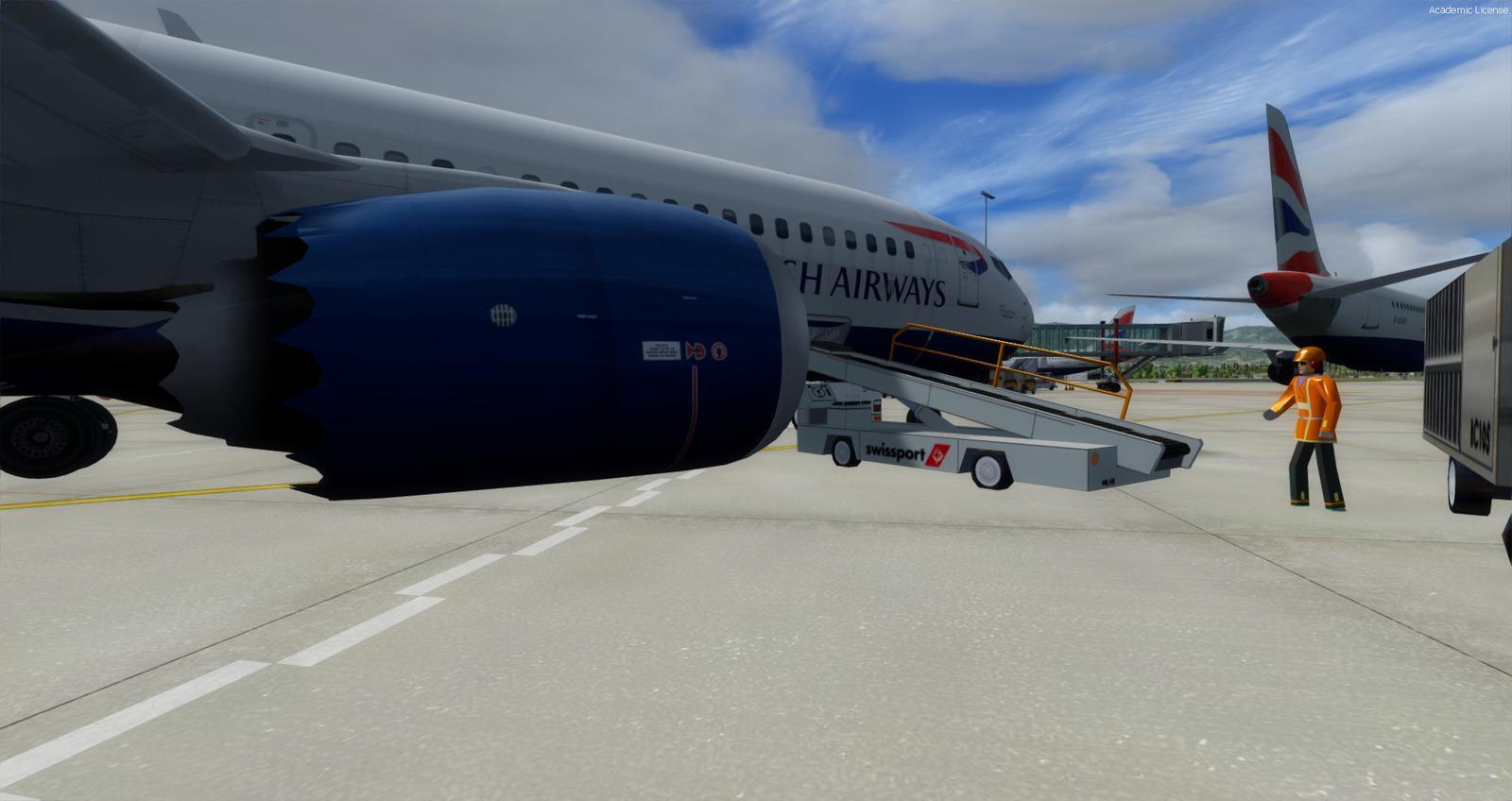
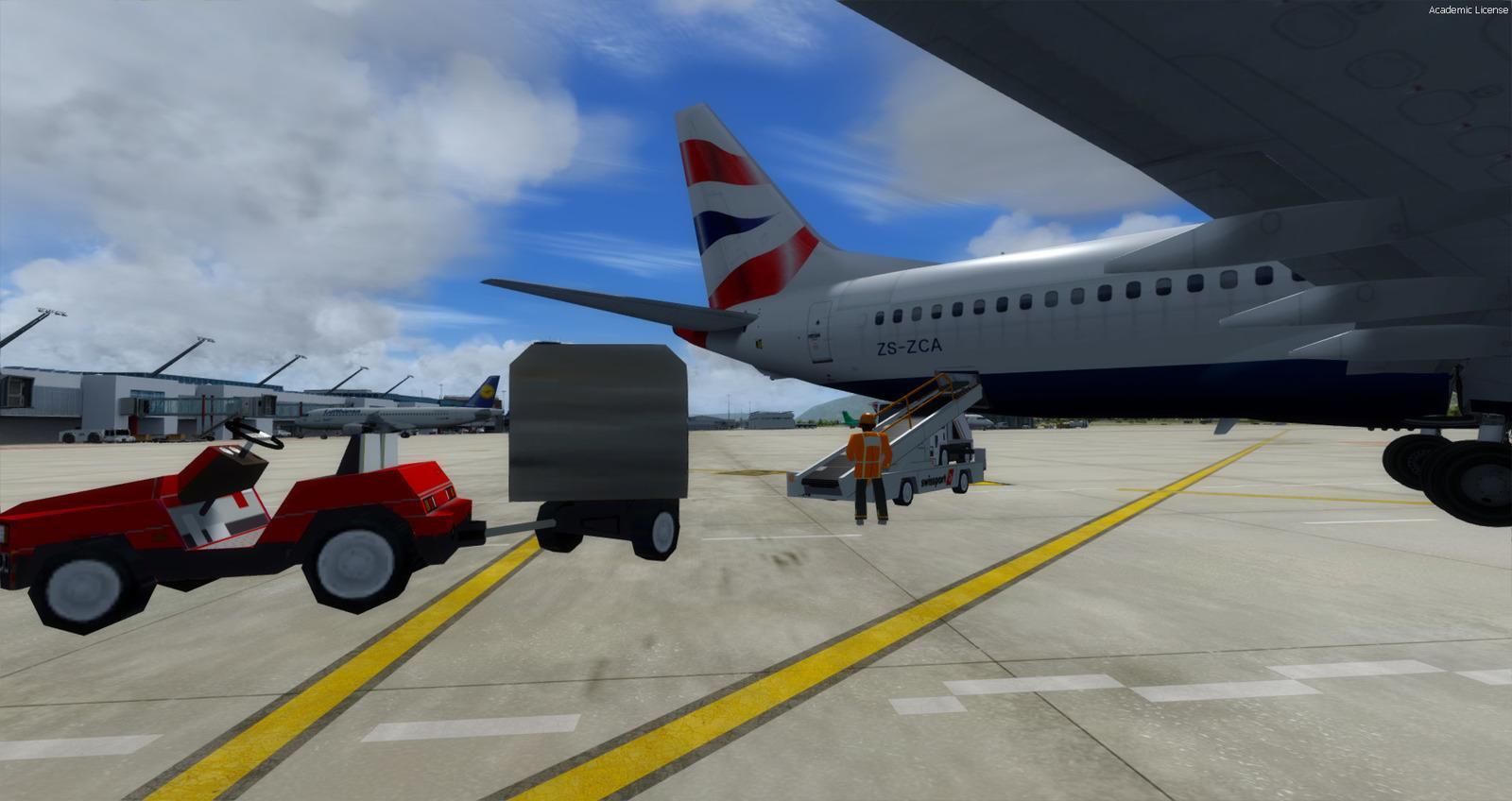
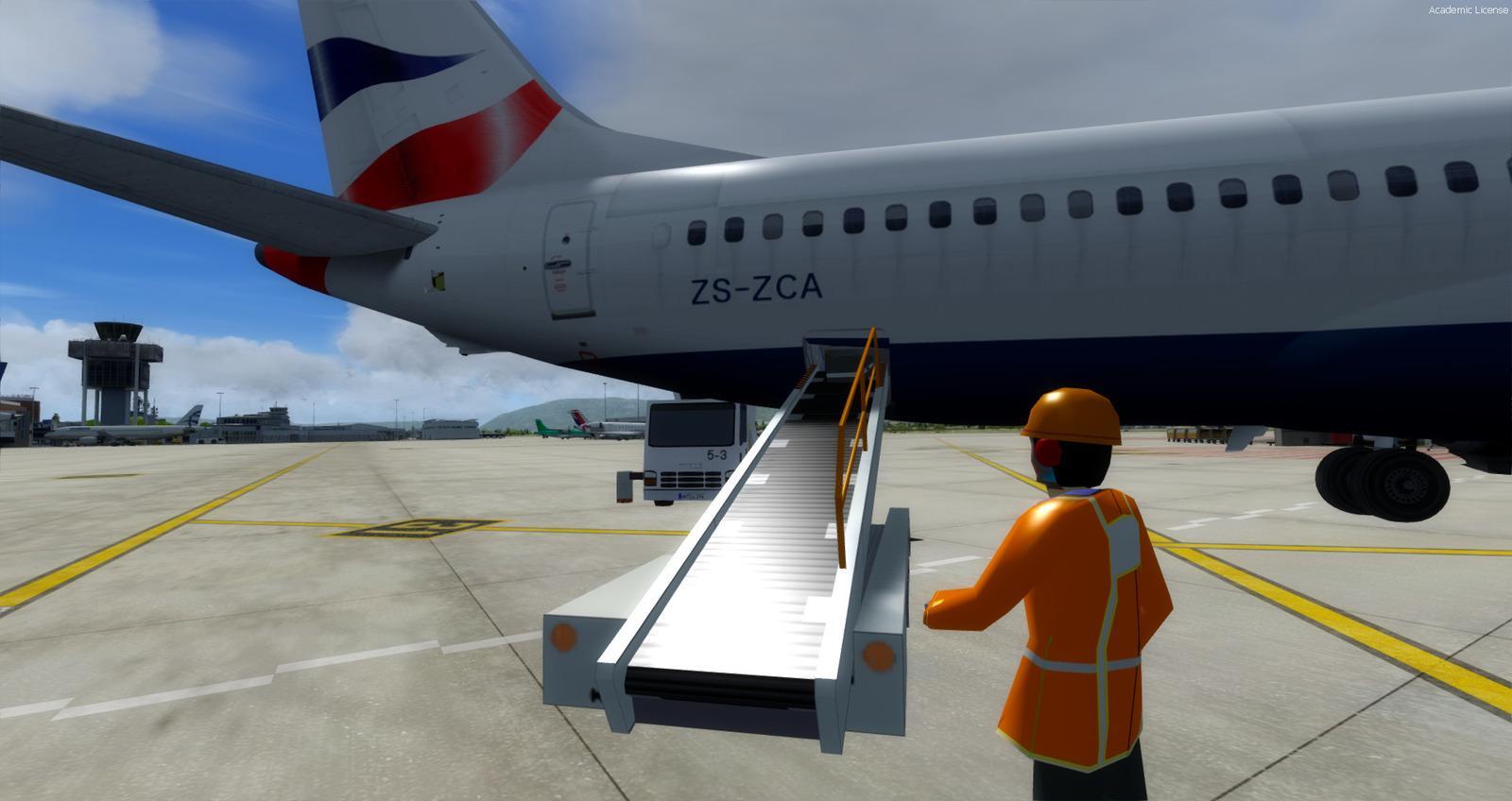
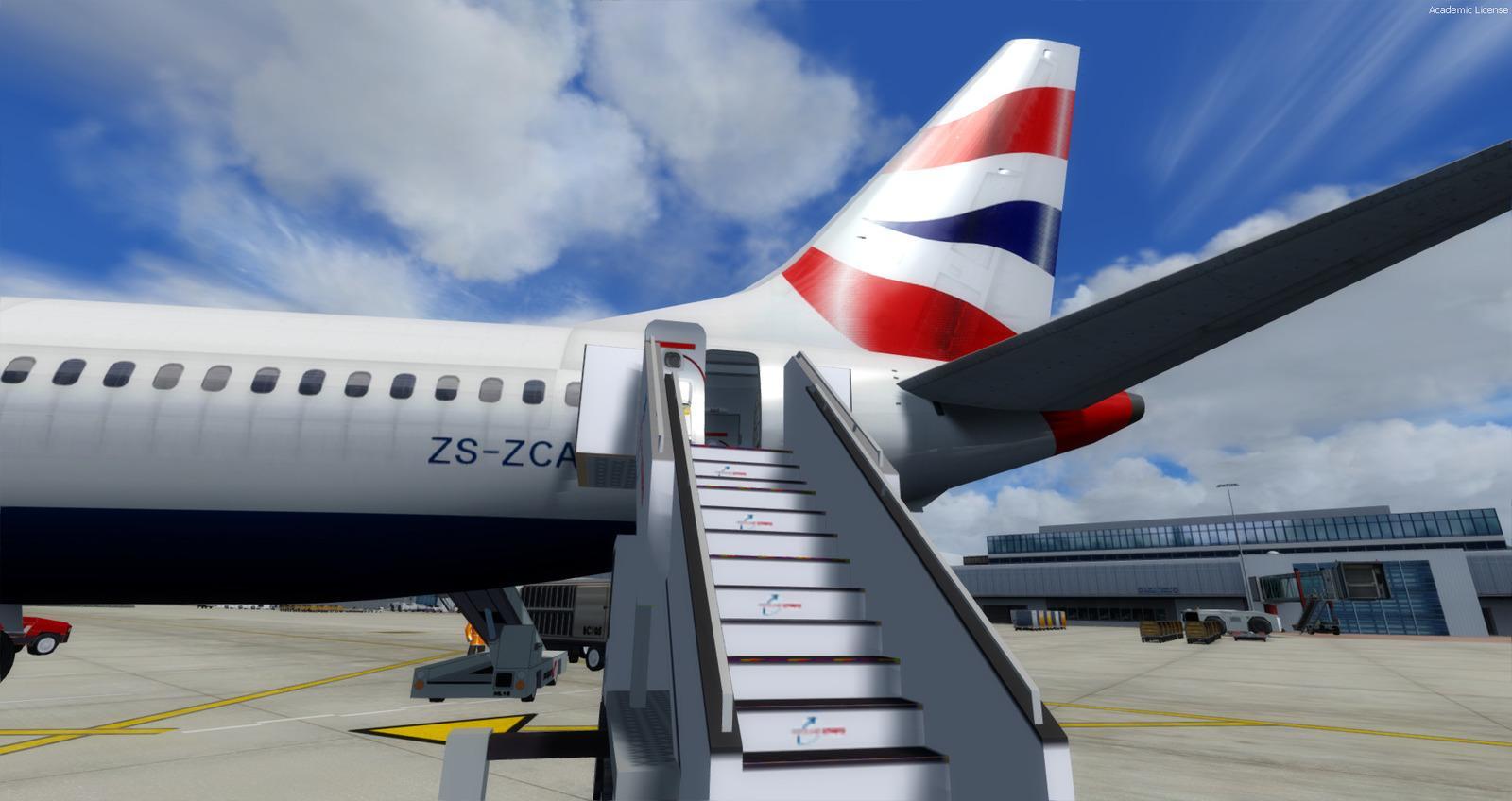
Utility brings together ground services and lighting, including pushback and Dynamic GSU. The illustrations show where to open it in each simulator and identify the various windows. Full manuals and documentation are supplied.
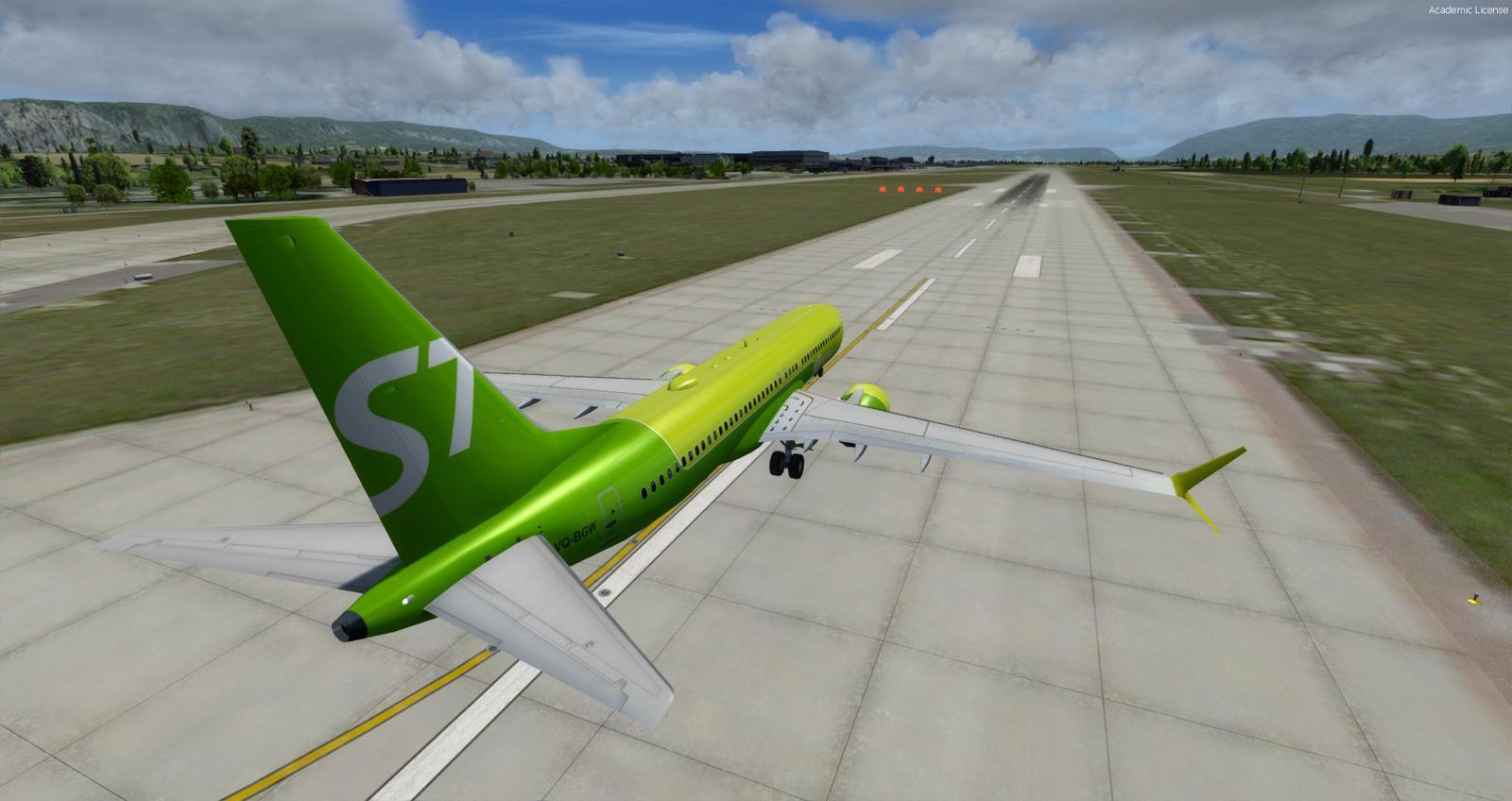
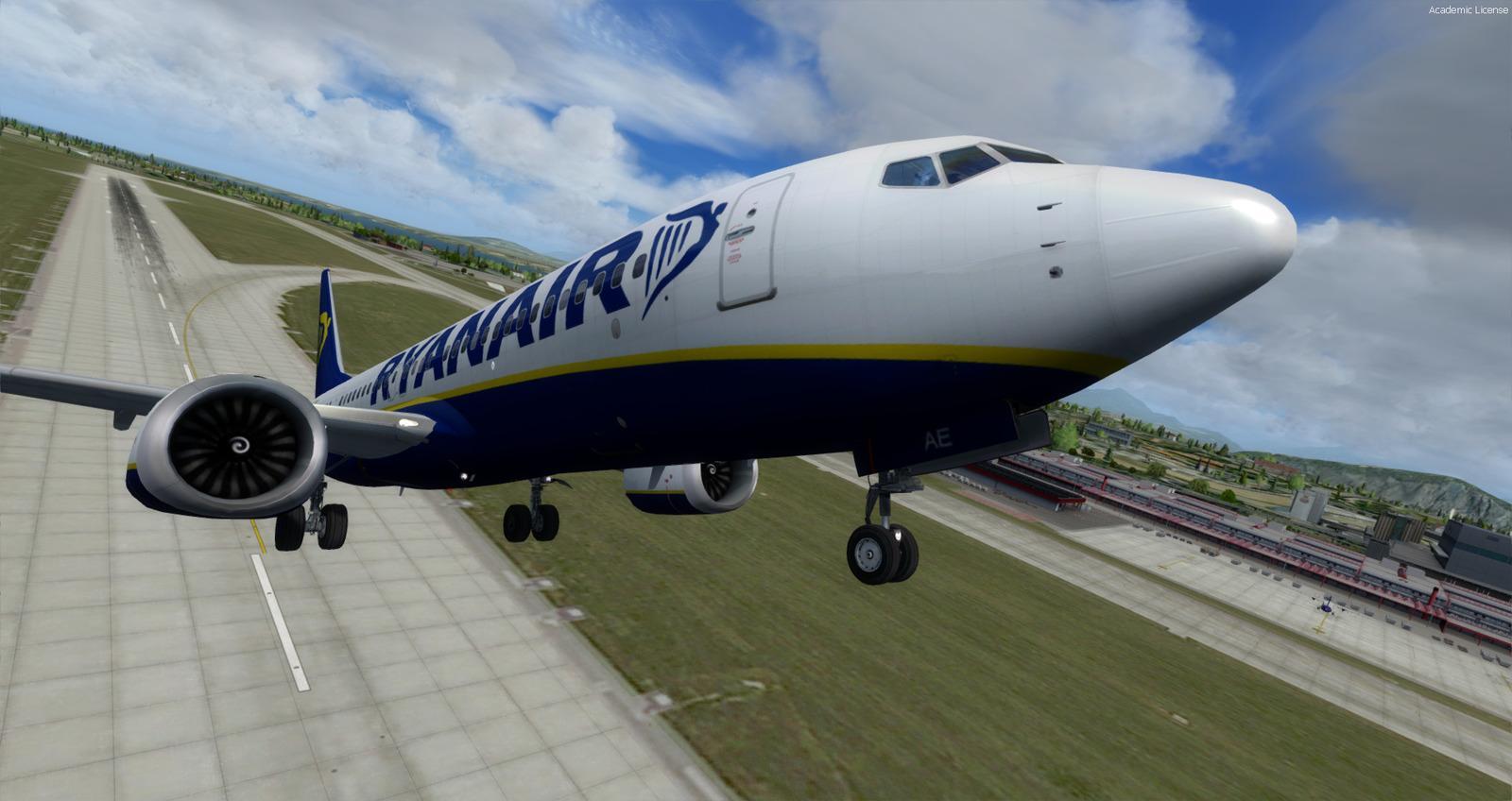
Liveries and authors
|
|
Opening the Utility panel
| Prepar3D | FSX - FSX-STEAM |
 |
 |
Lighting controls
Ground services — panel 1
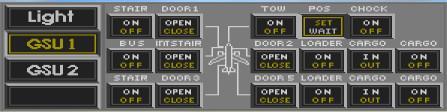
Ground services — panel 2
Pushback and Dynamic GSU
Takeoff speeds
Release notes
Fixed:
- Electric always On -> can now use Cold and Dark mode
- Engine lights brightness on Prerpar3D V4.5
- 2D Panels windows positions
- PFD XML file that now corrects the Barometer settings (by JackyB)
- Radio panel by a full working one with audio
- Night virtual cockpit textures by more realistic ones
- Virtual cockpit light effect (fx_vclight) for better realism
- Virtual cockpit textures have been replaced by better dark textures of higher quality
- Icon buttons in virtual cockpit
- Icon for Utility and Lights Panel in virtual cockpit and 2D Panel
- Gauges self-lighting improvement in virtual cockpit
Updated on 24/02/2020: Version 1.02
Fixed:
- Multiple corrections to Aircraft.cfg and Panel.cfg files
- Center of gravity
- Alarms fixed
- Jetway codes
- Faster loading of the 737-MAX8 into the simulator
- Lights on the engines impossible to stop
- Attenuation of the gyros sound in the VC.
- New effects
- Pre-configured for Shockwave light
Licences and credits
- Author
- Model by Hiroshi Igami (TDS). Reworked 2D Panels and VC by Philippe Marion. CFM LEAP sounds package by k-akai.blogspot.com. Package made by Rikoooo
Comments
Flight experiences, tips and questions from Rikoooo members.
Loading discussions…