
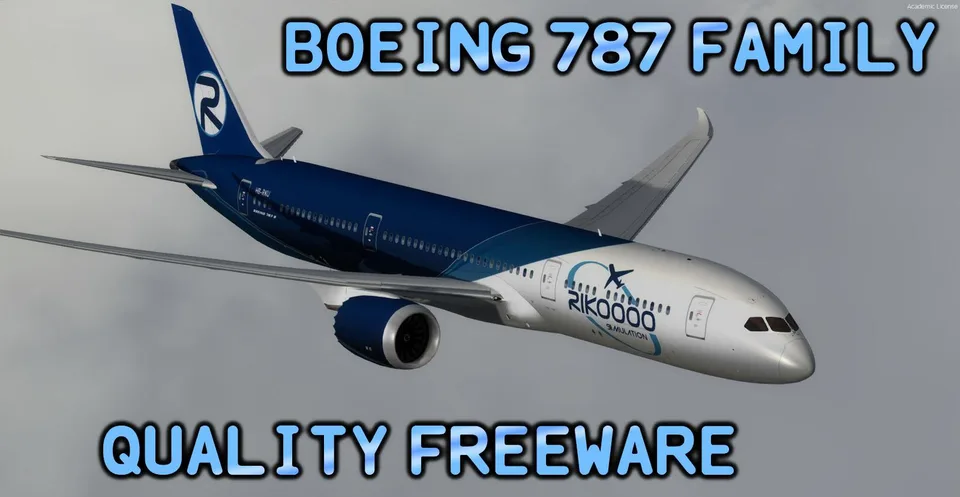
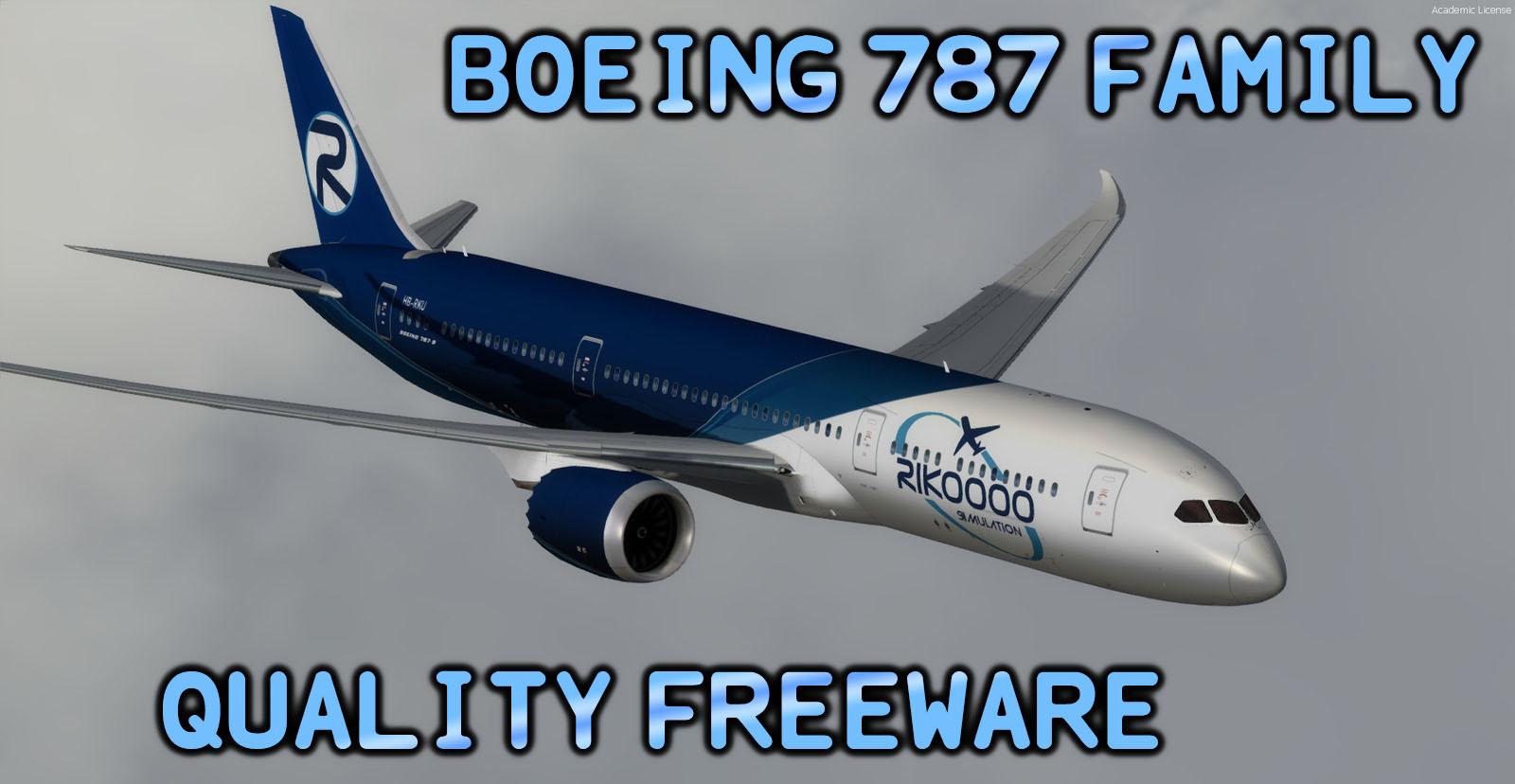
Boeing 787 Family + Virtual Cockpit FSX & P3D
Three variants with a dedicated cockpit, expanded GPS and ILS autoland. A lighter configuration is available to reduce display workload.
Images and screenshots
4 photosFull screen
On this page
Overview
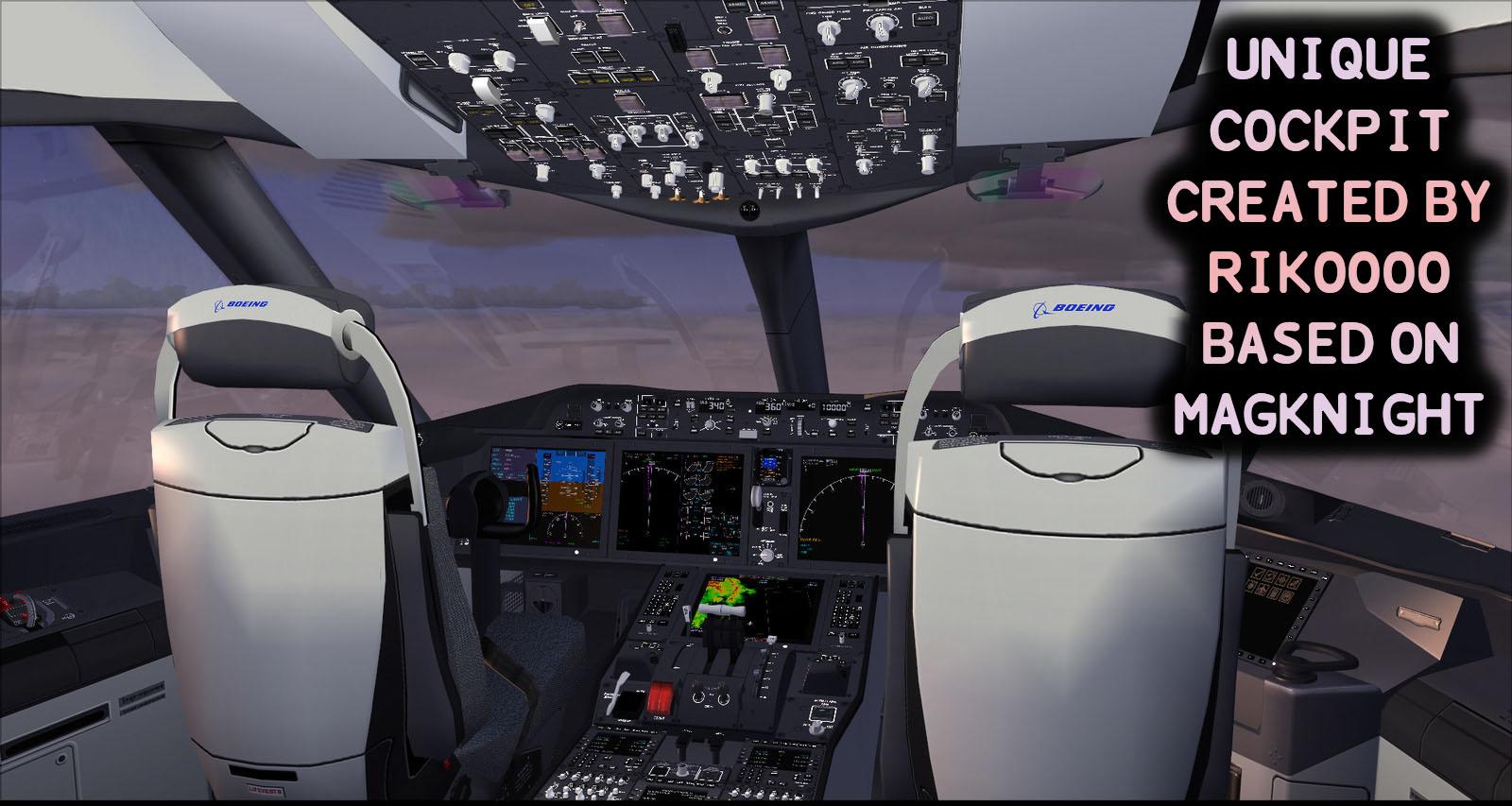
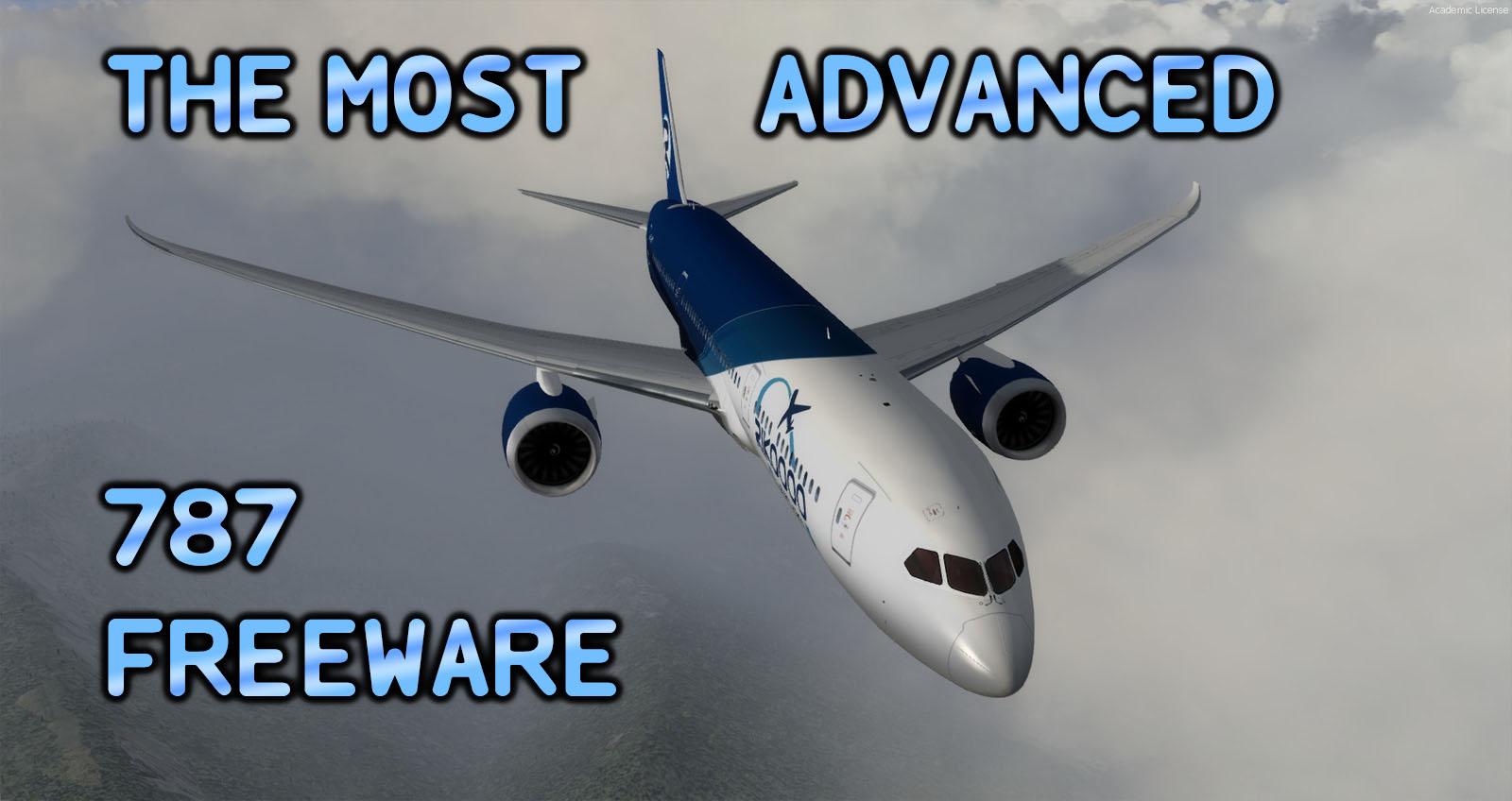
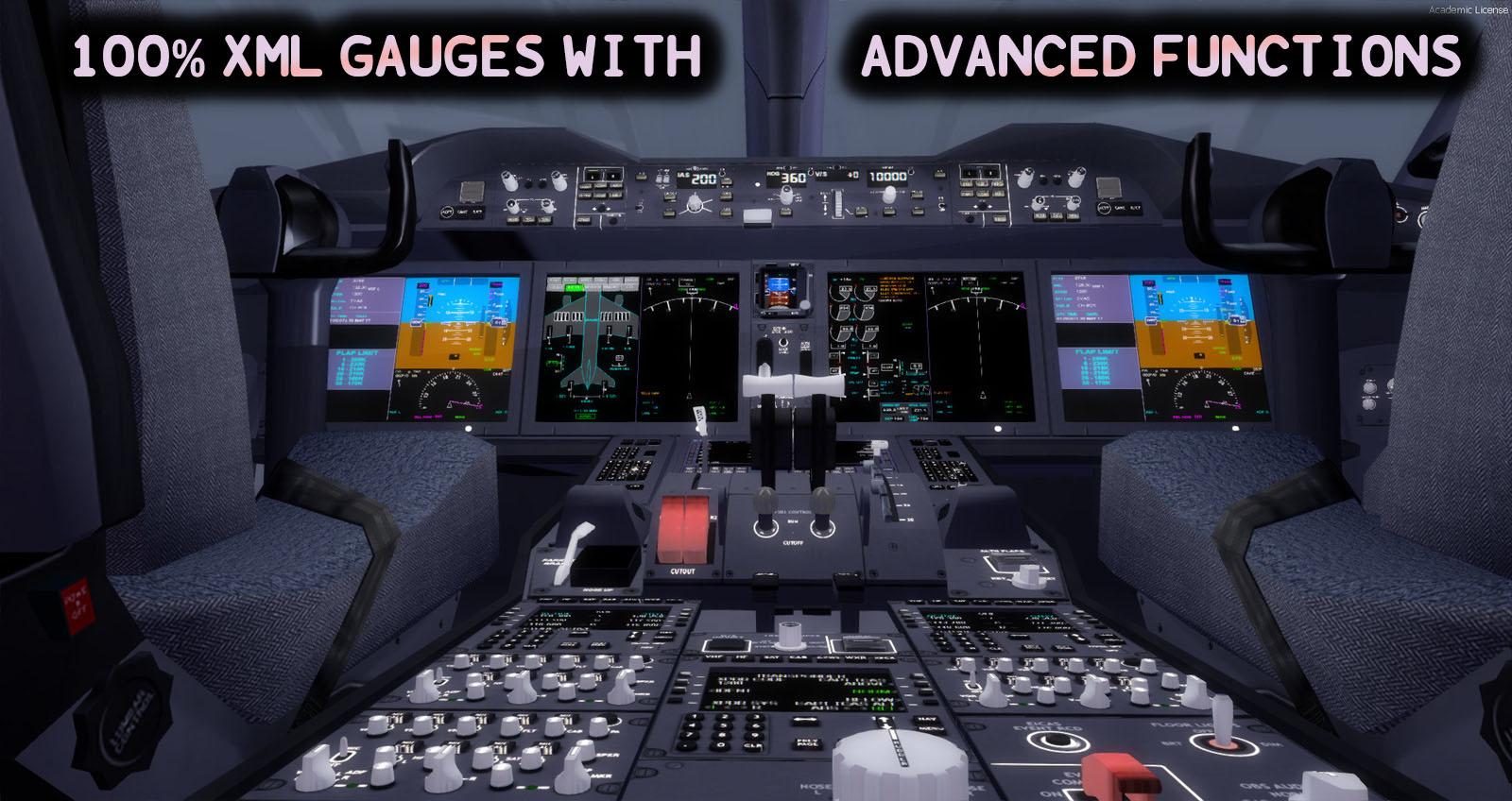
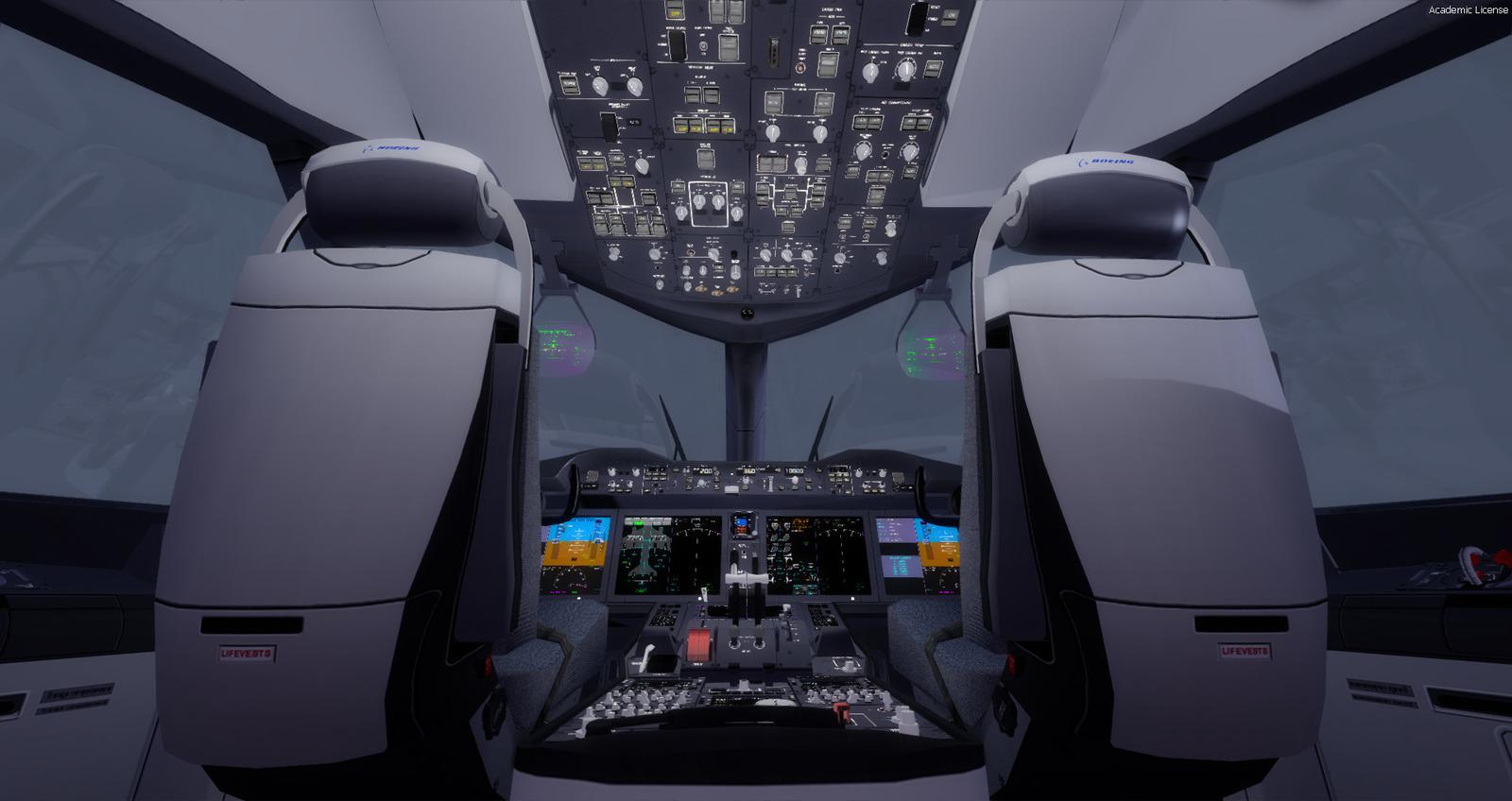
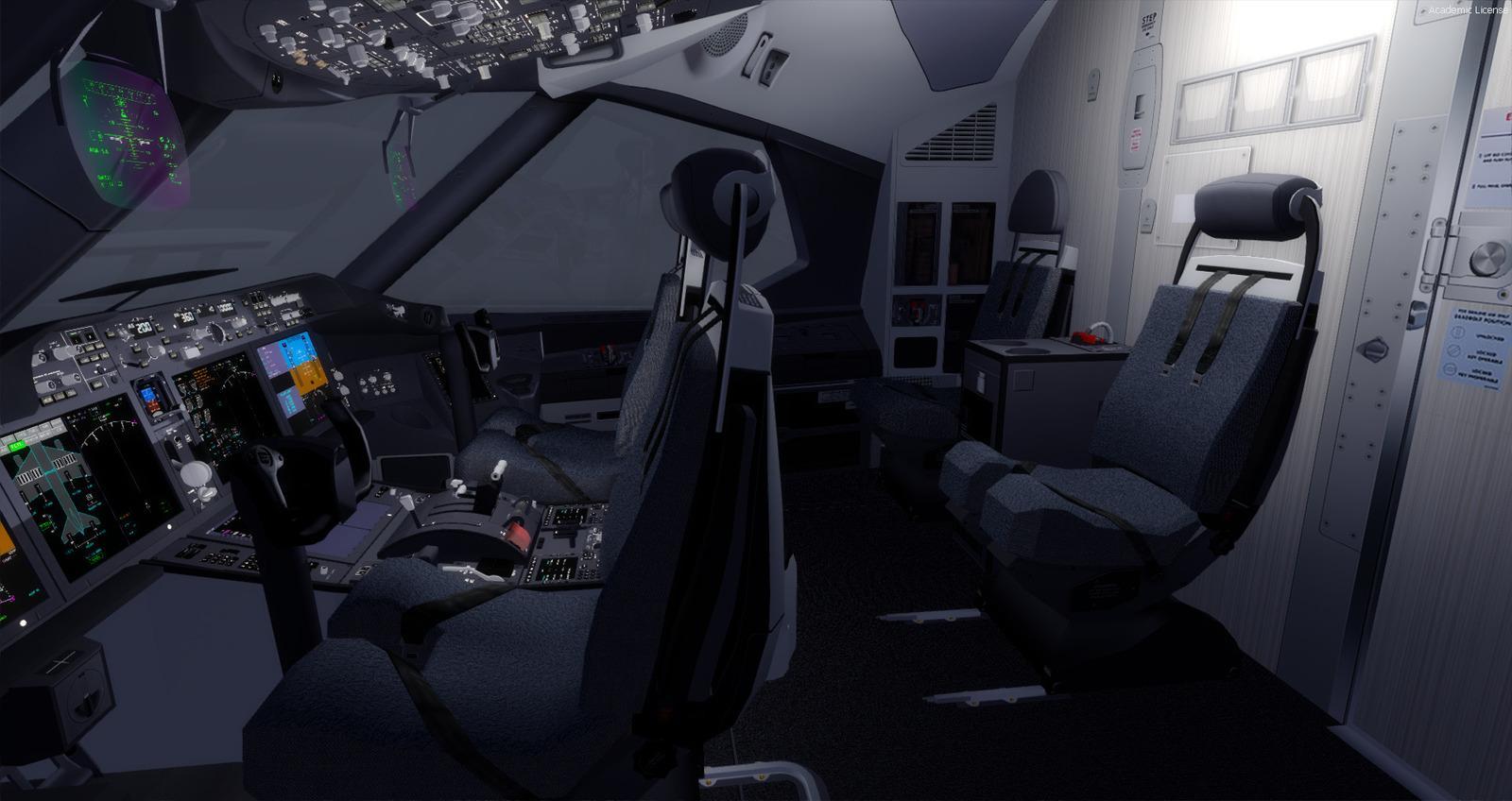
Erik Bender / Rikoooo integrated a dedicated virtual cockpit with TDS’s GEnx-powered Boeing 787-8, 787-9 and 787-10. It uses MagKnight’s 3D assets, XML instruments rewritten from Gavin Munro’s work and animations created for this adaptation. Kairi Akai supplied the GEnx sounds. Three Rikoooo liveries accompany the schemes listed below.
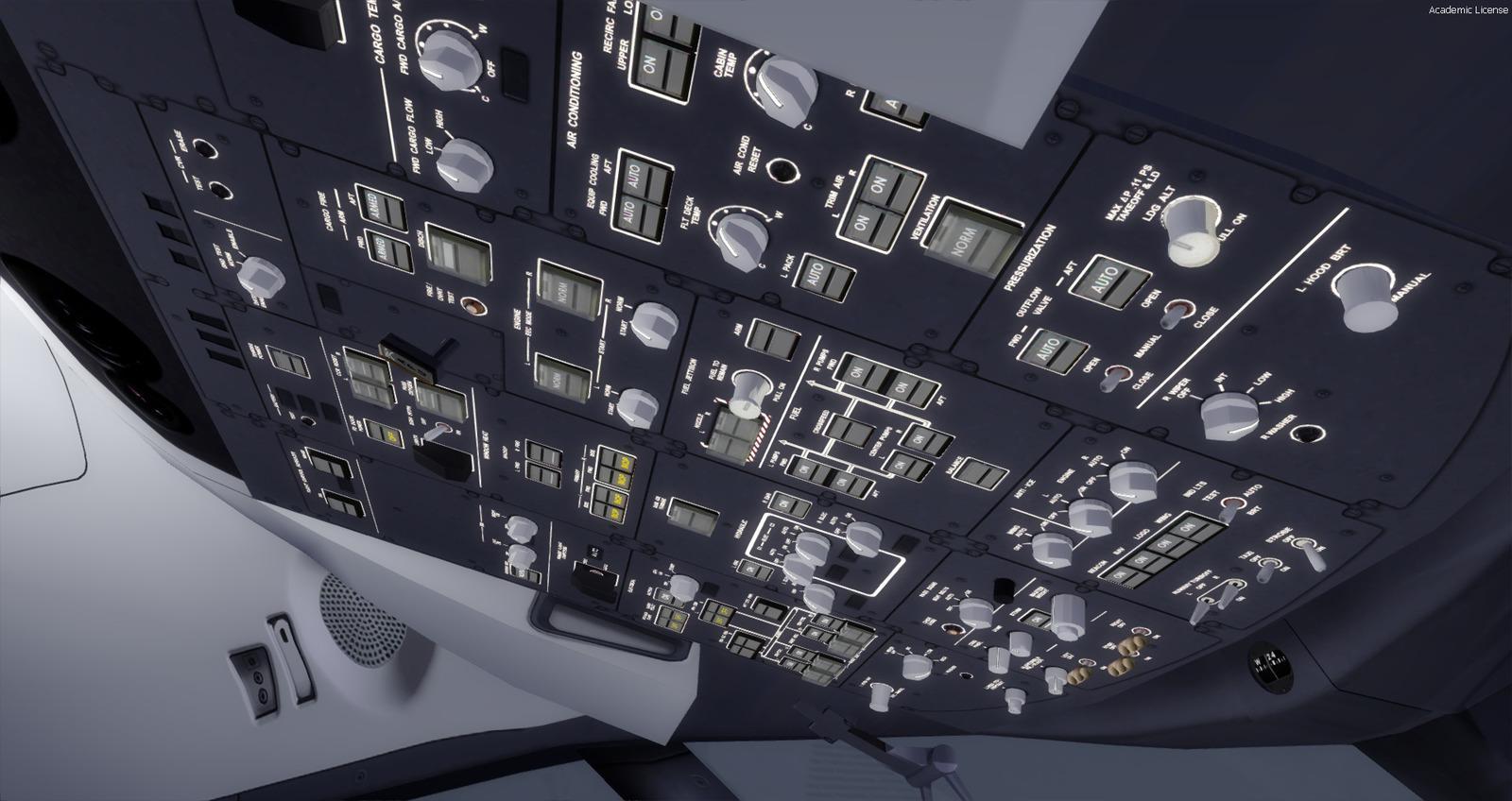
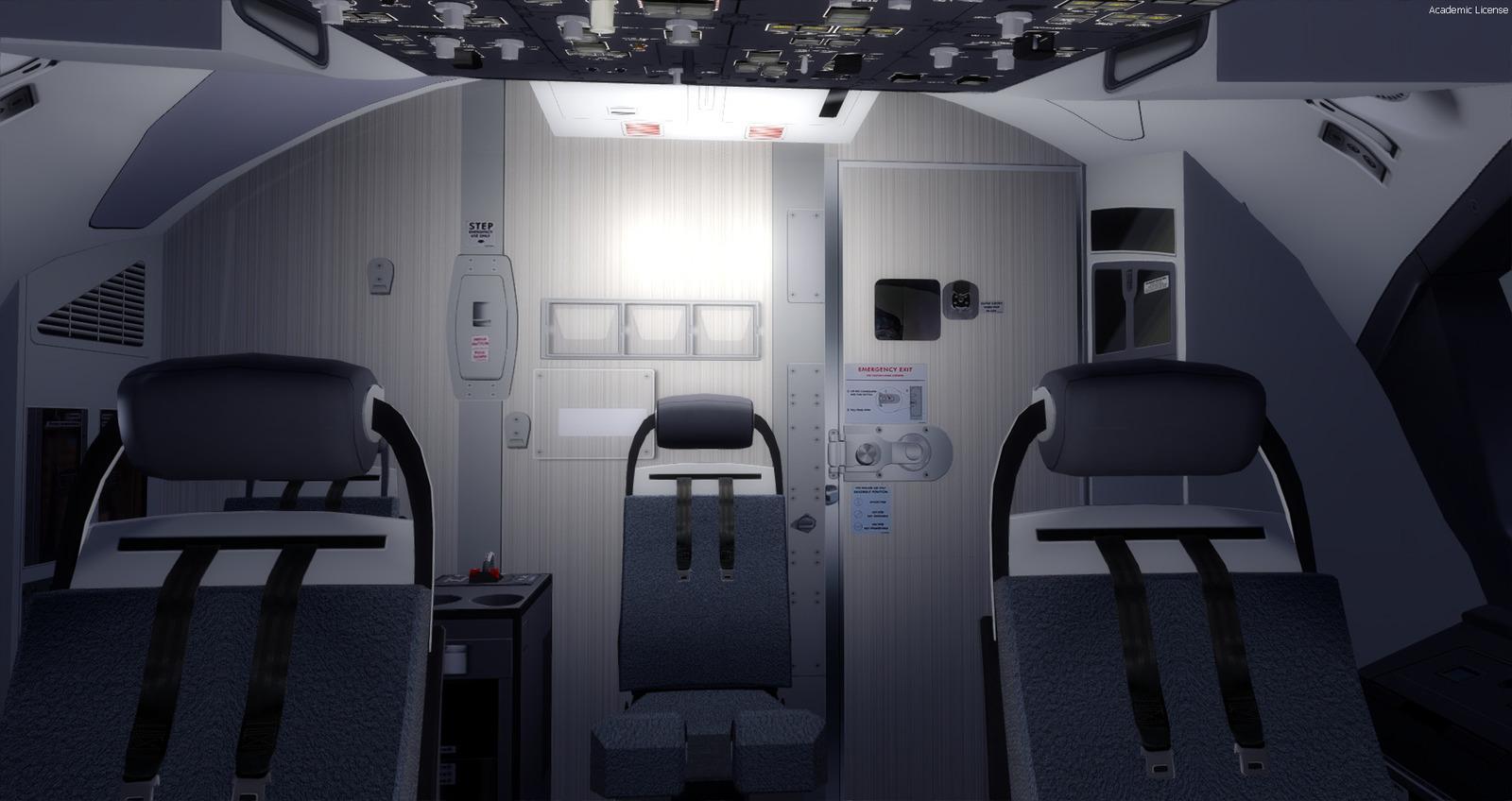
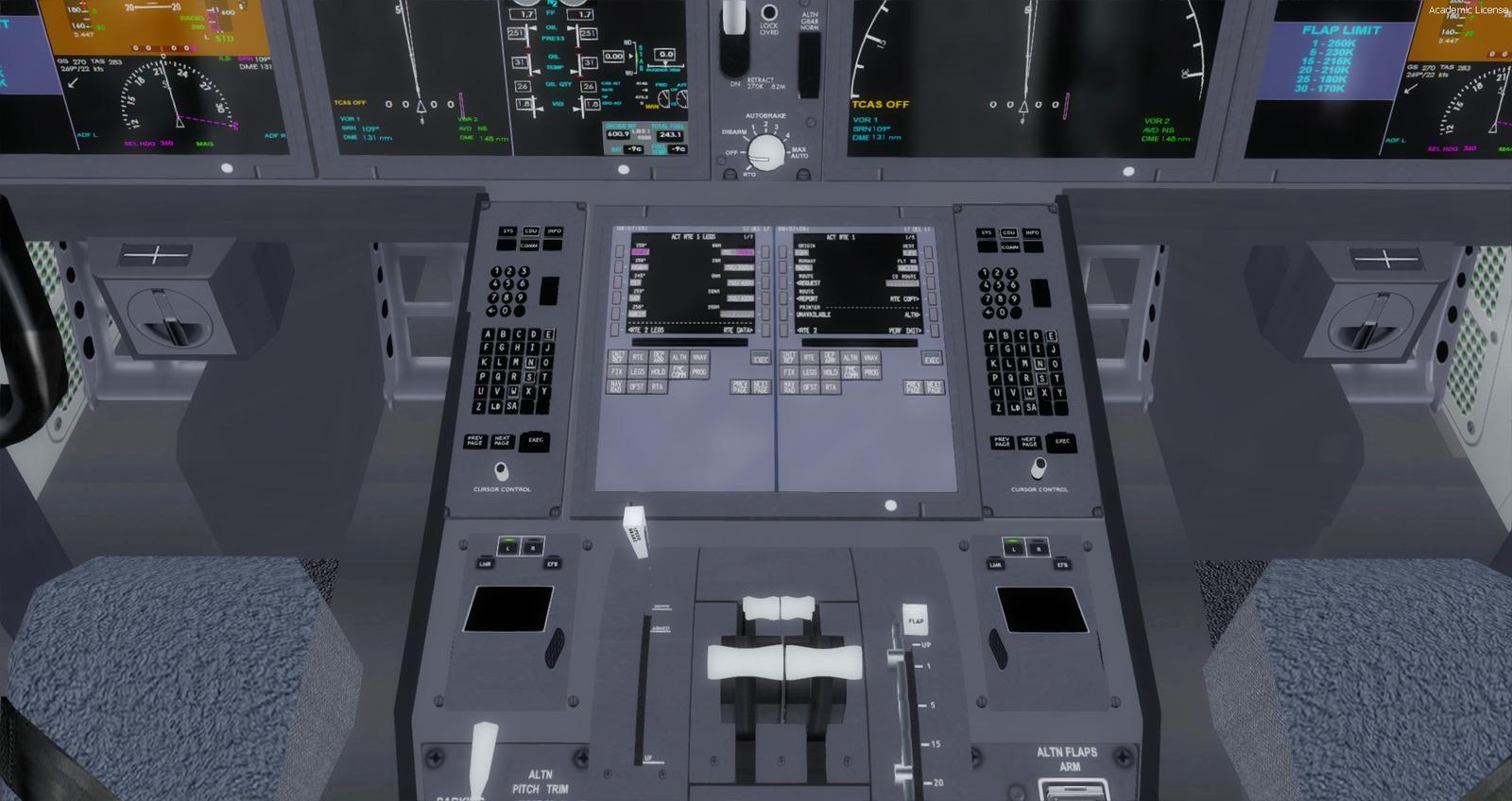
Flying is through the virtual cockpit: there is no complete 2D panel. Pop-up windows provide access to the principal avionics. The package includes 22 camera views, GPWS, switch sounds, pushback, a maximum-landing-weight calculator, GSU and lighting panels. Flight dynamics have been revised for stability and balance.
Choose between two configurations during installation. The lighter version removes maps and navigation information from the MFD/PFD screens, leaving navigation displayed on the GPS. The normal version retains these displays, with a graphics workload that can reduce frame rate depending on your computer.
Native FSX and Prepar3D v4 models are provided. PBR rendering in the updated models is for Prepar3D v4 and v5 only; FSX does not support it. In P3D v4, set Dynamic Reflection to Off if textures look grey from some angles. This issue is not reported for v5.
Navigation and landing
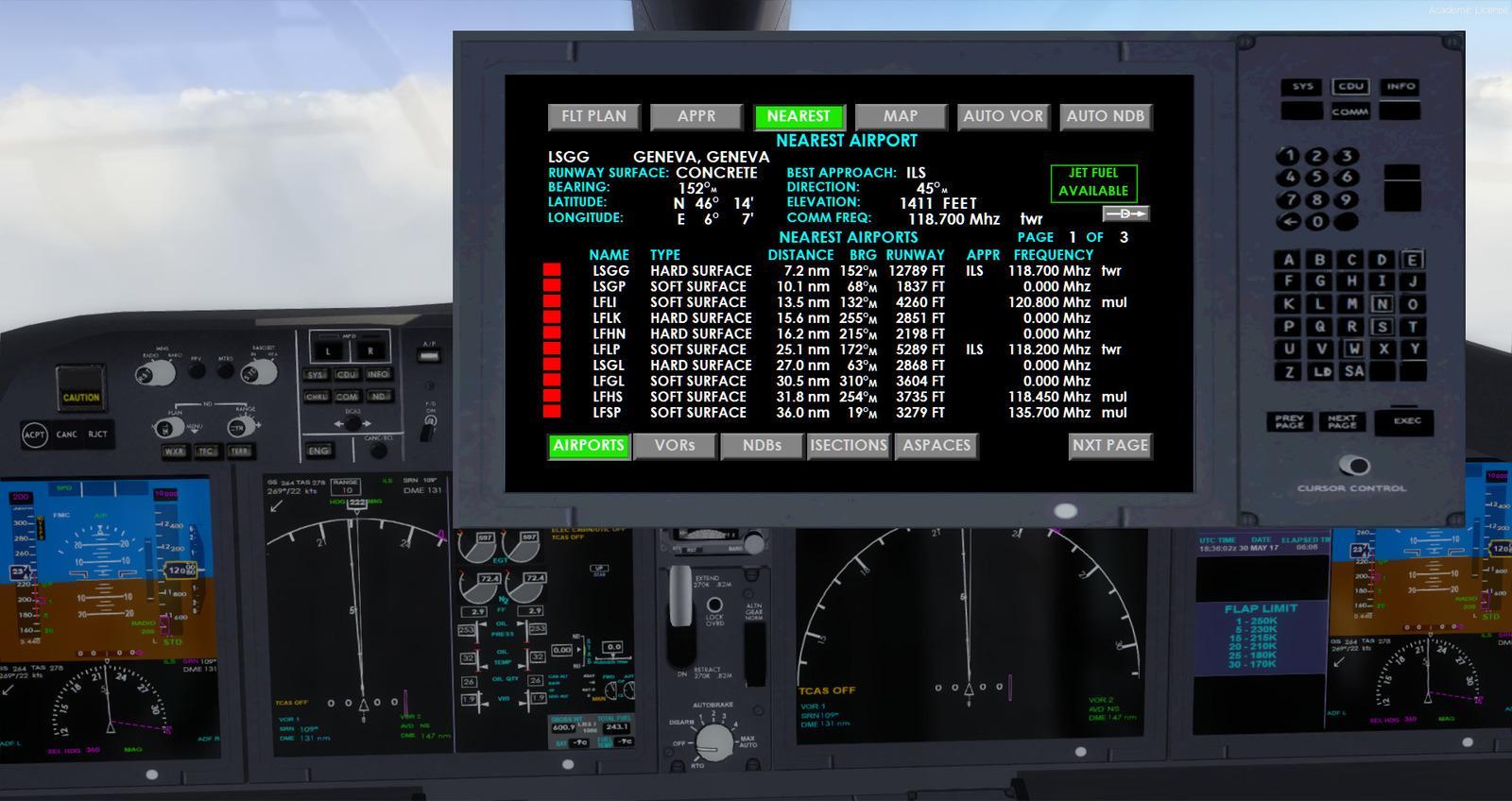
The GPS covers the main GPS 500 functions and adds ILS tuning, selectable or automatic VOR/NDB tuning, nearest-airport and intersection searches, and detailed terrain maps. It displays TCAS traffic, a TAWS map, the flight plan, selectable overlays and runway lists. The map can be moved, the background colour changed and pages accessed directly.
An approach can be selected and activated in two clicks, with transition selection, localiser and glideslope indications, and Direct-to. The gauge takes visual inspiration from 787 displays rather than reproducing a particular real instrument.
Stable version 1.1 includes GPS 1.8: distance to destination on MAP, active frequencies on nearest-VOR/NDB pages, corrected intersection-coordinate display around 180° longitude and fixes for identical ILS frequencies. TERRAIN/TAWS maps, RANGE, master alarms and the PFD’s SPD text have also been corrected.
Dimitrios Moschos’s ILS CAT II/III Autoland is included and configured. The lift_scalar values have been adjusted for its use. Read AUTOLAND_Readme.txt in Documents before using it; the cockpit and aircraft manuals are also located there.
Documentation and contributors
AES, Intelliscene and GSX configuration files and the public TDS 787 paint kit are supplied. Permissions cover Hiroshi Igami’s exterior models, Mariano Gonzalez’s MagKnight freeware v05.2 assets, rewriting Gavin Munro’s gauges and using Carlos Eduardo Salas’s liveries.
Gavin Munro also helped with gauge programming, while Hiroshi Igami assisted with the model and textures. Ken Webber created HD VC textures and the Rikoooo liveries. Oniel Black contributed to the 3DS Max animations, and Hiroaki Itoh helped test the flight dynamics and systems and diagnose errors.
Included liveries
Rikoooo Livery 1
United Airlines
Thomson Airways
Royal Air Maroc
Kenya Airways
Jetstar Airways
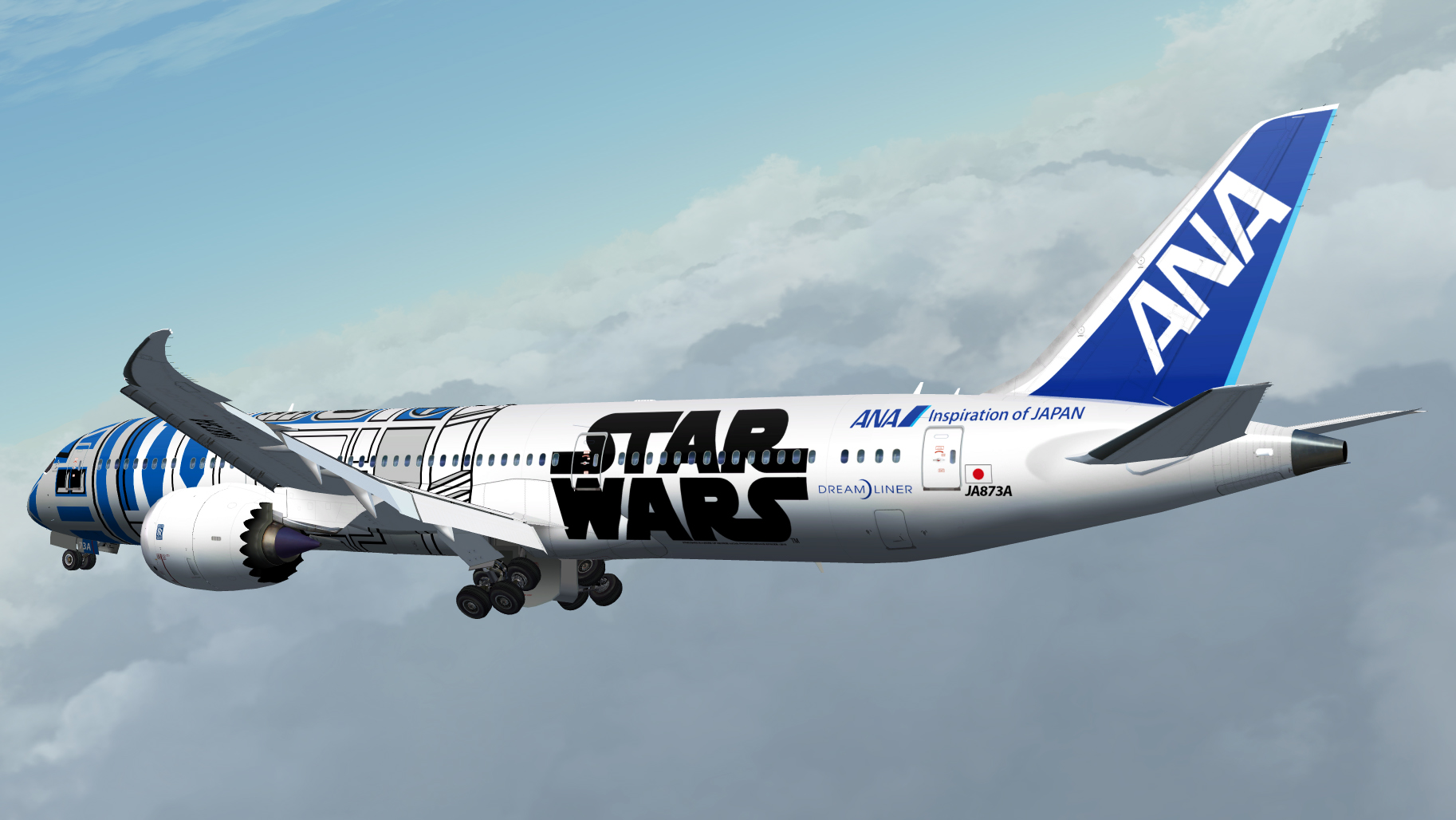
Japan Airlines "Ghibli Jet"
Hainan Airlines
Ethiopian Airlines
Jetairfly
China Southern Airlines
Air India
Aeromexico
Oman Air
United Arab Emirates
Xiamen Air
Royal Jordanian
Qatar Airways
Japan Airlines
China Southern B-2725
Arke
Air India star Alliance
Air Canada
Azerbaijan Airlines
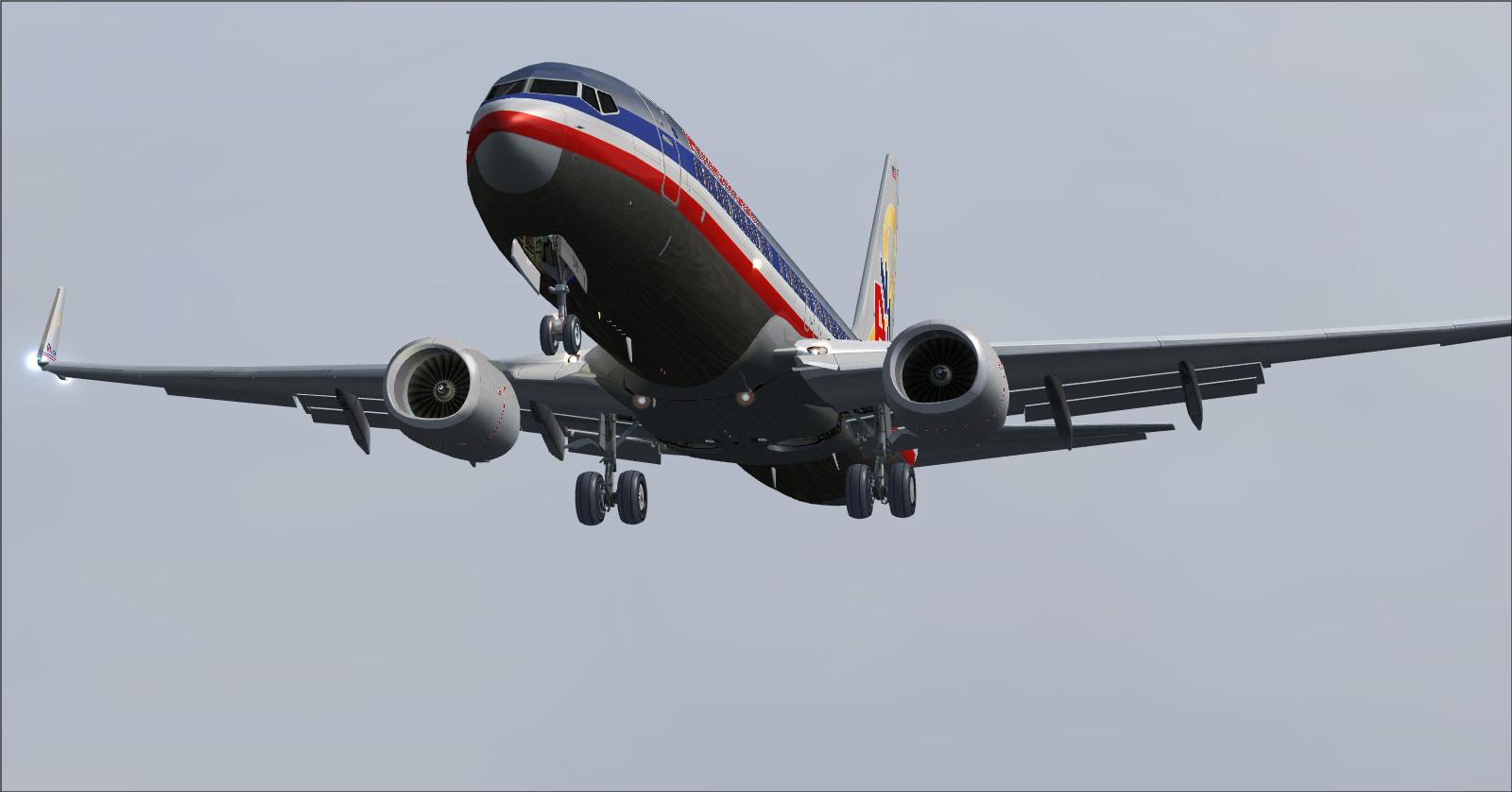
American Airlines
Air Austral
Rikoooo Livery 2
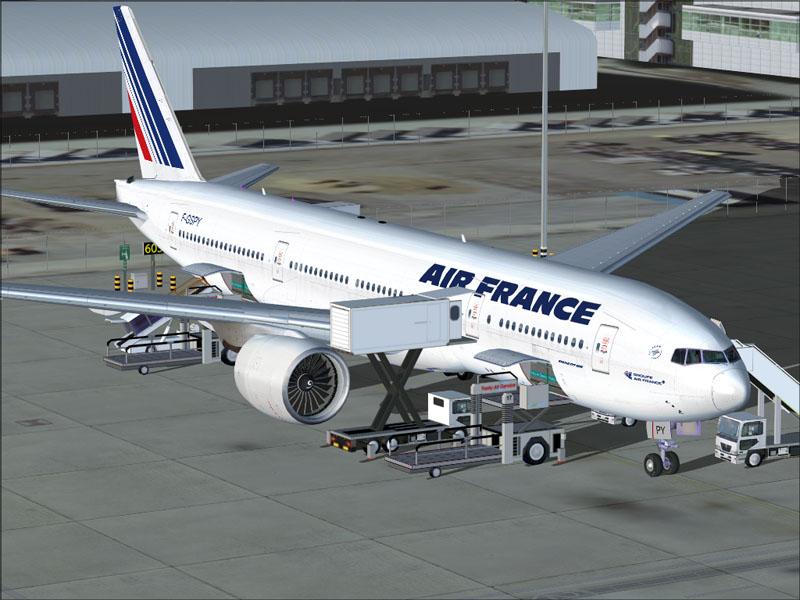
Air France
United Airlines
Saudi Arabian Airlines
KLM PH-BHC
Hainan Airlines
Vietnam Airlines
Japan Airlines
American Airlines
Etihad Airways
Air Canada
Rikoooo Livery 3
KLM
United Airlines
Fly Emirates
Etihad Airways
Eastern Airlines
American Airlines








Release notes
- Fixed SPD text always displayed on PFD.
- The GPS goes from version 1.6 to version 1.8:
- The major workaround in Version 1.6 for the 180 degrees longitude problem has now been modified so that the Latitude and Longitude of the faulty waypoints now do display on the Nearest Intersections screen.
- A new feature has been added to display the distance to destination on the MAP screen.
- Another new feature is to display the active frequencies on the Nearest VORs and Nearest NDBs screens.
- Other cosmetic changes have been made to make the screen neater and to take out some old unnecessary syntax. These changes are barely noticeable.
Updated on 18/12/2020: The Boeing 787 Family + Virtual Cockpit package is now updated from version Beta 0.93 to version Stable 1.0. Many bugs have been fixed, flying with this 787 is a real delight!
Here are the changes I made:
- 787-8-9-10 are now compiled and textured with PBR (Physically Based Rendering) support only for Prepar3D v4 and v5, FSX does not support PBR. Note: Under P3D v4 textures may look greyish when viewed from certain angles, to correct this you must disable (Off) "Dynamic reflection" in P3D settings. On the other hand, no problem of this kind with P3D v5:

- Addition and configuration of the missing gauge for the Autoland ILS CAT II / III specific for TDS 787 created by Dimitrios Moschos (see the file AUTOLAND_Readme.txt in your Documents). The 787 is now able to land on its own with the ILS!
- Fixed TERRAIN MODE not showing on the large MFD screen:

- Fixed TAWS (Terrain Awareness and Warning Systems) mode now displaying the map:

- Fixed RANGE value not working normally.
- Fixed MASTER ALARMS flickering continuously.
- Fixed some minor programming errors in TDS787 gauges.
- Widening of the GPS screen.
- GPS gauge is now at version 1.8, ILS identical frequency issues have been fixed. (Special thanks to Gavin Munro for his help)
- Modification of the "lift_scalar" value for each model in the "Aircraft.cfg" file in order to make landings smoother with Autoland.
How to perform an ILS landing with the Rikoooo GPS B787
Licences and credits
- Author
- VC assets by Magknight and conversion by Rikoooo. XML Gauges based on Gavin Munro. Exterior model by Hiroshi Igami (TDS). 787 GEnx Soundset by Kairi Akai. Rikoooo Liveries by Ken WEBBER. Others liveries by Carlos Eduardo Salas
Comments
Flight experiences, tips and questions from Rikoooo members.
Loading discussions…