
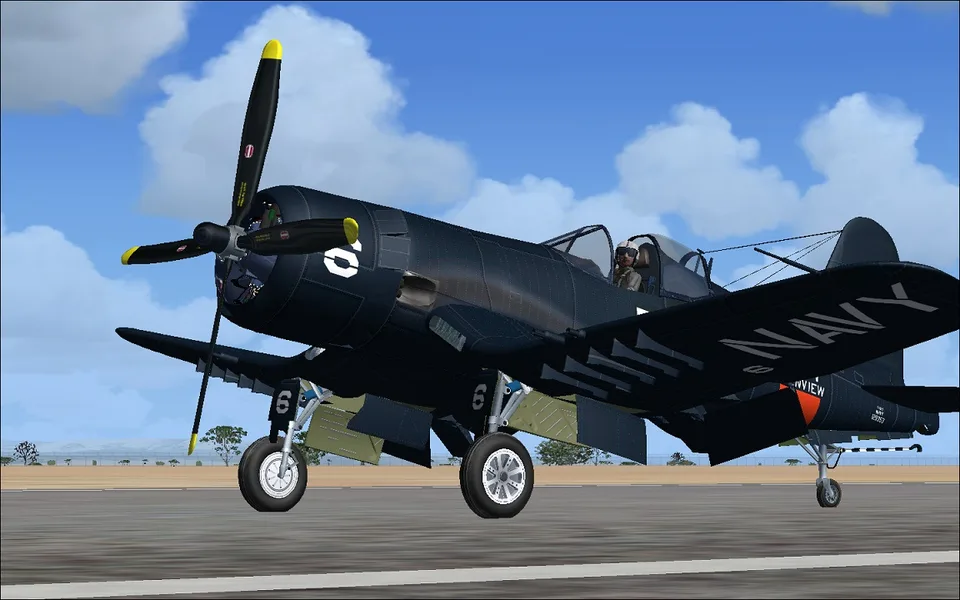
Chance Vought F4U-6 and 7 Corsair FSX & P3D
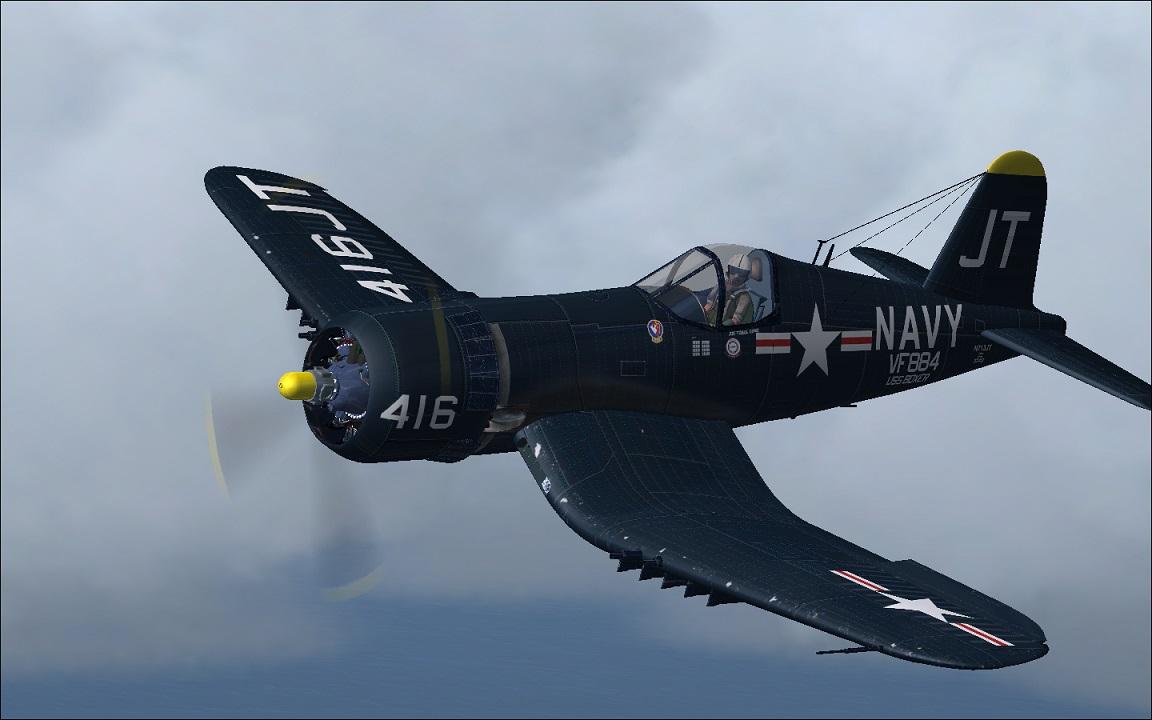
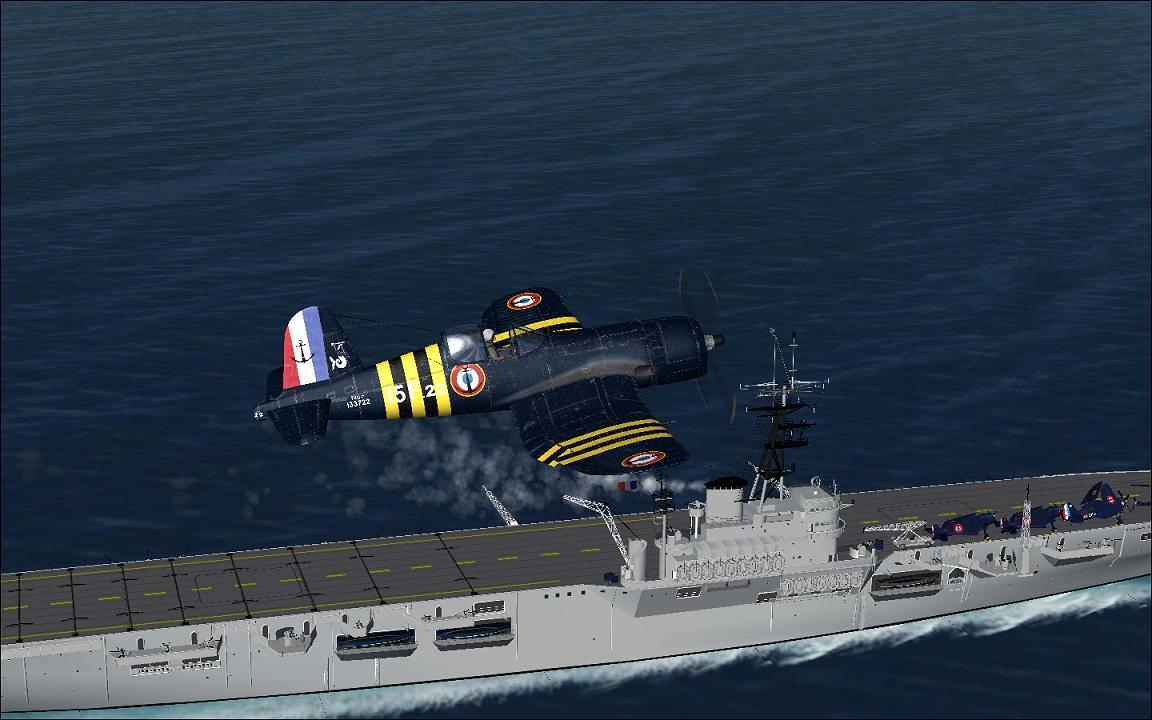
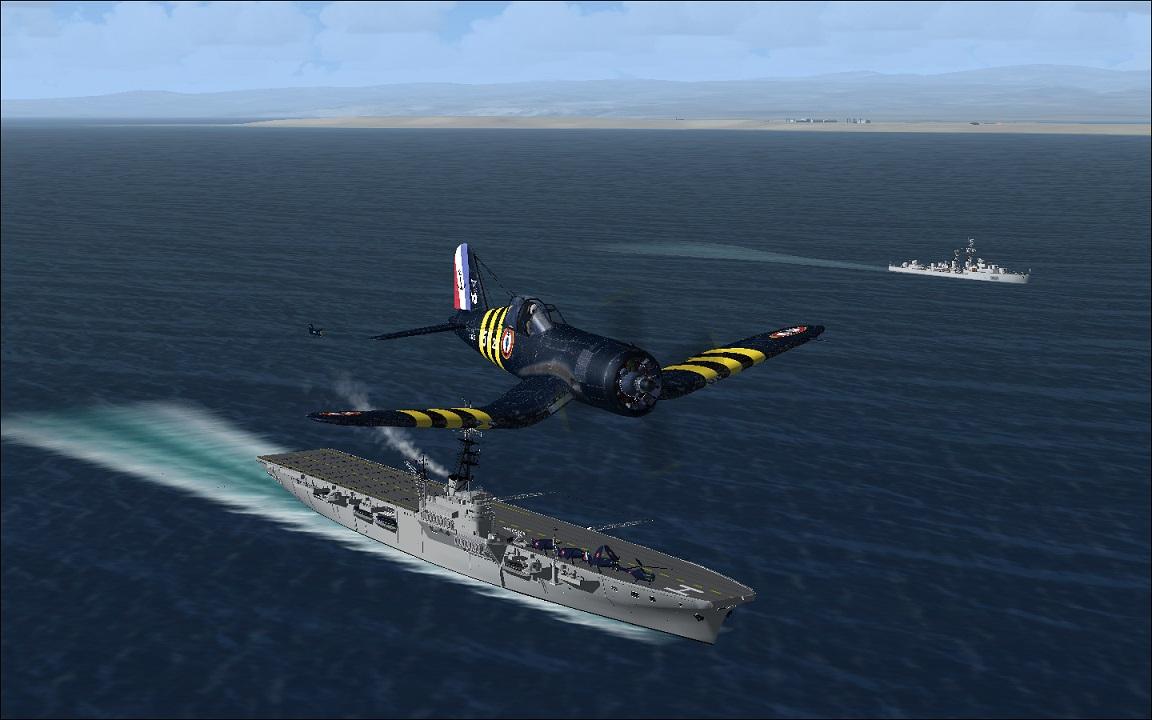
Seven liveries, custom sounds and both 2D and 3D panels. Tailhook, cowl-flap and smoke commands are listed to help prepare your flight.
Images and screenshots
4 photosFull screen
On this page
Overview
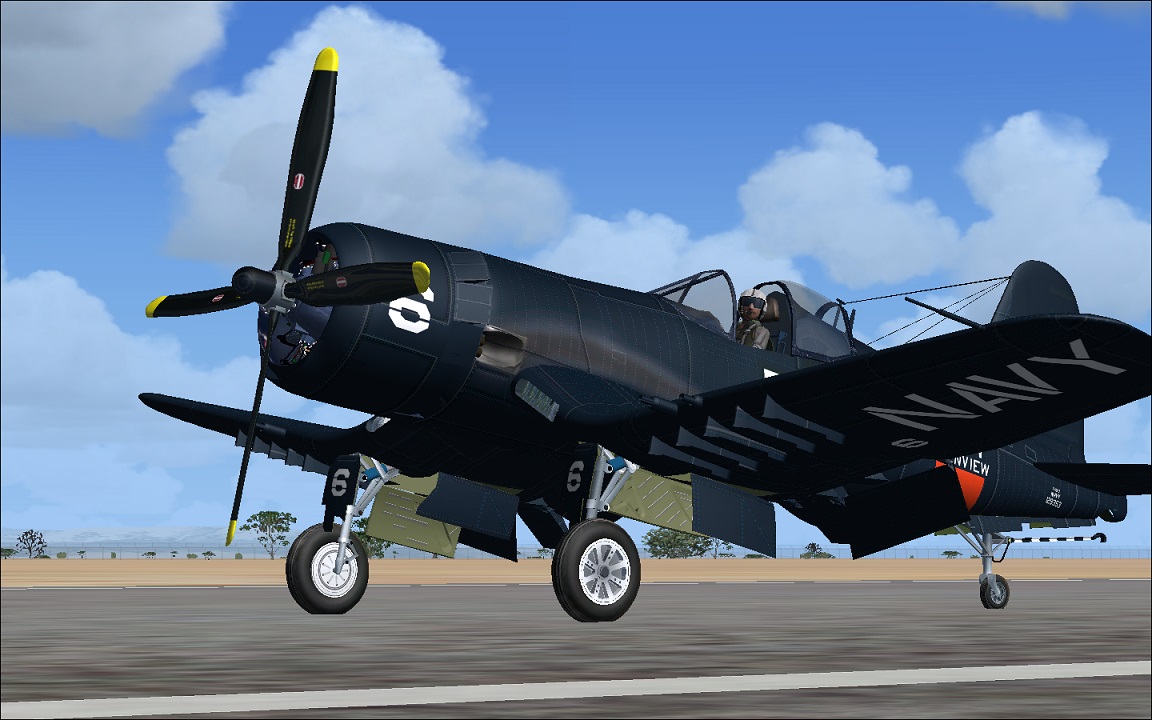
This Chance Vought F4U-6 and F4U-7 Corsair package uses the model by Guy Hulin, Jean-Pierre Langer, Arne Bartels and Tim Conrad, converted natively from FS2004 to FSX/Prepar3D by LLS. It includes seven liveries, high-resolution exterior textures, custom sounds and detailed animations.
A virtual cockpit, 2D panel and documentation are supplied. The inverted gull wing gives these Corsair versions their distinctive outline. Use the following commands to operate the model:
- L: lights.
- Shift+E: open or close the canopy/door.
- I: smoke effect.
- Ctrl+Shift+V: open the cowl flaps.
- Ctrl+Shift+C: close the cowl flaps.
- Shift+T: tailhook.


Licences and credits
- Author
- Guy Hulin, Jean-Pierre Langer, Arne Bartels, Tim Conrad, FSX native conversion by LLS
Comments
Flight experiences, tips and questions from Rikoooo members.
Loading discussions…