
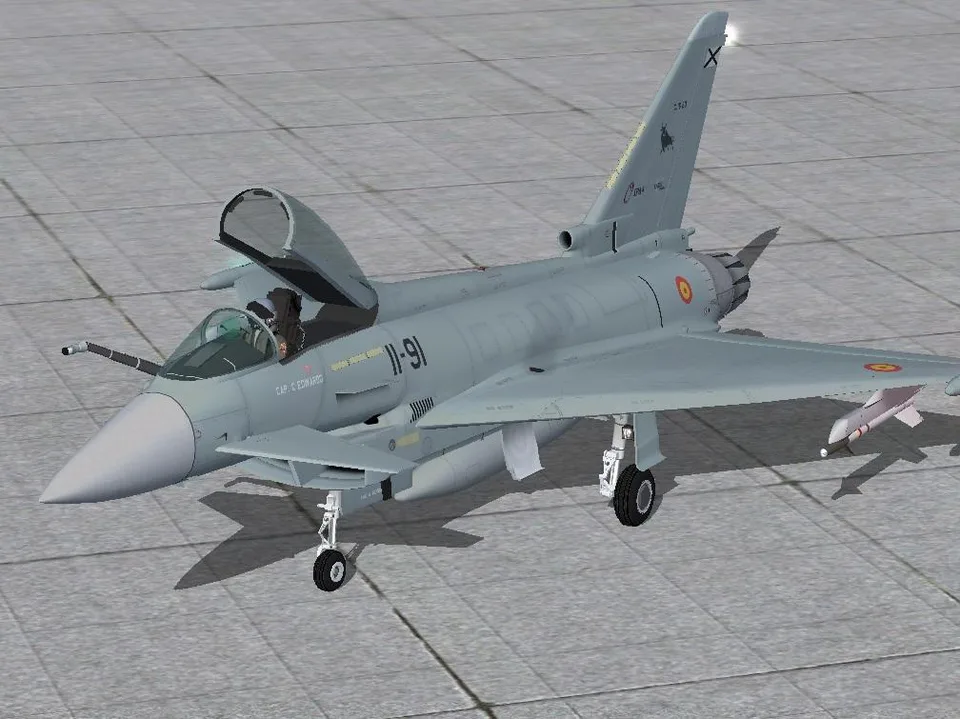
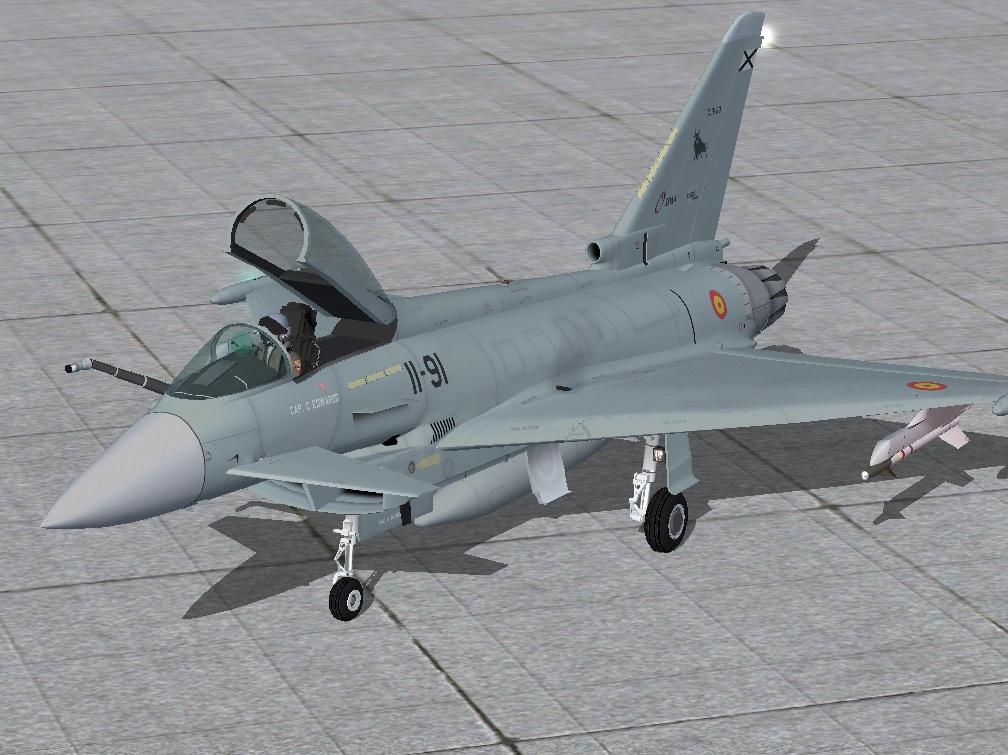
Eurofighter Typhoon AlphaSim FSX & P3D
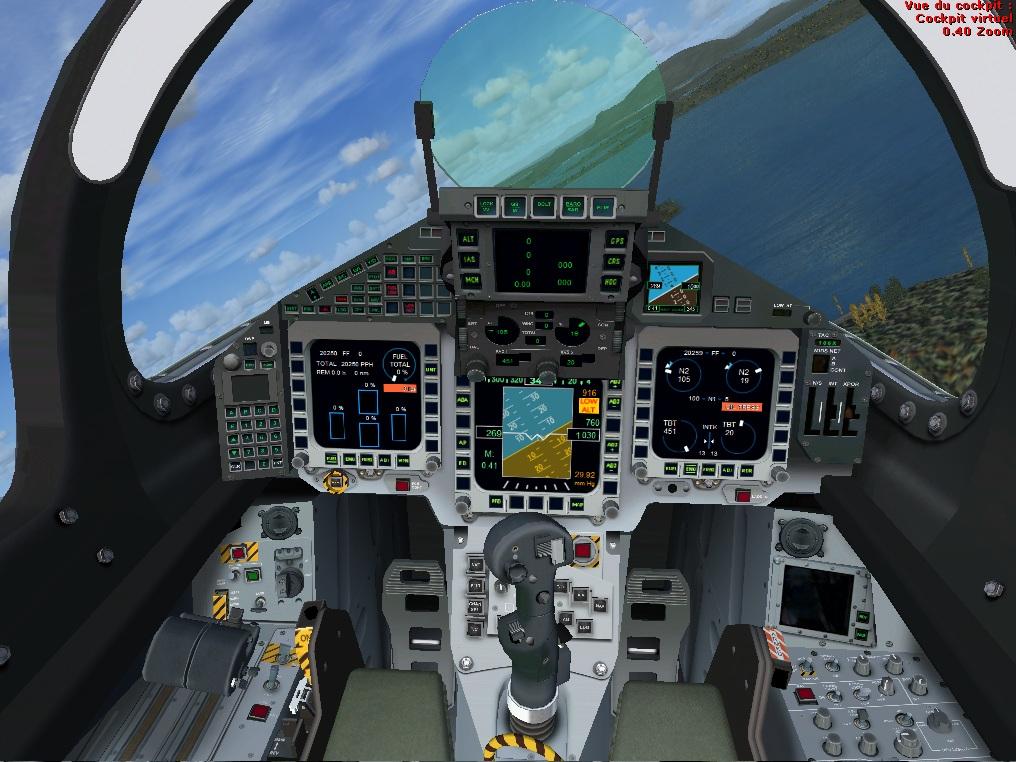
A cockpit with detailed starting procedures, a drag chute and an animated refuelling probe, plus a lower-polygon version for multiplayer.
Images and screenshots
4 photosFull screen
On this page
Overview
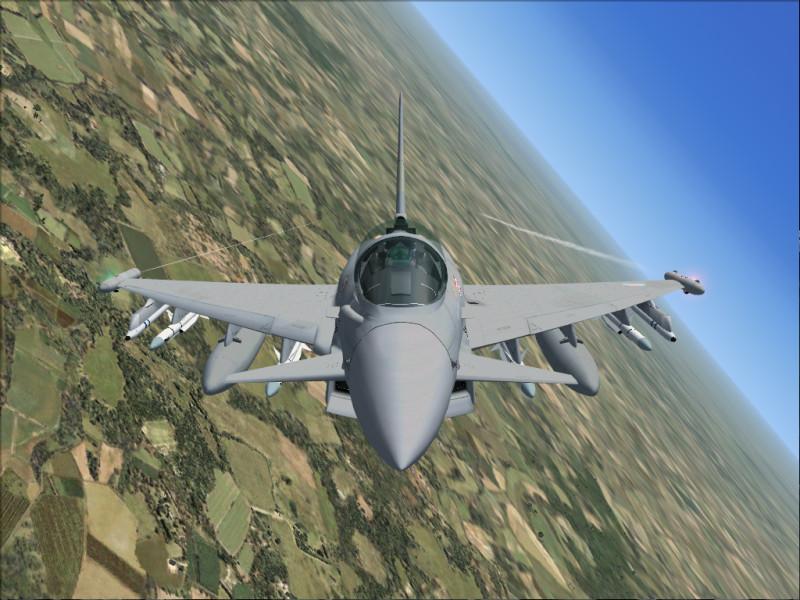
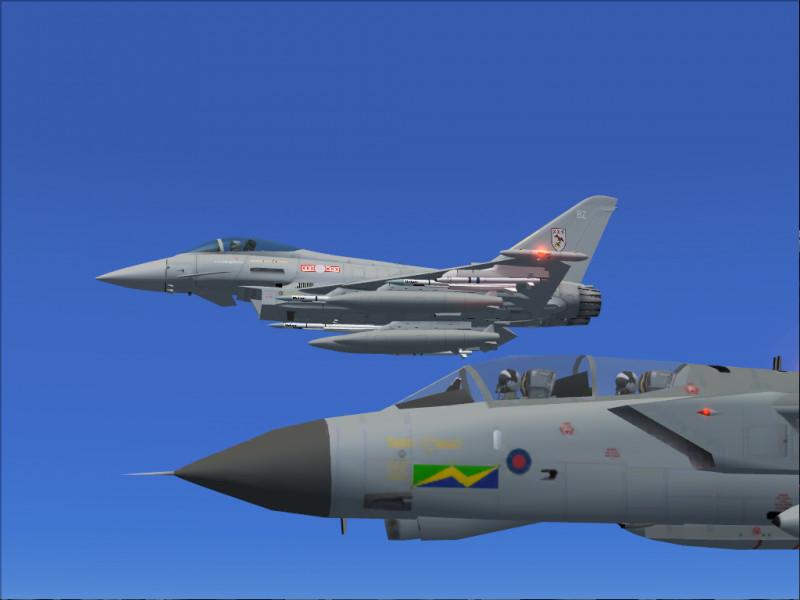
The AlphaSim/Virtavia Eurofighter Typhoon for FSX/Prepar3D includes a virtual cockpit and a lower-polygon model for multiplayer sessions. The latter is a player aircraft, not an AI model. The FS2004 HUD and radar are not included because they are incompatible with this adaptation. Their panel.cfg entries remain available for fitting a suitable replacement.
- Speedbrakes: / key or panel button.
- Drag chute: hold F2, using the reverse-thrust command; press F1 to cancel.
- Flaps: use the normal keys for three positions—up, intermediate and down. No dedicated lever is modelled.
- Refuelling probe: hold Shift and tap E, release Shift, then press 2 within two seconds. You can assign a different control in the simulator.
- Pilot visors respond automatically to daylight.
Many switches show tooltips but are decorative. Functional controls include the gear and landing lights on the left console, and navigation lights, panel lights, fuel cutoff and two starters on the right.
To shut down, lift the red guard and operate the fuel cutoff. Return it to ON while the engines spool down so that they can restart. Then use AutoStart at the upper left, or hold each cockpit starter down for about six seconds until the engine catches. Releasing it early means starting the procedure again.
The English instructions specify that shutdown with Ctrl + Shift + F1 prevents these starter switches from restarting the engines; Ctrl + E is then required. To use the cockpit starting procedure, shut down with the fuel-cutoff controls.
For the rear cockpit, hold Ctrl + Enter, then raise the viewpoint with Shift + Enter. Return with Ctrl + Backspace followed by Shift + Backspace, or reselect the aircraft.
Buttons at the upper left toggle white display smoke and AI aircraft labels. The label button shows red text while labels are enabled.
Separate download: FS2004 version.
Licences and credits
- Author
- Alphasim/Virtavia
Comments
Flight experiences, tips and questions from Rikoooo members.
Loading discussions…