
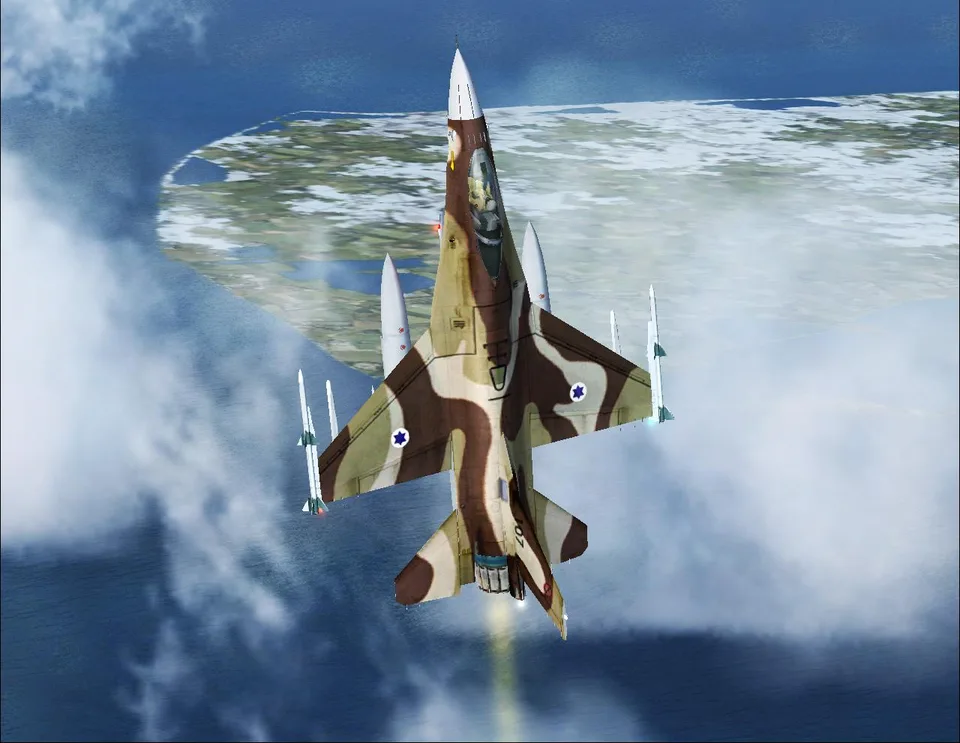
F-16 Fighting Falcon FSX & P3D
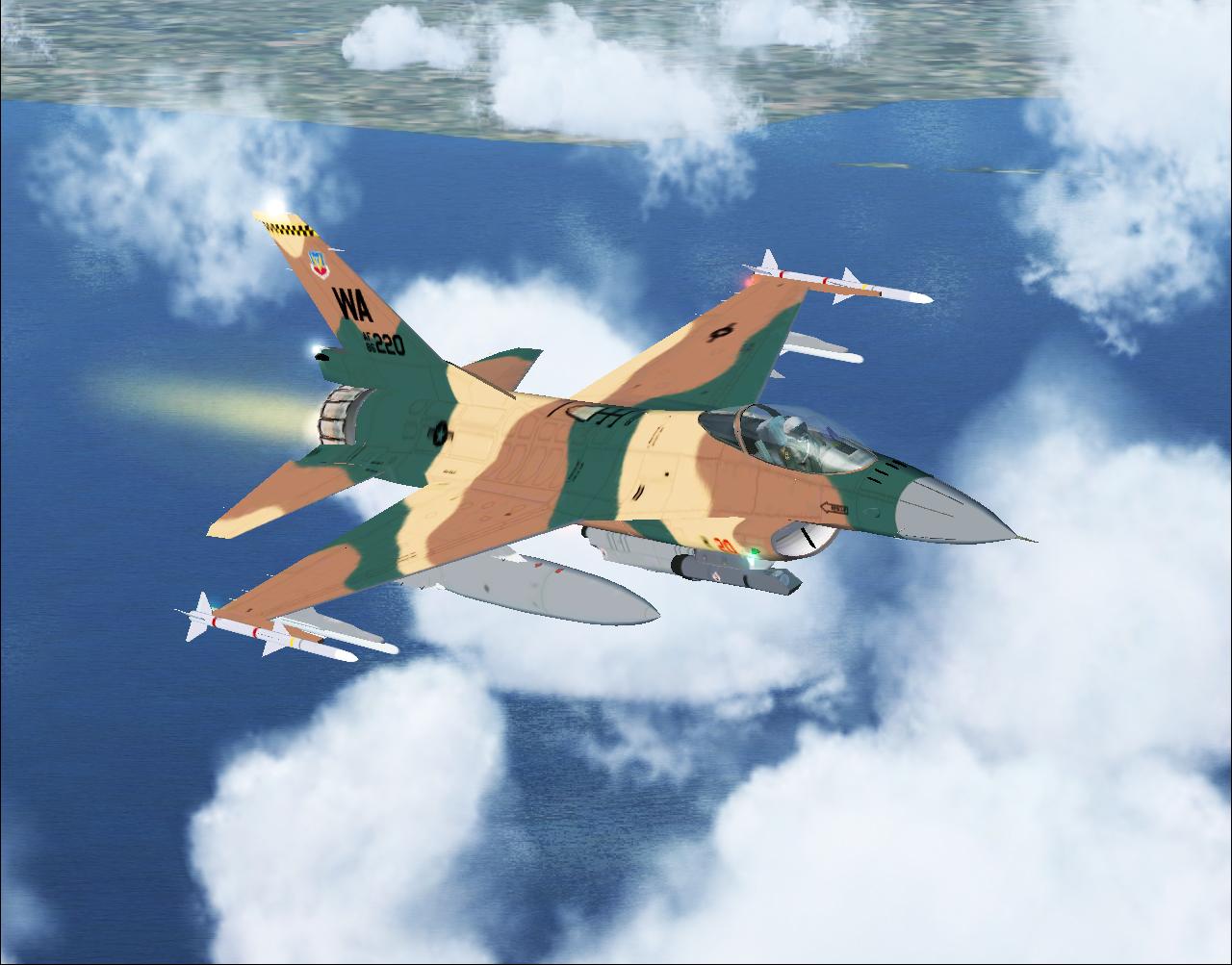
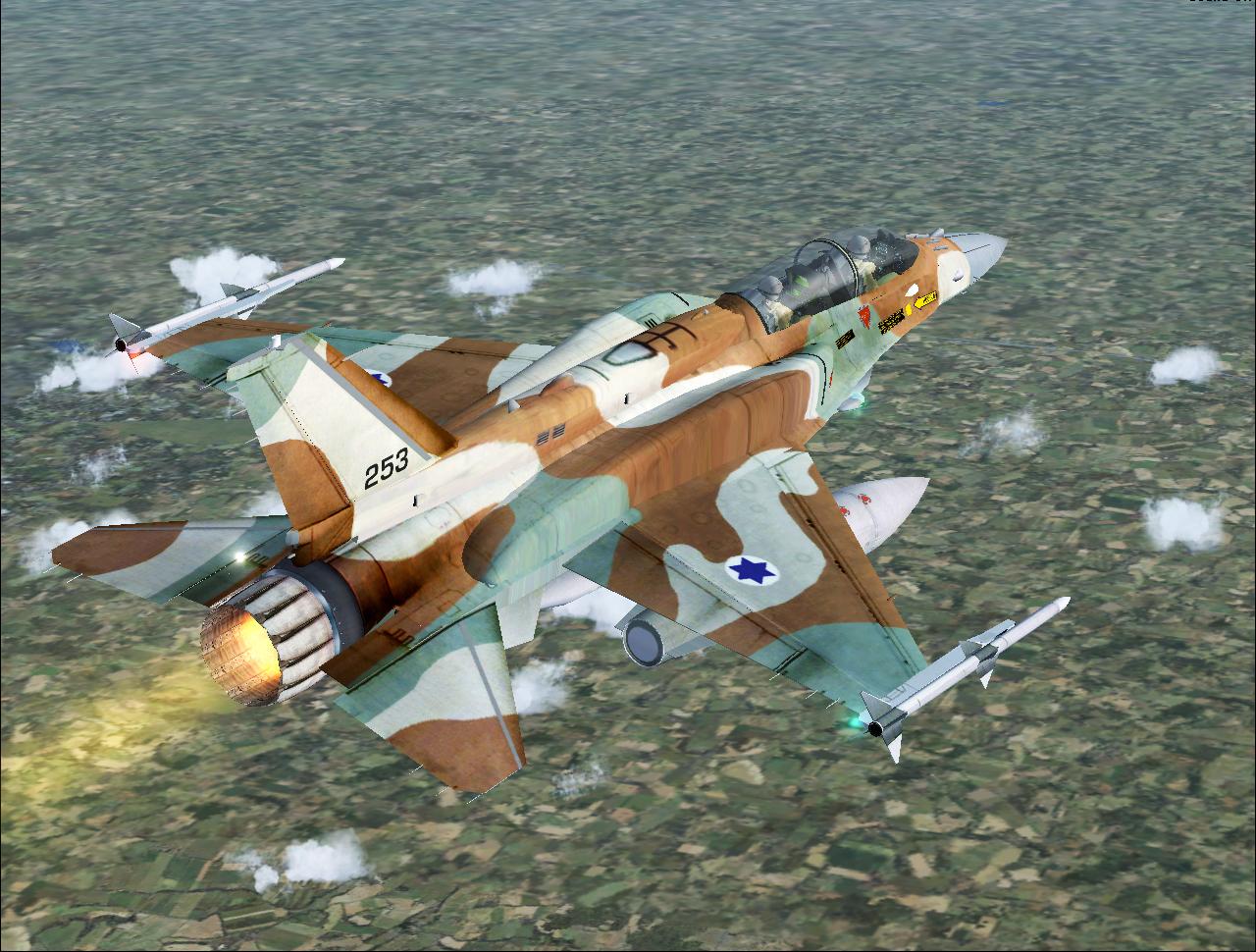
Four models, 22 textures and both cockpit formats, with a HUD and afterburner effects. Takeoff and landing guidance helps with familiarisation.
Images and screenshots
4 photosFull screen
On this page
Overview
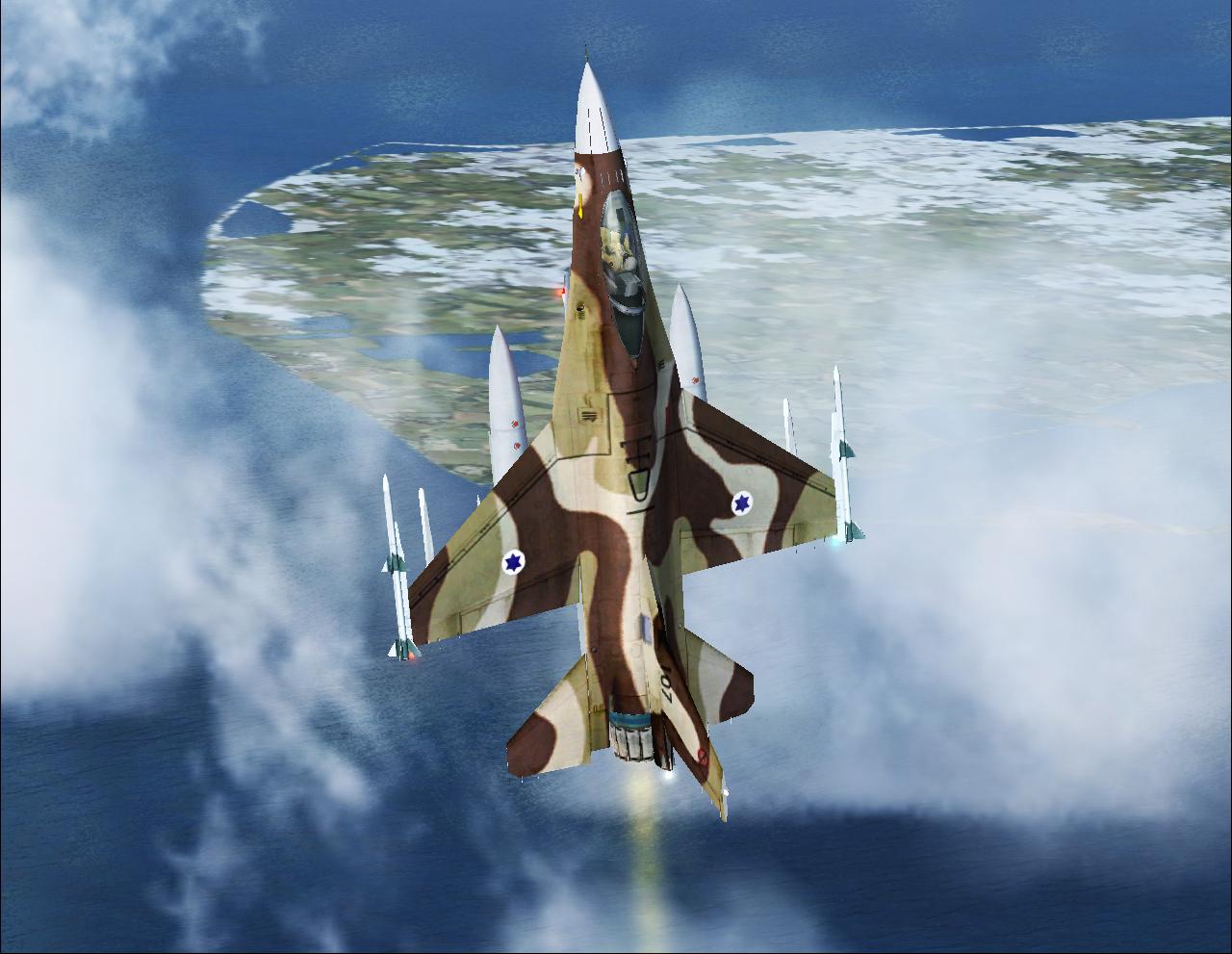
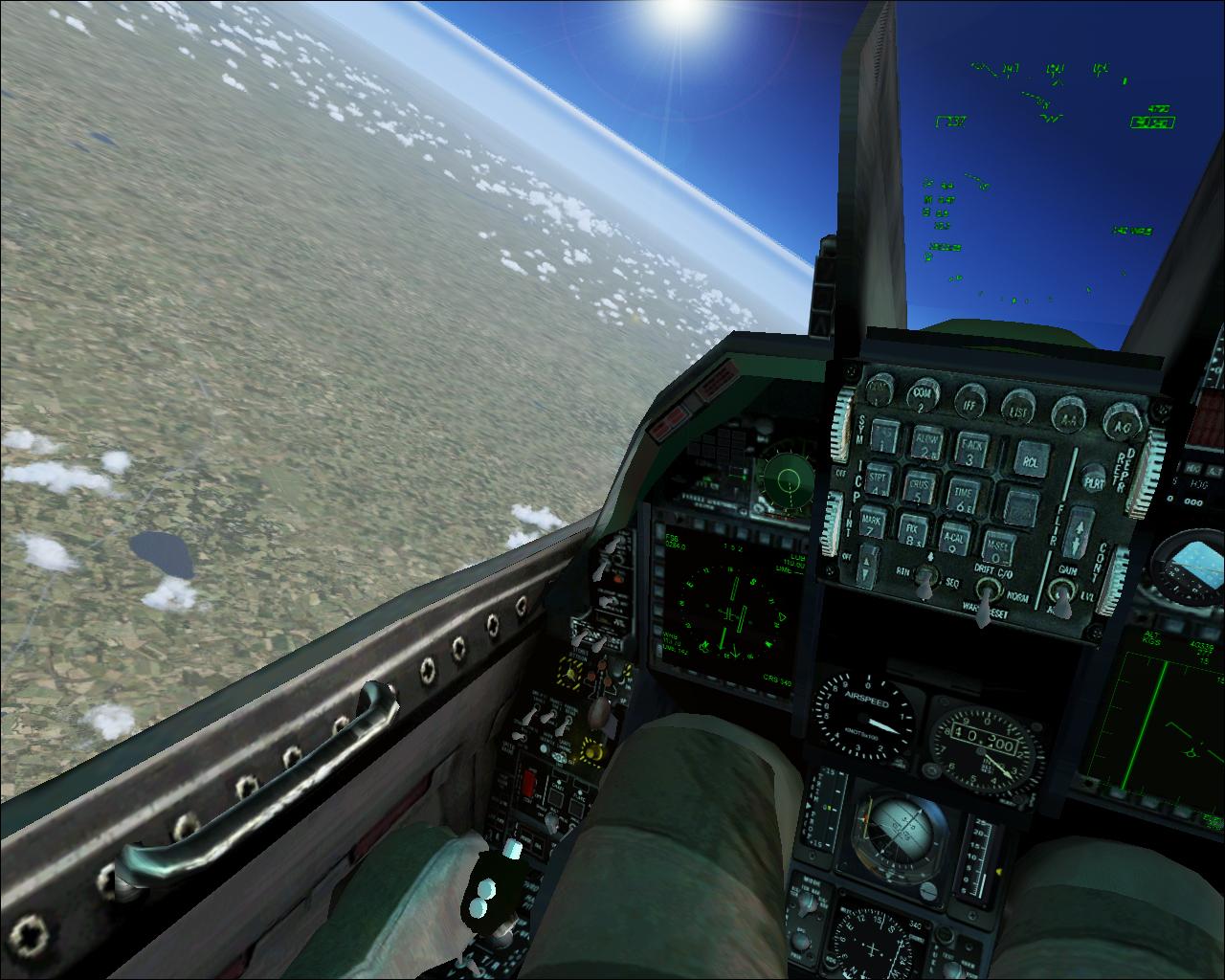
Kirk Olsson’s F-16, also referred to as the Viper in this package, has been adapted for FSX and Prepar3D. It includes four models and 22 textures, a virtual cockpit, 2D panel, HUD, custom gauges and sounds. Animated parts and afterburner effects complete the model.
The following guidance concerns this add-on’s handling. For a quick takeoff, extend the flaps fully with F8. Hold the parking brake and apply full power for 2–3 seconds, then release the brake. The stated rotation range is 125–135 knots.
Landing: first slow to 340 knots using the airbrake (/), then extend the flaps with F8. Adjust power and airbrake to hold the glide path, approaching at about 200 knots. Just before the runway, at around 165 knots, extend the airbrake, raise the nose and increase power to reduce the descent rate. Then close the throttle and touch down at 145–155 knots. Hold the nose up until 130–140 knots, lower it gently, and apply the brakes at 100–120 knots.


Licences and credits
- Author
- Kirk Olsson
Comments
Flight experiences, tips and questions from Rikoooo members.
Loading discussions…