

Real Stars FS2004
9,095 stars positioned from an astronomical catalogue for night flying. After uninstalling, you must restore the original star file manually.
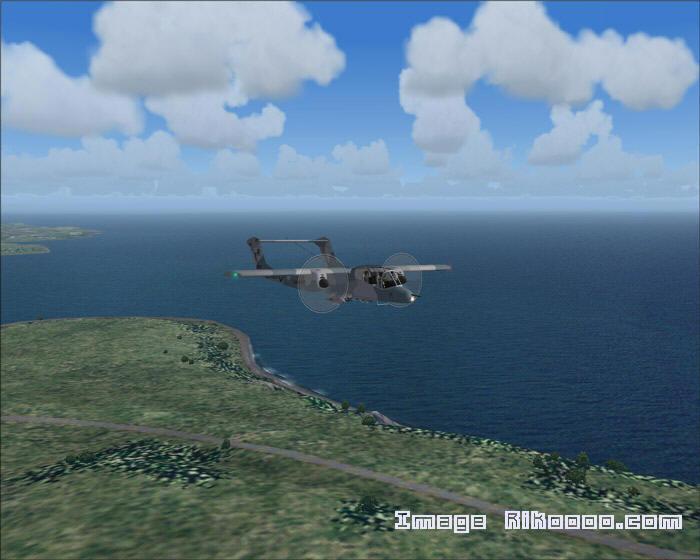
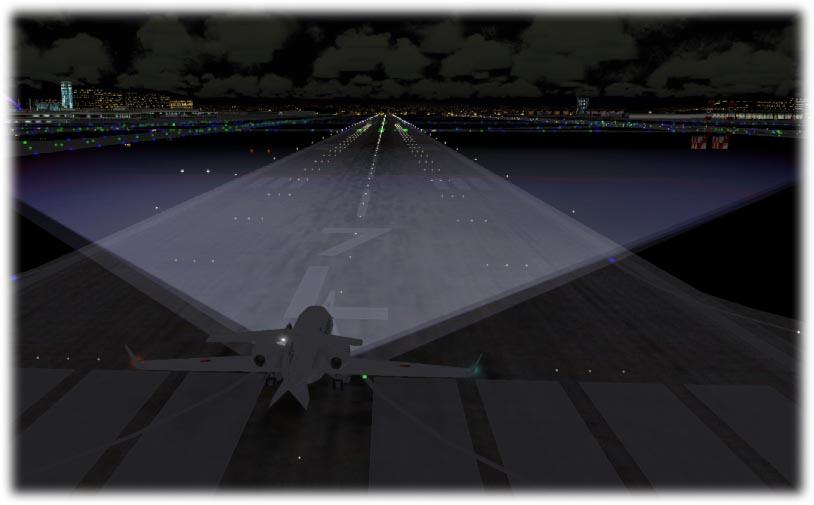
Images and screenshots
1 photoFull screen
On this page
Overview
Norbert Pachner’s Real Stars replaces FS2004’s star display with 9,095 stars positioned from the fourth edition of the Bright Star Catalogue. The night sky therefore follows astronomical data rather than an arbitrary distribution.
Uninstalling does not restore the original file. To recover the default sky, open the “SAUVEGARDE stars.dat” folder inside the FS2004 directory and copy stars.dat into the simulator’s main directory. Keep that backup while using the add-on.
Licences and credits
- Author
- Norbert Pachner, Vienne
Comments
Flight experiences, tips and questions from Rikoooo members.
Loading discussions…