
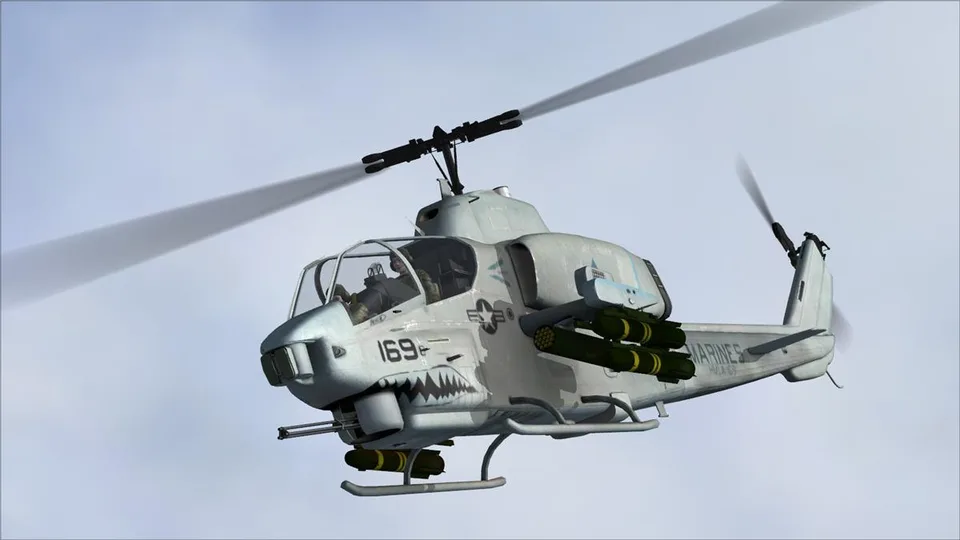
AH-1W Super Cobra AlphaSim FSX
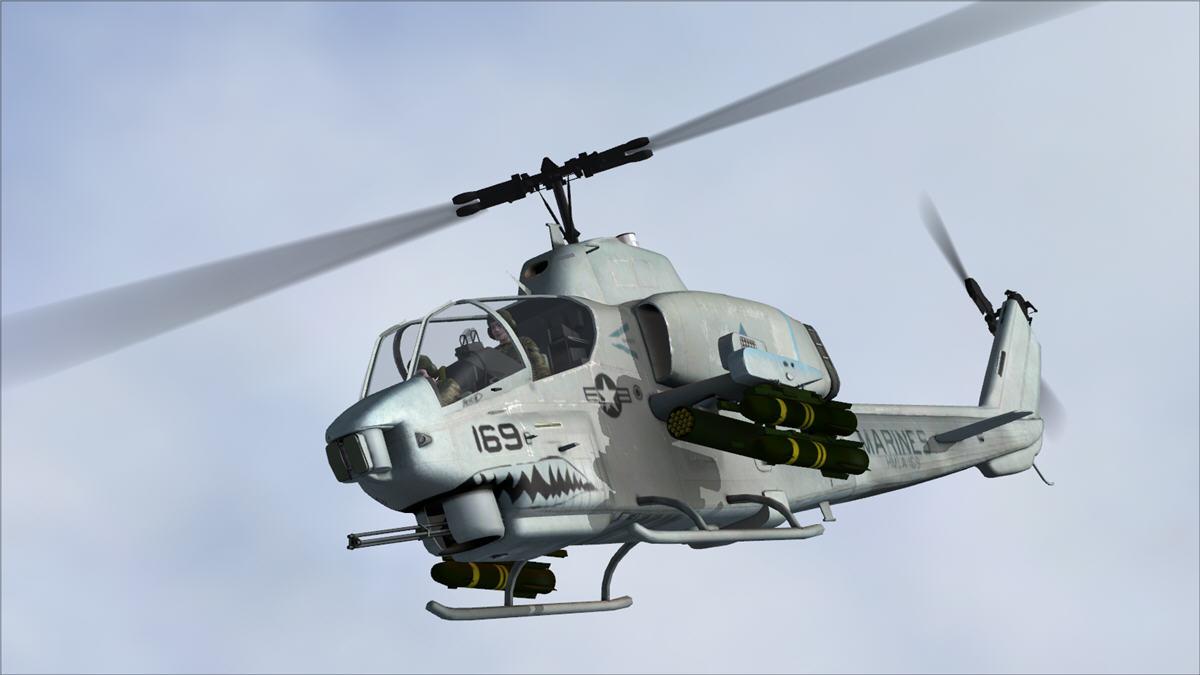
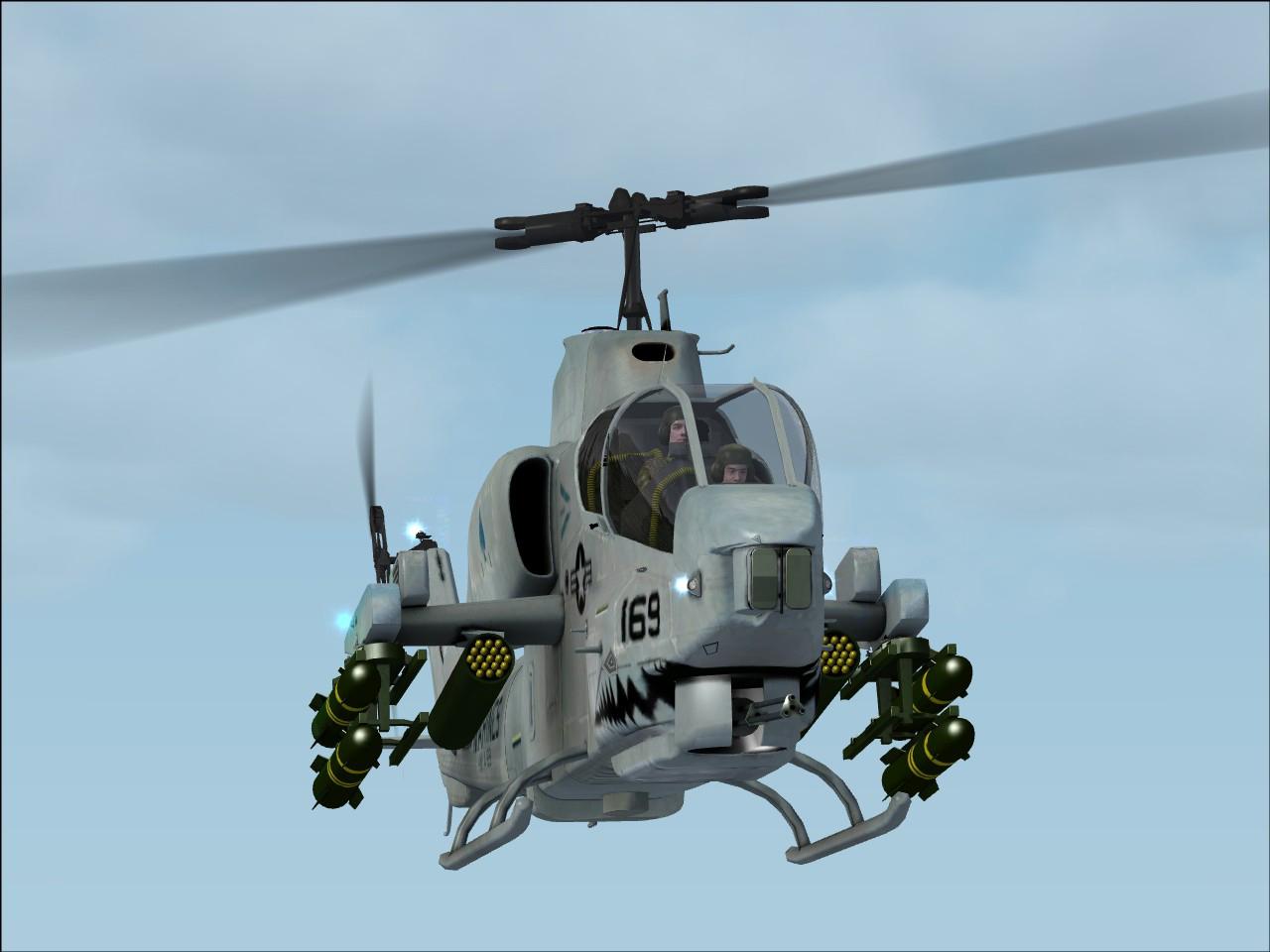
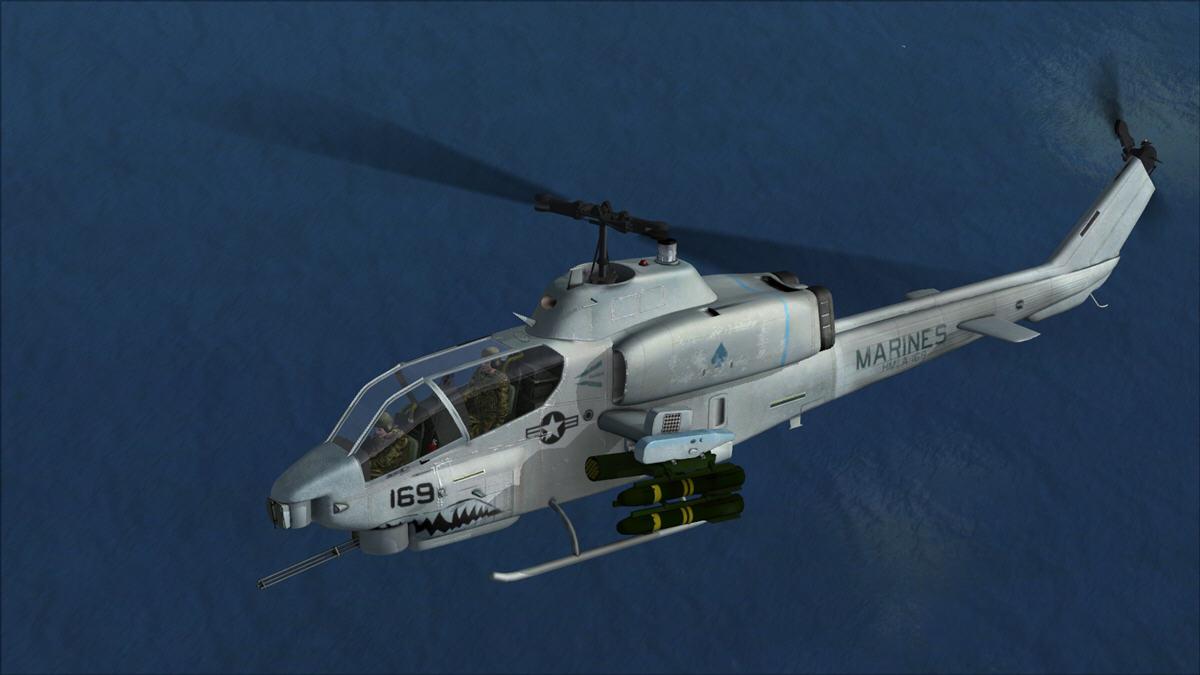
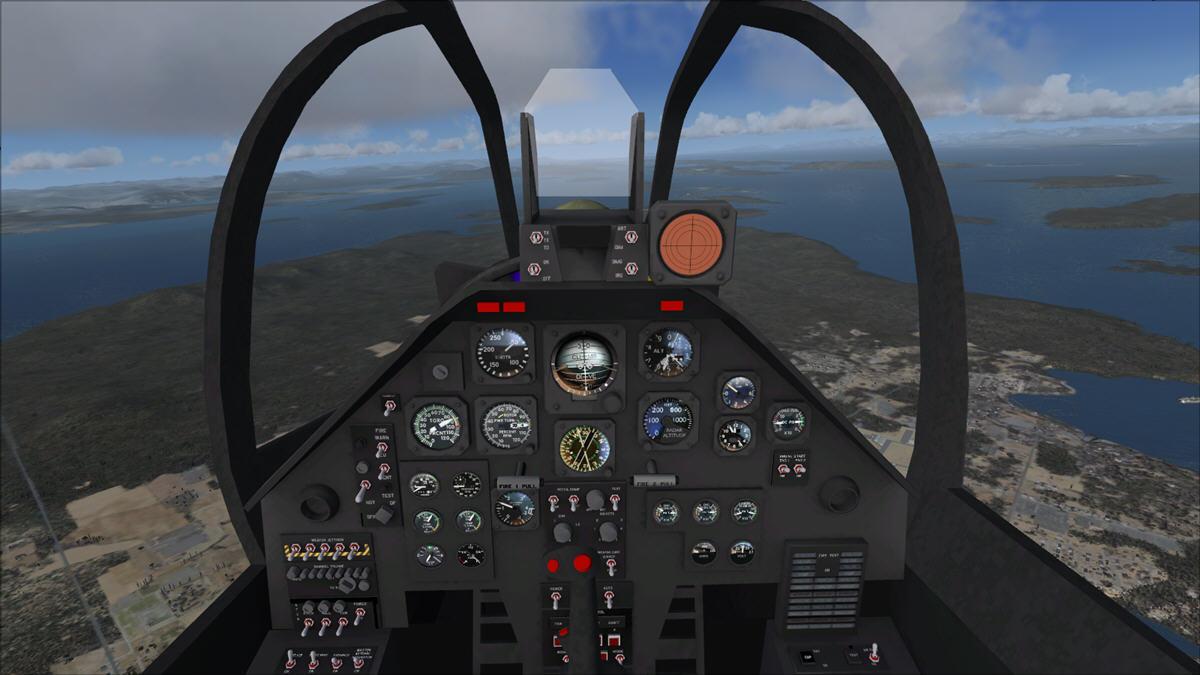
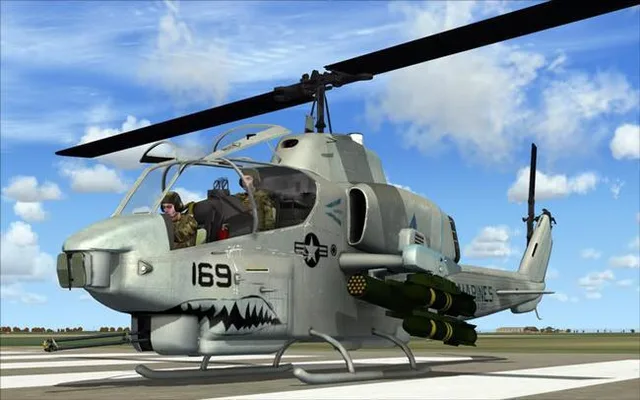
Animated virtual cockpit, clickable 2D panel and removable crew. Removing the weapons visually also requires a manual payload adjustment.
Images and screenshots
4 photosFull screen
On this page
Overview
AlphaSim’s AH-1W Super Cobra for FSX was originally a commercial release and is now freeware. It combines an animated virtual cockpit with some clickable switches, a fully clickable XML 2D panel and a custom radio window.
The native FSX model uses bump mapping and self-shadowing. The canopy rain effects and fore/aft and lateral blade-tilt animations described for FS2004 are not listed as features of this version.
The chin gun moves with control inputs. Open the crew doors with Shift + E; Shift + E, then 2 shows or hides the pilots in exterior views.
- Shift + 1: show or hide the main panel.
- Shift + 2: open the radio stack.
- Shift + 3: display the standard GPS.
- F10: access kneeboard checklists and reference cards.
Assign the tailhook command to a key or button to remove the weapons from the pylons. You must also clear the corresponding stations manually in Fuel and Payload to adjust the weight.
Read the manual under Start → Rikoooo Add-ons before flying.
Licences and credits
- Author
- AlphaSim
Comments
Flight experiences, tips and questions from Rikoooo members.
Loading discussions…