
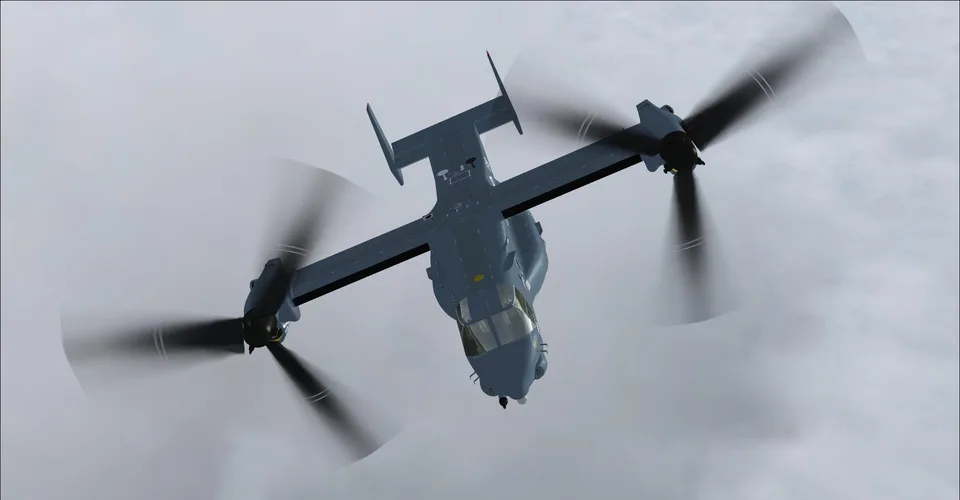
Bell-Boeing MV-22B Osprey FSX-A & P3D
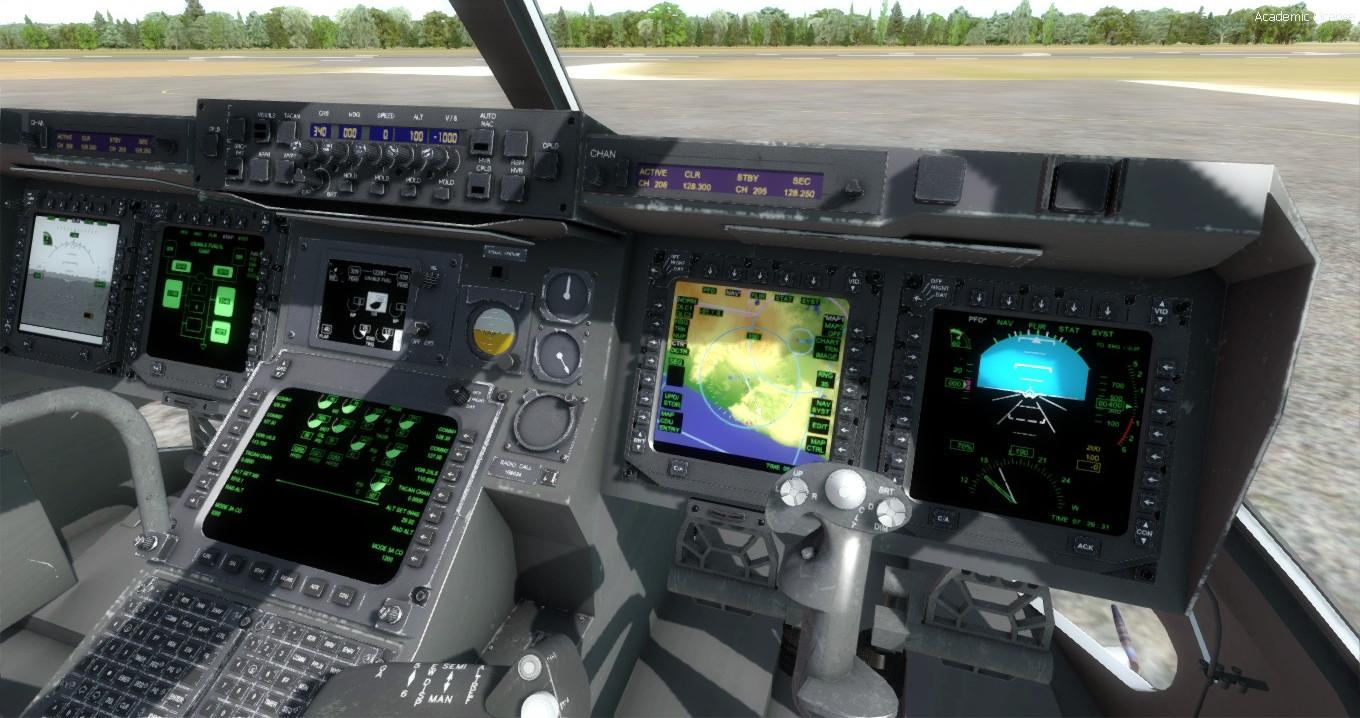
Transition from hovering to aeroplane flight with tilting nacelles. Use the virtual cockpit; the autopilot is available only with the nacelles at 0°.
Images and screenshots
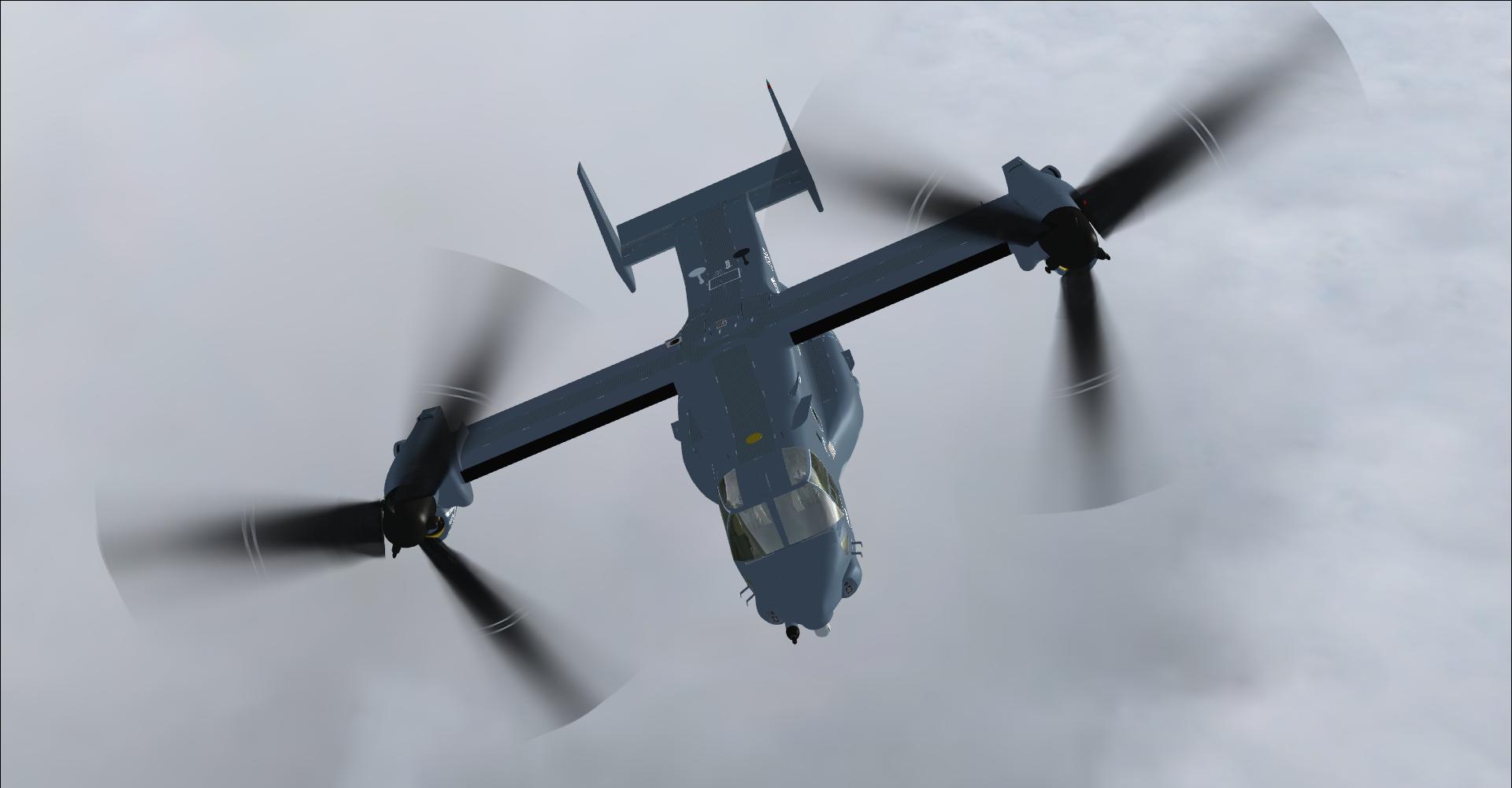
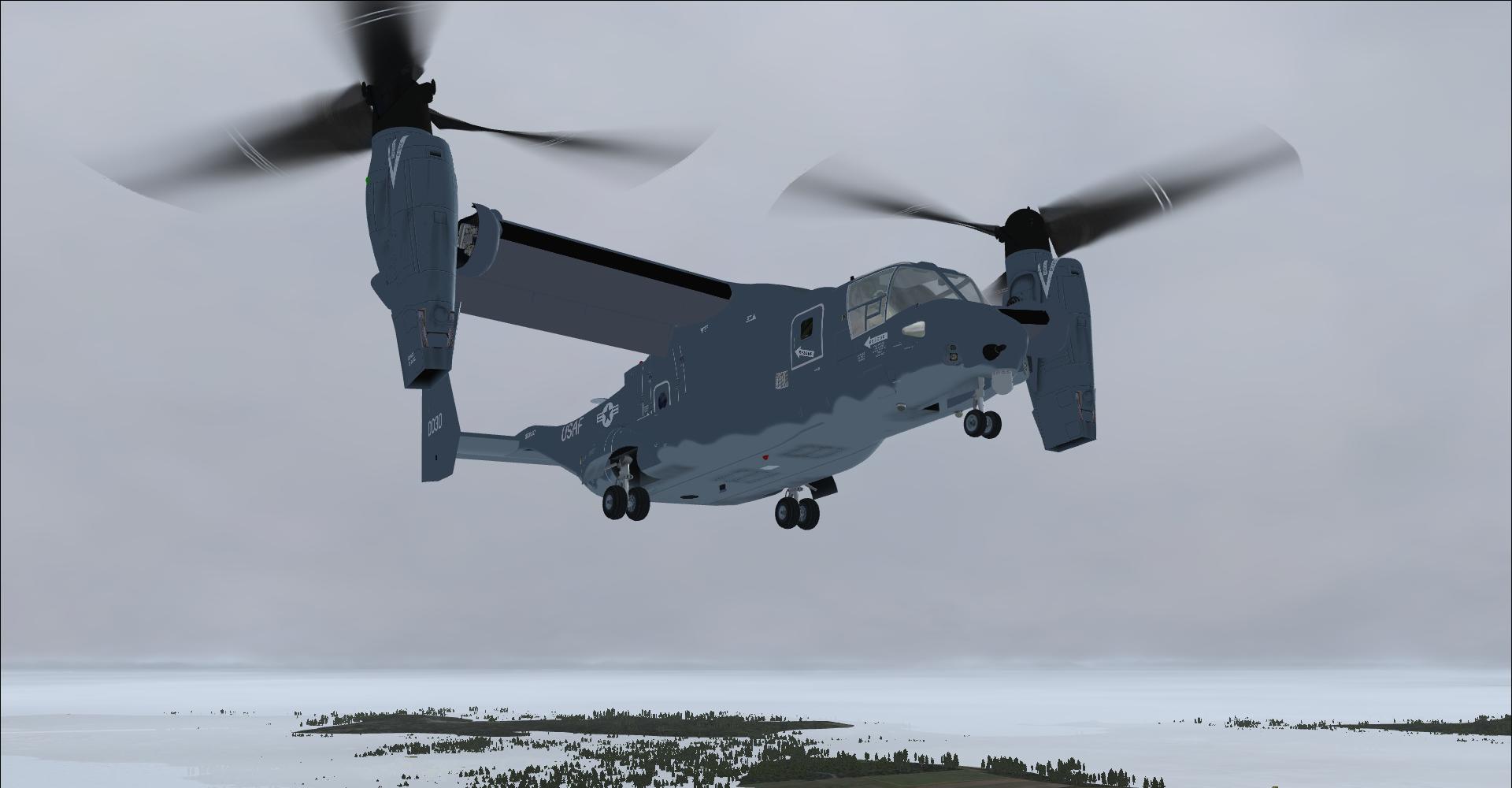
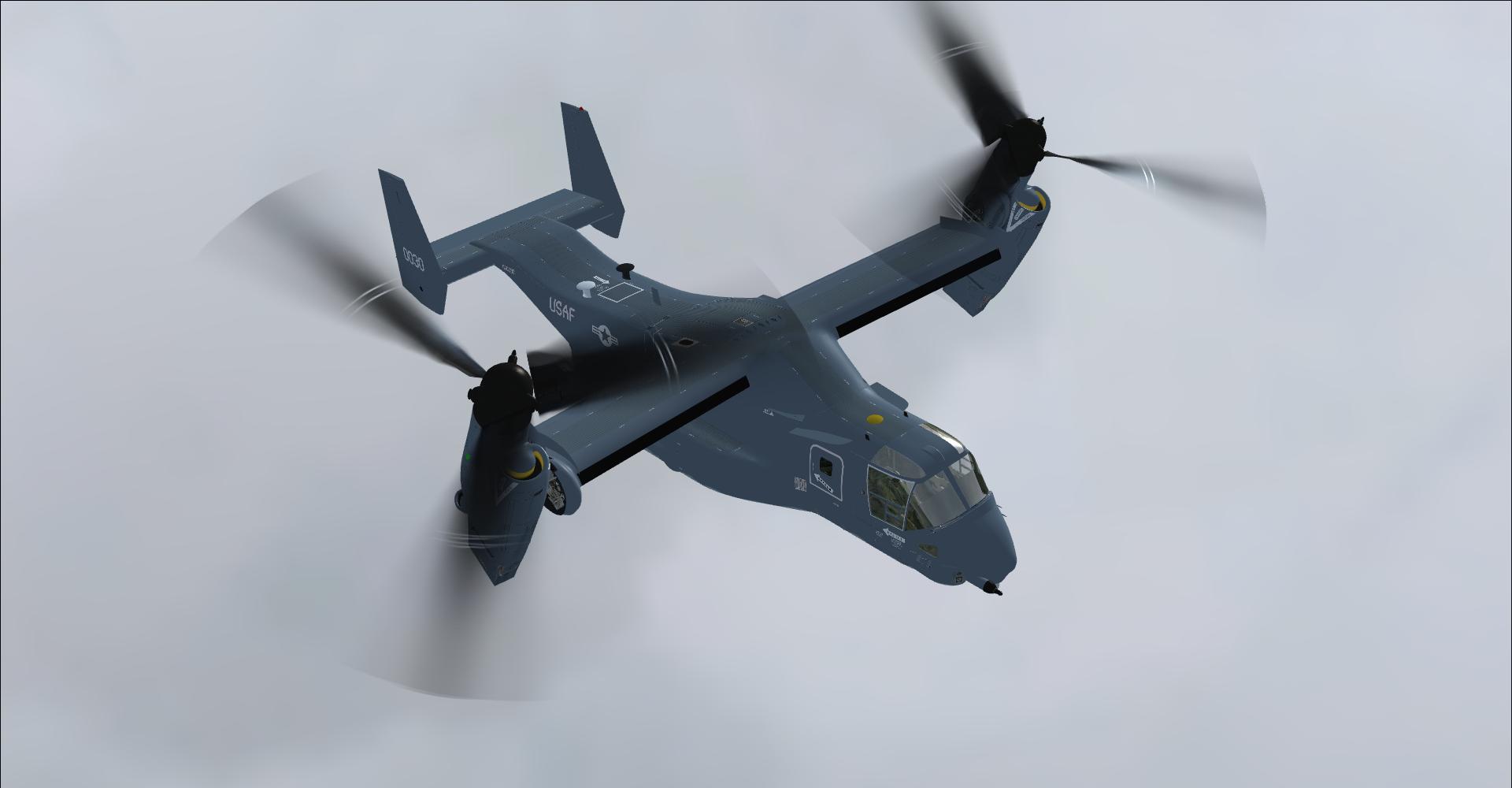
4 photosFull screen
On this page
Overview
Maryadi's MV-22B Osprey brings tiltrotor flying to FSX Acceleration and Prepar3D, including Prepar3D v4. This freeware add-on is distributed on Rikoooo with the author's permission. It combines Maryadi's work, Rob Barendregt's VTOL functions and additional liveries by Letourn.
The real Osprey's tilting nacelles allow it to move from vertical takeoff and hovering to airplane flight. In the simulator, learning this transition means becoming familiar with the add-on's own controls and procedures.
Before your first flight
Read the supplied version 2.0 manual before starting. FSX users should pay particular attention to the configuration guidance in chapter 1. Operate the aircraft through its virtual cockpit: systems and animations depend on one another, and adding a 2D panel to control them can interfere with their operation.
If you previously used version 1.0, its .mv22 saved-state files are not compatible with version 2.0. Follow the author's instructions before returning to an older saved flight.
Nacelle controls and autopilot
The autopilot is available only when the nacelles are at 0°, in the airplane-flight position. Nacelle tilt uses the Aileron trim assignments, normally Ctrl + 4 and Ctrl + 6. If these shortcuts do not respond in your setup, reassign both commands, for example to Ctrl + − and Ctrl + +.
Troubleshooting when loading a flight
If the rotors remain stationary after loading a flight, check that the overhead start levers are in the Fly position, as shown below.
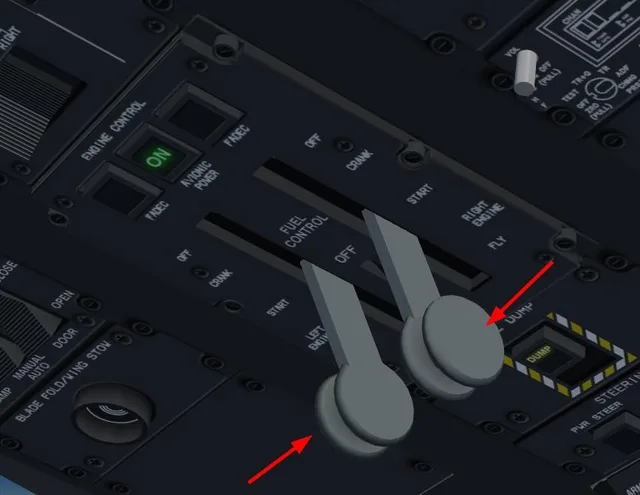
Another reported issue is a crash to desktop (CTD) at startup when the add-on cannot read or write its data file. The original troubleshooting advice is to run FSX or Prepar3D as administrator to check for this specific access problem.
Overview and tutorial videos
An introduction to the add-on.
Preparing the Osprey for stowage.
Getting started, in English with subtitles. This walkthrough covers version 1.0; use the supplied manual as the reference for version 2.0 offered here.
Screenshots
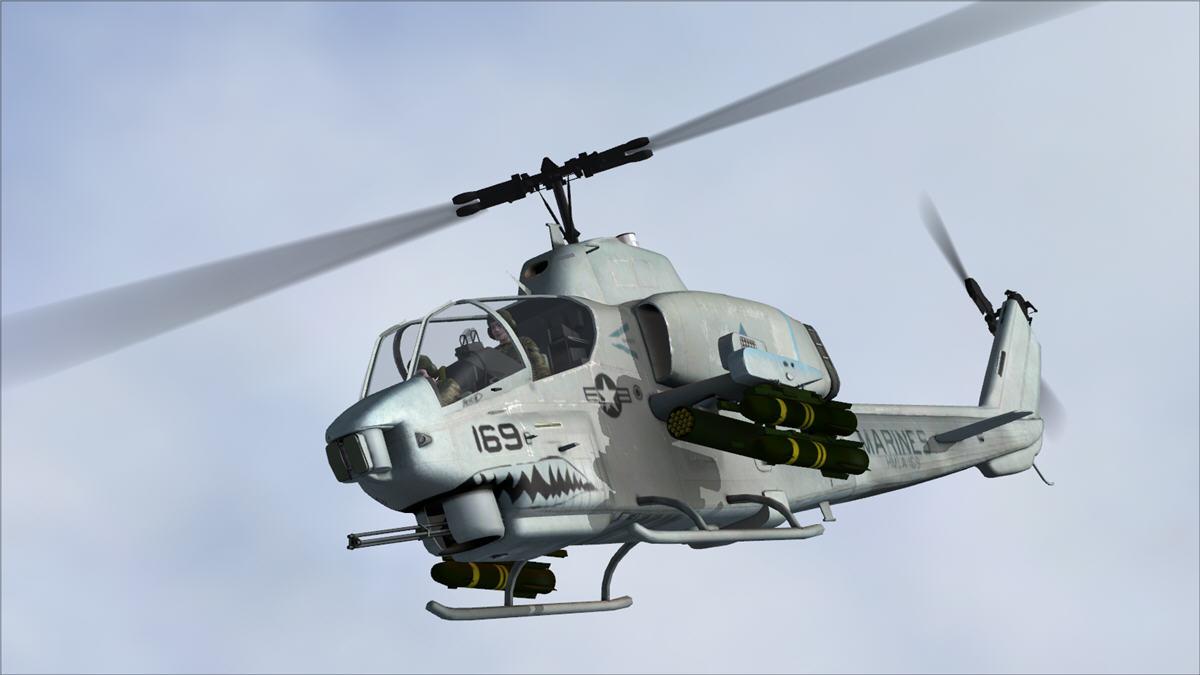
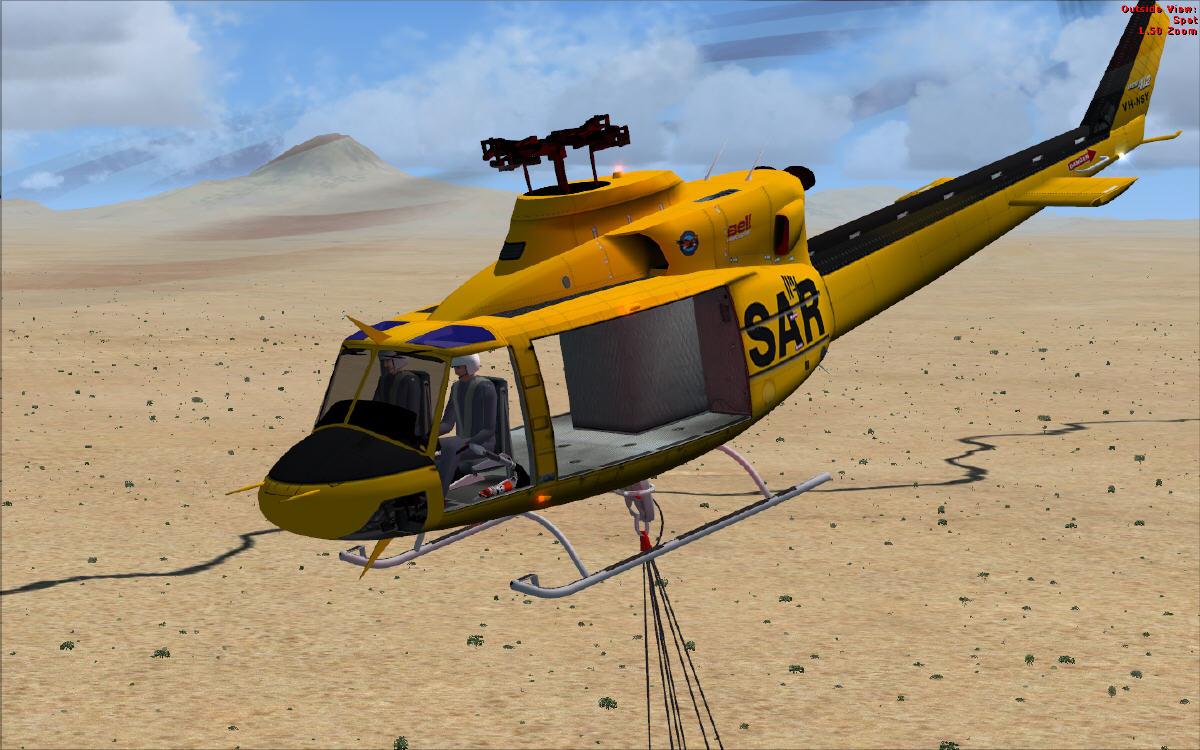
Screenshots from fsdeveloper.com and sim-outhouse.com.


Information from the author
Instructions and discussion for the FSX and Prepar3D version 2.0 are available in Maryadi's official FSDeveloper thread. The same thread also contains information about a later version for another simulator.
Author's note: Rikoooo is solely responsible for the automatic installation.
Release notes
Updated on 17/02/2018: New version 2.0
General update:
- work in FSXA, FSX-SE, P3D v1, v2, v3 and P3D v4
- change VC model.
- massive re-code as compensation of VC change.
- update FDE and VTOL (overall behavior still similar)
- new lighting (system and render)
- minor change on the external model, Rel 1.0 livery still work (there slightly different on nacelles/engine)
- add compatibility to use in hoist/sling load
Updated on 08/11/2017: Texture package now version 2.0, added brand new HMX-1 VIP transport texture
Licences and credits
-
Donationware
For terms covering use, modification and redistribution, consult the licence or README files supplied with the add-on.
- Author
- Maryadi + Rob Barendregt + Letourn (artist of the extra repaints)
Comments
Flight experiences, tips and questions from Rikoooo members.
Loading discussions…