
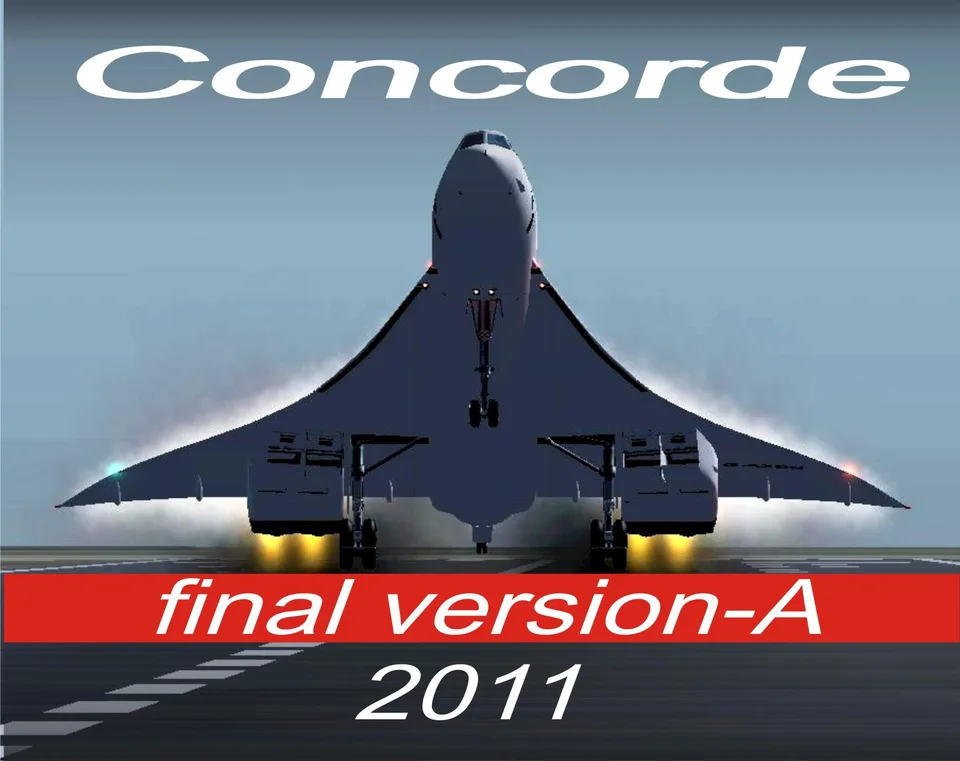
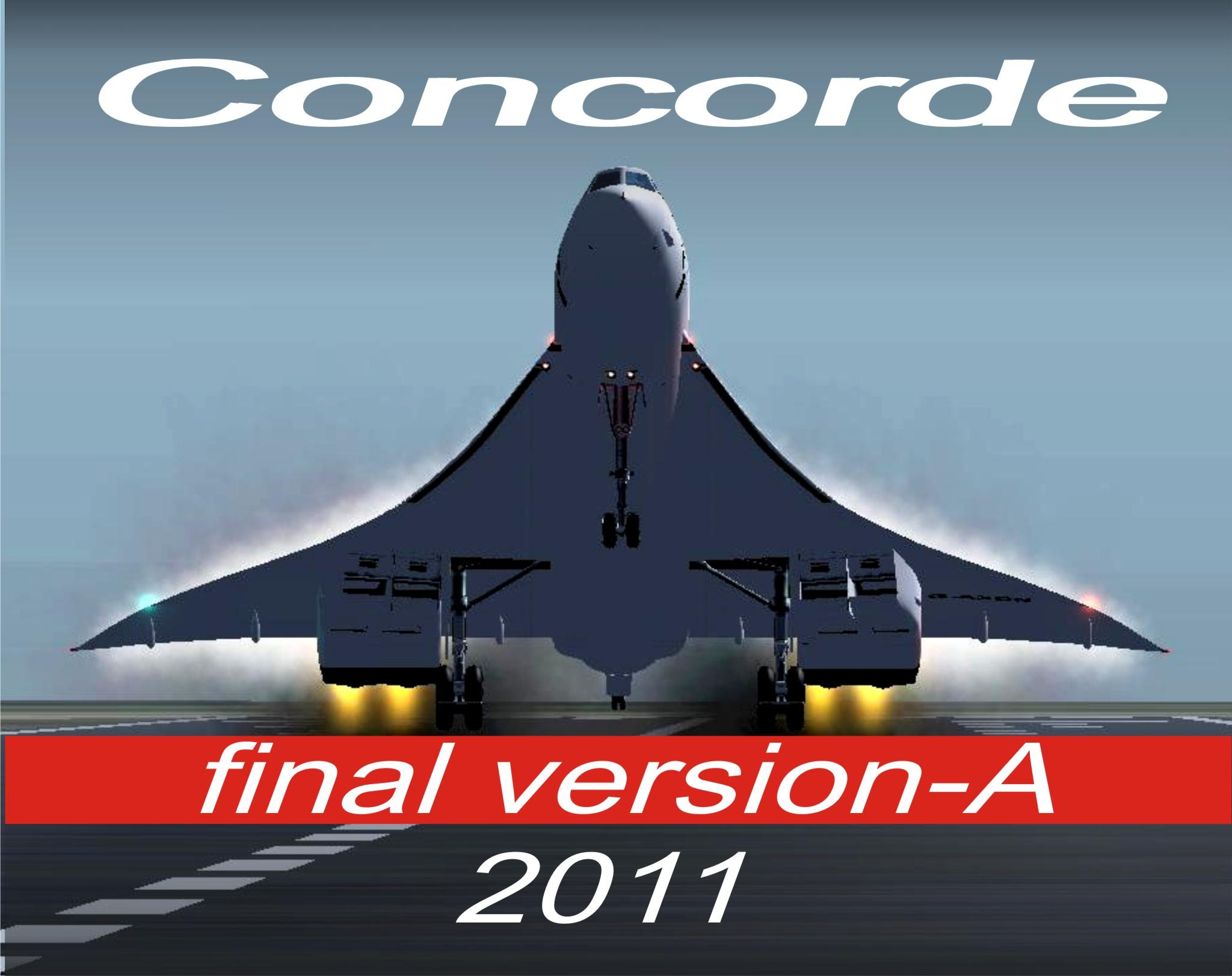
Concorde Final Version-A 2011 FS2004
Animated nose and visor, passenger views and afterburner effects. Approach controls are detailed; uninstall earlier versions first.
Images and screenshots
4 photosFull screen
On this page
Overview
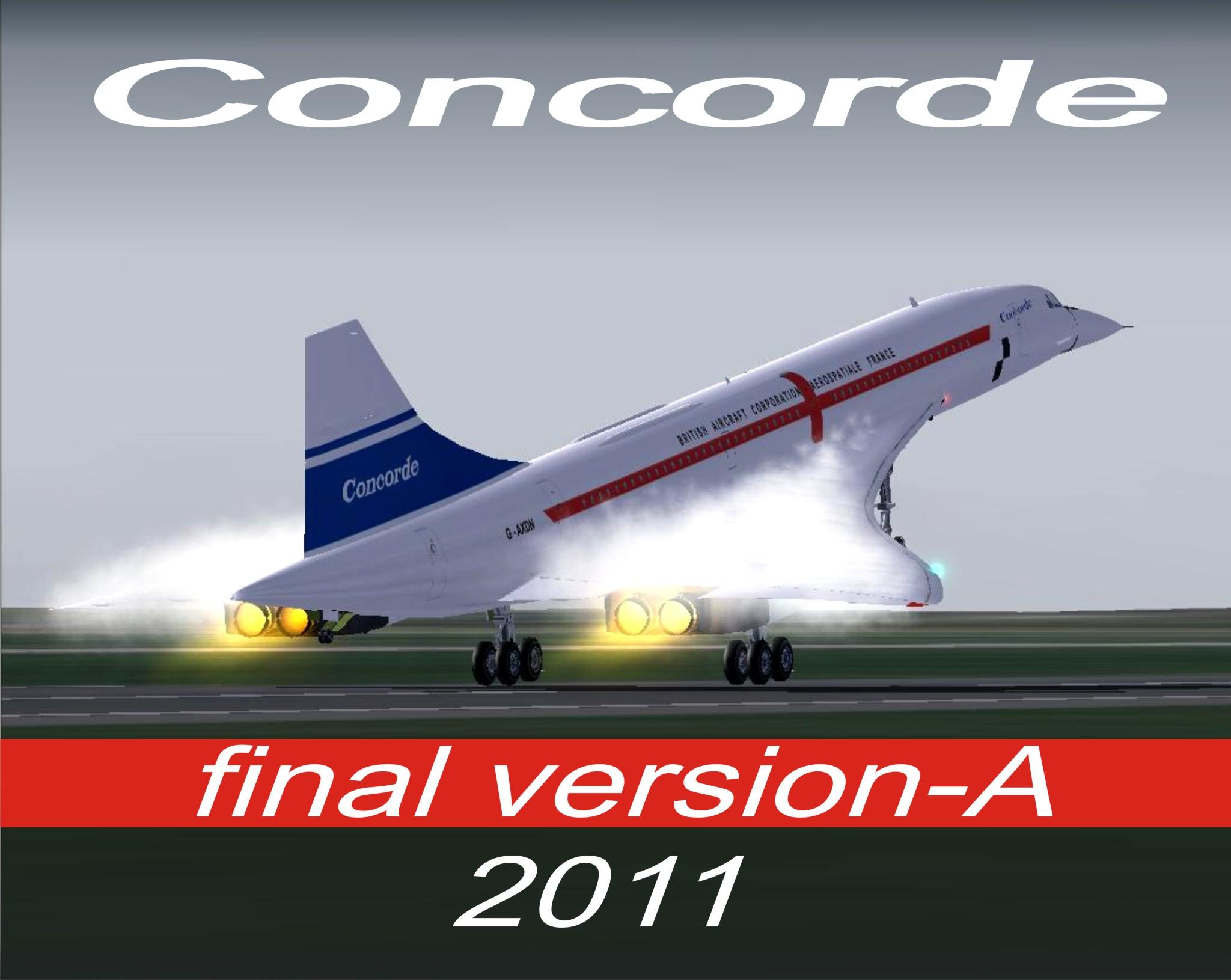
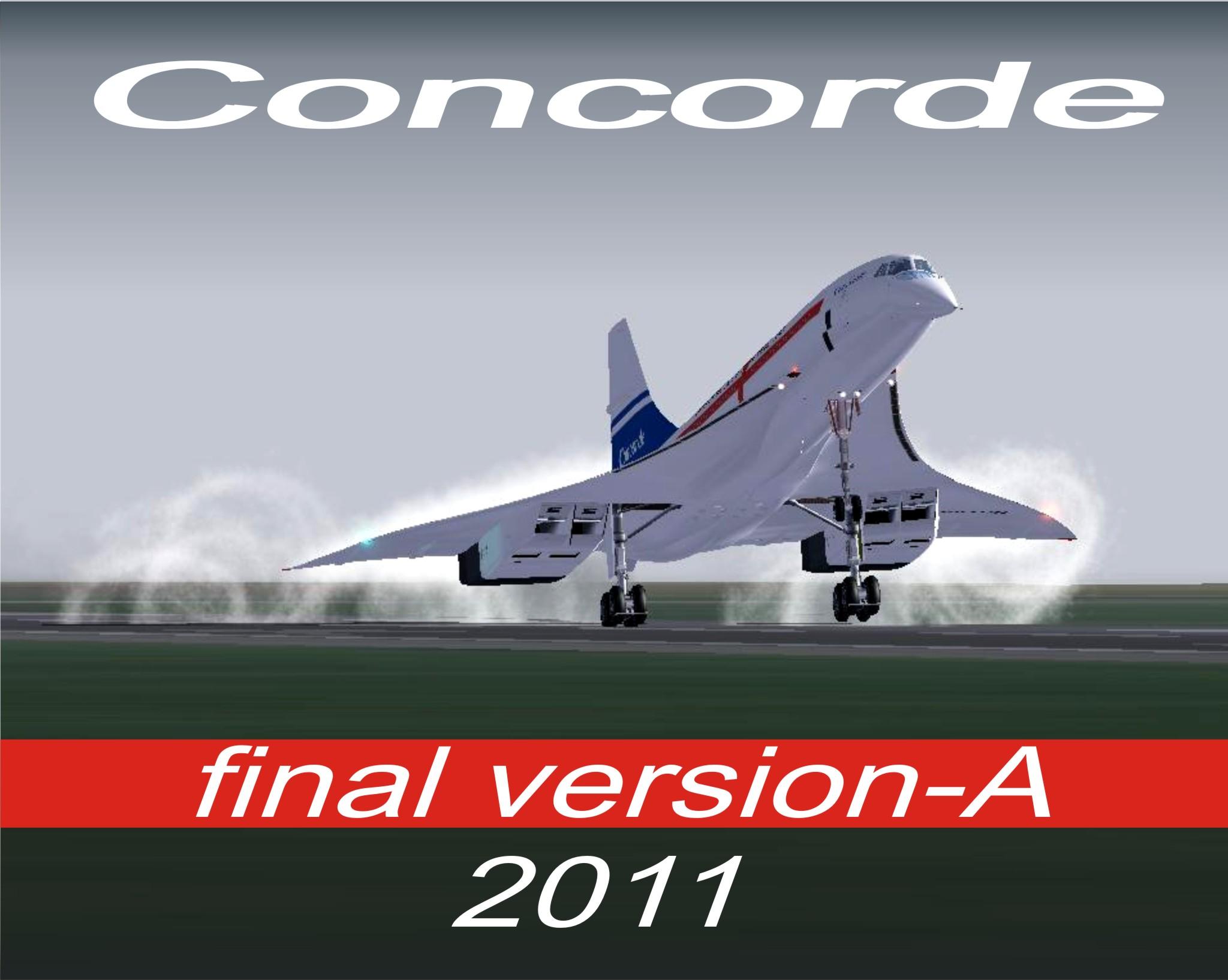
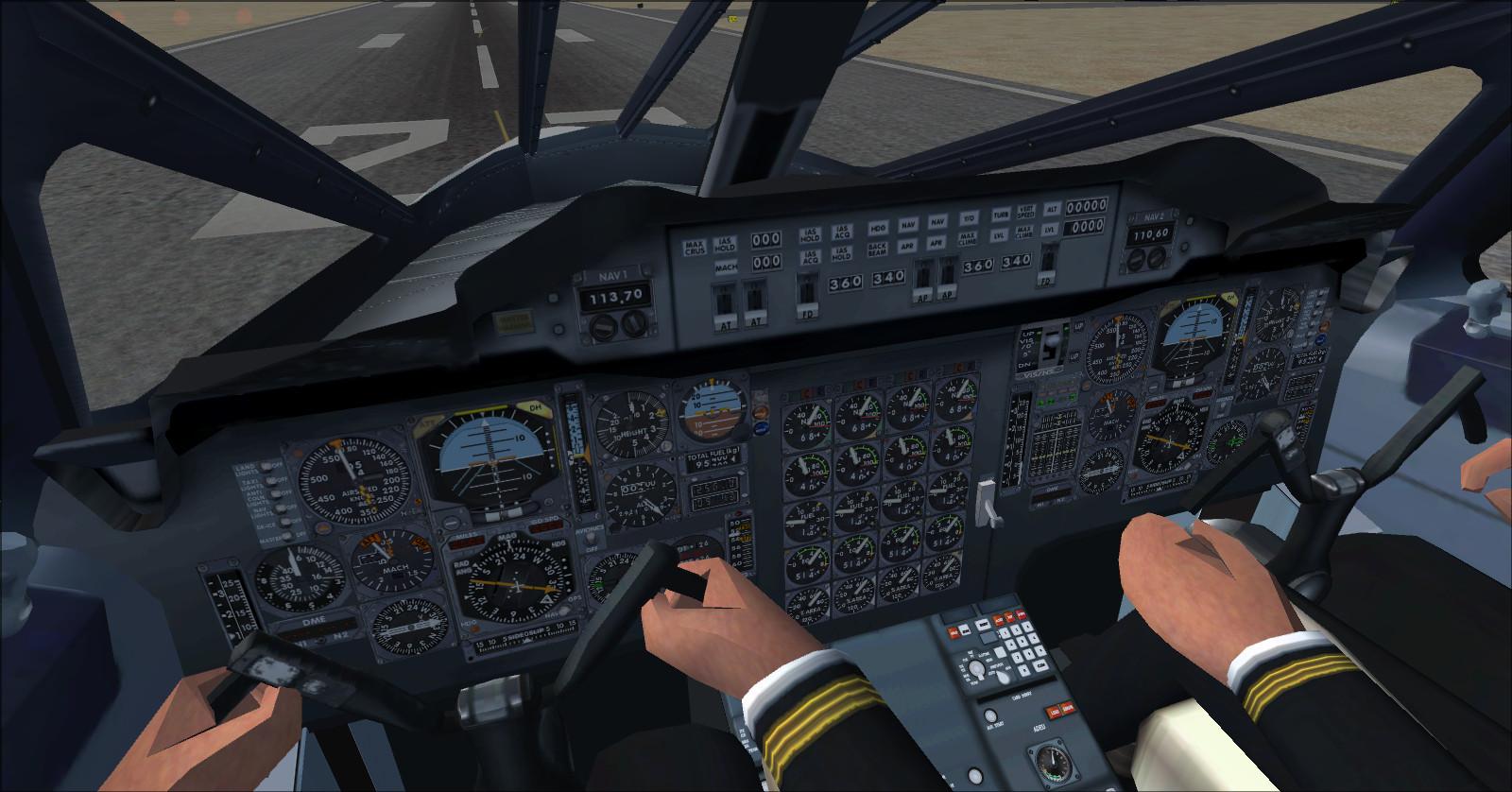
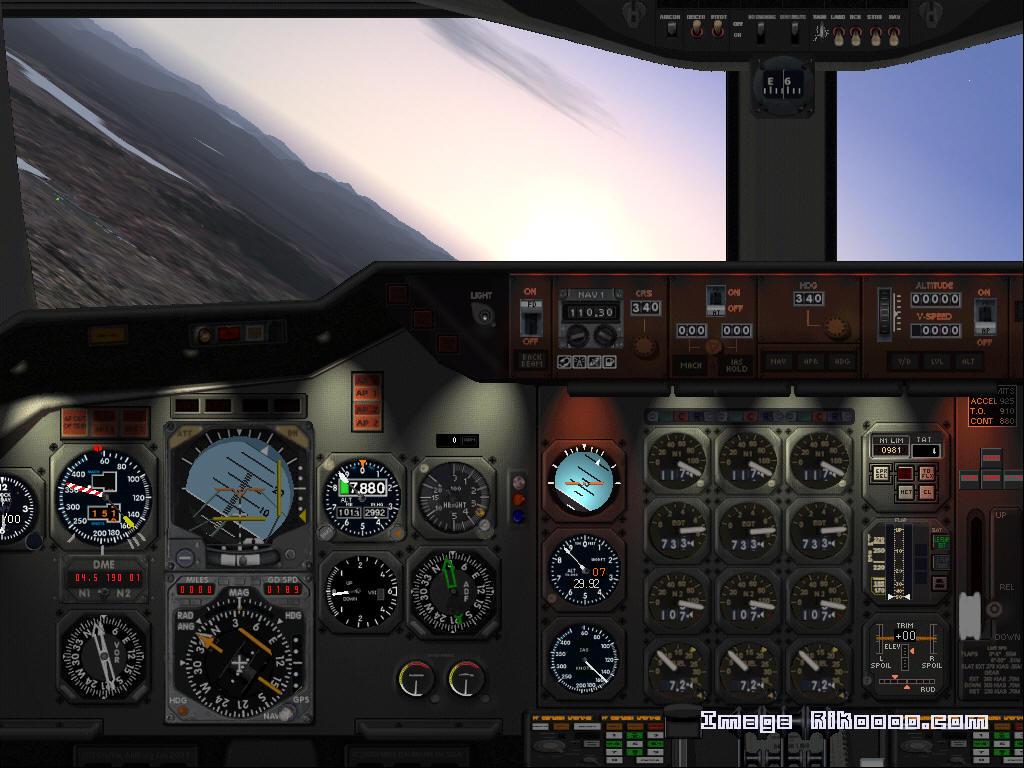
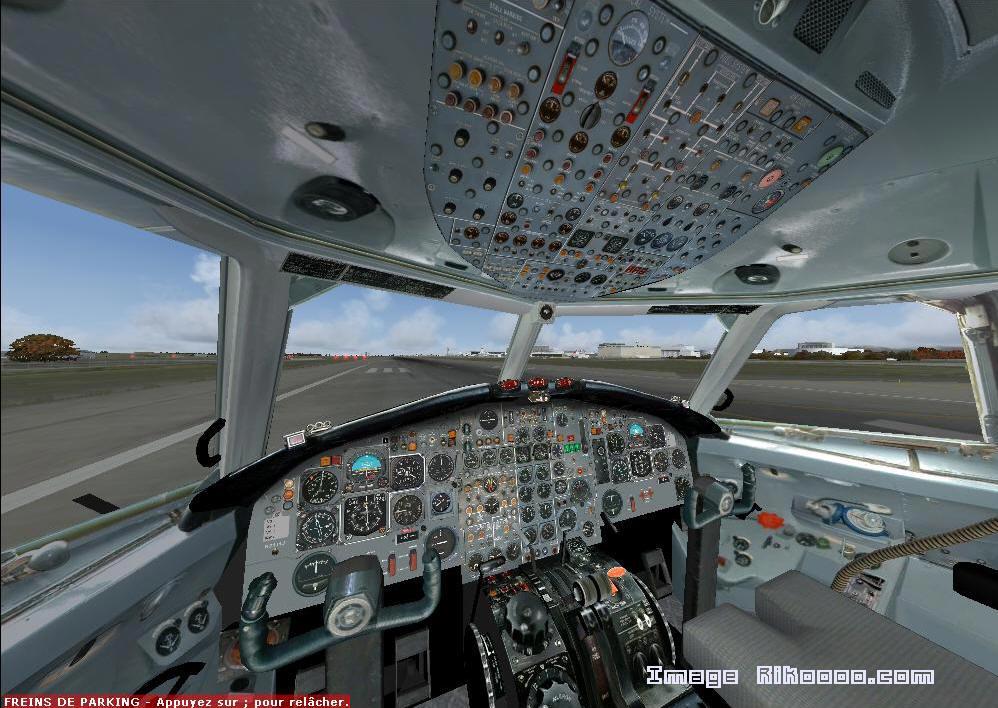
Libardo Guzman’s Concorde Final Version-A 2011 for FS2004 features a reshaped nose, revised visor, updated flight dynamics and textures including a pre-production scheme. The package includes sounds, a virtual cockpit, passenger views, wing vortex and condensation effects, afterburners and Rob Barendregt’s Mach-speed effect.
Hans Zuidervaart’s XML gauges control the animations; he also contributed to the flight-dynamics adjustments. All virtual-cockpit gauges are clickable in this FS2004 version. Crew movements follow rudder, elevator and landing-gear inputs. Engine intakes respond to throttle settings, and the lighting has been repositioned.
Uninstall earlier versions before installing this release. No additional fixes are listed as required.
Model controls
- Retractable landing lights: switch them on while on the ground; in flight, lower the gear and switch on the lights.
- Cabin door: tailhook command. Passenger door: Shift + E. Other doors: Shift + E, then 2.
- Take-off nose and visor position: press F7 twice.
- First approach position at no more than 370 knots: press F7 once. Next position at no more than 325 knots: press F7 again.
- Final position at 270 knots: F8. The same controls animate the visor in the 2D panel.
- Reverse thrust after touchdown: F2, with nozzle animation.
The Ctrl + J airport-service instruction in the shared source text applies to FSX, not this FS2004 version.
Licences and credits
- Author
- Libardo Guzman
Comments
Flight experiences, tips and questions from Rikoooo members.
Loading discussions…