12 November 2013 — version 1.2: fixed the installation of the A320 and A321 aircraft.cfg files.
The EgyptAir fleet in FSX and Prepar3D
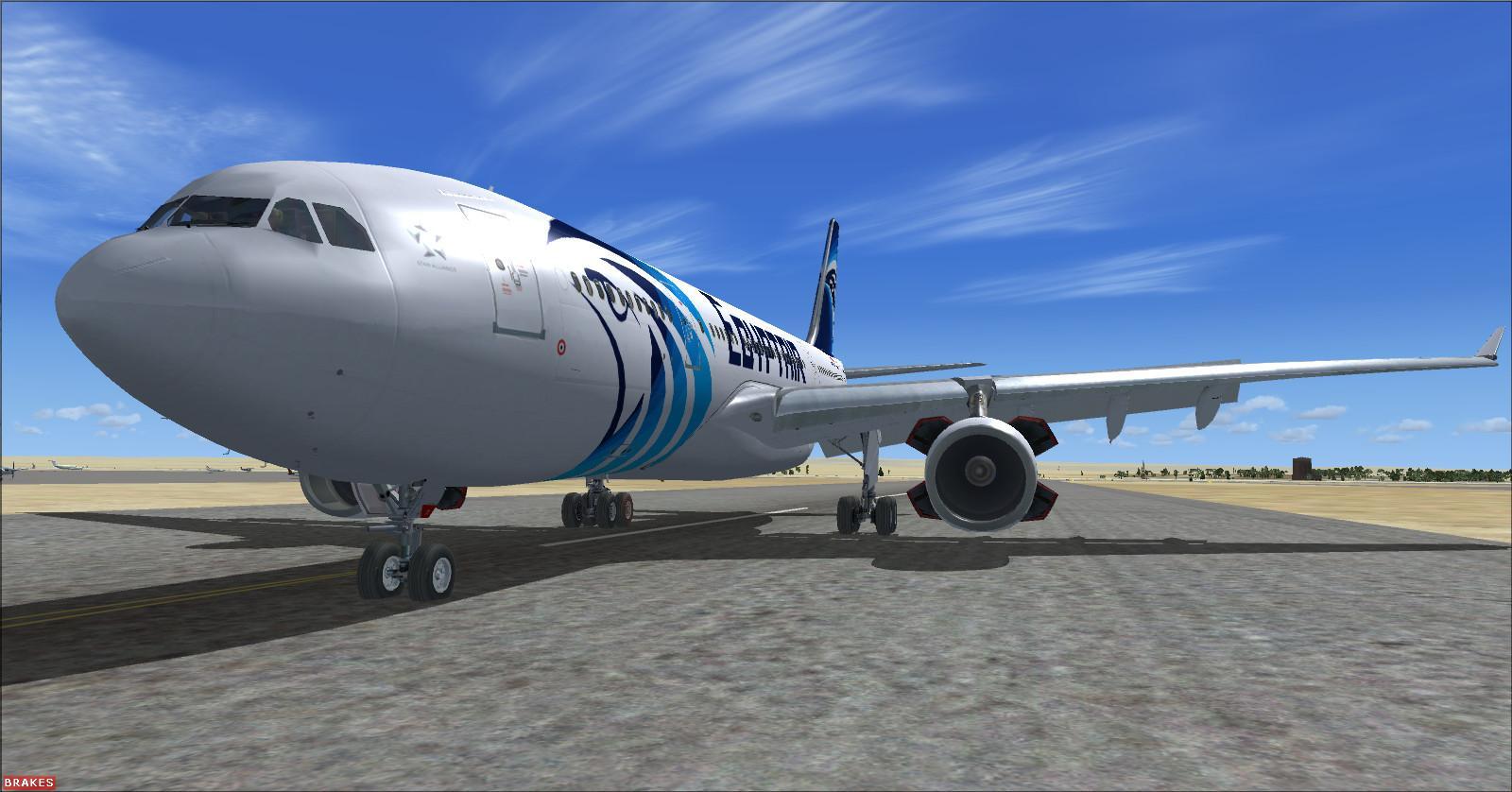
This package brings together ten aircraft types in EgyptAir and EgyptAir Express colours, representing the fleet around 2011. Assembled and adapted by Rikoooo for FSX SP2 and Prepar3D v1 to v3, it covers regional, medium-haul and long-haul flying, excluding the cargo fleet. It belongs to Rikoooo’s series of airline fleet packages:
Emirates fleet FSX & P3D
Air France fleet FSX & P3D
Air France fleet FS2004
Rikoooo created twelve of the included liveries and made corrections to the aircraft assembled for this package. An optional vasFMC installation is available for the A320 and A321. Its instruments appear in the virtual cockpit, but this configuration requires you to fly from the 2D panel; see the instructions at the end of this page.
Each model includes a GPWS with alerts such as ‘Bank angle’, ‘Wind shear’, ‘Too low terrain’ and ‘Don’t sink’. A 2D panel handles pushback, while FlightDeck provides cabin crew and captain announcements, ambient sounds and EgyptAir music.
There are 18 liveries in total, covering EgyptAir’s old and newer colours. Night textures cover windows, lights and logos; virtual cockpits, where fitted, also have night lighting. Sounds and flight models vary by aircraft, including a Pratt & Whitney PW4090 sound set for the 777-266ER. The seating capacities and layouts below provide historical cabin context; they do not describe simulated cabin features.

Check before installing — FSX SP2 required
For FSX, install Service Pack 2 before installing the EgyptAir fleet. Choose the service pack that matches the language of your FSX installation.
FSX Acceleration already includes the required SP2 components.
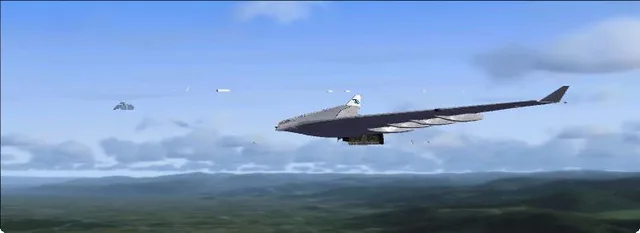
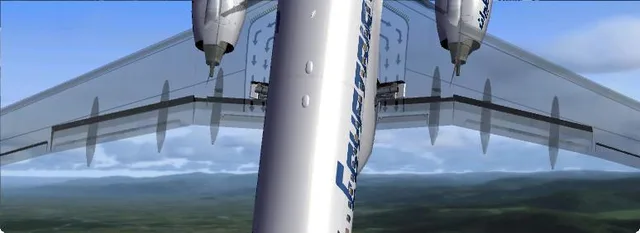
The package does not work correctly in FSX without SP2. It is not compatible with Prepar3D v4 or later.
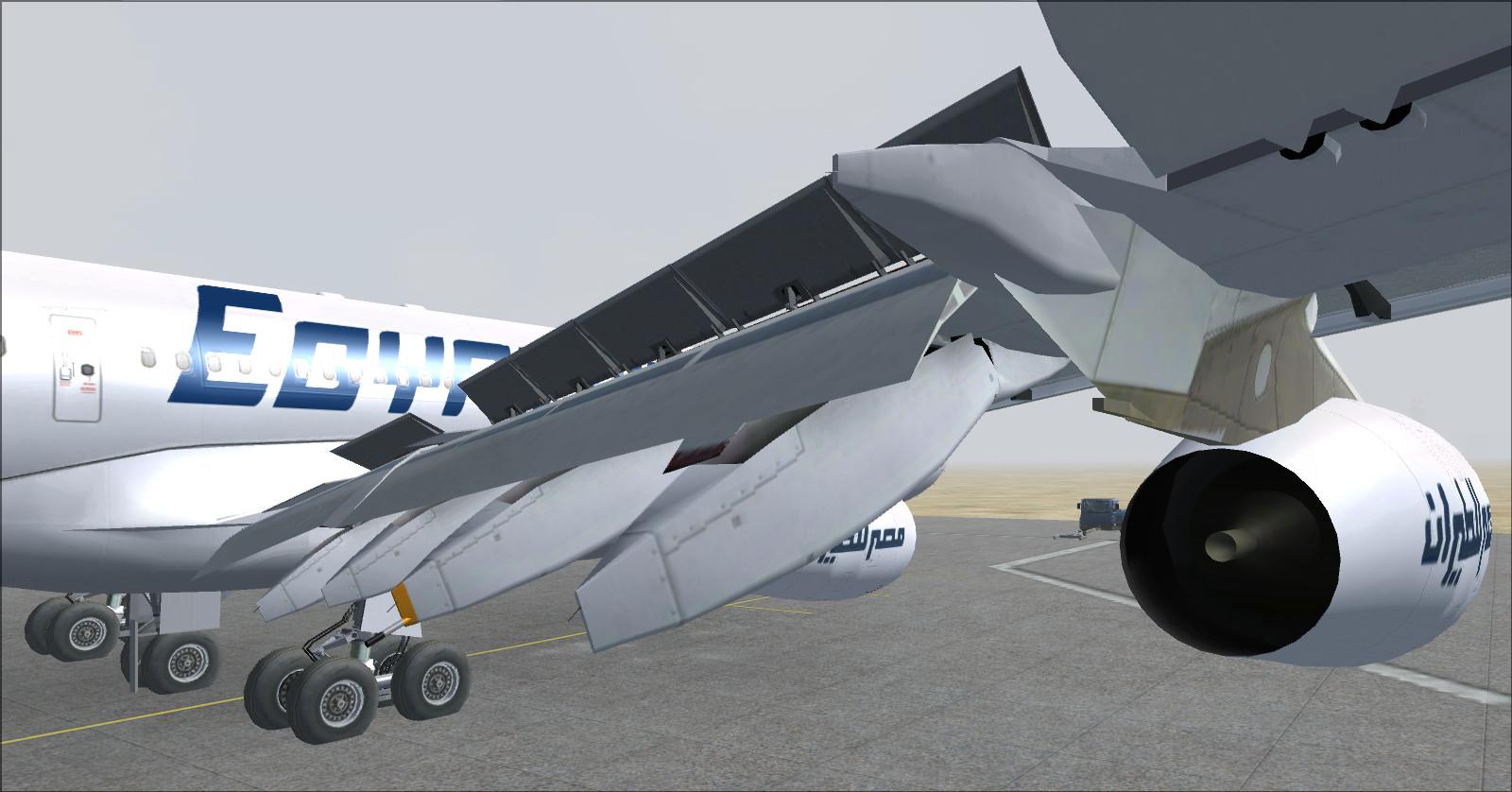
Without SP2, some 3D models may appear incomplete, as shown below:
 |
 |
Installation
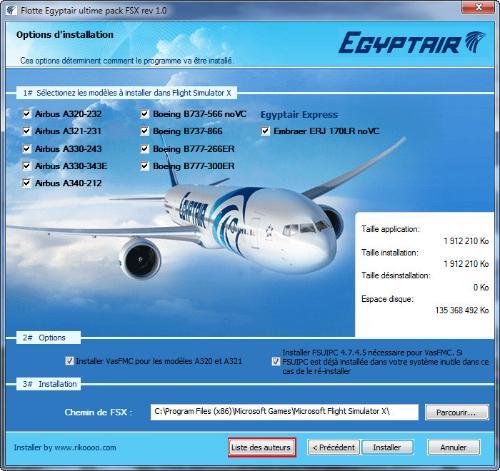
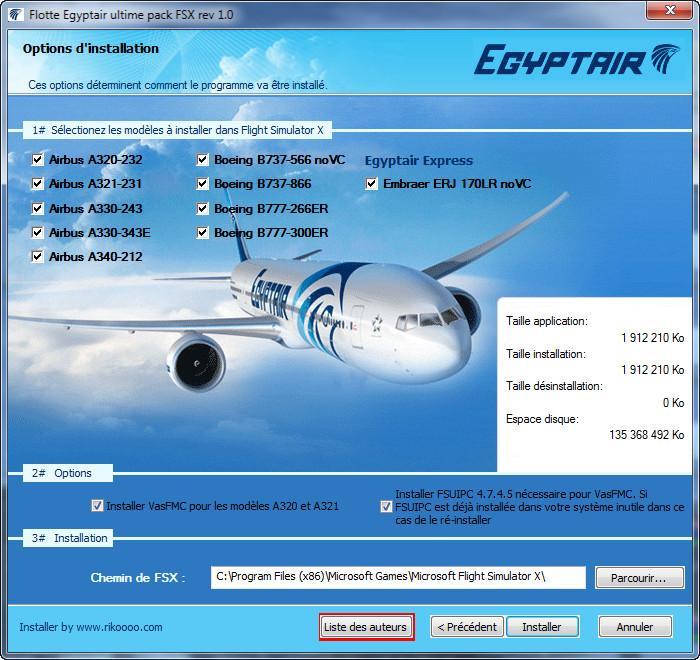
Download the package, then run the installer and follow the steps on screen. If your connection is unreliable, use download resuming when available.
The installer is intended for Windows and does not run on macOS.
The optional vasFMC installation can include FSUIPC, which it requires.
EgyptAir: a brief history
Founded in May 1932, EgyptAir is one of the world’s earliest airlines; its official history places it seventh by date of establishment.
Commercial flights began between Cairo and Alexandria in August 1933 with a Spartan Cruiser. Twelve de Havilland aircraft joined the fleet in 1935.
During the Second World War, the Egyptian government took control of the airline and renamed it Misr Airlines.
It became MisrAir in 1946 and acquired ten Beechcraft, followed by ten Vickers Vikings in 1949. The French-built Languedoc entered service the following year.
The United Arab Airlines period brought Comet 4C jets in 1960 and the Boeing 707-320C in 1968 for international and long-haul services.
The EgyptAir name was adopted in 1971.
The airline joined Star Alliance on 17 July 2008. For further background, see EgyptAir’s official history.
Destinations to inspire your flights
The network described on the original page offers ideas for recreating period flights. Egyptian destinations listed from Cairo included Abu Simbel, Alexandria, Assiut, Aswan, Hurghada, Luxor and Sharm el-Sheikh. Elsewhere in Africa, the list included Casablanca, Tunis, Algiers, Tripoli, Benghazi, Asmara, Khartoum, Addis Ababa, Entebbe, Nairobi, Lagos, Accra and Kano.
It also included Bombay, Bangkok, Kuala Lumpur, Singapore, Guangzhou, Beijing, Seoul, Tokyo and Osaka in Asia; Oslo, Stockholm, Copenhagen, Moscow, Berlin, London, Amsterdam, Brussels, Düsseldorf, Frankfurt, Munich, Vienna, Zurich, Paris, Geneva, Milan, Budapest, Kyiv, Rome, Barcelona, Madrid, Lisbon, Istanbul, Athens and Larnaca in Europe; and New York-JFK and Toronto-Pearson in North America.
Use these as ideas for simulator flights, rather than as a current timetable or route list. Choose a period, livery and aircraft before planning your route to keep the flight consistent with this package. Historical source for the list: Wikipedia.
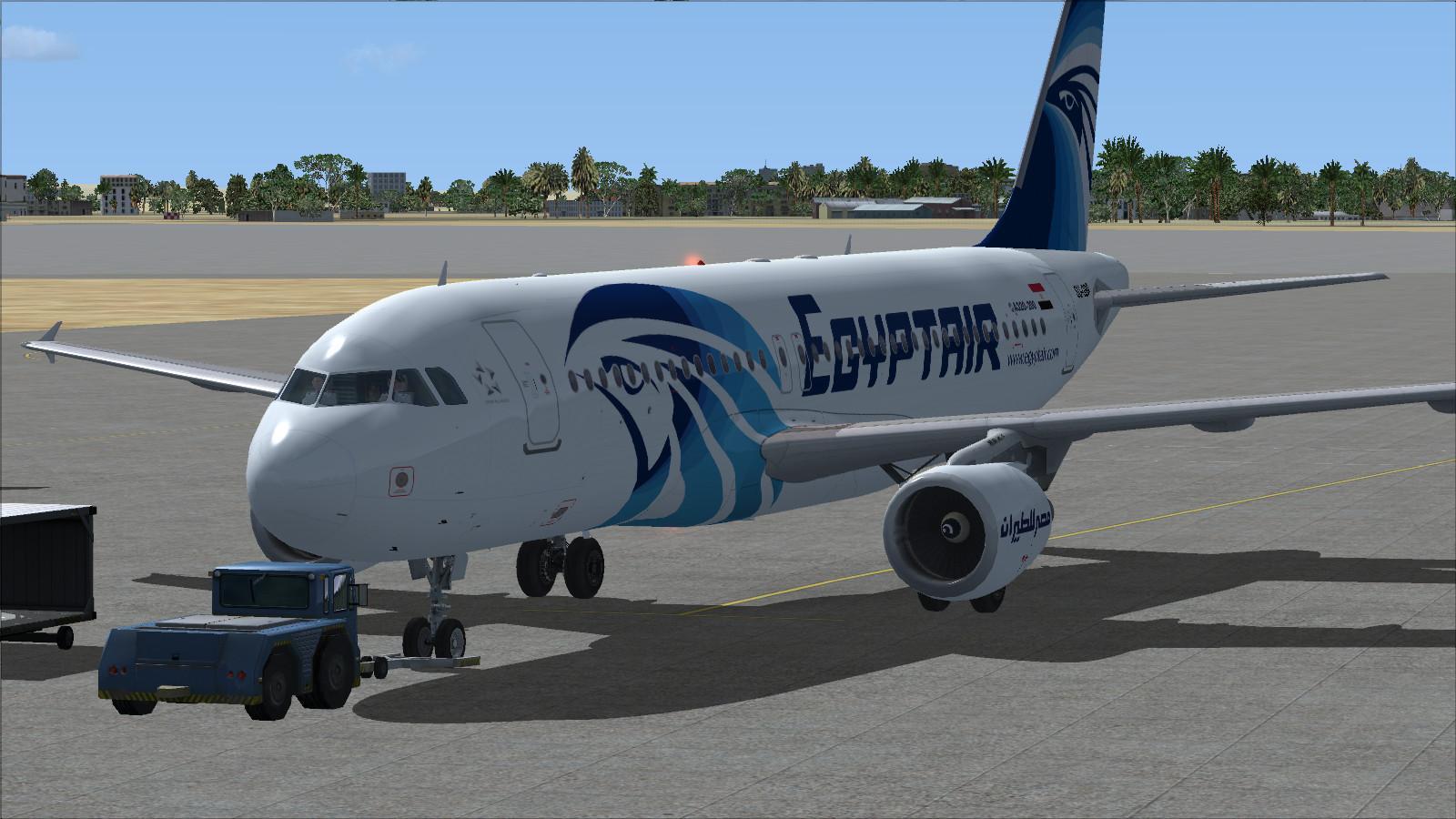
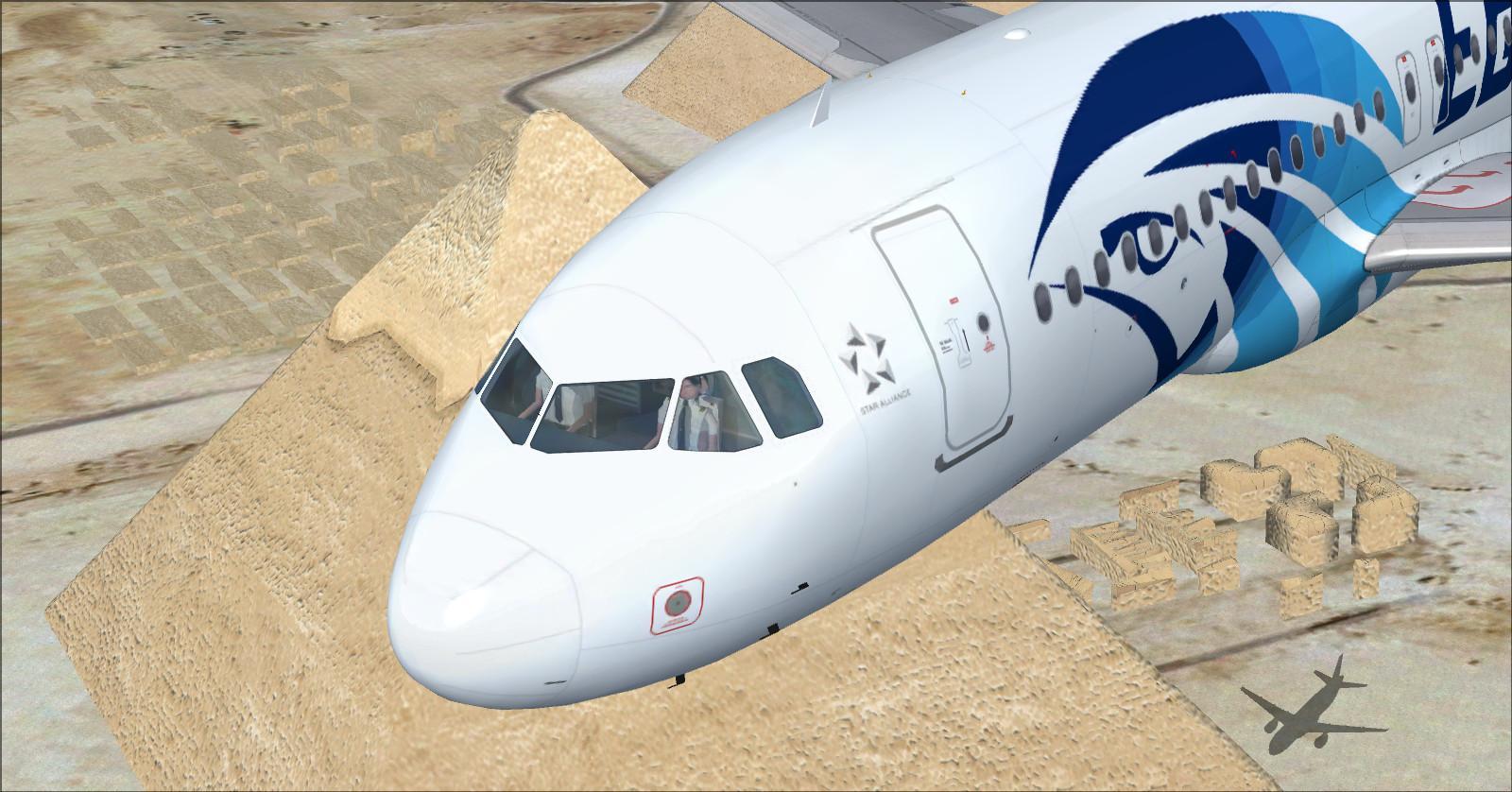
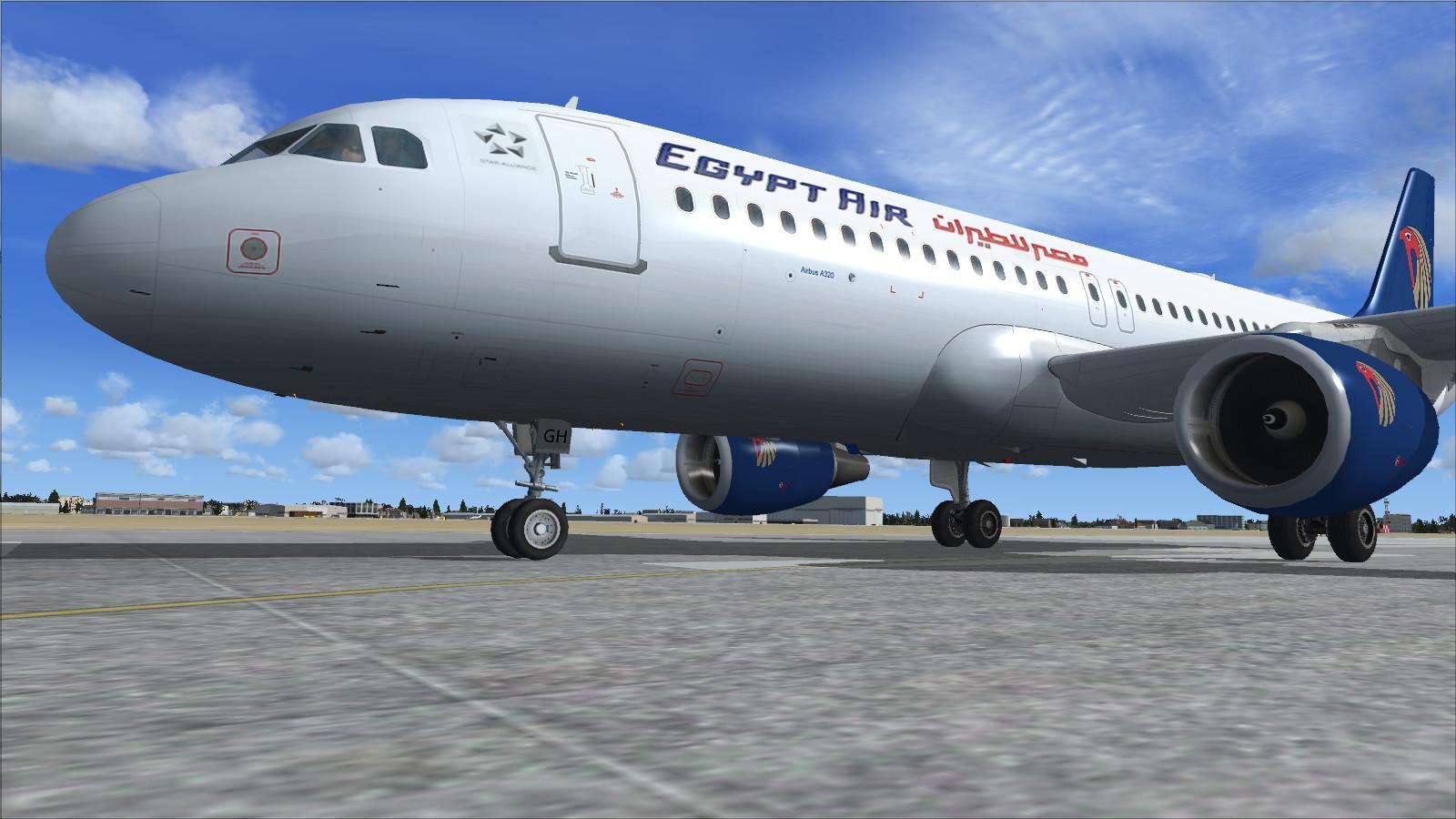
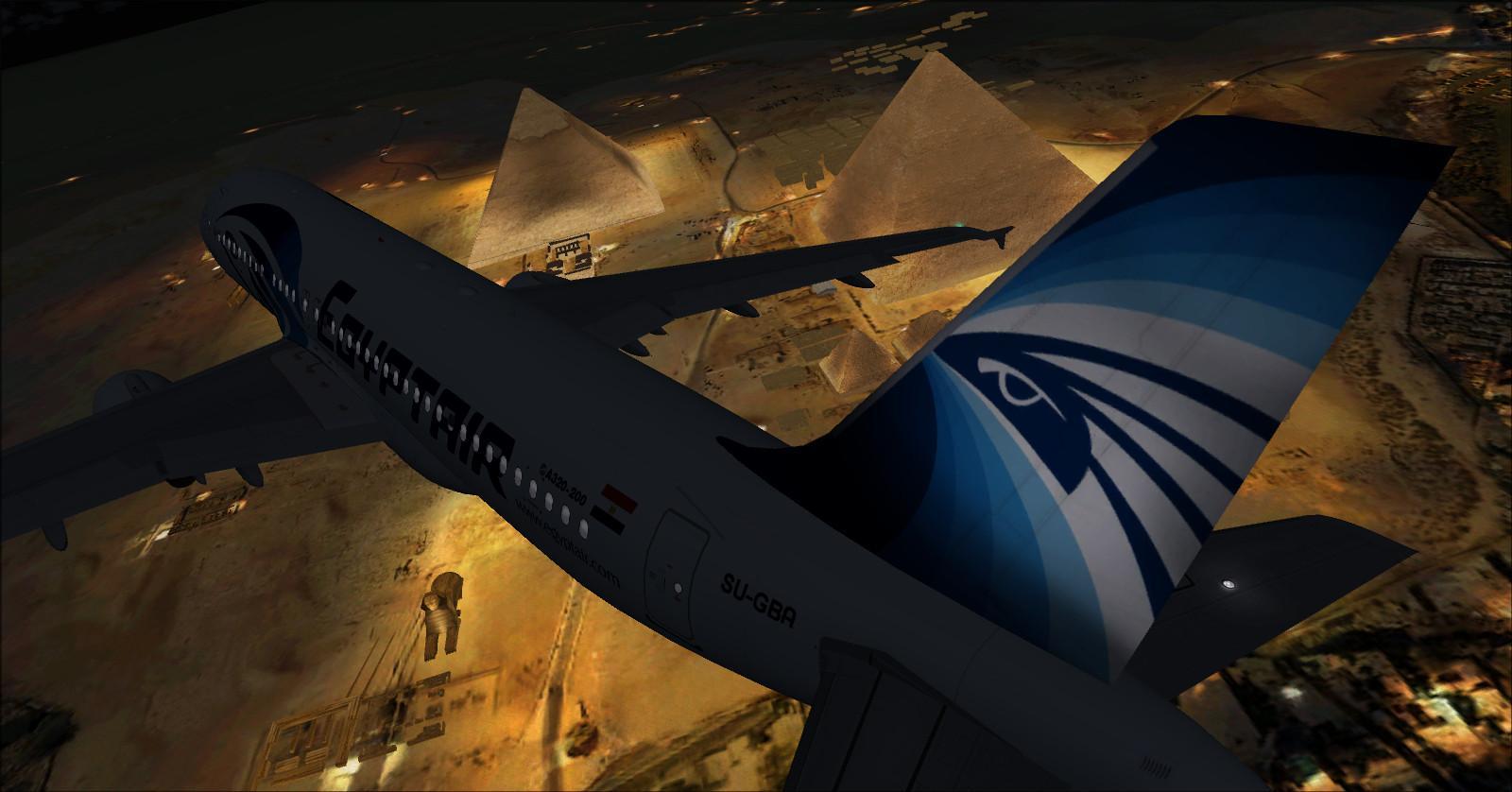
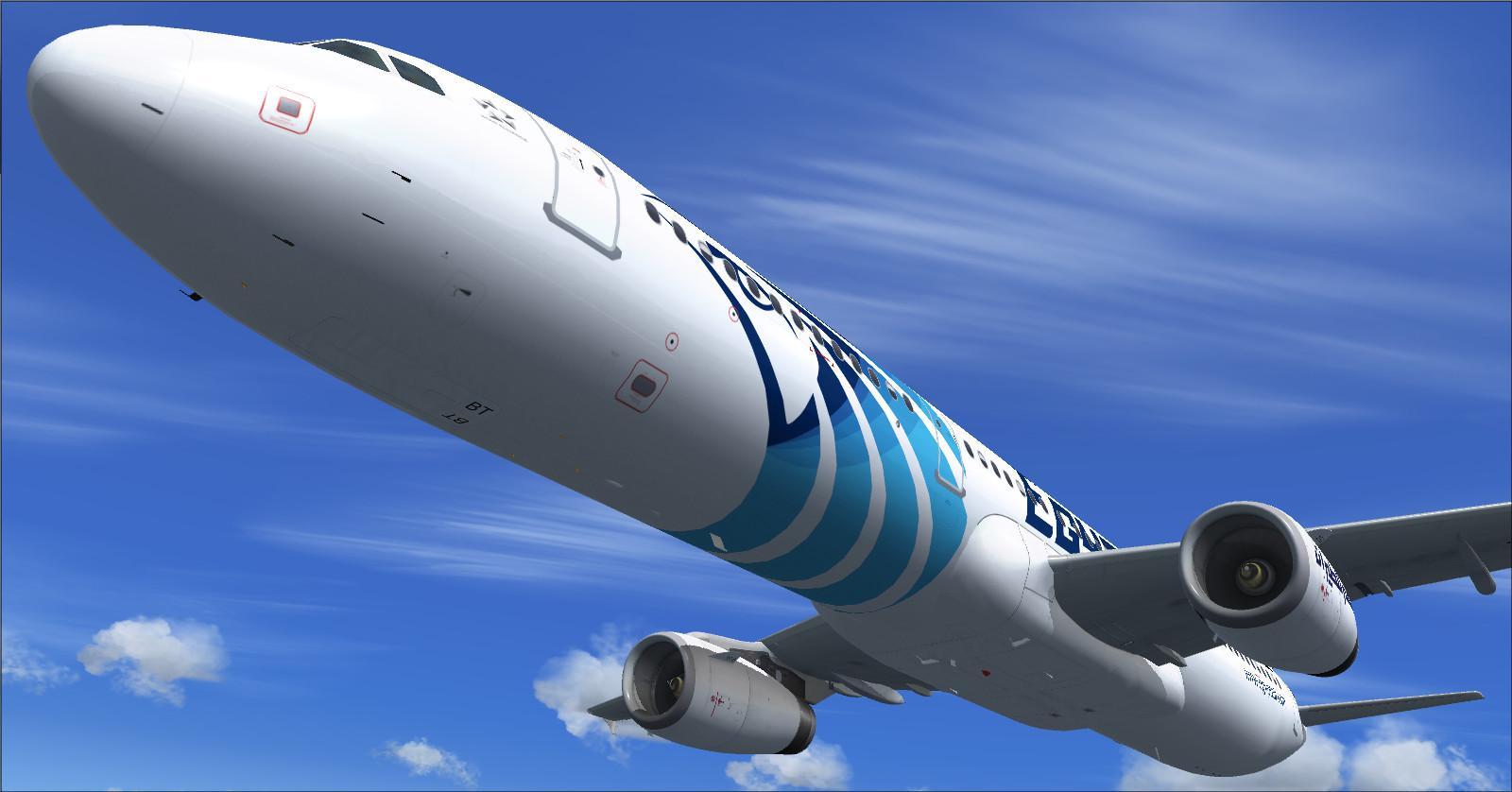
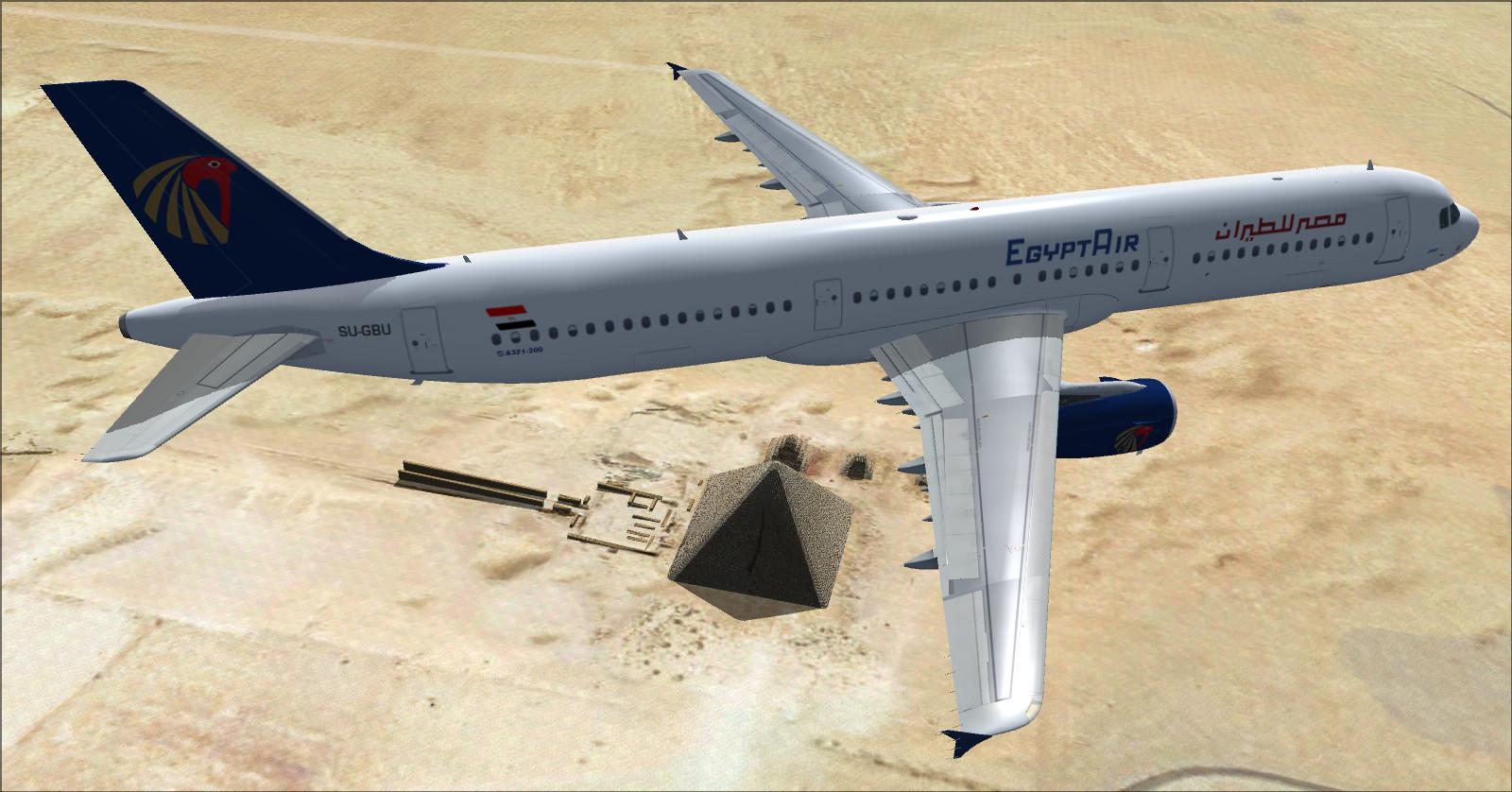
1 — Airbus A320-232 EgyptAir
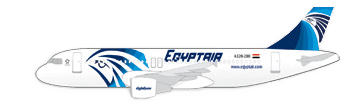
EgyptAir old and newer colour schemes created by Rikoooo.
Reference cabin: 145 seats, with 16 in business and 129 in economy.
Business: 2-2, or 4 abreast.
Economy: 3-3, or 6 abreast.
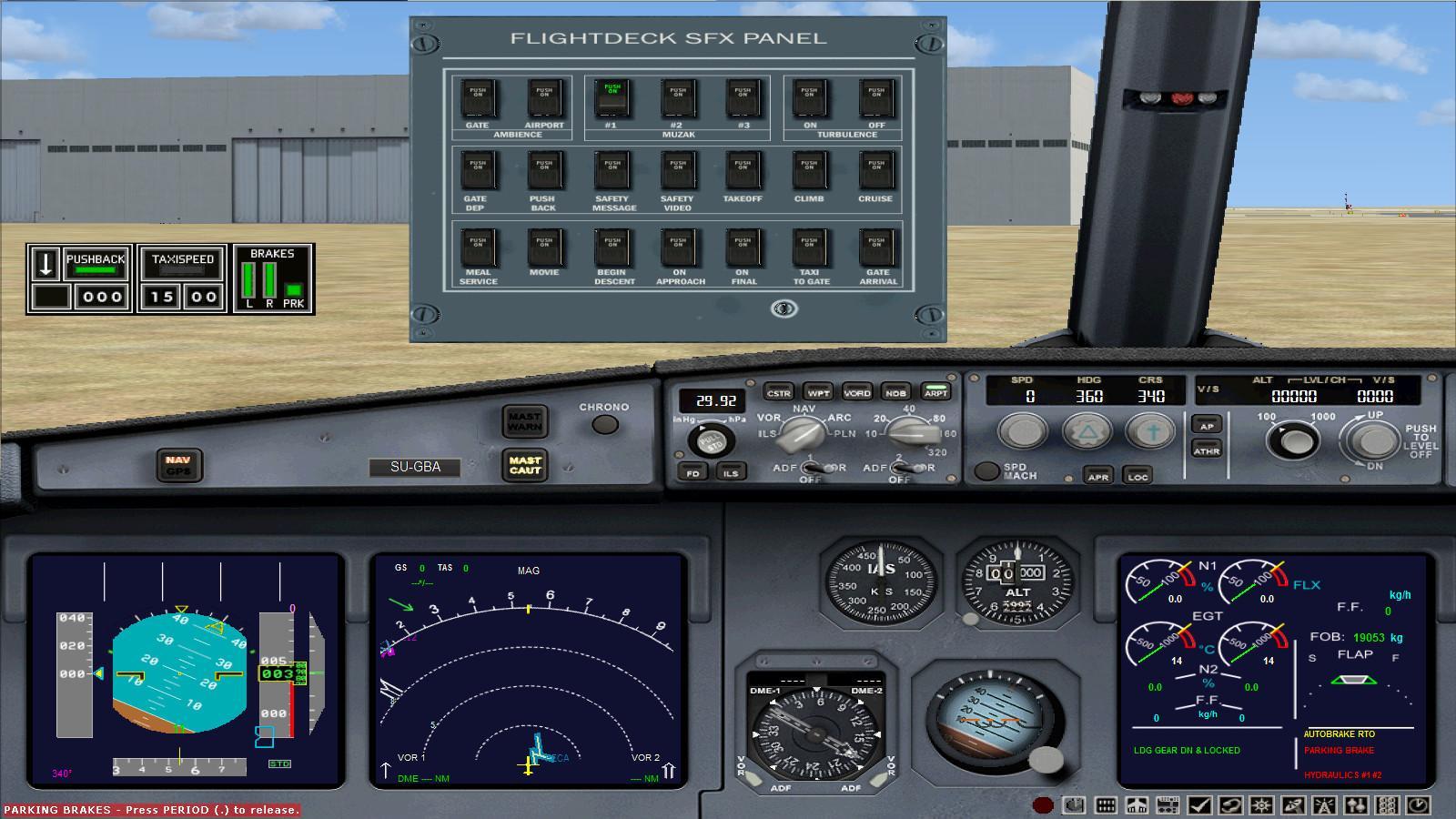
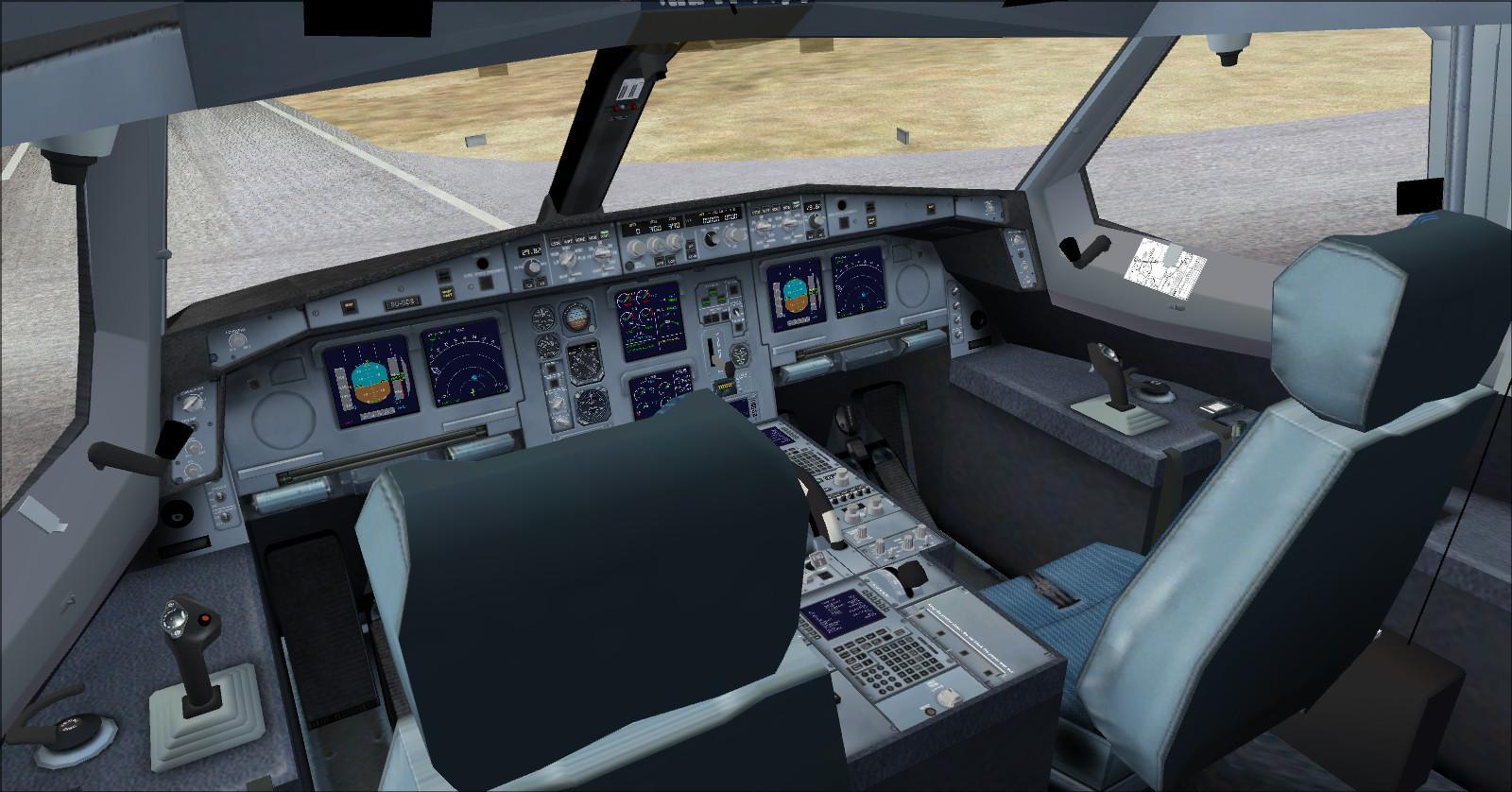
Cockpit and instruments
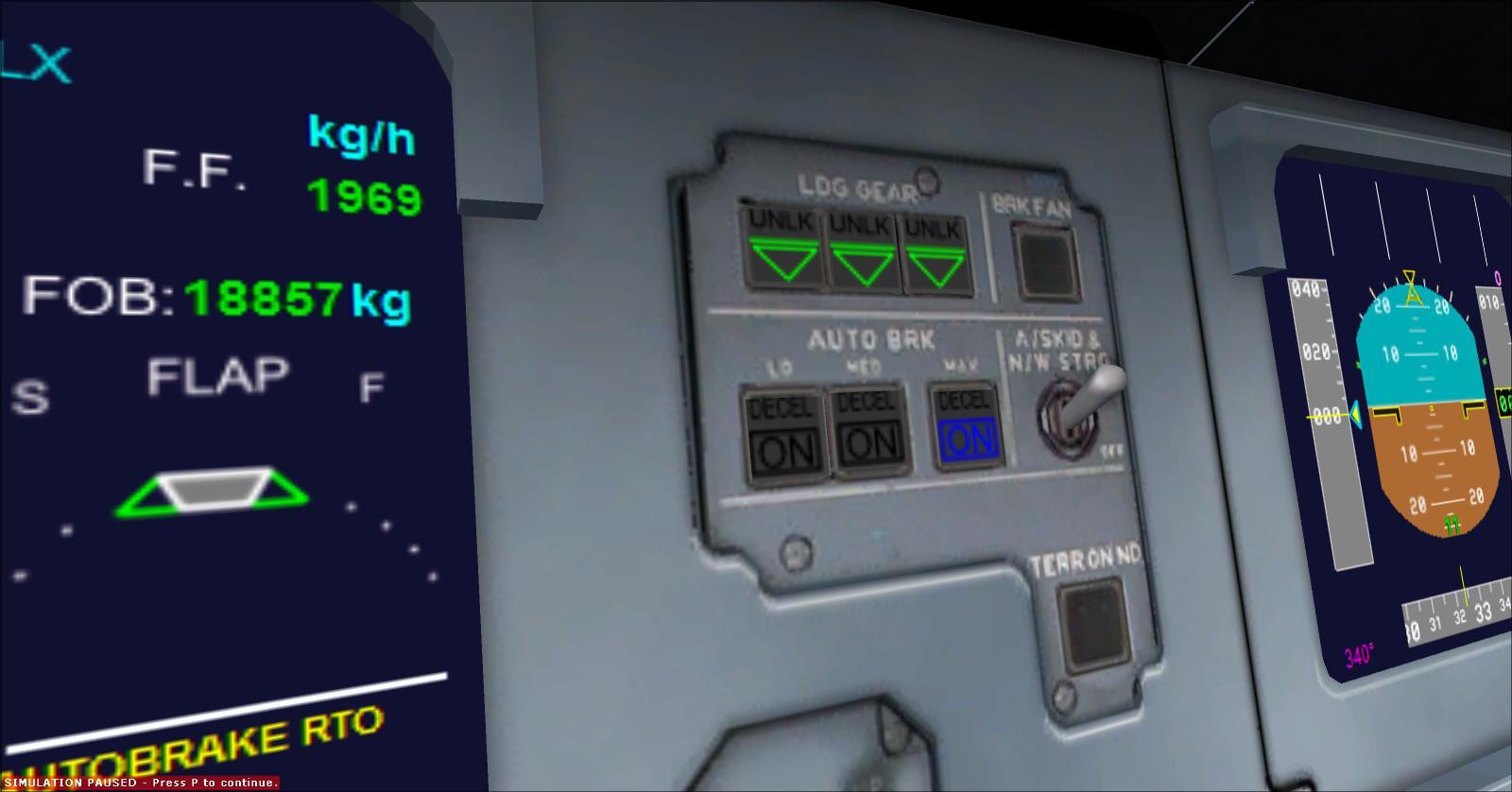
| The virtual cockpit Autobrake control works on the Airbus aircraft in this fleet. |
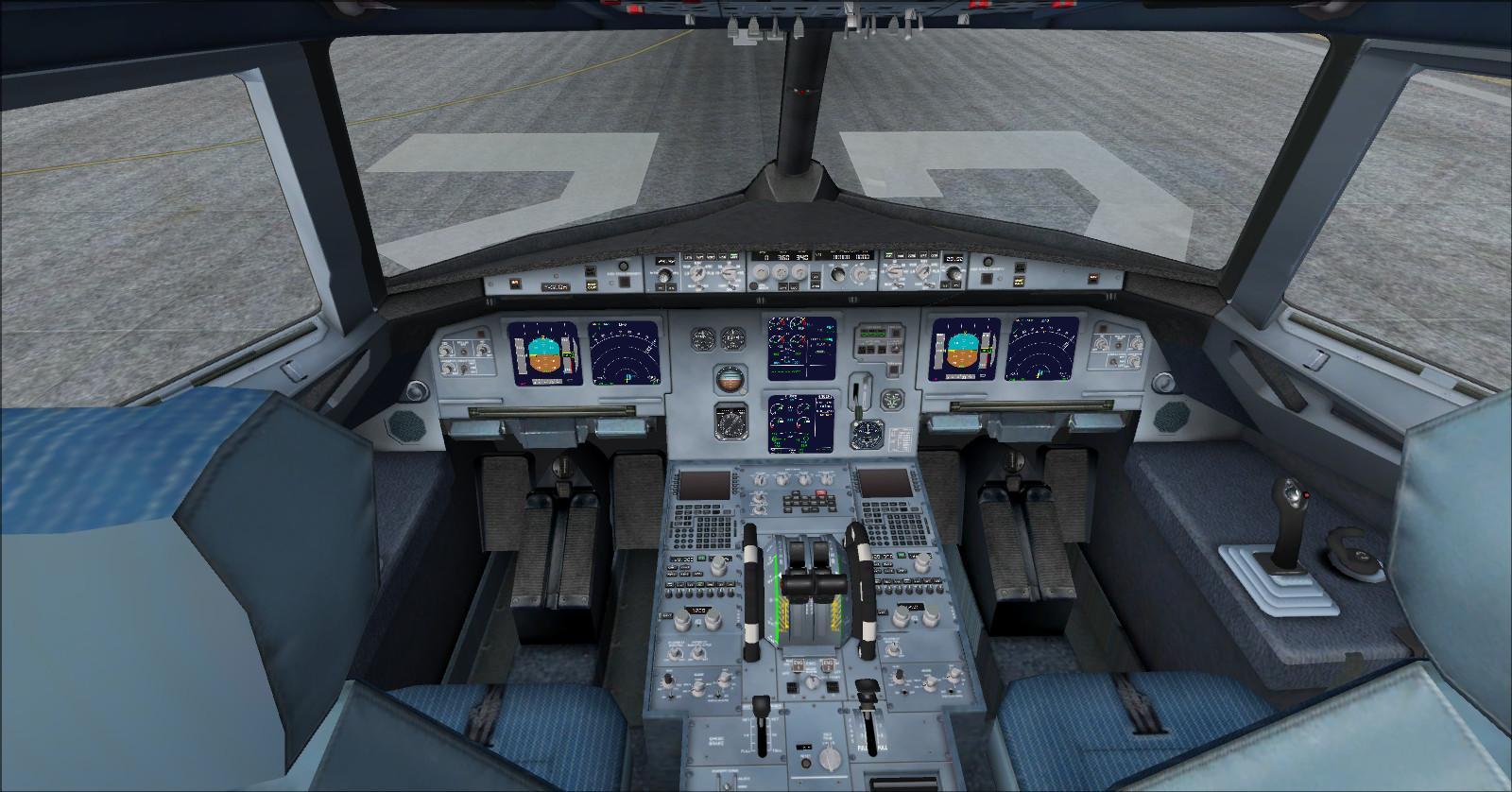
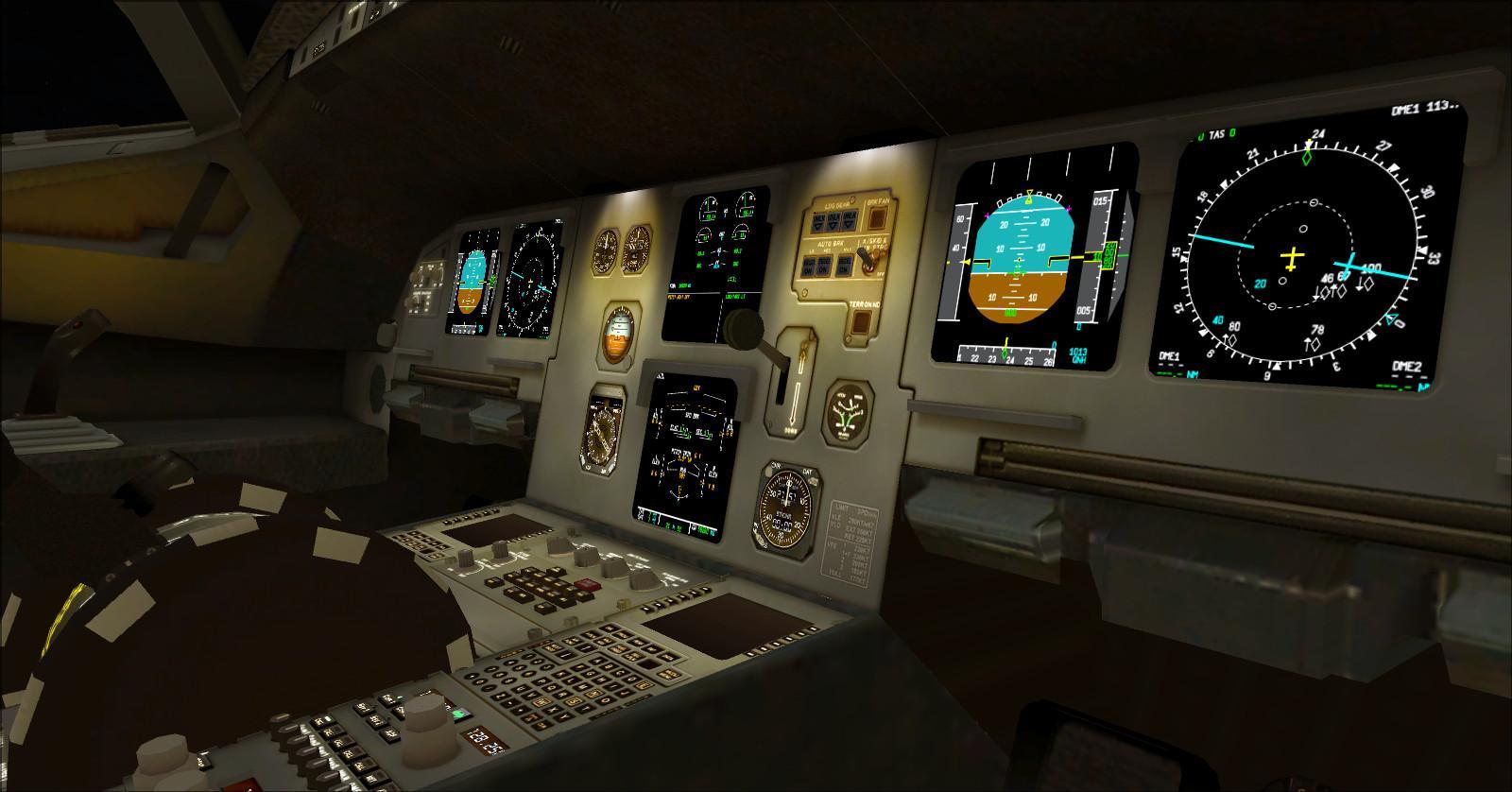
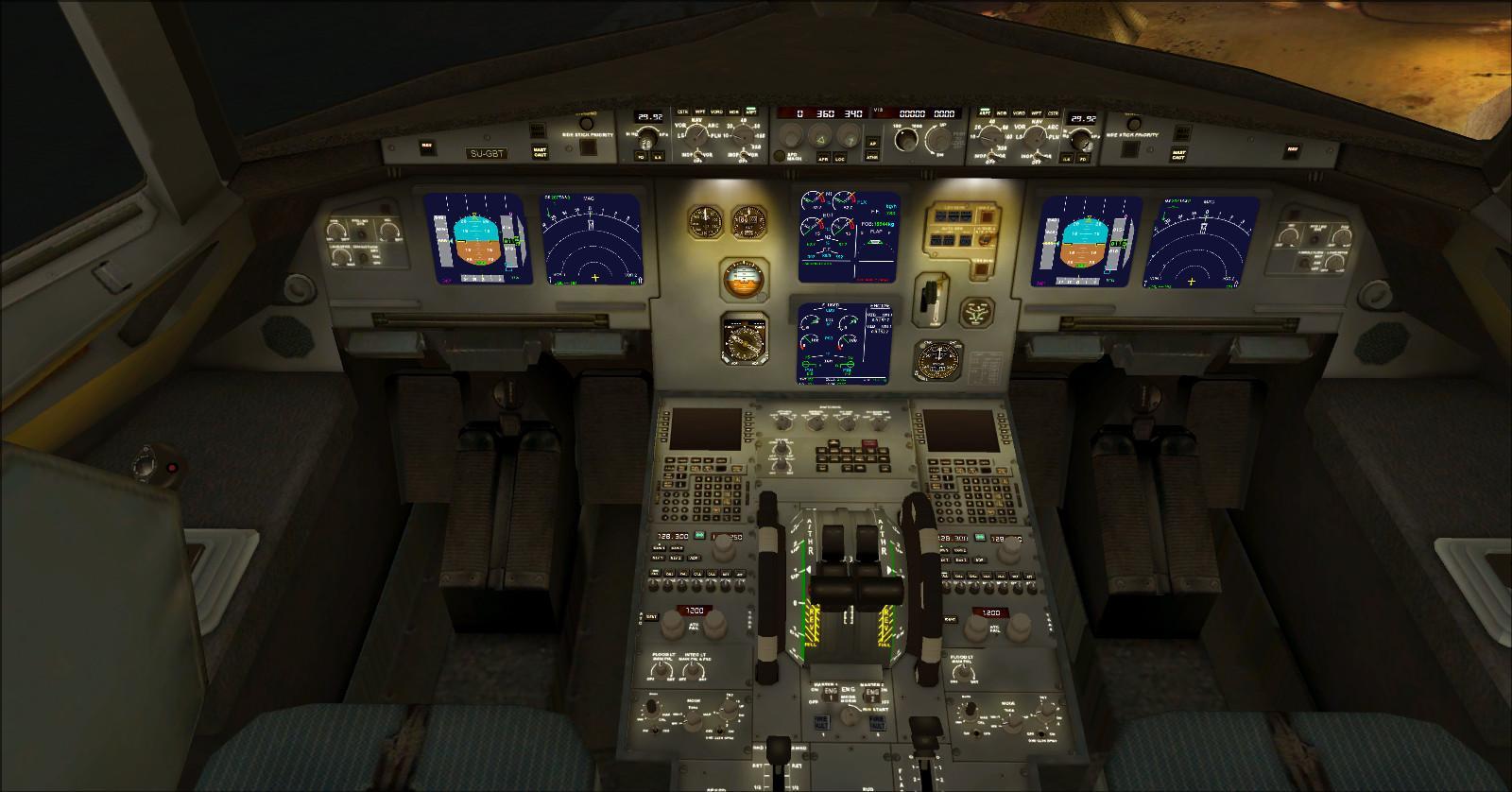
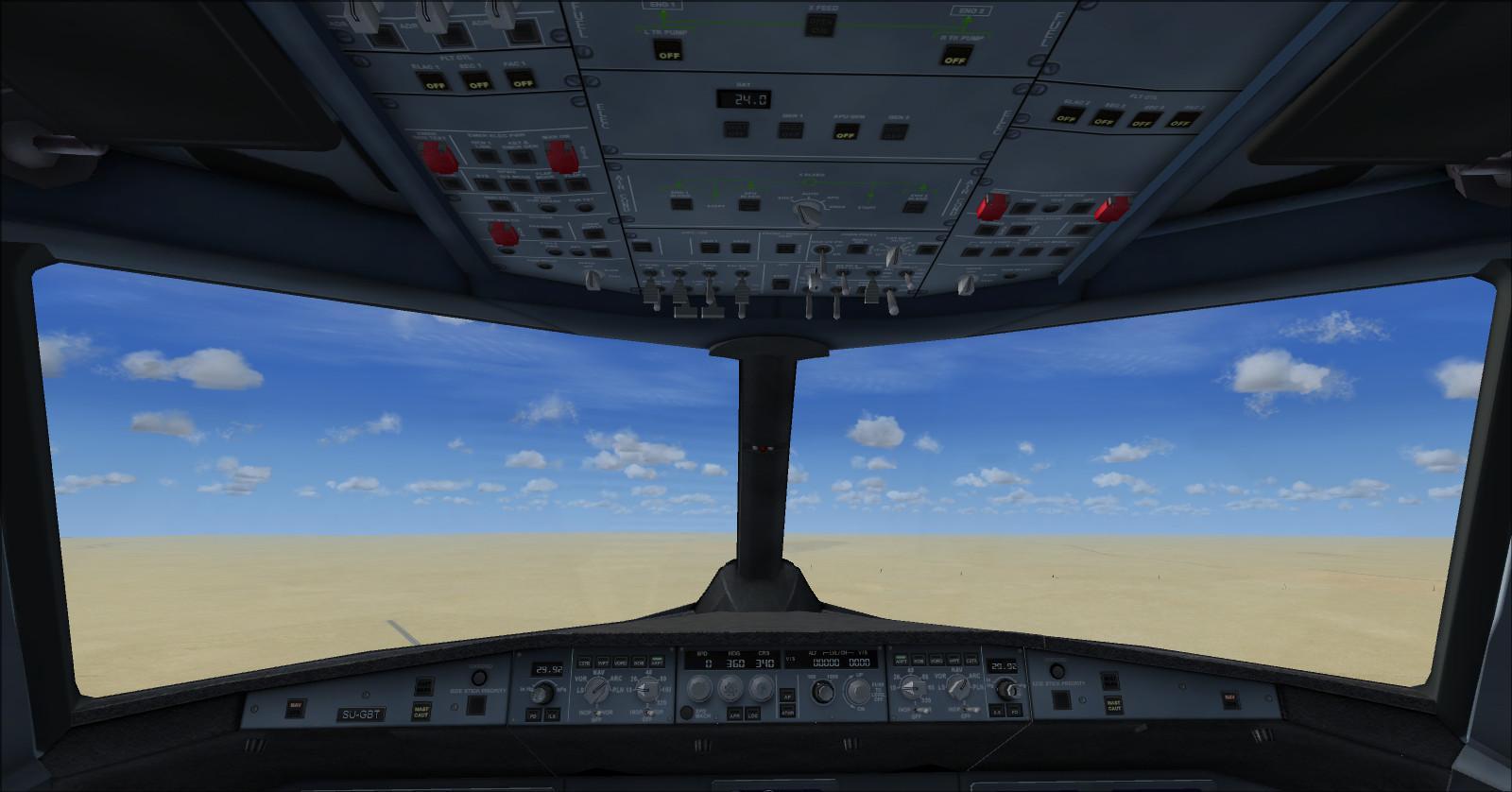
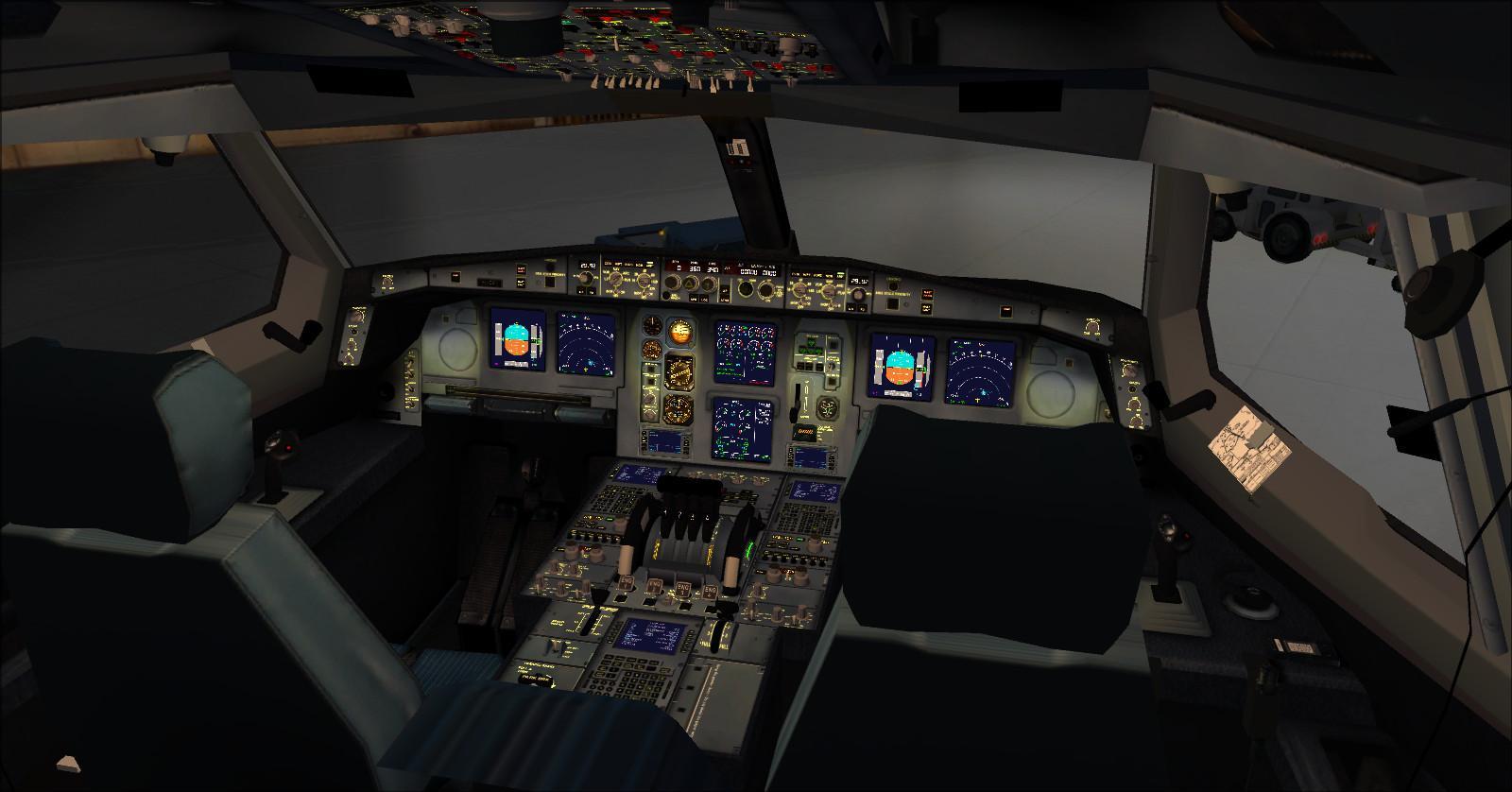
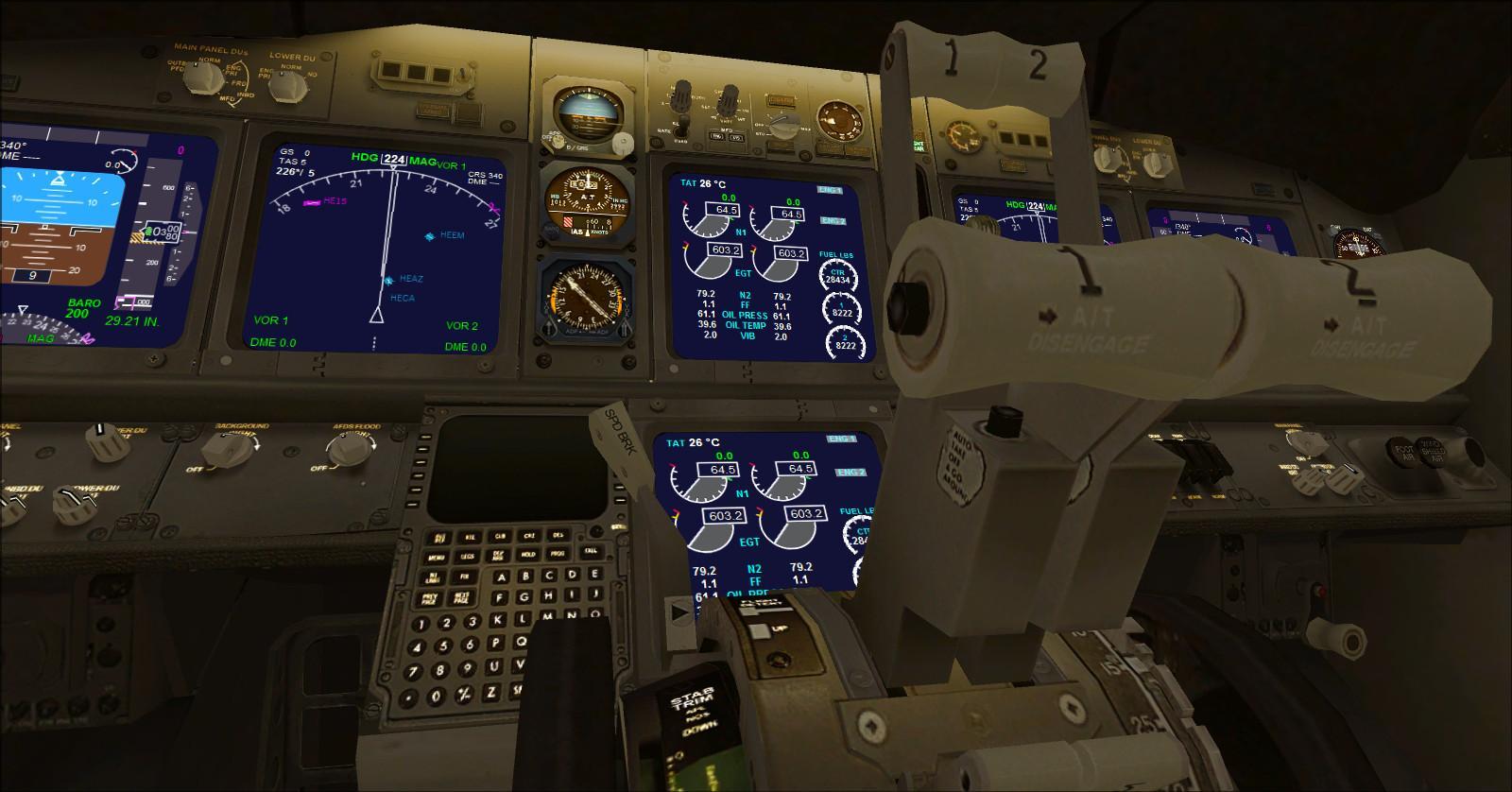
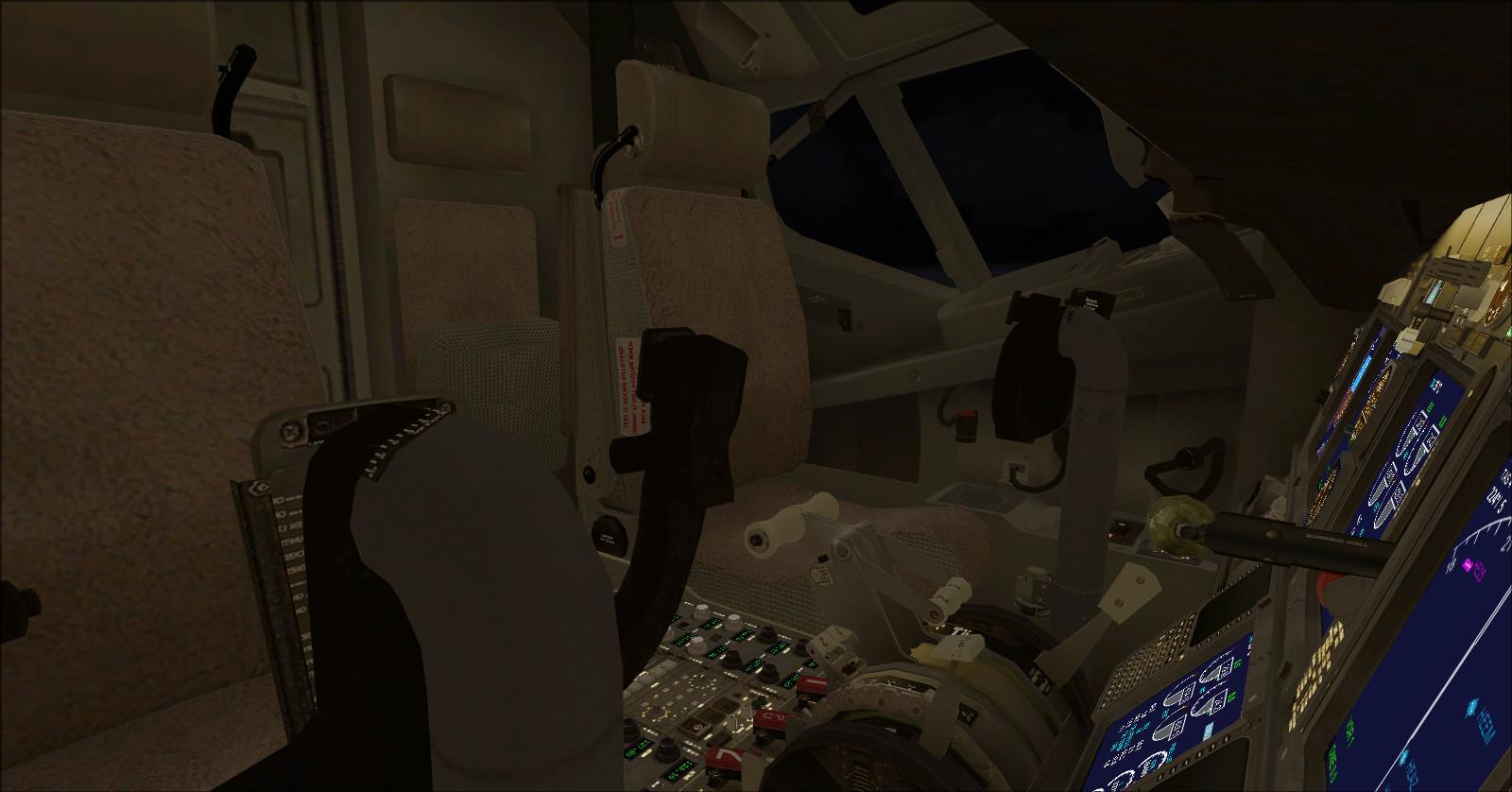
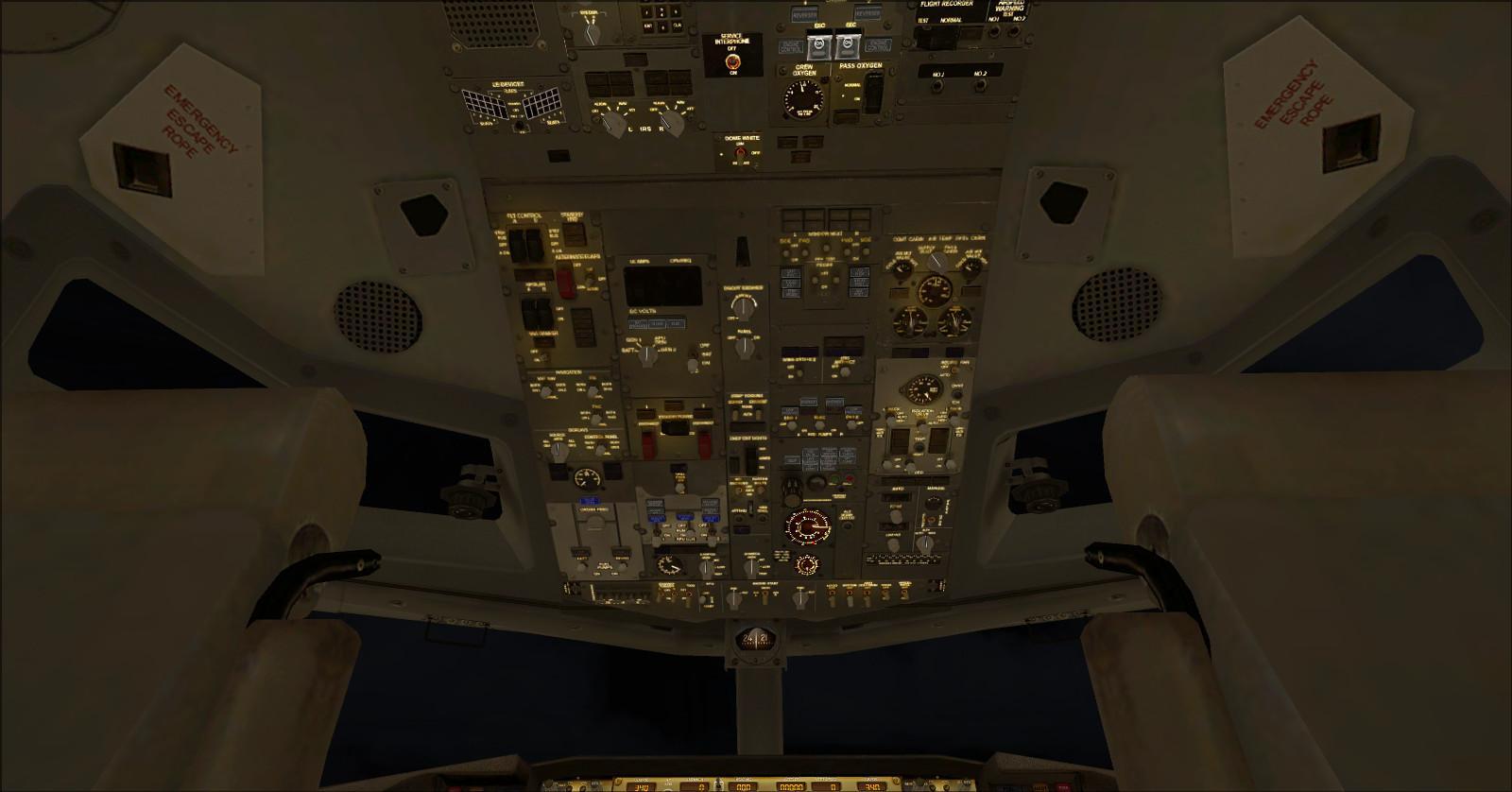
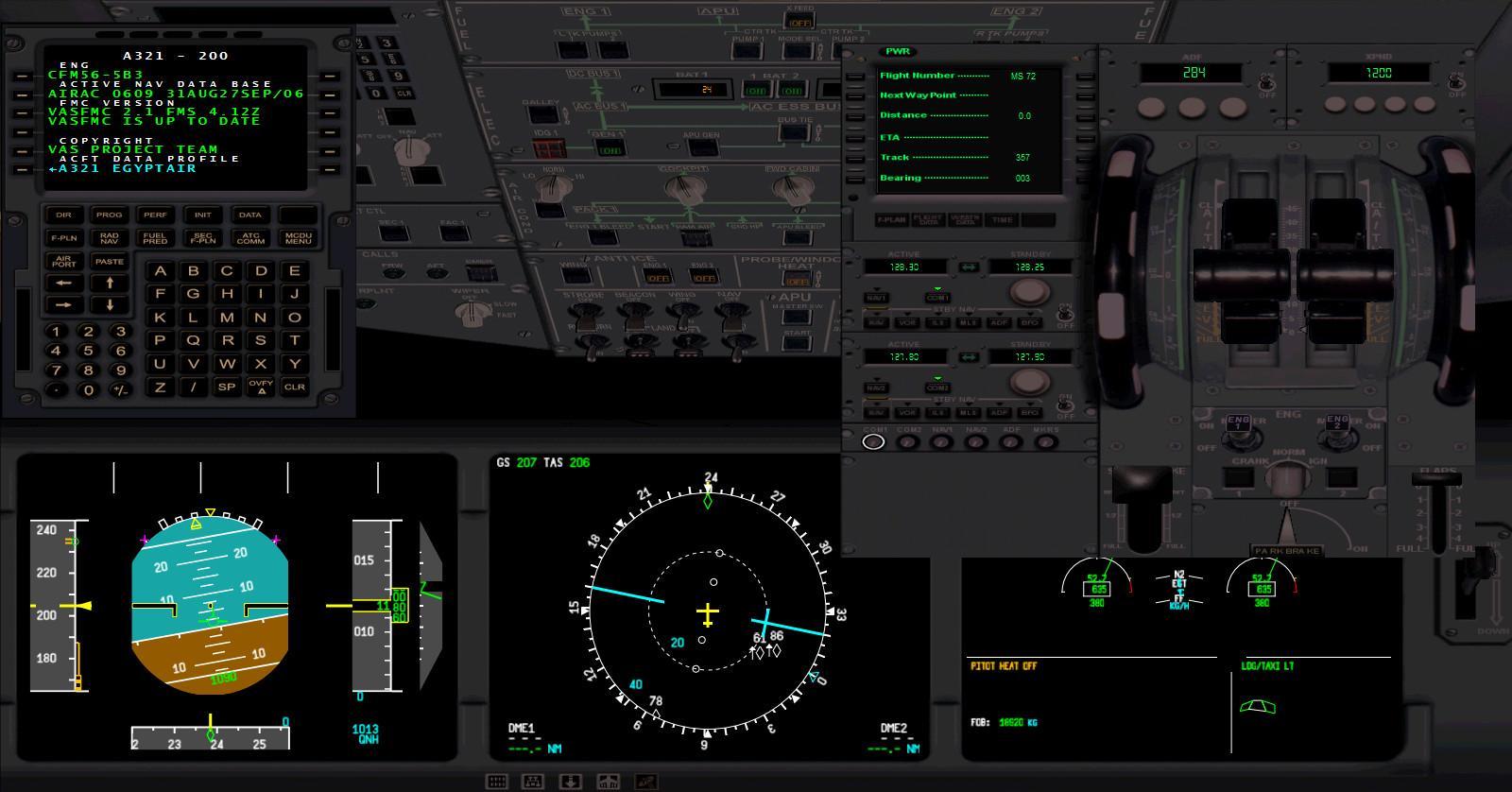
A320 and A321 virtual cockpit with the optional vasFMC integration: see the vasFMC instructions. |
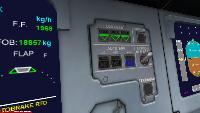 |
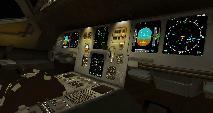 |
Using the Airbus instruments in this package
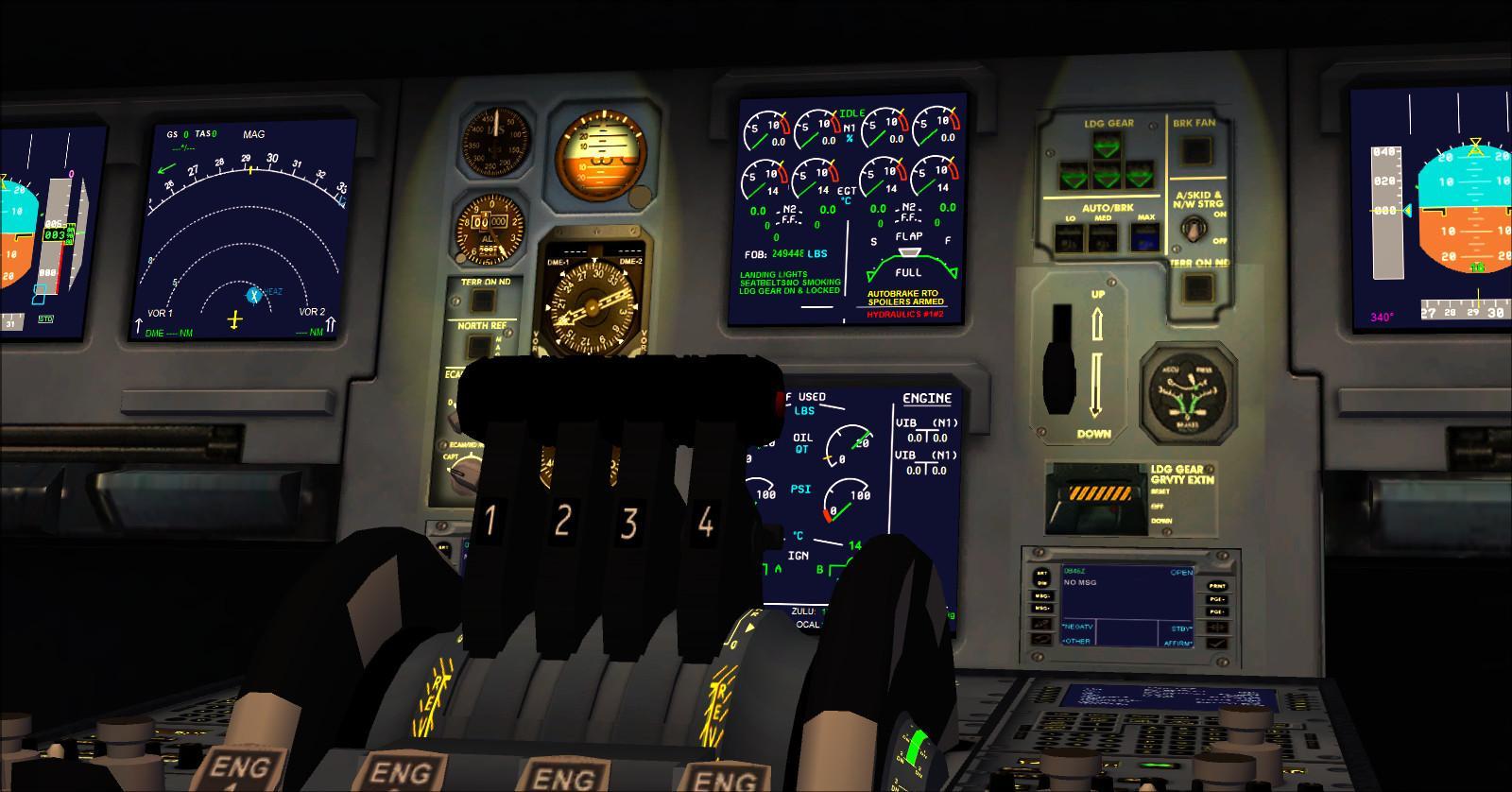
1 — ECAM The ECAM displays the slat and flap configuration.
Right-click its upper-right corner, above the slat and flap indication, to switch weights between kilograms and pounds.
Kilograms are selected by default.
The lower area displays messages about the aircraft’s configuration.
These indications include:
Left side
|
Right side |
| Landing lights |
Spoilers armed |
| Seat belt and no-smoking signs |
Autobrake status |
| Landing gear down and locked |
Parking brake |
| Pitot heat |
Hydraulic system |
| Engine 1 and 2 anti-ice |
Generator |
| Wing anti-ice |
Takeoff or landing weight limit warning |
2 — ECAMS2 This addition to the ECAM displays TAT and SAT temperatures, UTC (Zulu) time, local time
and total aircraft weight.
3 — Autoflare
This function assists the model’s automatic approach. With the autopilot in APR mode, it reduces vertical speed for the flare
once radio height falls below 150 feet.
At 20 feet, commanded autothrust is reduced to zero. Move your throttle lever to zero as well; otherwise, its position
can restore thrust.
Above 20 feet, press the TOGA button on the ECU to initiate a go-around. The autopilot commands a climb
and thrust increases.
On final approach, check the selected speed and flap configuration.
Set the autobrake and move the throttle lever to zero for landing. Monitor the approach and go around
if the autopilot does not follow the intended flight path.
4 — SFCC: slat and flap control
The package’s SFCC selects the slat and flap configuration from the lever position and airspeed. At position 1, it distinguishes configuration 1 from 1+F.
Lever position — Slats/flaps — ECAM indication — Note
0 — 0/0 — Retracted
1 — 18/10 — 1 — Approach configuration selected above 140 knots
1 — 18/F — 1+F — Takeoff configuration selected below 140 knots
2 — 22/20 — 2
3 — 22/30 — 3
4 — 25/35 — 4
In takeoff configuration 1+F, the SFCC automatically retracts the flaps to configuration 1 above 210 knots.
With flaps extended and airspeed above 60 knots, the SFCC arms the spoilers. They retract automatically
below 55 knots. These values describe the instruments supplied with this package.
5 — Autobrake
Right-click one of the three buttons to select the required mode.
On the ground, only MAX is available; this selects RTO braking for a rejected takeoff.
In flight, LO, MED and MAX are available.
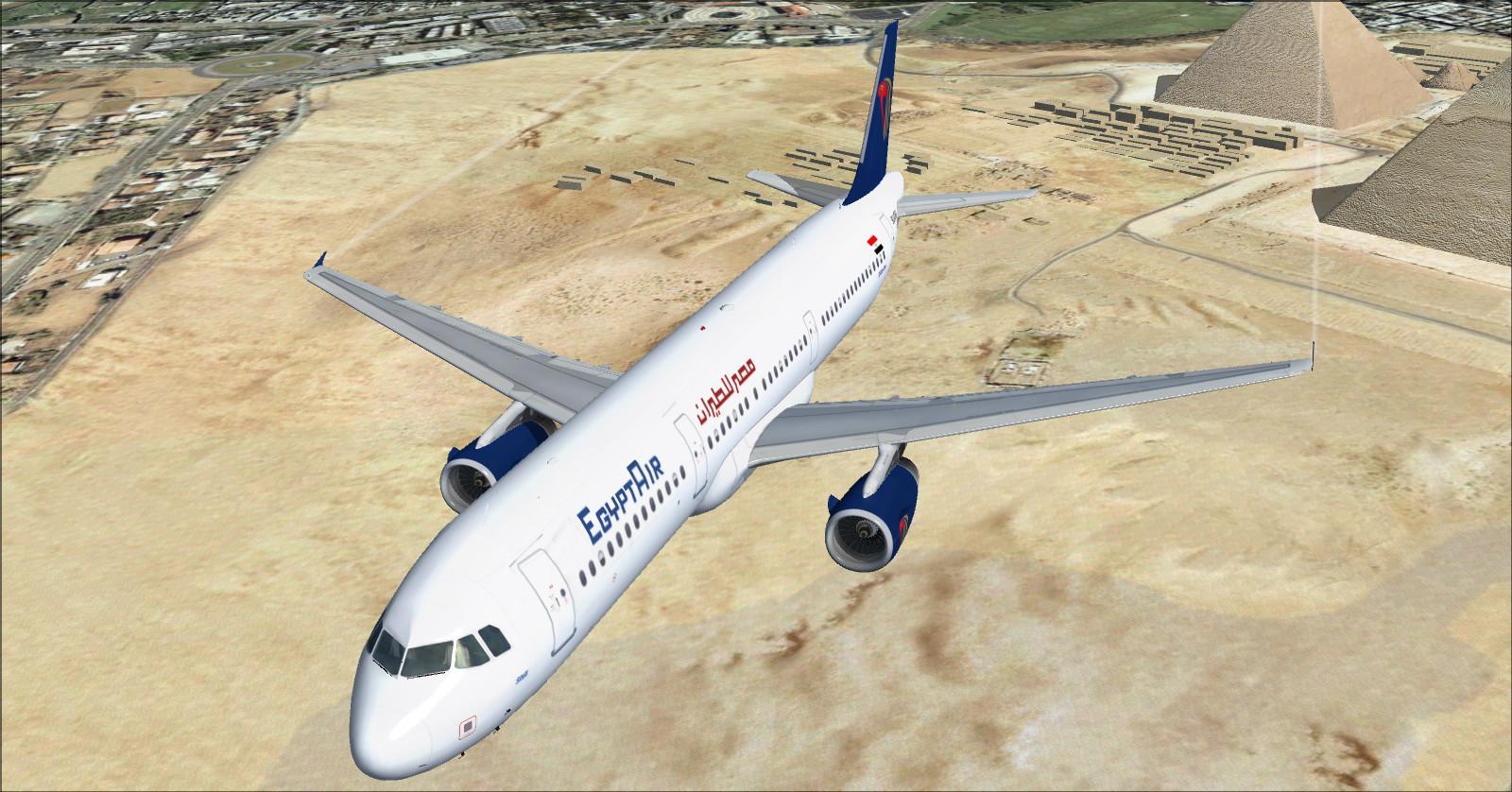
2 — Airbus A321-231 EgyptAir
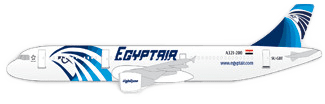
EgyptAir old colour scheme created by Rikoooo.
Reference cabin: 185 seats, with 10 in business and 175 in economy.
Business: 2-2, or 4 abreast.
Economy: 3-3, or 6 abreast.
Additional screenshot:
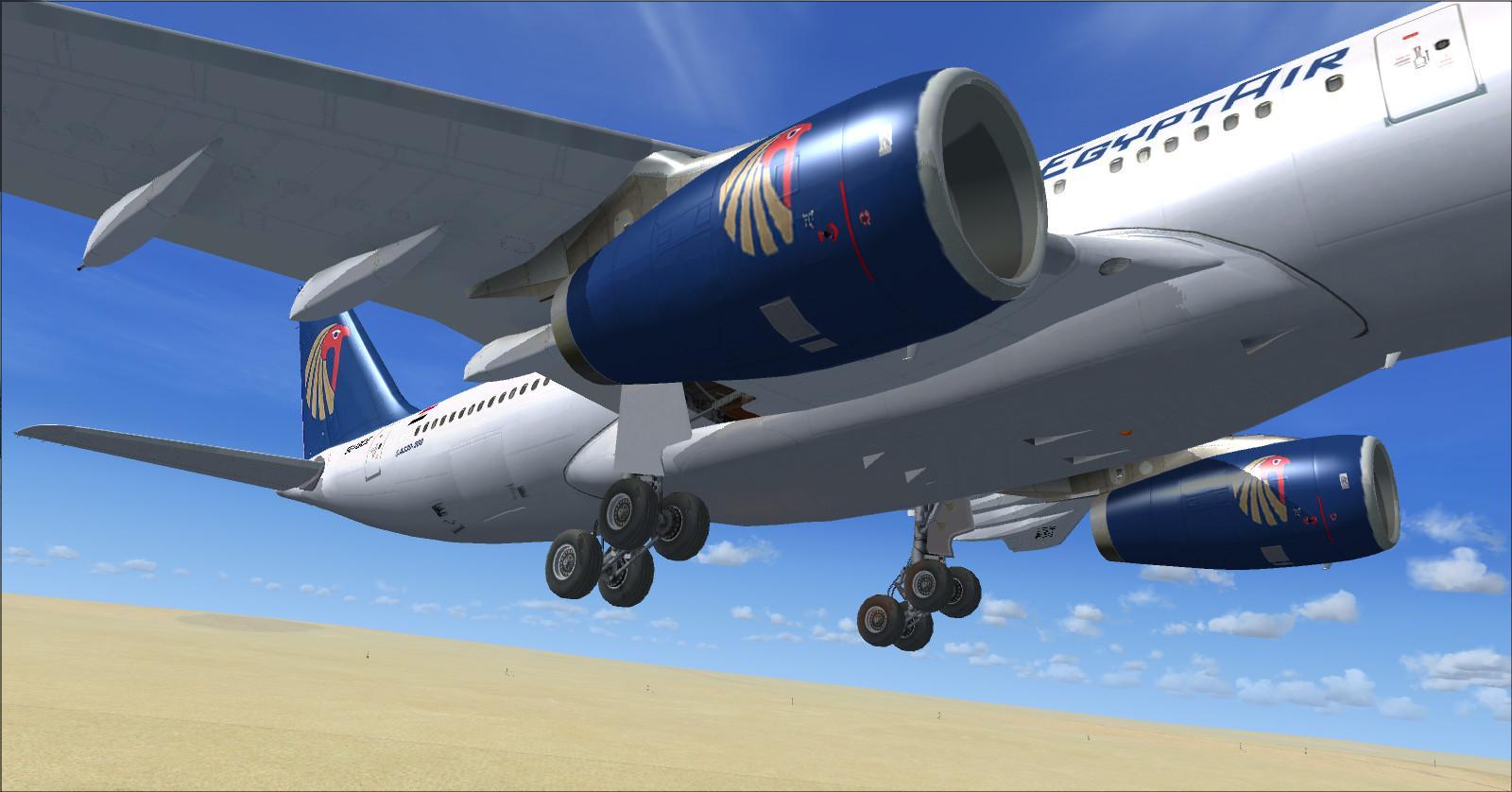
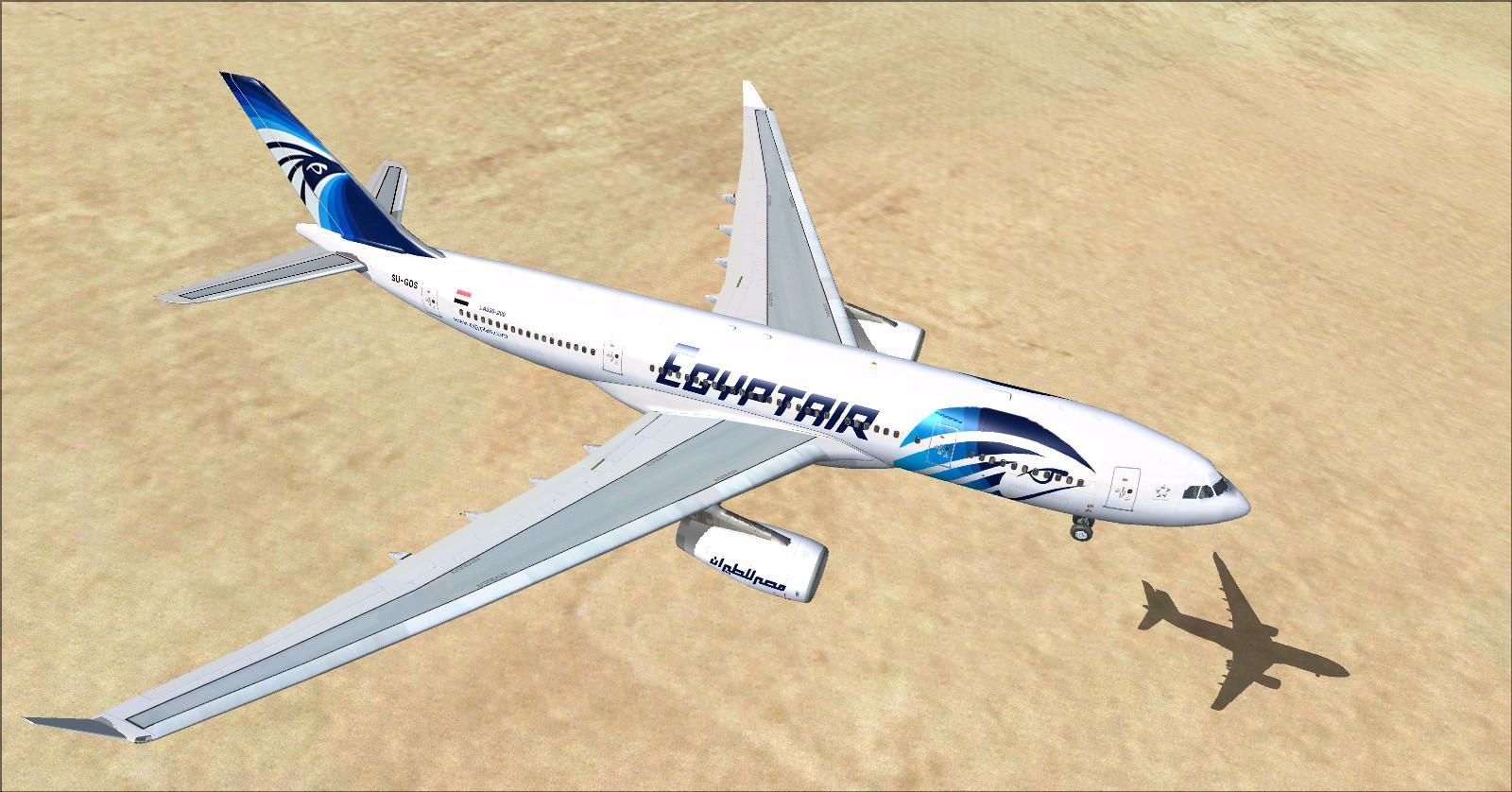
3 — Airbus A330-243 EgyptAir
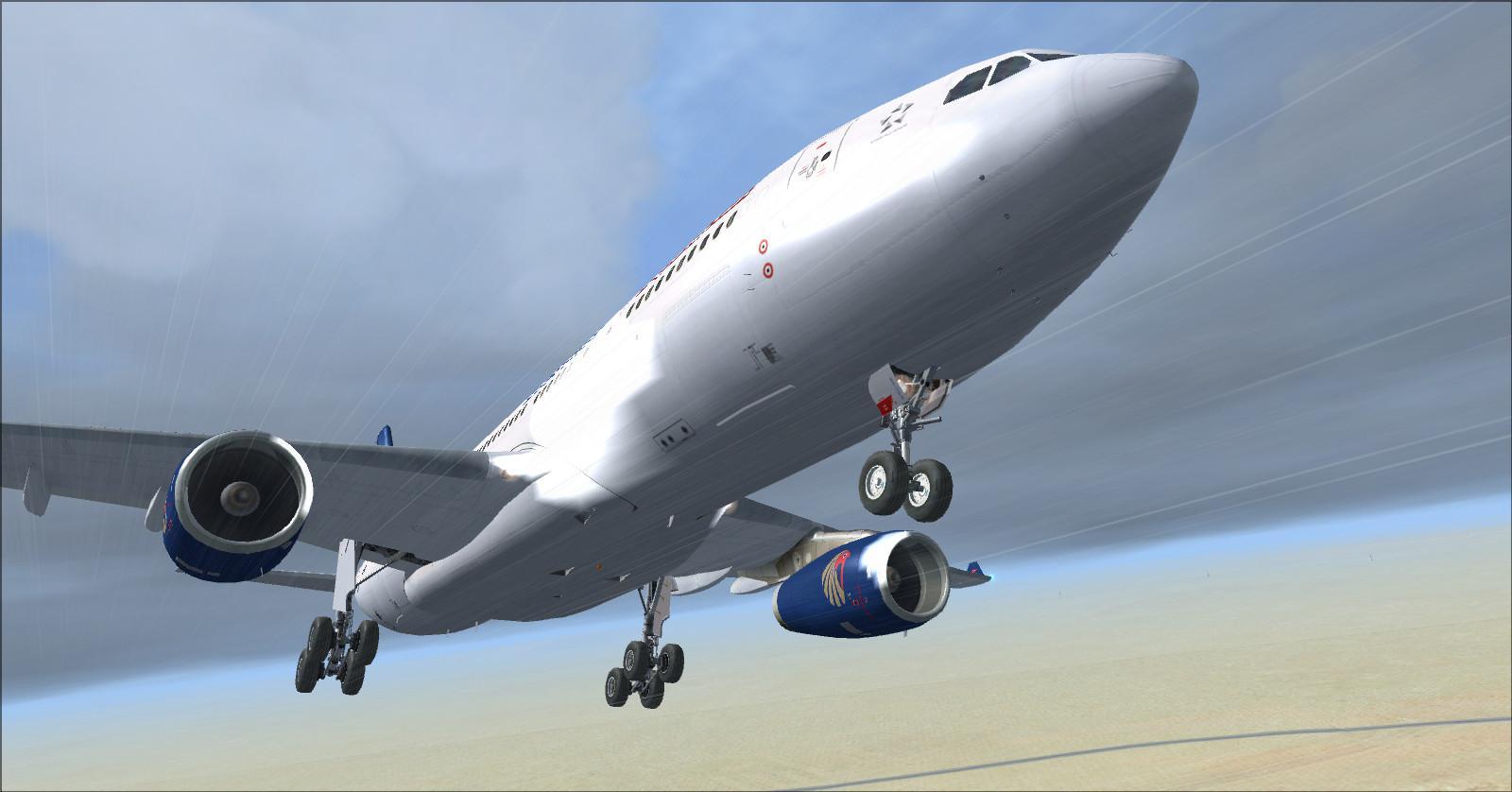
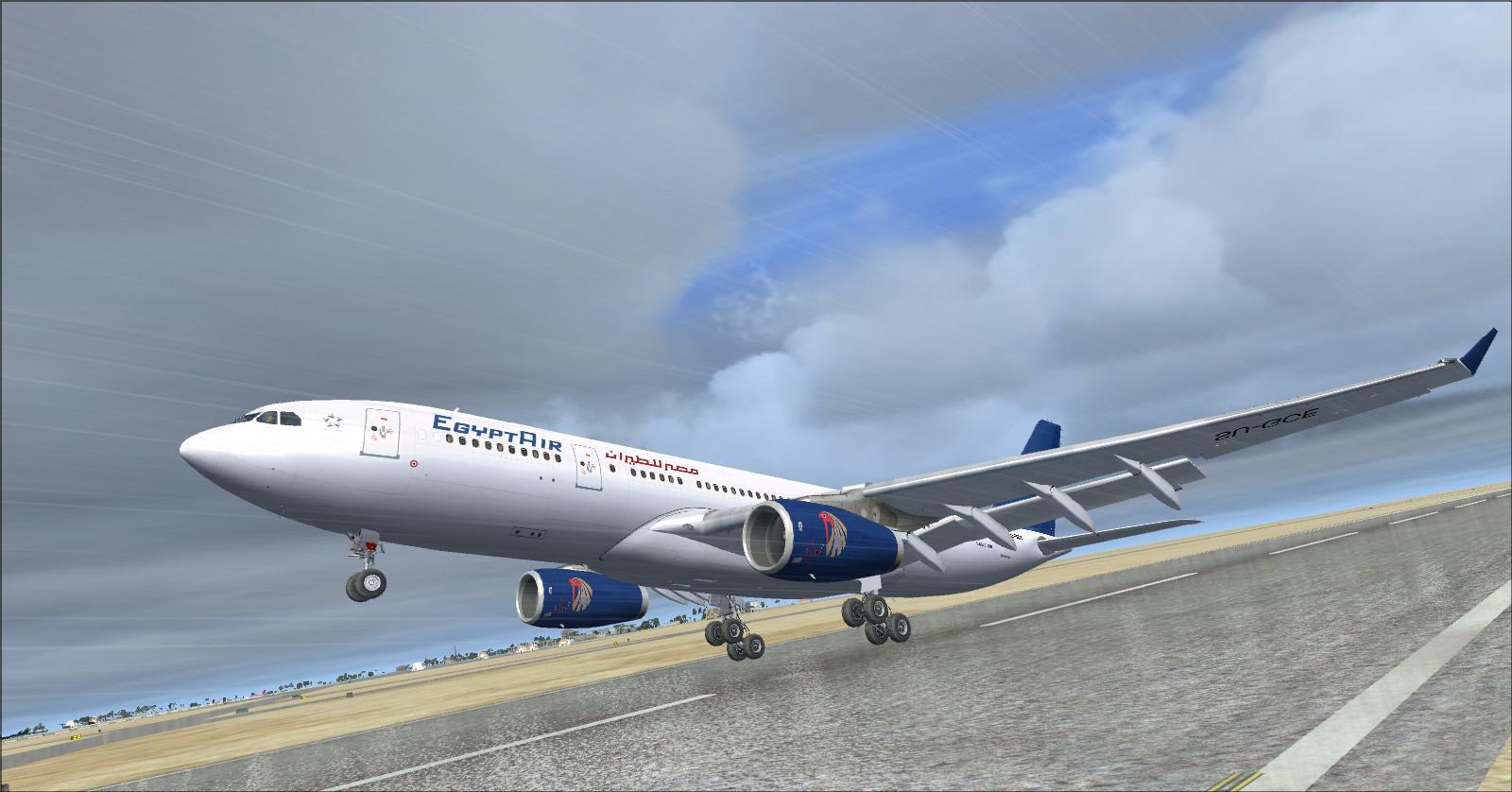
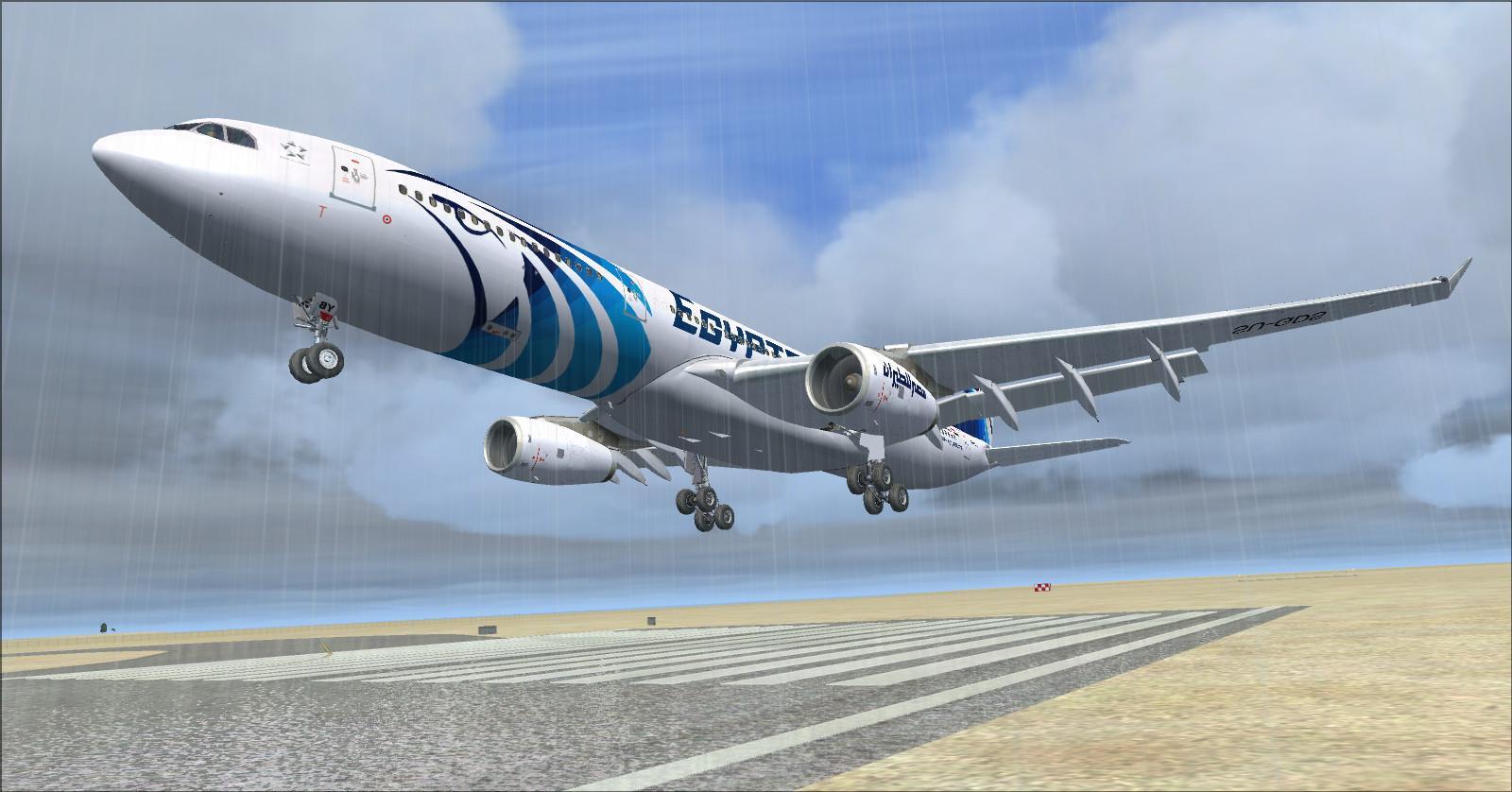
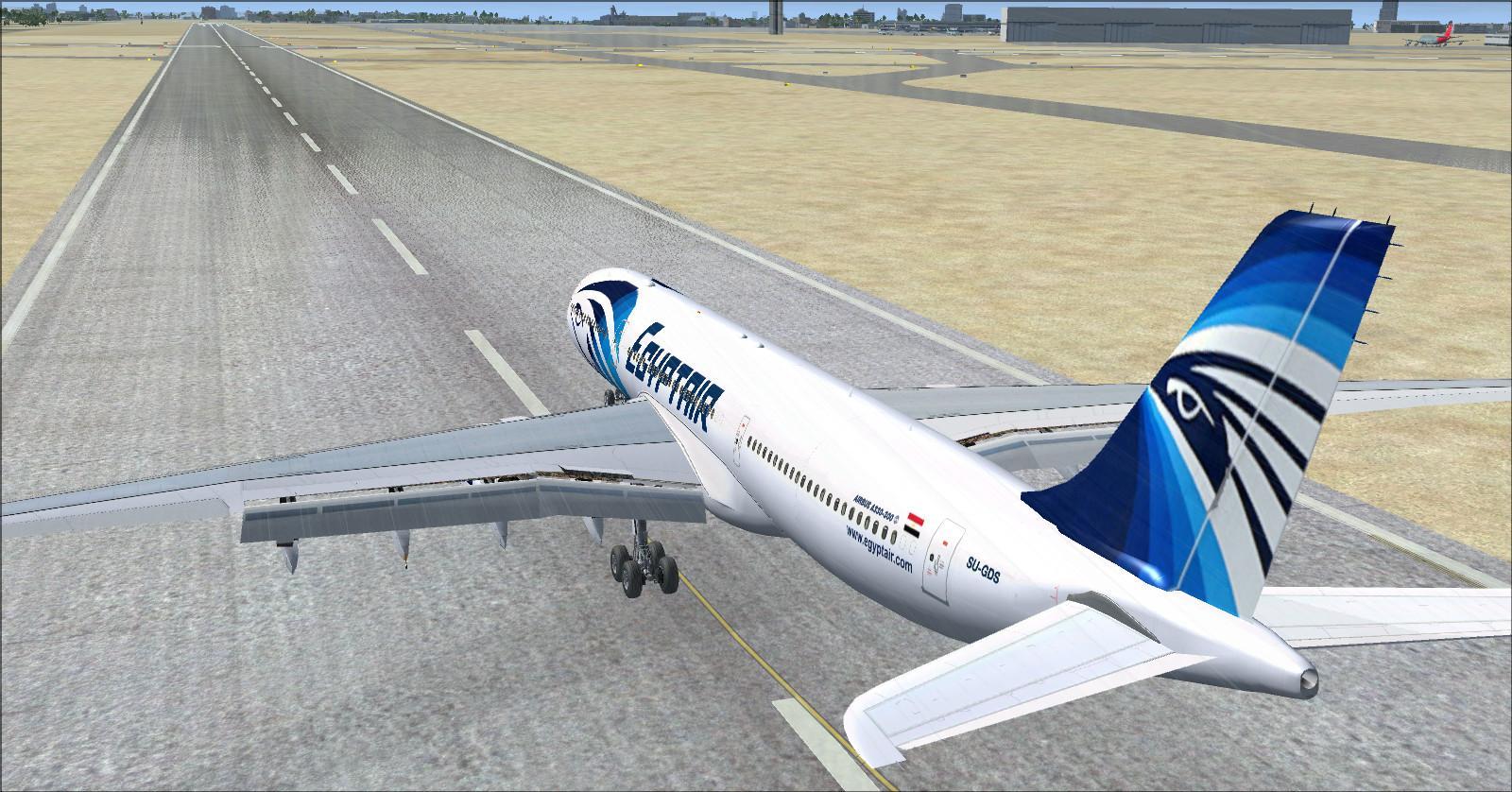
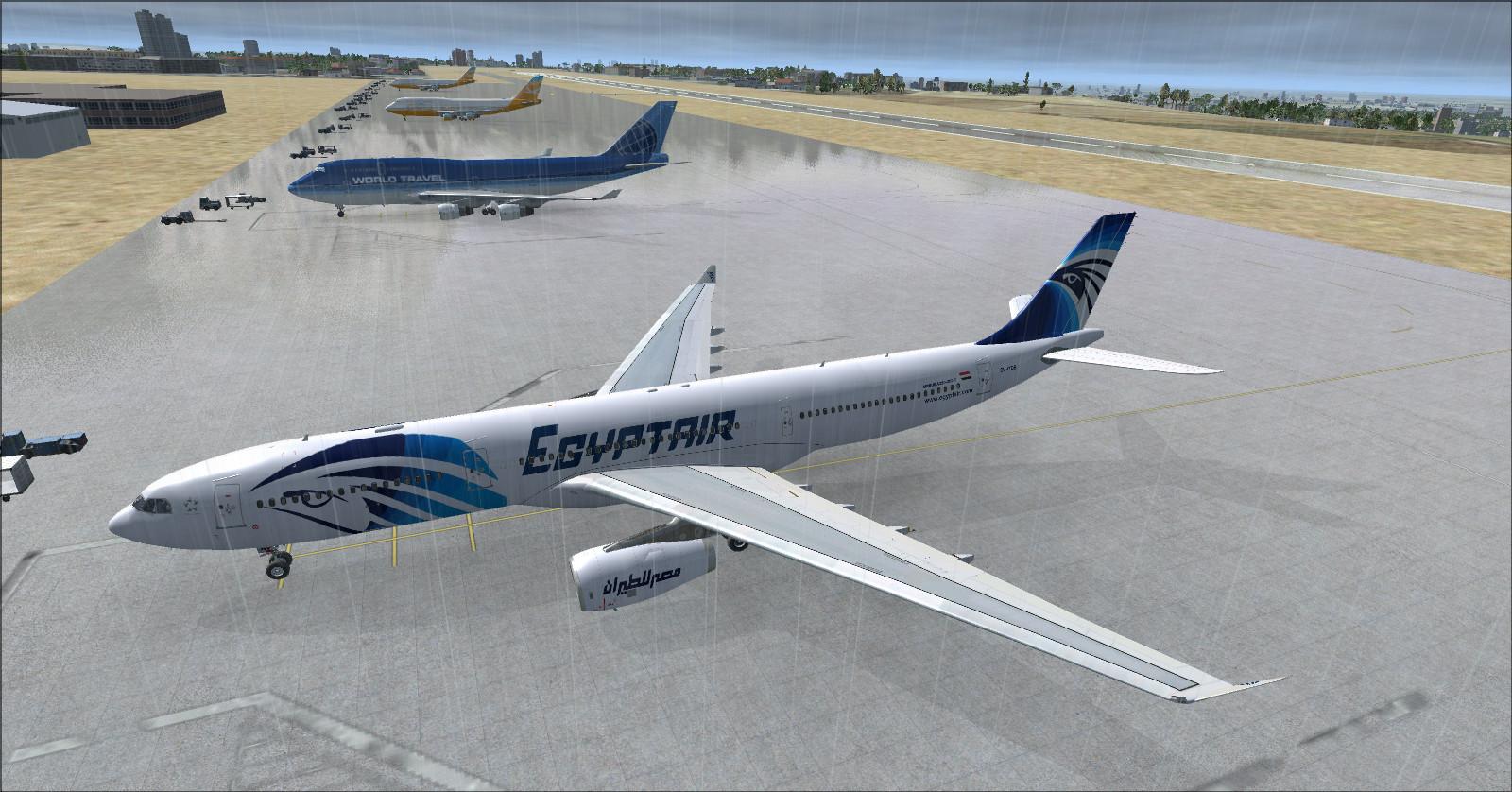
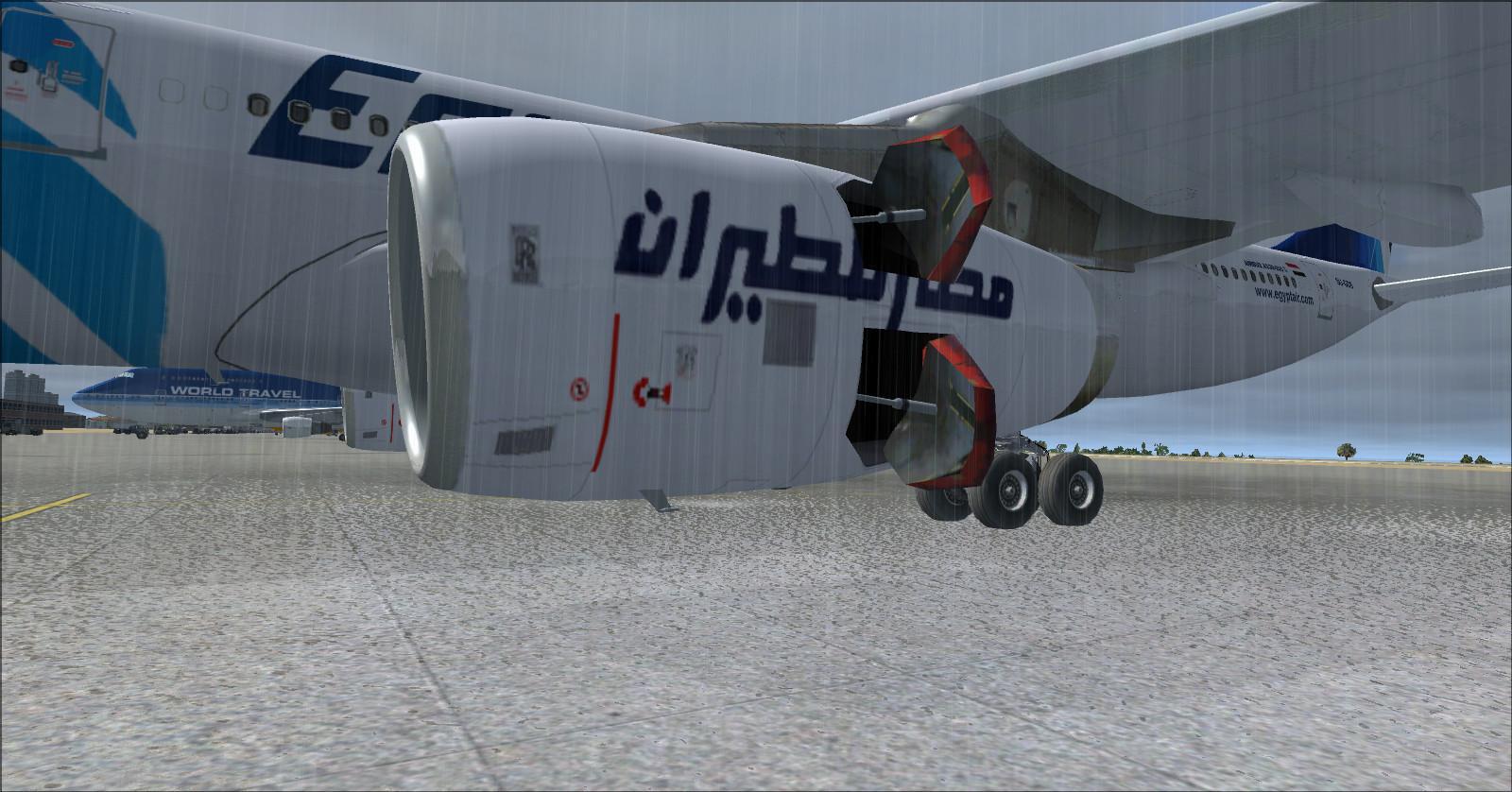
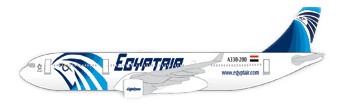 EgyptAir old and newer colour schemes created by Rikoooo.
Reference cabin: 268 seats, with 24 in business and 244 in economy.
Business: 2-2-2, or 6 abreast.
Economy: 2-4-2, or 8 abreast.
4 — Airbus A330-343E EgyptAir
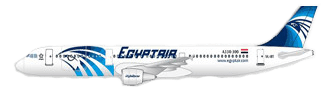 EgyptAir newer colour scheme created by Rikoooo.
Reference cabin: 301 seats, with 36 in business and 265 in economy.
Business: 2-2-2, or 6 abreast.
Economy: 2-4-2, or 8 abreast.
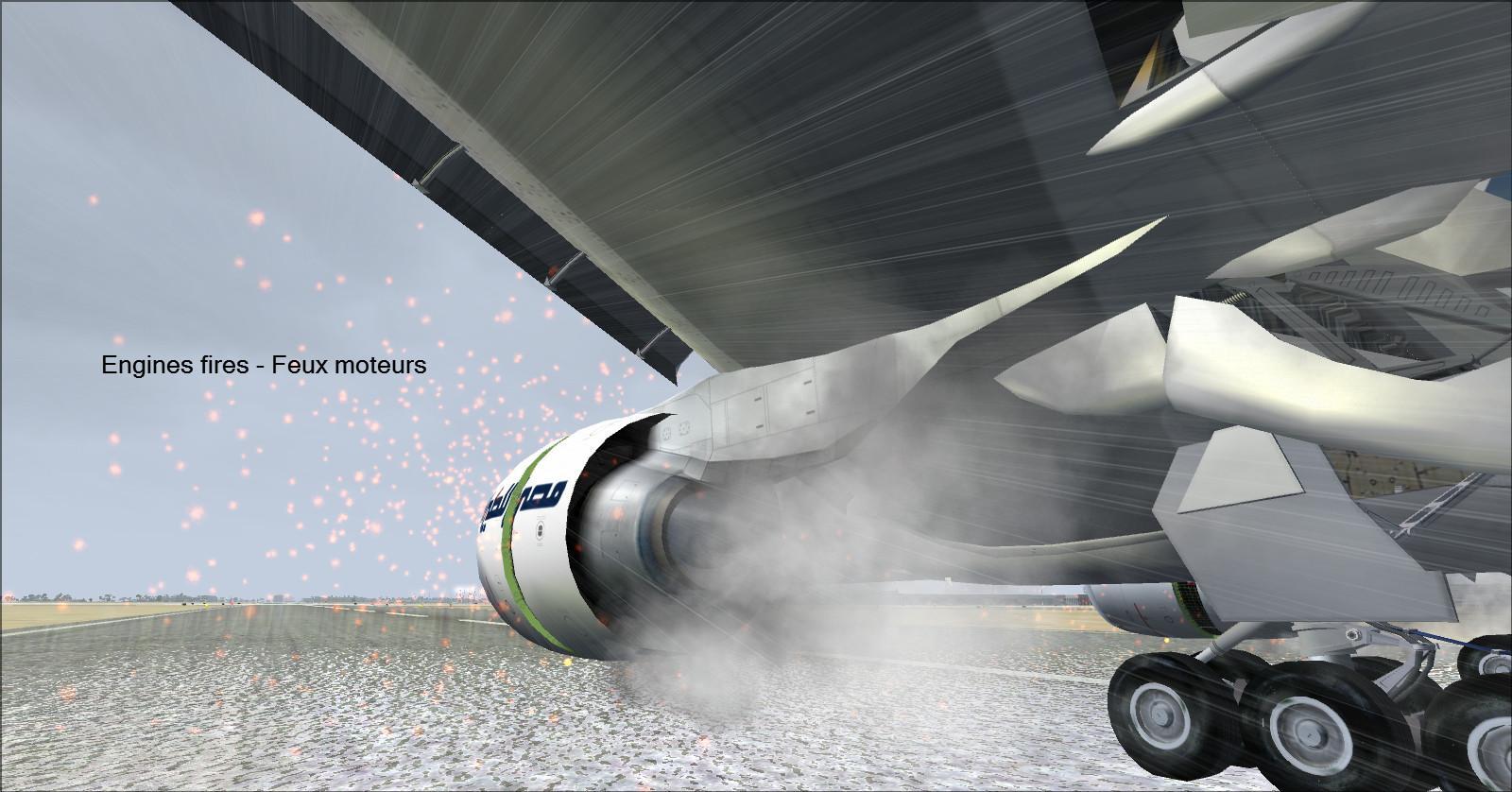
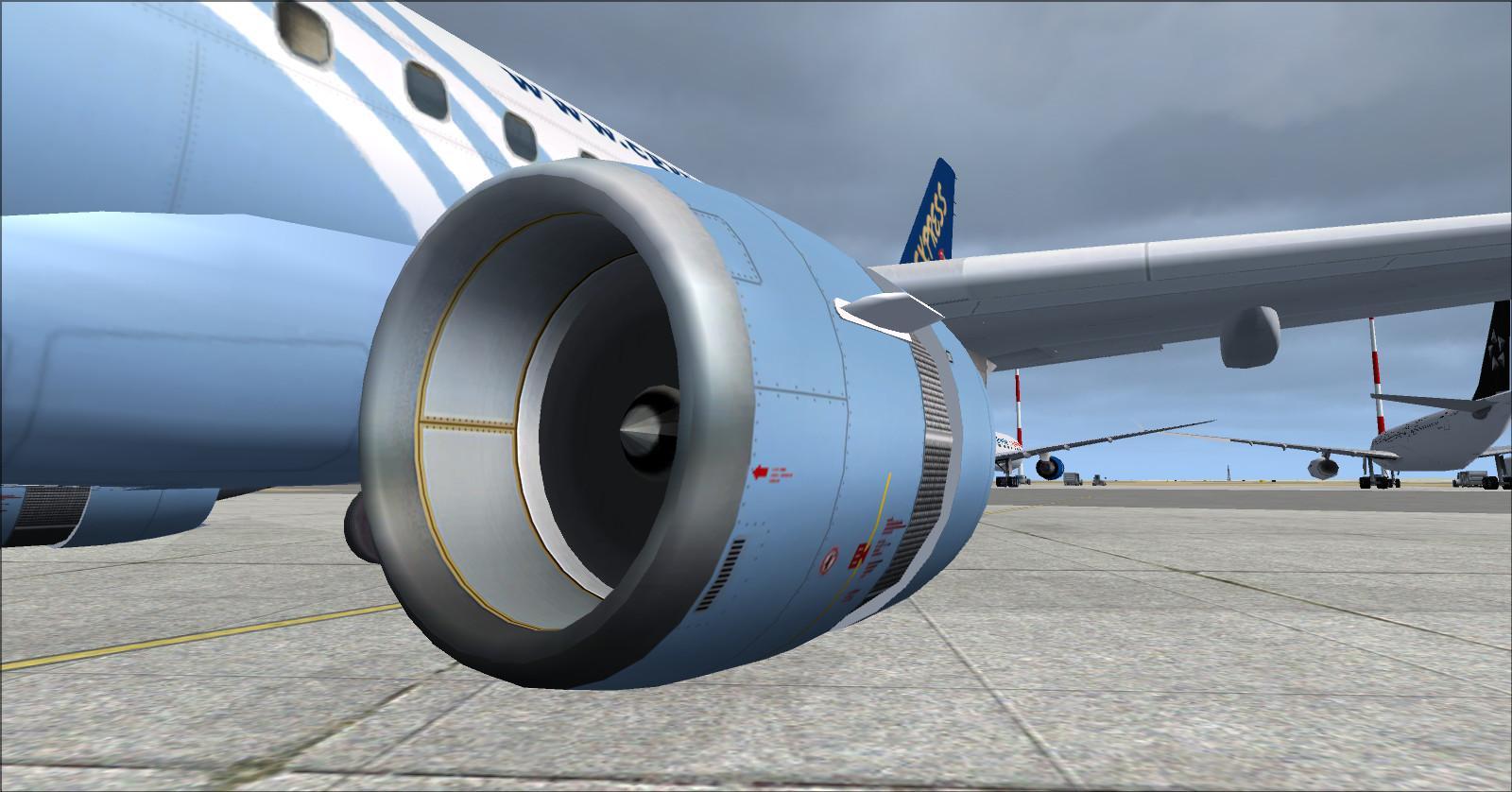
Like the other aircraft in the fleet, this A330 includes visual effects: smoke under braking, contrails, water spray behind the wheels, engine fire effects and smoke at touchdown.
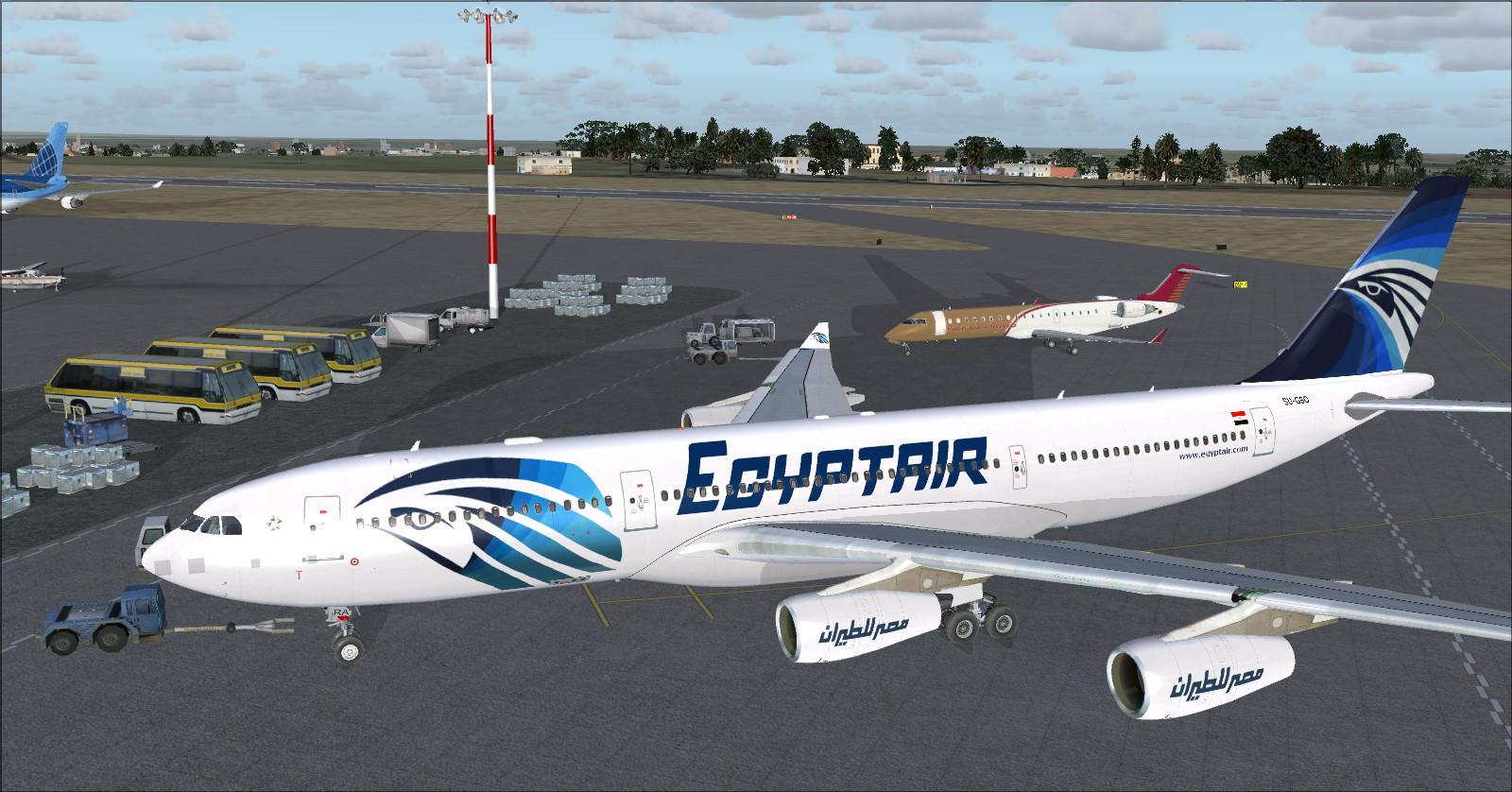
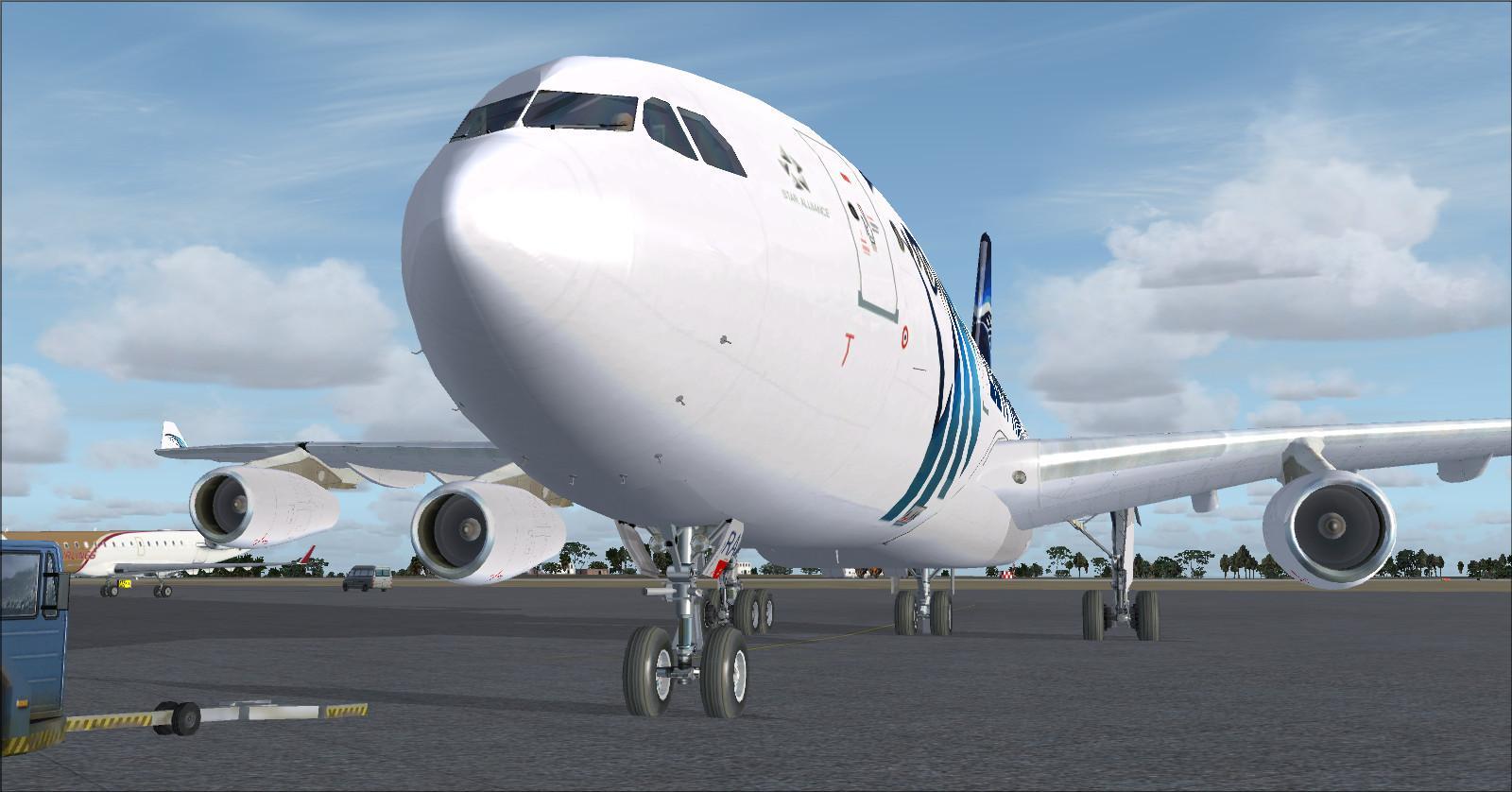
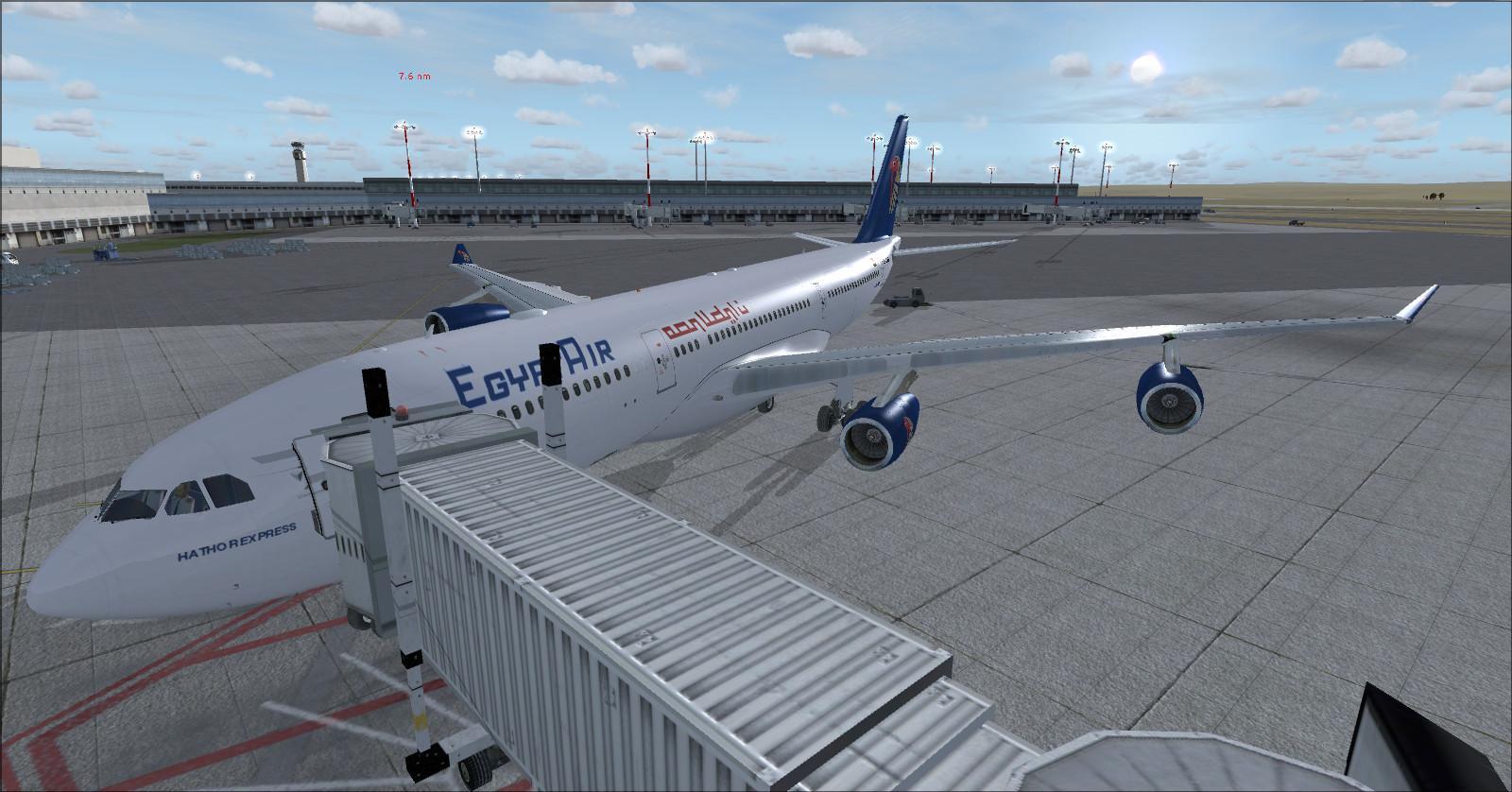
5 — Airbus A340-212 EgyptAir
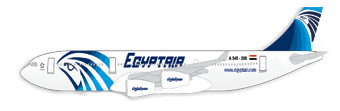 EgyptAir old colour scheme created by Rikoooo.
Reference cabin: 260 seats, with 12 in first, 24 in business and 224 in economy.
Listed layout: 2-2-2, or 6 abreast.
Economy: 2-4-2, or 8 abreast.
Rikoooo adapted the A340 instruments, including the ECAM and autobrake. The package documentation describes the included sounds as a Rolls-Royce Trent sound set. This should be distinguished from the real A340-200, which uses CFM56-5C engines.
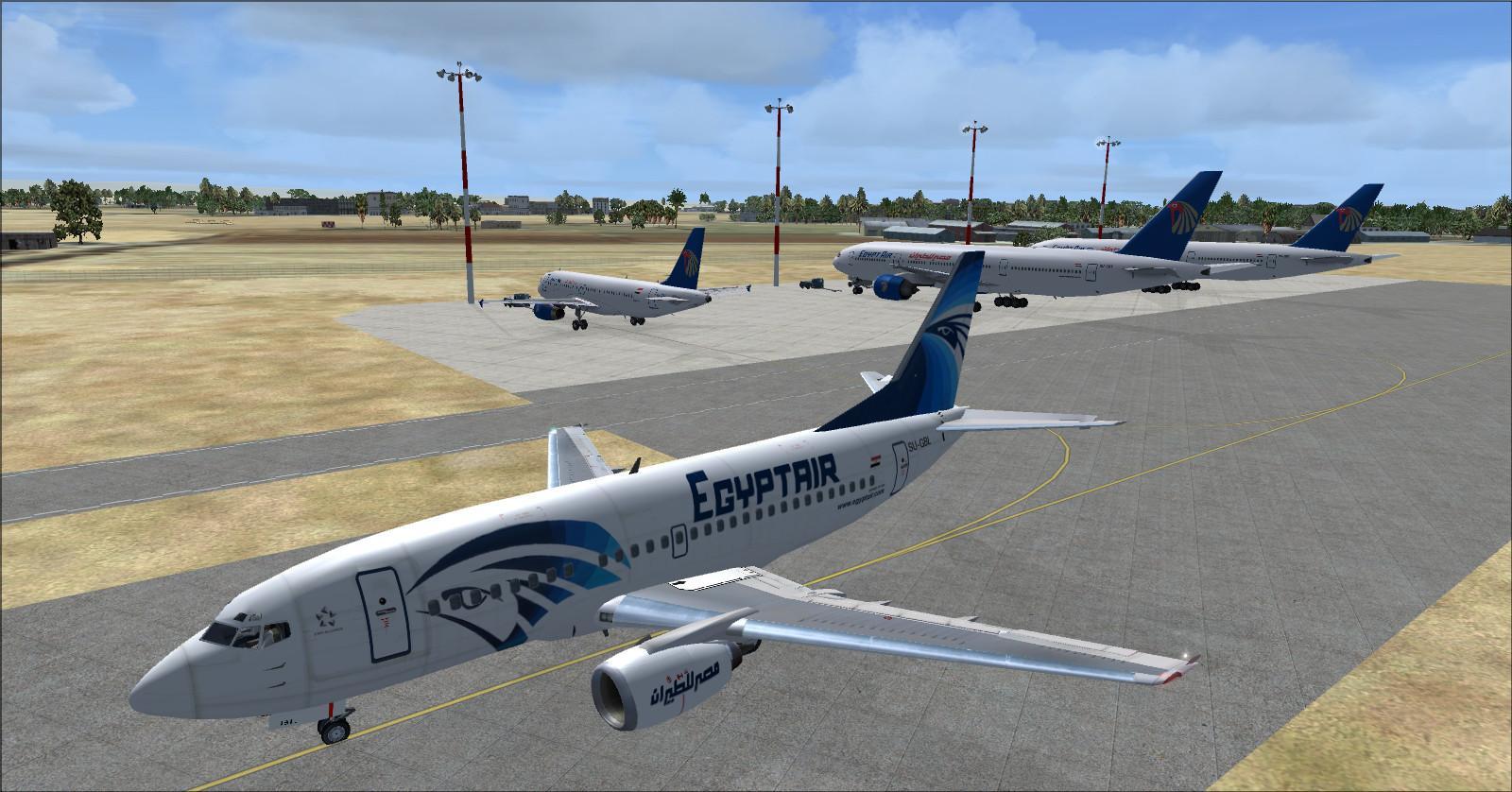
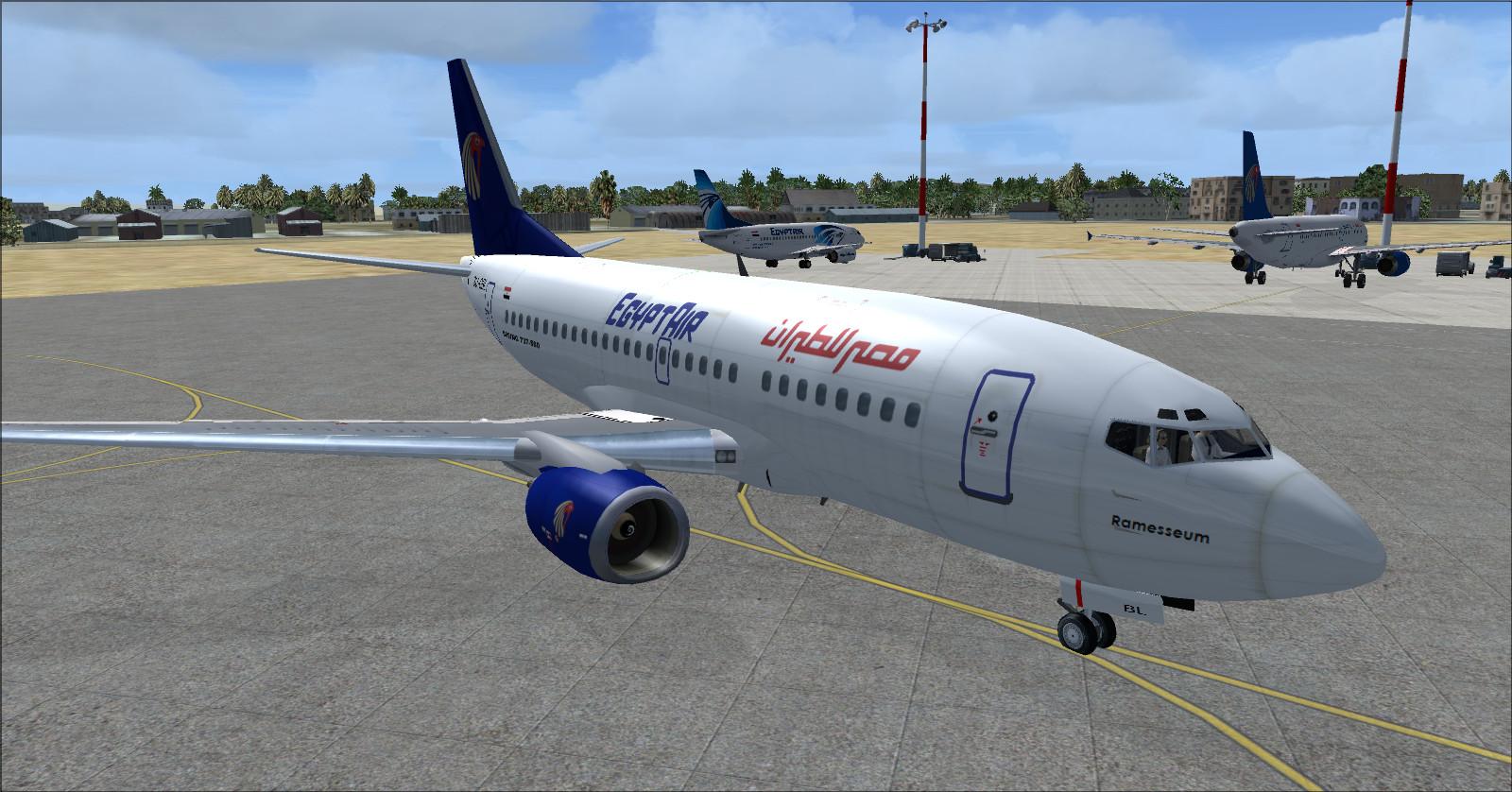
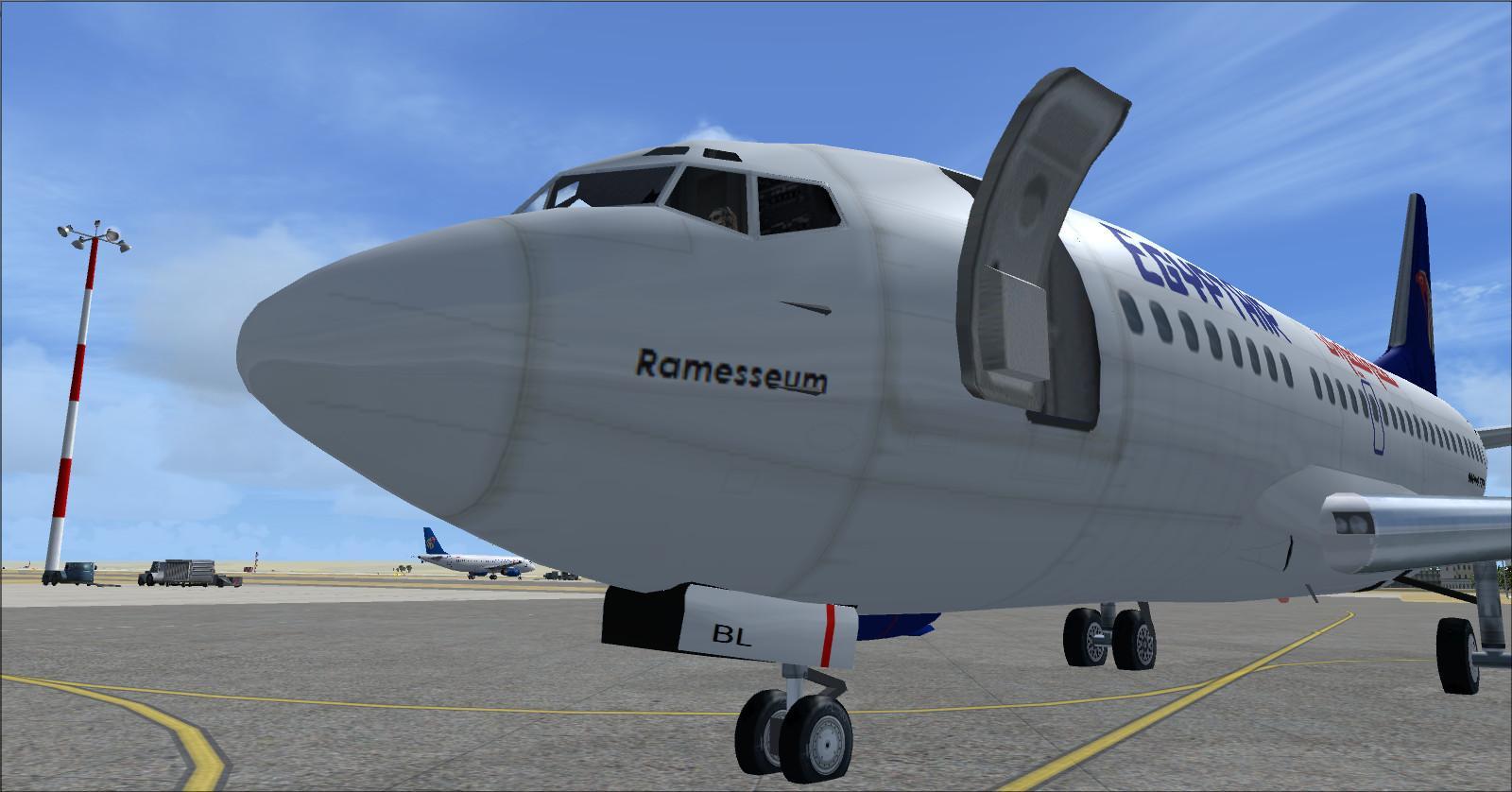
6 — Boeing 737-566 EgyptAir
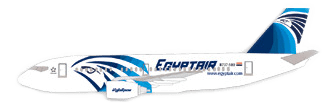 EgyptAir newer colour scheme created by Rikoooo.
Reference cabin: 104 seats, with 8 in business and 96 in economy.
Listed layout: 3-3, or 6 abreast.
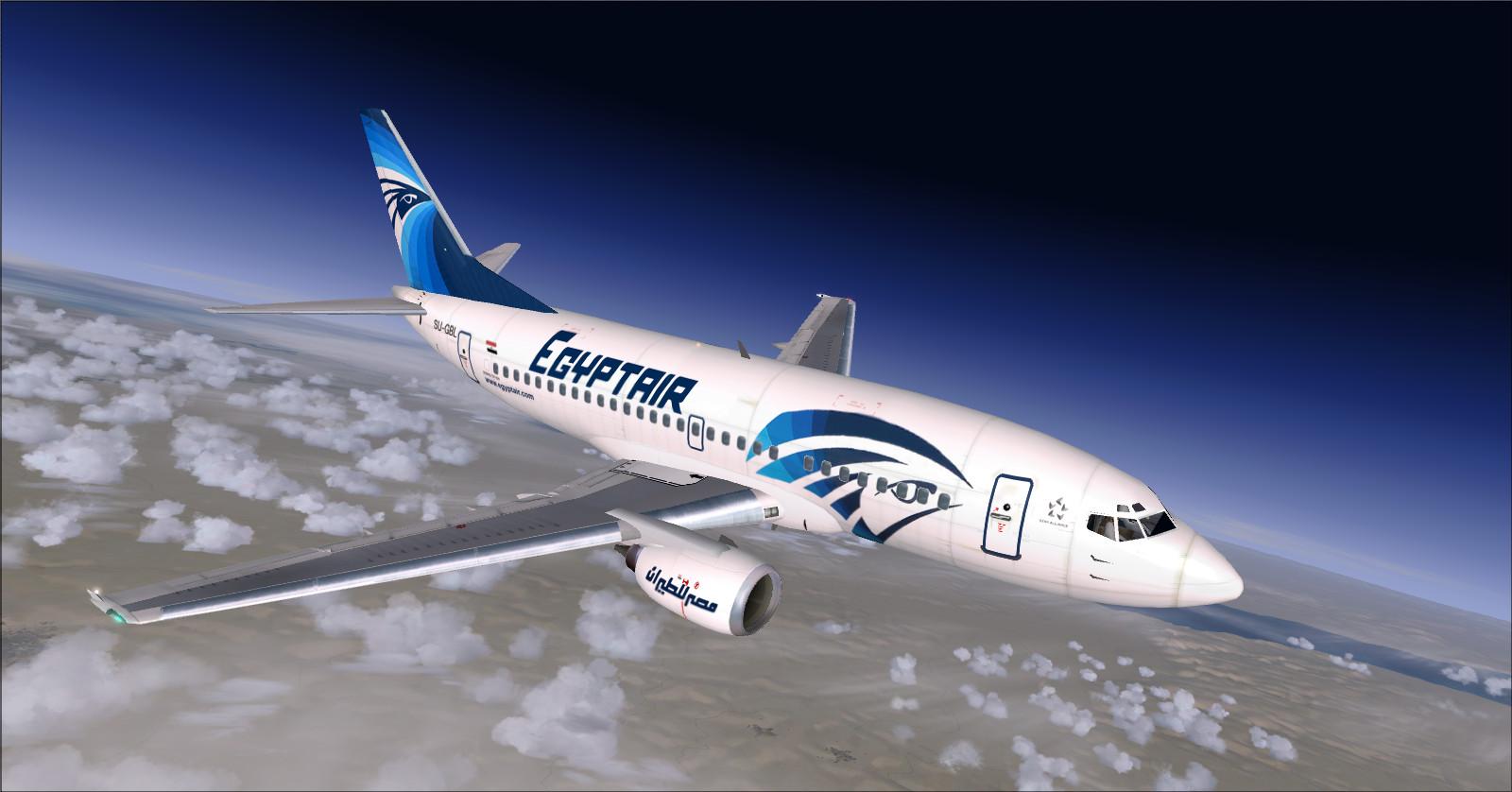
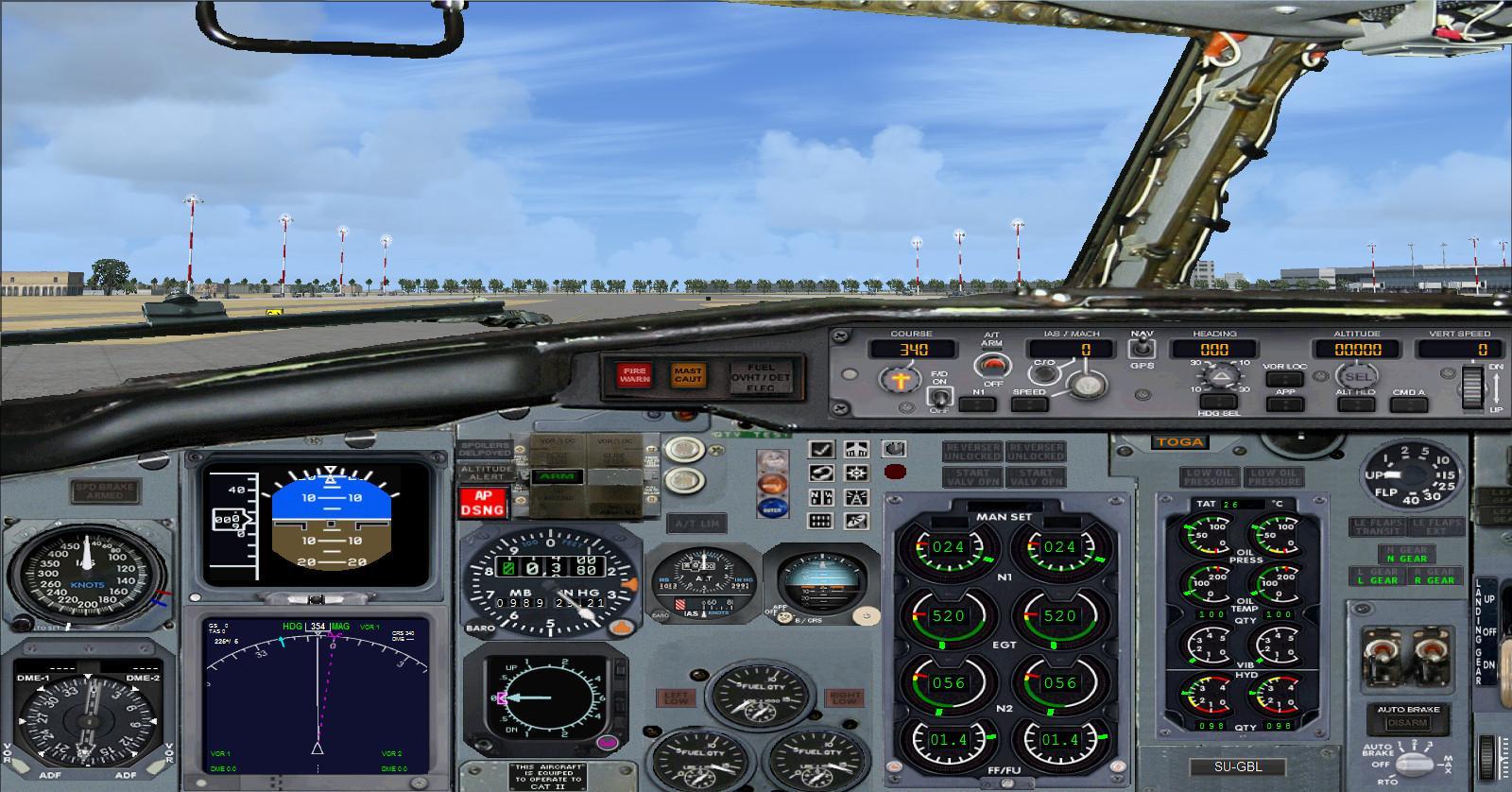
This Boeing 737-566 is flown from a 2D panel; the 3D model does not include a virtual cockpit.
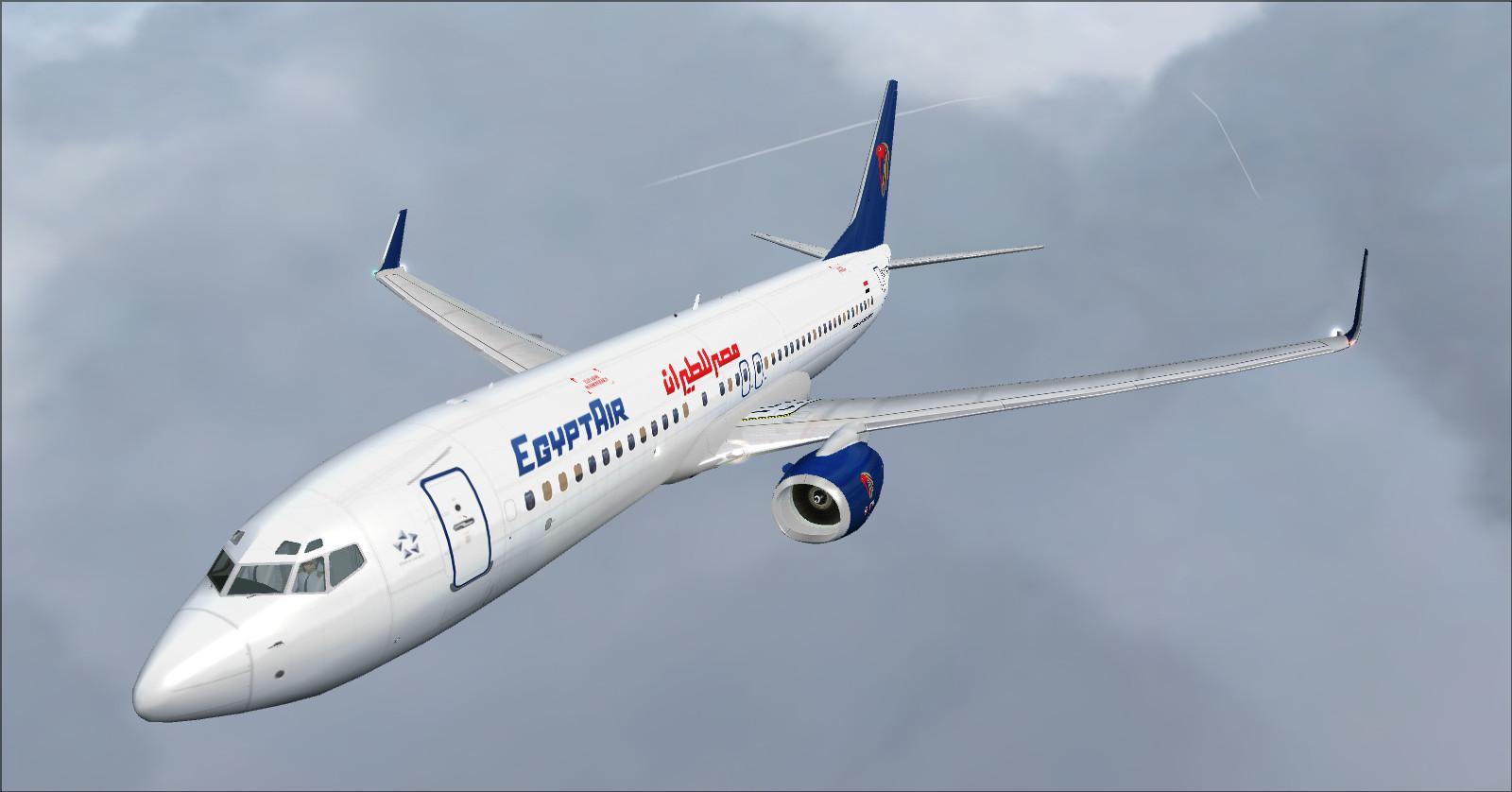
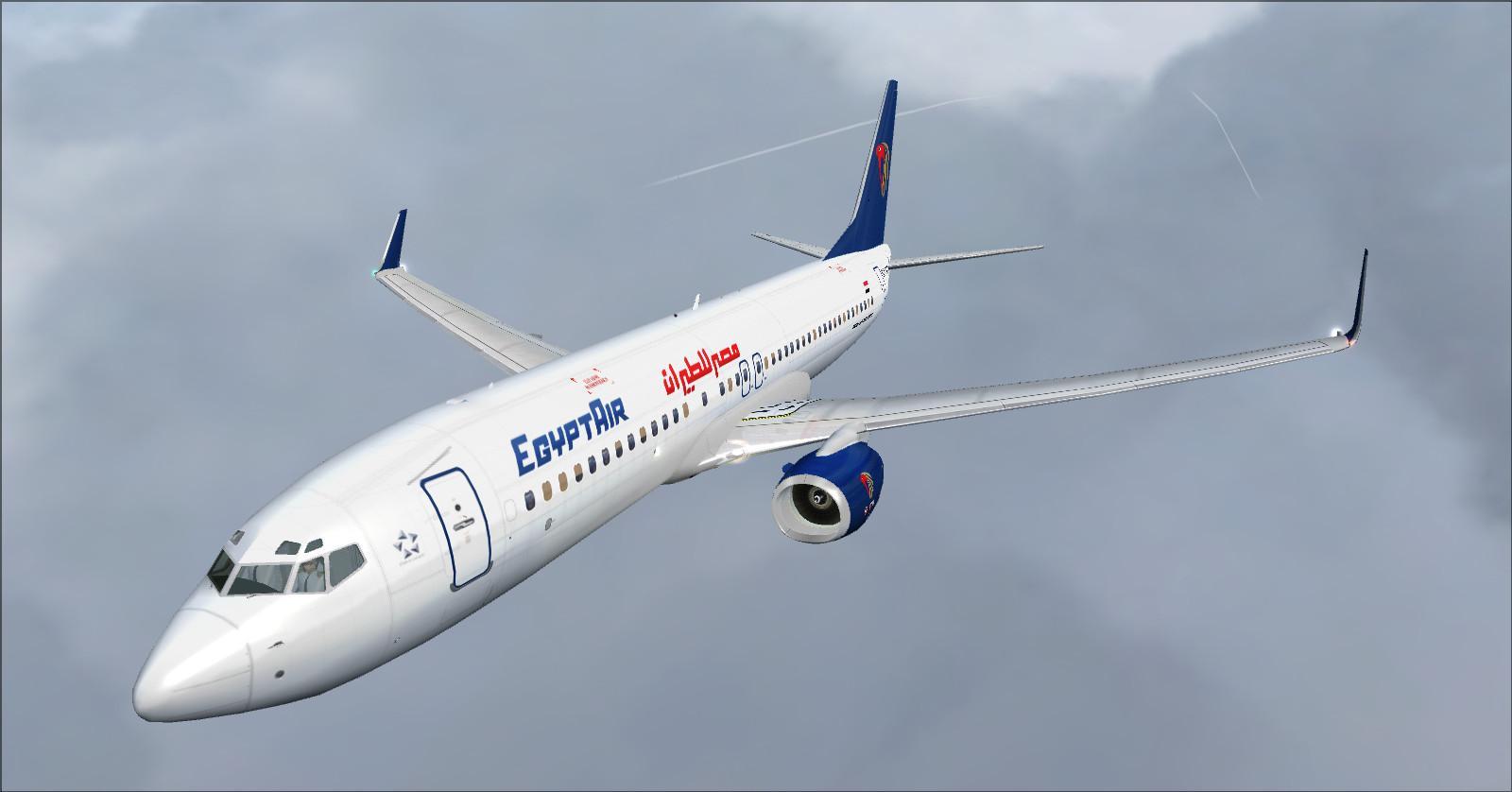
7 — Boeing 737-866 EgyptAir
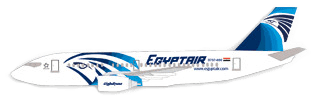
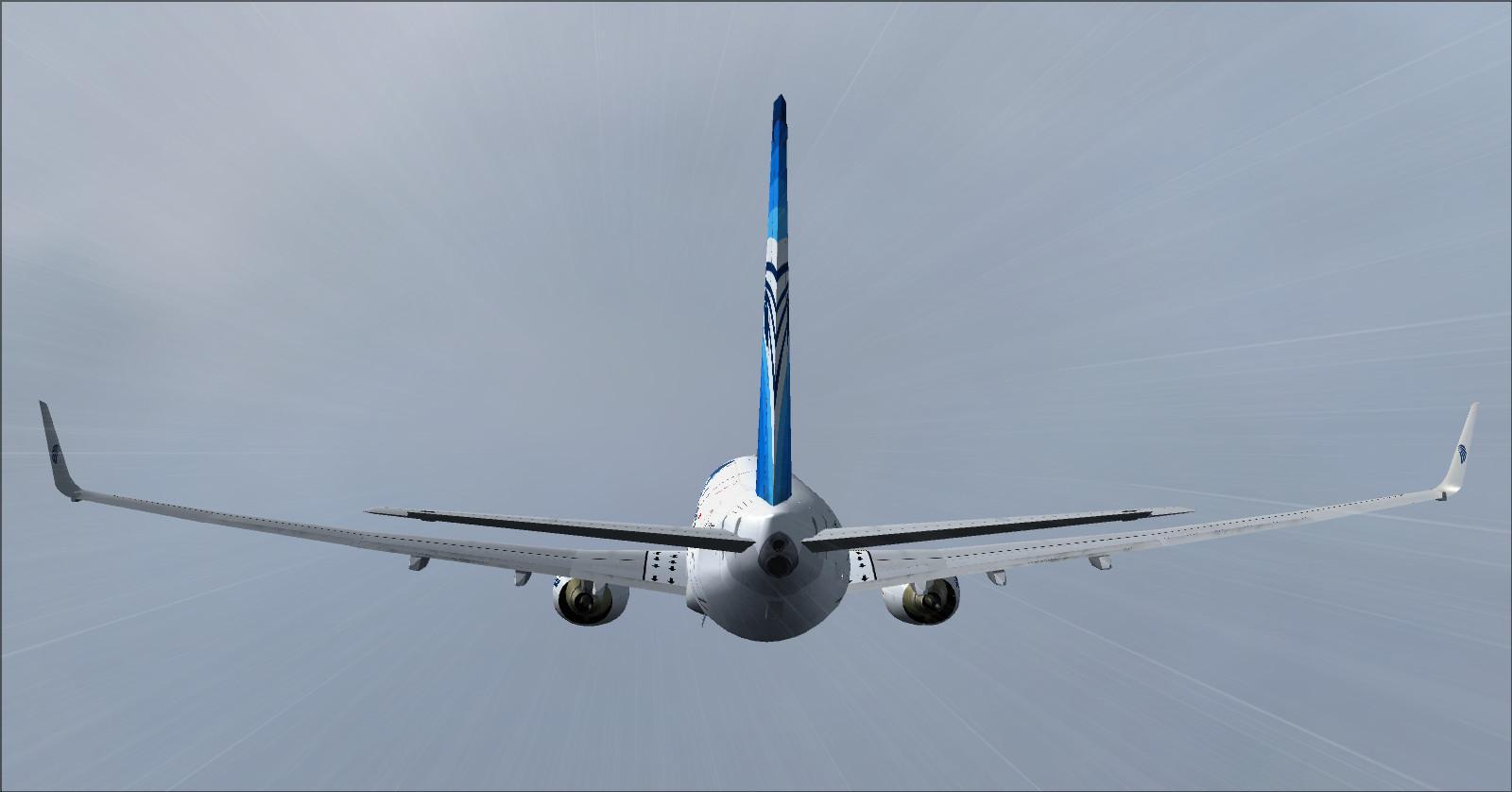
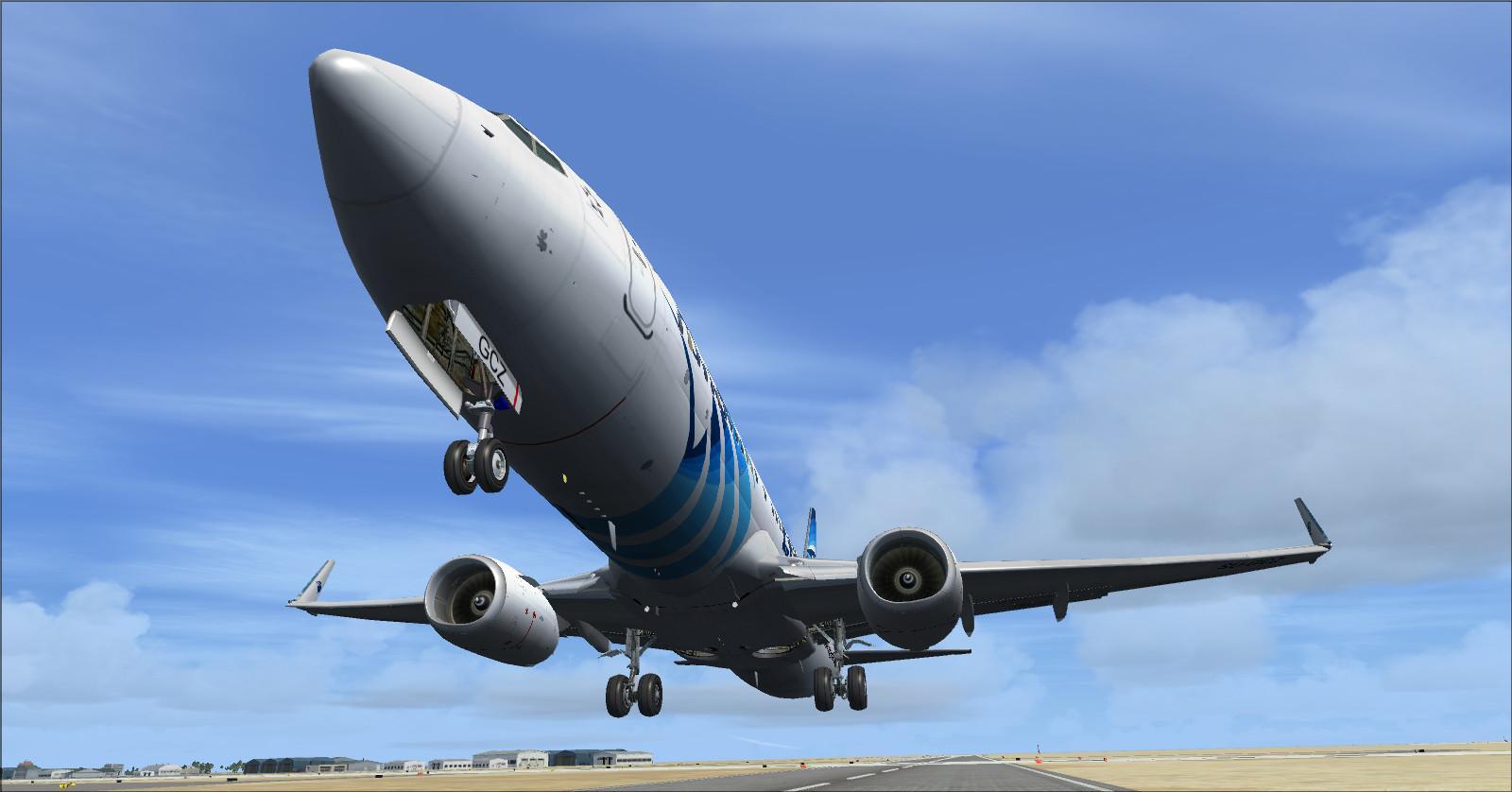
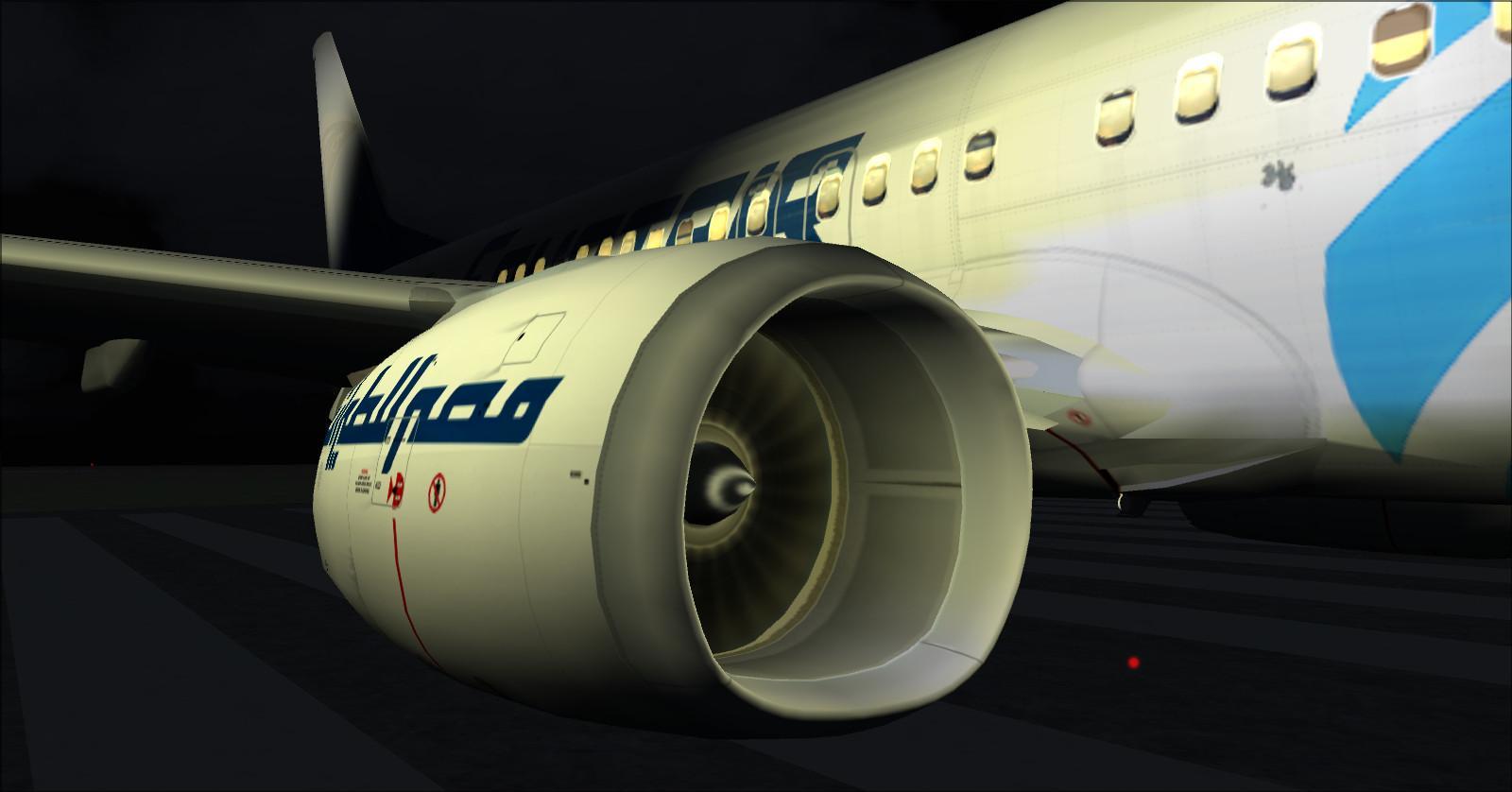
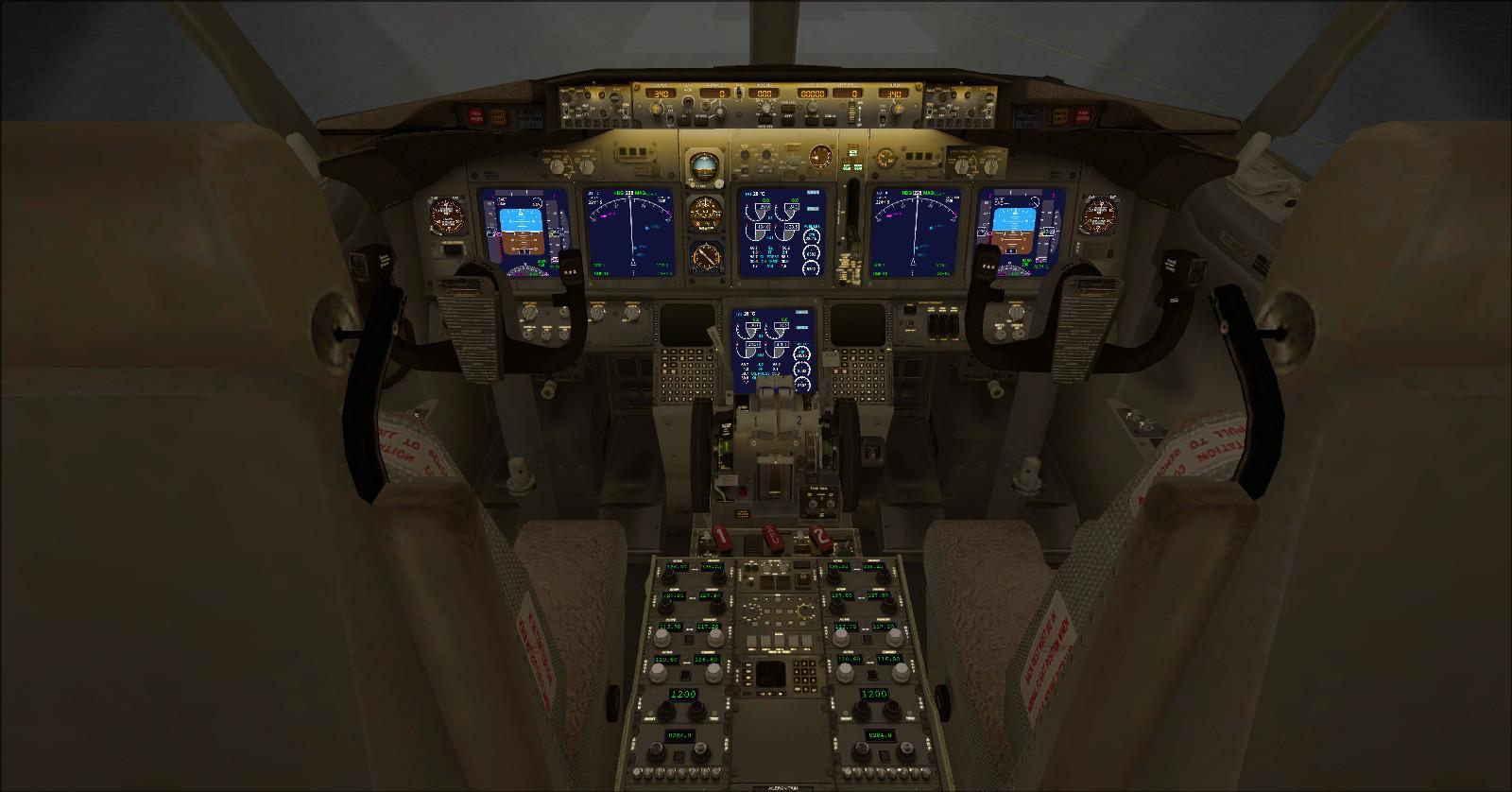
Reference cabin: 144 seats, with 24 in business and 120 in economy.
Business: 2-2, or 4 abreast.
Economy: 3-3, or 6 abreast.
Additional screenshots:
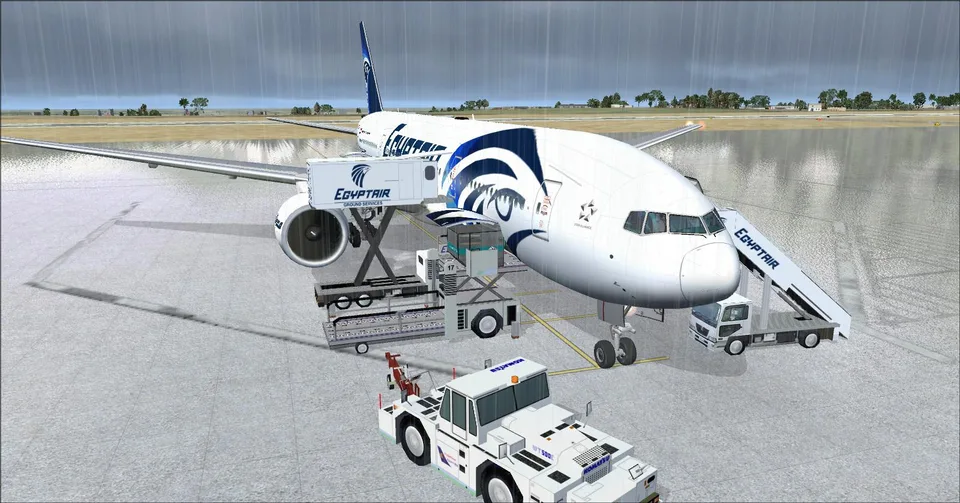
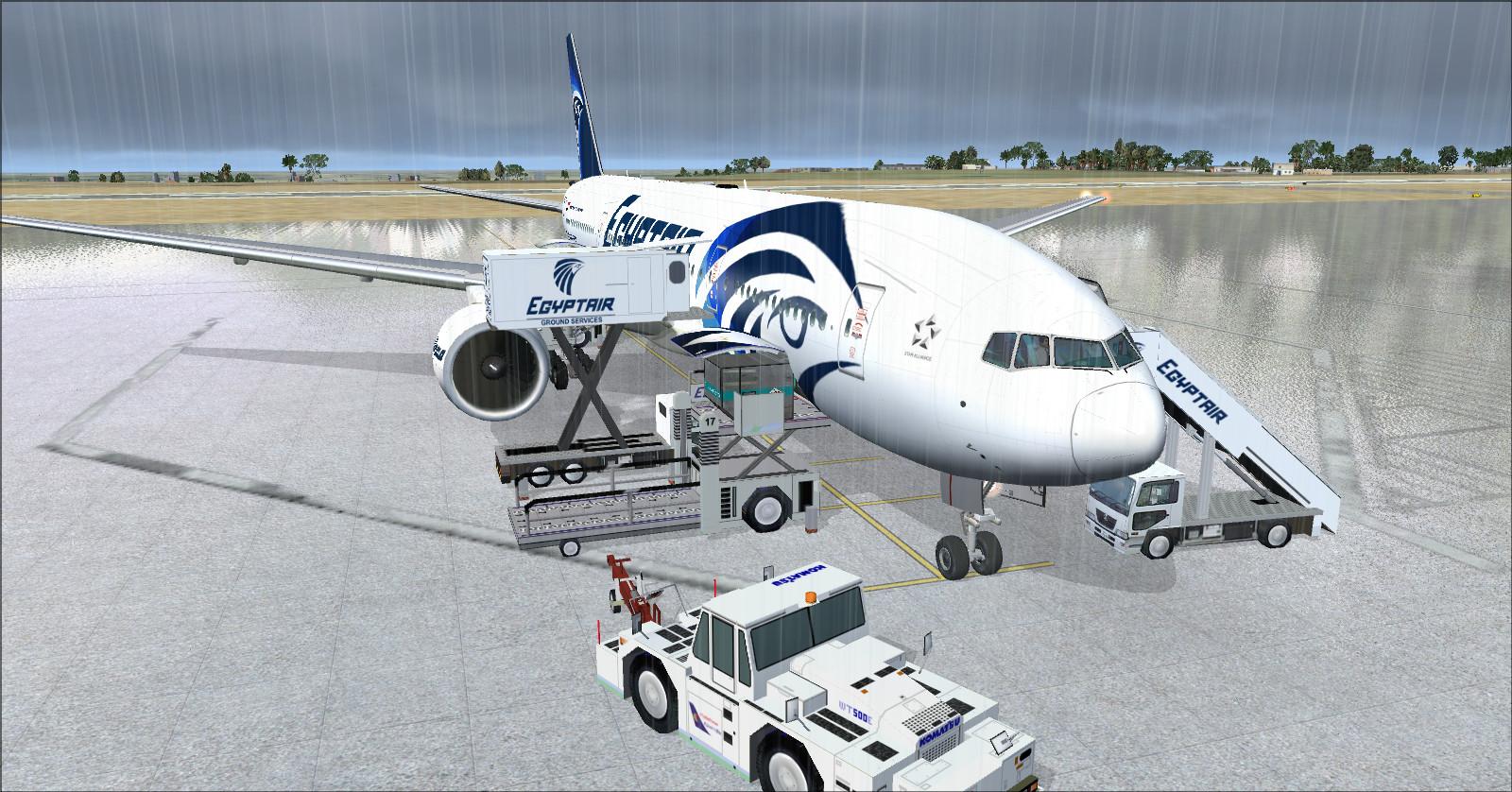
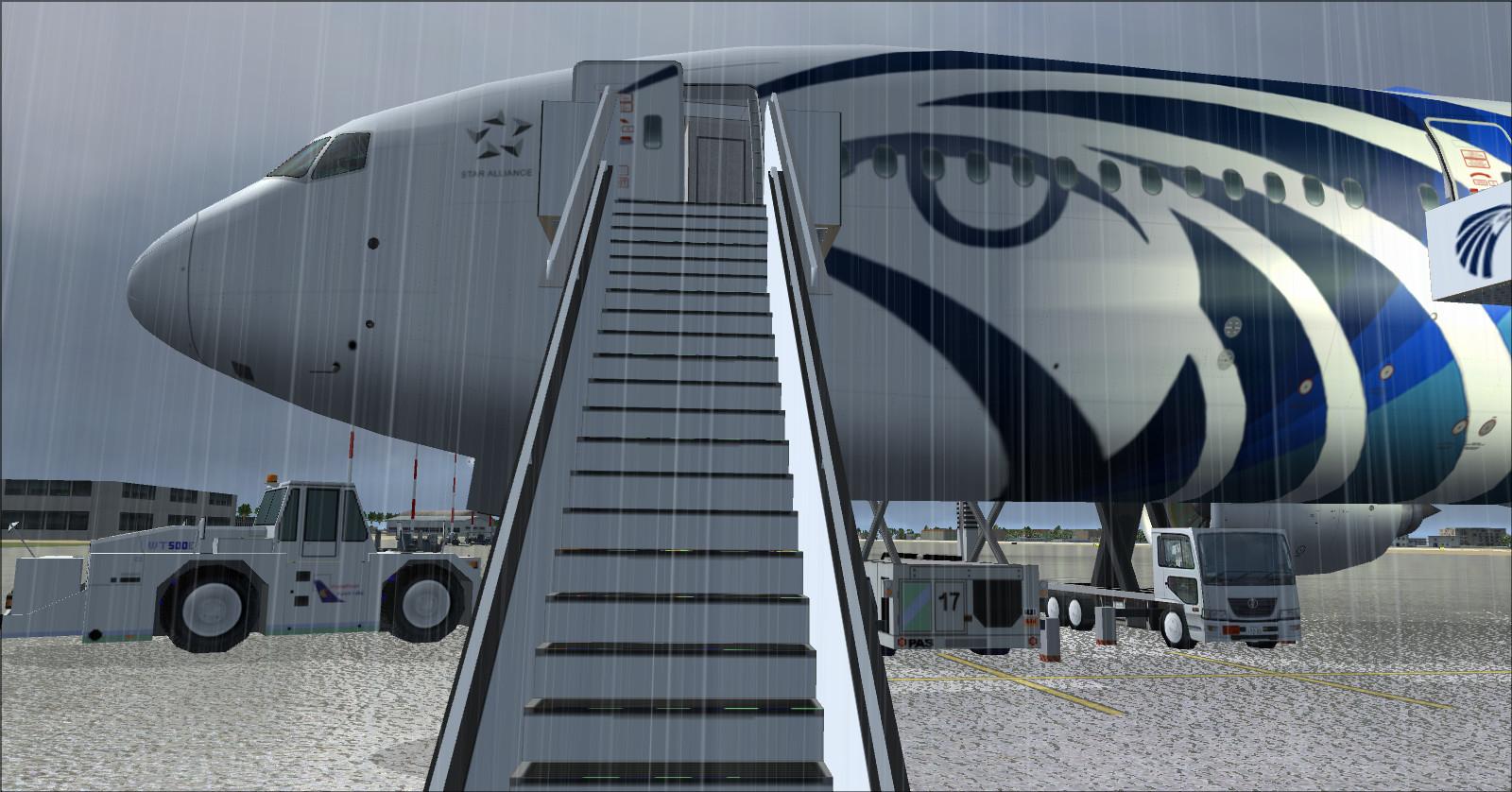
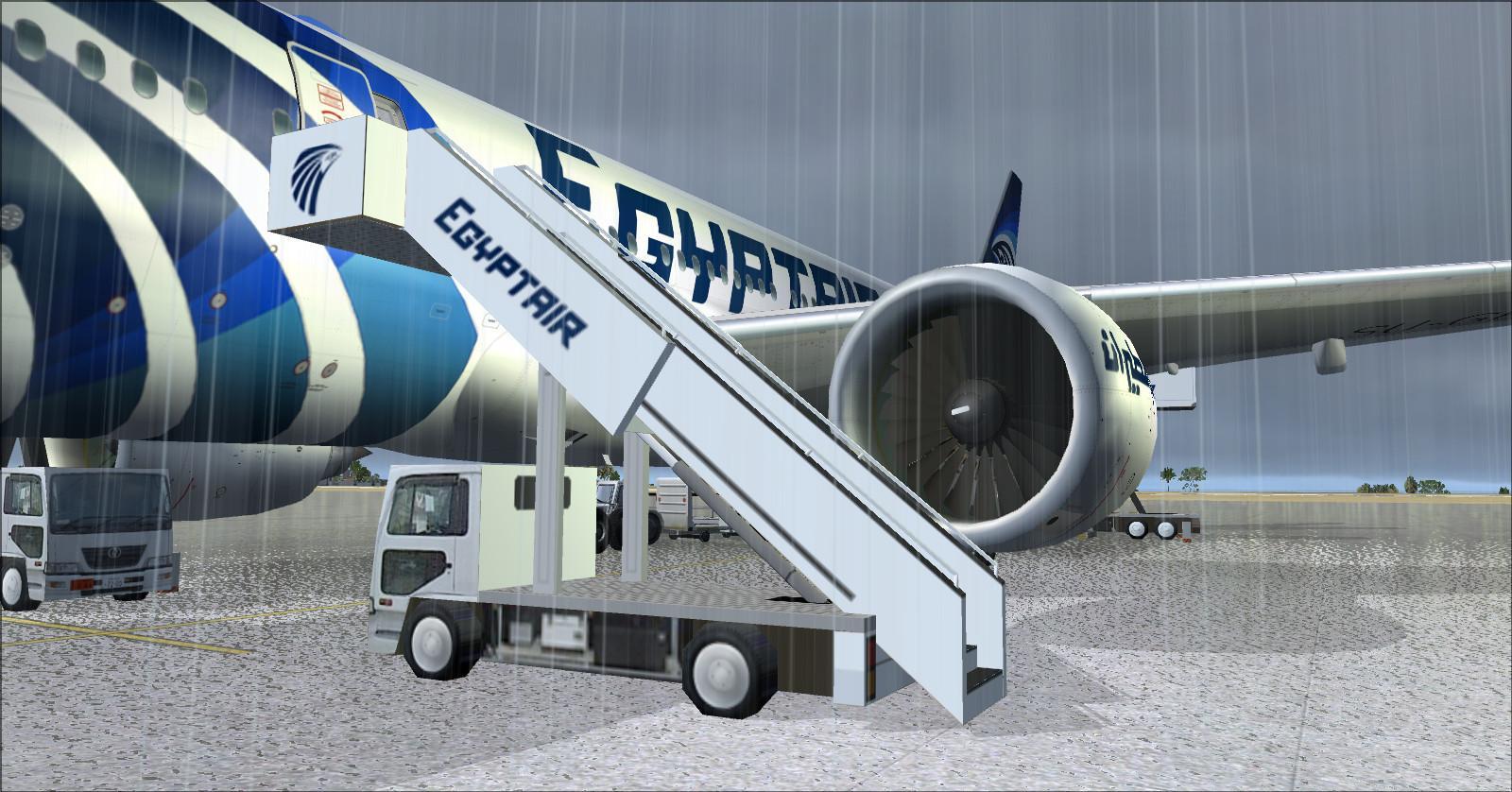
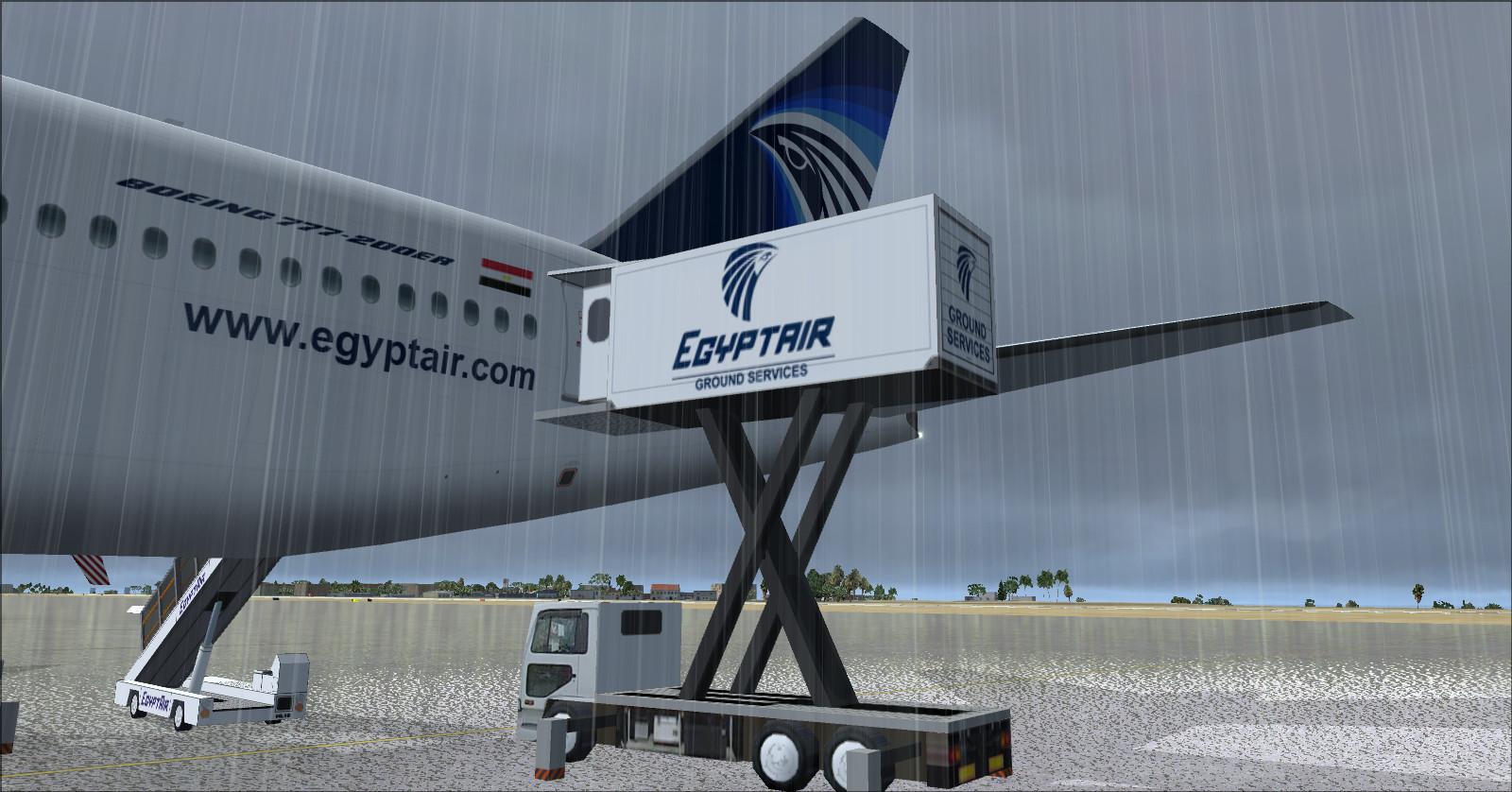
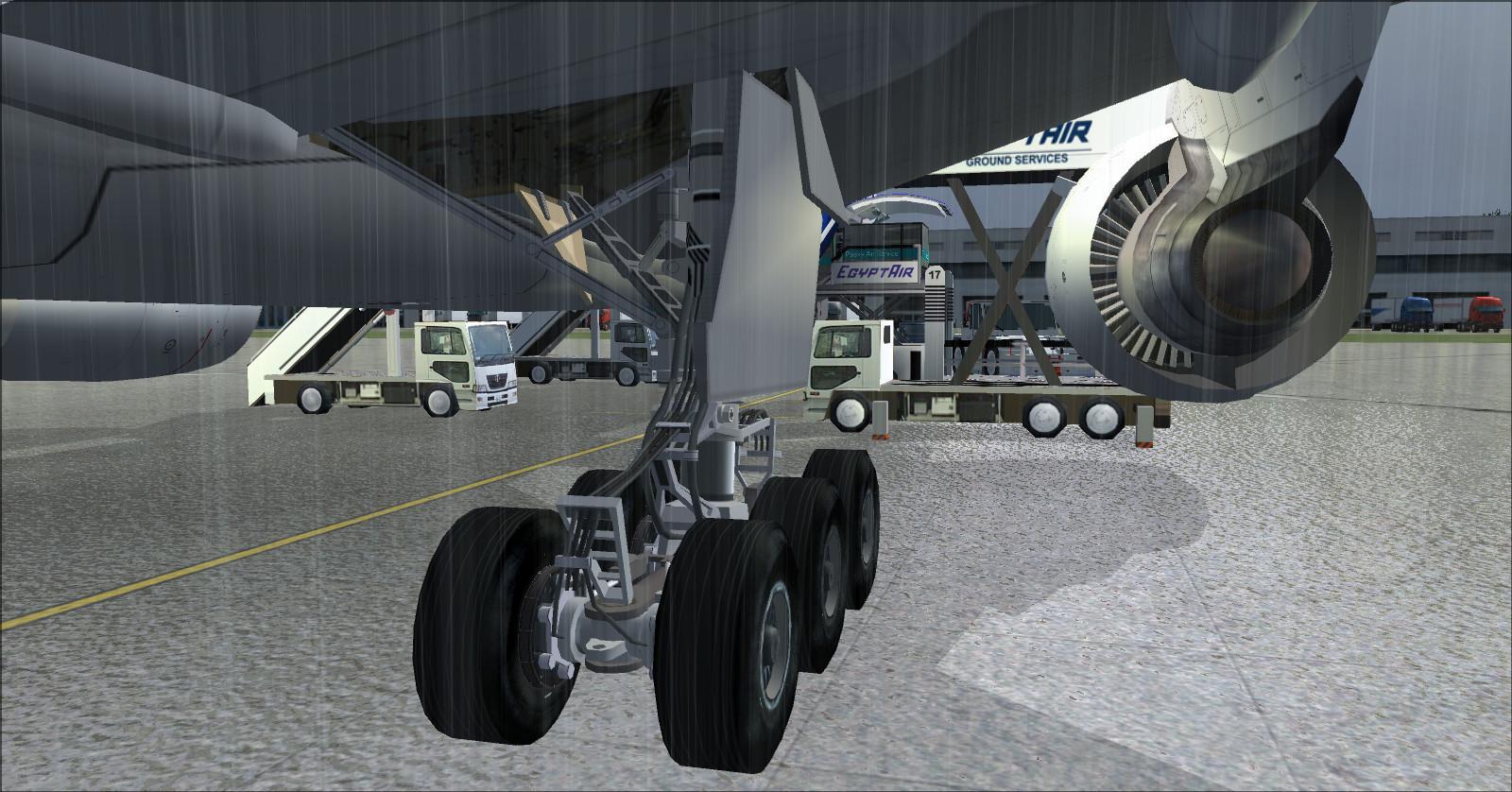
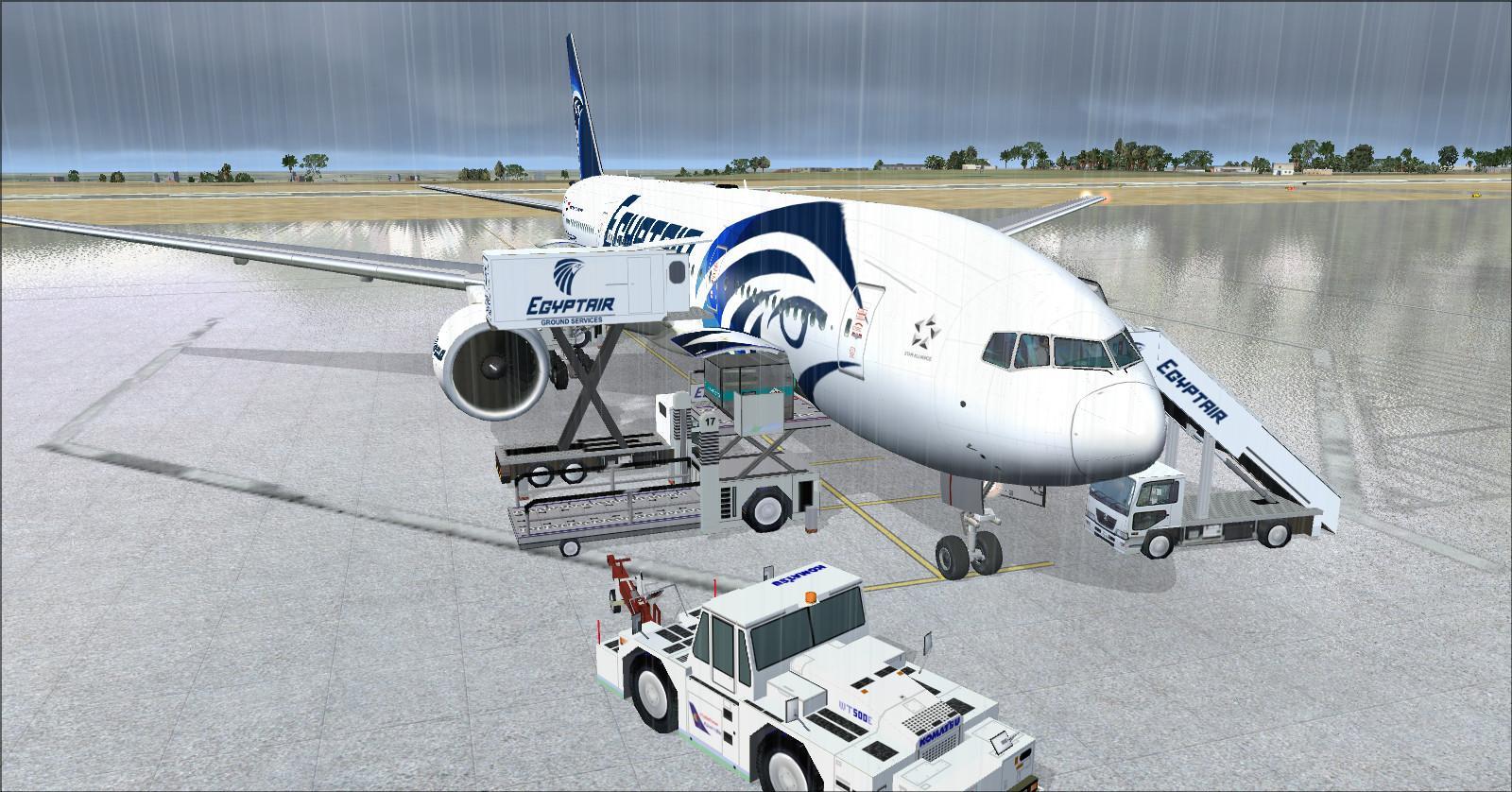
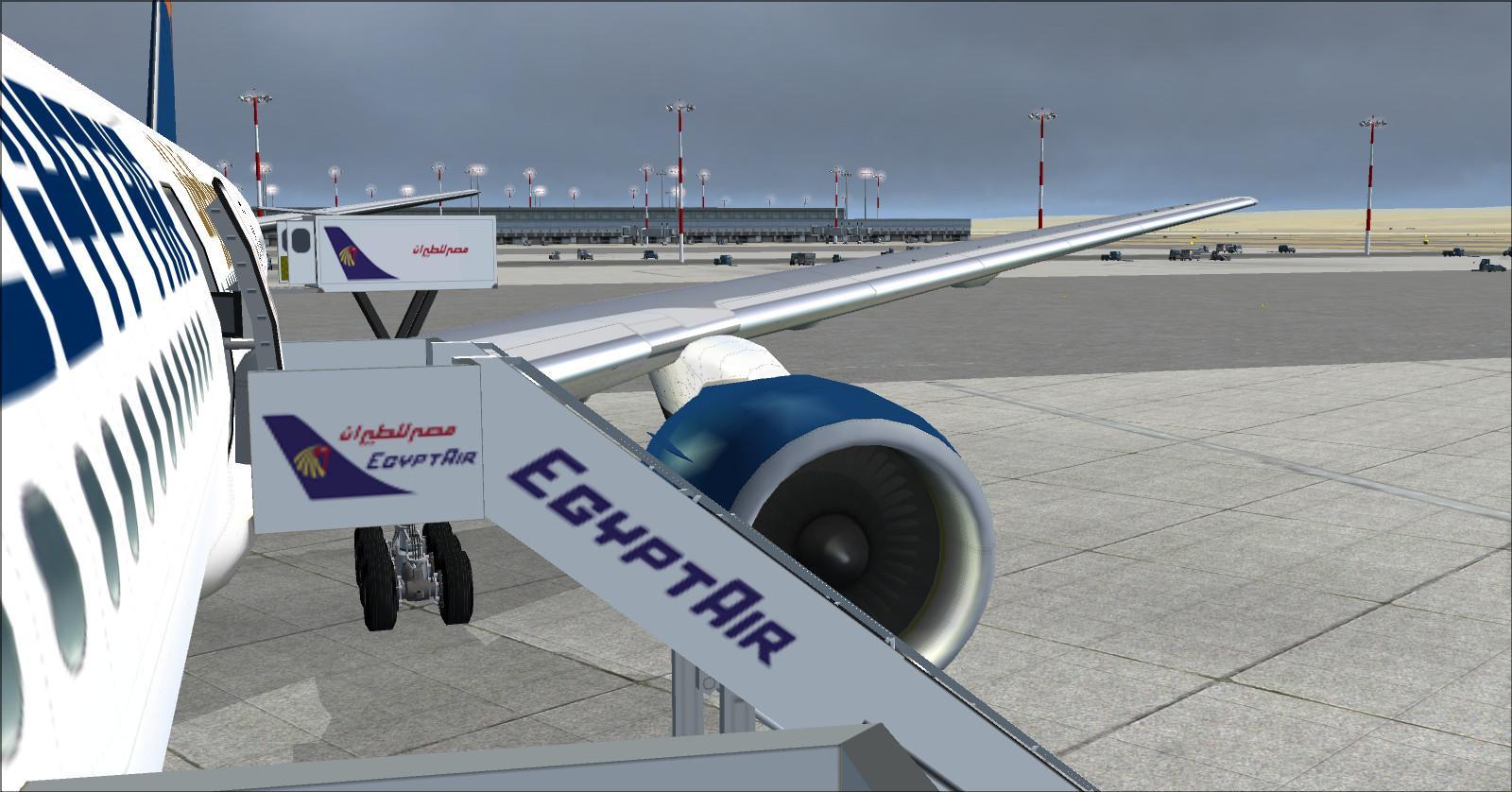
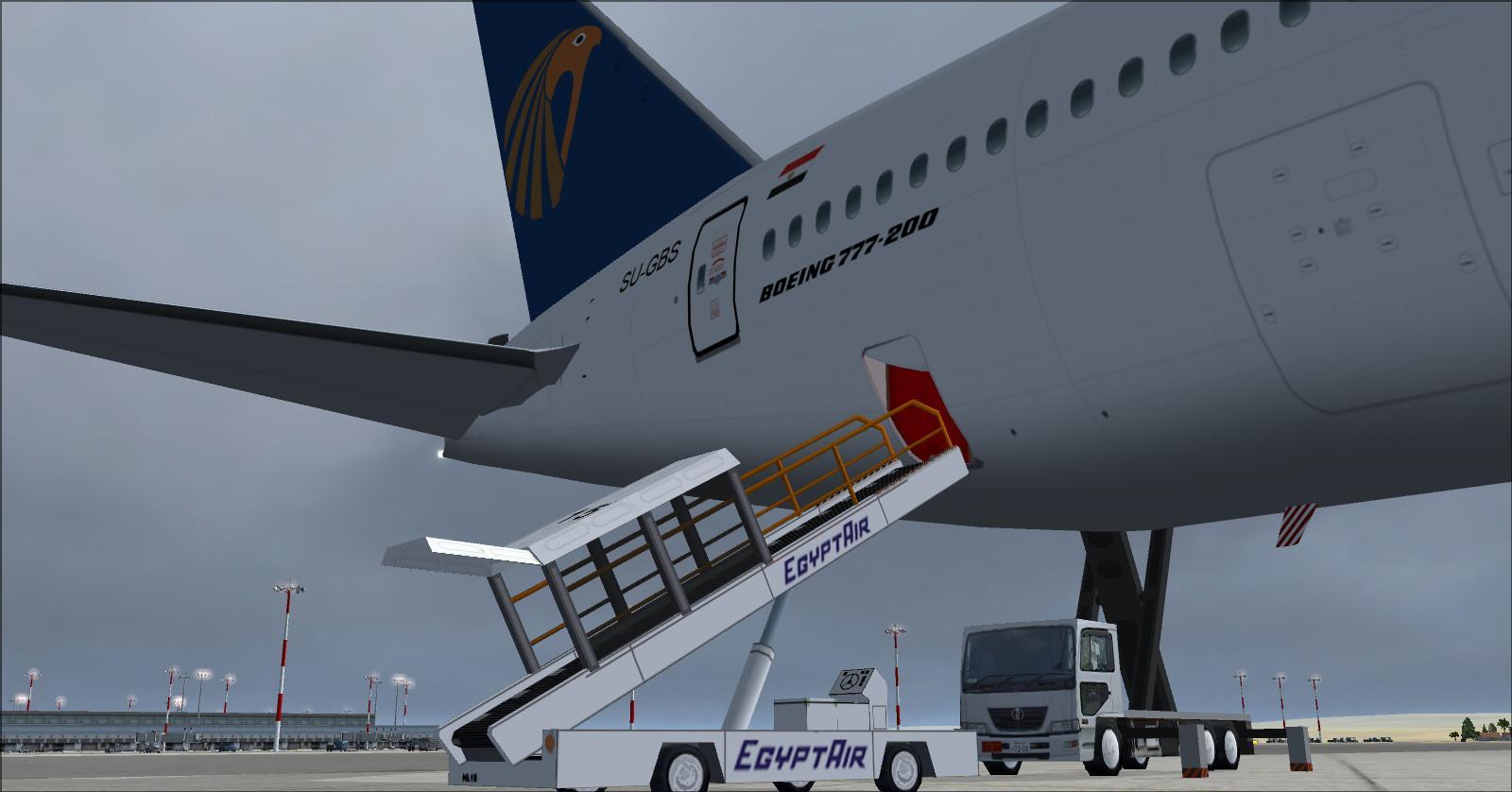
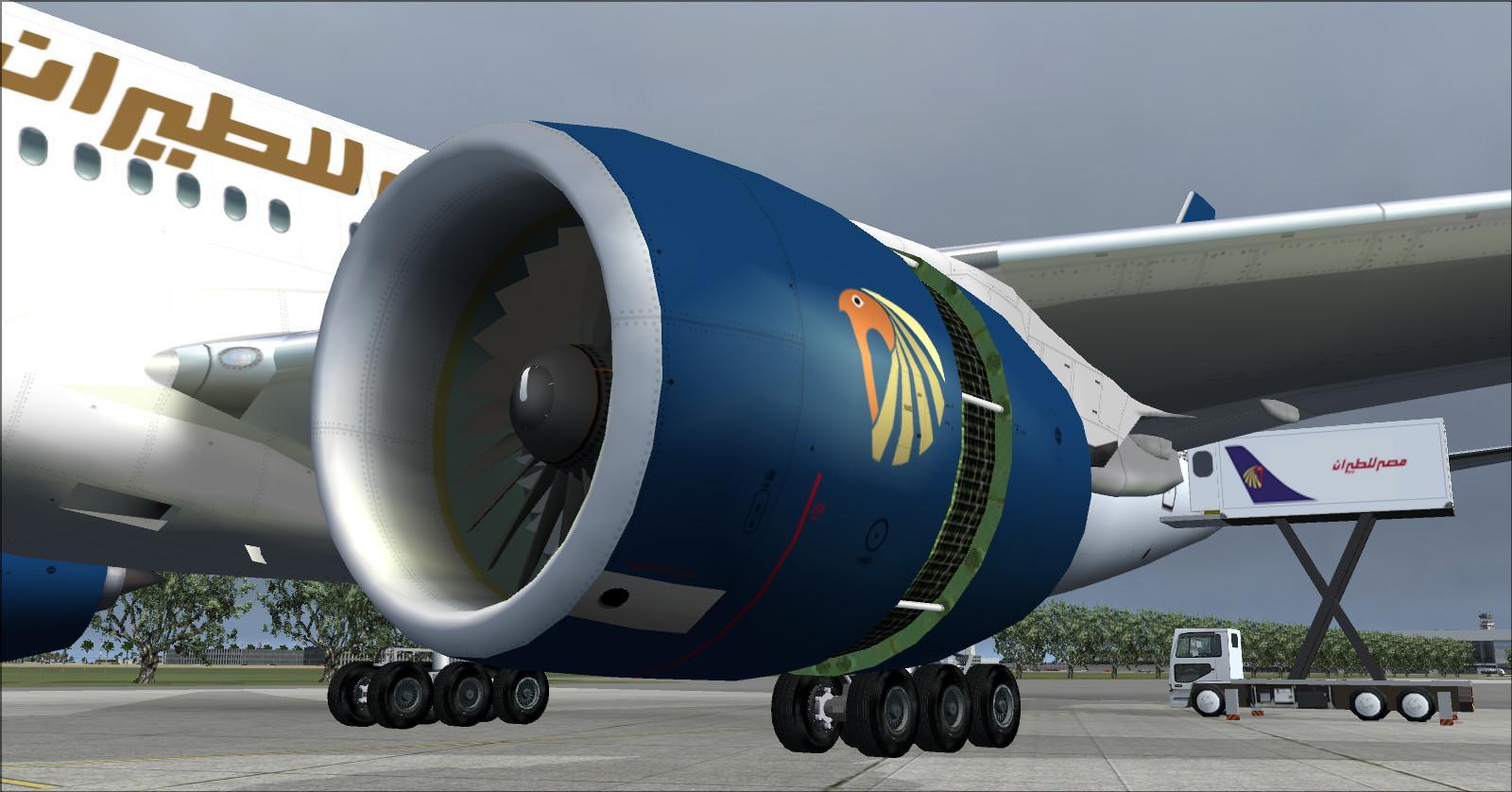
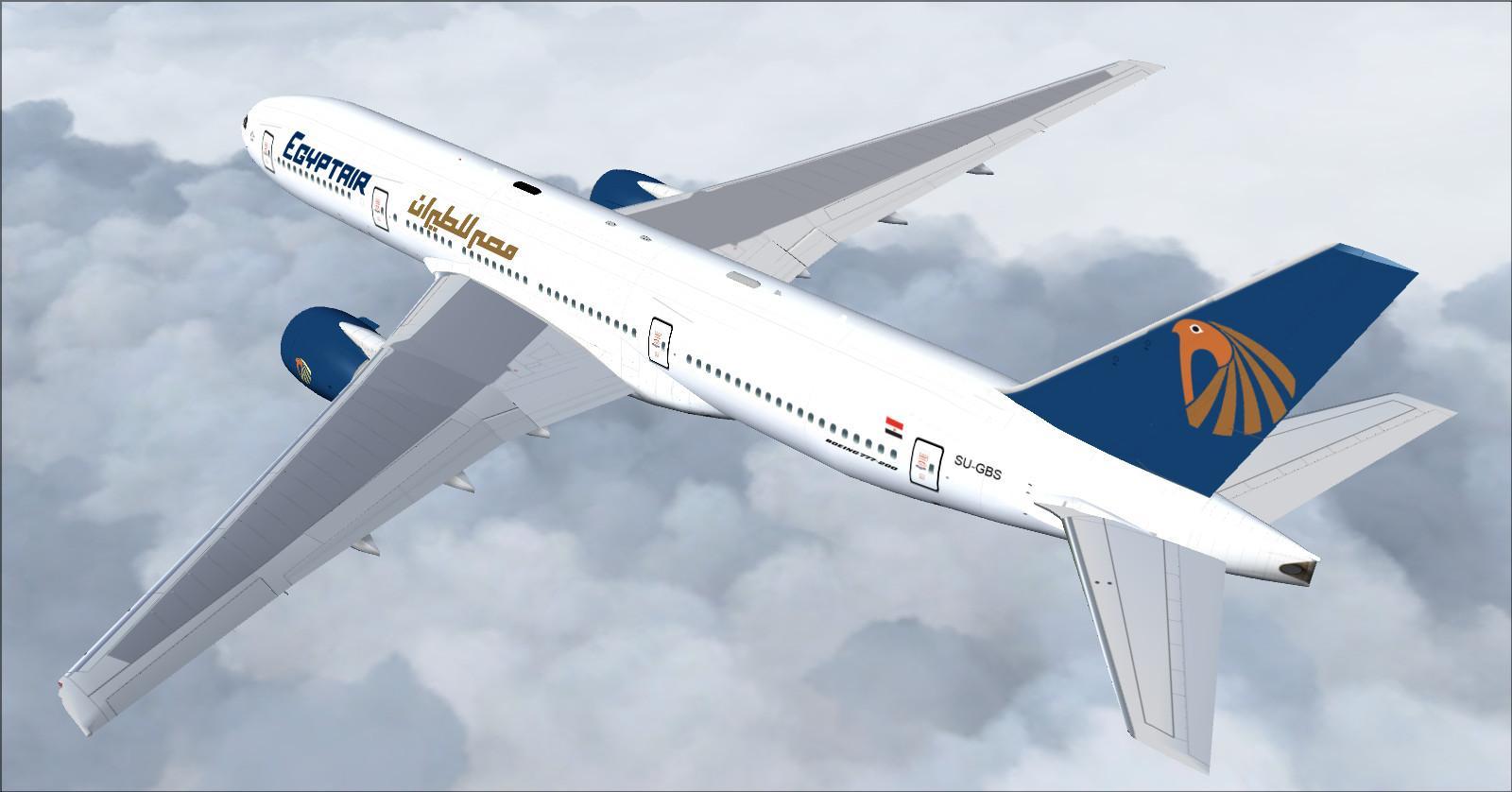
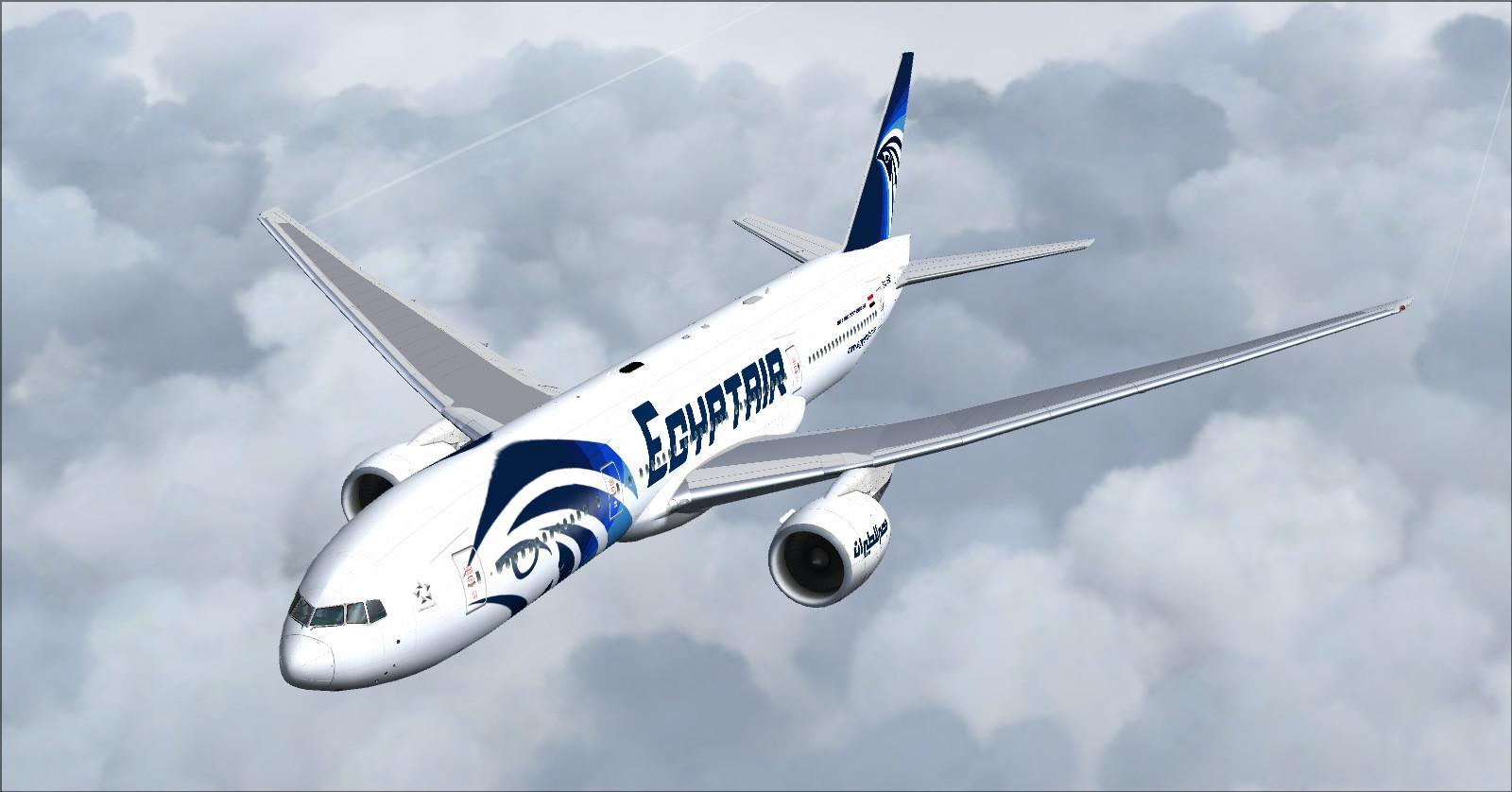
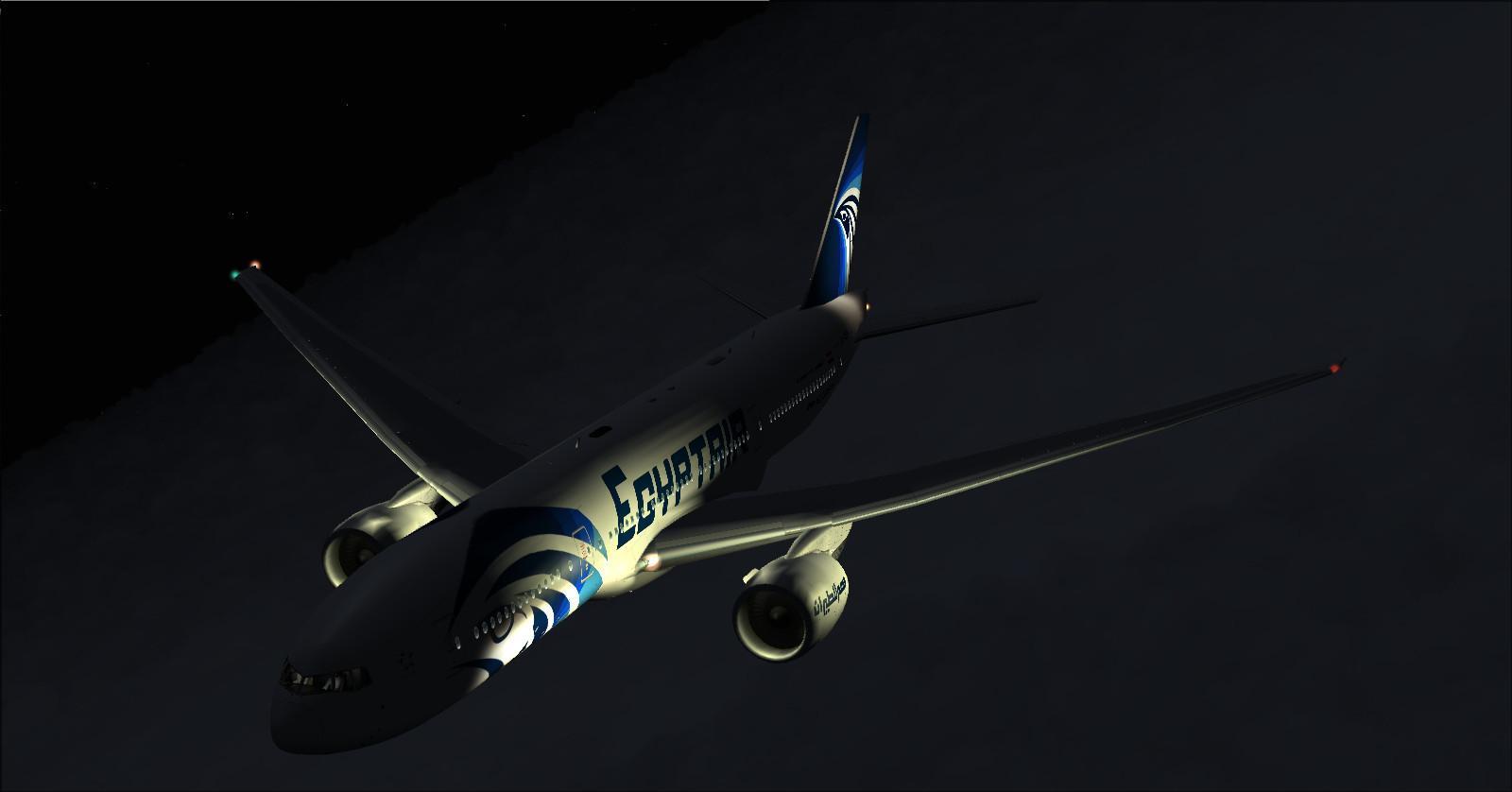
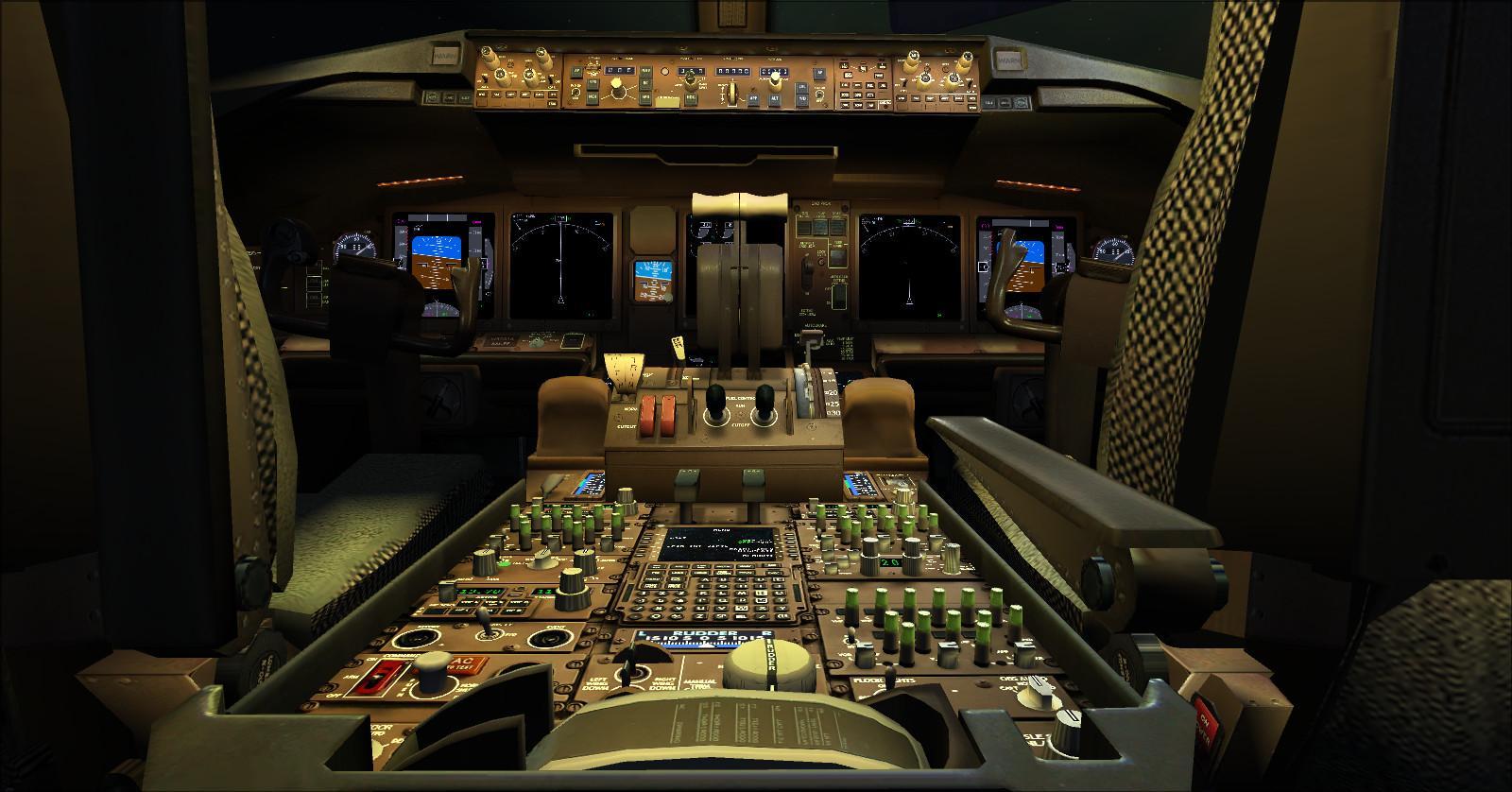
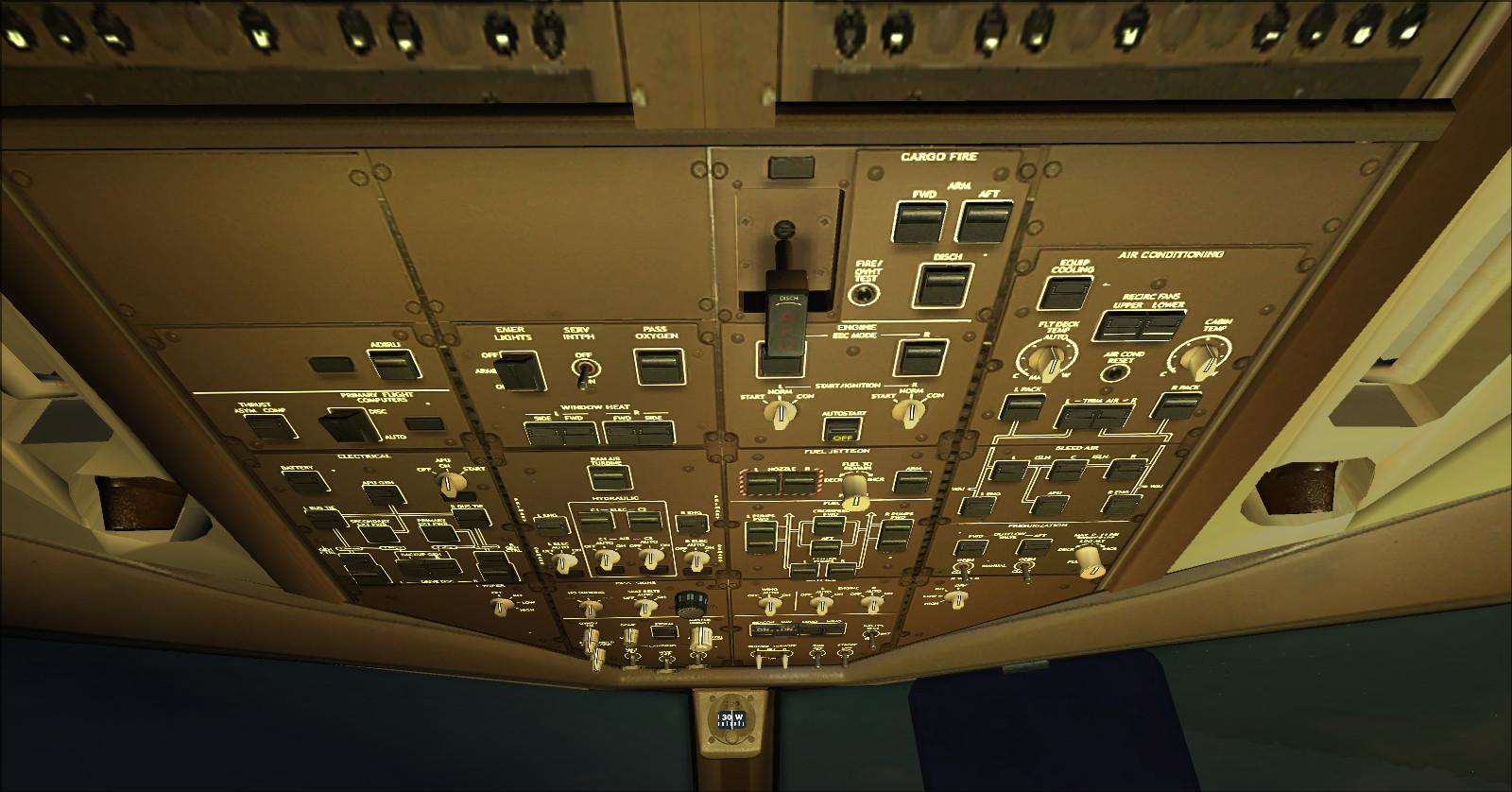
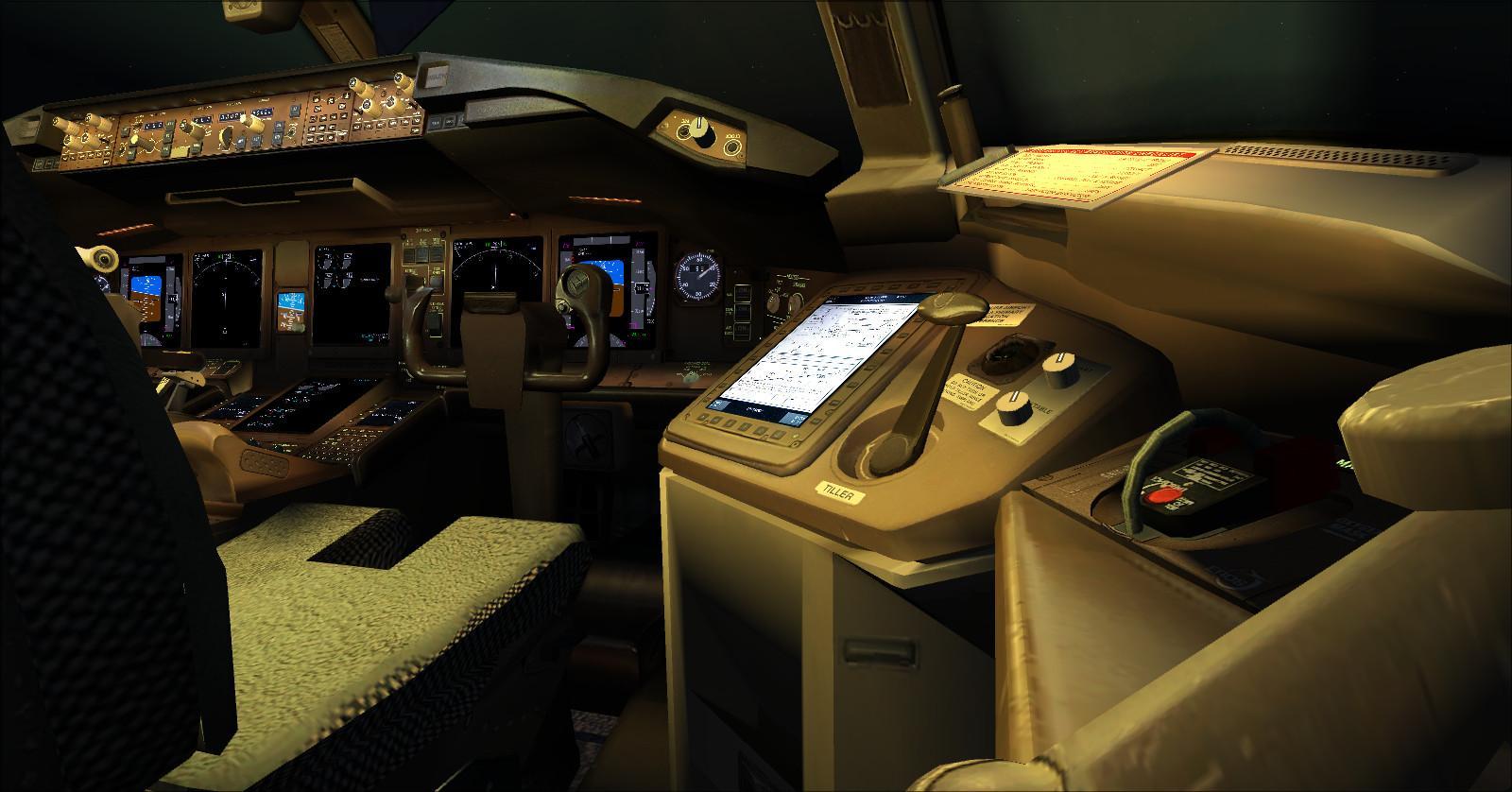
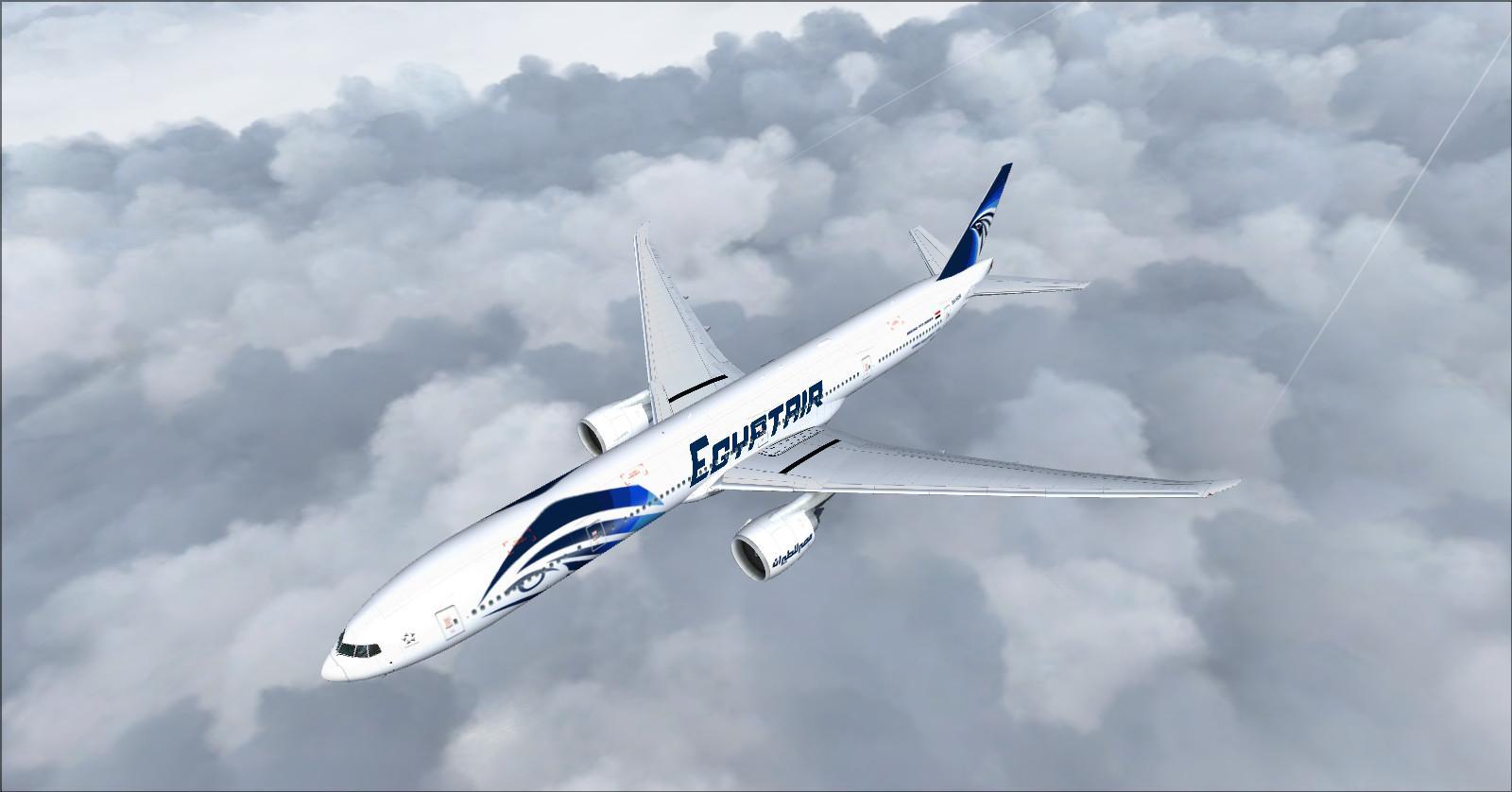
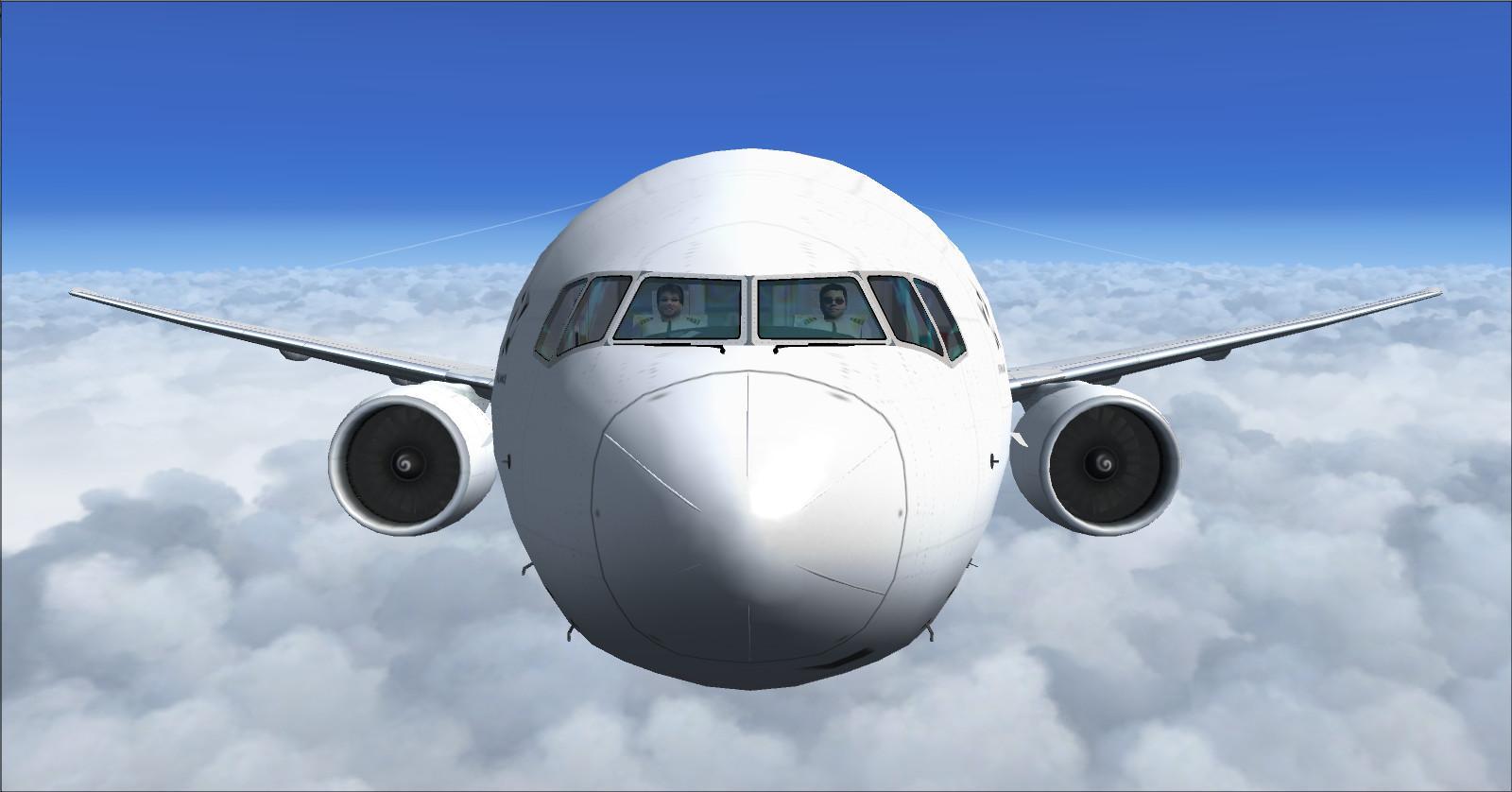
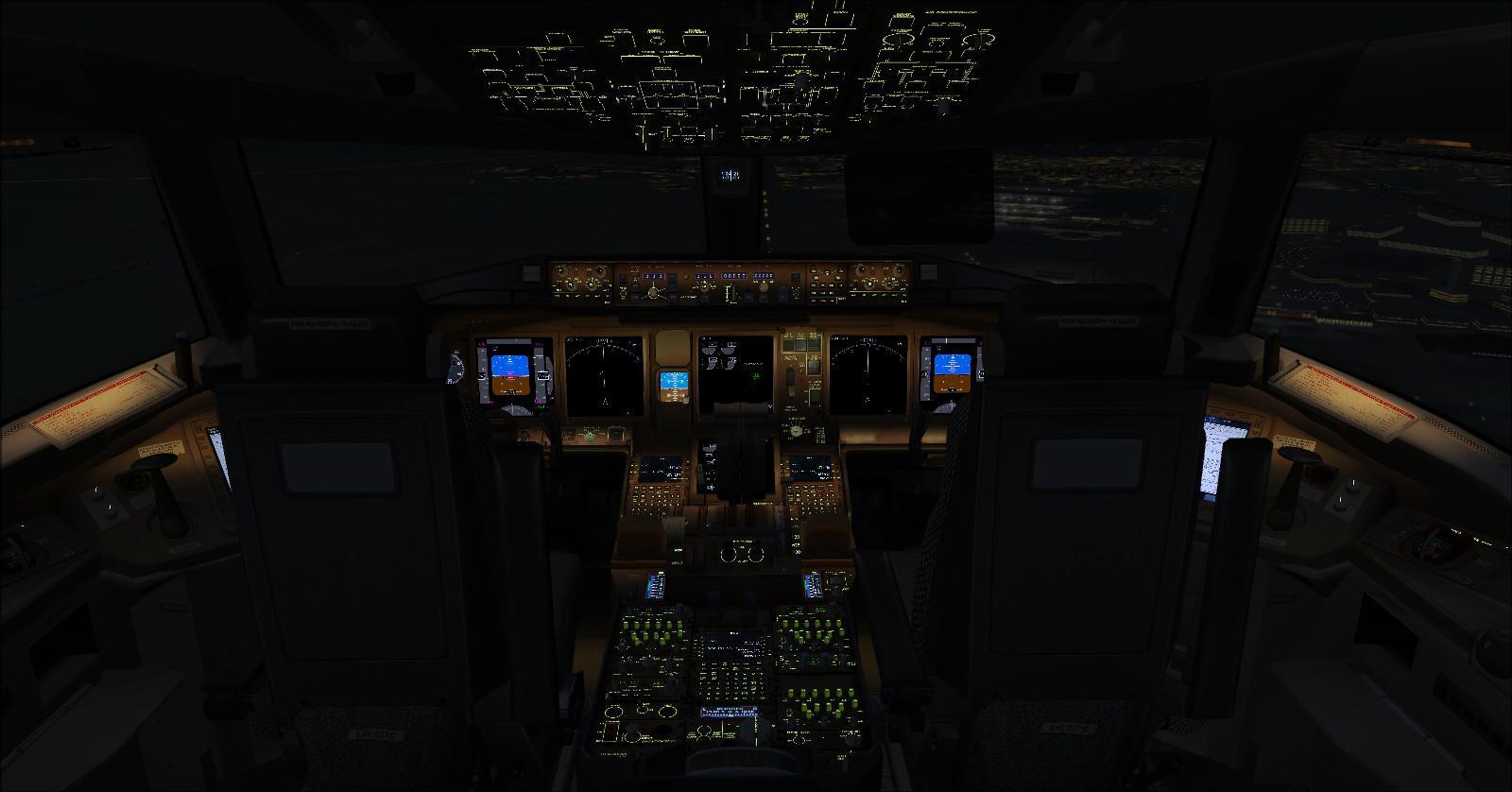
8 — Boeing 777-266ER EgyptAir
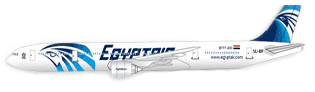
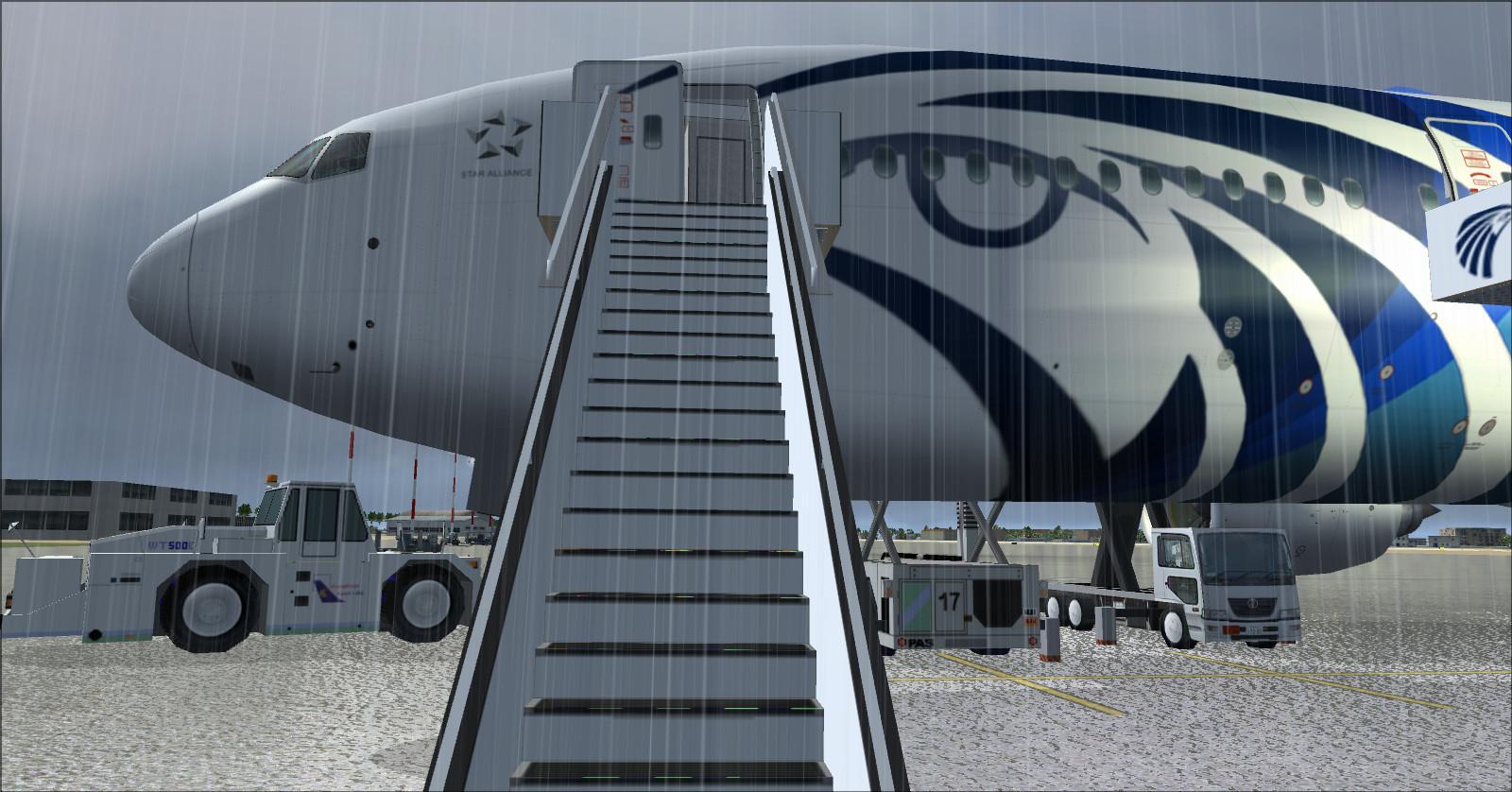
EgyptAir newer colour scheme and GSU ground equipment textures created by Rikoooo.
Reference cabin: 319 seats, with 12 in first, 21 in business and 286 in economy.
Listed layout: 2-3-2, or 7 abreast.
Economy: 3-4-2, or 9 abreast.
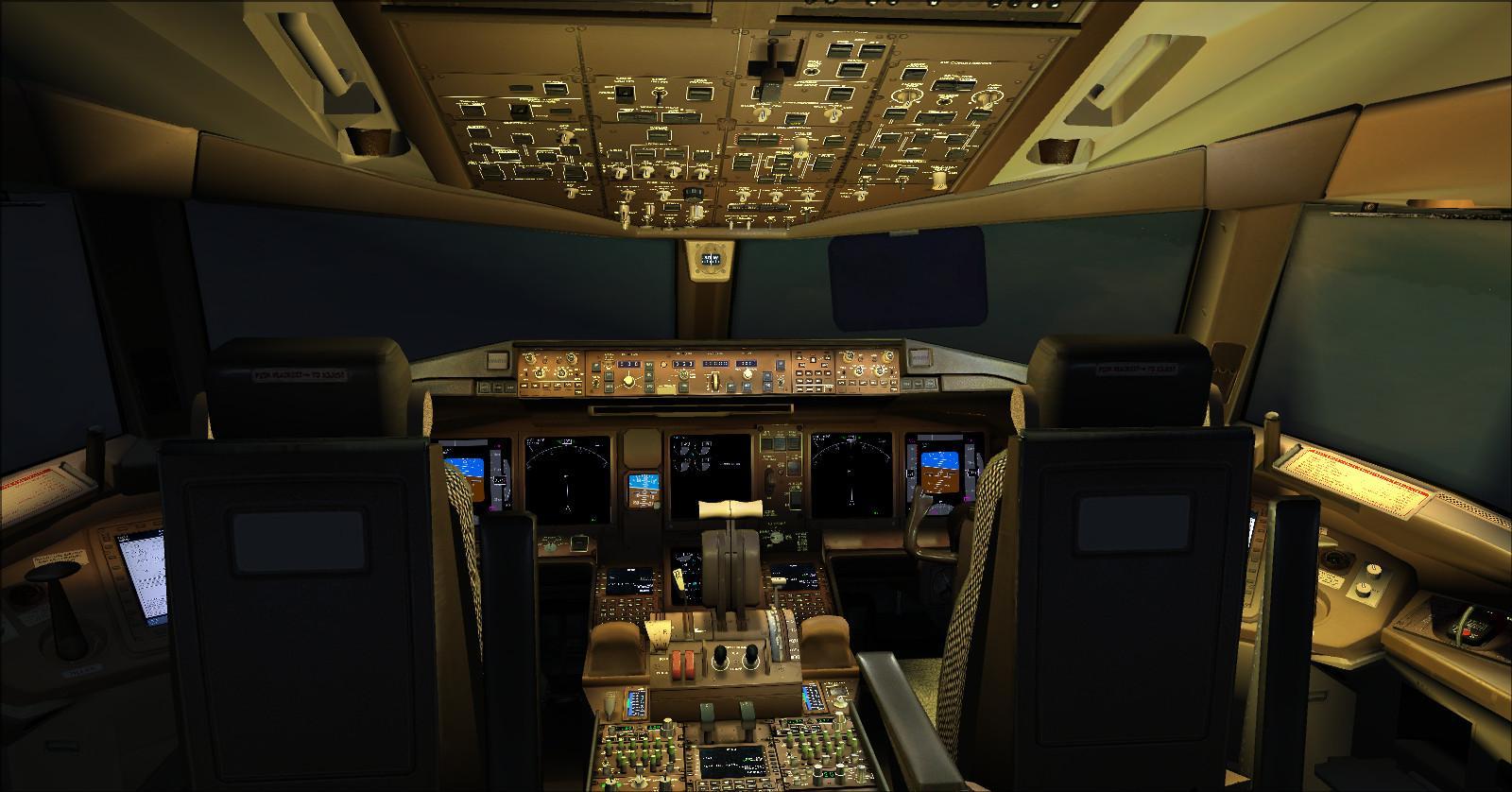
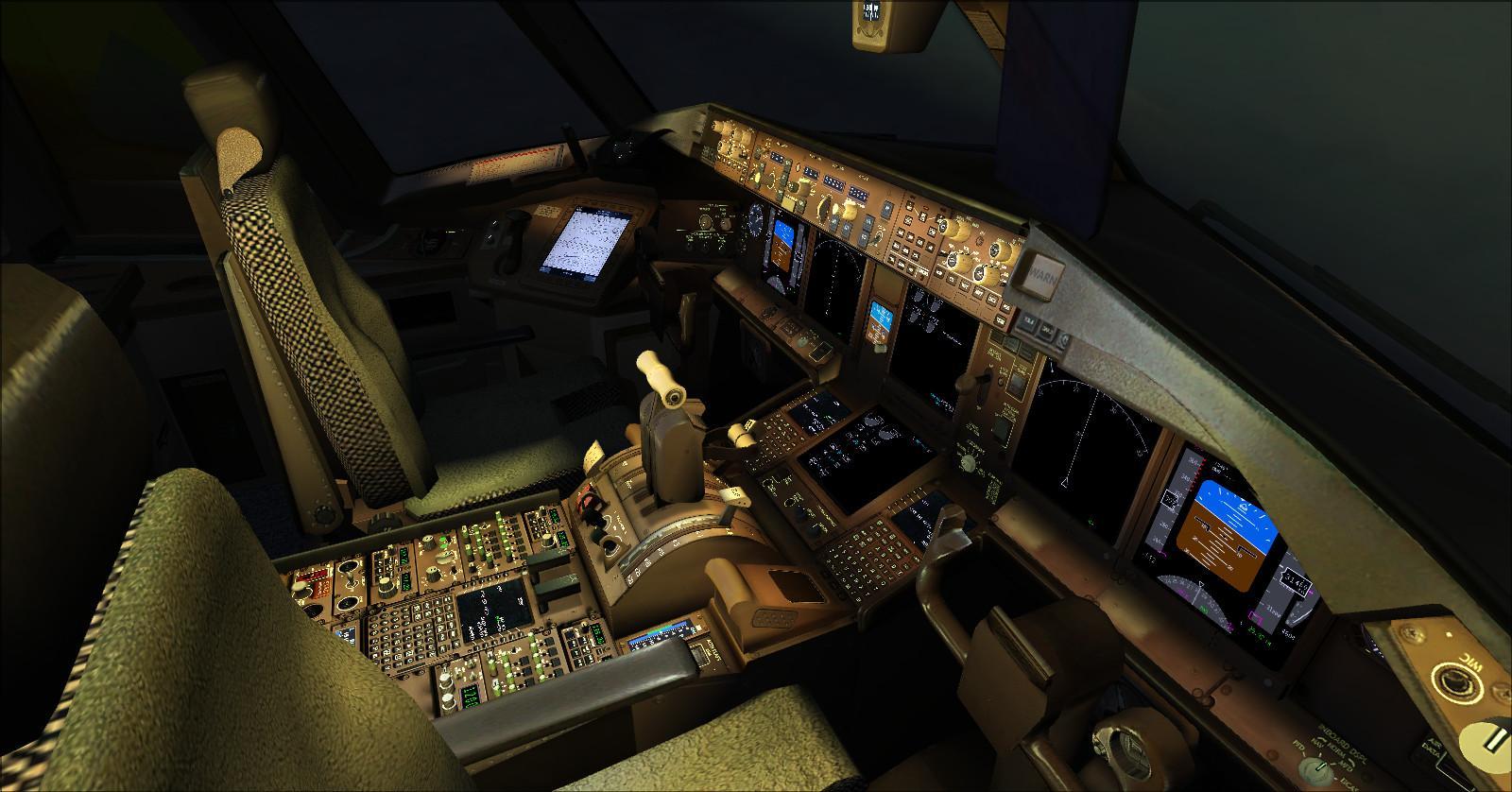
Additional screenshots:
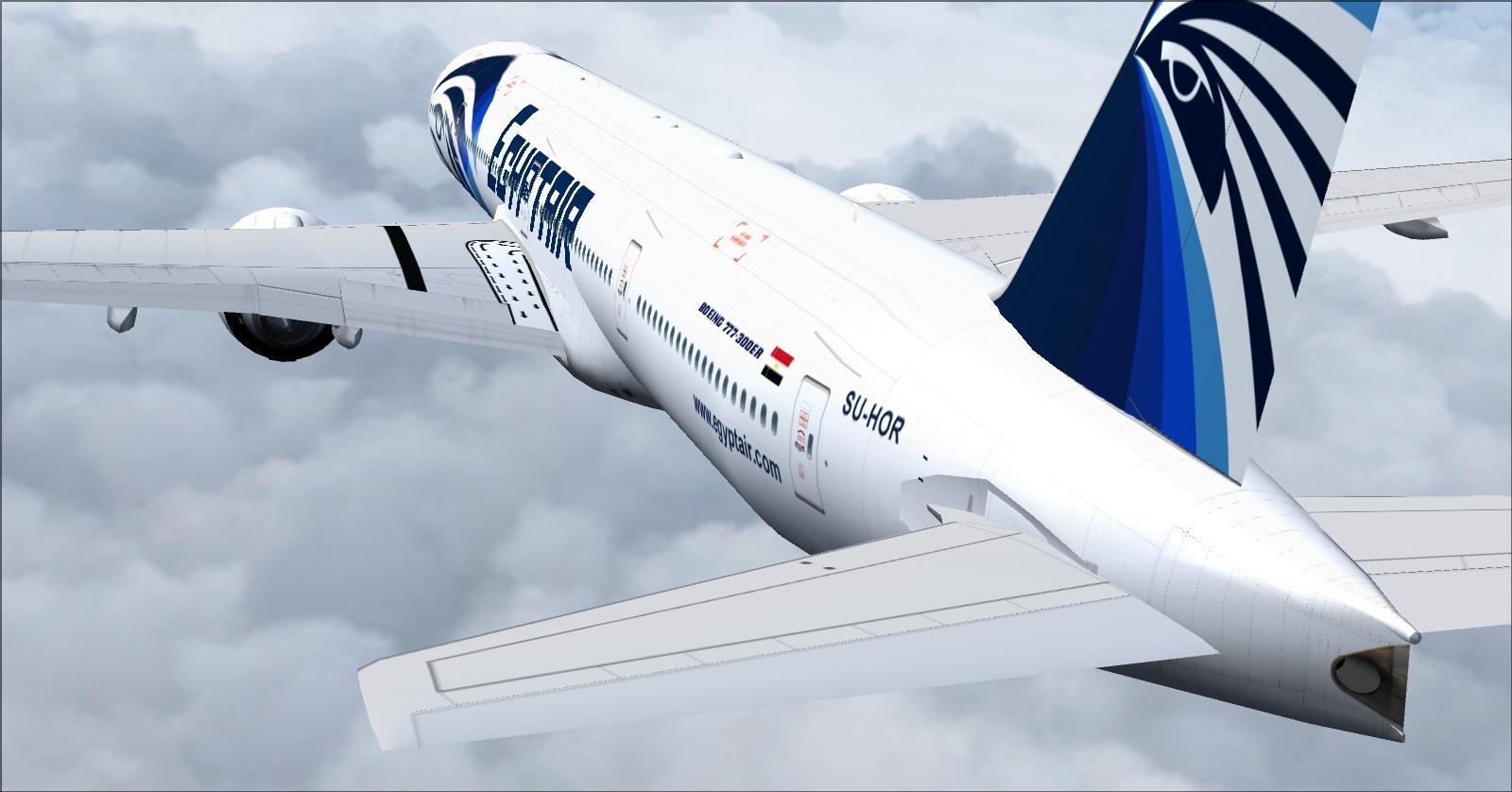
9 — Boeing 777-300ER EgyptAir
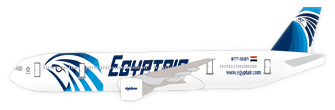 EgyptAir newer colour scheme created by Rikoooo.
Reference cabin: 346 seats, with 49 in business and 297 in economy.
Business: 2-3-2, or 7 abreast.
Economy: 3-3-3, or 9 abreast, with 2-3-2 (7 abreast) in some rows.
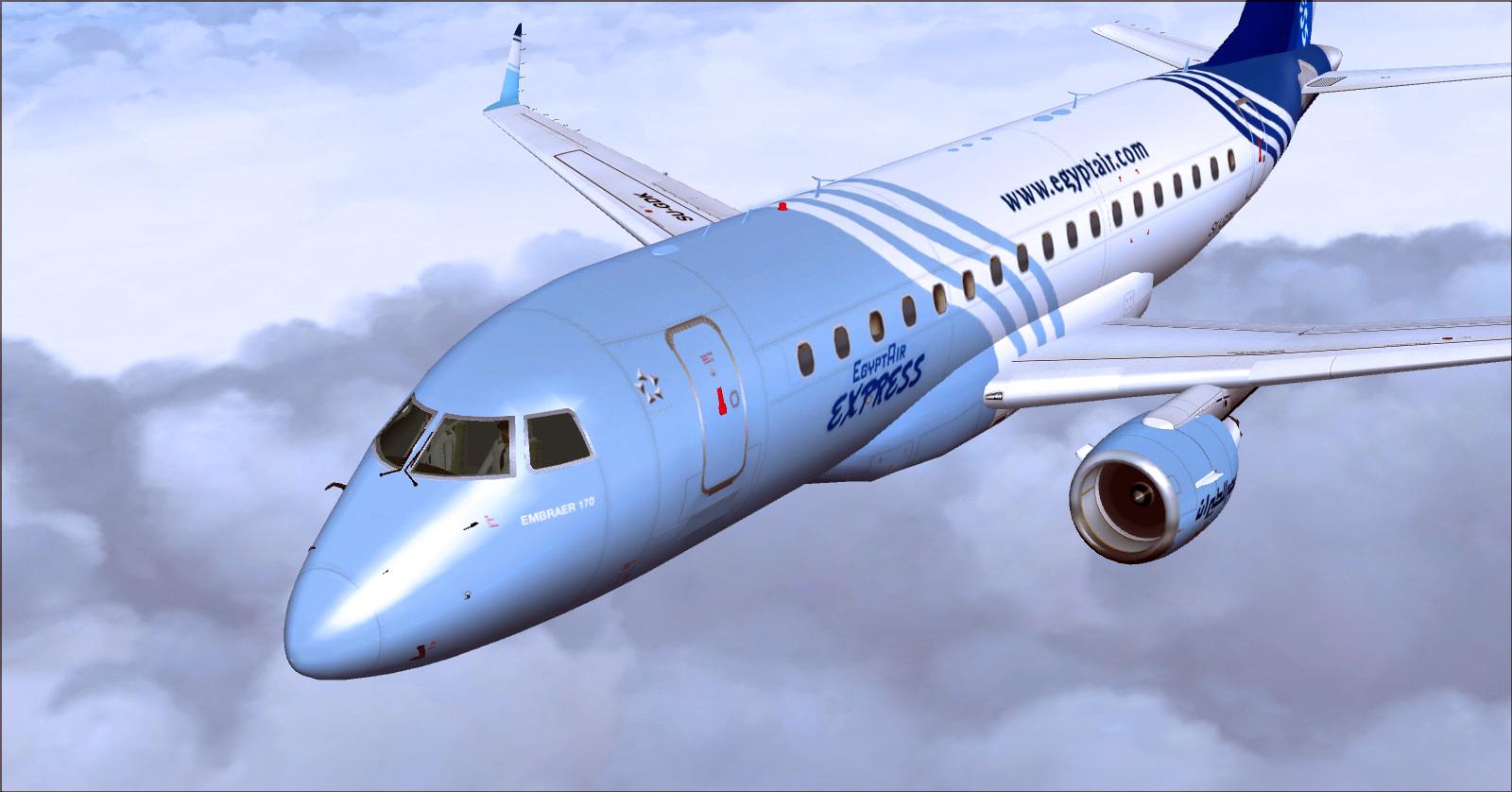
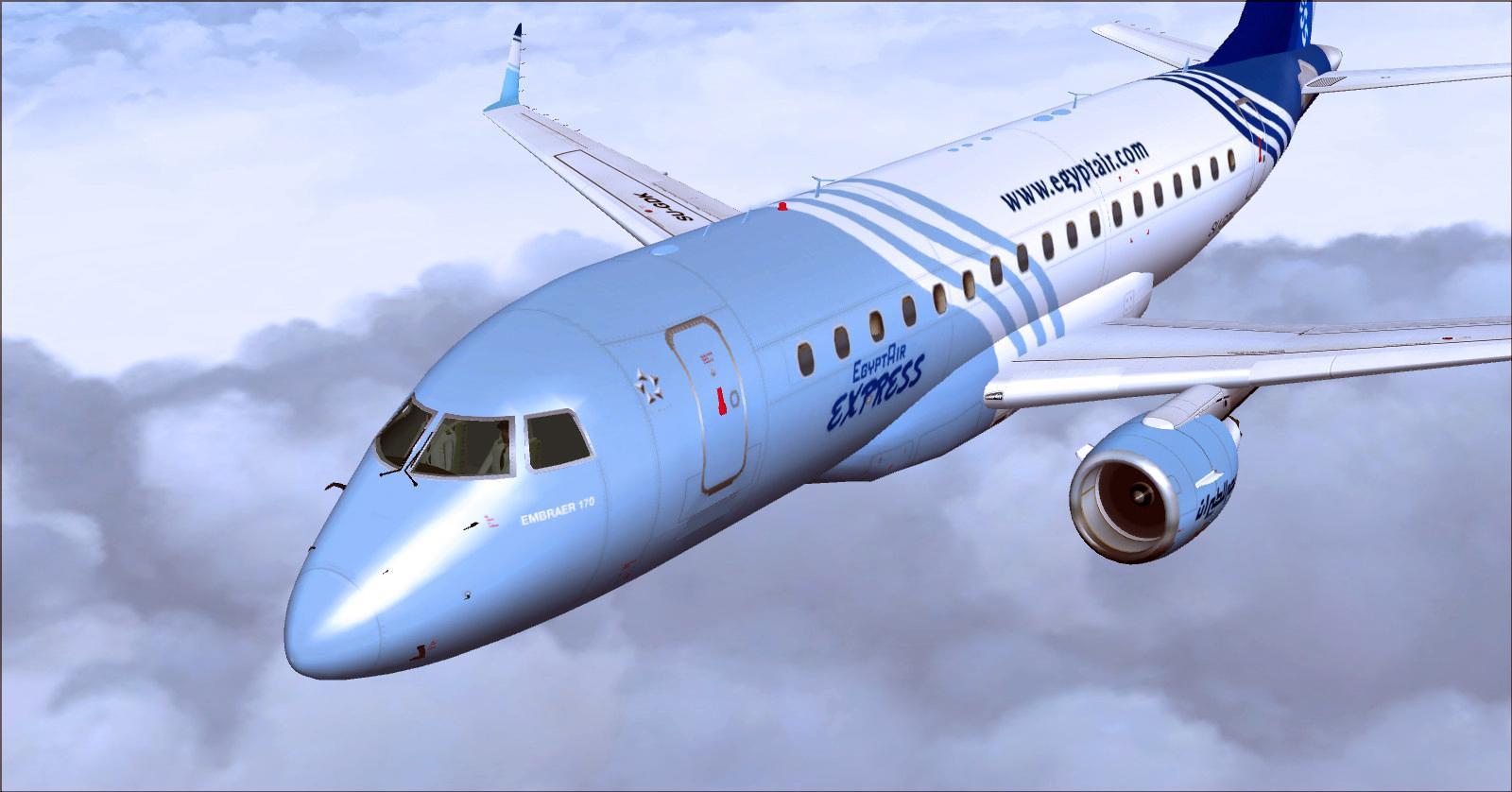
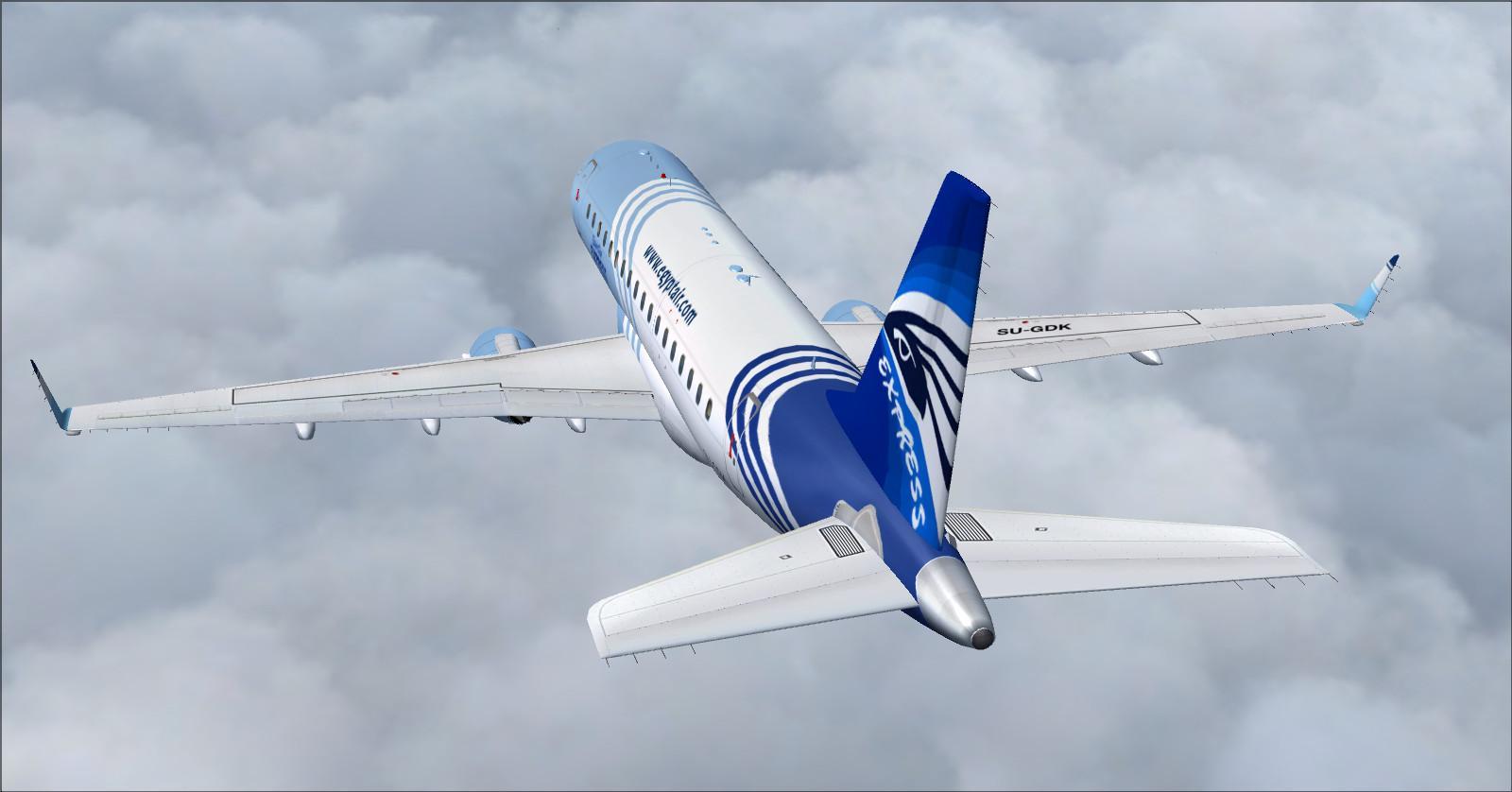
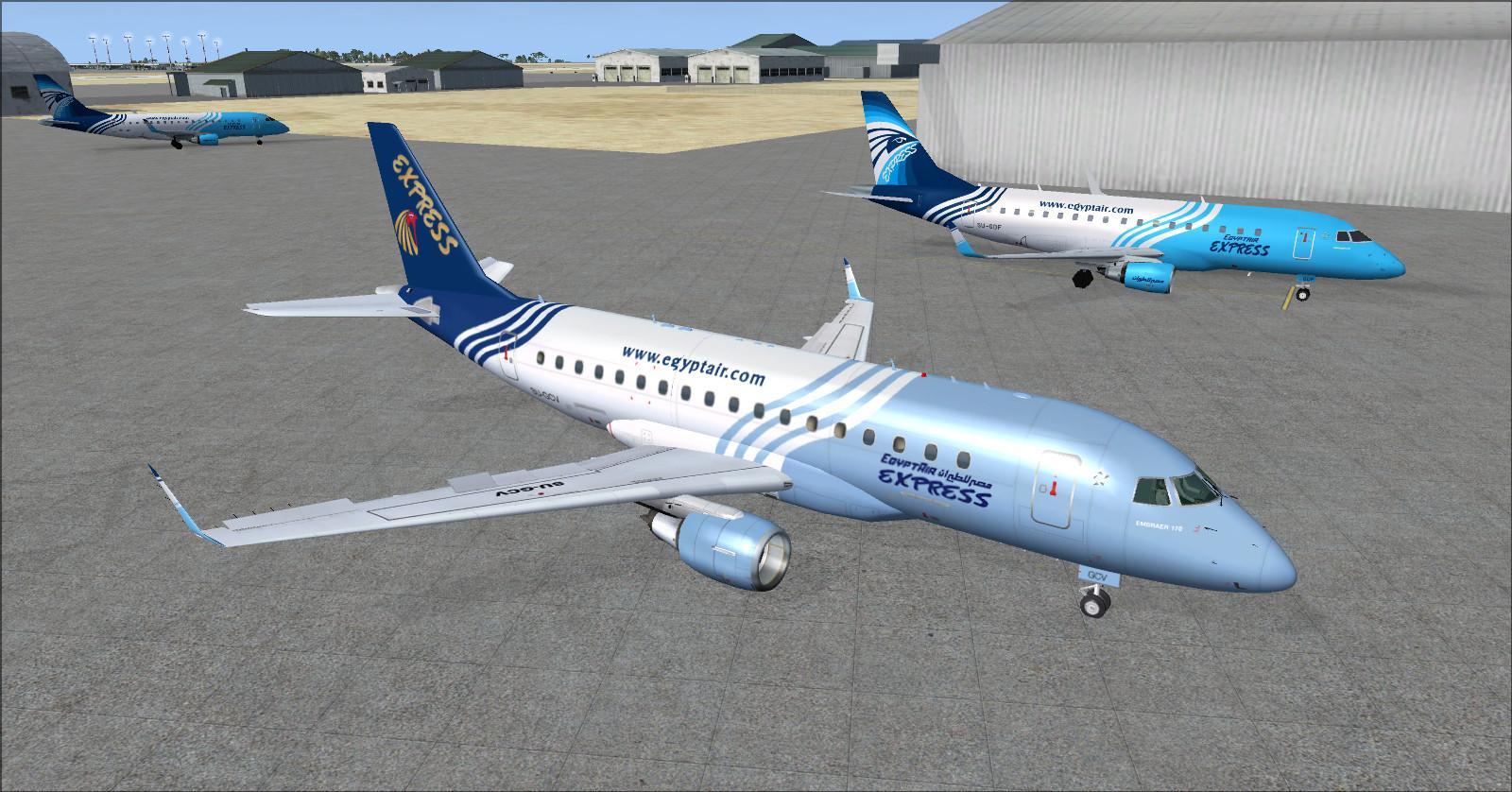
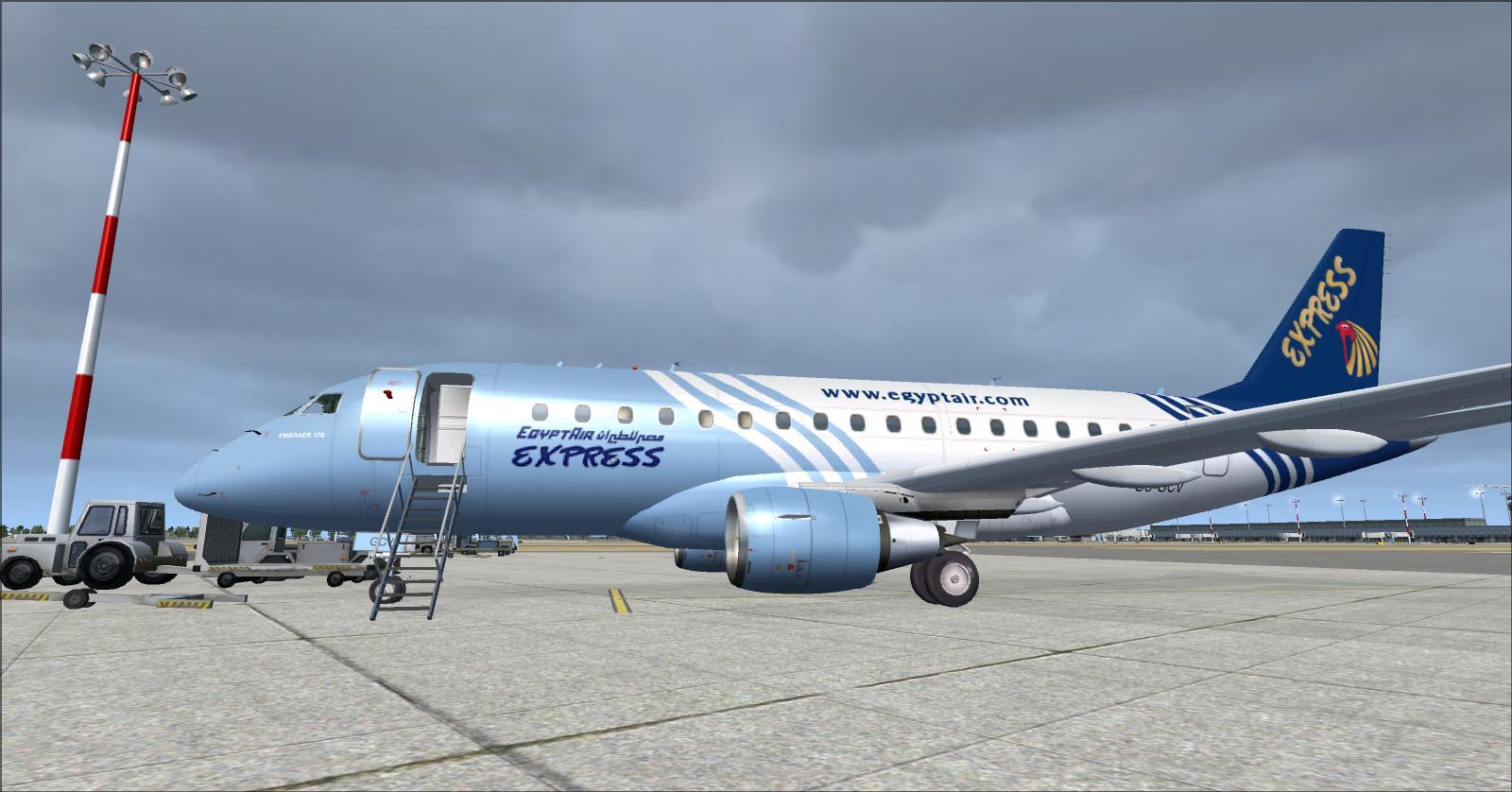
10 — Embraer ERJ 170LR EgyptAir Express
EgyptAir Express was a regional subsidiary based in Cairo, Egypt. Founded in 2006, it began flying on 1 June 2007. Its twelve Embraer E170s served domestic and regional routes; this model represents that operation in the package.
EgyptAir old and newer colour schemes created by Rikoooo.
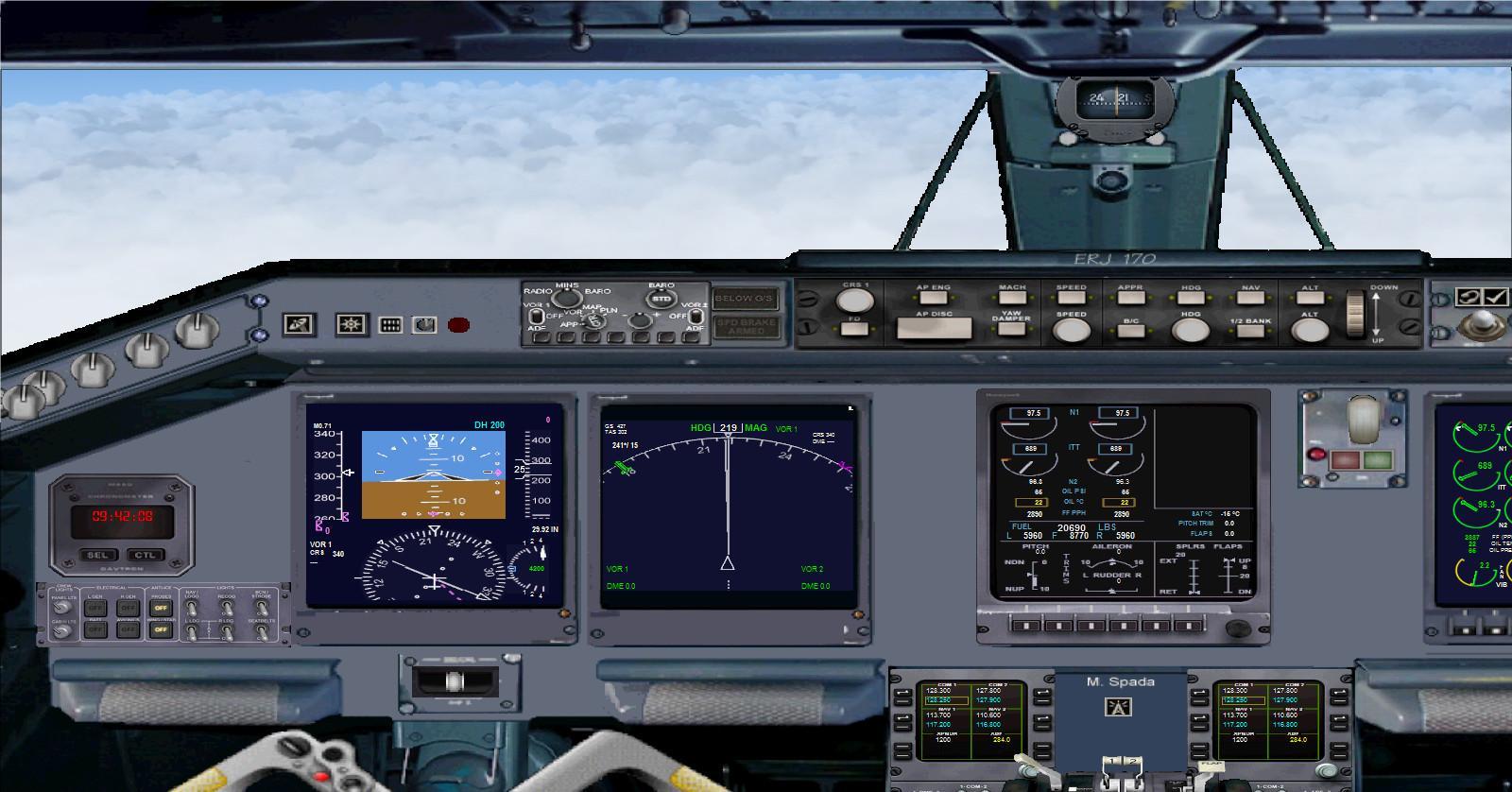
The Embraer E170 is flown from its 2D panel; the 3D model does not include a virtual cockpit.
vasFMC — flight management computer
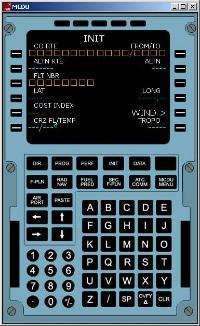
vasFMC is a free program originating from the open-source project created by Alex Wemmer. It adds a flight management system (FMS). It requires FSUIPC, included with the option.
Rikoooo integrated vasFMC instruments into the A320 and A321 virtual cockpits. However, to avoid conflicts, some cockpit controls, including the autopilot controls, were removed in this configuration. With vasFMC, the virtual cockpit provides instrument displays and an interior view.
With vasFMC installed, fly the A320 or A321 from the 2D panel only.
Before your first flight, read the vasFMC manual to configure and use its functions.
vasFMC takes time to initialise, so a delay is possible when loading an Airbus fitted with this option.
The Rikoooo installer offers vasFMC 2.1, preconfigured for the EgyptAir A320 and A321. The package includes Navigraph navigation data from AIRAC cycle 0609, dated 2006 and supplied free with this package. This historical database can differ from current charts, procedures and routes; bear that in mind when planning a flight.
The 2D panel at night:
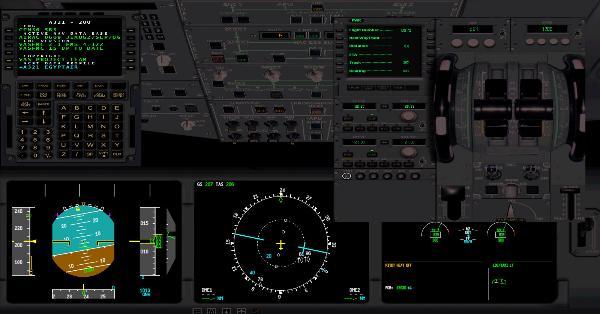
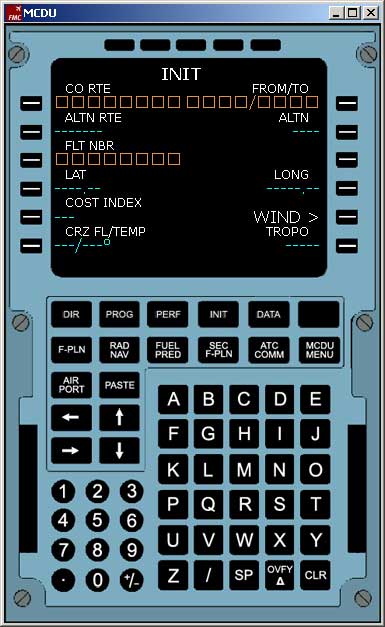
MCDU and complete panel:
 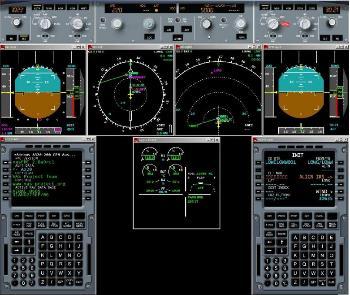
vasFMC uses memory and processor resources. If too few are available, FSX or Prepar3D may become unstable; in that case, use the aircraft without this option.
Video tutorials in English: vasFMC tutorials |
|


Comments
Flight experiences, tips and questions from Rikoooo members.
Loading discussions…