
Free download
Boeing 737-MAX8 Multi-Livery for FSX and P3D
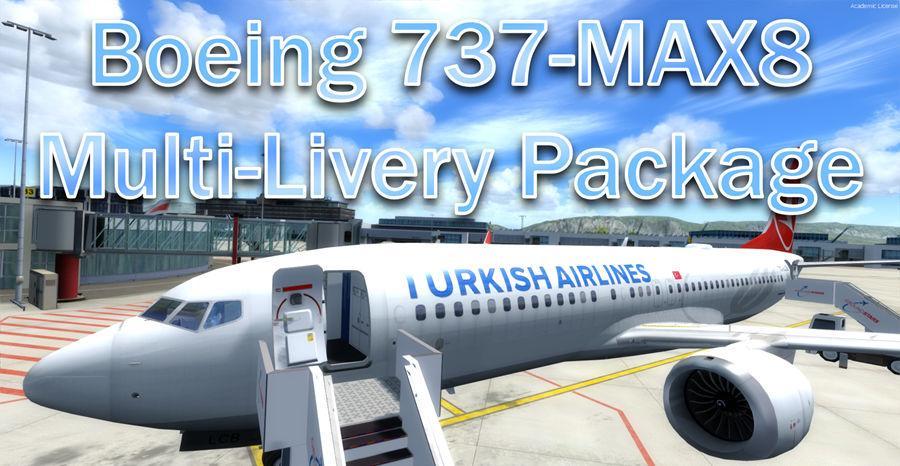
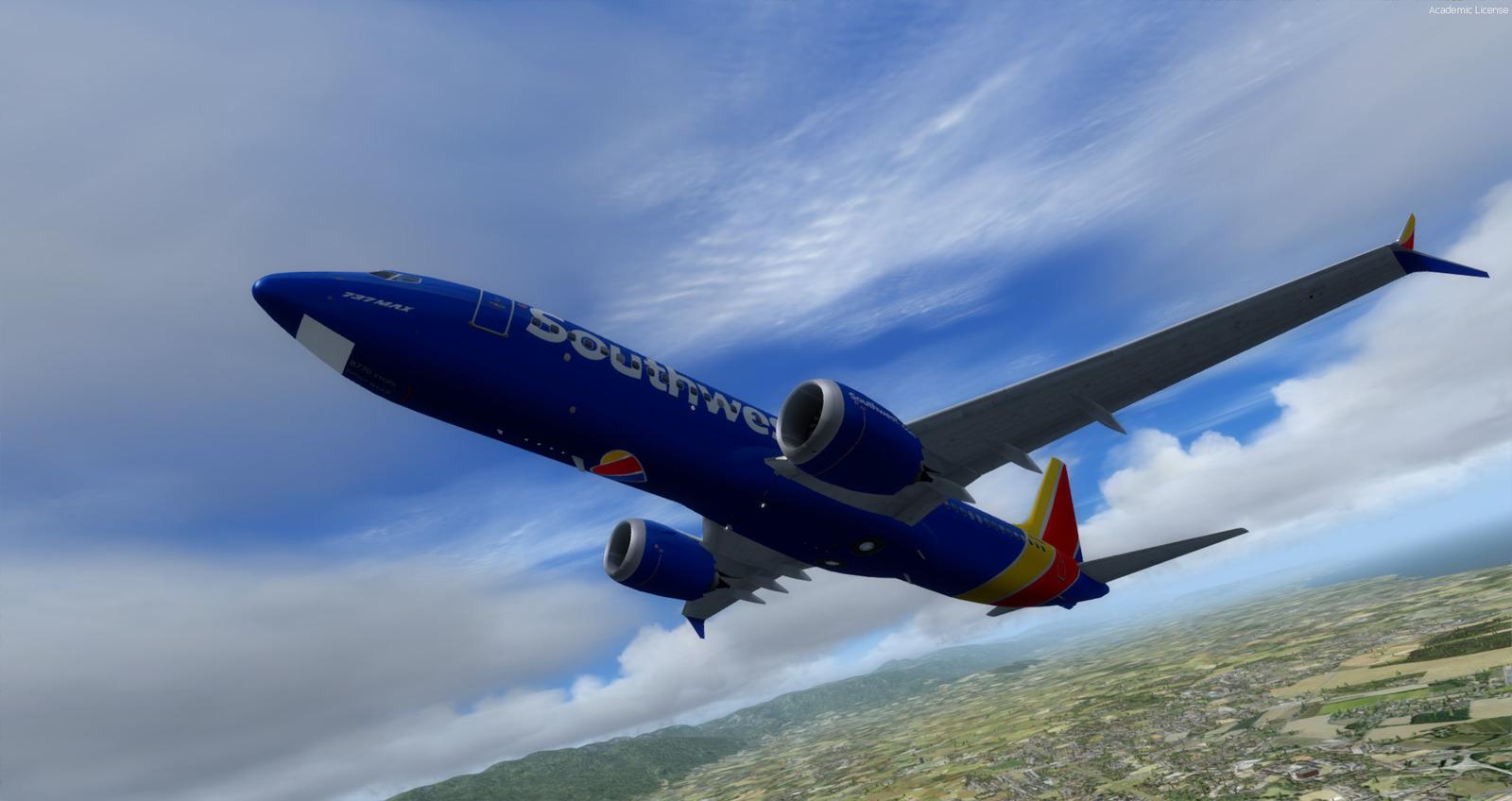
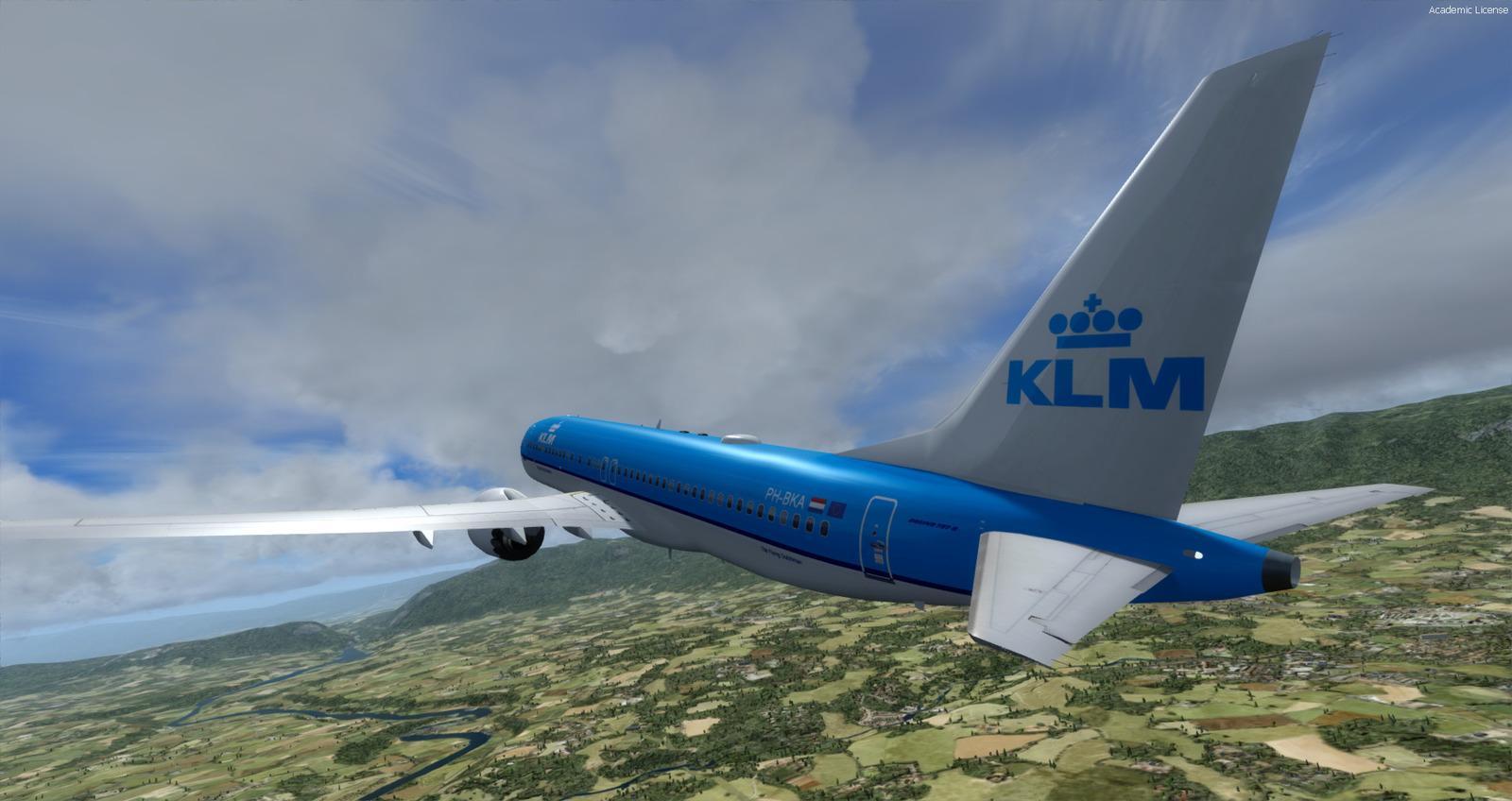
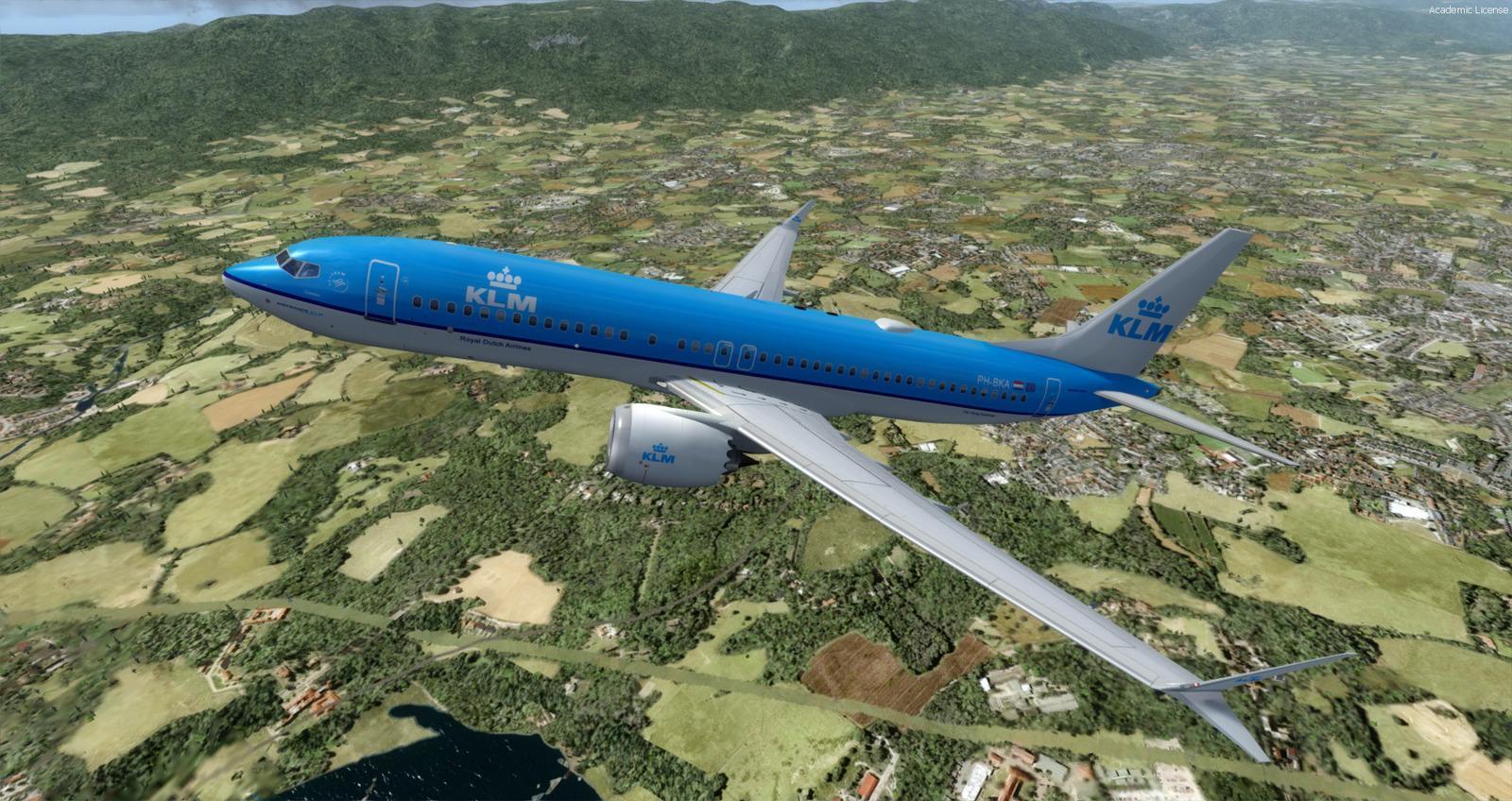
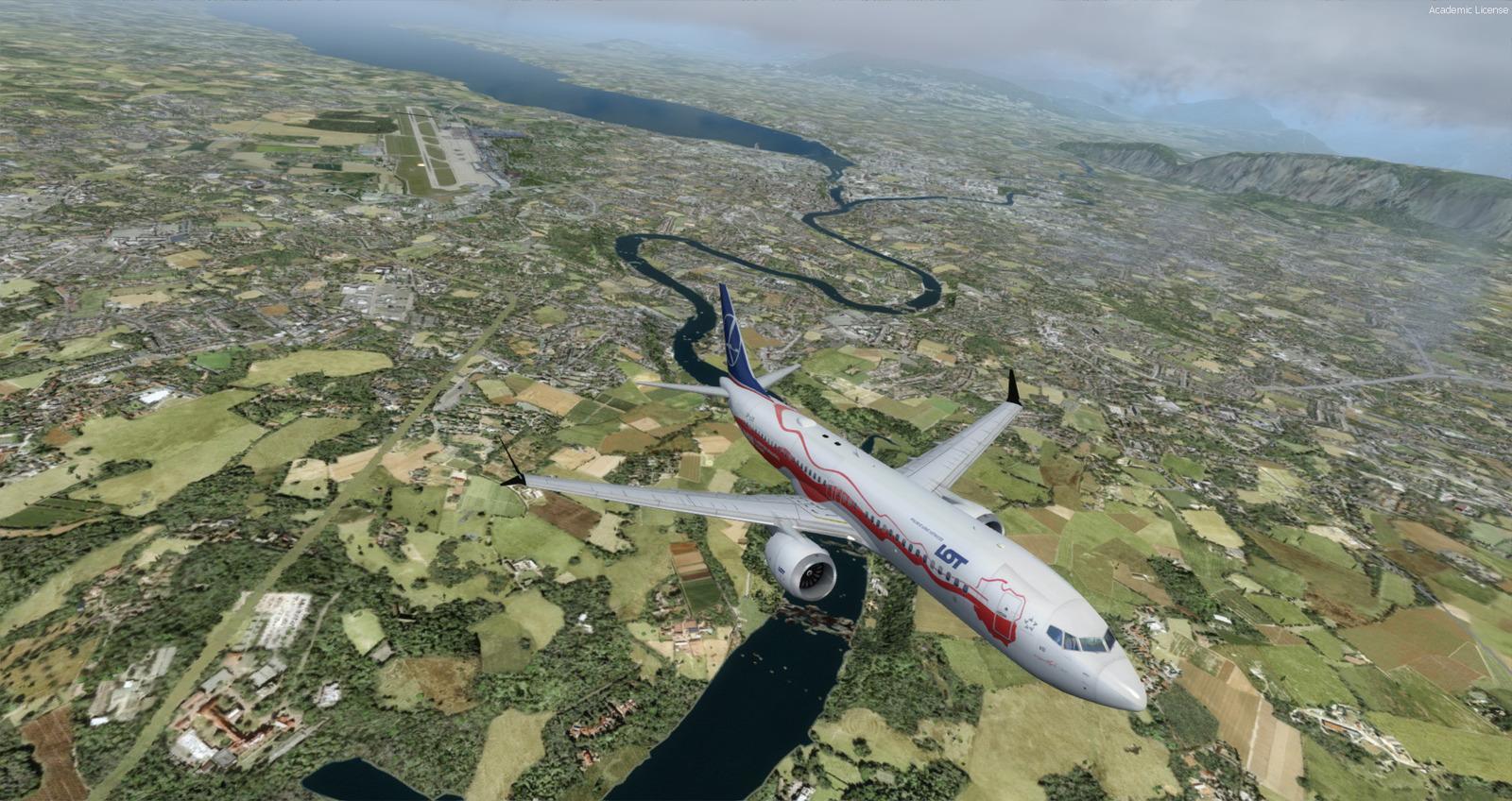
The Boeing 737-MAX8 is back on Rikoooo! Are you ready to fly this fabulous plane? It is with the permission of its creator Hiroshi Igami (TDS) that we offer this superb package including 41 repaints.

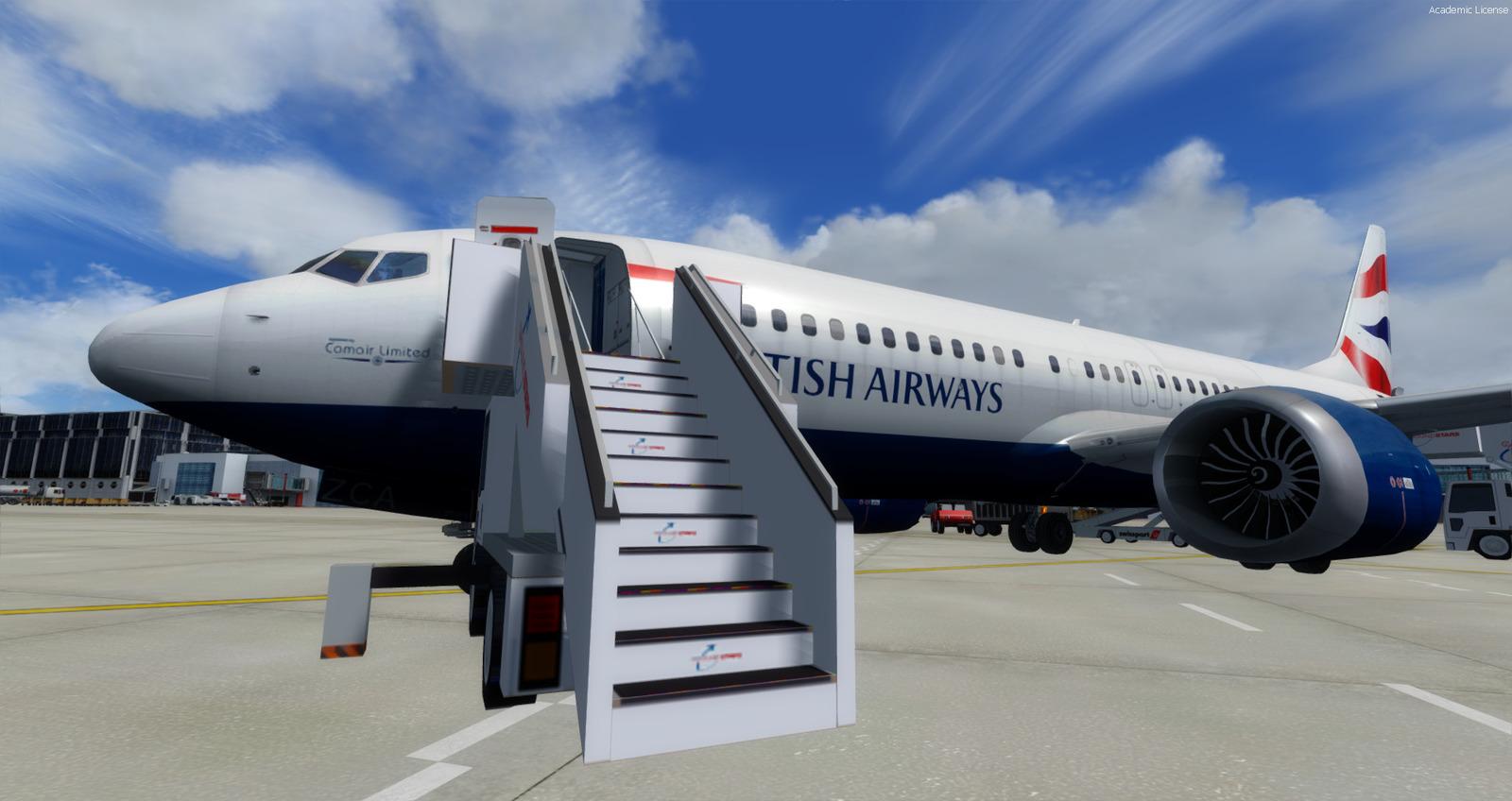 Clickable gallery
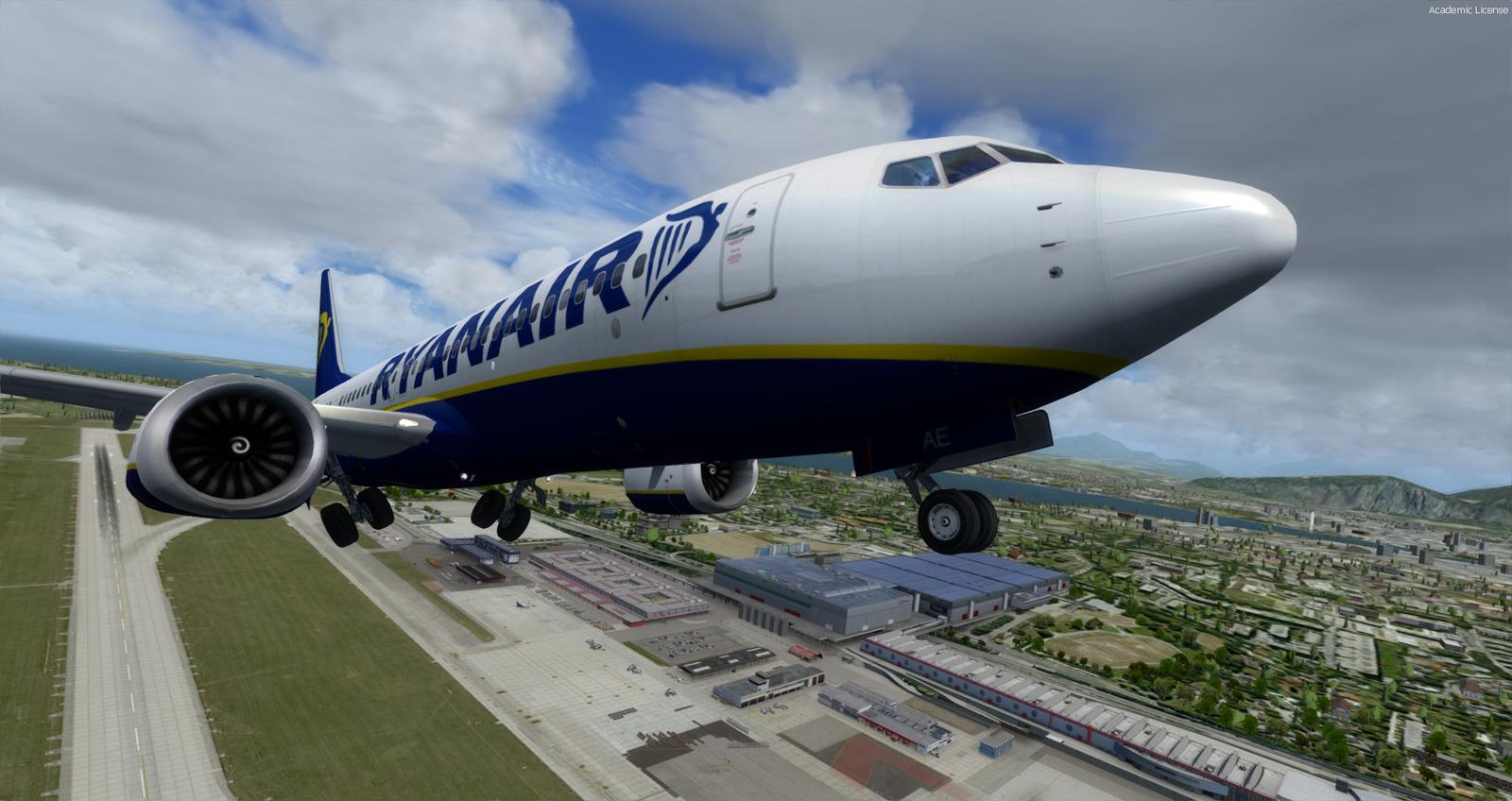
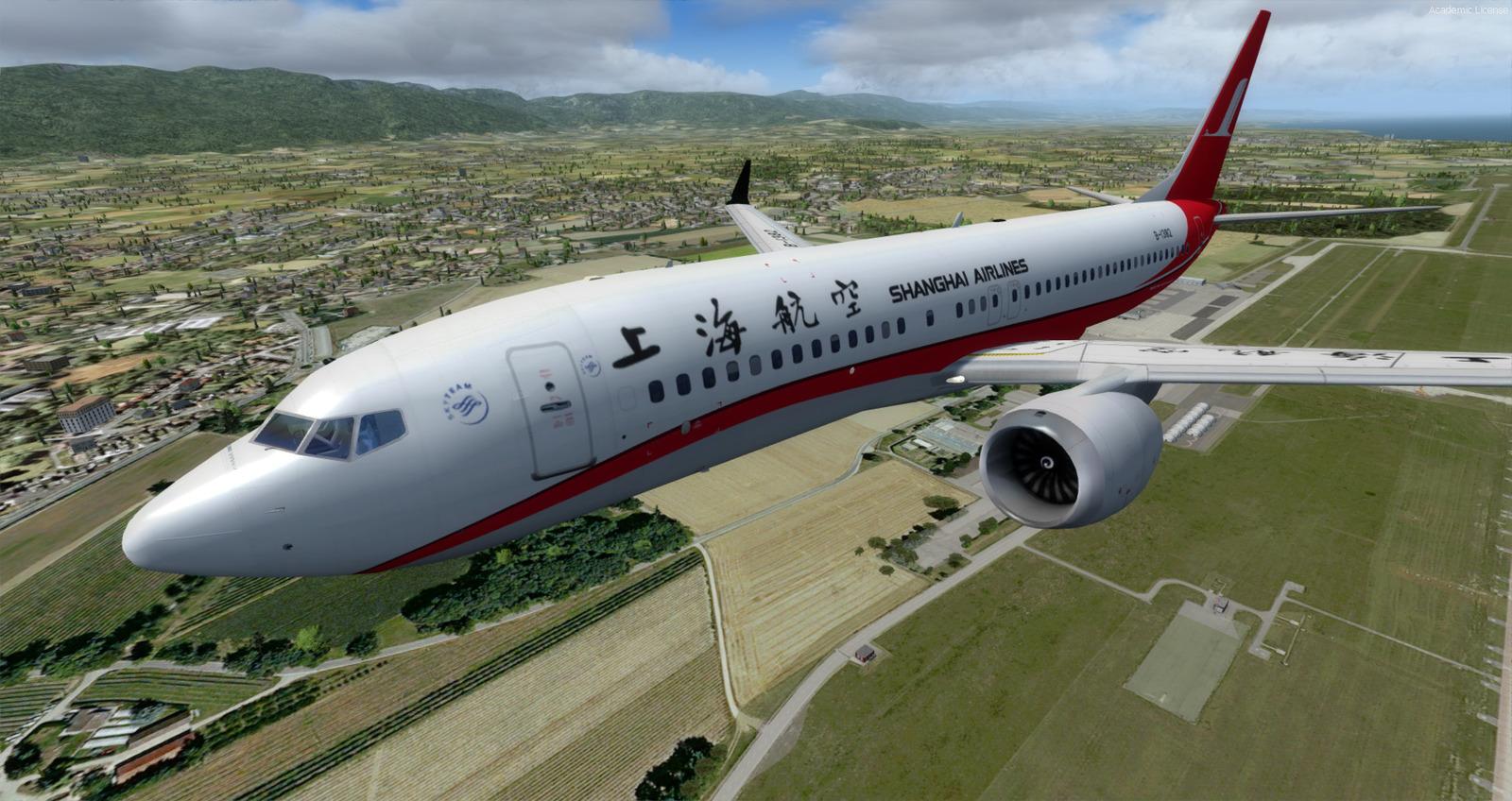
Video presentation
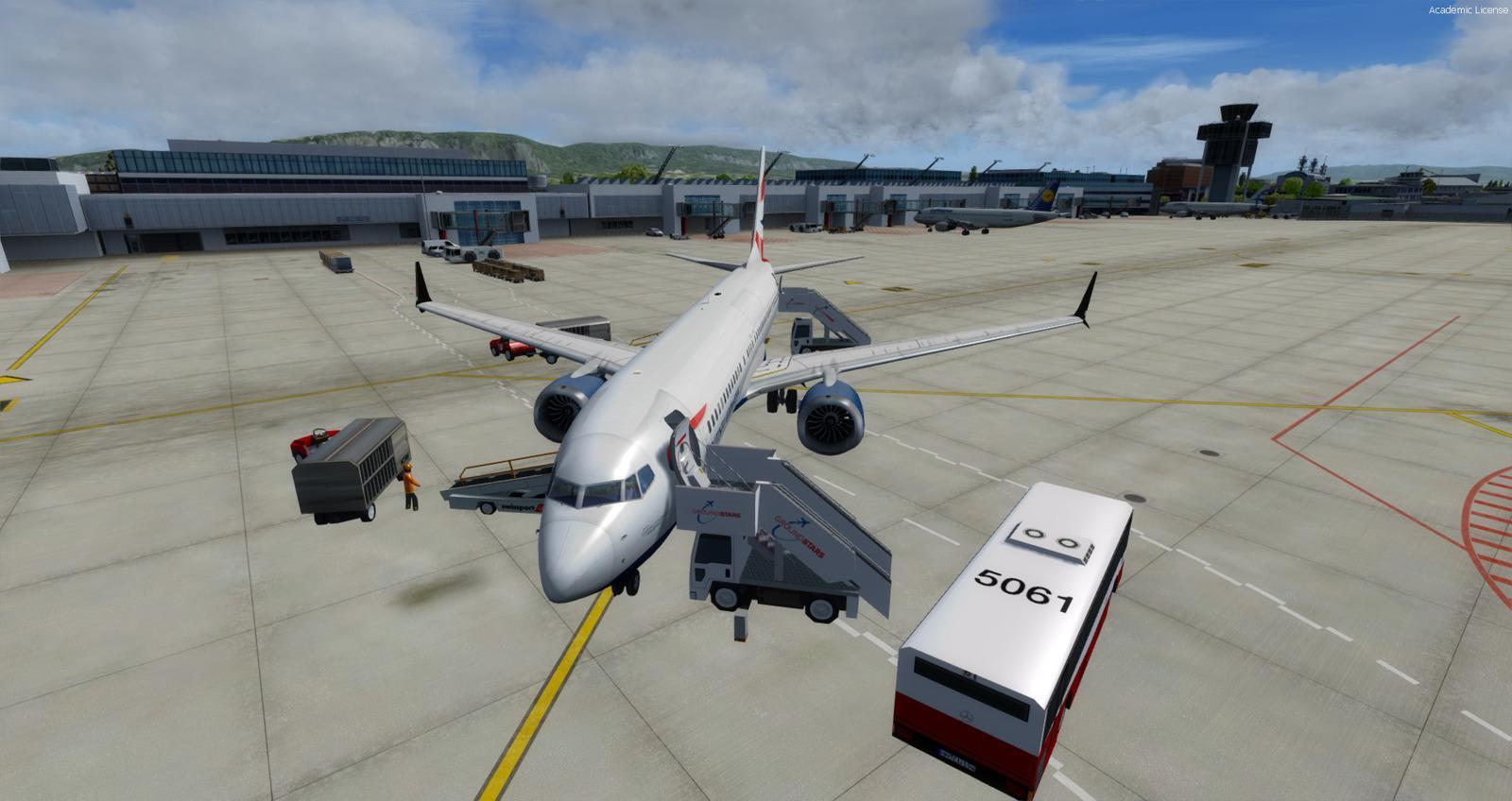
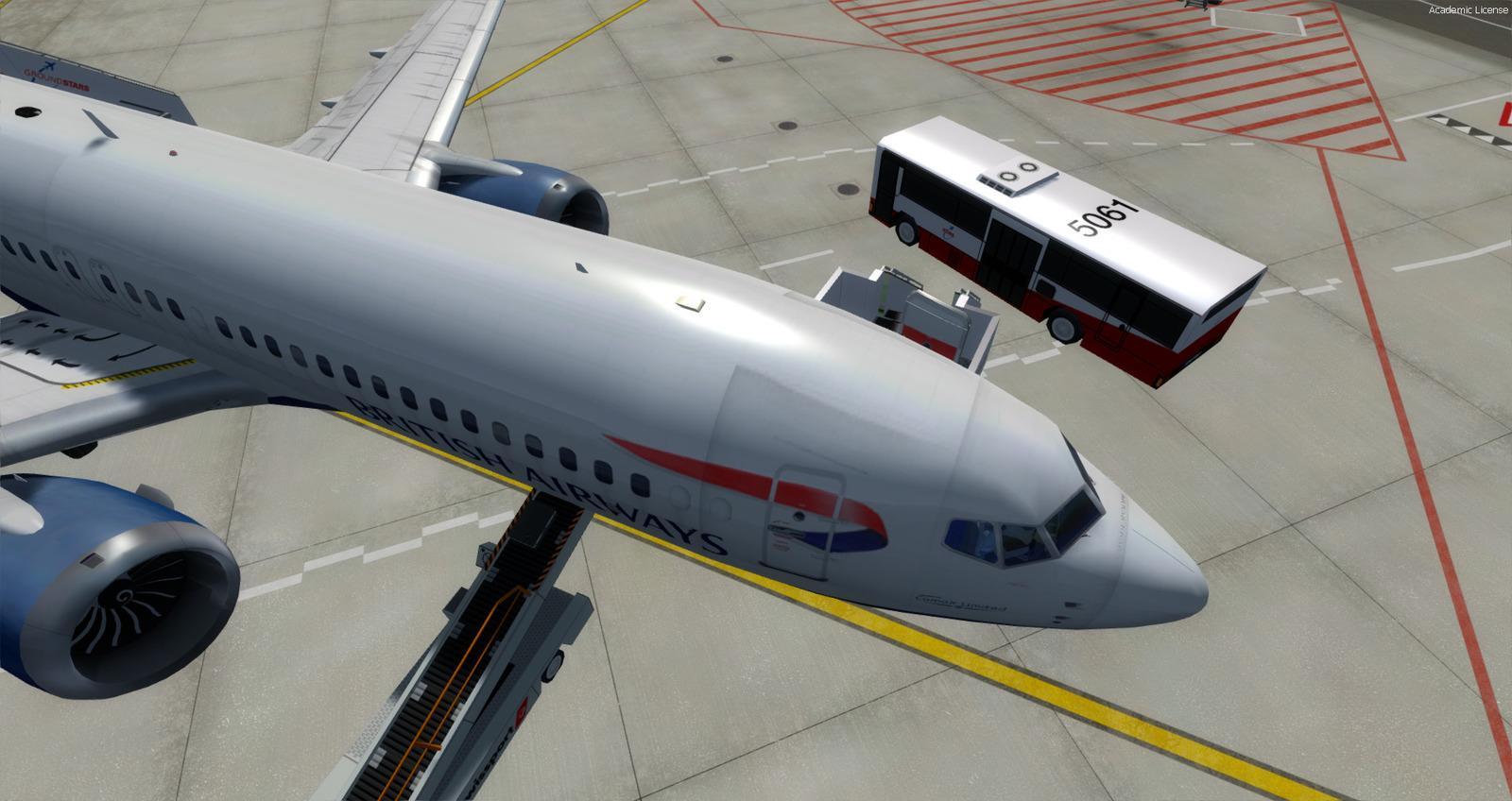
The Boeing 737-MAX8 is back on Rikoooo! Are you ready to fly this fabulous plane? It is with the permission of its creator Hiroshi Igami (TDS) that we offer this superb package including 41 repaints. Included with the default virtual cockpit of the FSX 737-800 (there is no 3D 737-MAX freeware cockpit at the moment) modified by Alejandro Rojas Lucena / FSND and Panel V2 improved by Philippe Marion, a sound set for the CFM International LEAP-1B engines created by k-akai.blogspot.com and many other improvements that make this package the best Freeware pack for 737-MAX8. Full manuals and documentation included.
The Boeing 737 Max is the fourth generation in the 737 family of aircraft built by Boeing Commercial Airplanes, based on the 737 Next Generation, which it is to replace. The main modification is the installation of larger and more efficient CFM International LEAP-1B engines. Others concern the airframe and the flight controls. The first flight of the 737 Max took place on April 13, 2017, 50 years after the first flight of the 737. By October 2014, Boeing had received a total of 2,326 firm orders for the 737 MAX. For technical reasons directly related to the engines, Boeing has suspended its test flights, even anticipating delivery delays. However, on May 16, 2017, it delivered the very first copy to the Malaysian airline Malindo Air, with a single day delay compared to the initial schedule. Wikipedia source.
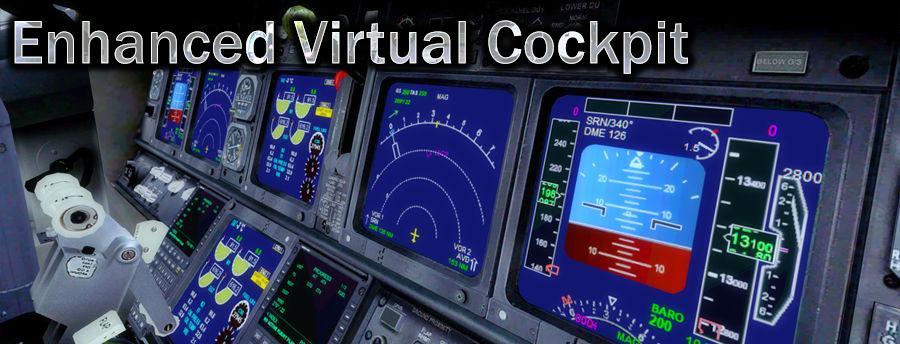
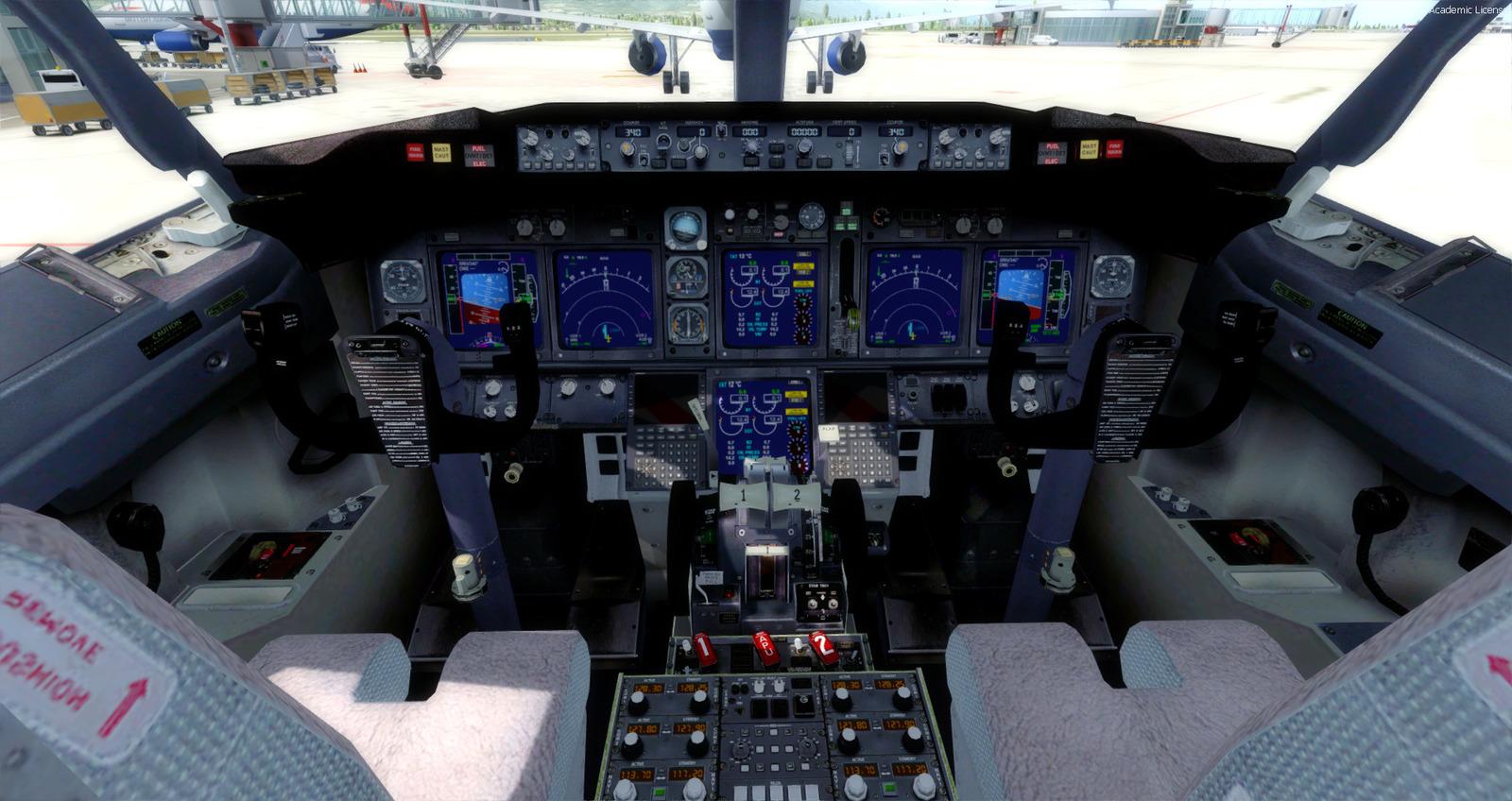
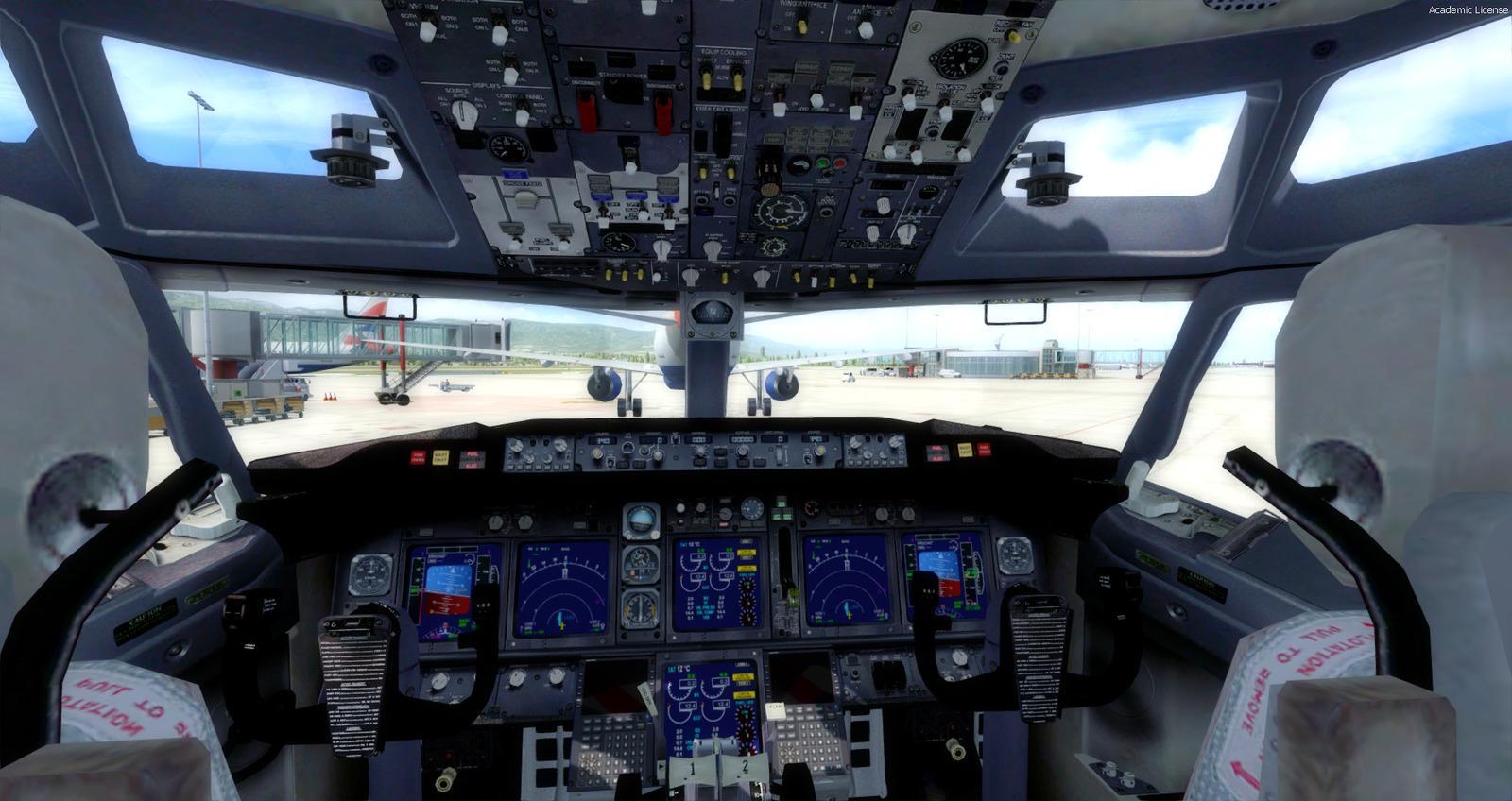
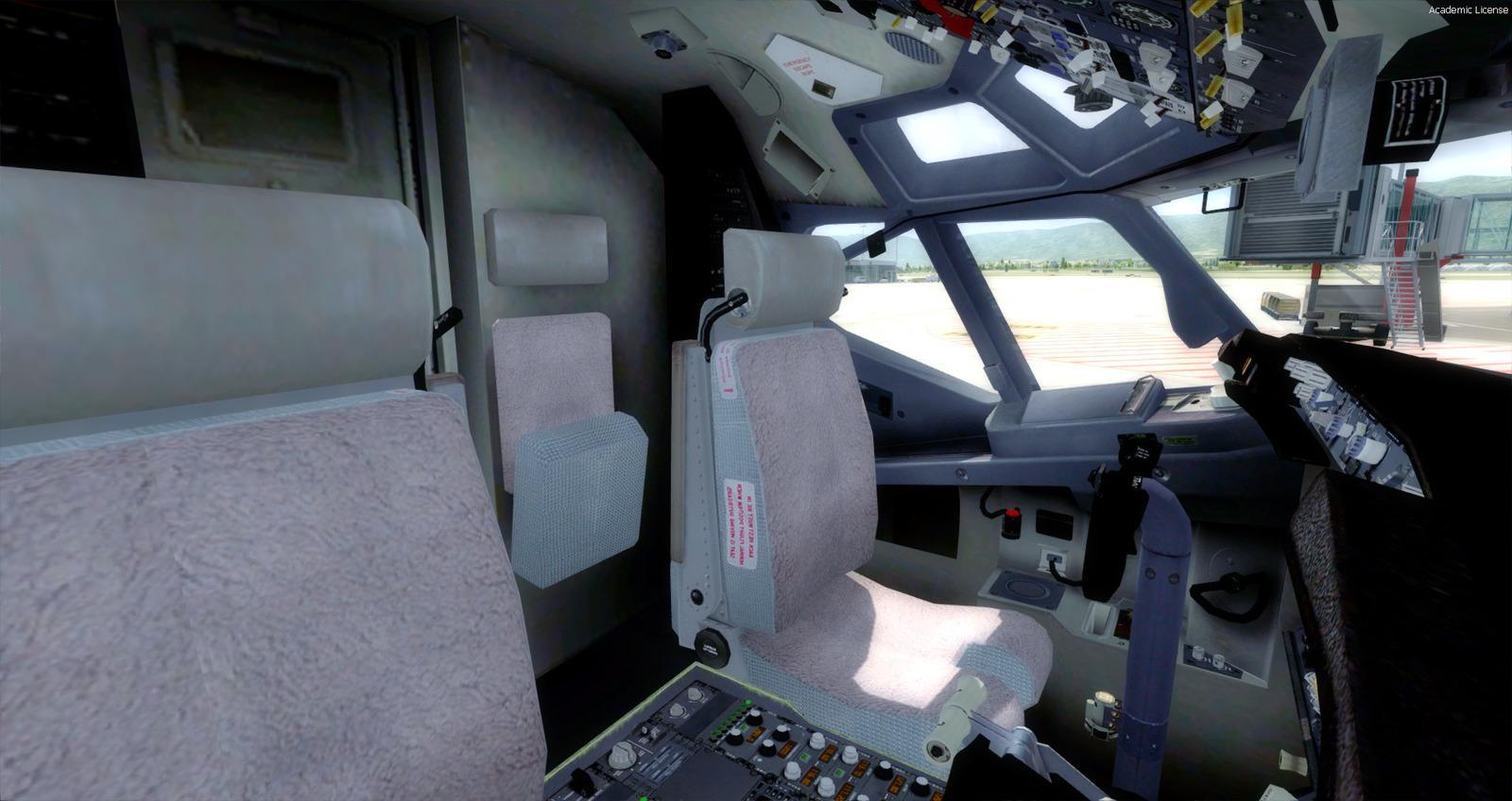
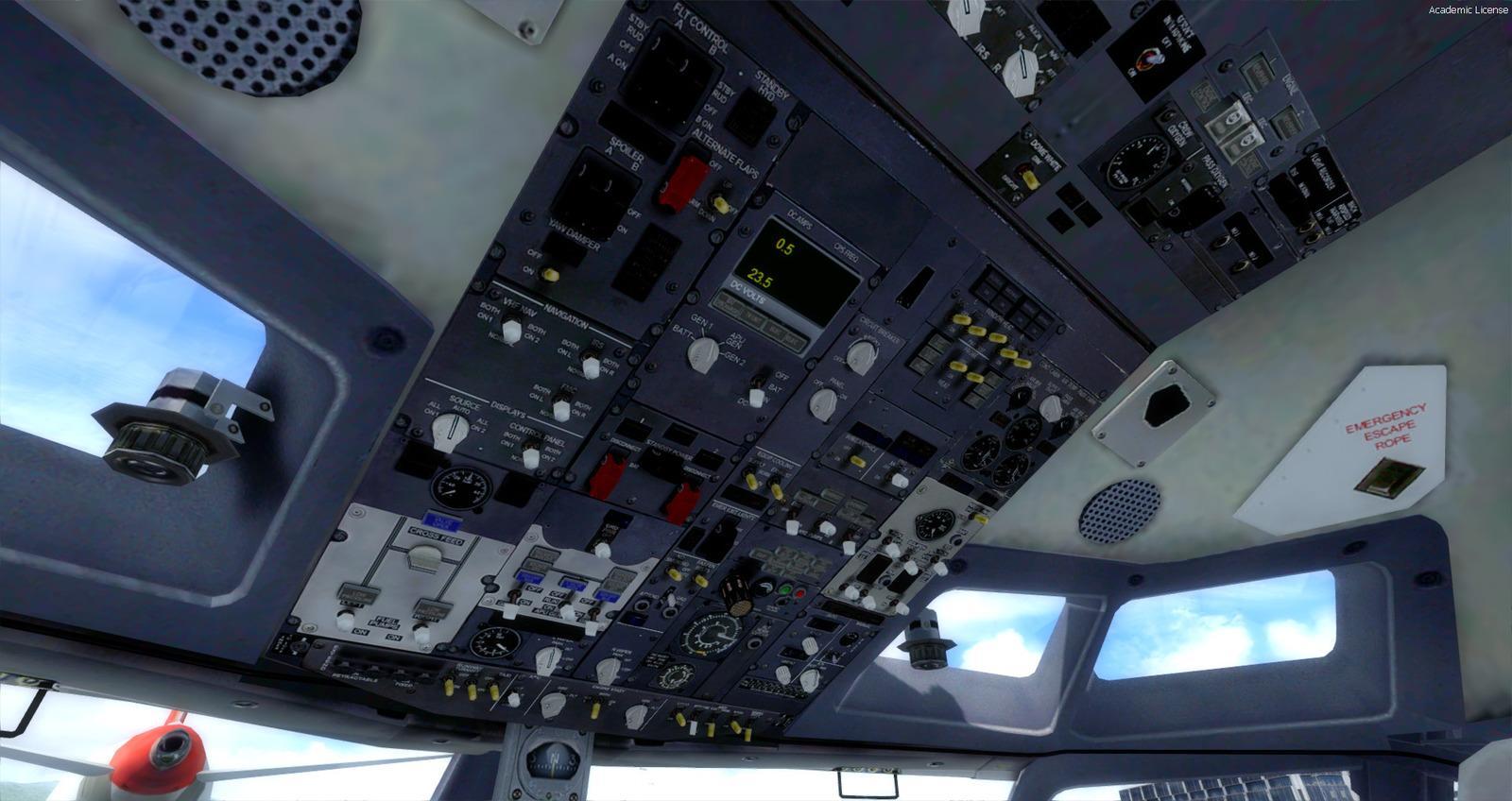
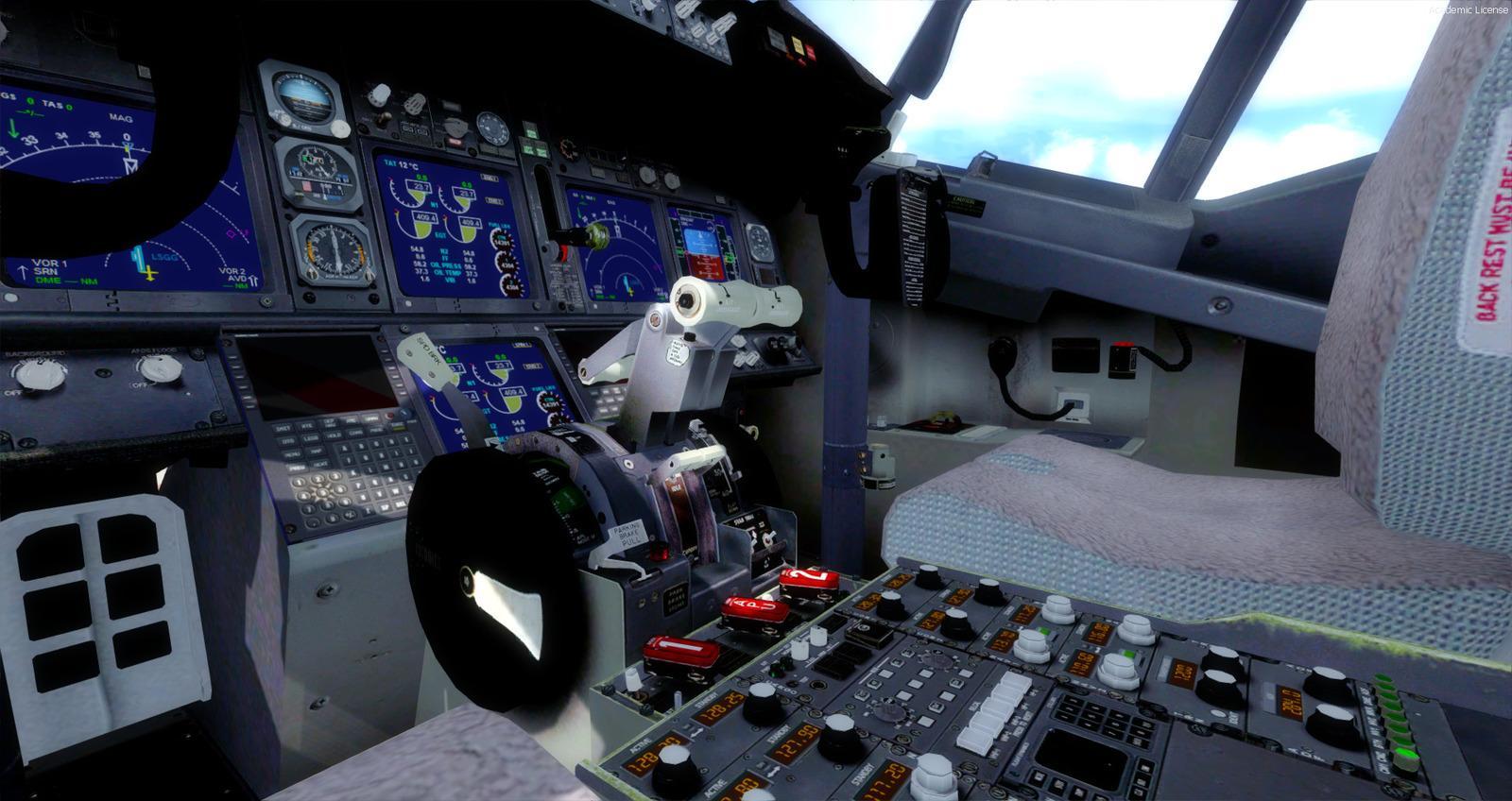
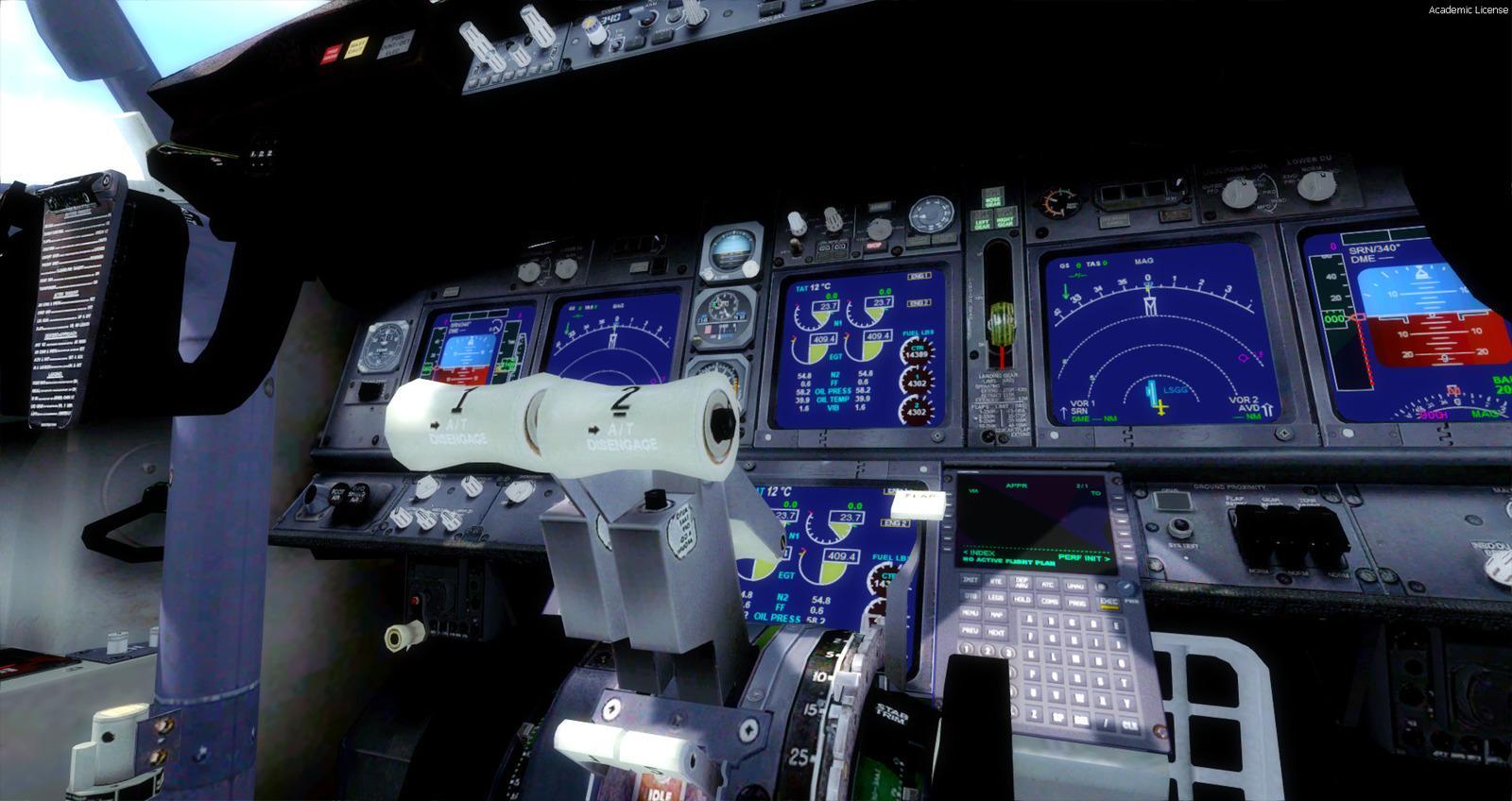
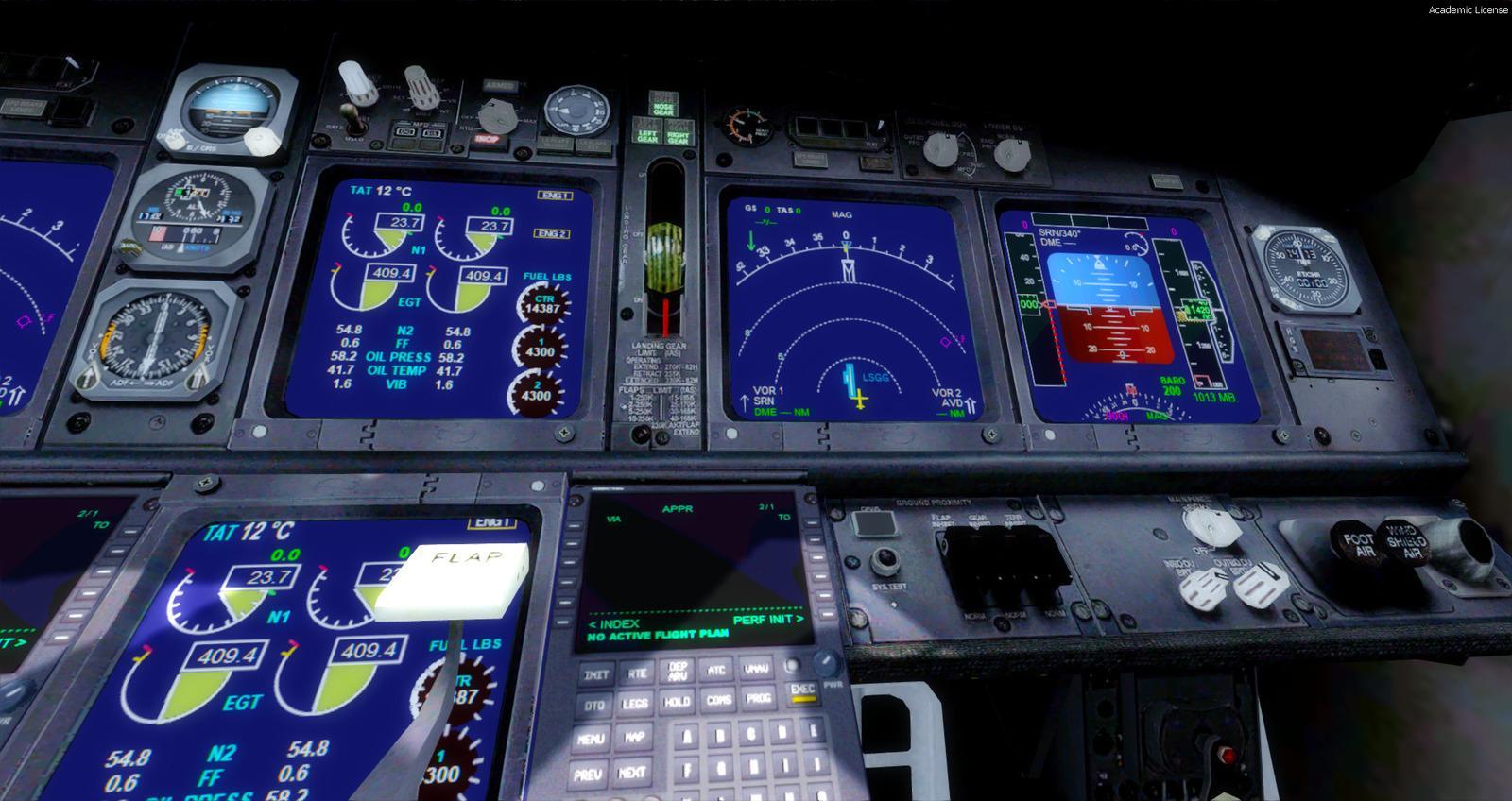
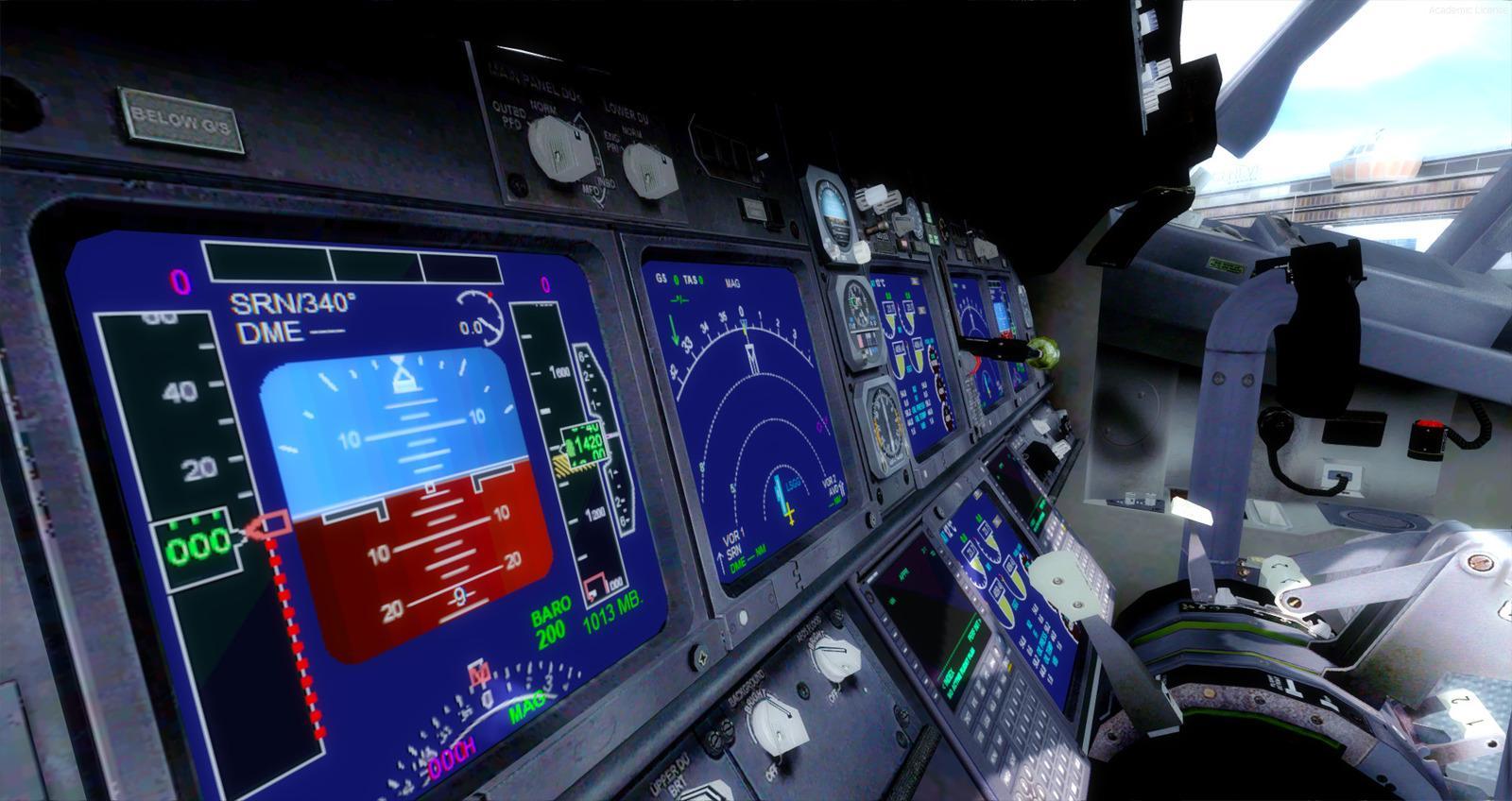
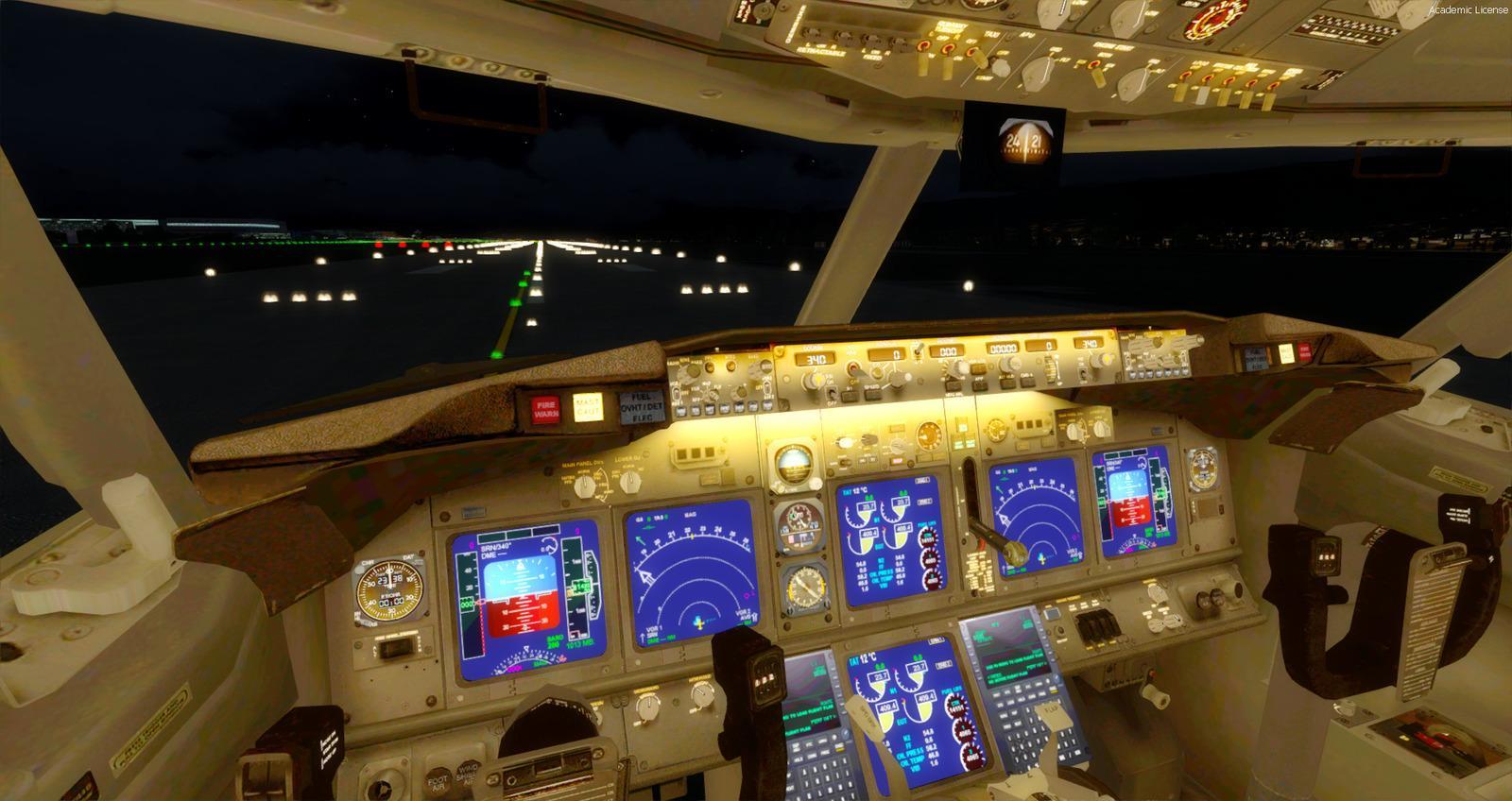
The VC is the Alejandro Rojas Lucena / FSND fantastic revised Boeing 737-800 VC model. This VC model includes working wipers (right mouse click on switch) with rain effect. Switches for LCD Screens, EICAS, PFD, MFD. Auto-brake switch. Opening pilots window. Lights switch cabin. Realistic integrated FMC.
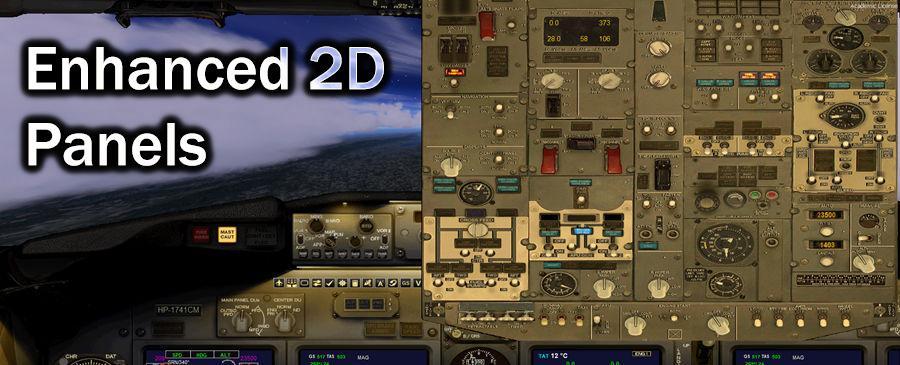
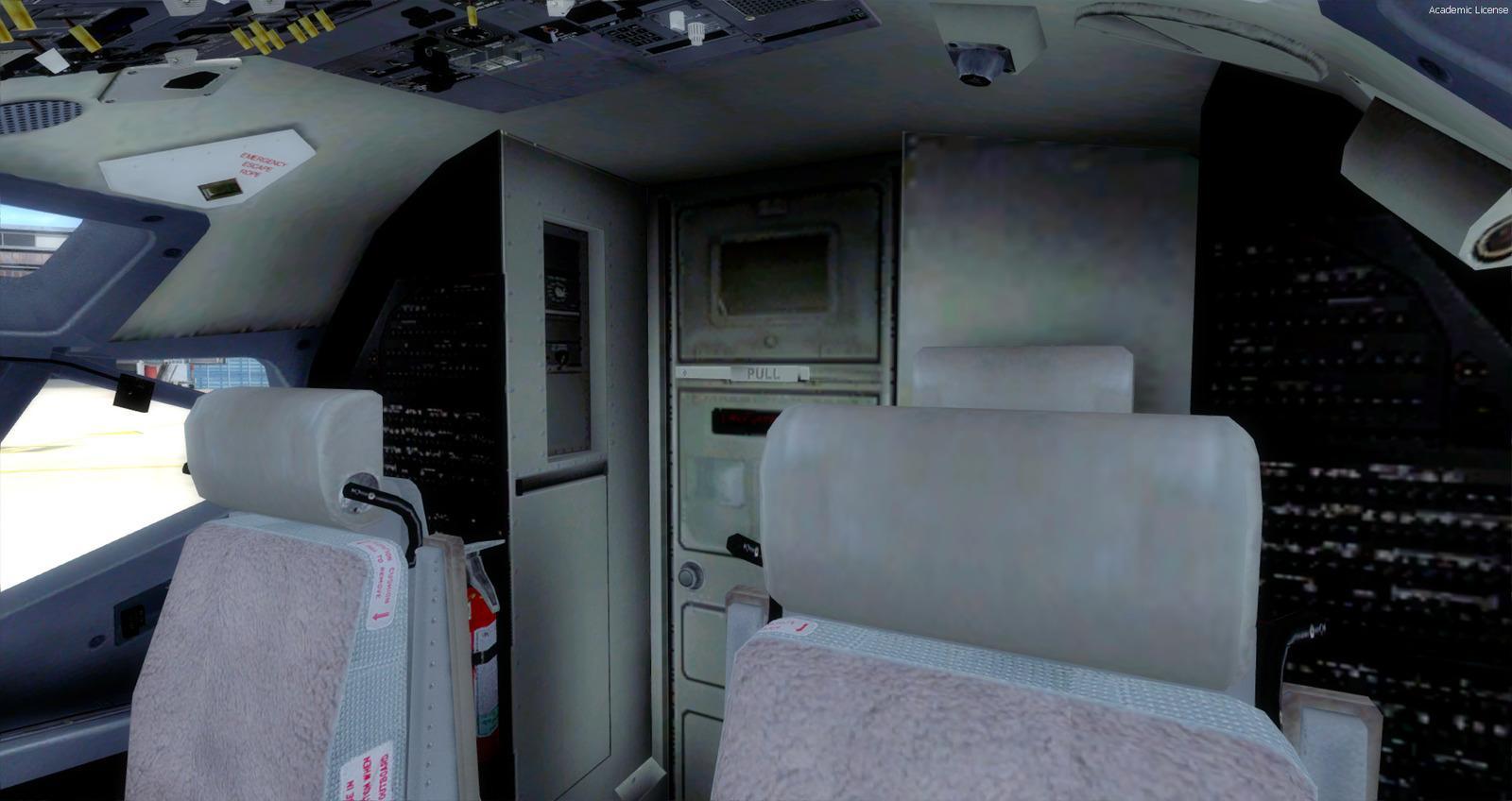
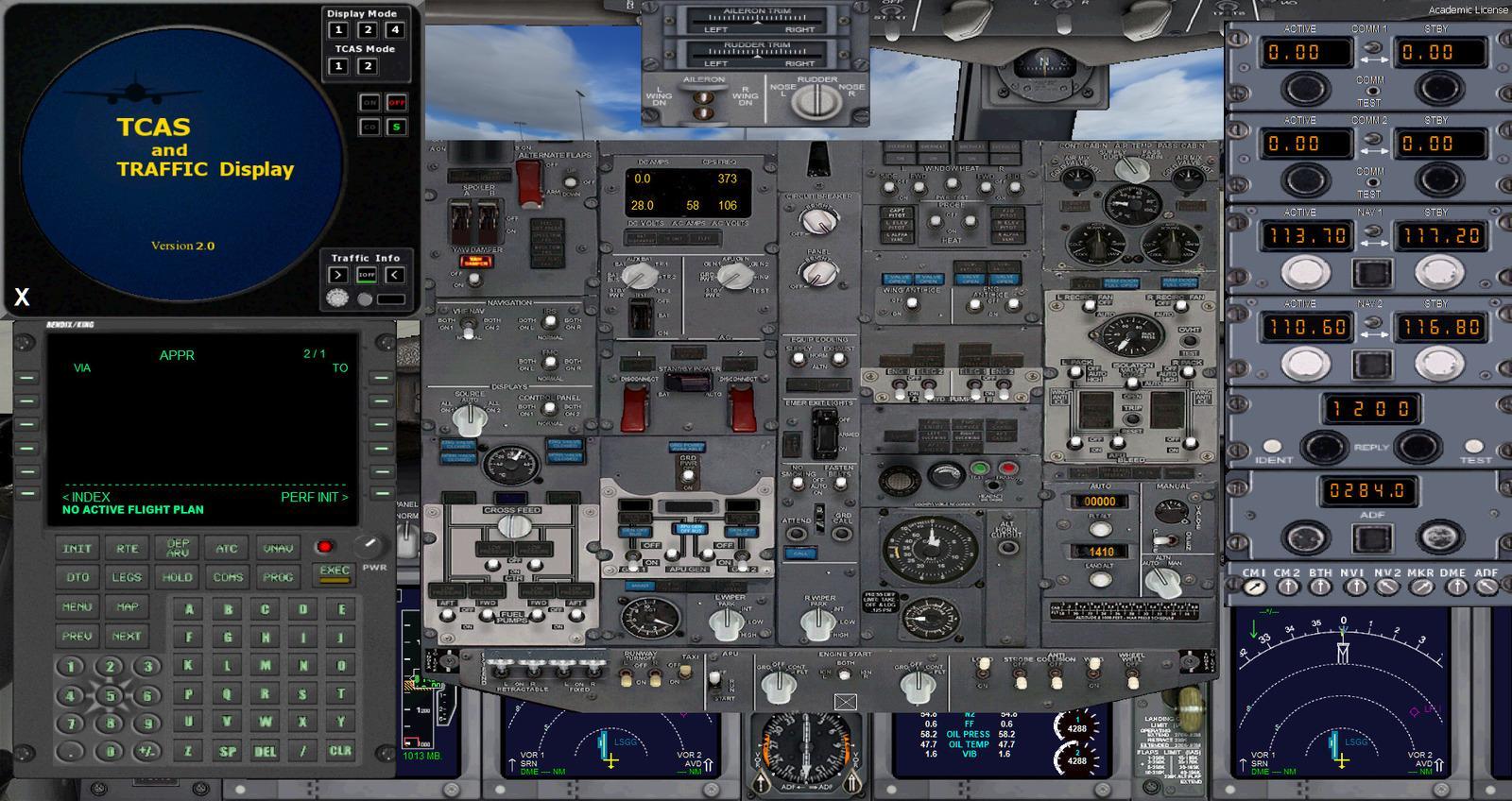
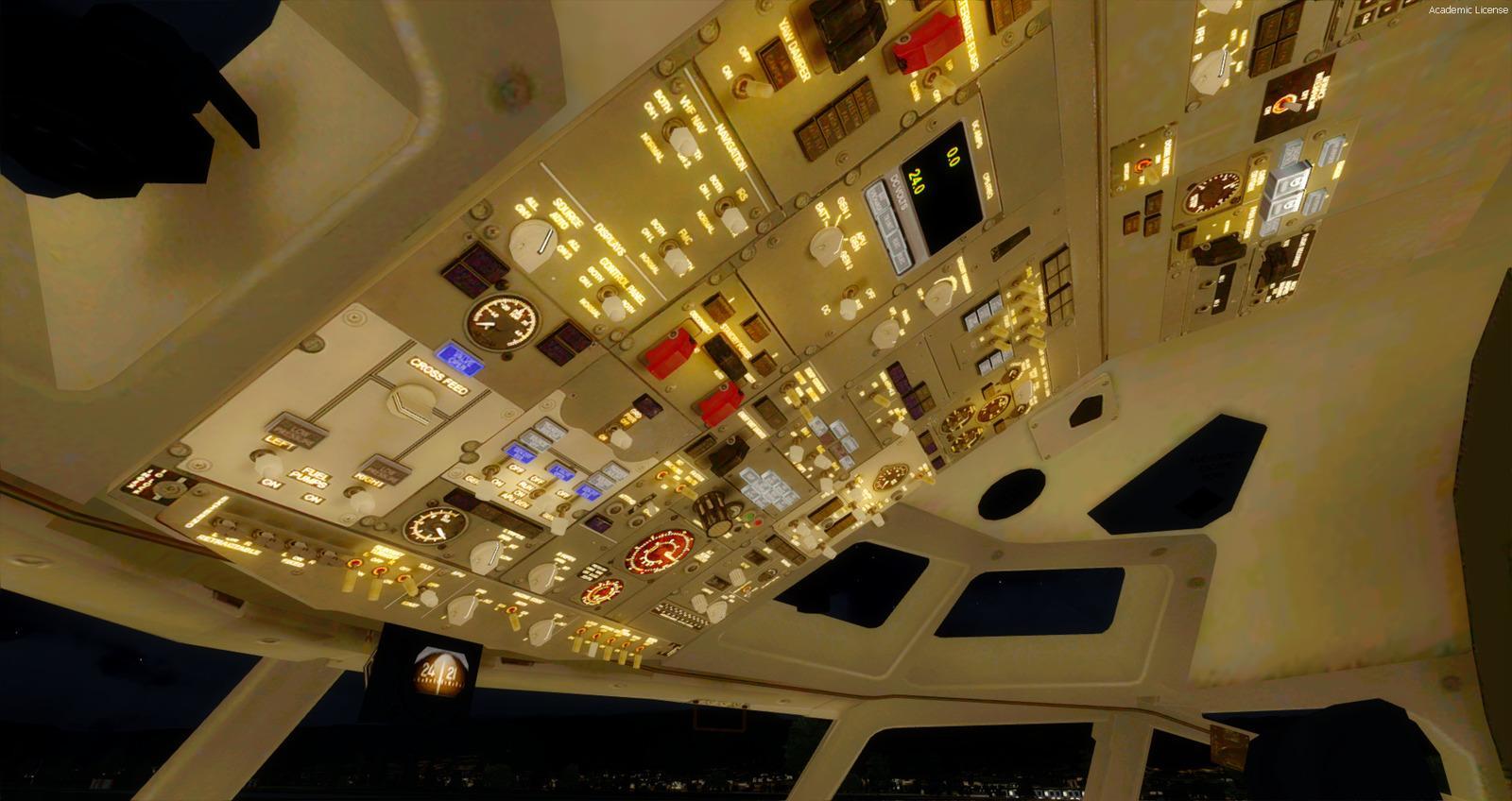
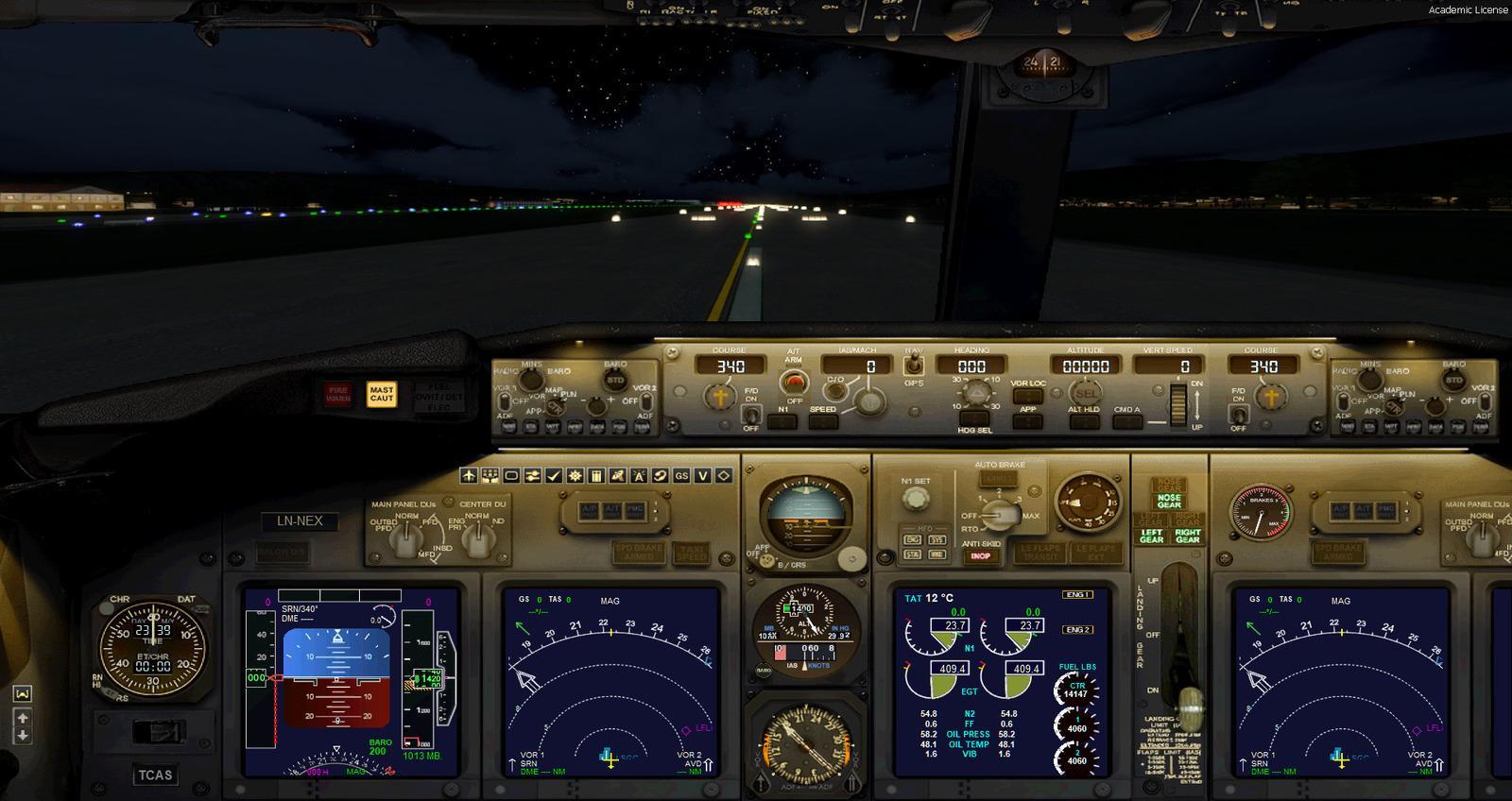
More realistic day and night VC textures, with further updates by Philippe Marion, including 5 VC camera views, adding Autopilot (centered) and jump-seat, to First officer, Center console and Overhead. Also features a new XML Radio stack in the VC to replace the old FS9 B737-400 gauge.
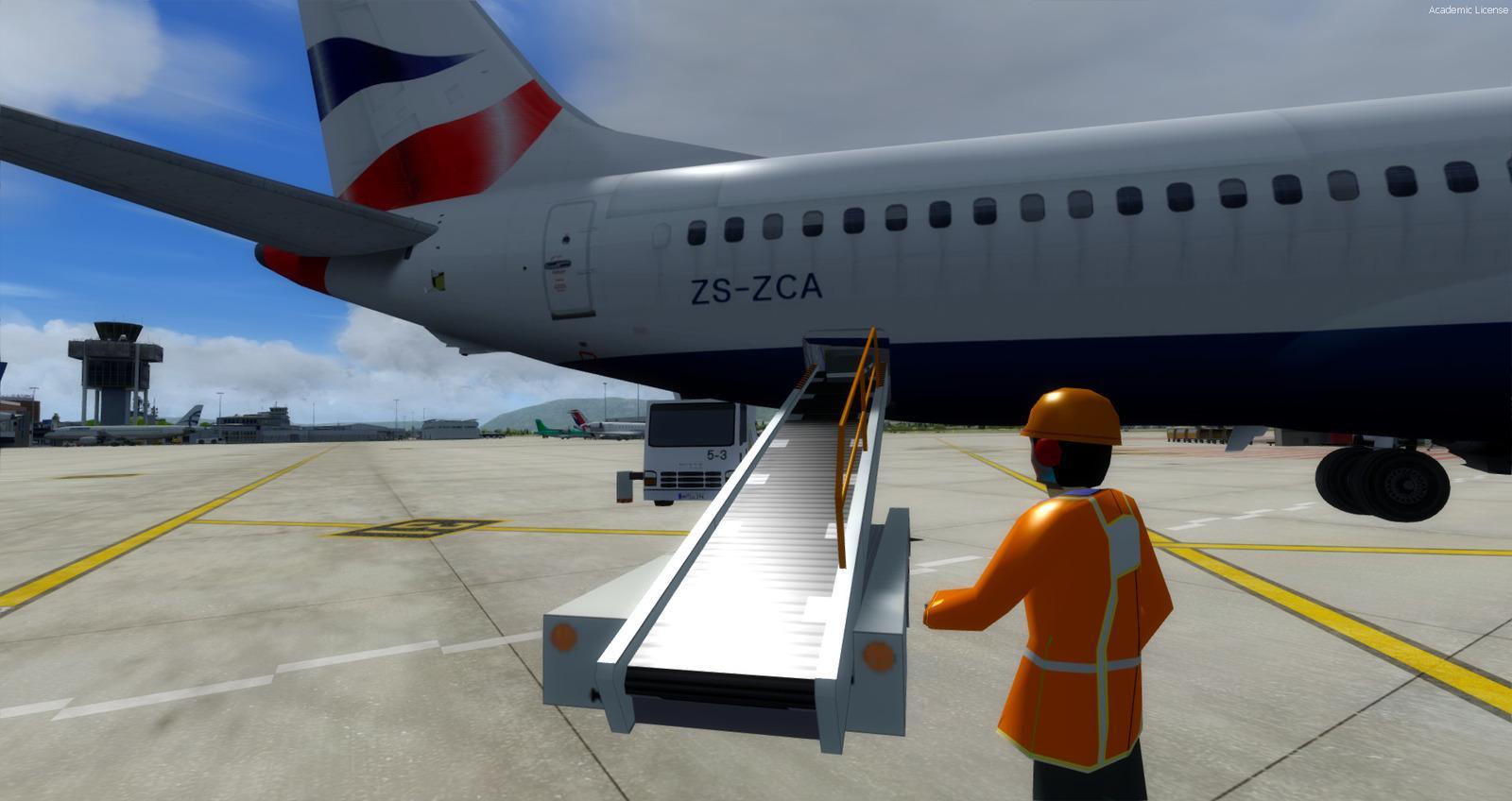
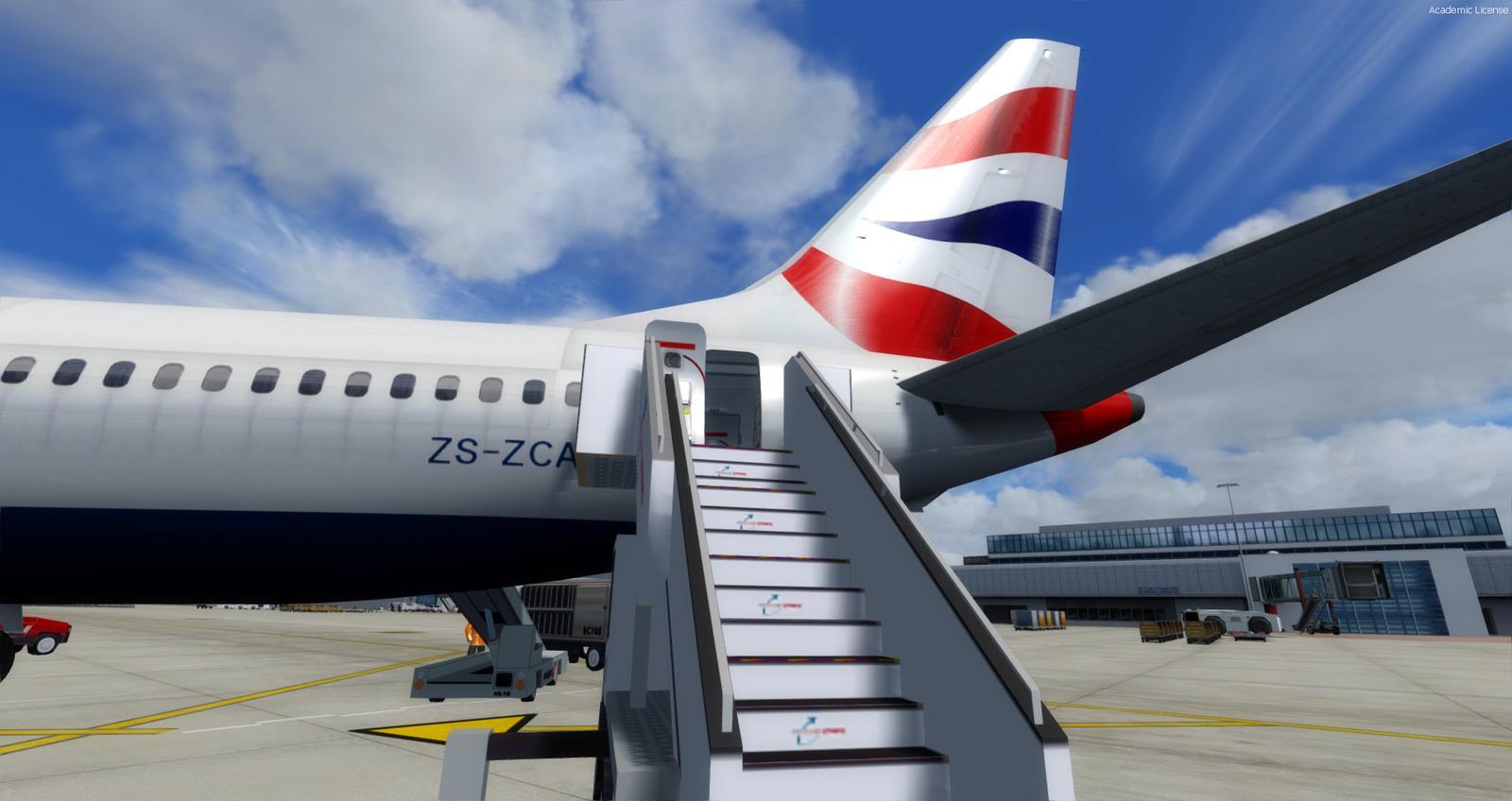
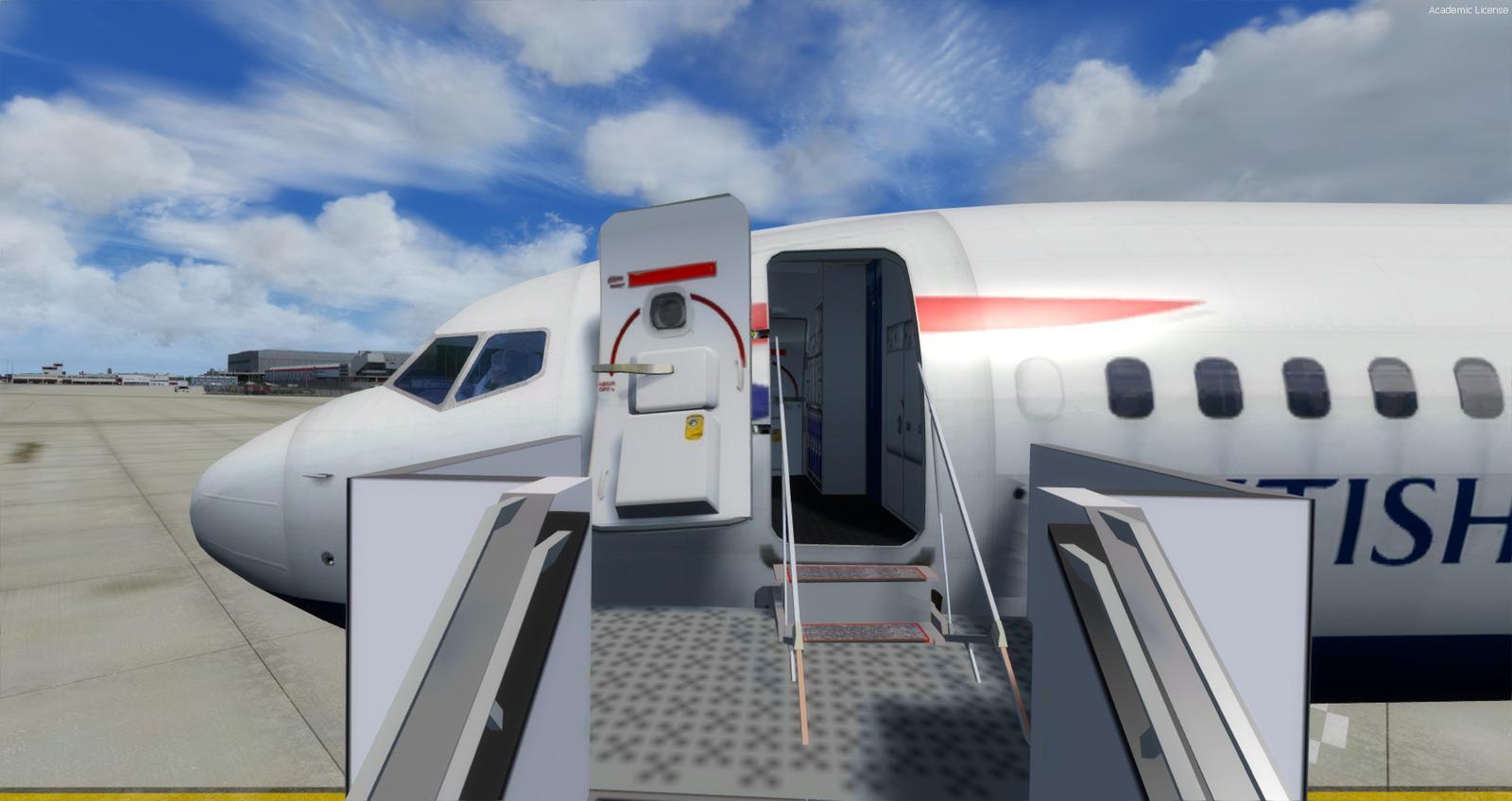
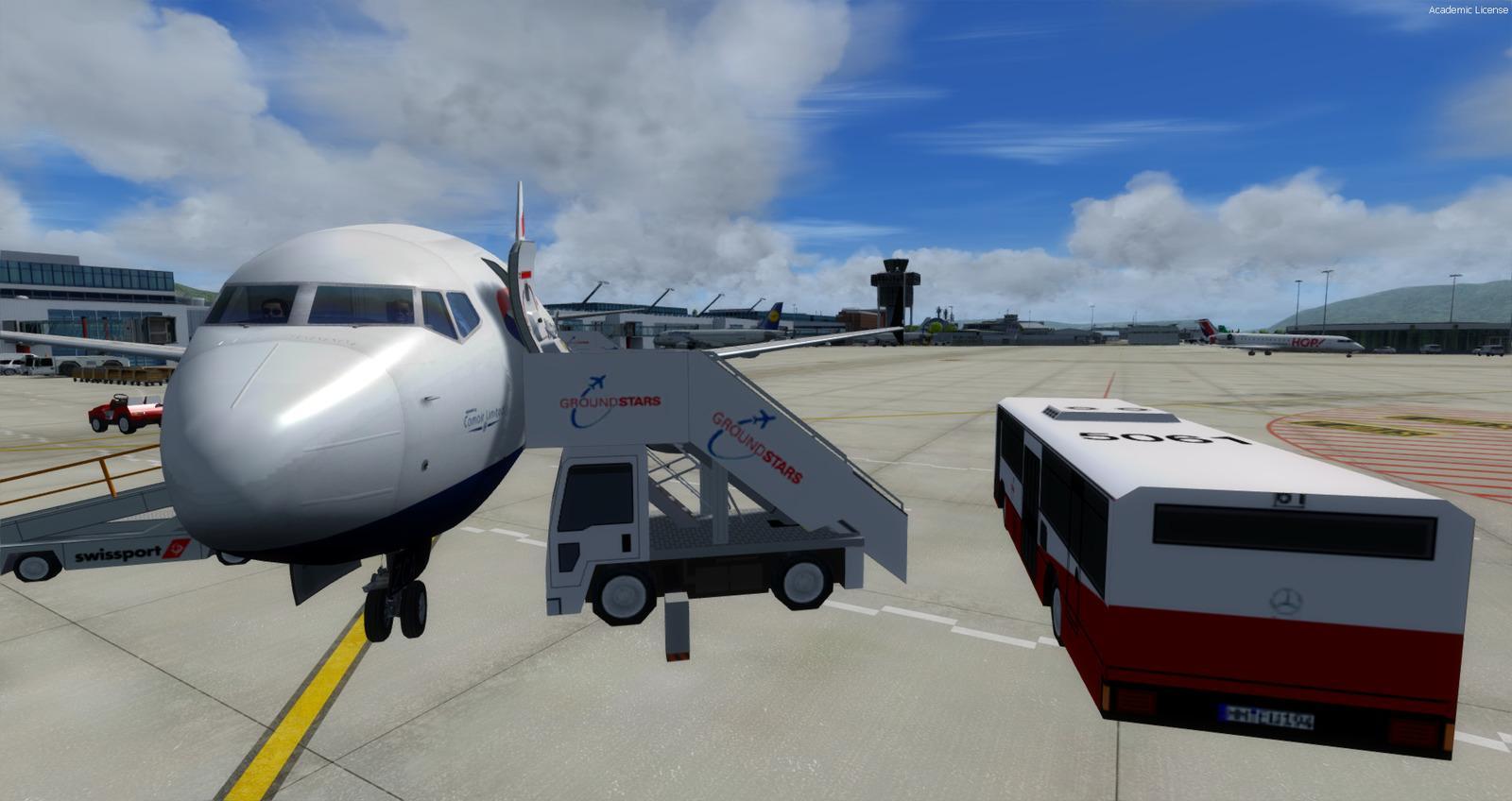
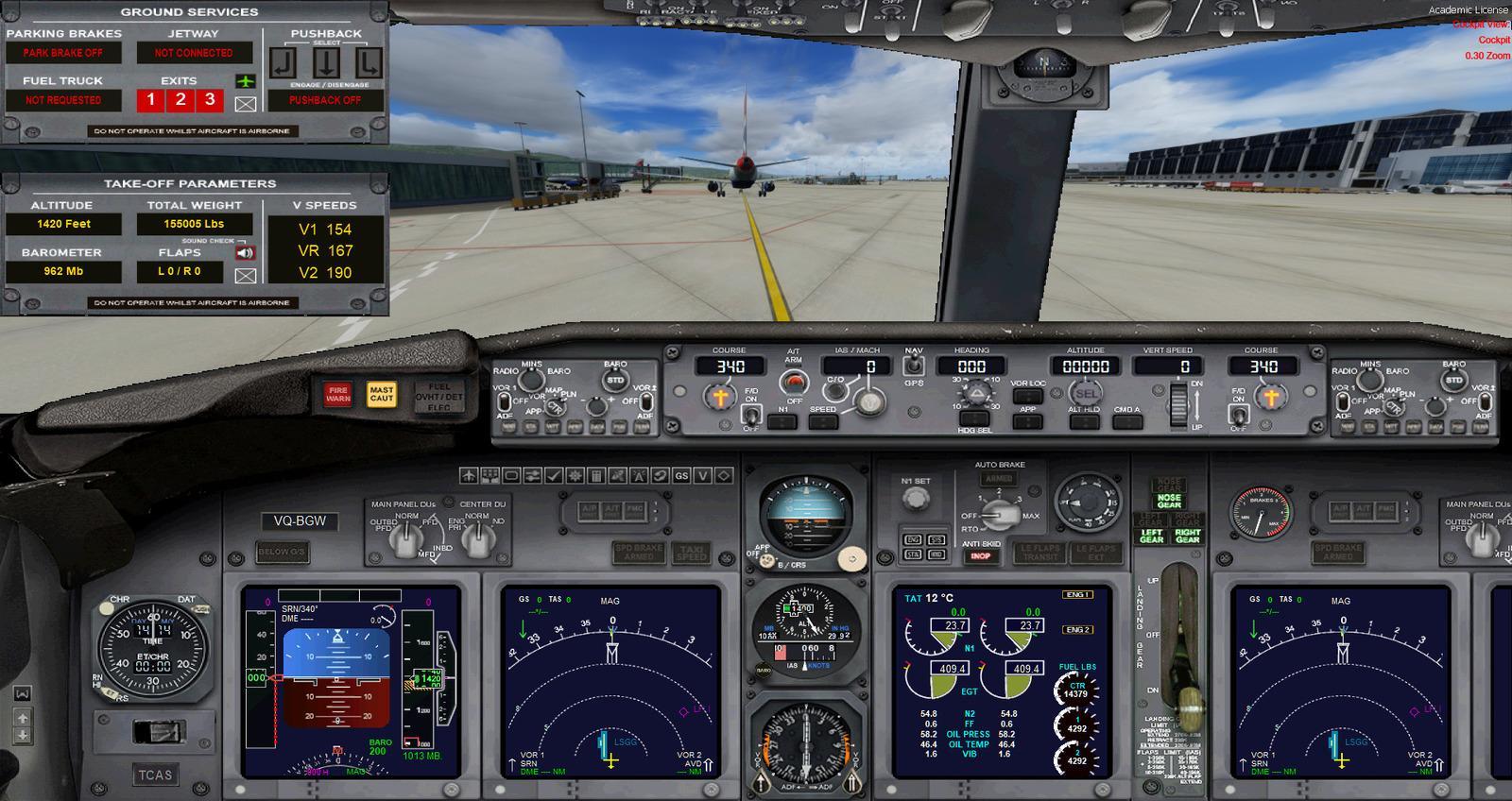
Fully working Auto-brake, Fully working Auto-taxi, working Autopilot annunciator panel, fixed Warning / Caution annunciator panel, fixed Flaps Transit and Extended annunciator lights, Anti-skid switch., VSpeed, Altitude Callout. Ground service and lights deployment (use the Utility panel), auto-trim gauge (atrim.cab)
List of repaints with names of creators
Tips
By default, auto-trim gauge is on, which make takeoff easier. If you want a more realistic behaviors, you can remove or rename the gauge atrim.cab which is inside the folder "panel.wide" (\SimObjects\Airplanes\Boeing 737-MAX8 Multi-Livery\panel.wide)
Now before takeoff: Set your trim UP from +2° to +4° otherwise you won't be able to takeoff, plus minimum 5° of flaps. Rotate about 140 knots to a 12-15° pitch.
Short fields require more flaps, maximum 15°.
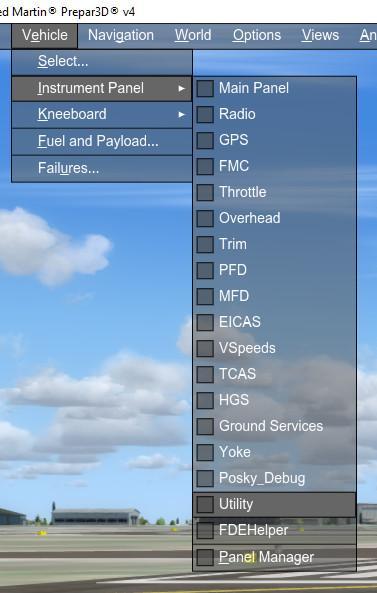
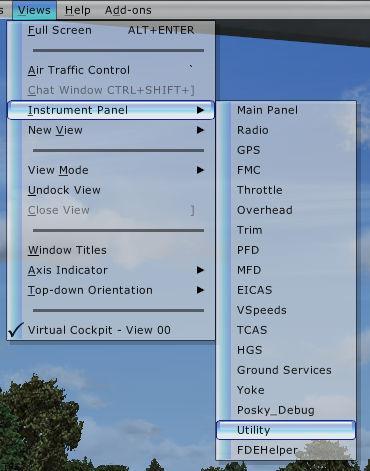
Display the Utility panel
Light Management Panel
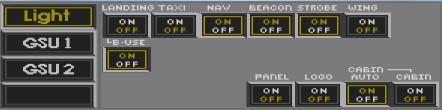
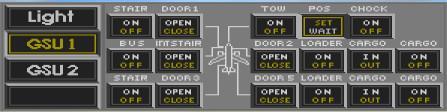
Ground Service Utility Panel 1
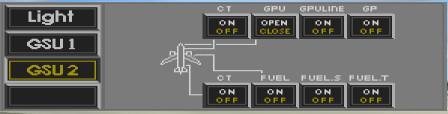
Ground Service Utility Panel 2
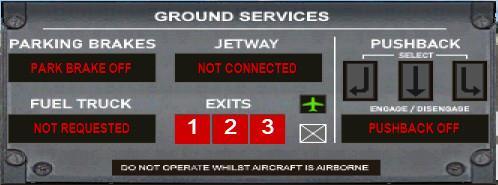
Panel for Push-Back and Dynamic GSU
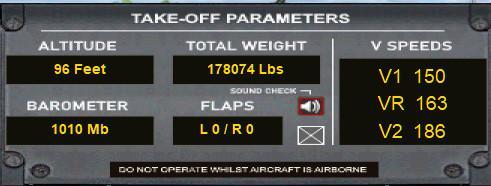
Takeoff Panel (VSpeed)
SCREENSHOTS
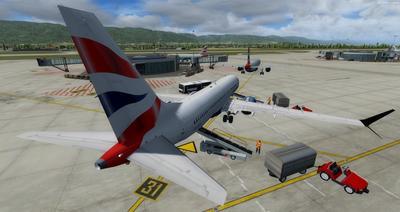
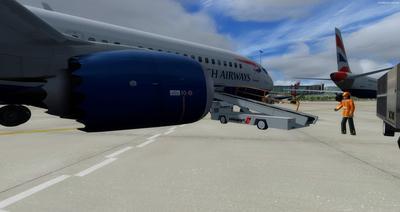
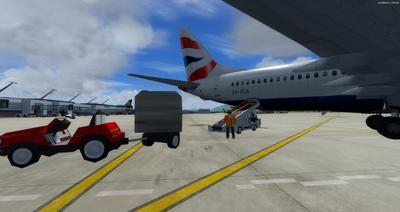
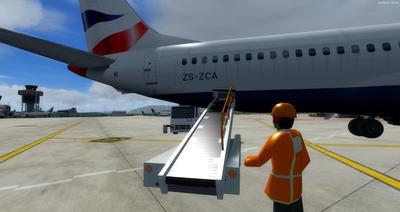
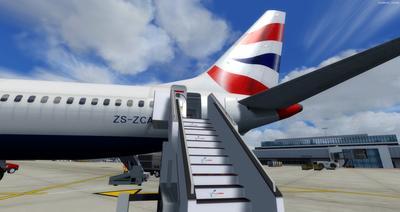
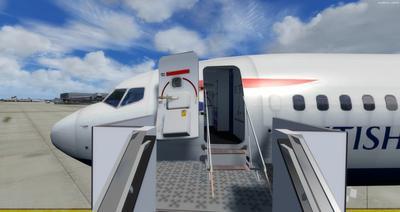
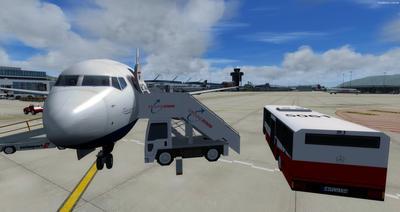
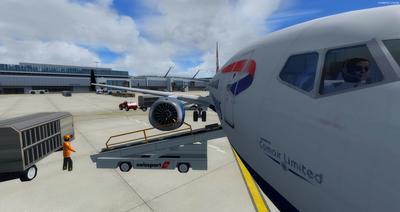
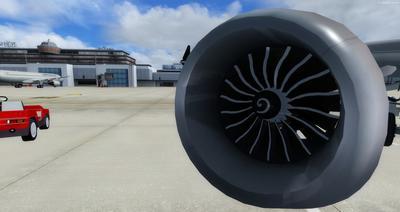
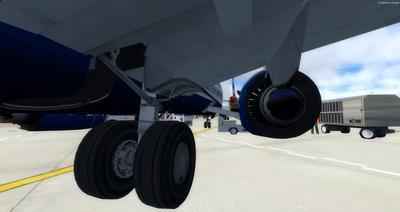
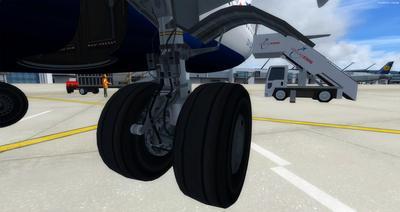
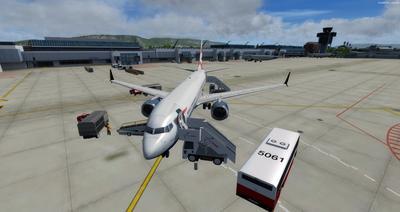
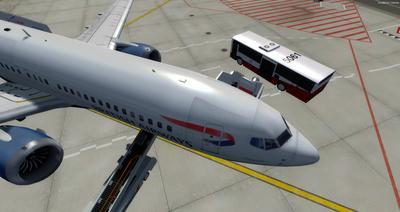
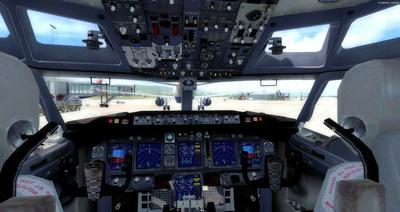
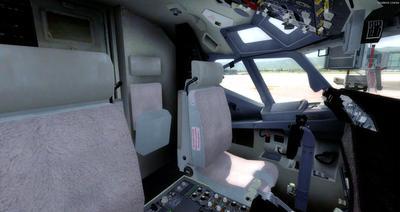
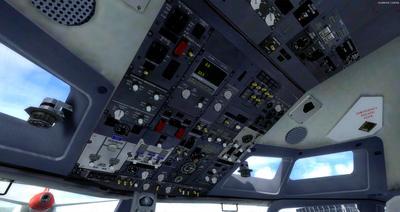
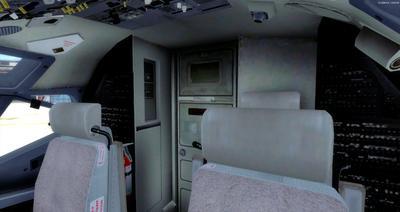
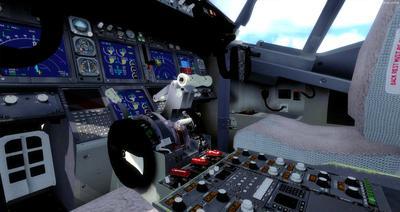
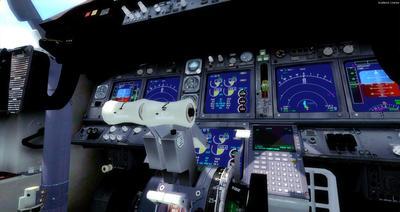
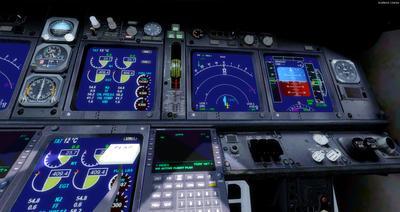
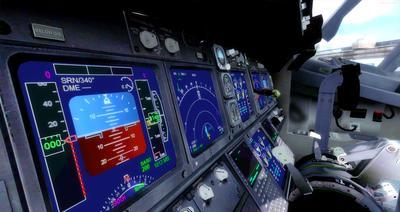
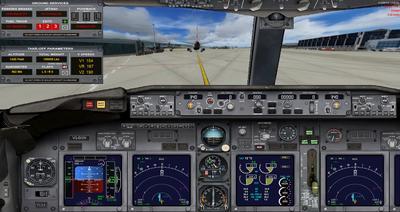
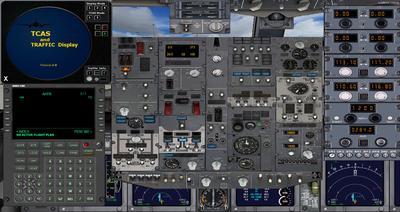
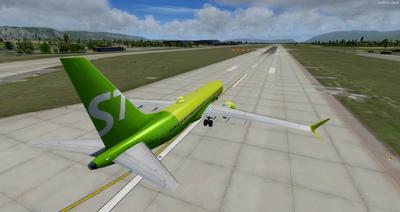
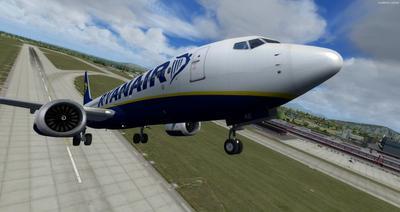
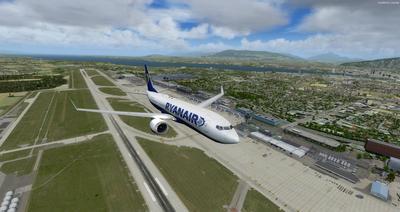
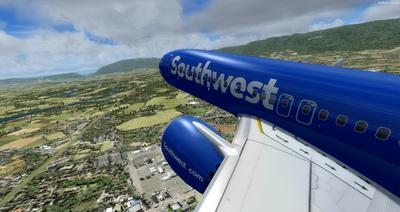
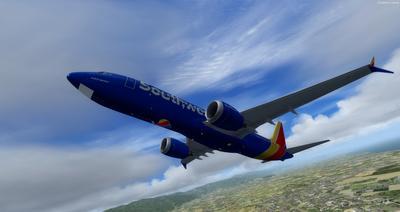
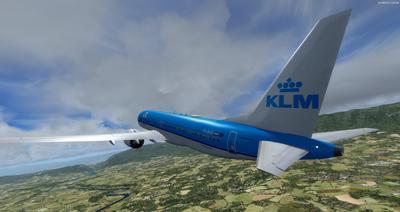
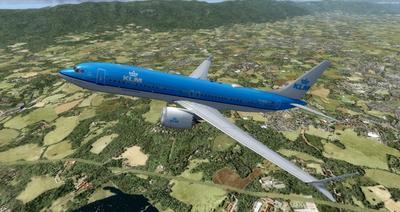
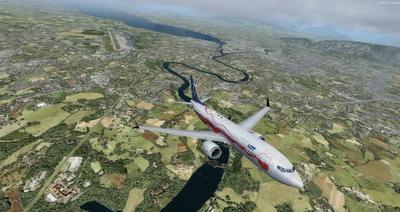
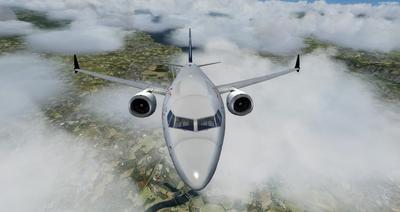
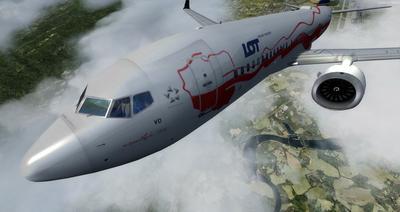
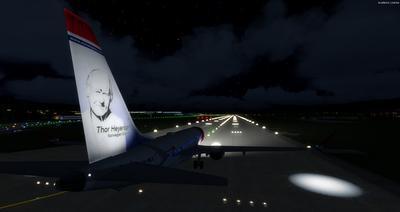
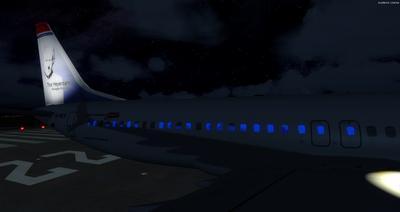
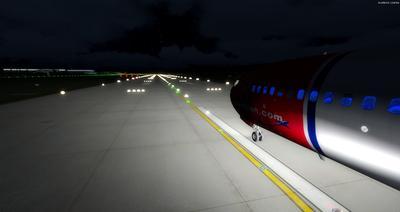
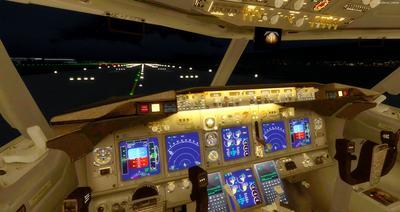
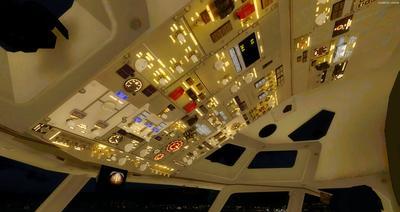
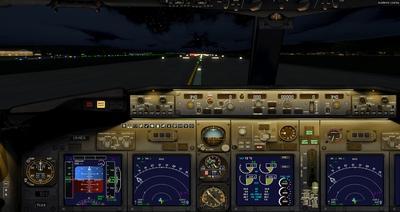
The Boeing 737-MAX8 is back on Rikoooo! Are you ready to fly this fabulous plane? It is with the permission of its creator Hiroshi Igami (TDS) that we offer this superb package including 41 repaints. Included with the default virtual cockpit of the FSX 737-800 (there is no 3D 737-MAX freeware cockpit at the moment) modified by Alejandro Rojas Lucena / FSND and Panel V2 improved by Philippe Marion, a sound set for the CFM International LEAP-1B engines created by k-akai.blogspot.com and many other improvements that make this package the best Freeware pack for 737-MAX8. Full manuals and documentation included.
The Boeing 737 Max is the fourth generation in the 737 family of aircraft built by Boeing Commercial Airplanes, based on the 737 Next Generation, which it is to replace. The main modification is the installation of larger and more efficient CFM International LEAP-1B engines. Others concern the airframe and the flight controls. The first flight of the 737 Max took place on April 13, 2017, 50 years after the first flight of the 737. By October 2014, Boeing had received a total of 2,326 firm orders for the 737 MAX. For technical reasons directly related to the engines, Boeing has suspended its test flights, even anticipating delivery delays. However, on May 16, 2017, it delivered the very first copy to the Malaysian airline Malindo Air, with a single day delay compared to the initial schedule. Wikipedia source.
The VC is the Alejandro Rojas Lucena / FSND fantastic revised Boeing 737-800 VC model. This VC model includes working wipers (right mouse click on switch) with rain effect. Switches for LCD Screens, EICAS, PFD, MFD. Auto-brake switch. Opening pilots window. Lights switch cabin. Realistic integrated FMC.
More realistic day and night VC textures, with further updates by Philippe Marion, including 5 VC camera views, adding Autopilot (centered) and jump-seat, to First officer, Center console and Overhead. Also features a new XML Radio stack in the VC to replace the old FS9 B737-400 gauge.
Fully working Auto-brake, Fully working Auto-taxi, working Autopilot annunciator panel, fixed Warning / Caution annunciator panel, fixed Flaps Transit and Extended annunciator lights, Anti-skid switch., VSpeed, Altitude Callout. Ground service and lights deployment (use the Utility panel), auto-trim gauge (atrim.cab)
List of repaints with names of creators
|
|
Tips
By default, auto-trim gauge is on, which make takeoff easier. If you want a more realistic behaviors, you can remove or rename the gauge atrim.cab which is inside the folder "panel.wide" (\SimObjects\Airplanes\Boeing 737-MAX8 Multi-Livery\panel.wide)
Now before takeoff: Set your trim UP from +2° to +4° otherwise you won't be able to takeoff, plus minimum 5° of flaps. Rotate about 140 knots to a 12-15° pitch.
Short fields require more flaps, maximum 15°.
Display the Utility panel
| Prepar3D | FSX - FSX-STEAM |
 |
 |
Light Management Panel
Ground Service Utility Panel 1
Ground Service Utility Panel 2
Panel for Push-Back and Dynamic GSU
Takeoff Panel (VSpeed)
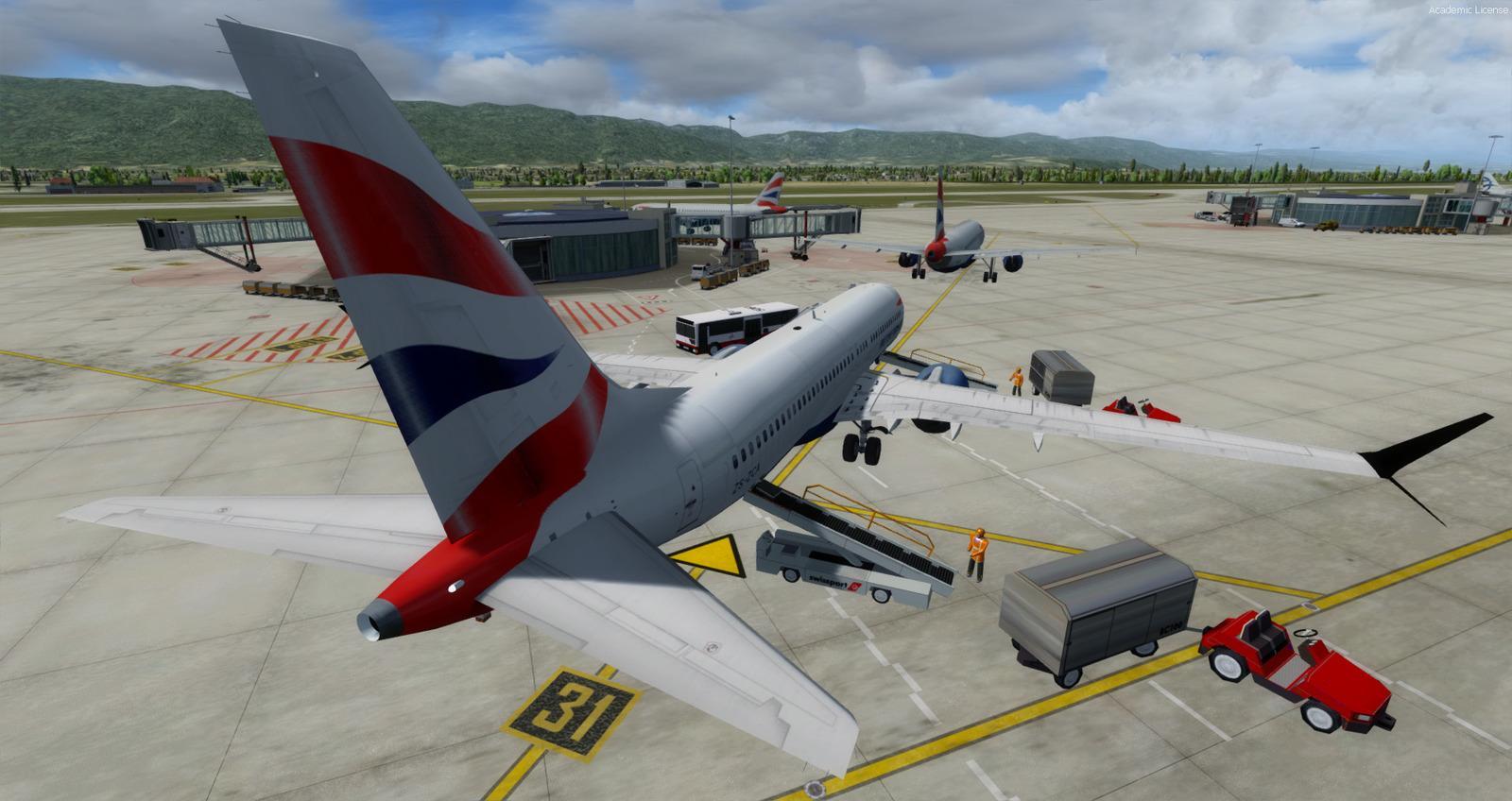
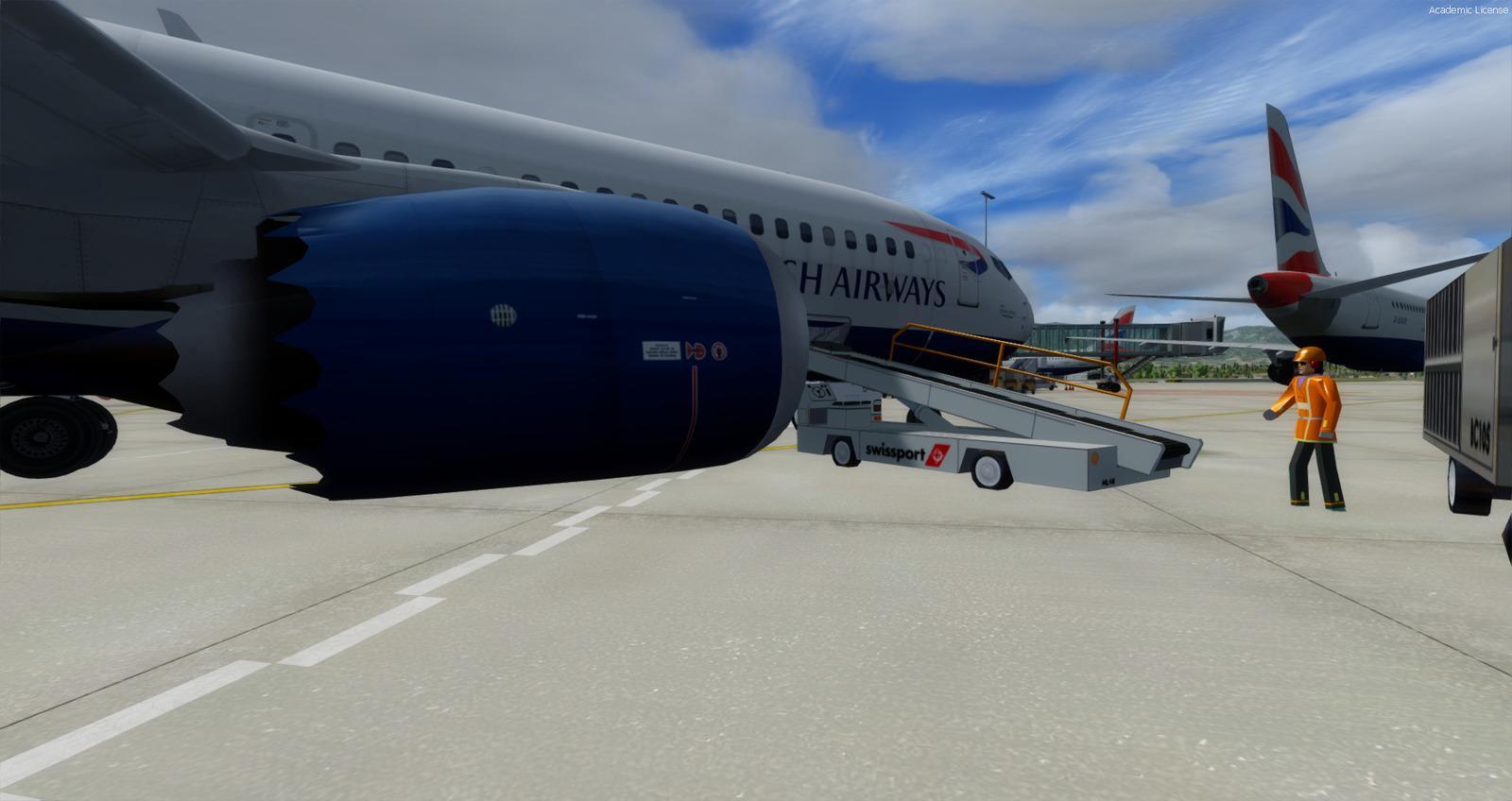
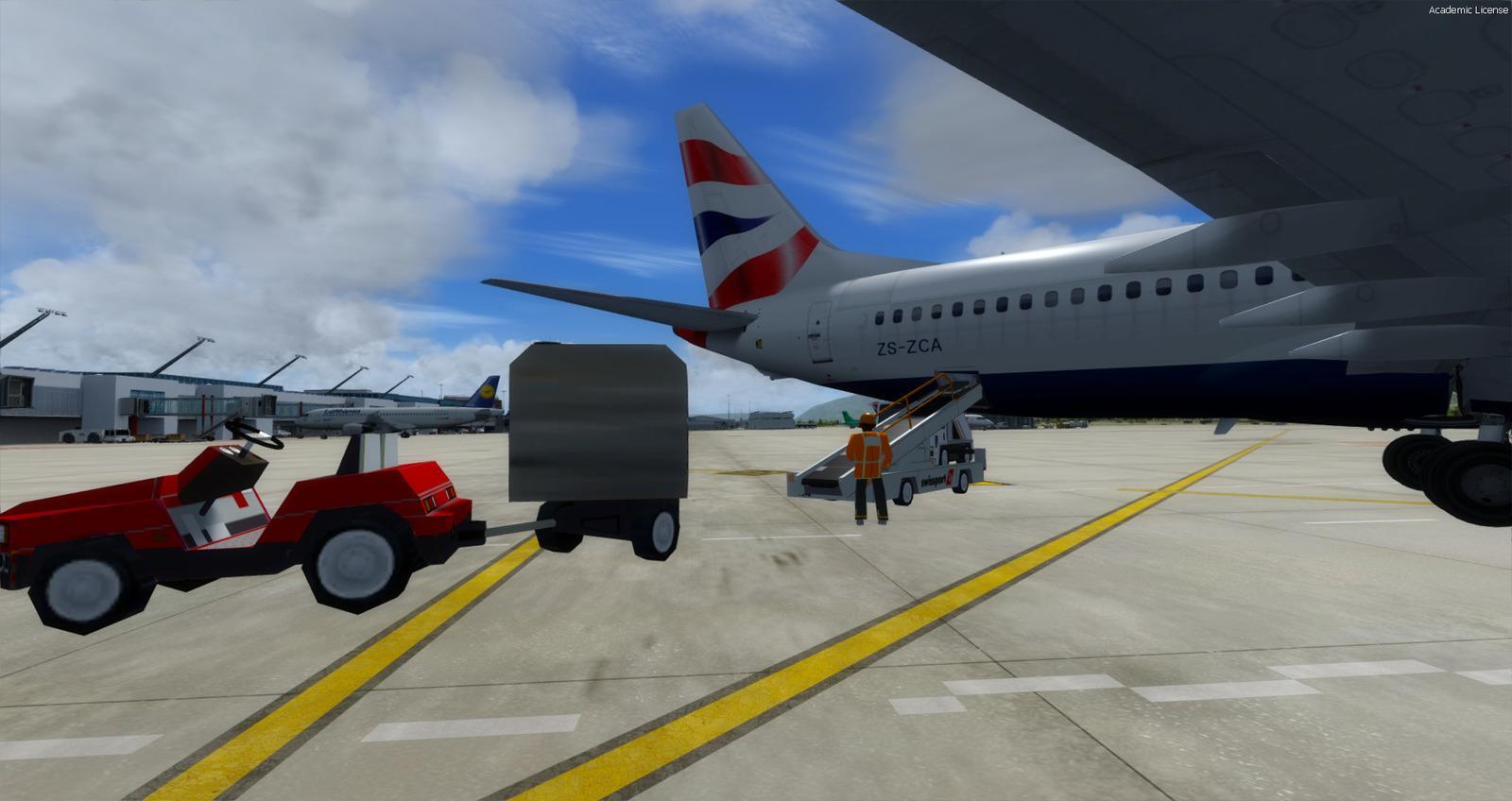
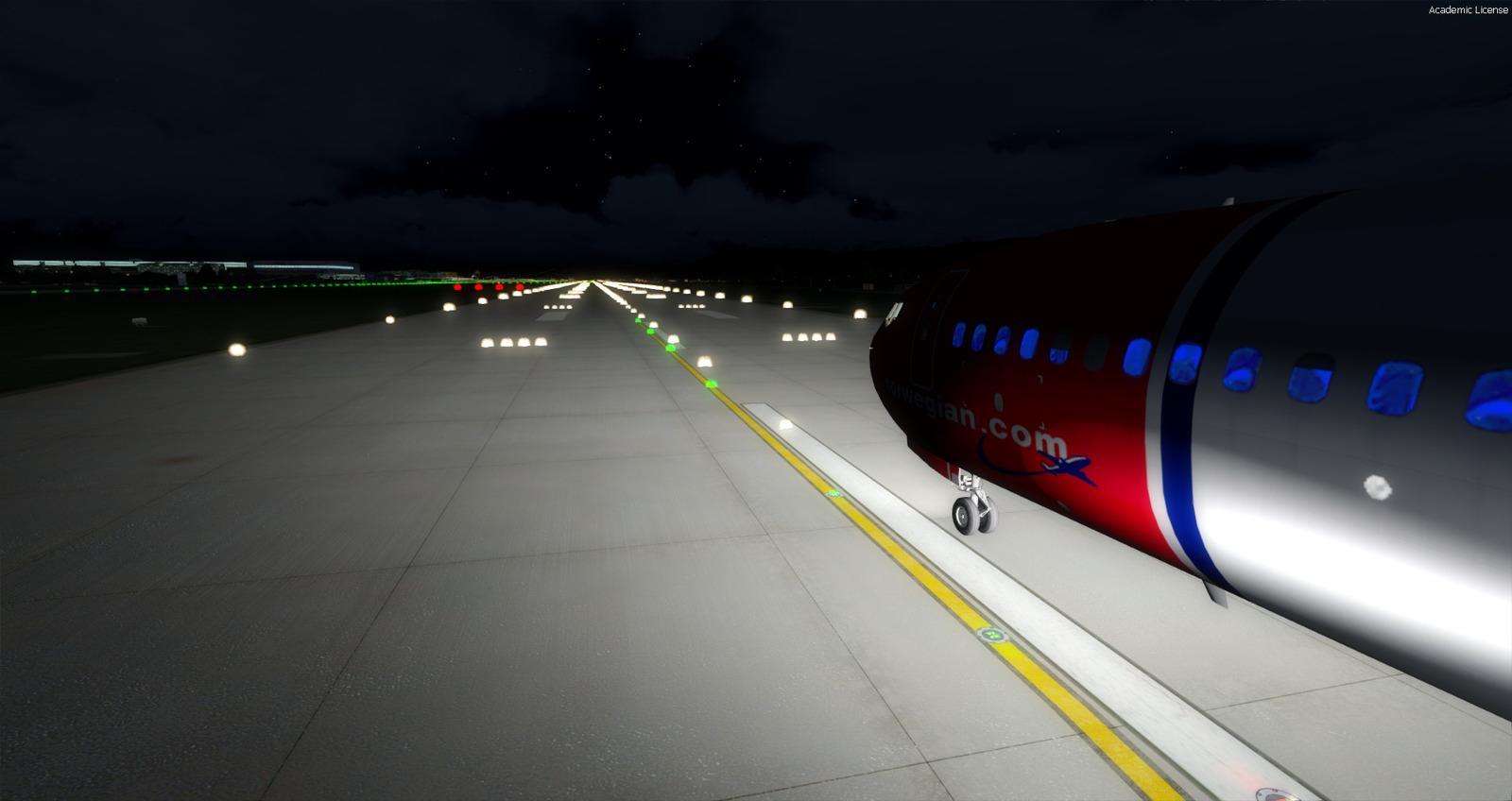
SCREENSHOTS
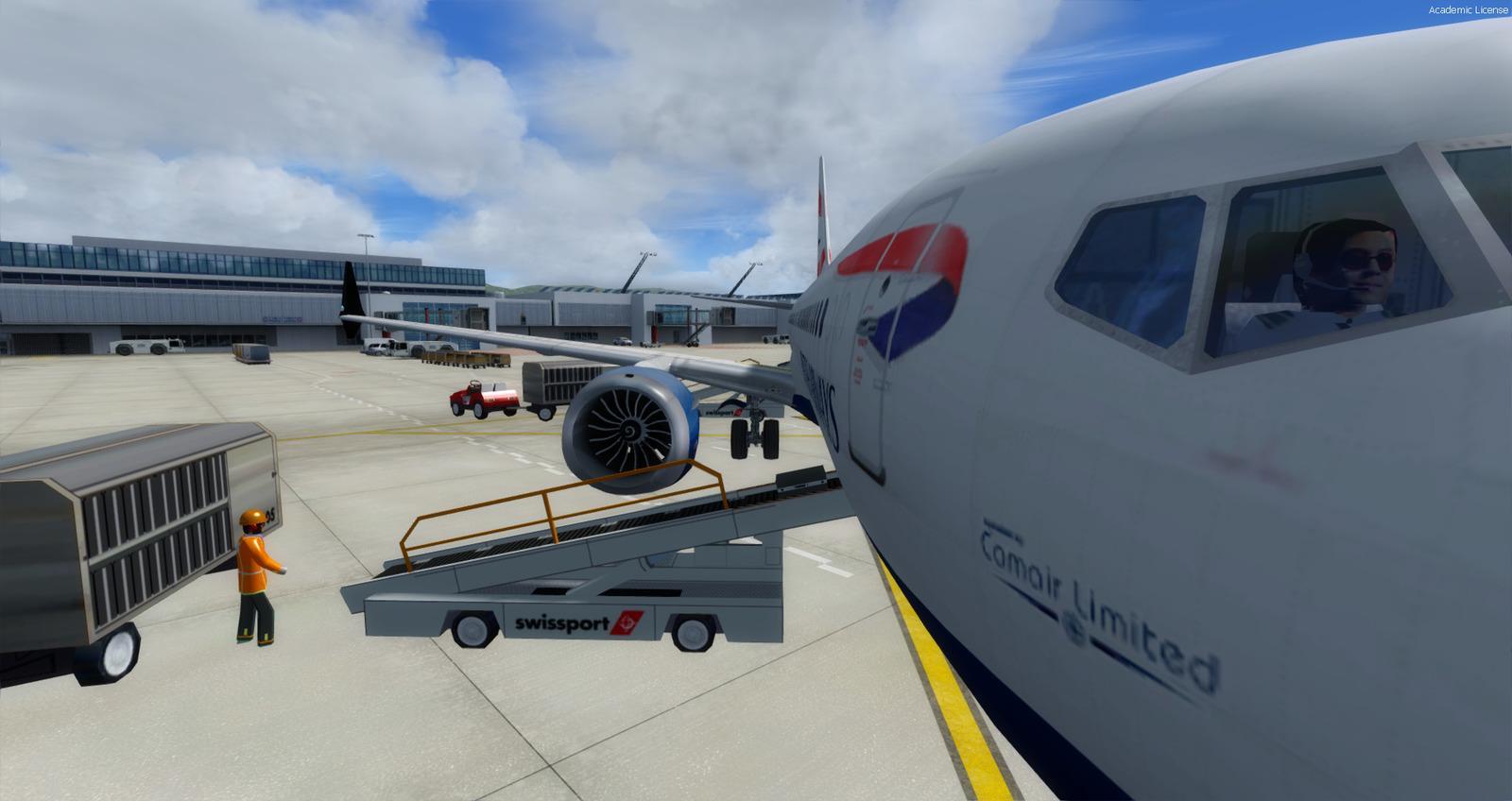
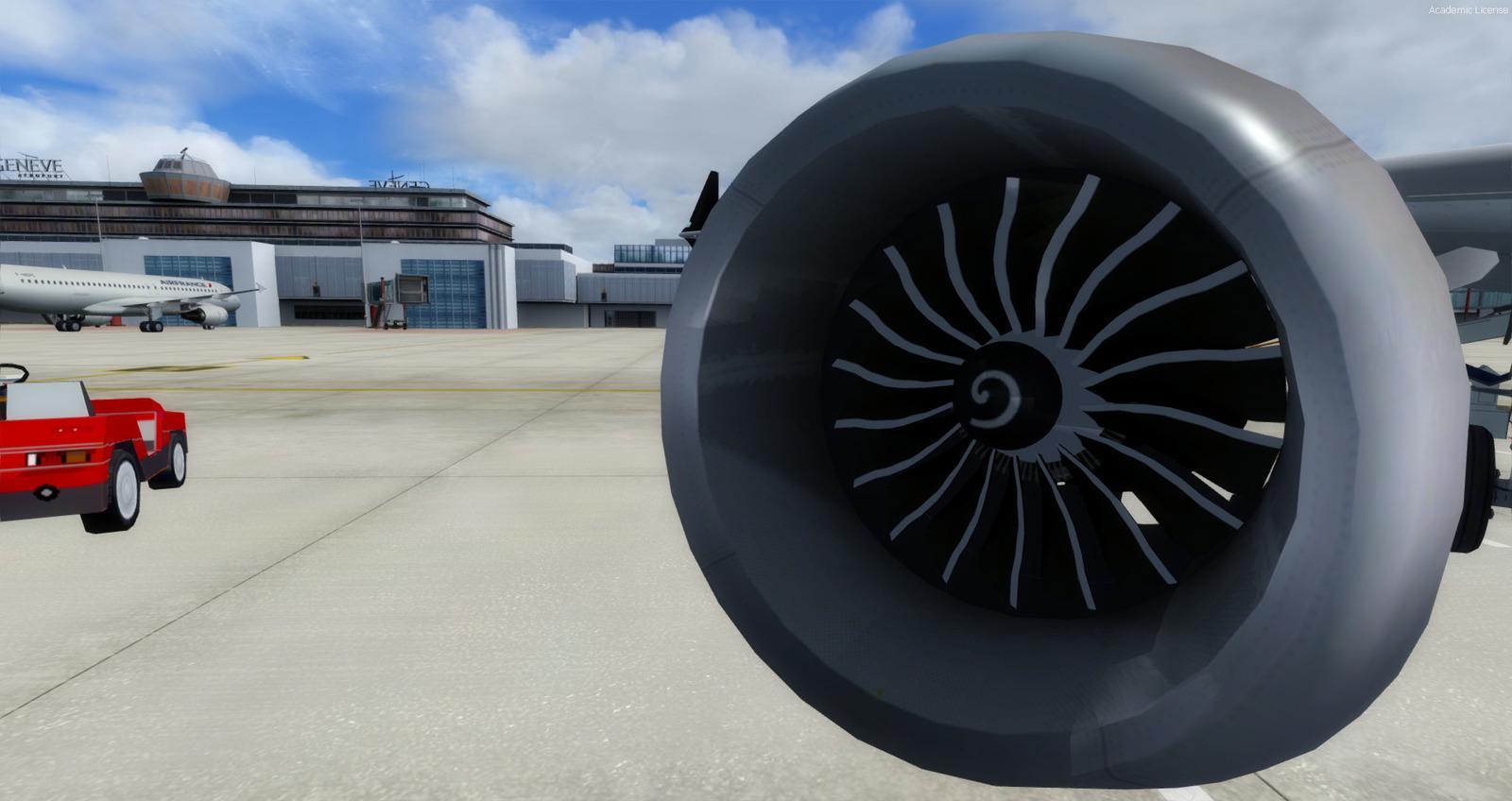
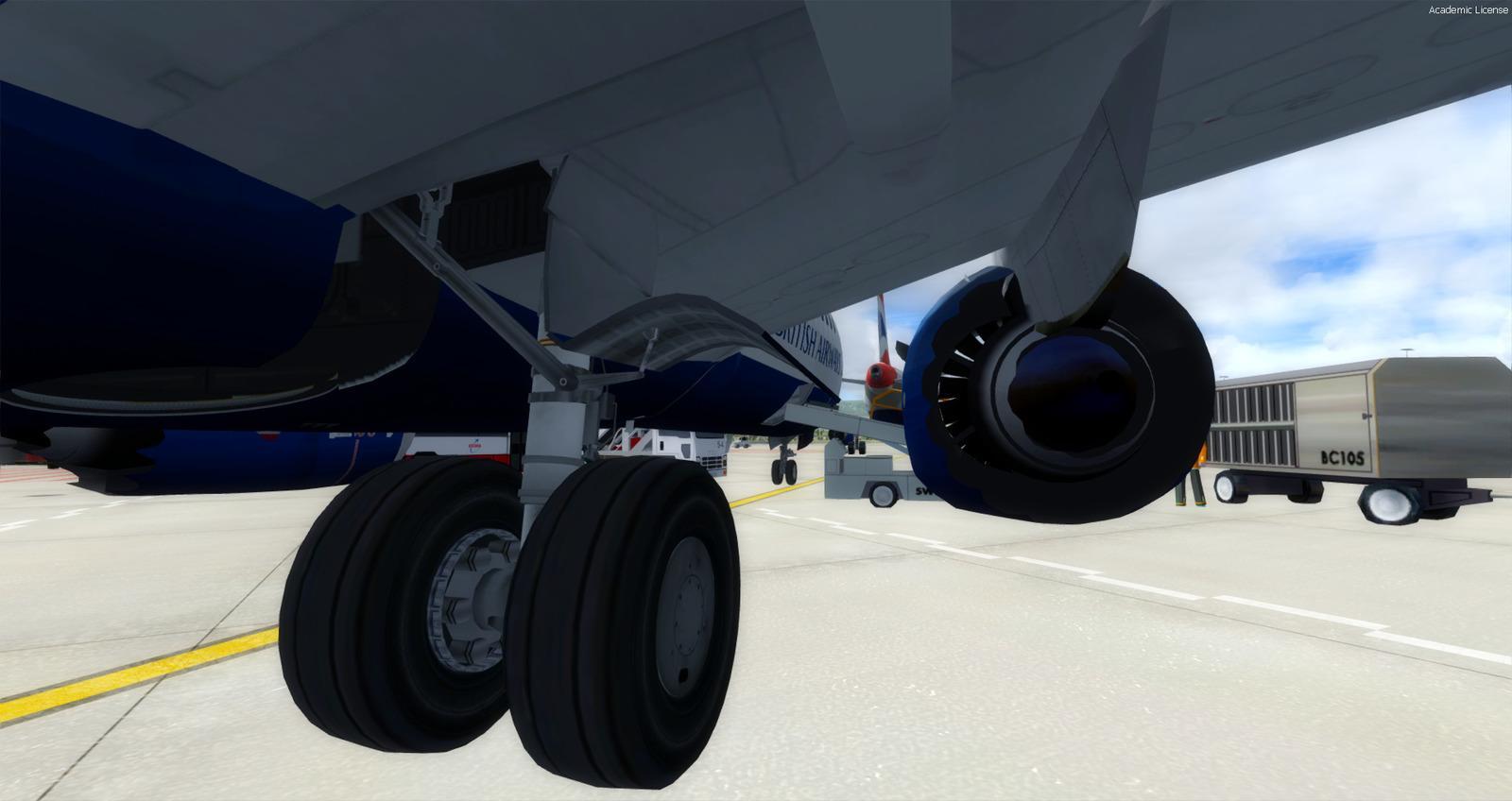
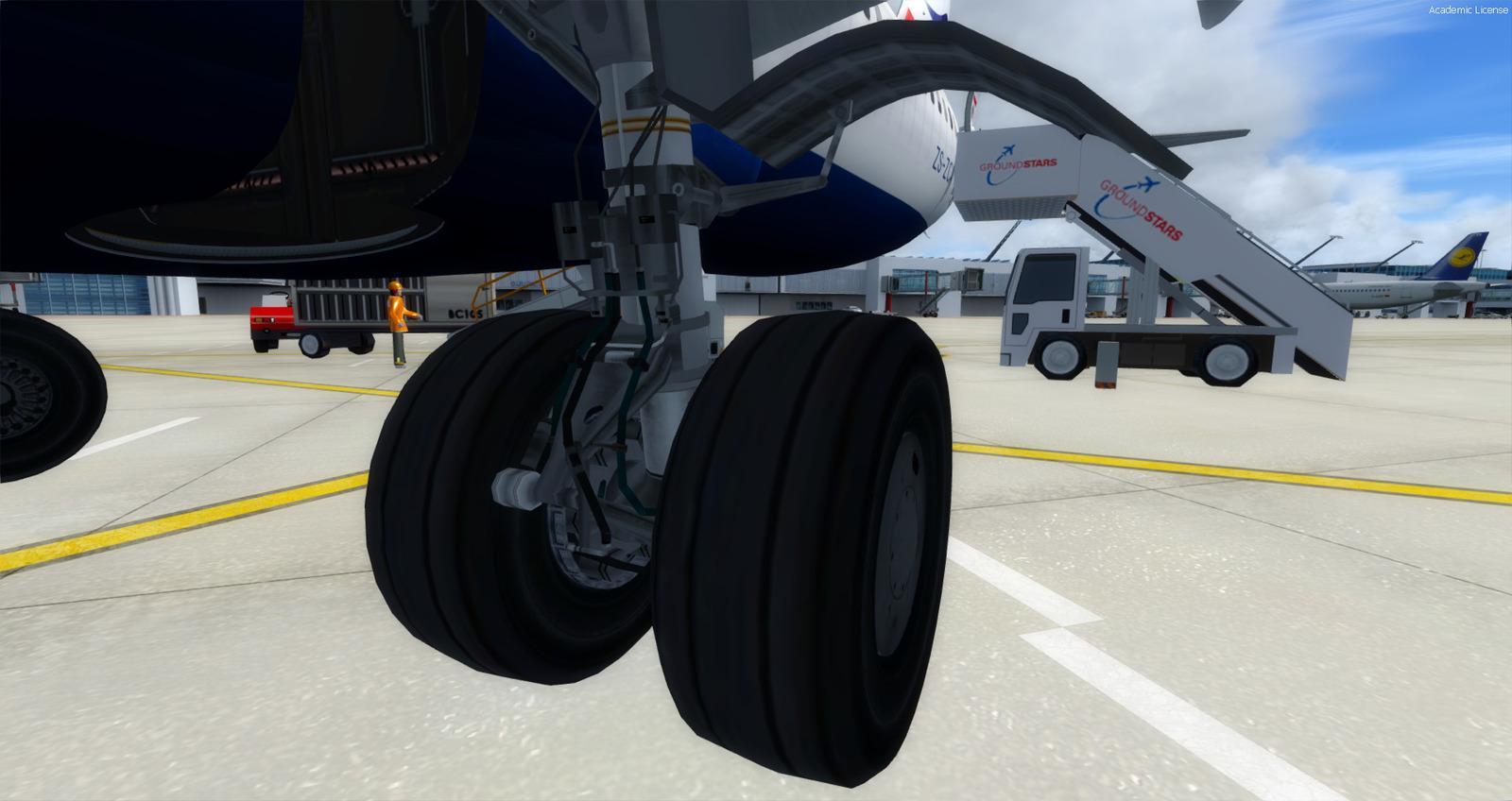
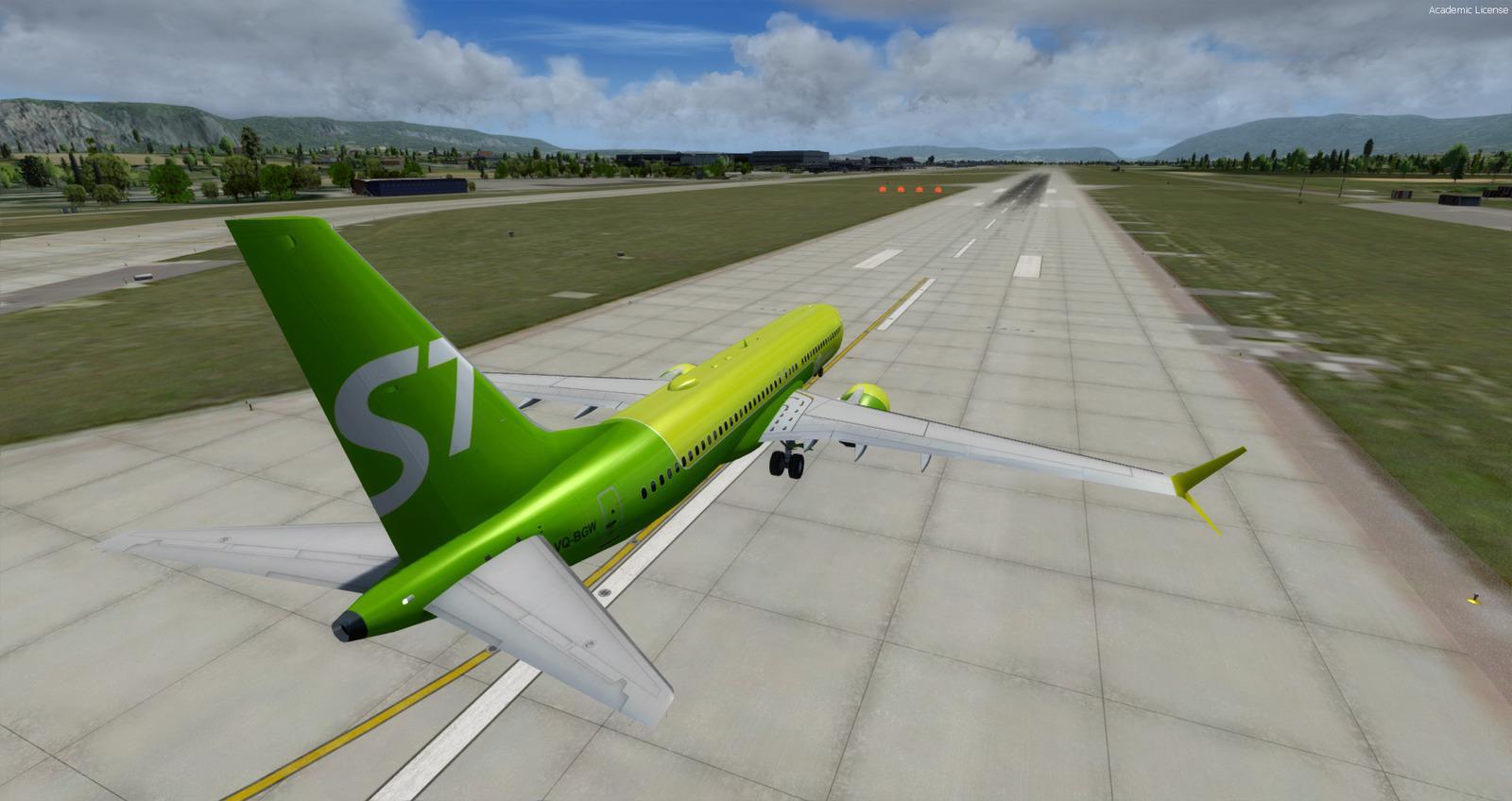
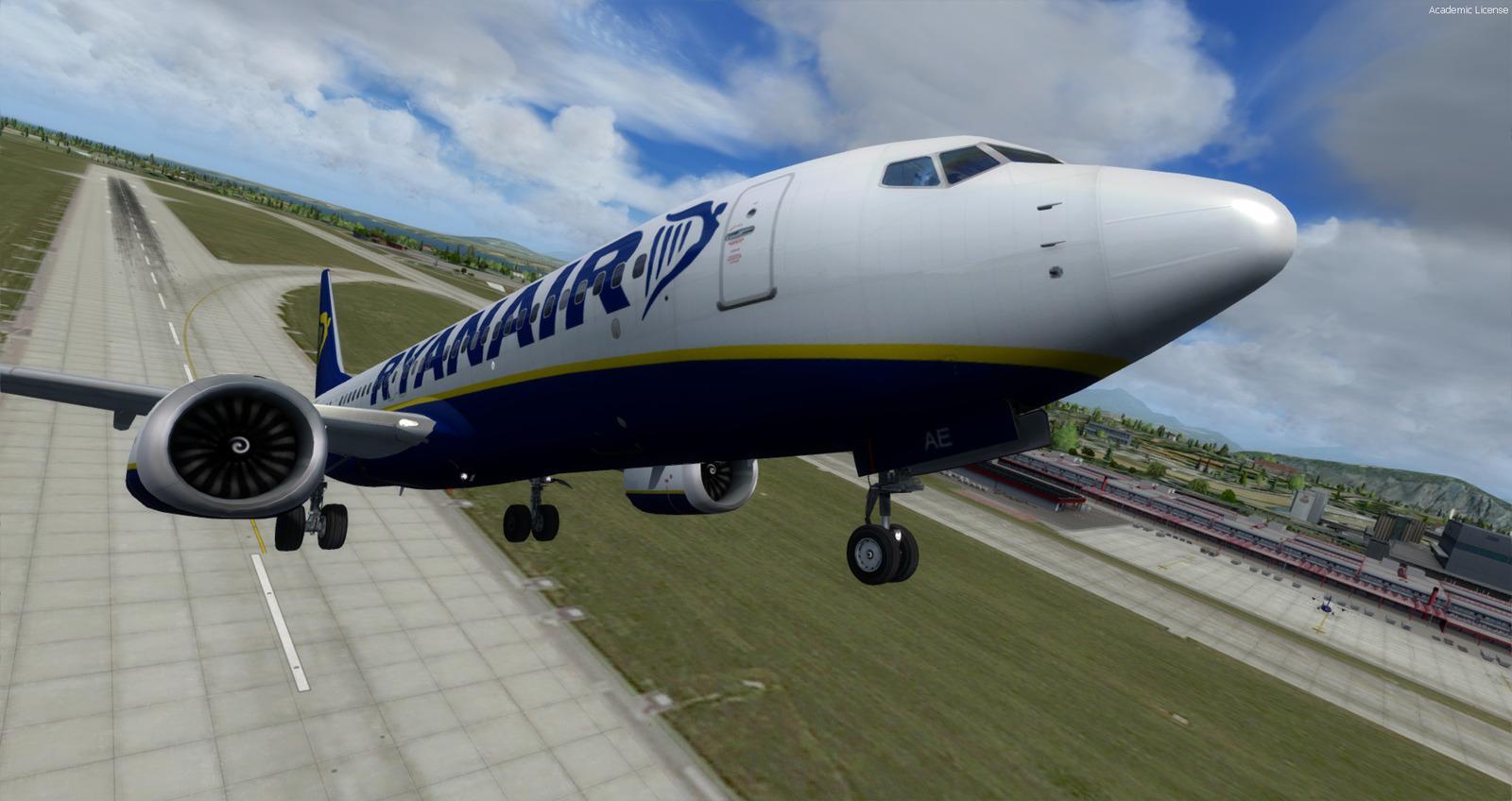
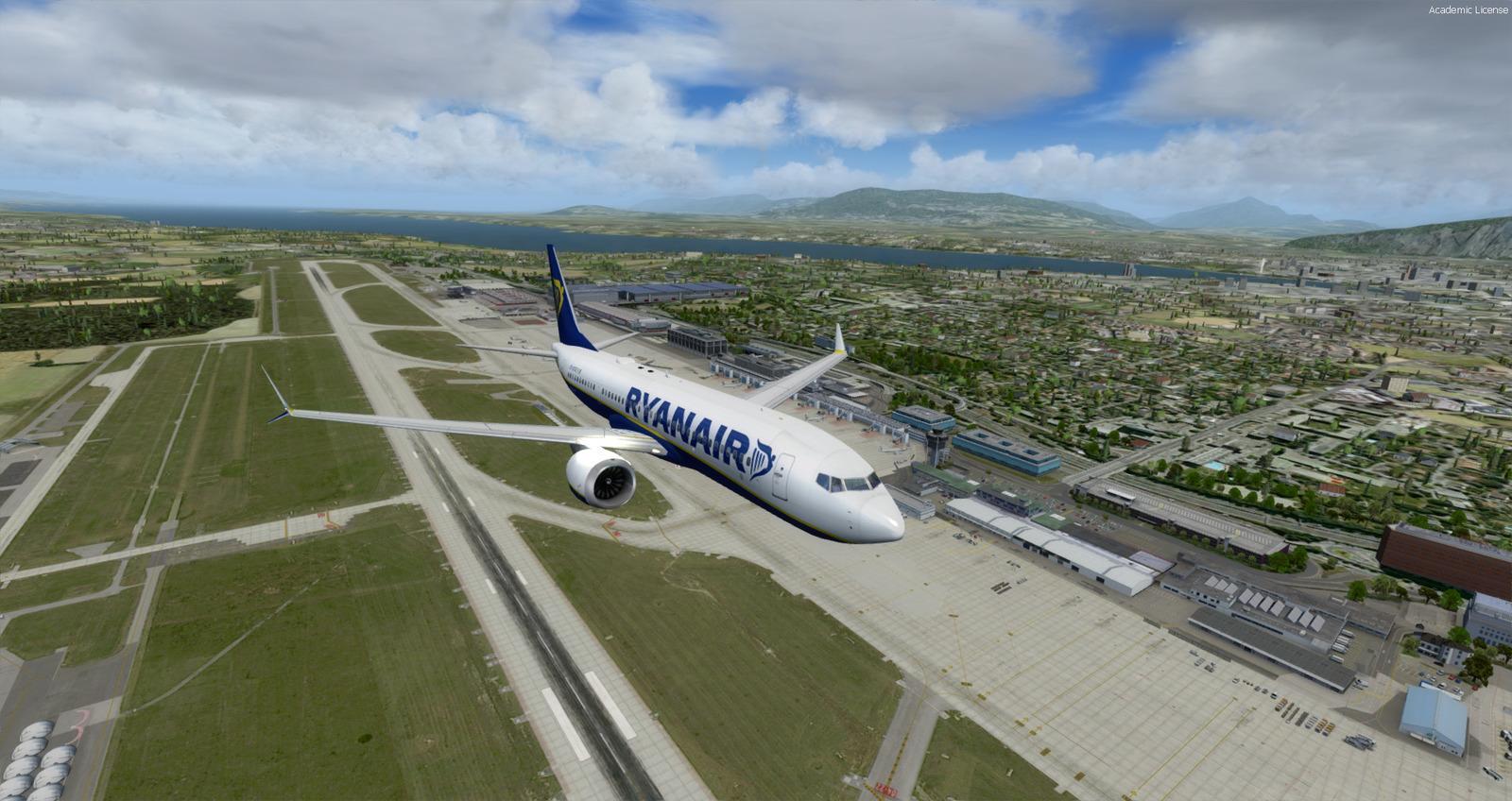
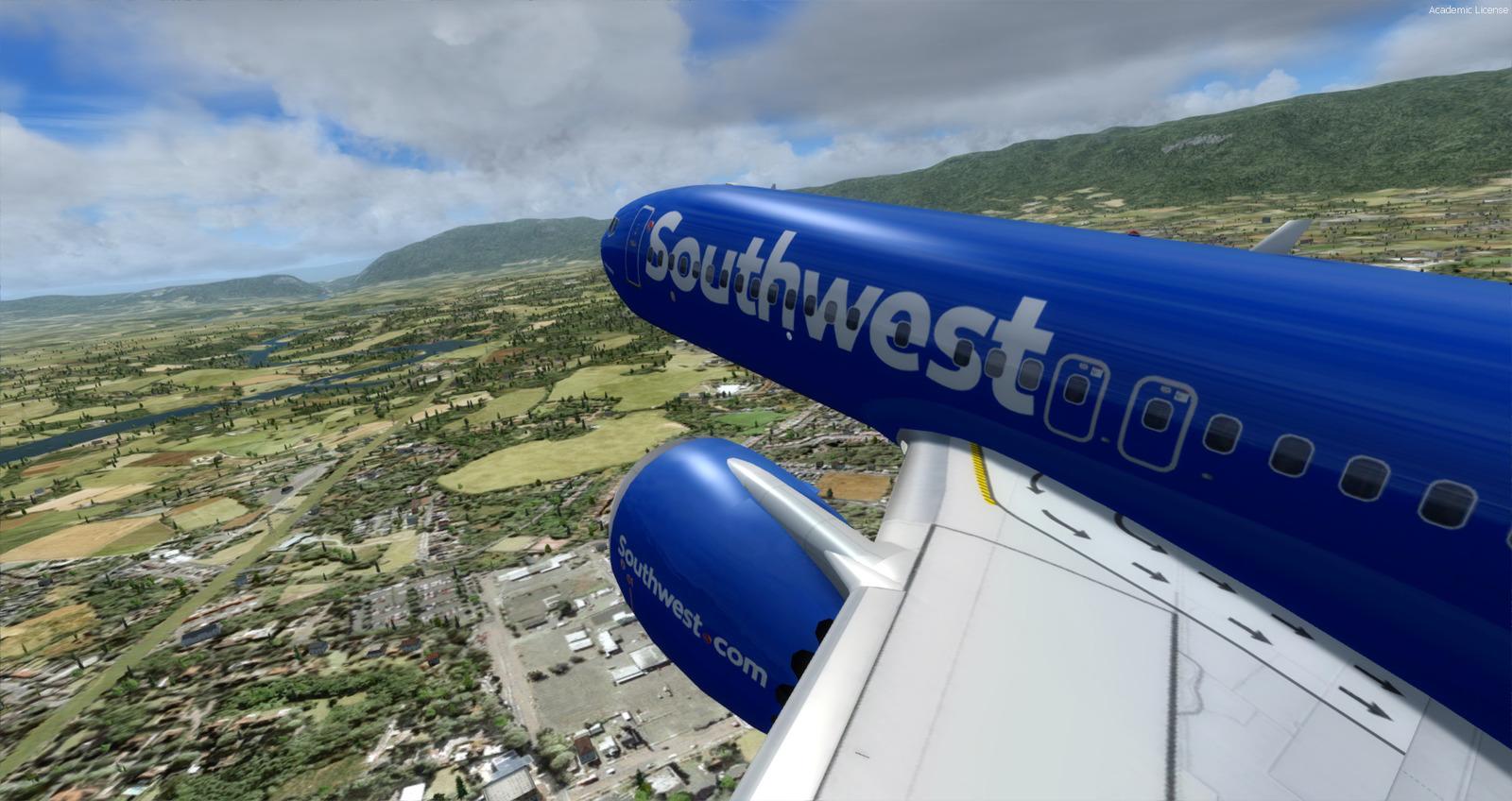
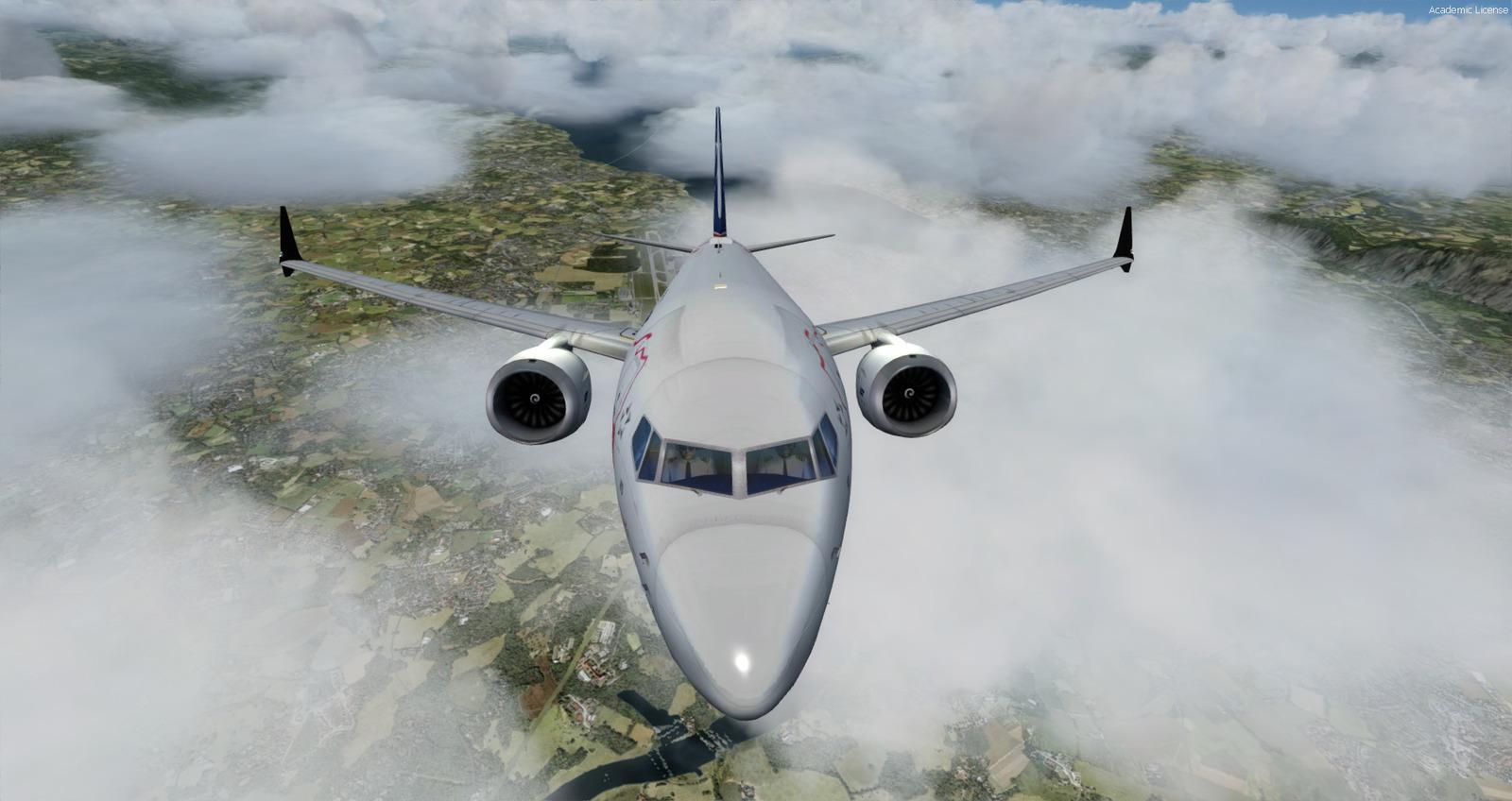
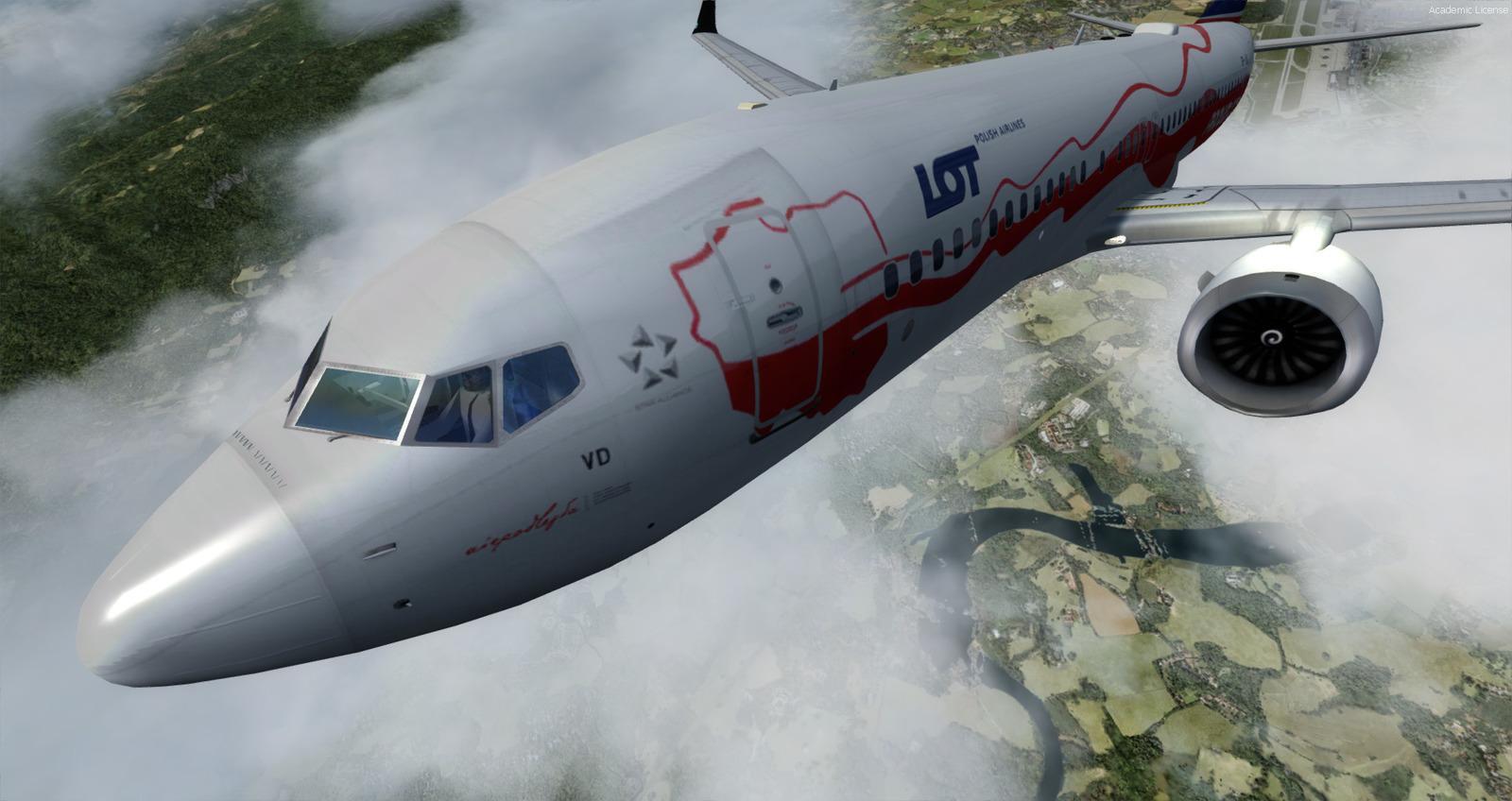
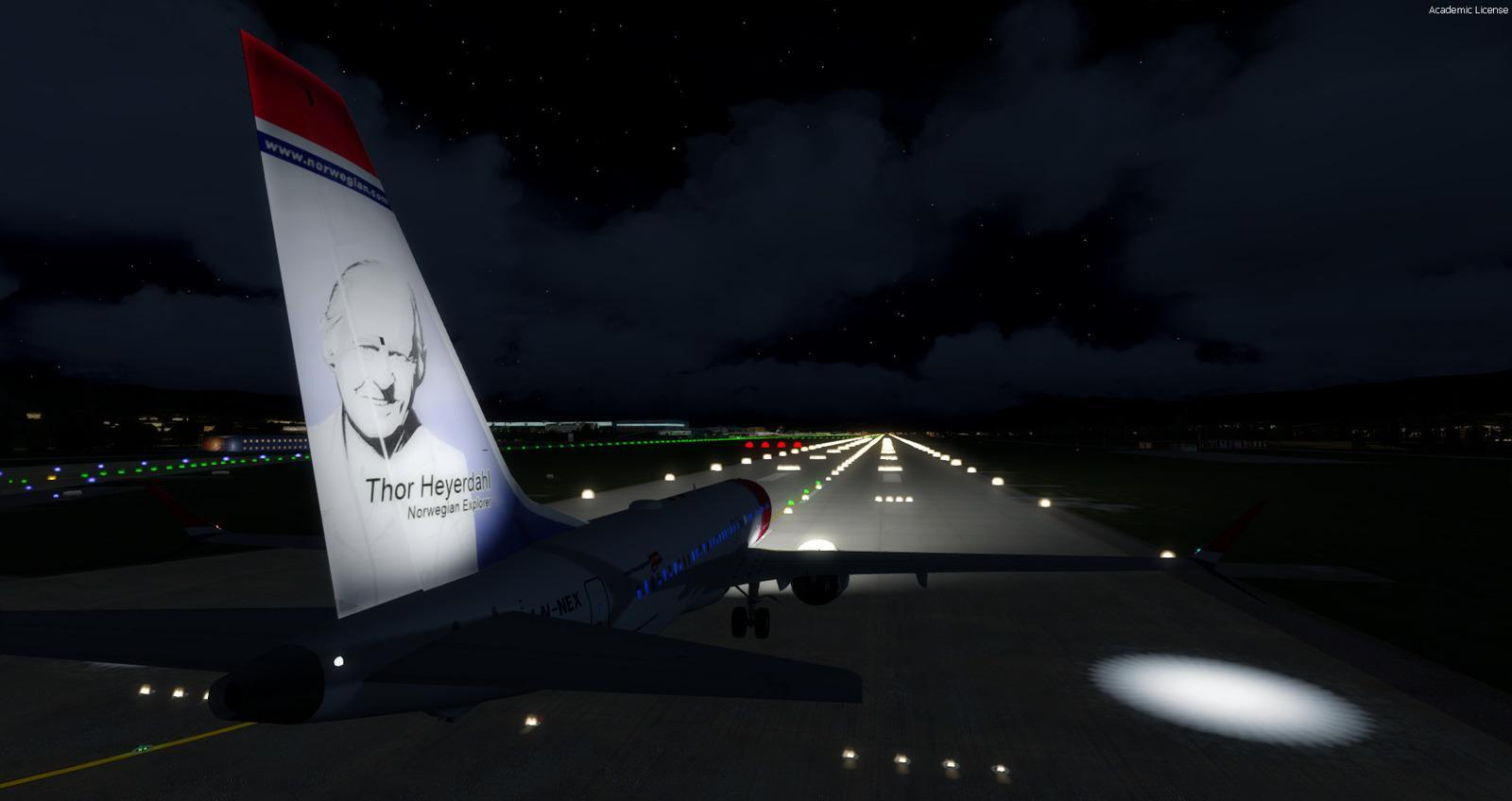
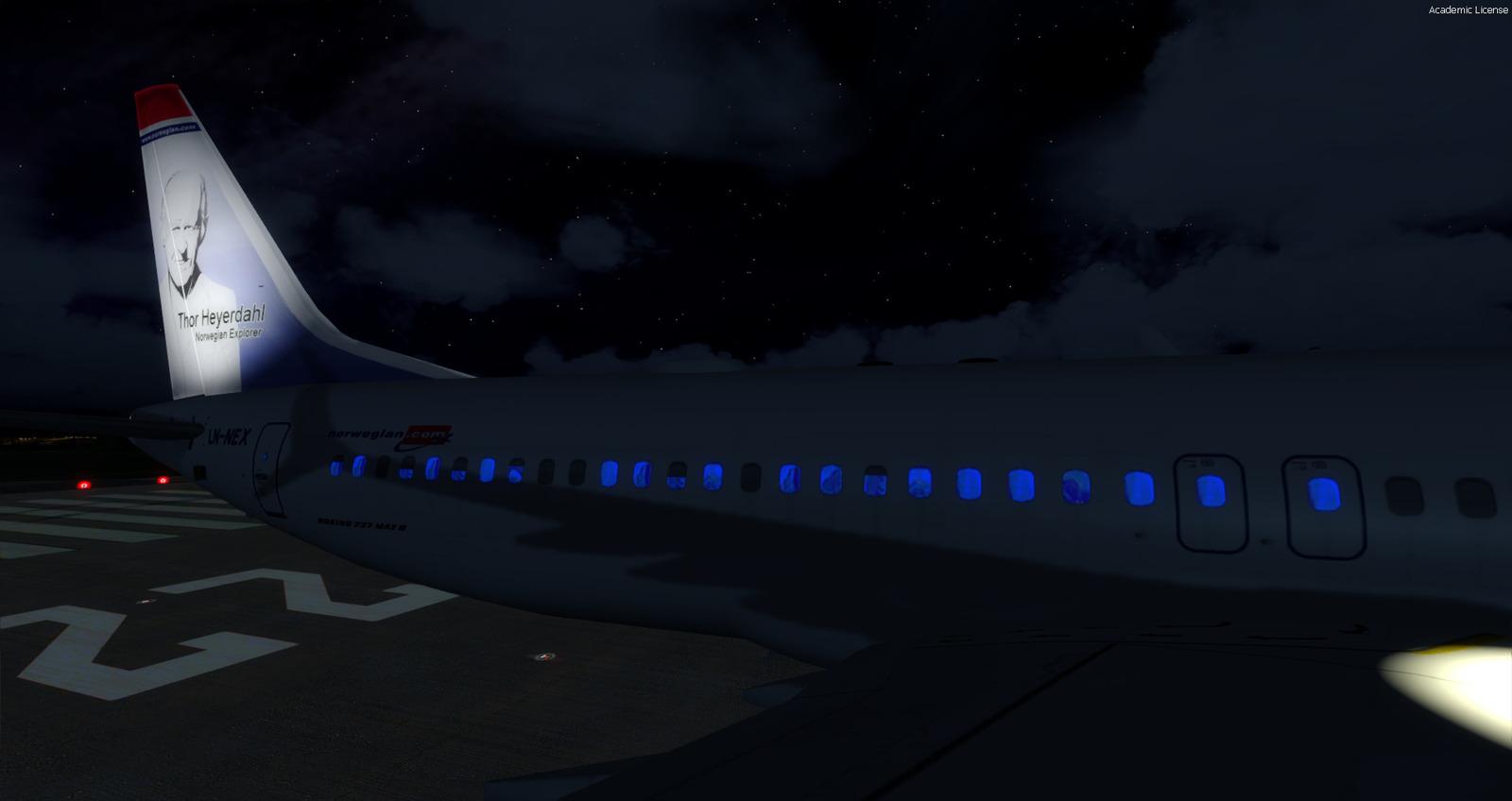
Updated on 27/02/2020: Version 1.03 - This version brings many fixes.
Fixed:
Updated on 24/02/2020: Version 1.02
Fixed:
Fixed:
- Electric always On -> can now use Cold and Dark mode
- Engine lights brightness on Prerpar3D V4.5
- 2D Panels windows positions
- PFD XML file that now corrects the Barometer settings (by JackyB)
- Radio panel by a full working one with audio
- Night virtual cockpit textures by more realistic ones
- Virtual cockpit light effect (fx_vclight) for better realism
- Virtual cockpit textures have been replaced by better dark textures of higher quality
- Icon buttons in virtual cockpit
- Icon for Utility and Lights Panel in virtual cockpit and 2D Panel
- Gauges self-lighting improvement in virtual cockpit
Updated on 24/02/2020: Version 1.02
Fixed:
- Multiple corrections to Aircraft.cfg and Panel.cfg files
- Center of gravity
- Alarms fixed
- Jetway codes
- Faster loading of the 737-MAX8 into the simulator
- Lights on the engines impossible to stop
- Attenuation of the gyros sound in the VC.
- New effects
- Pre-configured for Shockwave light
No changelog
 Loading...