
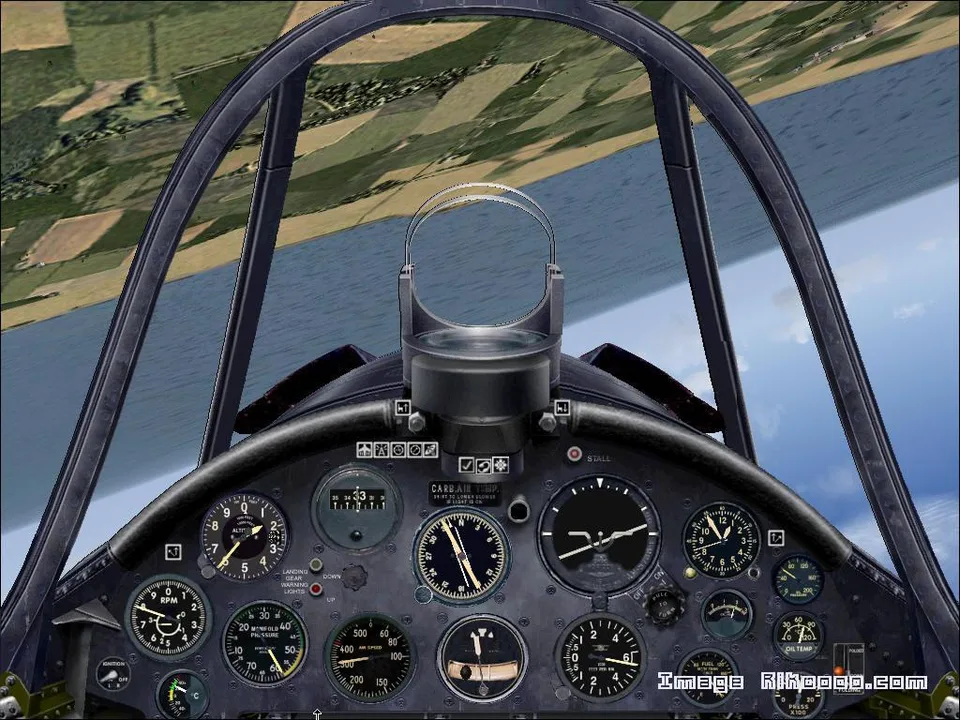
Corsair F4U-7 FS2004
Keyboard controls operate the canopy, cowl flaps and tailhook, as well as lights and smoke. The full description lists the shortcuts.
Images and screenshots
4 photosFull screen
On this page
Overview
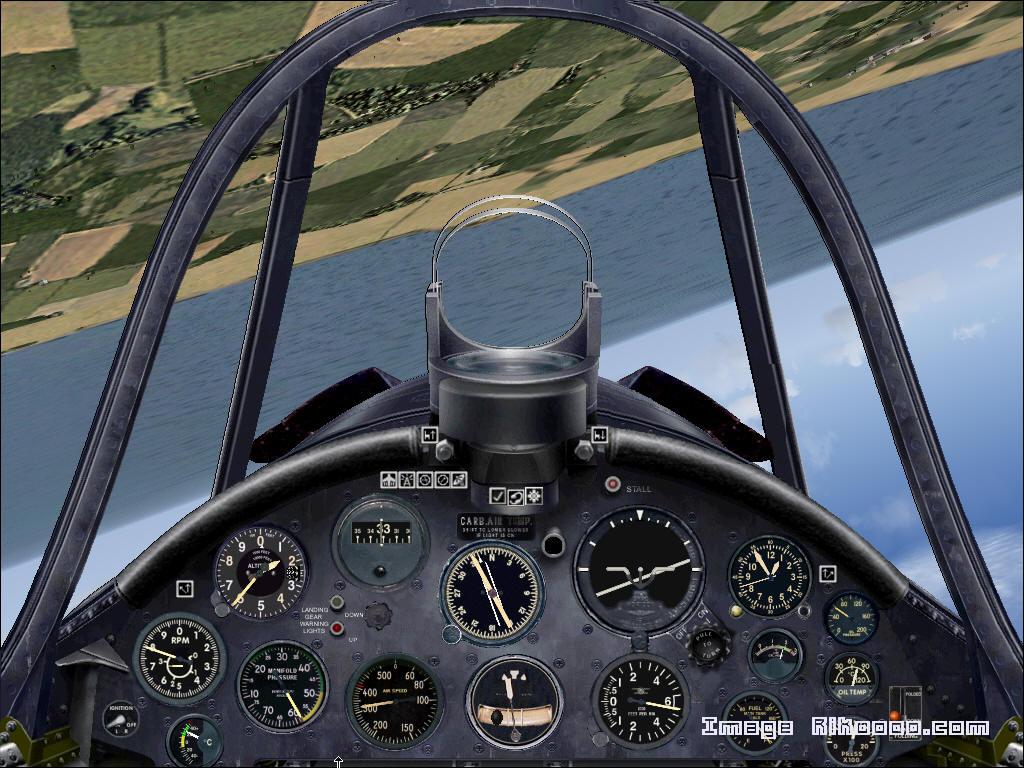
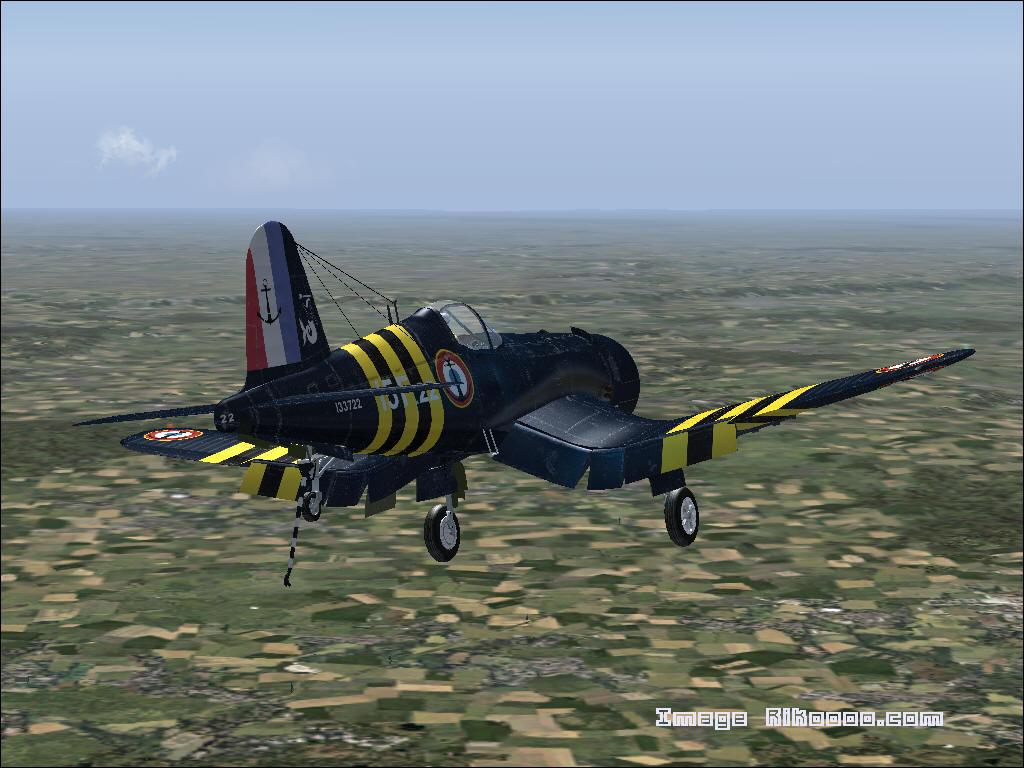
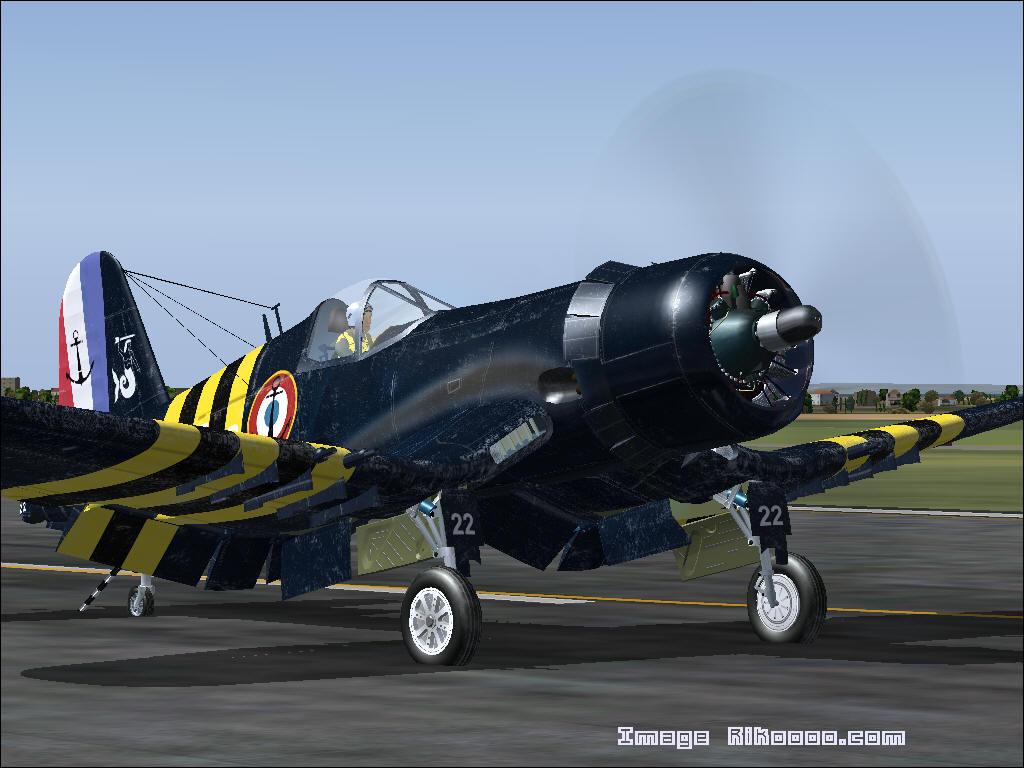
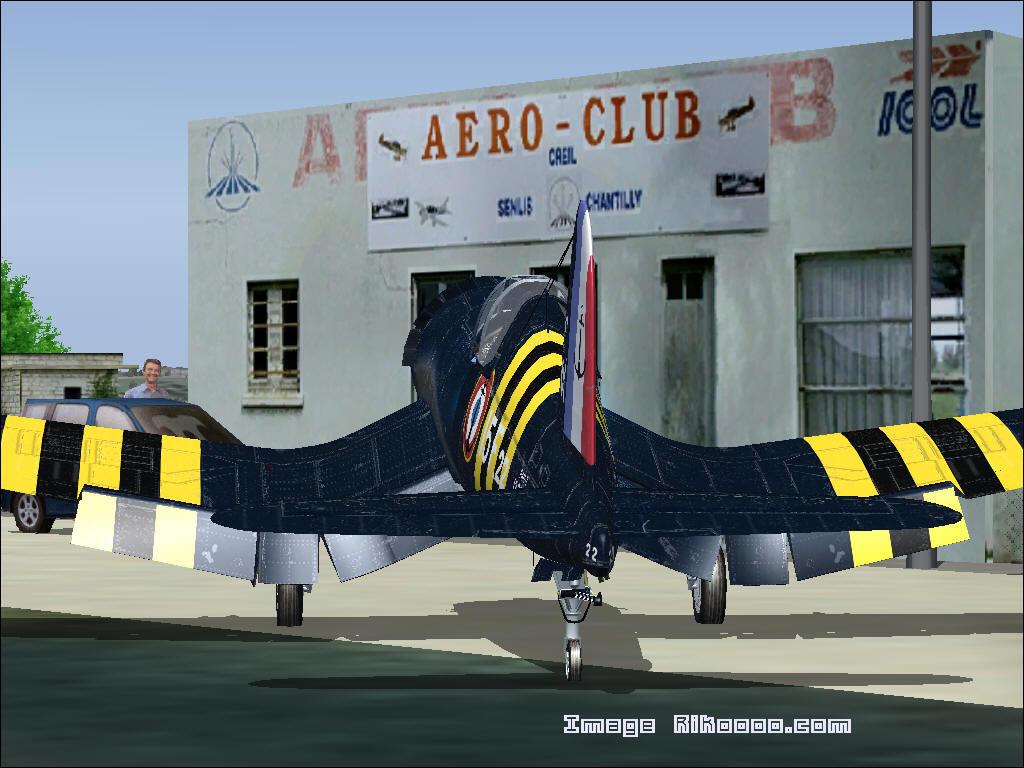
This Corsair F4U-7 for FS2004 depicts the Vought fighter's distinctive inverted-gull wing. The credits name Guy Hulin, Yves Raymond, Jean-Pierre Langer and Arne. Several model animations are operated directly from the keyboard.
Model controls
- L: navigation lights.
- Shift + E: open or close the canopy.
- I: smoke effect.
- Ctrl + Shift + V: open the engine cowl flaps.
- Ctrl + Shift + C: close the engine cowl flaps.
- Shift + T: tailhook.
The real F4U-7 was built for France under the US Military Assistance Plan. This late production version used the Pratt & Whitney R-2800-18W, rather than the powerplants fitted to early Corsair variants.
Licences and credits
- Author
- Guy HULIN Yves Raymond Jean-Pierre Langer Arne
Comments
Flight experiences, tips and questions from Rikoooo members.
Loading discussions…