
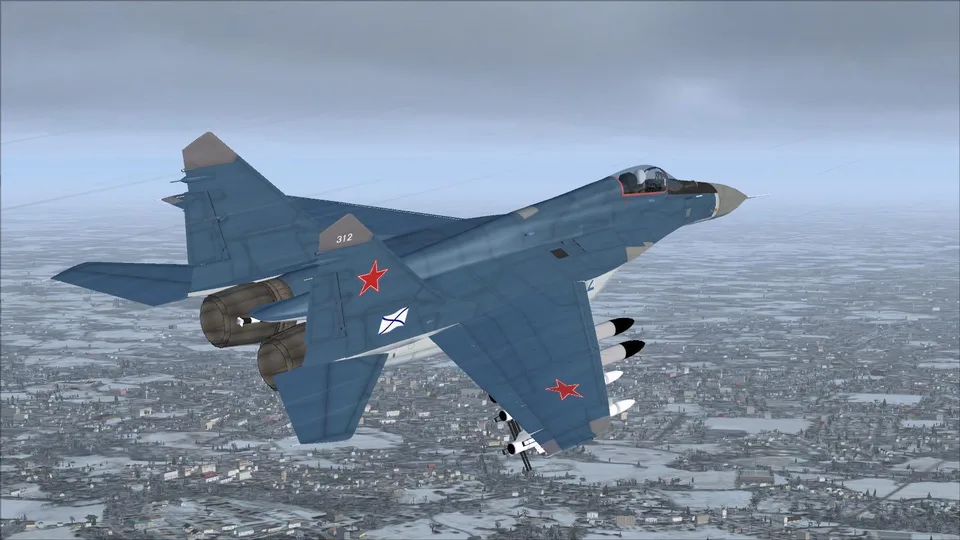
IRIS Mig-29 Fulcrum K Navy FSX
Seven configurations, two naval liveries, 2D and 3D cockpits, and effects linked to the L key. Includes a manual and procedure tables.
Images and screenshots
4 photosFull screen
On this page
Overview
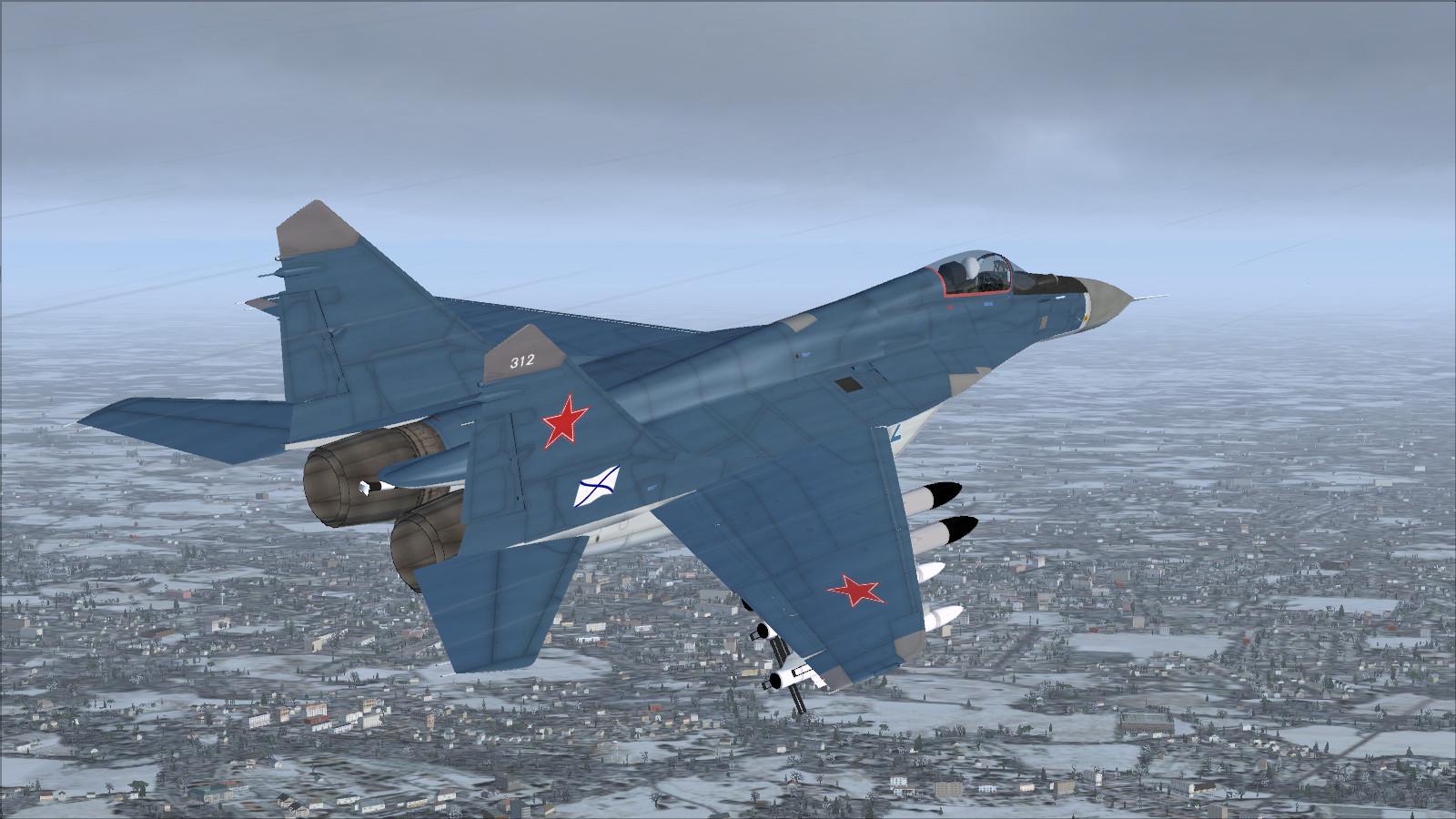
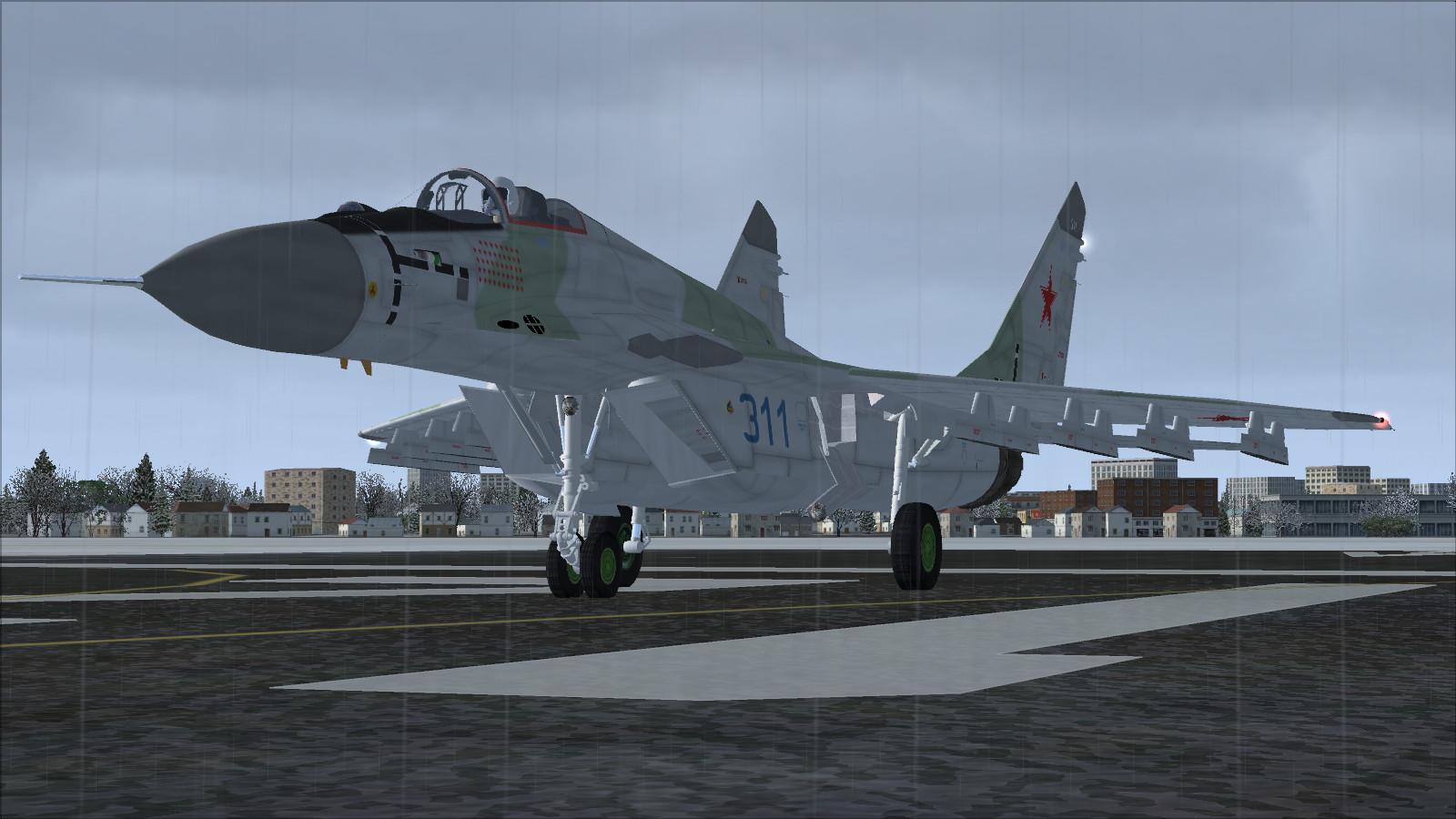
IRIS’s MiG-29K, adapted to FSX by Bob Chicilo, comes from a former commercial release later made available as a reduced freeware edition. The package includes seven configurations, including clean, air superiority and ferry, with Navy 311 and Navy 312 liveries.
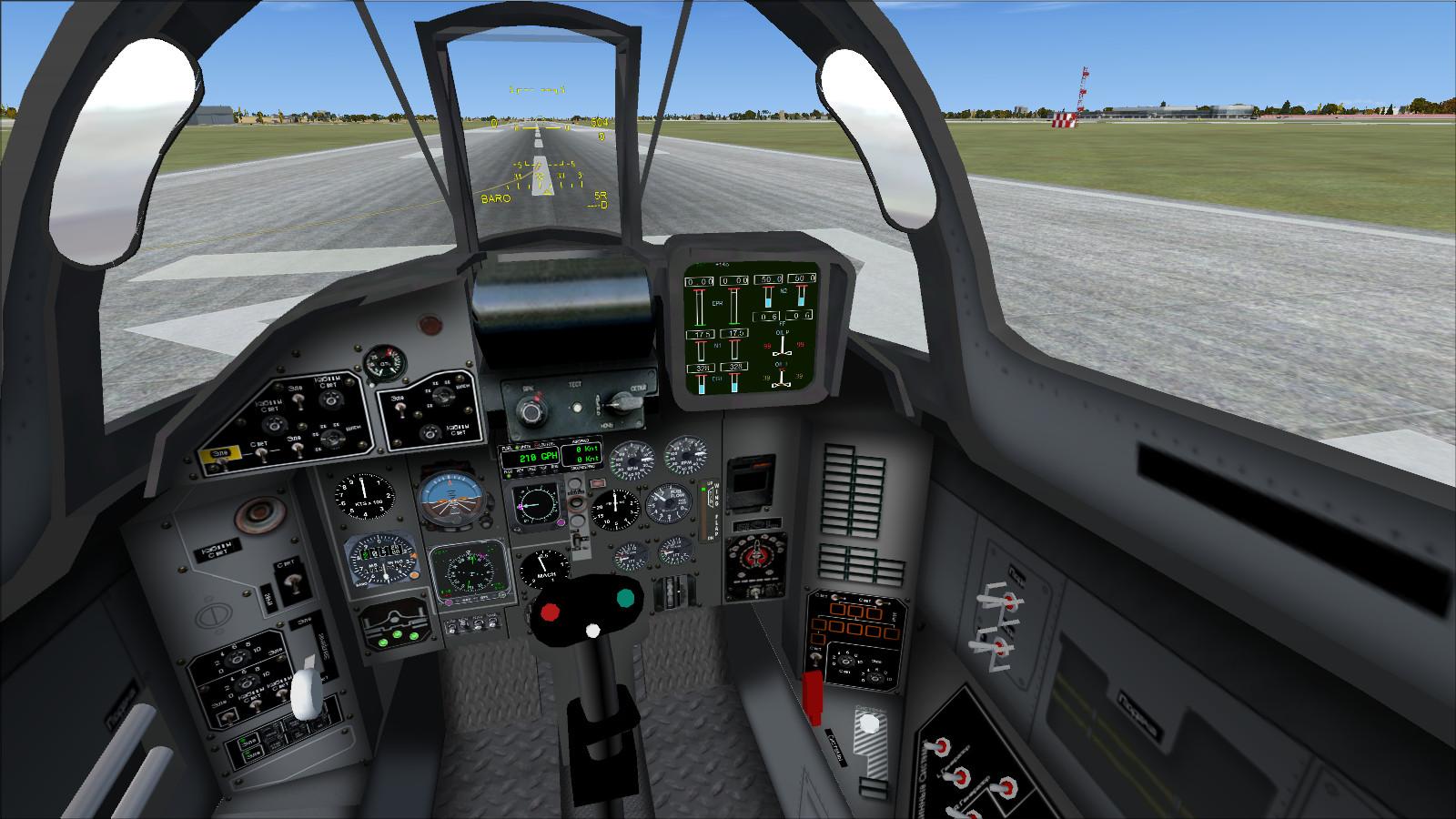
A 2D panel complements the virtual cockpit, with gauges added or adapted for FSX. The publisher’s manual is included.
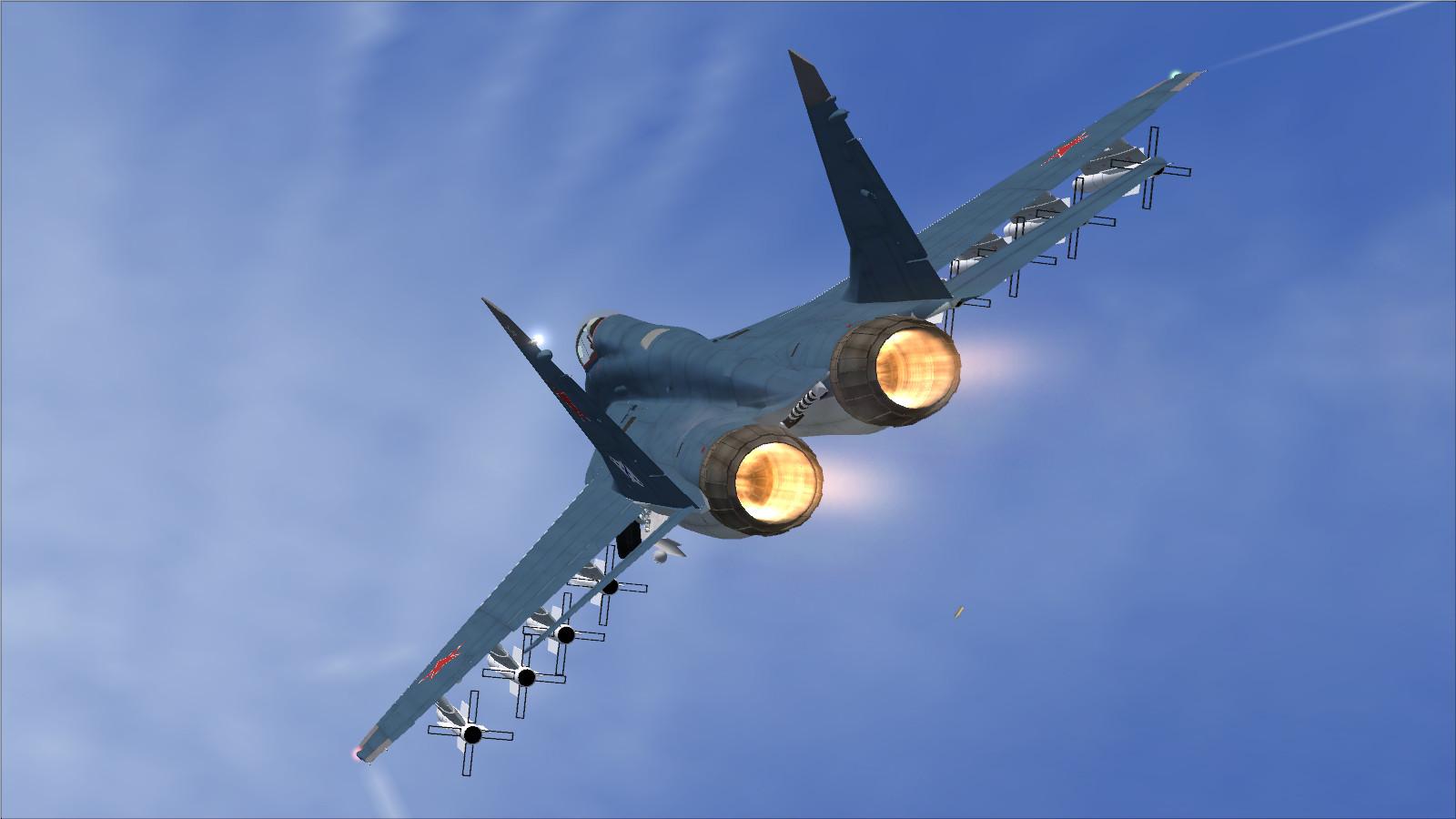
L activates the afterburner and gun effects together with the lights. Main controls are Shift + E for the canopy, Shift + F for wing folding, Shift + W for the refuelling probe (water-rudder command), Shift + T for the tailhook, Shift + 2 for the radio/autopilot console and Shift + 3 for GPS.


Supplied reference information and procedures. Rotation speeds differ between the original documents: the reference table gives 135/140 km/h, while the take-off checklist gives 250 km/h. These figures are retained as documentary material, not as a validated rotation-speed instruction. Consult the manual when operating this model.
| Total Flight Simulator aircraft weight with full fuel | 33,112 lbs |
NOTE: To adjust fuel load, on the Aircraft menu, click Fuel and Load.
| VMO - Maximum Operating Speed | 1,315 KM/H |
| MMO - Maximum Operating Speed Mach | 2.30 Mach |
| VLO - Maximum Gear Operating Speed | 380 KM/H |
| VLE - Maximum Landing Gear Extension Speed | 350 KM/H |
| Best Glide Speed | 160 KM/H |
Maximum Flap Placard Speeds
|
Flaps degrees |
KM/H |
|
10 |
450 |
|
20 |
380 |
|
30 |
320 |
|
40 |
280 |
V1 - Takeoff Decision Speed dry runway
Standard temperature, sea level pressure altitude
| All conditions | 100 KM/H |
VR - Rotation Speed dry runway
Standard temperature, sea level pressure altitude
| 13,200 lbs | 135 KM/H |
| 20,200 lbs | 140 KM/H |
V2 - Minimum Climb Speed dry runway
Standard temperature, sea level pressure altitude
| 13,200 lbs | 130 KM/H |
| 20,200 lbs | 140 KM/H |
VREF - Landing Approach Speed flaps 40, gear down
Standard temperature, sea level pressure altitude
| 13,200 lbs | 130 KM/H |
| 20,200 lbs | 135 KM/H |
IRIS MIG-29 FULCRUM PROCEDURES
For suggested speeds, see the Reference page of the Kneeboard. Note that most actions can also be performed using the mouse.
| To... | Press... |
| Operate Canopy | SHIFT+E |
| Operate Folding Wings | SHIFT+F |
| Operate Refuelling Probe (Assigned to Water Rudder Deploy) | SHIFT+W |
| Operate Tailhook | SHIFT+T |
| To... | Press... |
| Toggle Autopilot/Radio Console | SHIFT+2 |
| Toggle GPS Console | SHIFT+3 |
| BEFORE STARTING ENGINES | |
| [ ] Gear | CHECK DOWN |
| [ ] Battery Switch | ON |
| [ ] Alternator Switch | ON |
| [ ] Flight Controls | CHECK |
| [ ] Engine Instruments | CHECK |
| [ ] Fuel Quantity | CHECK |
| [ ] Aircraft Lighting | BEACON TO FLASH |
| [ ] Parking Brake | SET (press CTRL + PERIOD key) |
| [ ] Trim | AS DESIRED (with Num Lock off press Num Pad 1 or Num Pad 7 as necessary) |
| [ ] Altimeters | SET |
| [ ] Standby Instruments | SET |
| [ ] Takeoff Data (V1, VR, V2) | COMPUTED and SPEEDS SET (see the Reference page of the Kneeboard) |
| [ ] Avionics | SET FOR DEPARTURE |
| [ ] Flaps | TO 10 DEGREES |
| STARTING ENGINES | |
| Press CTRL+E to initiate engine autostart sequence, or: | |
| [ ] Thrust Levers | IDLE (press F2 or F3 as necessary) |
| [ ] L Fuel Flow | ON (press CTRL+SHIFT+F4) |
| [ ] L Engine Start Switch | ON |
| [ ] FF (Fuel Flow) | CHECK |
| [ ] N1 increasing as L N2 increases | CHECK |
| [ ] Oil Pressure | CHECK LIGHT OFF |
| [ ] Engine Instruments | CHECK NORMAL |
| [ ] R Fuel Flow | ON (press CTRL+SHIFT+F4) |
| [ ] REngine Start Switch | ON |
| [ ] FF (Fuel Flow) | CHECK |
| [ ] N1 increasing as L N2 increases | CHECK |
| [ ] Engine Instruments | CHECK NORMAL |
| [ ] Annunciator Panel | CHECK NORMAL |
| BEFORE TAXI | |
| [ ] Pitot Heat | ON (press SHIFT + H key) |
| [ ] Flight Controls | CHECK |
| [ ] Wings Folded | CHECK |
| [ ] Tailhook Retracted | CHECK |
| [ ] Aircraft Lighting | ON AS REQUIRED |
| [ ] Brakes | RELEASE (press PERIOD key) |
| TAXI AND BEFORE TAKEOFF | |
| [ ] Brakes | CHECK (press PERIOD key) |
| [ ] Flight Instruments | CHECK |
| [ ] Engine Instruments | CHECK |
| [ ] Takeoff Data (V1, VR, V2) | CHECK (see the Reference page of the Kneeboard) |
| [ ] Nav Equipment | CHECK |
| [ ] Transponder | ON |
| RUNWAY LINEUP | |
| [ ] Lights | ON |
| CAT LINEUP (ON KUZNETSOV) | |
| [ ] Lights | ON |
| [ ] Wings Unfolded | CHECK (press Shift+F as required) |
| [ ] Parking Brake | ON |
| [ ] Flaps | DEPLOY FULLY |
| [ ] Elevator Trim | SET FOR LAUNCH |
| TAKEOFF | |
| [ ] Thrust Lever | Increase to 90% N2 (press F3 as required) |
| [ ] Brakes | RELEASE (press PERIOD key) |
| [ ] VR | ROTATE AT 250 KM/H |
| TAKEOFF (ON KUZNETSOV) | |
| [ ] Thrust Lever | Increase to 110% N2 (press F3 as required) |
| [ ] Brakes | RELEASE (press PERIOD key) |
| [ ] Ski Jump | MAINTAIN 15-20 DEG PITCH AFTER CLEARING SKI JUMP |
| AFTER TAKEOFF | |
| [ ] Speedbrake | OFF |
| [ ] Gear | UP AFTER POSITIVE RATE OF CLIMB |
| [ ] Flaps | Retract fully at 400 KM/H |
| [ ] Yaw Damper | ON AS REQUIRED |
| CLIMB | |
| [ ] Altimeters | RESET TO 29.92 CROSSING 18,000 FEET |
| DESCENT | |
| [ ] Altimeters | RESET TO LOCAL CROSSING 18,000 FEET |
| [ ] Fuel Quantities and Balance | CHECK |
| APPROACH | |
| [ ] Landing Data (VREF, VAPP) | COMPUTED and SPEEDS SET (see the Reference page of the Kneeboard) |
| [ ] Avionics and Radios | SET |
| [ ] Flaps | SET 10 OR 20 DEGREES (press F6 or F7 as necessary) |
| [ ] Tailhook | DOWN (press SHIFT + T key]) |
| BEFORE LANDING | |
| [ ] Gear | DN (Check for 3 green lights) (press G) |
| [ ] LDG Light Switches | ON |
| [ ] Flaps | Set to 40 Deg. Check indication (press F7 until Dn) |
| LANDING | |
| [ ] Brakes | AS REQUIRED (press PERIOD key) |
| [ ] Spoilers | VERIFY EXTENDED |
| AFTER LANDING/CLEARING RUNWAY | |
| [ ] Transponder | OFF |
| [ ] Lights | AS DESIRED |
| [ ] Spoiler Lever | RET (press SHIFT + / (FORWARD SLASH key) until retracted) |
| [ ] Flaps | Fully Retracted |
| [ ] Wings Folded | CHECK (press SHIFT + F key) |
| SHUTDOWN | |
| [ ] Parking Brake | SET (press CTRL + PERIOD key) |
| [ ] Pitot Heat | OFF (press SHIFT + H key) |
| [ ] Thrust Levers | IDLE (press F2 until Idle) |
| [ ] Fuel Flow | OFF (press CTRL+SHIFT+F1) |
| [ ] Lights | OFF |
| [ ] Alternator Switch | OFF |
| [ ] Battery Switch | OFF |
Licences and credits
- Author
- IRIS FLIGHT SIMULATION SOFTWARE - FSX update by Bob Chicilo

Comments
Flight experiences, tips and questions from Rikoooo members.
Loading discussions…