
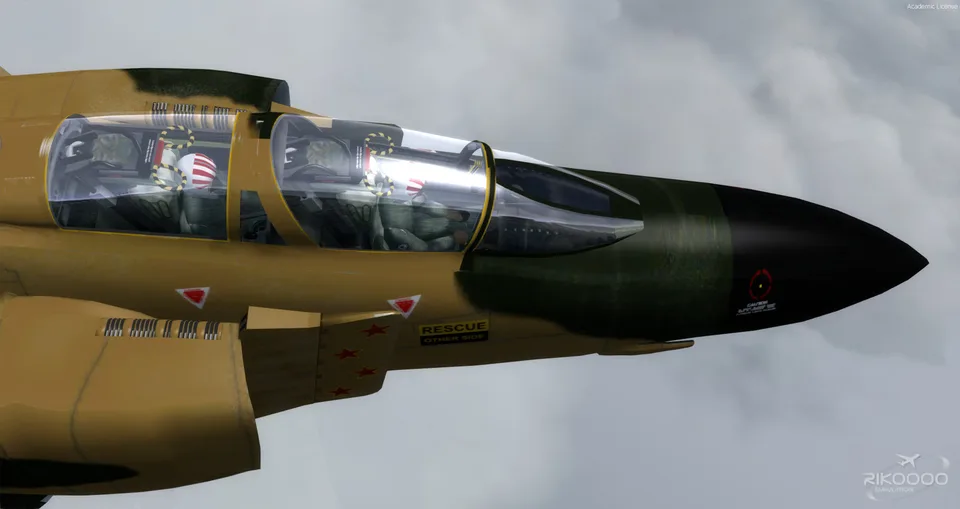
McDonnell Douglas F4 Phantom II FSX & P3D
21 liveries, HUD, TCAS, ground radar and virtual-cockpit autopilot. The drag chute is a visual effect and does not slow the aircraft.
Images and screenshots
4 photosFull screen
On this page
Overview
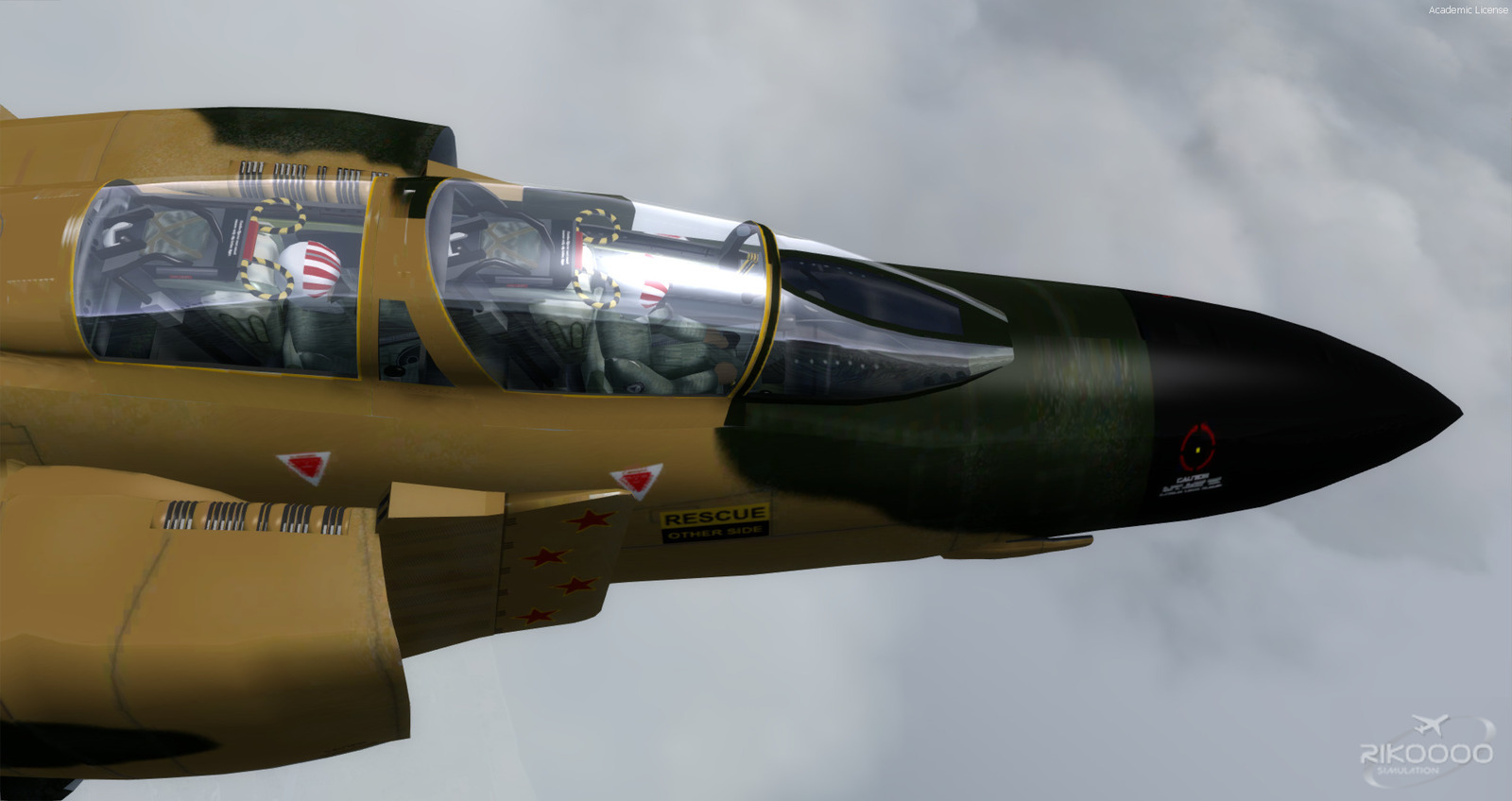
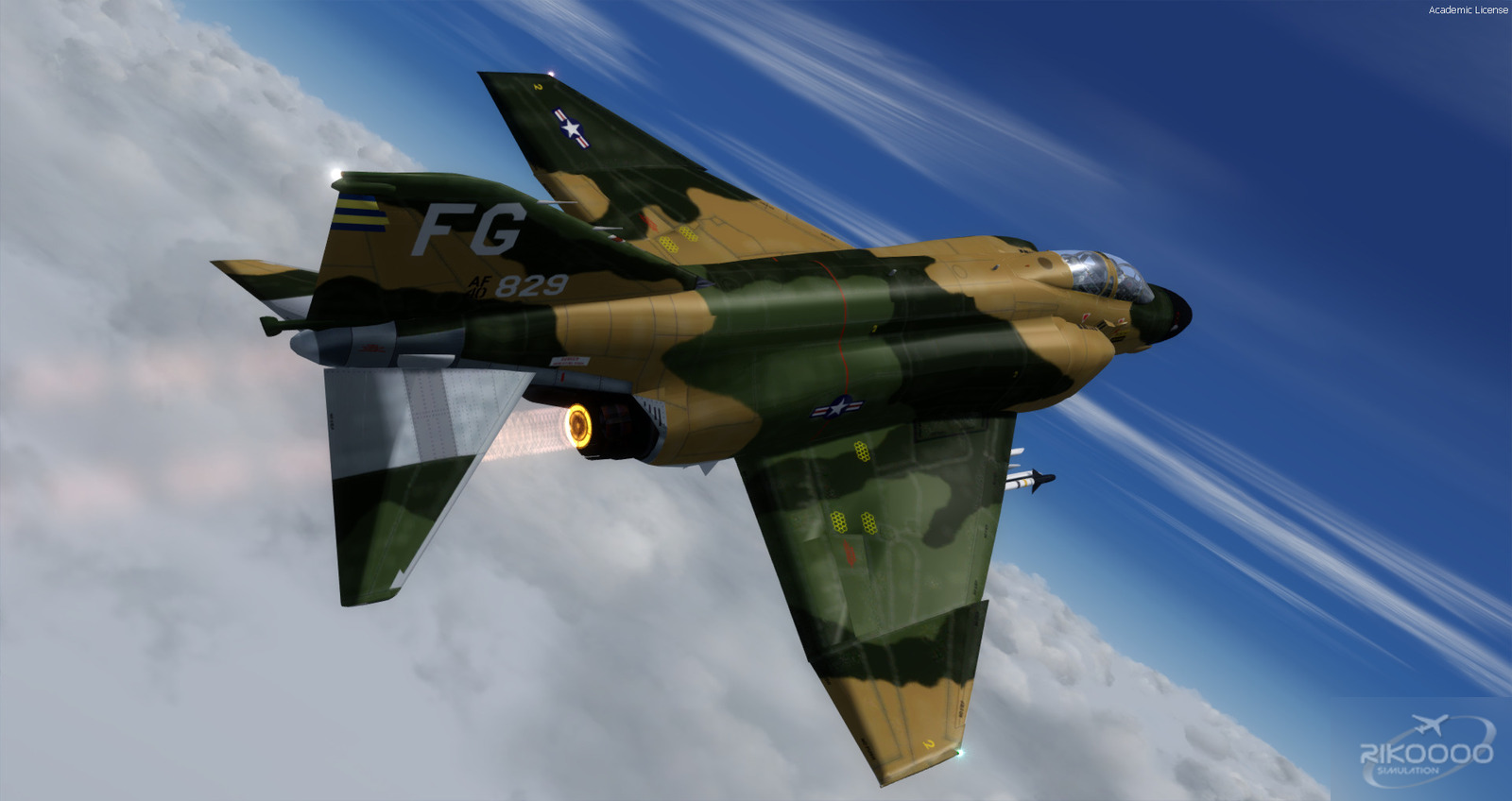
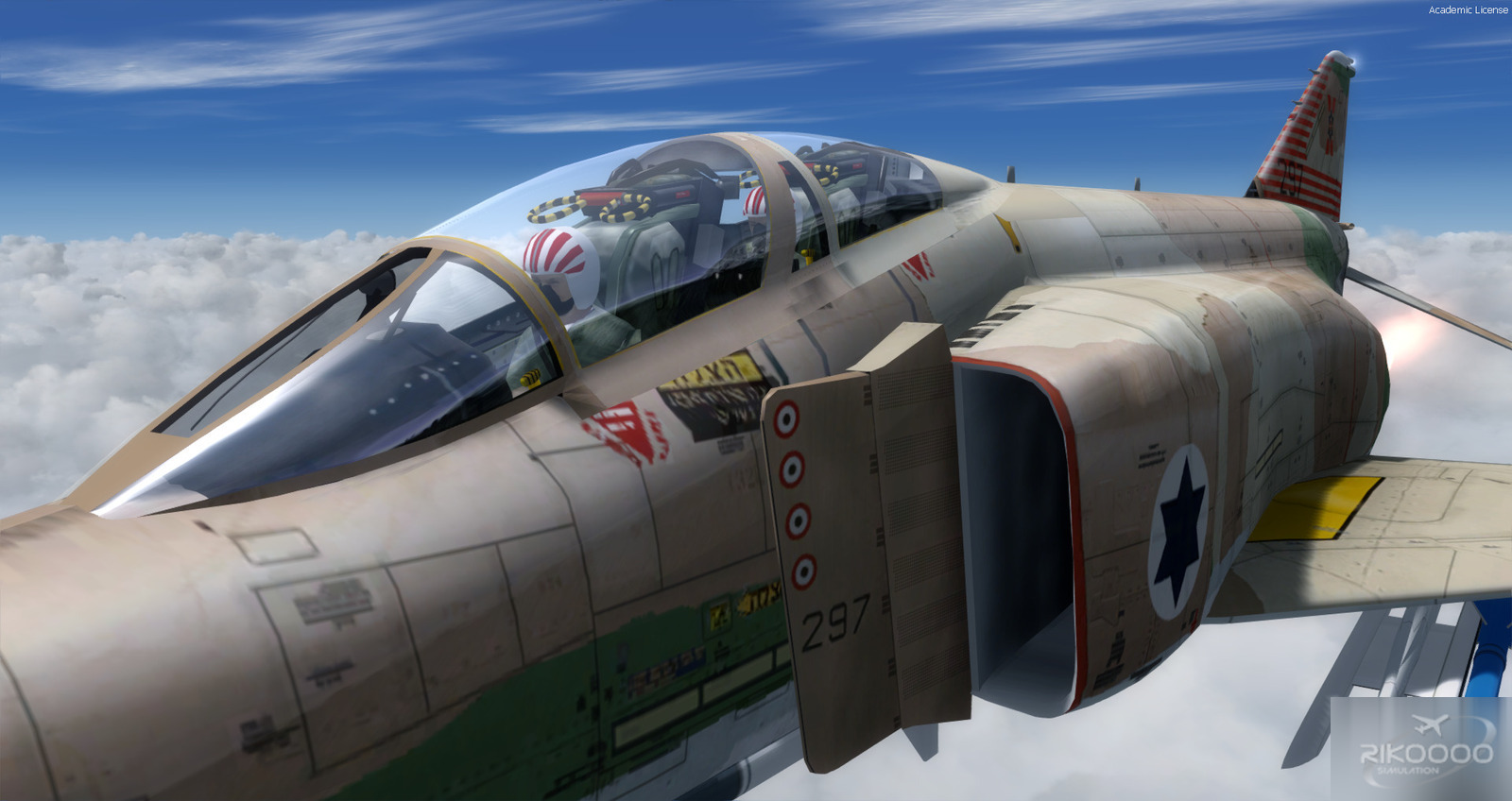
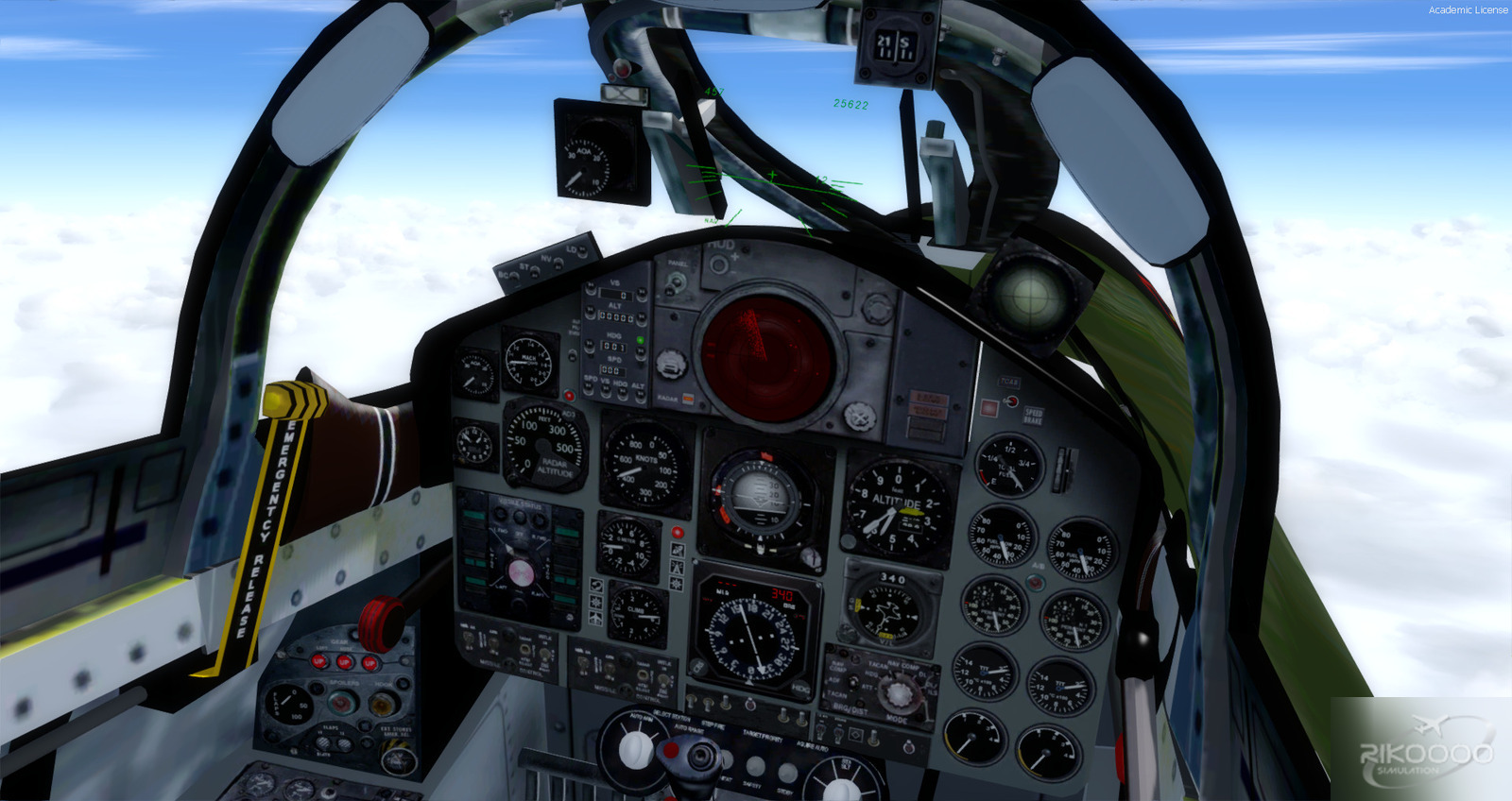
This McDonnell Douglas F-4 Phantom II uses AlphaSim’s model, now associated with Virtavia, converted to native FSX format with its virtual cockpit. Work by Y.T., Danny Garnier, Flanker256 and Rikoooo forms a package for all FSX editions and Prepar3D v1 through v5.
It includes twenty-one liveries, XML gauges, a working HUD, TCAS, ground radar, anti-skid and a full autopilot accessible from the virtual cockpit. Dedicated cockpit sounds accompany afterburner, engine-heat and sonic-boom effects. Aircraft speeds have been set from documentation, and the AI Carrier configuration has been tested.
Documentation is supplied; read Flanker256.txt for the detailed modifications.

Included liveries
| - VMFA-232 - VMFA-321 - USAF FO 67-680 (Dirty) - VF-92 201NG - 433rd TFS/8th TFW - GAF 37+79 - VF-161 1966 - VMFA-351 - 366th TFW USMC - VMFA-333 DN 10 1987 - IAF |
- QF4 "Bloodhounds" - F-4C VAQ-33 Firebirds (grey scheme) - F-4C VAQ-33 Firebirds (white scheme) - Iran Air Force - 49th TFW - VF-21 U.S.S. Midway 1965 - GAF 37+79 1982 - VF-31 - GAF 37+35 1992 - 32TFS, Soesterberg Wolfhounds |
Animation controls
- Front canopy: Shift + E.
- Rear canopy: Shift + E, then 2.
- Tailhook: T.
- Wing fold: F.
- Drag chute: water-rudder command, Shift + W.
These shortcuts follow the package’s stated control assignments. The chute is visual only and provides no deceleration. On the FG.1, the same command operates the extending nose gear instead of a chute.


Licences and credits
- Author
- Models by AlphaSim. FSX native conversion by Y.T. (aka anon ?). Some work by Danny Garnier. Modifications by Flanker256. More modifications by Rikoooo
Comments
Flight experiences, tips and questions from Rikoooo members.
Loading discussions…